Key Takeaways
- SEOPressor costs $9/month with unlimited domains; Yoast offers a free version or $89 one-time premium per site.
- SEOPressor supports multi-keyword optimization and semantic analysis; Yoast Free only analyzes a single focus keyword.
- SEOPressor includes built-in Schema markup, smart linking, and a link manager, giving it stronger technical capabilities overall.
- Yoast Premium's per-site pricing becomes costly for multi-site managers, while SEOPressor covers unlimited domains at one flat rate.
- For budget-conscious users, Yoast Free is the only free option; for paid plans, SEOPressor offers more features for the price.
In the world of WordPress SEO, there are a handful of plugins that come up in discussion time and time again. Yoast SEO. SEOPressor Connect. All in One SEO Pack. Which is the better SEO plugin for a WordPress site? Read on to find out.
Pricing
The primary reason for this comparison is actually to date this post. Most other comparisons of these two plugins are out of date and are comparing an old expensive version of SEOPressor to the free version of Yoast. Since the time those posts were written, SEOPressor has changed their pricing model and Yoast has added a paid premium version on top of their normal free version.
SEOPressor Pricing: $9 per month, standard. Back when SEOPressor was just SEOPressor, they had a $50 price tag as a one-time fee. Some time back, however, they pushed a big update, rebranded to SEOPressor Connect, and changed to a subscription model.
There is only one version of SEOPressor, and that's it. There's no free option. But the monthly price makes the first buy-in much lower than the old one-time fee. Of course, after a few months of subscription the costs compare. But there's no available one-time pricing option. You have one choice if you want to use SEOPressor.
Yoast Pricing: Free or $89. Yoast has a free SEO plugin, which is a big reason it's one of the most widely used SEO plugins for WordPress - with over 13 million active installations. They also offer an expanded version called Yoast SEO Premium, which costs a flat, one-time fee of $89.
That's right: the Premium version of Yoast is nearly double what the old buy-in for SEOPressor was, and site owners balked at that previous pricing. You can consider the Yoast Premium version to be a high-powered upgrade if you already like Yoast's free offering.
One possible drawback is that Yoast's free version includes upsell prompts and promotional notices in your dashboard. They don't try to monetize your content. But they will push related products and upgrades at you while you work - it's not too easy to ignore. But it can be annoying to some.
Feature Comparisons
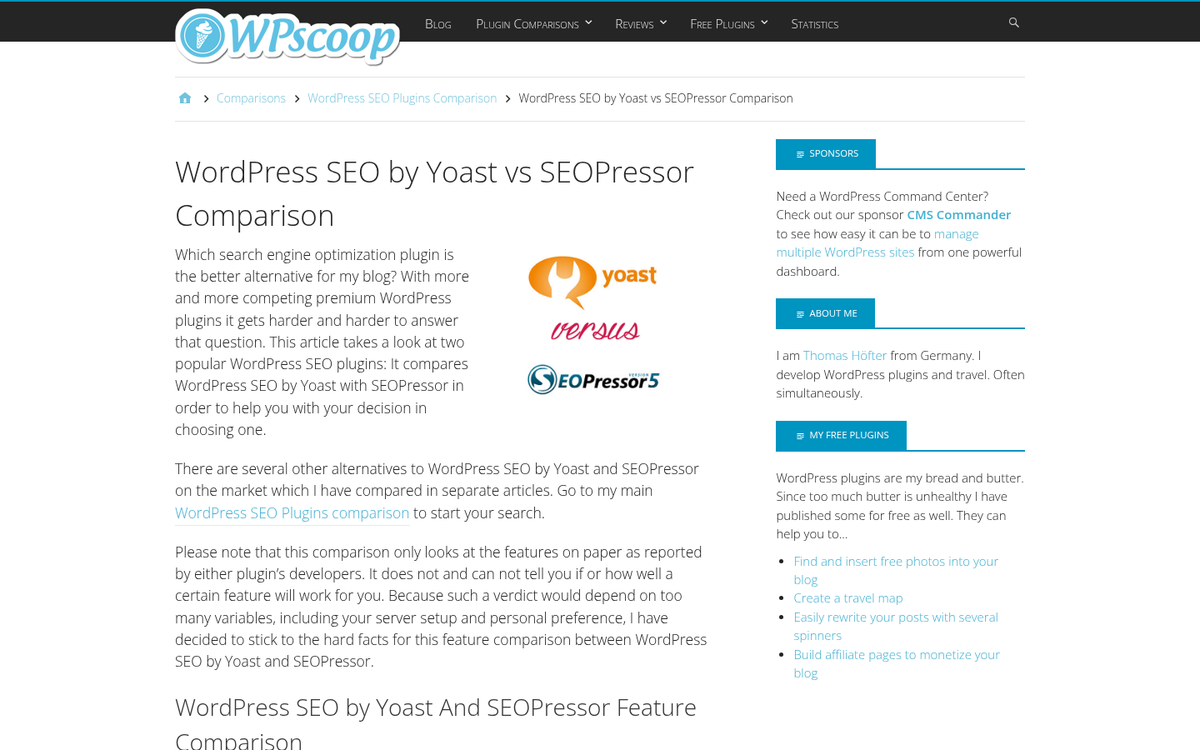
Now let's get into the meat of the issue: features. I'll use some abbreviations to save space: YSF for Yoast's Free version, YSP for Yoast's Premium version, and SEOP for SEOPressor.
Domain Usage
First up, let's talk about usage. When you're paying for a plugin, are you paying for an unlimited license, or are you licensing it to use on one site, or a limited number of sites?

Yoast Free is, of course, free - it means it's unlimited for use on as many domains as you want, no matter how many sites you own. Yoast Premium is a single-site license. They give you a bit of a scaling discount for multiple sites. But it's not significant. If you want to use YSP on two sites, you're paying nearly $170. If you want to add a third, that bumps as high as $255. They're one-time fees. But they add up faster if you run multiple sites. SEOP covers unlimited domains for the same monthly fee. You can use the plugin on as many sites as you like.
Points go to the free Yoast and SEOPressor for this. Yoast Premium's per-site pricing model is a pain for those of us who manage multiple properties.
Keyword Optimization
It wouldn't be an SEO plugin without keyword optimization and analysis features. Right? So how do each of these plugins compare?

YSF will analyze your page for a single focus keyword. You specify a target keyword, and it analyzes your content to see how well you've used it. YSP expands on this by allowing you to optimize for the primary keyword along with related keywords, and pull from Google autofills, internal databases, and synonyms. SEOP analyzes your content for multiple keywords - even if those keywords are dramatically different from each other. You can specify several, and it will flag you if you've over- or under-optimized for any of them.
Gonna be honest here, point to SEOP for that one. Yoast's keyword analysis isn't nearly as deep or as flexible.
Meta Settings
Every SEO plugin will have the basic meta settings available to change. You can set your meta title, meta description, and so on. None of these plugins would be up for contention if they didn't do this much. All three plugins also manage canonicalization, to stay away from duplicate content problems stemming from site searches and other content.
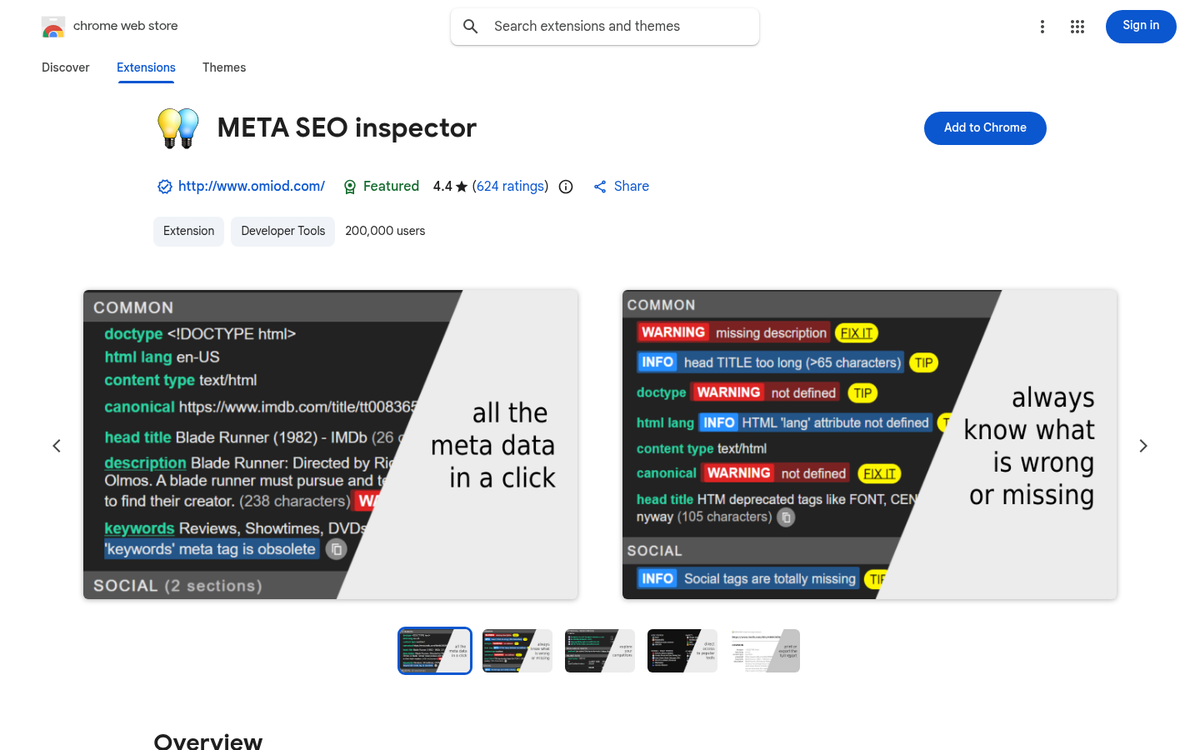
YSP and YSF have a few extra meta features you might find helpful. You can set a primary category and full taxonomy for breadcrumbs for your posts.
SEOPressor can add in a few extra features as well. Primarily, they have integration with Schema.org and Rich Schema markup. Usually you need a separate plugin to manage that, so it's helpful that it's built in for sites that need it. They also support the competing Dublin Core markup, which is much less common but still a great touch.
Social Media Integration
None of the three plugins include straight-up social sharing buttons or other advanced social media integration. All three of them will also show you a preview of how your page will appear in Google's search results.

Yoast Premium can add in the ability to preview how your page will appear as a shared link on X (formerly Twitter) and Facebook, whatever you've specified under the Open Graph and Twitter Card elements.
SEOPressor can add in the ability to automatically and dynamically adjust how your site appears via the social preview, which is a great touch for those who want a bit more automation.
Content Analysis
Content analysis is a very tough topic, so it would make sense if any of these plugins skimped on it - it's tough enough to analyze a piece of writing. But to have a computer do it accurately is great. How do the three compare?
YSF is understandably limited in its features - it has a readability check based on the Flesch Reading Ease score, which basically analyzes sentence length, structure, and the difficulty of the words you're using.
YSP can add in a couple of extra options. One is a content analysis that identifies the most common phrases you use on your page. You can check if these are turns of phrase you overuse, or if they somehow conflict with your keyword strategy, which might lead you to revise a few of them.
SEOP takes things a few steps further. They have latent semantic indexing, which is an emulated version of how Google identifies similar phrases and keywords without needing an exact keyword match - it's a great way to diversify your keyword optimization without over-relying on a single long-tail phrase. Additionally, they have a proprietary engine they call SemantiQ for more semantic analysis.
Points to SEOPressor for this - those are some pretty advanced features.
Technical Details
The ability to adjust technical elements of your page can be very important. There are a number of items I'll talk about here, some of which are more important than others. I already mentioned canonicalization as one example.
All three plugins cover basics like your robots.txt file, your .htaccess file, and your permalink structure. They also all generate XML sitemaps which can be submitted to Google for fast indexing and full site coverage.
Both YSP and SEOP include management for 301 redirects, which is helpful for staying away from 404 pages on removed or moved content. Unfortunately, YSF doesn't cover this - it's not a big deal unless you're managing content and have to handle redirects manually, in which case the free Yoast loses out. I'll call a draw between the paid options.
Linking
Link management can be pretty important, for both internal and external links. You want to stay away from linking to bad sites, you want to manage your follow/nofollow attributes, and you want to include plenty of internal links.
Yoast does not have much past the basic WordPress ability to nofollow links. SEOPressor allows full nofollow management. But that's not an advanced feature. Internal linking is where these plugins diverge.
Yoast's free version does not include any extra features for internal links; that's not to say you're somehow restricted from linking internally - Yoast Free just doesn't analyze it or give you recommendations.
Yoast Premium does include internal link recommendations. Yoast builds an index of your site content and the keywords that content focuses on. Then, as you write, it uses keyword indexing to find opportunities to add an internal link to relevant existing content.
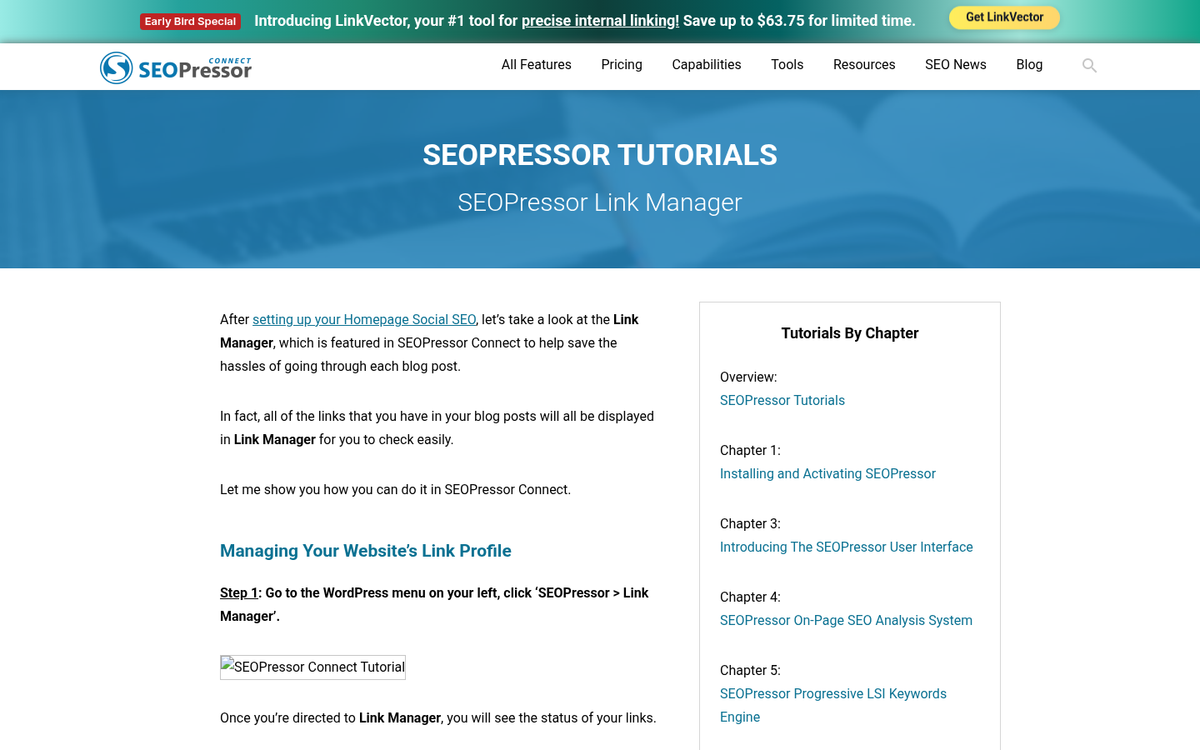
SEOPressor includes "smart linking" and a link manager. The link manager helps you audit all links on your site, which usually requires a search crawler or a tool like Broken Link Checker to accomplish - it helps you find redirecting and broken links you might want to replace. Additionally, going one step past Yoast's link recommendations, SEOP can automatically link keywords to relevant internal content based on its semantic indexation of your site.
I haven't used this feature extensively, so I can't speak to how configurable it is in practice. If anyone has experience with it, good or bad, let me know in the comments.
Update Frequency and Support
Support is helpful for cases where a plugin breaks, an update fails, or you simply have a configuration question. How available is support, and how do these plugins update?
Yoast Free again falls a little flat here. They have a FAQ and a well-maintained SEO blog that includes Yoast input and a knowledge base. Unfortunately, you'll have to use self-help or community forums for any problems. They don't offer direct support for the free version of the plugin.
Yoast Premium includes support via email. Their support is usually responsive and helpful, though it's worth mentioning that support is tied to your active license period. If your license lapses and you run into problems, expect them to suggest a renewal.
As far as updates are concerned, versions of Yoast update on a bi-weekly schedule - once every two weeks - this helps stay ahead of Google algorithm changes while bugs are fixed in a reasonable timeframe. Critical updates may be pushed outside of that schedule as needed.
SEOPressor updates fairly frequently, but not on a fixed schedule - only when there's an actual reason to push one. They're responsive to Google changes, but they don't release updates quite as often as Yoast. For more hands-off admins, this can be a benefit. You do get priority email support for as long as you're paying for the subscription, with updates included in that standard fee.
Additional Tools
SEOPressor has a number of third-party integrations. But since those aren't built-in features I won't cover them here. As for built-in tools, they give you their own SEO Score monitor, a Local SEO expansion, and an SEO Health Monitor.

Yoast also has extra standalone plugins for added functionality. These include plugins for Local SEO, Video SEO, News SEO, and WooCommerce SEO. These are sold separately and can add meaningfully to the cost of Yoast as your full SEO solution, so factor that in if any of the use cases apply to you.
Verdict
You can, of course, read the above and make your own call. Here's my take.
If you're a webmaster with a very limited budget, or you're sticking to free tools only, Yoast's free version is your only option here - it's serviceable and reasonably supported, but not outstanding compared to paid alternatives. The fact that it powers over 13 million WordPress sites says quite a bit about its accessibility, if not its depth.
If you have a small standard budget, SEOPressor is by far the better option. Even accounting for the cumulative cost of a monthly subscription, the extra features - especially around multi-keyword analysis, linking, and semantic content analysis - give you value that Yoast Free simply can't match.
Yoast Premium is a solid upgrade if you're already a Yoast loyalist. But at $89 per site it starts to feel expensive relative to what you get, and that's especially the case if you manage multiple sites. For single-site owners who want a one-time payment and premium support, it's worth thinking about. For everyone else, SEOPressor's feature set makes it the stronger all-around paid option.