





Key Takeaways
- Yoast SEO remains the top recommendation, with Premium offering redirect management, internal linking suggestions, and multiple focus keywords.
- Rank Math challenges Yoast by offering Schema markup, Search Console integration, and redirect management completely free.
- Site speed plugins like WP Rocket and Imagify qualify as SEO tools because Google uses Core Web Vitals as ranking signals.
- Broken Link Checker and Redirection address SEO issues caused by dead links and 404 errors, improving both usability and indexation.
- The author excluded standalone sitemap plugins and outdated plugins, citing security risks and native sitemap support in major SEO plugins.
This post covers the best modern SEO plugins for WordPress, cutting through the noise of outdated articles that are hard to trust. Rather than update old posts, I've decided to write a new one, covering the best of modern SEO plugins. If you're reading this from 2025 or something, feel free to check around for a newer version; I'll probably have made one.
There are now well over 60,000 plugins available in the WordPress plugin repository alone, covering a number of uses - this post is primarily focused on SEO plugins. But keep in mind that many things affect SEO, like site speed, security, and content optimization. If a plugin seems out of place, don't worry too much; it's still helpful to you and will very likely be able to improve your rankings in some way.
Oh, and a quick note before we start; yes, these are plugins you might find in older articles or from your own research. They're the best and they've been the best for a long time, so it's not strange they're continually on these lists.
Yoast SEO
If you had any doubt about this entry being on the list, put it to rest. Yoast is one of the top WordPress plugins for all things onsite SEO. They manage meta information, technical optimization, content suggestions, readability analysis, and a whole lot else - it remains one of the most installed plugins in the entire WordPress ecosystem, with tens of millions of active installations.

Of course, this is not necessarily a free plugin. There is a capable free version. But I recommend going to their website and buying Yoast SEO Premium. The extra features - like redirect management, internal linking suggestions, and multiple focus keywords - along with the support and community, are very much worth it. If you're only going to buy one single plugin for your SEO, make it this one.
Rank Math SEO
Rank Math has emerged as one of the strongest challengers to Yoast's long-standing dominance, and for good reason - it packs a giant feature set into its free version, like Schema markup, Google Search Console integration, keyword rank tracking, a built-in 404 monitor, and redirect management. The interface is clean and beginner-friendly without sacrificing depth for advanced users.

Rank Math Pro unlocks extra features like advanced Schema generators, WooCommerce SEO, Google Trends integration, and analytics - it's competitively priced and continues to receive regular updates. Whether you prefer Yoast or Rank Math can depend on personal workflow. But both are worth looking at for your setup.
Broken Link Checker
Having broken links on your site is an SEO and a usability issue, though it's somewhat redundant to say that, as Google tends to treat usability as a facet of SEO. Broken links make users skeptical about the value of the content you give them. They also cause problems with indexation, and they show you don't necessarily care about the quality of your older content.

This plugin scans your site on install and then monitors links over time with periodic checks to make sure they still work. When a link stops working - whether it's internal or external - the dashboard notifies you so you can change it. You can even have it automatically set broken links to nofollow, just to stop search engines from devaluing you for them. A must-have plugin. Remember that on bigger sites, this plugin can be resource-intensive, so it's worth scheduling scans during off-peak hours.
Redirection
For most websites, the 404 page is basically an error page - not something you've ever optimized or thought about. Think about it, why would anyone be arriving at a page that doesn't exist?
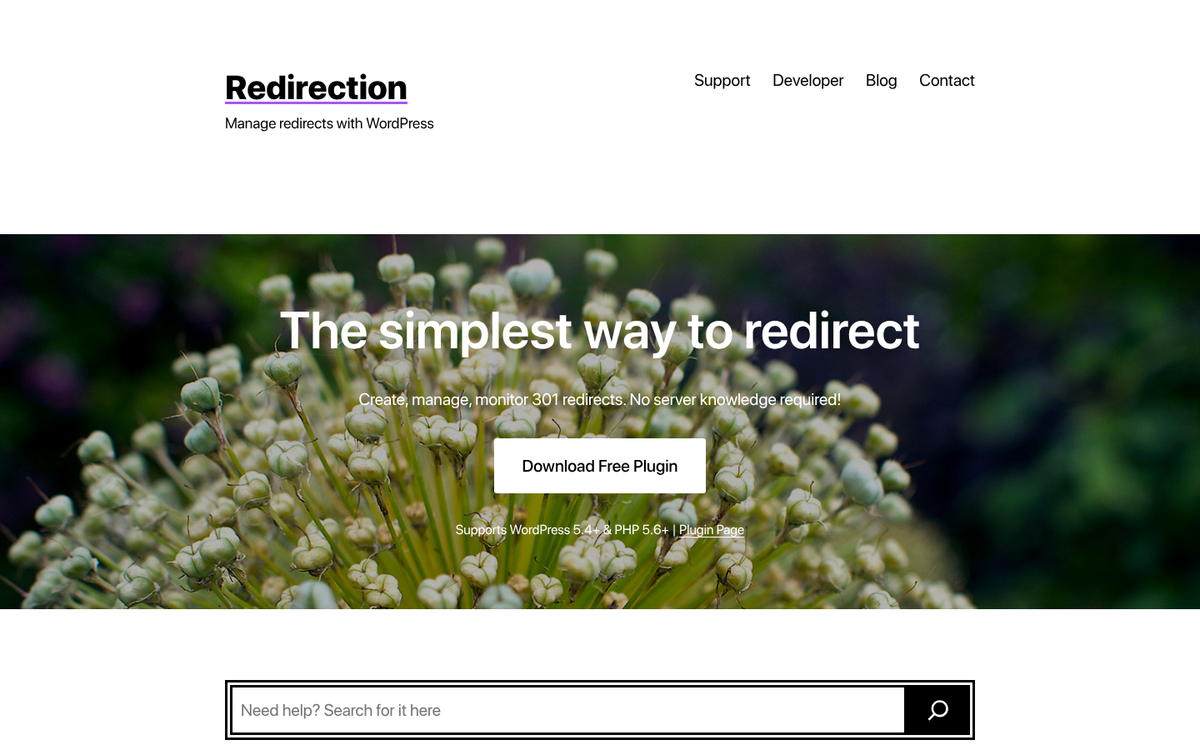
Well, there are different reasons why users might land on a non-existent page on your site, and it's a wasted opportunity if you're not taking care of it. Redirection lets you manage your redirects without having to touch your .htaccess file directly or Apache configuration. Manage your permanent, temporary, or 404 redirects from one clean dashboard - it also logs 404 errors over time so you can find patterns and fix recurring problems proactively.
WP Meta SEO
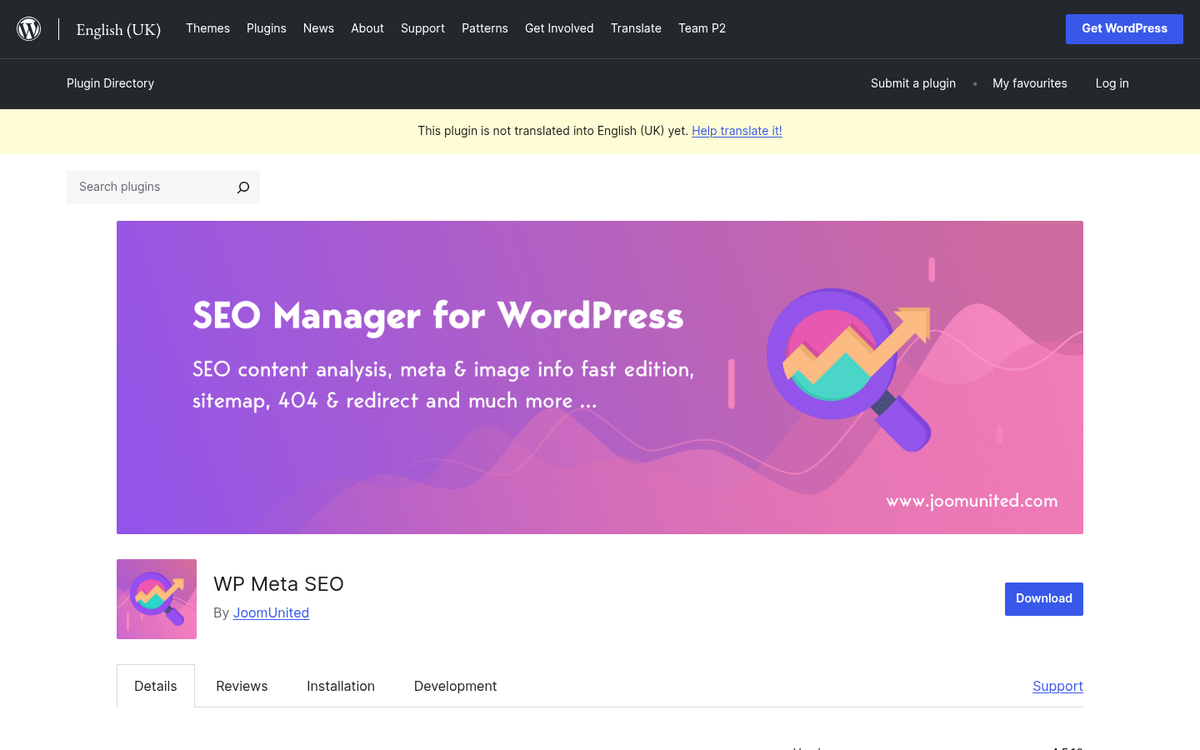
One of the lesser-known contenders in the general SEO plugin space, WP Meta SEO gives you control over every feature of your onsite SEO in easy, straightforward ways. You get bulk editing of meta titles and descriptions, image optimization, 404 redirects, sitemap creation, and Google Analytics integration - it's not as polished as Yoast or Rank Math. But it gets the job done and it's a solid option if you prefer a more manual approach to managing your metadata.
All in One SEO (AIOSEO)
All in One SEO has been around for a long time. But its modern incarnation is more capable than older versions - it covers the fundamentals - meta tags, XML sitemaps, Open Graph and social media previews, Schema markup, and breadcrumb navigation - and also comes with a TruSEO score that gives you helpful on-page feedback like Yoast's traffic light system.

The premium version adds local SEO tools, WooCommerce integration, advanced Schema types, and a link assistant for internal linking suggestions - it's a legitimately competitive all-in-one option and worth thinking about if you want a well-supported alternative to Yoast or Rank Math.
Schema Pro
Schema markup has only grown in importance as Google has continued expanding its use of structured data for rich results in search. Schema Pro makes it easier to implement Schema.org markup across your site without needing to write JSON-LD by hand - it supports a number of Schema types like reviews, recipes, events, products, FAQs, and more.

For ecommerce sites, review-heavy blogs, or any site that could benefit from rich snippets in search results, Schema Pro is well worth the investment - it plays nicely alongside Yoast and Rank Math, taking care of structured data specifically so your primary SEO plugin can handle everything else.
SEO Internal Links
This plugin is an interesting automatic link engine. Internal links are a core part of any SEO strategy. They cross-link content on your blog so users can keep reading without having to use related post widgets, and they help search engines understand the structure and hierarchy of your site.
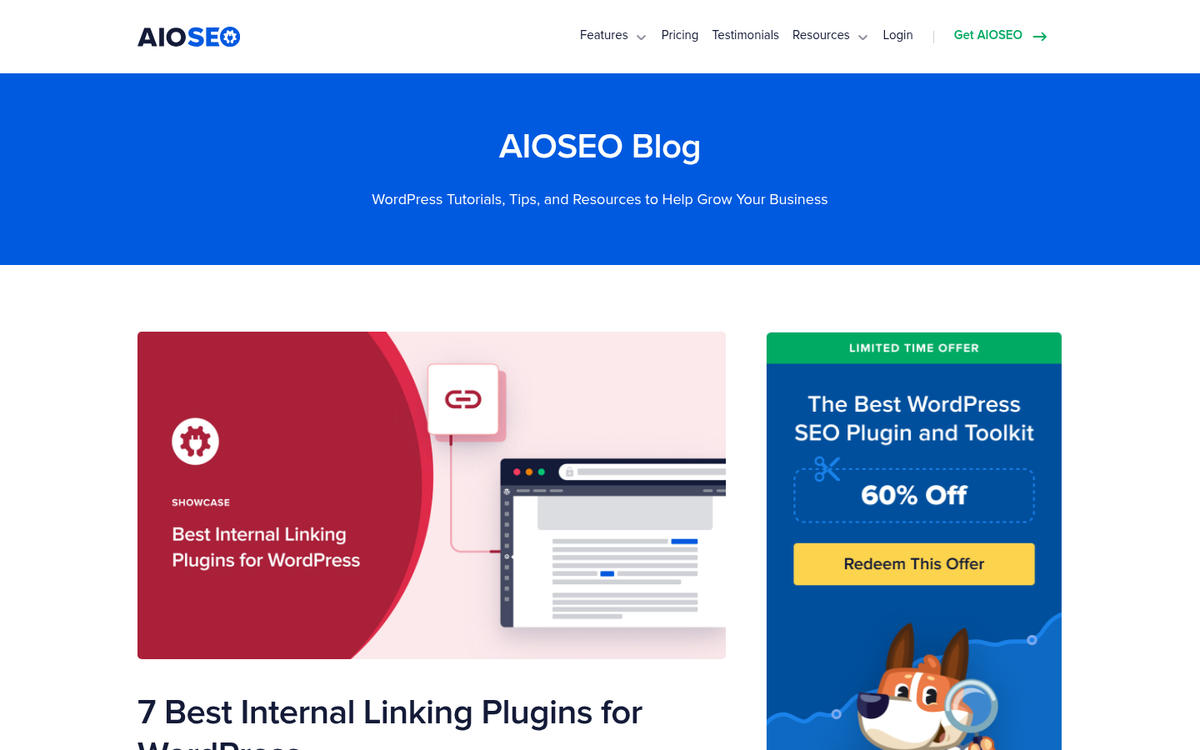
What it does is allow you to configure a list of keywords and connected URLs you want to link to. For example, if you wrote a guide to Google Search Console, you could configure the plugin to automatically turn every mention of "Google Search Console" in your posts into a link to that guide. You can make links followed or nofollow, introduce variation, add affiliate links, and control quite a bit more - it's a time-saver on sites with large content archives.
Imagify
Image optimization is one of the more frequently ignored areas of SEO performance. Imagify compresses your images automatically on upload and gives you three levels of compression so you can balance file size against visual quality - it supports WebP conversion, which is now a strong best practice given Google's continued emphasis on Core Web Vitals and page speed as ranking factors.
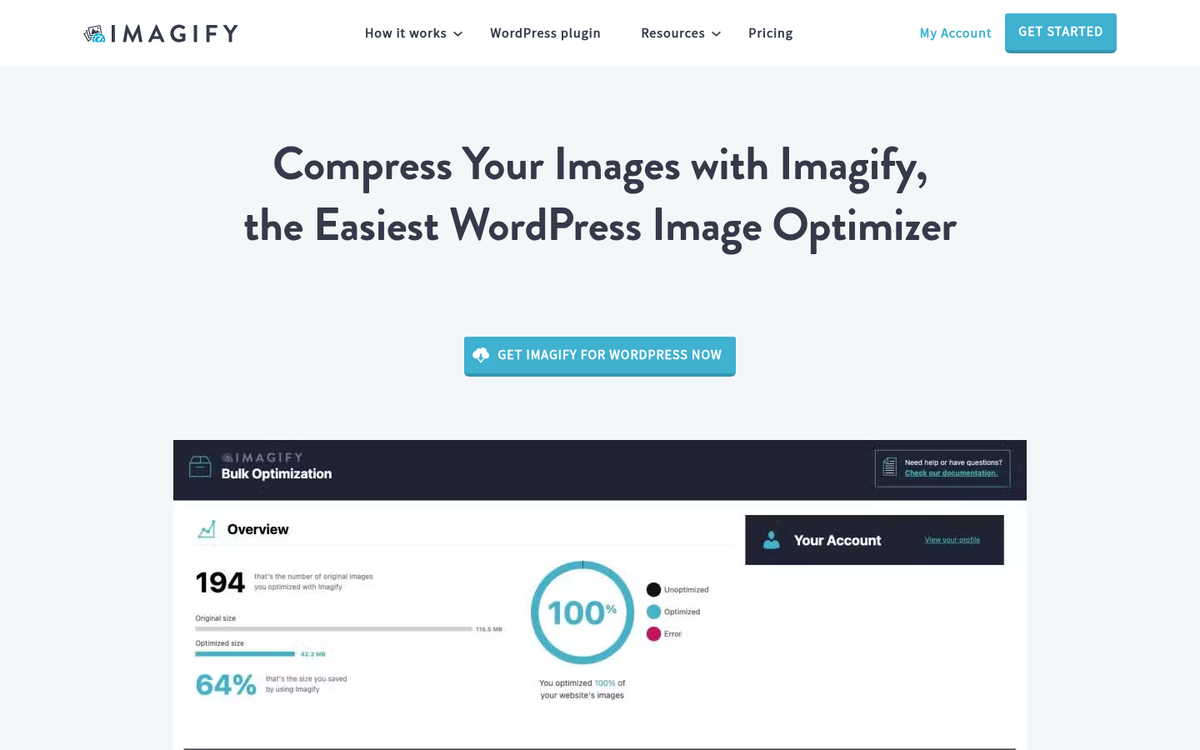
There is a free tier with a monthly compression quota, and paid plans scale up from there based on volume. For most small to mid-sized sites, Imagify is one of the easiest wins available to improve load speed without touching your theme or code.
WP Rocket
Site speed has become an increasingly direct SEO factor, and that's especially true following Google's rollout of Core Web Vitals as ranking signals. WP Rocket is widely regarded as the best caching plugin available for WordPress, and it goes well past basic page caching - it handles lazy loading of images and videos, database cleanup, CSS and JavaScript minification, preloading, and CDN integration. If you're comparing your options, our list of WordPress caching plugins reviewed and ranked is a good place to start.

It is a premium plugin, priced annually per site. But the performance gains it delivers are real. If your site scores poorly on PageSpeed Insights or Google's Core Web Vitals report, WP Rocket is one of the most impactful single purchases you can make to address that.
Redirection and WPMUDEV
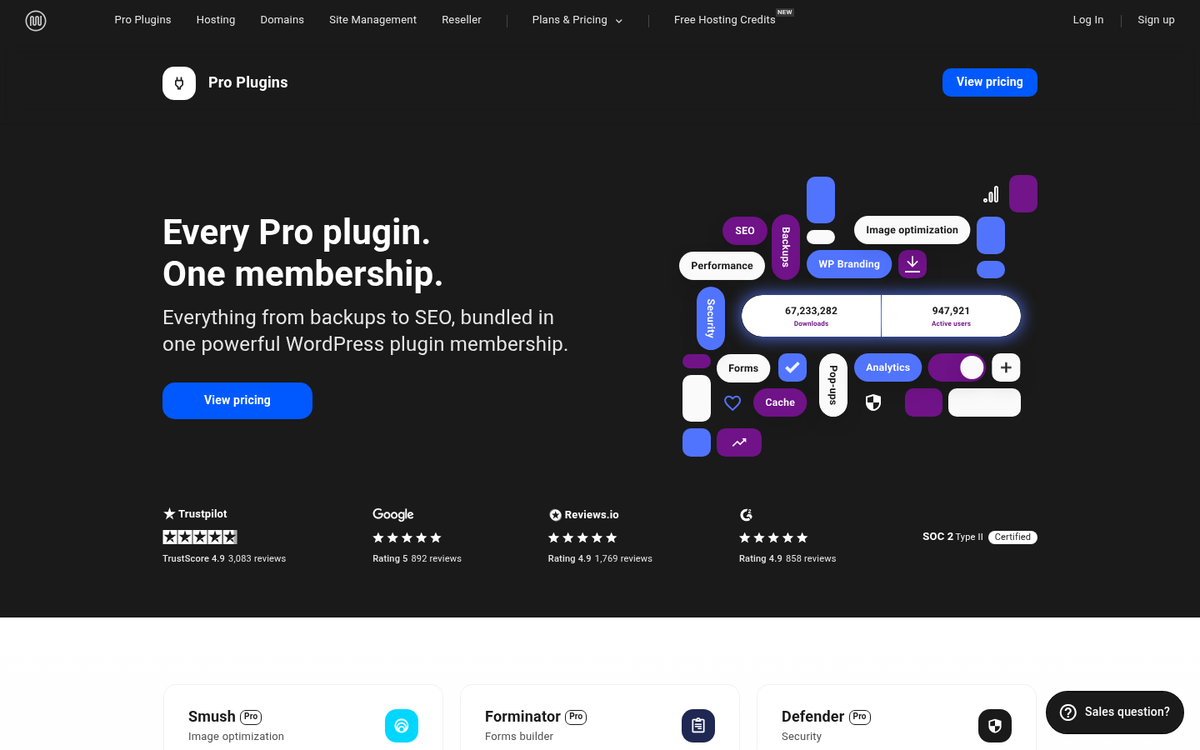
The WPMUDEV suite remains a strong option for agencies and developers managing multiple sites. Their library covers security, performance, SEO, and more, with everything maintained under one membership.
So there's my list of the best modern SEO plugins for WordPress. I'm sure there are others out there. But I deliberately left a few items off this list. For example, you won't see a standalone sitemap plugin here, because tools like Yoast, Rank Math, and AIOSEO all manage sitemaps natively. You also won't find plugins that haven't seen actual updates in a few years. Outdated plugins are a security and compatibility liability regardless of how helpful they once were.
If you have a favorite modern, up-to-date plugin you'd like featured, let me know in the comments. I can't guarantee I'll edit it into the post. But I'll look into it. Comments can also help improve your post's rankings and traffic over time, so don't hesitate to share your thoughts.
2 responses
Thoughtful replies only - we moderate for spam, AI slop, and off-topic rants.
Yoast is the best. I use it for many years since when I started blogging. It is simple and easy to use and works great for optimization. Premium SEO pack was my favorite once, but later migrated to Yoast SEO. Thanks for the writing,
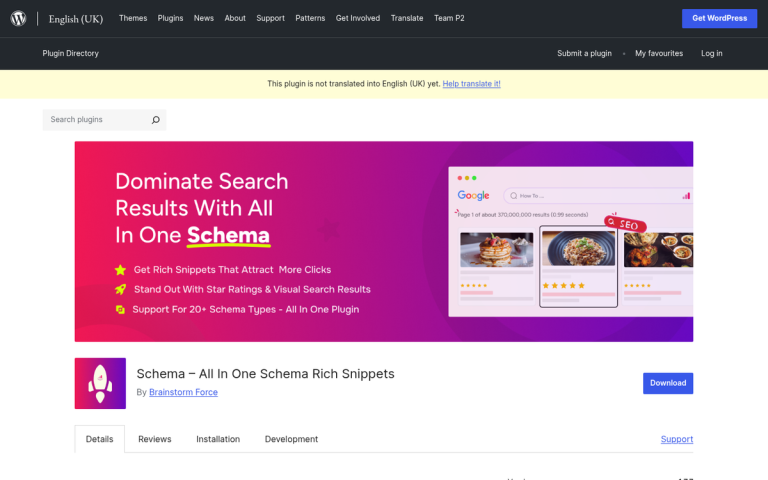
I was not aware about some of the mentioned plugins. I have four blogs on different niches and I use Yoast on all of them. All in One Schema Rich snippets is my another favorite tool to manage SEO.