Key Takeaways
- WordPress plugins have evolved significantly, with AI-powered tools now integrated into spam filtering, SEO suggestions, and image optimization.
- Security is critical: Wordfence blocked 159 billion password-breaking attempts in 2022 alone, making security plugins non-negotiable.
- Several once-popular plugins are outdated; Disqus has privacy issues, lazy loading is now built into WordPress core, and Yoast's Analytics plugin was discontinued.
- Performance plugins like WP Rocket are increasingly important, as Google's Core Web Vitals are now a confirmed ranking factor.
- You don't need every plugin listed-identify your site's purpose first, then choose plugins that match your specific needs.
The beauty of WordPress is the flexibility of the platform. You can run it stock out of the metaphorical box, or you can run a framework, custom theme, and a smattering of plugins to make it look and act like a fully customized site. The only question is: what should you install?
The list I've compiled will have some redundancies and overlaps; it's because you might not like a plugin but still want the functionality it gives. I've tried to come up with a fairly complete list of features you might want, with at least one way to get each, if not more. You don't have to install all of these. But you should install some of them. Figure out what the job of your blog will be and what features you need, then pick plugins accordingly.
It's also worth mentioning that the WordPress plugin community has changed. AI-powered tools have started integrating directly into plugins and give you better spam filtering, automated SEO suggestions, image optimization, and content recommendations. Many of the staple plugins have evolved considerably, and a few older favorites have been replaced by better alternatives altogether.
Redirection
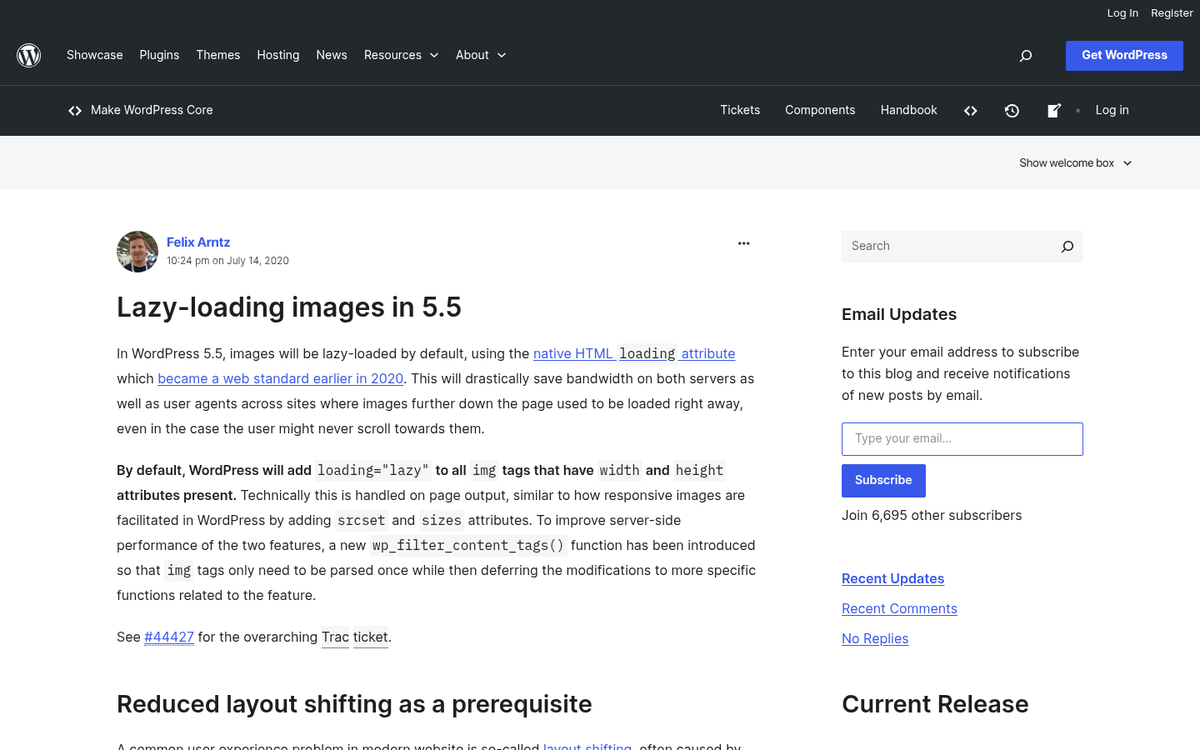
Managing 404 errors and redirects matters for maintaining SEO equity and giving a smooth user experience. When a visitor lands on a broken or outdated URL, a 301 redirect sends them - and search engines - to the right place instead. Redirection is one of the most capable and actively maintained plugins for this job - it logs 404 errors, lets you create and manage redirects from a clean dashboard, and even supports conditional redirects based on login status, browser, or referrer. It's the favorite choice in 2026 and has largely superseded older options like 404 Redirected.
Lazy Loading (Built Into WordPress Core)
As of WordPress 5.5 and later, native lazy loading is built directly into WordPress core for images, which means you no longer need a dedicated plugin like BJ Lazy Load for basic image lazy loading. Your theme and WordPress itself manage it automatically via the loading="lazy" HTML attribute. However, if you need more advanced control - lazy loading for iframes, videos, or third-party embeds - plugins like Lazy Load by WP Rocket still add actual value without much overhead.
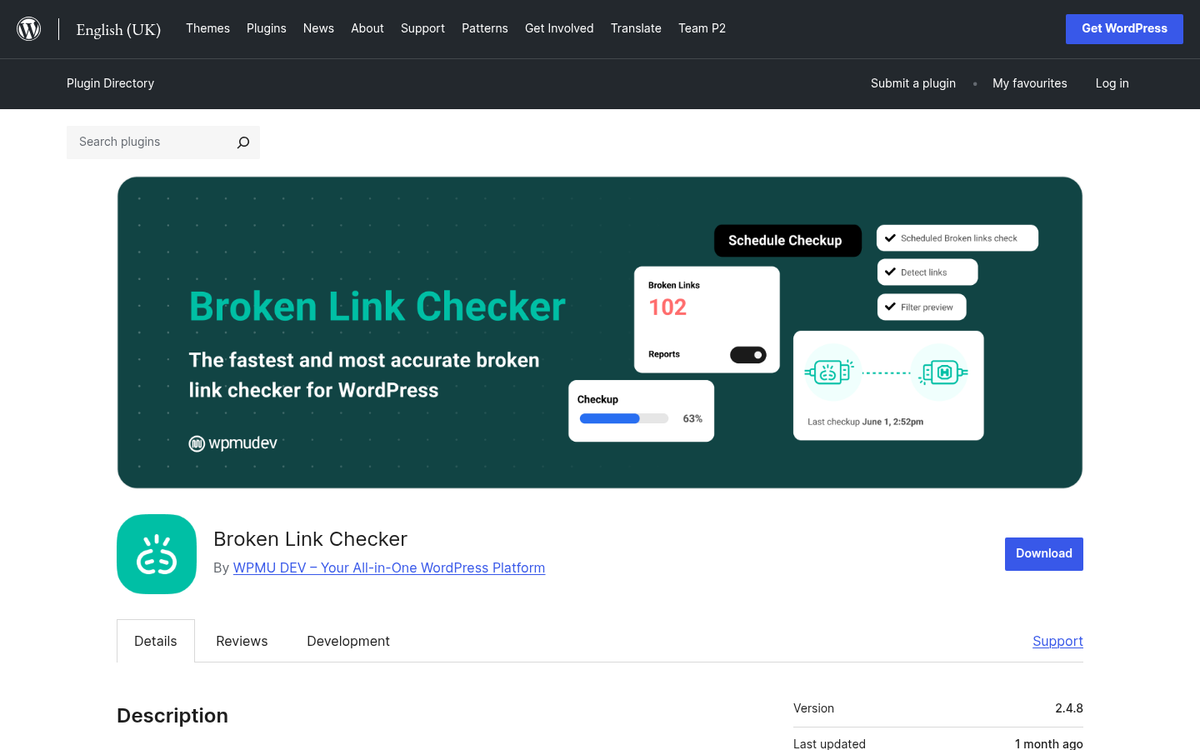
Broken Link Checker

This plugin does what its name suggests, and it does it well. Rather than treating it as a one-time scan tool, you can use it as a standard monitor - it actively watches your posts and pages for broken or redirected links, notifies you via the dashboard, and lets you edit links directly from the results panel without having to hunt through individual posts. With sites growing bigger over time and external URLs going dead, this passive watching pays dividends. Web-based alternatives like Ahrefs or Semrush's site audit tools can serve a similar purpose if you're already using those platforms.
Comments: Reconsider Disqus in 2026
Disqus has declined in reputation and popularity. Privacy problems, ad injection, and performance problems have made it a tough sell. In 2026, bloggers are reconsidering third-party comment platforms altogether. Options worth thinking about include:

- Default WordPress comments - simple, fast, and fully under your control
- Jetpack Comments - integrates social login without the baggage of Disqus
- Thrive Comments - a premium option with engagement-focused features like upvoting and comment redirects
If community engagement is a core part of your blog, the native comment system paired with Akismet for spam filtering is usually the cleanest strategy in 2026. If you're still weighing your options, CommentLuv versus Disqus is another comparison worth reading before you decide.
MonsterInsights
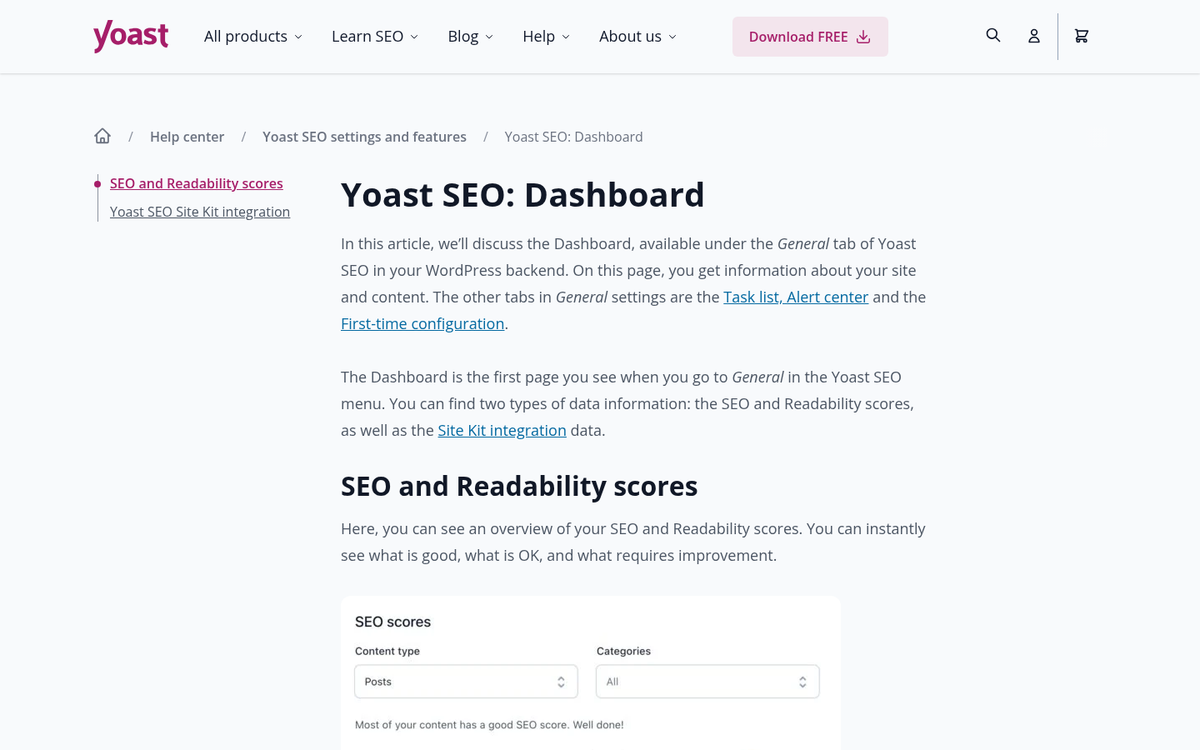
Google Analytics remains essential for any site focused on growth. The old "Google Analytics by Yoast" plugin has been discontinued, and the community has shifted. MonsterInsights is now the leading Google Analytics plugin for WordPress, trusted by over 3 million website owners - it connects your site to Google Analytics 4 (GA4) - which became the standard after Universal Analytics was retired in 2024 - and surfaces key data directly inside your WordPress dashboard. The free version covers most needs for newer blogs. But the premium version unlocks eCommerce tracking, form conversion tracking, and more.
Alternative: Site Kit by Google - Google's own official WordPress plugin - connects your site to Analytics, Search Console, PageSpeed Insights, and AdSense from a single dashboard. It's free, well-maintained, and worth thinking about if you like a direct integration from the source.
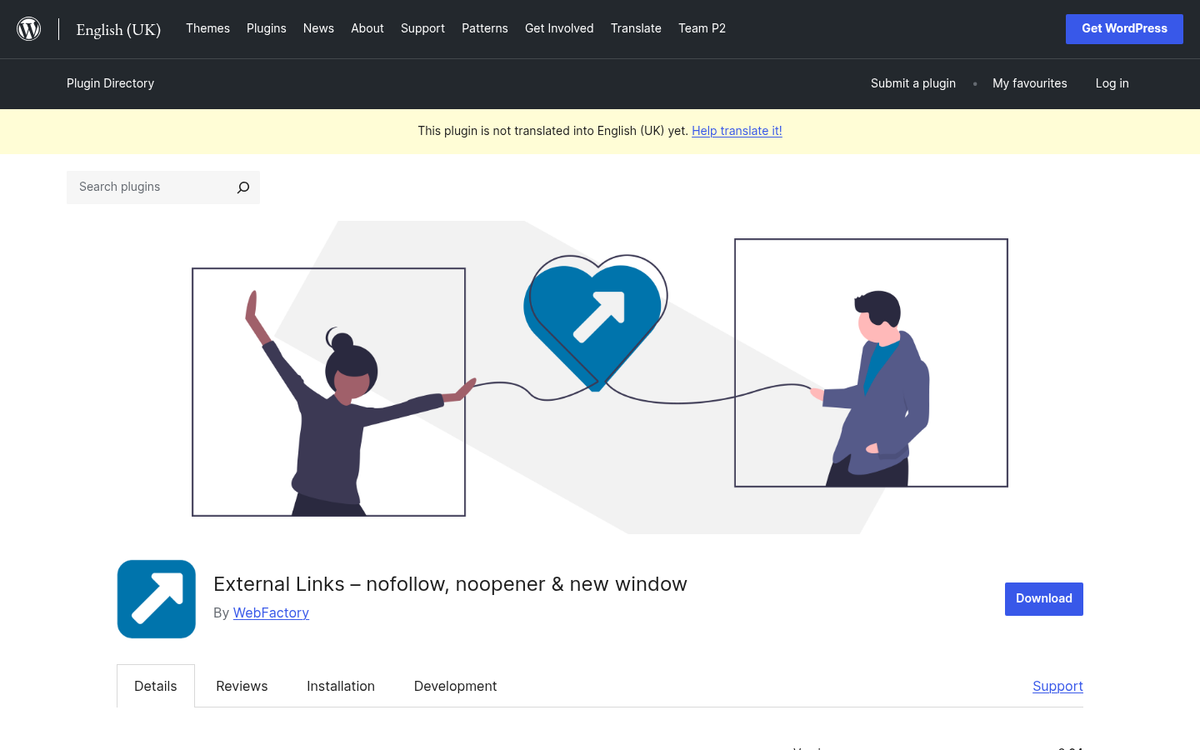
WP External Links

This plugin gives you clean control over how external links behave across your entire site - opening in new tabs, adding nofollow or sponsored attributes, and adding visual indicators to distinguish external links for users. It's lightweight and handles what used to need multiple plugins. A useful part of user experience and SEO hygiene.
WP Rocket
Caching and performance optimization have become even more critical, especially with Google's Core Web Vitals now being a confirmed ranking factor. WP Rocket has become the gold standard in WordPress caching and performance plugins - it handles page caching, browser caching, GZIP compression, database cleanup, lazy loading, and more - all from a clean, beginner-friendly interface. It's a premium plugin. But the performance gains are well worth the cost for most sites.

Alternative: W3 Total Cache or LiteSpeed Cache (if your host runs LiteSpeed servers) are strong free alternatives. LiteSpeed Cache in particular has become one of the highest-rated free performance plugins available and rivals WP Rocket in benchmarks.
WPForms
Contact and submission forms are needed for almost any website. WPForms is the most beginner-friendly form builder available for WordPress, with a drag-and-drop interface and over 6 million active installations. The free version (WPForms Lite) handles basic contact forms well. The premium version can add payment integrations, multi-page forms, surveys, and conditional logic. It's especially well suited to bloggers who want professional forms without a steep learning curve.

Alternative: Contact Form 7 remains the most widely installed WordPress plugin in the world, used by 37% of WordPress websites. It's free, flexible, and endlessly extensible with add-ons. It has a steeper learning curve than WPForms but is hard to argue with for those who don't mind a bit of configuration.
Akismet Anti-Spam
Akismet remains the benchmark for comment spam filtering on WordPress, with over 5 million active installations. It compares submitted comments and form entries against a vast cloud database of known spam patterns, filtering out junk automatically or flagging it for review. For personal and non-commercial blogs, it's free. For commercial sites, a paid plan is required - which is reasonable given how much grunt work it handles silently in the background.
Alternative: Antispam Bee is a strong free alternative that doesn't require an API key or share data with third-party servers, which makes it a popular option for privacy-conscious bloggers operating under GDPR or similar laws.
Yoast SEO
Yoast SEO remains one of the most widely used WordPress plugins in the world, installed on roughly 32% of WordPress websites with over 5 million active installations. It remains the top recommendation for bloggers who want guided SEO without having to become experts themselves. The plugin analyzes your content in real time, checks readability, manages meta tags, generates XML sitemaps, and handles a mountain of technical SEO tasks automatically. The free version is sufficient for most bloggers. In recent updates, Yoast has introduced AI-powered features that help generate meta descriptions and titles - a welcome addition that saves time without sacrificing quality. See how Yoast compares to SEOPressor if you're weighing your options.

Alternative: All in One SEO (AIOSEO) now has over 3 million active installations and has closed the feature gap with Yoast considerably. It's arguably easier to set up for beginners and includes some features, like a local SEO module and a headline analyzer, that Yoast reserves for premium tiers.
UpdraftPlus
Backups are an absolute must. UpdraftPlus is the most popular WordPress backup plugin available, with a clean interface and the ability to schedule automatic backups to remote storage destinations like Google Drive, Dropbox, Amazon S3, and more. The free version covers the essentials for most bloggers. Restoring a backup is as easy as creating one, which is where lesser backup tools fall down.

Alternative: Duplicator is still a solid option, especially if you're migrating or cloning a site. For pure backup needs, UpdraftPlus is the more purpose-built and beginner-friendly answer in 2026.
Wordfence Security
WordPress plugins accounted for 92% of reported vulnerabilities in recent years, and the threat landscape has only grown more sophisticated. Wordfence is the most widely used WordPress security plugin, giving you a web application firewall, malware scanner, login security, and real-time traffic monitoring. In 2022 alone, Wordfence blocked 159 billion password-breaking attempts across WordPress websites - a figure that goes to show just how relentless automated attacks have become. The free version is robust; the premium version adds real-time firewall rule updates and country blocking.
Alternative: Sucuri Security is the other major player in this space. Sucuri's strength is its cloud-based firewall, which intercepts threats before they ever reach your server. For high-traffic or high-value sites, Sucuri's premium firewall is one of the most effective options available.
Login Lockdown / Limit Login Attempts Reloaded

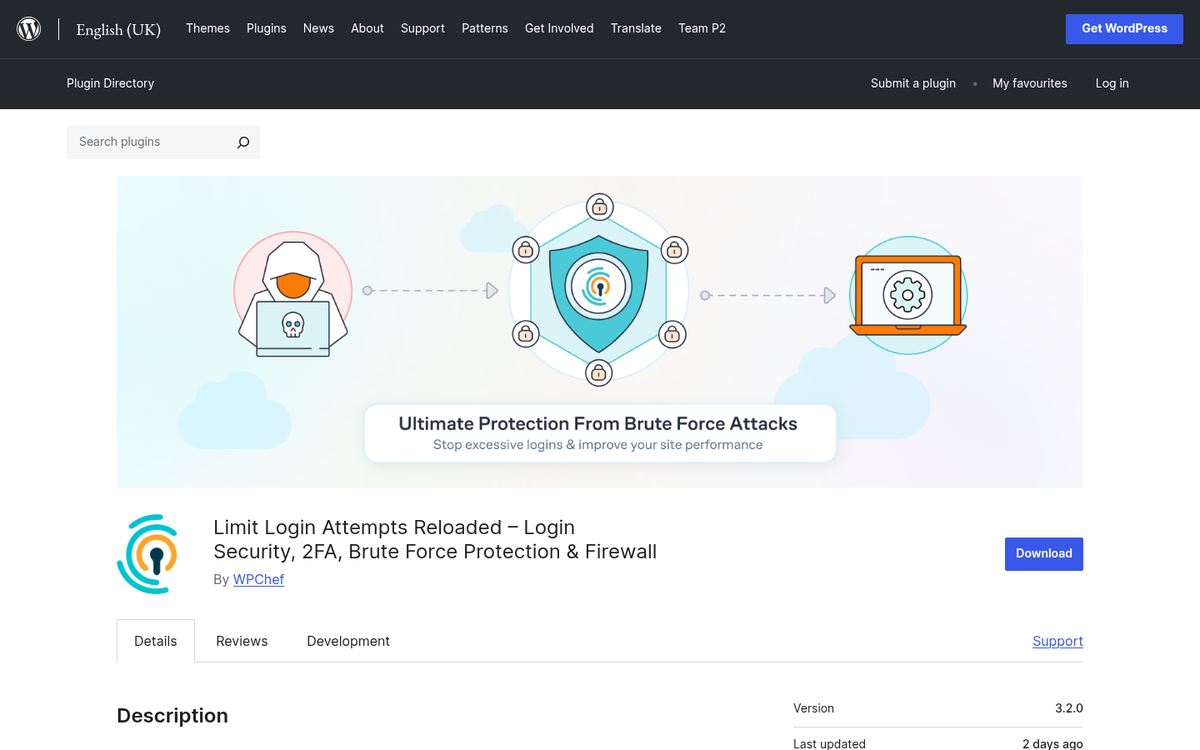
A narrow but important security measure that complements your main security plugin. Brute force attacks - where bots hammer your login page with username and password combinations - are among the most common threats to WordPress sites. A login limiting plugin restricts the number of failed login attempts from any given IP address, locking out attackers before they gain entry. Limit Login Attempts Reloaded is the most actively maintained option in this category and handles the job simply and reliably.
Smush or ShortPixel (Image Optimization)
Unoptimized images remain one of the most common causes of slow WordPress sites. Image optimization plugins compress your files - removing unnecessary metadata and reducing file size without visible quality loss - either on upload or in bulk across your existing media library. Smush (formerly WP Smush) is free, popular, and effective for standard use. ShortPixel has become a strong competitor, offering more aggressive compression options and next-gen format conversion (WebP and AVIF), which are increasingly important for Core Web Vitals scores in 2026. If you also need images to go along with your content, you can get free images for your WordPress posts with a plugin.
Social Snap or Social Warfare
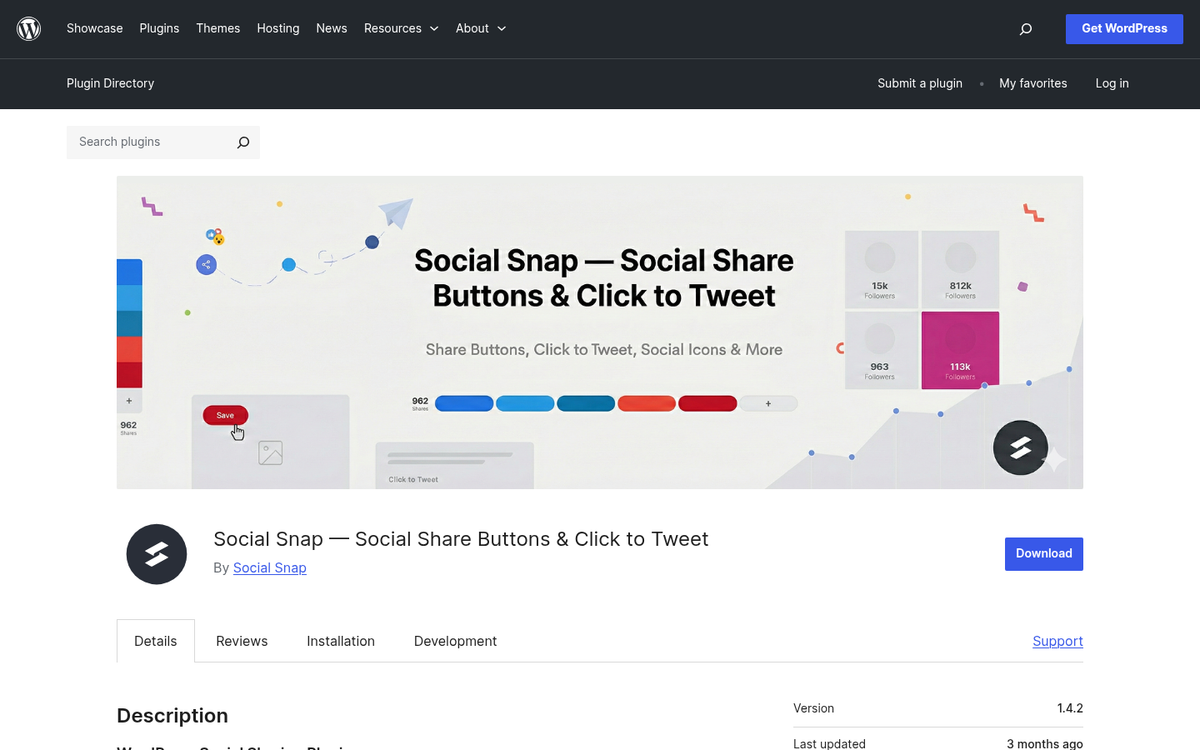
Social sharing remains relevant for driving traffic, even as the social media landscape has shifted. Floating social bars have given way to more refined, performance-conscious implementations. Social Snap is a popular modern option with clean design, share count display, and minimal performance impact. Social Warfare is another strong contender for speed and customization. Avoid the bloated, slow-loading social plugins of the past - the emphasis in 2026 is on lightweight implementations that don't tank your page speed scores.
XML Sitemap & Google News Feeds (or Yoast's Built-In Sitemap)
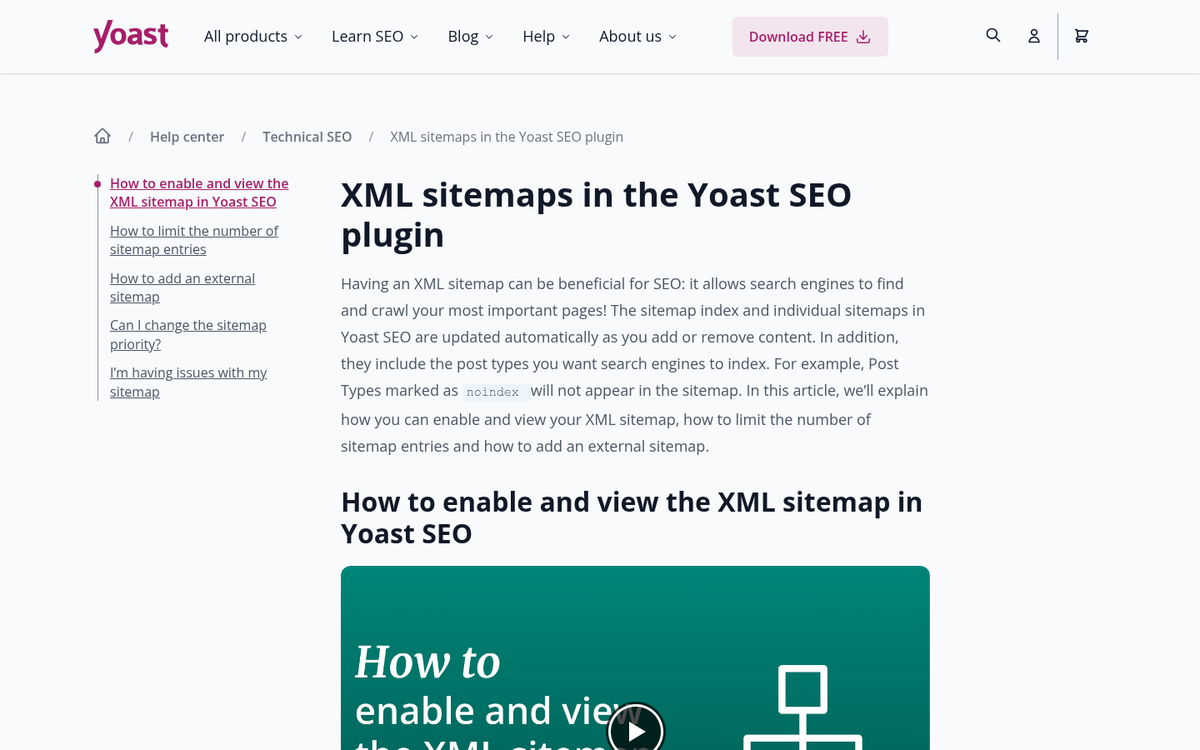
If you're using Yoast SEO or AIOSEO, you already have sitemap generation built in - no need for a separate plugin. Both generate and automatically update your XML sitemap as you publish new content, and support submission to Google Search Console. If you're running a leaner setup without a full SEO plugin, XML Sitemap & Google News Feeds is a reliable standalone option that handles the job cleanly.
Are there any other plugins you consider essential for a new WordPress website in 2026? The ecosystem keeps growing - drop your recommendations in the comments below.