Infographics remain one of the most powerful content marketing tools available. What started as glorified pie charts has evolved into a sophisticated medium that consistently outperforms traditional content - infographic posts generate 3x more likes and shares than standard text or image posts on social media. And the science backs it up: people retain around 65% of information when it's paired with relevant visuals, compared to just 10% when delivered verbally alone.
The problem is your infographic needs to be great. They're popular, but because of that, everyone and their team thinks they can slap some data onto a template and watch the shares roll in. This is simply not true, and it's why feeds and aggregators are flooded with bland, forgettable graphics every single day.
The good news? The tools available in 2026 are significantly better than they used to be, and several of them now incorporate AI to speed up the entire process. You still need to bring a solid concept, reliable data, and some creative direction - but the heavy lifting is increasingly assisted.
Key Takeaways
- Infographic posts generate 3x more likes and shares than standard text or image posts on social media.
- A strong, broadly appealing concept is the most important step - hyper-niche topics struggle to earn organic shares.
- Great infographics tell a story with a narrative arc, not just a collection of data dumped onto a page.
- Modern tools like Piktochart, Infogram, Venngage, and Canva use AI to significantly reduce actual creation time.
- Brainstorming, data collection, and narrative planning cannot be rushed, even with advanced tools available.
Making a Great Infographic
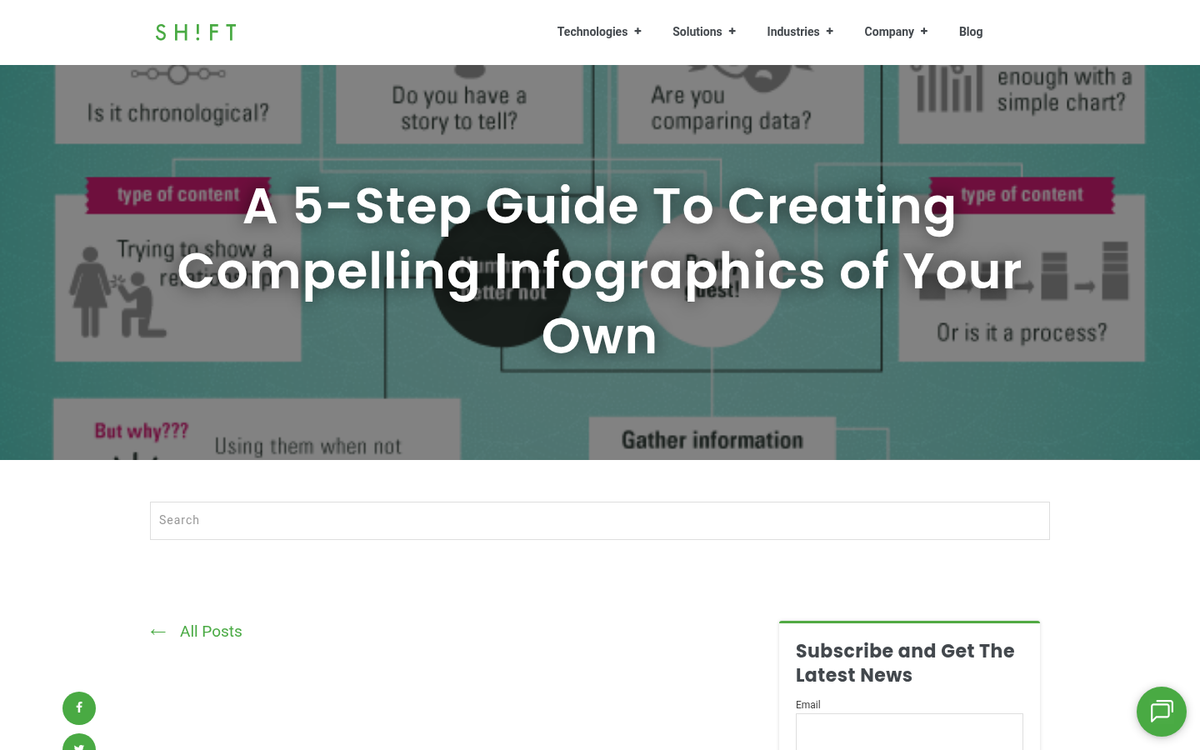
Making a great graphic doesn't have to be overwhelming, but it's going to take a meaningful amount of effort, especially when you're new to the process. Here's how to approach it step by step.
Step 1: Come up with a strong concept. This is actually the most important step, even if it sounds like the easiest. You're looking for something genuinely interesting in your industry - something your audience would want to share without being nudged. Keep in mind that broader concepts tend to travel further. An infographic about economic trends, consumer behavior shifts, or workforce changes, for example, has appeal well beyond your immediate audience. A graphic about your company's internal metrics or hyper-niche product comparisons will have a much harder time earning organic shares.
Step 2: Collect the data you need. An infographic is ultimately just data presented in a compelling way - so the data has to be solid. You can use your own research, provided your sample sizes are statistically meaningful. More commonly, you'll pull from credible third-party sources, citing them clearly, and find ways to present or combine that data in a fresh, insightful way that others haven't done before.
Step 3: Build a narrative arc. The best infographics don't just dump information on a page - they tell a story. They have a beginning, a middle, and a conclusion. Figure out what point you're making and sequence your data so that it leads the viewer naturally from context to insight to takeaway.
Step 4: Lay out the data and add the flair. The flair is whatever elevates your infographic beyond a basic chart deck - creative illustrations, clever visual metaphors, icons, color-coded comparisons, or unconventional ways of representing numbers. You don't need full interactive animation, but you do need something that rewards the viewer for stopping to look.
Step 5: Finalize and publish. Whether you're handing off a brief to a designer, exporting from a design tool, or publishing directly from a platform, once the graphic is done, the promotion phase begins. Don't skip this - even a great infographic won't find its audience without a push.
Tools to Help With Infographic Creation
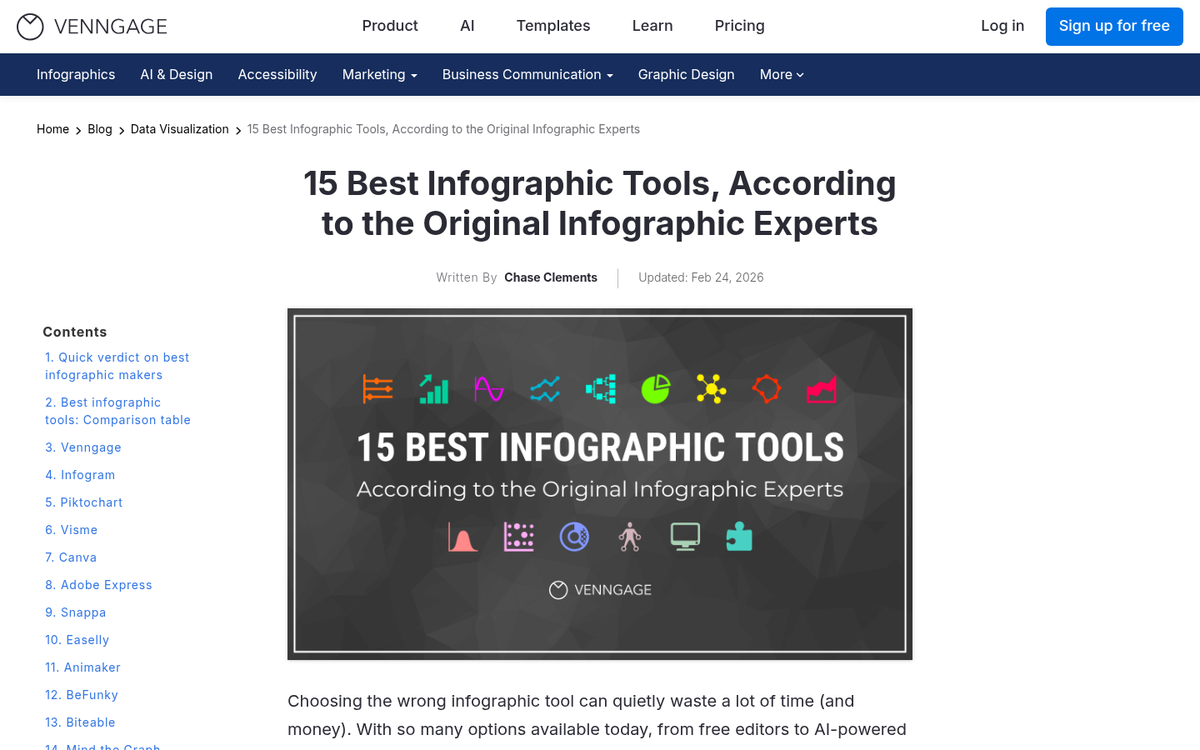
I'll be straight with you: the brainstorming, data collection, and narrative planning phases can't be rushed. But the actual creation time has dropped significantly thanks to modern tools, many of which now use AI to generate layouts, suggest color schemes, and auto-format your data. Here are the tools worth your time in 2026.
Piktochart has been around for years and has aged well. It's a web-based editor with a strong library of templates, a clean drag-and-drop interface, and enough flexibility to produce something that looks genuinely professional. The platform specifically targets users who want to create a polished infographic in 30 minutes or less, and for simple to mid-complexity projects, that's realistic. You can upload your own assets or work from their built-in library. Free accounts exist but come with limitations on templates and branding. Paid plans unlock white-label exports and more advanced features.
Infogram is particularly strong when your infographic is data-heavy. Connect a spreadsheet or paste in a CSV and it will generate clean, well-designed charts automatically. It's a step or two below Piktochart in terms of freeform design flexibility, but if your infographic is primarily built around statistics and data visualization, it's an excellent choice. Plans range from a limited free tier up to paid team and business plans.
Venngage has grown into one of the most capable infographic tools available and deserves a spot on this list. It offers a library of over 40,000 icons and images, plus access to an additional 3 million assets via Pixabay integration. Templates are well-designed and span a huge range of styles and use cases. The AI-assisted features - including layout suggestions and text-to-infographic tools - have matured enough to be genuinely useful rather than just a marketing bullet point. Free accounts are available, with Pro and Business plans unlocking full export options and team collaboration.
If you haven't seriously explored Canva for infographics, it's worth a look. What began as a general graphic design tool has evolved into a comprehensive content creation platform with a strong infographic template library, AI design tools, and seamless team collaboration. It's particularly useful if you're already using it for other content, since your brand assets, fonts, and color palettes carry across projects. Free and paid plans are available, with the Pro tier being well worth it for regular users.