Key Takeaways
- Fix Manual Actions before any other optimization - unresolved Google penalties suppress rankings and make other improvements pointless.
- Monitor the Indexing report for sudden error spikes, which typically signal recent template, robots.txt, or plugin changes blocking pages.
- With mobile accounting for 64% of searches, fixing Mobile Usability errors directly impacts rankings under Google's mobile-first indexing.
- Rich Results structured data improves click-through rates, especially as Google AI Overviews increasingly occupy top search page positions.
- Pages ranking positions 1-10 with under 2-3% CTR signal a title tag or meta description problem, not a rankings problem.
Google Search Console is a familiar sight to many marketers, particularly those who actively monitor their site's technical health, track organic performance, or investigate ranking drops. Formerly known as Google Webmaster Tools, Search Console is a suite of tools and reports for a number of optimizations. With organic search still driving 53% of all website traffic globally - and 96.55% of content receiving zero traffic from Google - there's a cost to ignoring what Search Console is telling you. Here are five of the best strategies to optimize using only the data Search Console gives.
About Google Search Console in 2026
The Search Console has evolved over the years. The legacy "old" console is long gone and the latest version has matured into a robust platform well-integrated with Google's wider ecosystem. For most sites, the following reports are the most helpful: the Index Coverage report (now part of the Indexing section), the Performance report, the Page Experience report, the Rich Results status report, the Sitemaps report, the URL Inspection tool, Manual Actions, the Links report, and the Mobile Usability report.
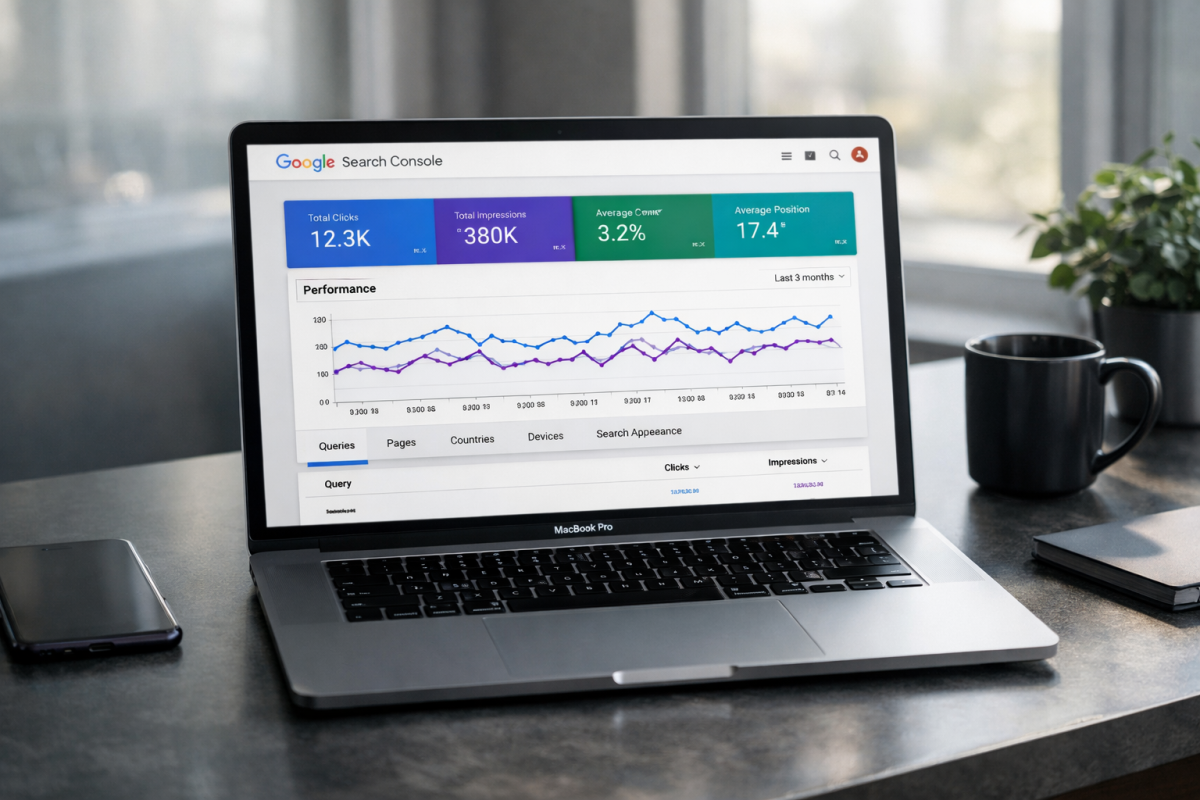
One helpful limitation worth learning about: the Search Console UI only allows exports of up to 1,000 rows at a time. If your site is large enough that this matters, the Search Analytics API supports up to 50,000 rows per day per site per search type, which gives you far more data to work with for deeper analysis.
It's also worth mentioning that Google AI Overviews now appear in roughly 25% of queries, which increasingly affects click-through rates for pages that previously relied on top organic positions - it makes CTR monitoring inside Search Console more important than ever.
1. Check For and Fix Manual Actions
Manual Actions are Google penalties applied by a human reviewer. Some things referred to as "penalties" - like algorithmic ranking drops with core updates - are not manual actions. Manual actions are intentional, documented suppressions of ranking caused by policy violations that Google identifies.
If your site has any manual action taken against it, it will appear in this report. You should resolve any manual action before spending time on any other optimization. To use an easy analogy: there's no point fine-tuning your engine while your parking brake is on.
Here is a rundown of the manual actions you might see:

- Hacked Site. Your site shows signs of compromise - typically malware, malicious code injection, or cloaked spam content added by an attacker. Recovering properly from a hacked site is a significant undertaking; follow Google's step-by-step guidance carefully.
- User-Generated Spam. Spam in comments, forum posts, guestbook entries, or user profiles is triggering this action. Audit every area of your site where users can post content and remove offending entries.
- Spammy Free Host. Free web hosts often inject ads or code into your pages. Move to a reputable host and file a reconsideration request.
- Spammy Structured Markup. Structured data that is misleading, tags hidden content, or misrepresents page elements will earn this penalty. Fix your markup and request reconsideration.
- Unnatural Links. There are two versions: one for unnatural links pointing to your site, and one for unnatural links going out from your site. Buying, selling, or otherwise manipulating links violates Google's guidelines.
- Thin Content. Low-quality, shallow pages - including thin affiliate pages, auto-generated content, scraped content, and doorway pages - can earn a manual penalty. Substantially improve or remove the offending pages.
- Cloaking. Showing users one page while showing Google another is a clear violation. Don't attempt to deceive crawlers or users.
- Pure Spam. If a page is saturated with aggressive spam techniques, keyword stuffing, and cloaked links, it may be better to remove it entirely and start fresh.
- Cloaked Images. Serving Google a different image than what users see is a violation. Google's crawlers regularly spot-check the index and can detect simple image cloaks.
- Hidden Text or Keyword Stuffing. These black-hat tactics are decades old and ineffective. If you're being penalized for them unintentionally - perhaps through a plugin or inherited template - locate and fix the offending code.
- AMP Content Mismatch. If you're still running AMP pages, they must match the content of their canonical counterparts. Discrepancies between the two will trigger this action.
- Sneaky Mobile Redirects. Redirecting mobile users to a page that Google cannot access is a penalty. A properly implemented responsive design eliminates this risk entirely.
When you click on a manual action, Google will show you the scope - either all pages, a subfolder, or an individual URL. Use that scope to track down and fix the root issue.
Once the problem is resolved, you can use the Request Review button inside the manual actions report. Google will re-review your site and if the problems are confirmed to be fixed, the action will be lifted. Most sites that address manual actions correctly see measurable recovery within a few months.
2. Solve Indexing Problems
Under the Indexing section of Search Console, you'll find the Pages report (formerly Index Coverage), which shows how much of your site Google can see and where problems are occurring.
Start by looking for indexing errors and, more importantly, any sudden spikes in errors. A spike usually means a recent change - an edited template, a misconfigured robots.txt update, or a plugin change - has accidentally blocked pages from being crawled or indexed.
If a page should be indexed but isn't, find what is preventing Google from accessing it. Common culprits include noindex tags, disallow rules in robots.txt, canonical tags pointing elsewhere, or login walls. Conversely, if a page is indexed but shouldn't be - like a staging page, admin area, or duplicate - block it appropriately.
If your site has a large number of pages but the indexed count is lower, look for blocked subfolders or subdomains. Build and submit an XML sitemap so Google can discover everything it should be finding - this is especially important for large or frequently updated sites.
3. Confirm Mobile Usability
Mobile now accounts for approximately 64% of all searches, compared to 36% on desktop. Google has used mobile-first indexing as its default for all sites for a few years now, which means the mobile version of your site is what Google primarily evaluates for ranking purposes. The Mobile Usability report inside Search Console remains an important tool for identifying pages that may be hurting your rankings or user experience on mobile.
The report flags pages with errors. Fix the most severe problems first, then re-run the report to surface anything else. Common errors include:
- Flash Usage. Flash has been fully deprecated and is unsupported on virtually all modern devices. Any remaining Flash elements need to be replaced immediately.
- Viewport Not Configured. Your page is missing a meta viewport tag, which tells devices how to scale and render the page correctly.
- Fixed-Width Viewport. Setting a fixed pixel width for your mobile page causes problems across the wide range of screen sizes in use today. Use flexible, responsive layouts instead.
- Content Not Sized to Viewport. If horizontal scrolling is required on a mobile device, this error will appear. Content should fit within the screen width.
- Small Font Size. Text that requires pinch-to-zoom to read is flagged here. Increase base font sizes for mobile users.
- Touch Elements Too Close. Buttons, links, or interactive elements that are too close together create accidental tap errors. Increase spacing between touch targets.
Mobile usability problems directly affect rankings and user experience. Addressing them is no longer optional for competitive performance.
4. Check Rich Results
The Rich Results Status report shows which pages on your site have structured data that qualifies for enhanced search appearances - things like star ratings for reviews, recipe cards, FAQ dropdowns, event listings, job postings, and product information.
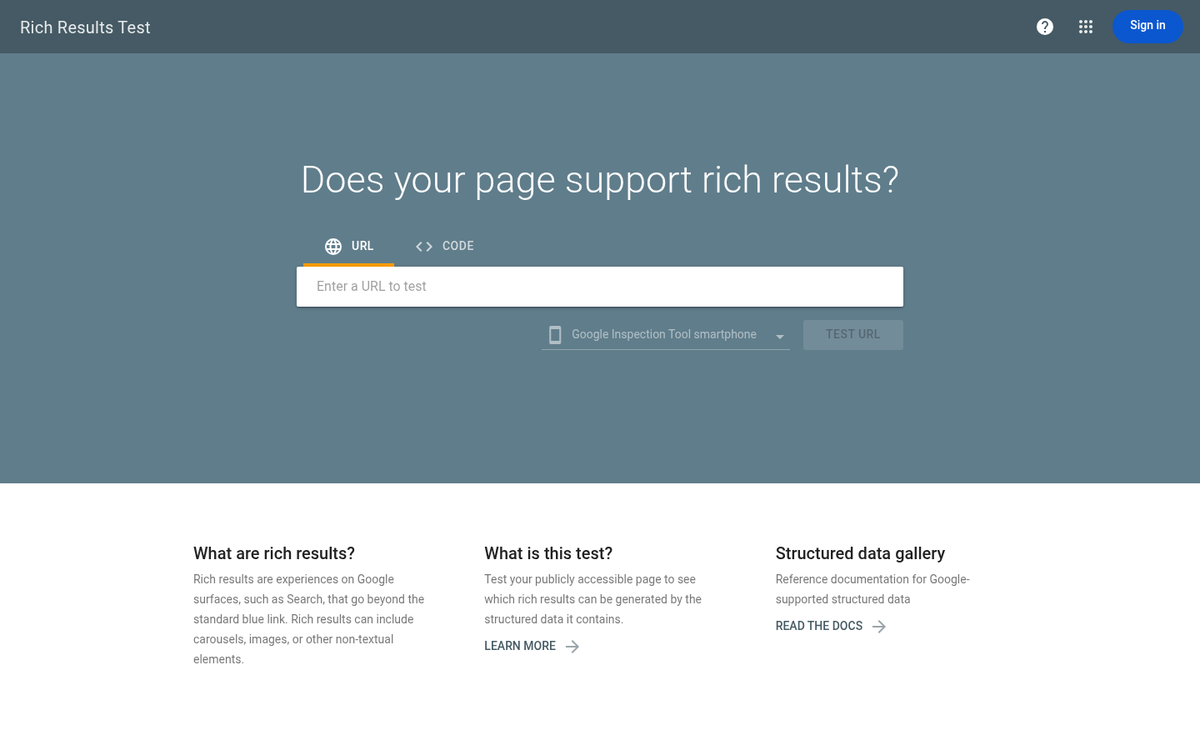
Rich results can meaningfully improve click-through rates by making your listings more visually prominent in search results, which matters even more as Google AI Overviews increasingly occupy space at the top of the results page. If you believe pages should qualify for rich results but aren't receiving them, you can use the report to find structured data errors and fix them. Google's Rich Results Test tool can also help validate your markup before re-submitting.
This report is most helpful for e-commerce sites, publishers, recipe sites, event organizers, and any site already using schema markup. If you haven't implemented structured data, this is a prompt to review where it might benefit you.
5. Use the Performance Report to Find CTR Opportunities
The Performance report is one of the most underused tools in Search Console and for many sites it has the fastest wins available - it shows your total clicks, impressions, average click-through rate, and average position for every query your site appears for in Google Search.
The most helpful use of this report is finding pages that rank in positions 1-10 but have a CTR below 2-3%. These are high-impression, low-CTR pages - Google is showing your page to searchers, but they aren't clicking. That's a title tag and meta description problem, not a rankings problem. Rewriting these to be more compelling, more specific, or better aligned with search intent can produce measurable traffic gains without requiring any new link building or content creation.
Research from Ahrefs and Backlinko shows that pages in position one hold roughly 3.8 times more backlinks than lower-ranking pages - but for pages already on page one with weak CTR, the faster lever is optimizing how they appear in the search result, not acquiring more links.

Filter the report by page, then sort by impressions to find your highest-visibility underperformers. The URL Inspection Tool can also be helpful here - look at individual URLs to confirm their indexed status, check for structured data errors, and verify that Google's cached version matches your latest content. You can also use the "Request Indexing" feature to push updated pages into Google's crawl queue after making changes.
Remember: the Search Console UI caps exports at 1,000 rows. For larger sites where you need a fuller picture of CTR performance across thousands of URLs, connect to the Search Analytics API or use a third-party connector like Looker Studio to pull up to 50,000 rows per day.
Most sites that work through these five areas see measurable improvements in Search Console metrics within 3-6 months. The data is already there - it just needs to be acted on.