





Key Takeaways
- Posts may be invisible due to simple issues like cached browsers or accidentally saving as a draft instead of publishing.
- Google finds new content via spiders, sitemaps, Search Console submissions, Google-owned properties, and social media crawling.
- Robots.txt files or noindex meta tags can silently block Google from crawling and indexing your content entirely.
- Only about 15% of crawled URLs get indexed; thin content under 200 words is unlikely to make the cut.
- Being indexed doesn't guarantee ranking-use a site search operator to distinguish between indexation and ranking problems.
As far as you can tell, you've done everything right. You wrote a new blog post- it's long, it's authoritative, it's well-written and proofread. You've included links to authoritative sources. You've included strong images- it's all set for publication, with a catchy title and well-formulated meta data.
You hit that "publish" button and walk away, confident in the knowledge that you did a good job- this post should be a hit. But check the next day, you can't find the post. What's going on?
Refresh Your Local Cache
The simplest possible issue, albeit a rare cause for this problem, is basically that your local cached version of your own website doesn't have the new post. You visit your homepage. But your cache hasn't expired, so your browser doesn't check to see if the page has changed. Your new post is live. But you can't see it.
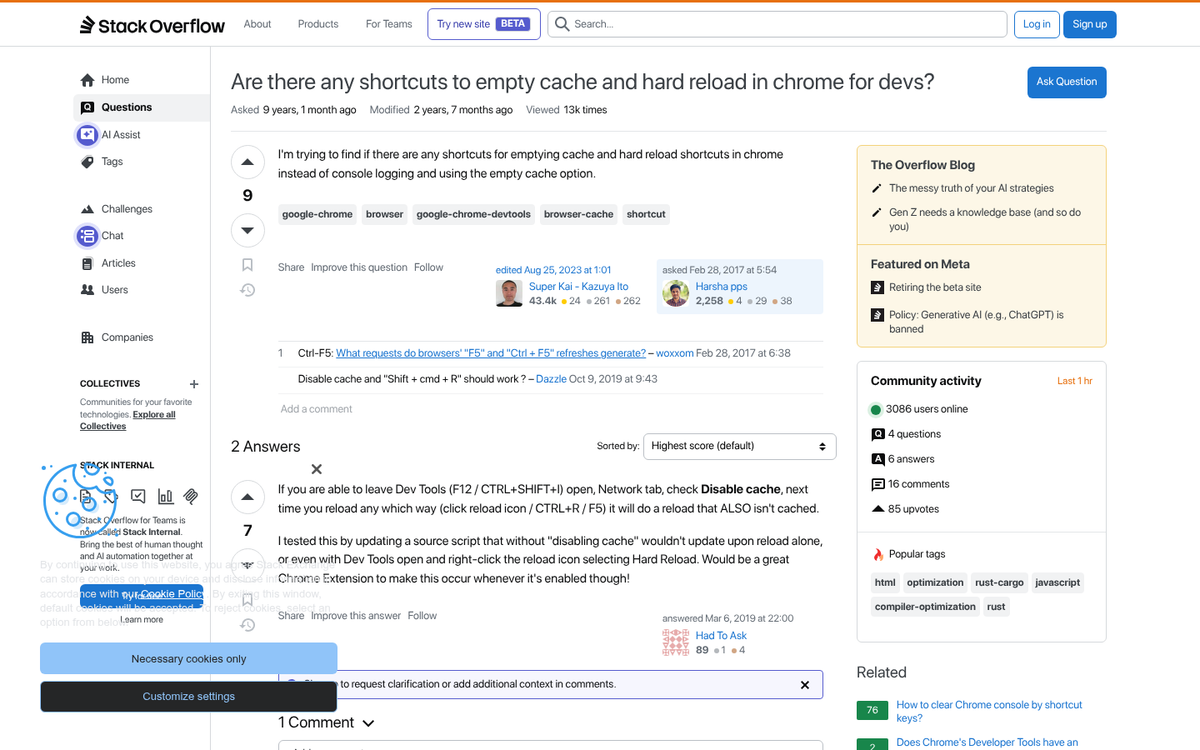
The answer to this is as easy as the problem is rare. Simply force a refresh of the page that refreshes the cache. On most browsers that means hitting F5, or hitting Ctrl+F5 or Shift+F5 for a hard refresh that bypasses the cache entirely. Typically this won't be the problem; modern browsers are good at detecting incremental changes.
Check Your Drafts
One of the more common reasons why you might not be able to find your post is that you "published" it as a saved draft instead of a published, live piece. If you're used to saving posts as drafts and publishing them later, or saving them as drafts with a publication date, this could be your problem.
Go into your blog CMS and look for your post. What is the post status? It should be published or live, if you want the post to be visible. If the post status is something like "saved as draft" or "scheduled", your post isn't live and published.
I've had this issue once or twice when scheduling a post, accidentally setting the month one too high, or setting the year incorrectly. A post I thought was going to publish the next day actually was scheduled to publish 366 days from now.
This is a very easy problem to solve. Simply change the publication date, or click the "publish now" button instead of letting it publish on a schedule. And it might throw off the calculated timing you set up for your post publication. But it's better to publish a post a few hours or a day late than to miss an editorial content slot entirely.
If your post is labeled as published and you can view it on your own website, but it doesn't show up in Google's search, that may have more insidious problems. Let's look at those next.
How Google Finds New Content
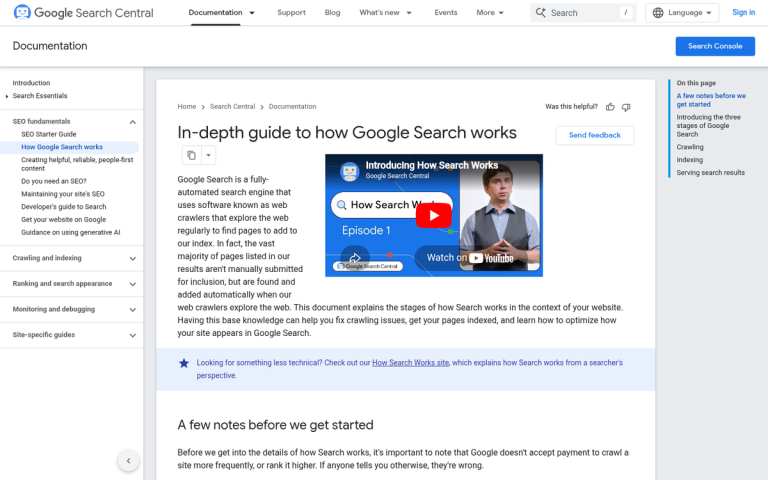
If you want to know why your site might not be visible in Google search, one of the first things you should learn is how Google finds new content. They actually have a few different mechanisms in play looking for new content, either in the form of new blog posts on an existing website or in the form of a new website entirely.
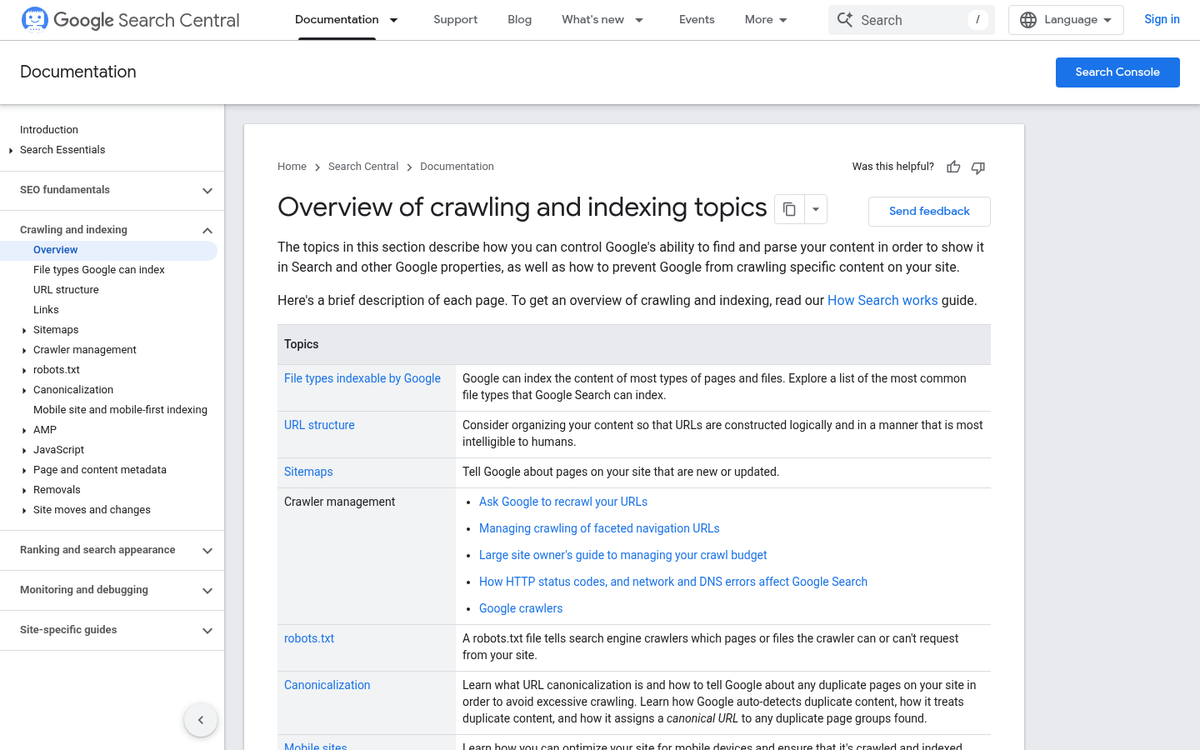
Here are the ways Google uses to find new content. Also remember that when I say "Google" I'm just using it as shorthand for any search engine. Other search engines are much the same way, though they may have less power, fewer avenues, and a slower indexation speed, depending.
- Google has search "spiders", which are simple bot scripts that crawl the internet. They are set loose on a page and index that page, then follow each link on the page. At each destination, they compare the existing version in the Google index with what they see on the page, and index any changes. If the link leads to a page Google hasn't seen before, that page will be indexed.
- Google will check various properties they own for new links. For example, if you're using Google Ads and you submit an ad that links to a page Google hasn't seen before, Google will crawl and index that page.
- Google will check submitted sitemaps in Google Search Console. When you build a sitemap, you're building a complete list of all of the pages on your site. Giving this to Google means Google has an easy list of every page on your site. When you update that sitemap, Google will notice and will check the new pages. If you use WordPress, it's worth understanding the differences between Yoast SEO and Google XML Sitemaps for managing this.
- Google crawls and indexes selections of social media and other publicly accessible platforms, which can surface new content - though there is no official or guaranteed pipeline between social networks and Google's index. For more on this topic, see whether Google uses social signals for SEO.
Anything that makes it tough or impossible for Google to find a piece of content is a roadblock that can keep your articles from showing up in the Google search index. Here are some of the more common causes.
Is Your Site Brand New?
If your site is brand new, Google will be indexing it at a slower pace before they add it to their main search index. According to Google Search Advocate John Mueller, most quality content is indexed within about one week. Research has proven this too, showing roughly 83% of pages are indexed within the first week of publication - though some pages can wait as long as eight weeks. For brand new domains, it can take anywhere from four days to six months for Google to crawl the site and start attributing domain authority.

It's also worth mentioning that Google does not index every page it crawls. Google's chief economist has stated that only approximately 15% of URLs Google crawls actually end up in the index. John Mueller confirmed in 2021 that it's "pretty normal" for Google not to index all pages of a website, and that's also the case for bigger ones. So if a post isn't indexed, it doesn't necessarily mean something is broken - it may simply mean Google hasn't deemed that particular page helpful enough to include.
Add your site as a new property, submit a sitemap, and use the URL Inspection tool to request indexing of specific pages. These steps signal to Google that your content is ready and waiting. If you're looking for more ways to speed up this process, check out these tricks to improve the indexing of your blog posts.
Are You Blocking Robots?
A common technique for building a new website is to upload some of it online to test. However, you don't want Google indexing half-baked pages. Before you're even up and running, it's not uncommon to block all robots from viewing your page until you're ready for it to go live.
The problem here is if you haven't removed these robot-blocking directives from your site before going live. If you're still blocking robots, it doesn't matter how many times you submit a sitemap - you're telling Google to stay away.
There are two places where you can find robots directives. The first is a generalized robots.txt file in your root directory for your website- this file is a basic text file and tells robots what to do on your site. Typically, this is used to block indexing of system pages, like the admin login page, or landing pages you're split testing and don't want indexed.

Check to see if you have a robots.txt file, and if so, what's in it. Look for any of the Google user-agents and whether or not you've disallowed them.
The other place you can find robots directives is in the meta data of your pages themselves. A line of code that looks like "<meta name="robots" content="noindex, nofollow">" will be blocking robots from your page. You'll need to remove this line for your page to be visible.
Other Indexation Issues
If your content just isn't indexed, you can look for other fringe problems that could have been causing a problem.

- Is your web host down? Low quality hosts without redundancy or protection can be taken down by surges in traffic or by a DDoS attack, and your content won't index or display if the host is down.
- Does your site use scripts or code that is somehow malformed? If code is causing rendering issues, redirects are breaking, or other issues are popping up, Google will choose not to index you until you get that all sorted out.
- Does your site include copyright or trademark violations? If so, Google might be complying with a DMCA request to remove your content, or they may be penalizing you for copied content.
- Is your content too thin? Pages with around 200 words or fewer are generally considered too low-value for Google to add to its index. If a post is very short, Google may simply skip it. Ranking a new blog can be especially difficult when posts lack sufficient content.
These problems usually affect indexation more than ranking; if you are indexed but don't rank, that's another problem to talk about.
Are You Just Not Ranking?
Another common problem is the misconception that indexation means you're going to show up in any preferential position in the Google search index. Just because you're in the database doesn't mean you're going to float to the top. Right?
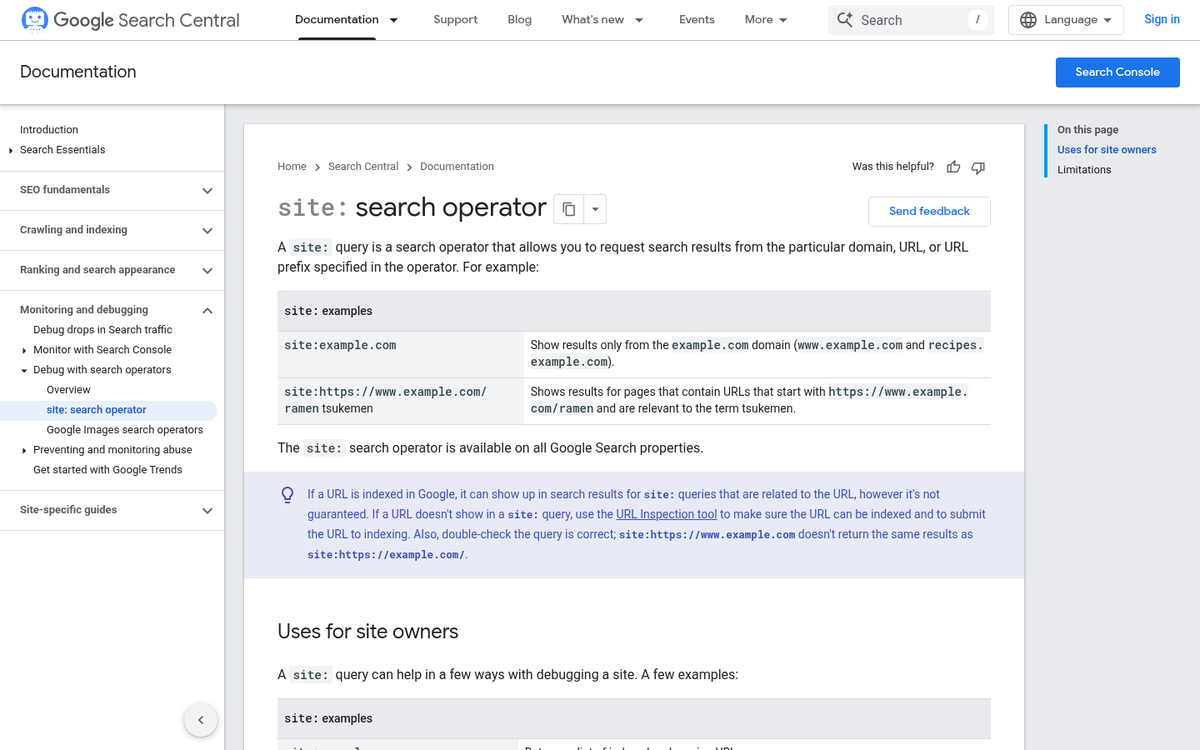
To check to make sure your content is indexed but isn't ranking, do a site search. Go to Google and type in "site:yourdomain.com" followed by the title of the blog post you're looking for. For example, the post you're reading would be "site:blogpros.com Why Aren't My Blog Posts Showing Up In Google?"
Look for your content in the search results. If it's not there, you'll see a message saying your search "did not match any documents." To make sure your site as a whole is indexed and it's just that post that's missing, do a blank site search for your domain and see what pops up. If nothing shows up, your site isn't indexed. If other pages appear, you just have a problem with that one post.
Incidentally, it will give you an idea about if you have problems with pages being indexed that you don't want them to be. If you see system pages you don't want indexed, make sure to add a robots directive to those pages.
If your content is indexed and shows up in the site search, your issue is not with your indexation, but with your ranking; it's an entirely different subject.
Do You Have Any Penalties?
If your site isn't ranking- even though it's indexed and you believe the content is fine, you could be operating under a Google search penalty. These can be hard to find. The easiest way to find them is to visit Google Search Console and look for any manual actions currently in place.

Manual actions usually mean there's some issue with your page. These can include problems with redirects and cloaked links, hidden or cloaked text and keyword spam, pages with thin content, and so on- it's also worth keeping Google's Helpful Content guidelines in mind - since the Helpful Content Update rolled out in 2022, Google has placed greater emphasis on content written legitimately for users instead of engineered purely for search engines. Content that feels hollow, overly optimized, or written primarily to manipulate rankings may have a hard time ranking even if it's technically indexed.
Encouraging Indexation
If, as it turns out, the issue is simply time, there's not much you can do about it.
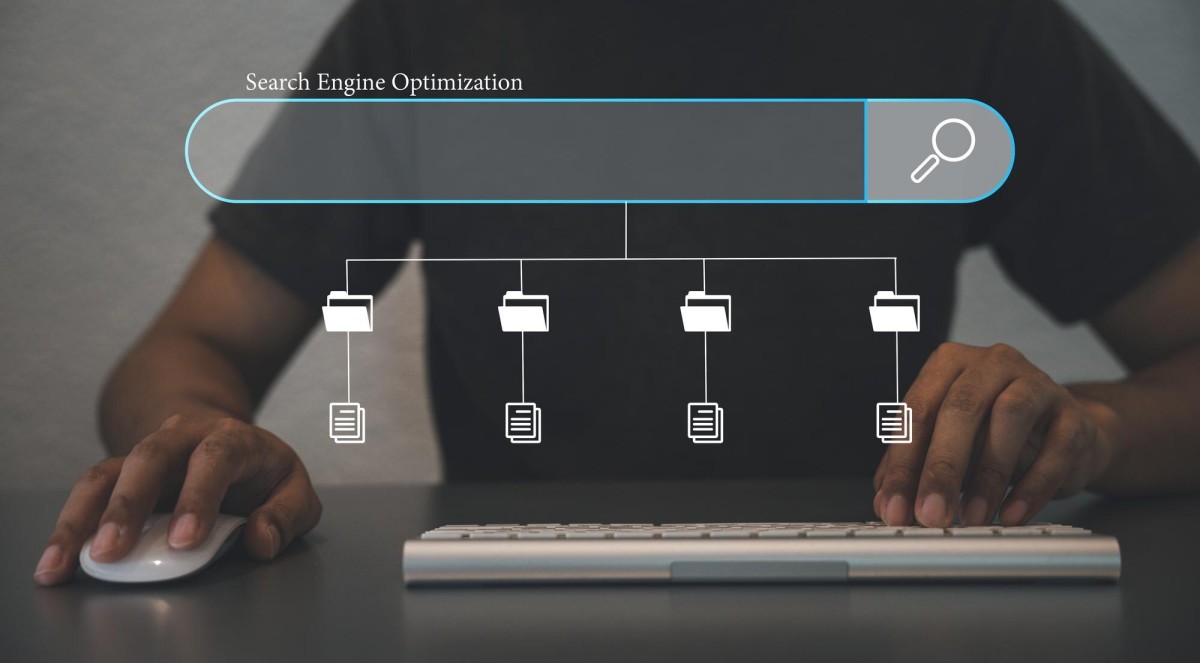
That said, you can take some steps to welcome indexation for your new content.
- Always double-check whether or not spiders can access your site.
- Keep an eye on your Search Console and deal with any penalties or manual actions as soon as possible.
- Make sure you've submitted a sitemap to Google, preferably an XML sitemap, and that you keep it up to date immediately upon publishing a new post. Many sitemap plugins will do this automatically.
- Use the URL Inspection tool in Google Search Console to manually request indexing of important new pages right after publishing.
- Write content that is genuinely helpful and substantial. Pages with very little content - roughly 200 words or fewer - are unlikely to be indexed at all, and content that doesn't serve users may be deprioritized under Google's Helpful Content guidelines.
- Link to your new content from social media and other channels. The more places your link appears, the more likely Google's crawlers are to encounter it.
Making sure your content is indexed is step one of running a website- it's a basic requirement before you can have any chance of ranking.

8 responses
Thoughtful replies only - we moderate for spam, AI slop, and off-topic rants.
My website is 2 months old and it still isn't showing in Google search. It's a blogspot blog, do you think this might be why it isn't showing up? Do I need a custom domain for it to appear on Google search?
Hey Vinod! Well, no you don't need a custom domain to appear on Google search but it does help. I see that Blogspot blogs in general (and free WordPress.com blogs, Blogger, Blogspot, Livejournal, any other free subdomain blog) has a harder time ranking and also social networking sites are harsher towards them and block them easier.
If you have the means to do so, I highly recommend registering your own domain for your blog. You'll get indexed almost immediately, especially once you submit your site to Google for indexing.
The reason Blogspot blogs aren't indexed as easily in Google is they are more commonly used for spam since they are free to create in bulk.
Greetings, my site is over 5 years now, but I recently moved from blogger to WordPress and everything was working fine until I switched to Yoast SEO after using it for couple of weeks I switched to Rank Maths SEO since then I lost my country ranking in alexa, my posts stopped showing up on Google search even after a week of posting them in my blog... I used to rank in first page on Google search in my go-location but I have lost all of that please what can I do to rank and get my blog posts show up on Google search?
Hi Uchenna! Well, Alexa fluctuates constantly and is sort of a comparitive metric that you shouldn't focus on too much, if at all.
As far as switching to WordPress and Yoast, unless you have some glaring indexing issue, errors, or a broken site, I can't imagine why switching would hurt you.
I have to ask - did you redirect your Blogger site to your WordPress site?
If your content is identical on both sites, you might be hit with a duplicate content penalty.
Definitely redirect your old posts on Blogger to their new home on WordPress.
If you can't redirect, then simply edit your old blog posts to remove the old content and just put a note saying that the post has been permanently moved to [Link to new post here].
That way, at least you aren't getting penalized for duplicate content, and Google will figure out the new location by following that hyperlink.
WordPress and Yoast are both fantastic, so I doubt they are the problem.
Oh, and I have to mention, since you are new to WordPress, definitely check your settings under "Settings" > "Reading" in the WordPress dashboard.
If "Discourage search engines from indexing this site" is checked, there's your issue.
Sometimes it's as simple as that; I still see people that have this checked and wonder why thier posts aren't ranking or getting indexed. Silly, but it happens.
Hi there, great article. If I google a specific page on my website I only get to see the top category it belongs to, the article itself doesn't show... Any ideas of how that is possible? Thank you!
How old is the article? It's possible it's still new and isn't indexed yet. Do you have a sitemap for your blog submitted to Google Search Console?
Is the article high quality with no duplicate / stolen content?
Lower quality articles may not be indexed, so if its been a while and its still not indexed I'd consider checking the quality of your posts, as well as indexing issues in your sitemap and Google Search Console.
Thank you. This is the first truly useful piece of content I've found on this topic.
Thanks Kristen! Happy it was of some use to you.