Key Takeaways
- Submitting your sitemap and using the URL Inspection Tool in Google Search Console are the most direct ways to request indexing.
- Technical barriers like robots.txt misconfiguration or blanket noindex directives can completely block Google from crawling your site.
- Google may index only around 1/10 of pages on very large websites, making deliberate indexing efforts critical.
- Mobile-first indexing means Google primarily uses your mobile site version, making mobile optimization a top priority.
- Publishing content regularly signals Google to return frequently, speeding up discovery and indexing of new pages.
In SEO, we talk a lot about how to rank your blog posts in the search results. But now and then it's worthwhile to dial back and look at how to get into the index. Google is a massive edifice with thousands of spiders crawling the internet and looking for new pages and changes to old pages, on a mission to index all human knowledge.
It's not tough to get into the Google search index - it's not like there's a tall barrier to entry. You don't have to solve a riddle or defeat a guardian in combat. All you have to do is, well, be seen.
With billions of websites on the web, being seen seems like a tall order. If you've ever tried to start a website without putting any effort into it, then you'll know that it's tough. People don't randomly stumble across websites these days - they have to be found through links or through search, and search needs to find them through some manner or another. So how can you get your site indexed, or welcome faster, better indexing?
Contrary to old internet rumors, there's no "submission form" for Google. You can't just put your domain into Google, and there's no way to "submit your site to search engines." It's a common scam technique, actually: scammers tell you they can get you ranked on Google and "dozens of other search engines" and will show you search results pages with your site listed as proof - even though there's nothing they're doing. Don't fall for that scam, friends!
There are a few things you can do to welcome Google to find and index your site, so let's dig in.
Why You Should Be Concerned
If your site isn't indexed, you aren't showing up in Google. When Google accounts for a massive proportion of traffic most sites get, that's a big deal. What's more dangerous is delayed indexing - it usually takes anywhere from a few days to a few weeks for Google to index a new blog post, depending on how frequently you publish content and the authority of your website. That means you can post a new post, only to have it languish before it can even start to gain exposure. In that time, your competitors may have covered the content in a better way, your newsworthiness may have declined, or your content may basically become less relevant.
It's also worth keeping in mind that Google doesn't always index everything. Google's John Mueller has said that for very large websites, Google may index only around 1/10 of the site's pages, which makes it even more important to take deliberate steps to help your most helpful content get found and crawled. WordPress pages may also rank differently than posts, so understanding how Google treats your content types matters.

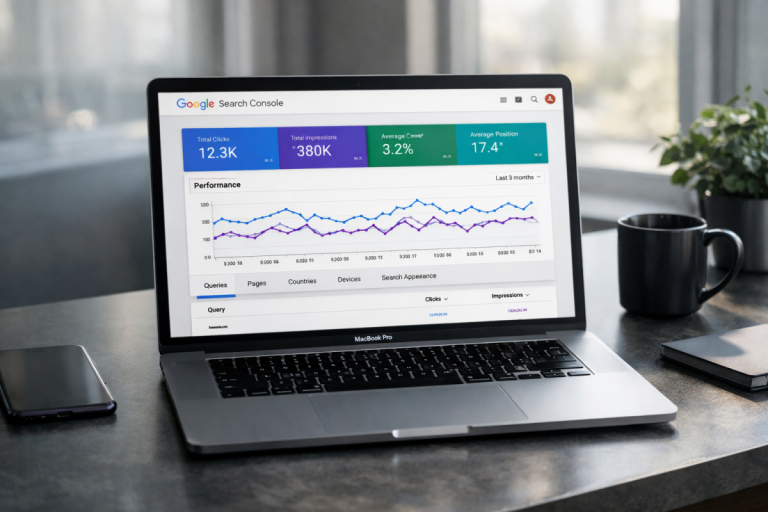
If you want to check how your site is indexed, if at all, just go to Google and type in "site:yourdomain.com" and see what shows up. Google will recommend that you check Google Search Console as well, which can be a great tool for checking this data and spotting drops in traffic and other problems.
You can add "linking your site to a Google Search Console account" as step zero for this list. When you add a property to Google Search Console, in addition to verifying your ownership and gaining access to tools, you're telling Google that the site exists. You can add as many as 1,000 properties in Google Search Console, and after verification, give Google around 24-48 hours to populate your data before drawing any conclusions.
1. Make Sure Nothing is Obstructing Search Spiders
There are a few different things that can give you problems with indexing your site. Here are a few you can check:

- Check your .htaccess file and make sure there are no bad redirects or bot disallows that would blanket-ban Google's search spiders.
- Check your robots.txt file to make sure you aren't noindexing portions of your site that should be visible.
- Check your site in various browsers and with various levels of script blocking to make sure it still renders and is accessible.
- Check to make sure you aren't using iframes or another outdated web design format that can cause indexing errors.
The most common issue I see is blanket noindexing an entire site while that site is under construction, and then forgetting to remove the bot blocking directive once the site goes live.
2. Check for Google Search Penalties
There are two kinds of Google search penalties. One kind is the implied penalty, a search index adjustment, usually seen when Google changes their algorithm and a site is demoted in the ranks because of it. For a site that isn't indexed, this isn't a concern. The other penalty is the manual action, and can be seen in Google Search Console. You should, as mentioned above, link your property to Search Console so you can see information about your site.

If your site is using any technique or strategy that triggers a search penalty, then you'll have problems appearing in the index - it's worthwhile to check to see if any manual actions apply to your account, and take action to fix them if there are any.
3. Submit Your Sitemap to Google
I lied up above when I said Google has no submission form. In fact, they have one way to "submit your site" to Google's index, and that's to submit your sitemap. Sitemaps are basically just lists of links to every page on your site with basic information like the date they were most recently edited.
This is helpful information for Google, because Google can use it to check to see if anything on your site has changed since the last time they indexed it. They'll still crawl parts of your site to double-check - after all, you might not have updated your sitemap - but it's a great way for them to see your whole site at a glance.
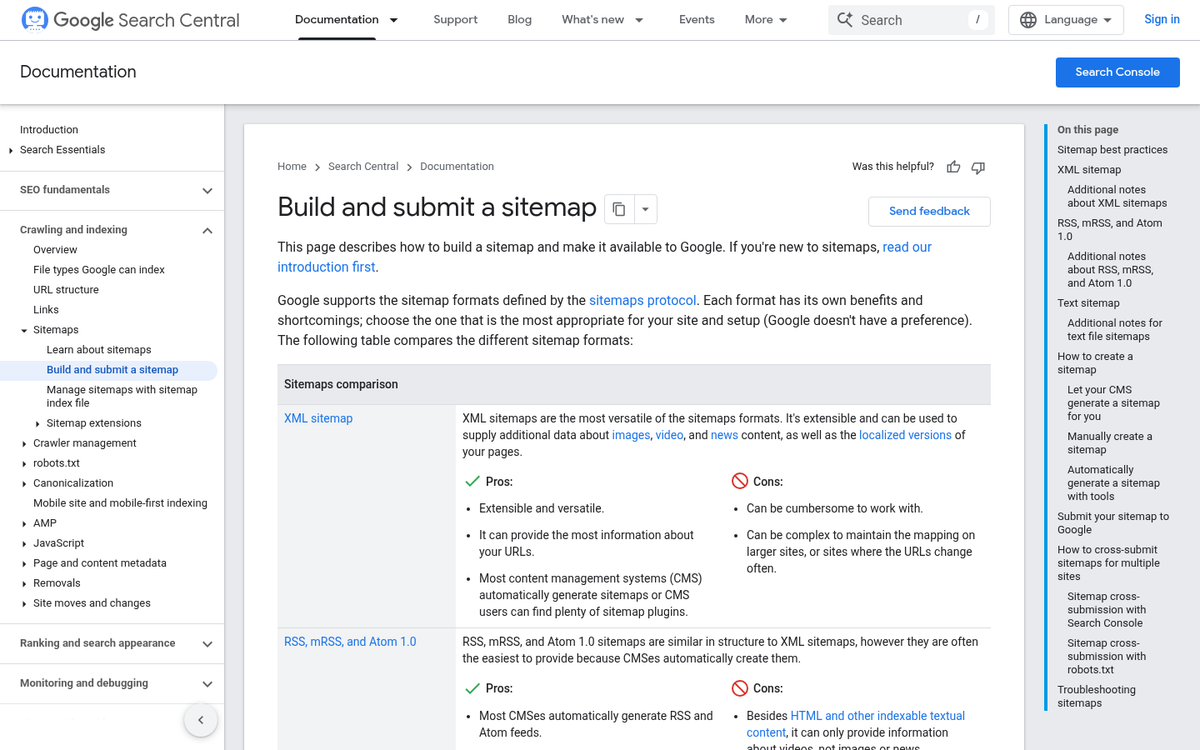
Generating a sitemap can be done in a few ways. If you're unsure which tool to use, check out our comparison of Yoast SEO and Google XML Sitemaps to help you decide. But you'll want to go back to that same Google Search Console to submit it. You basically just give them a link, and the sitemap itself stays up to date on your site.
This can be a great way to get your full site indexed up front, and it lets Google know when a page has been added or updated, so the most recent data is present in their index.
4. Use the URL Inspection Tool in Google Search Console
Beyond submitting your sitemap, Google Search Console also has a URL Inspection Tool that lets you request indexing for individual pages. This is especially helpful if you've just published a new post and want Google to crawl it sooner instead of later. Simply paste your URL into the tool, and if the page isn't indexed yet, then you'll see an option to request indexing.
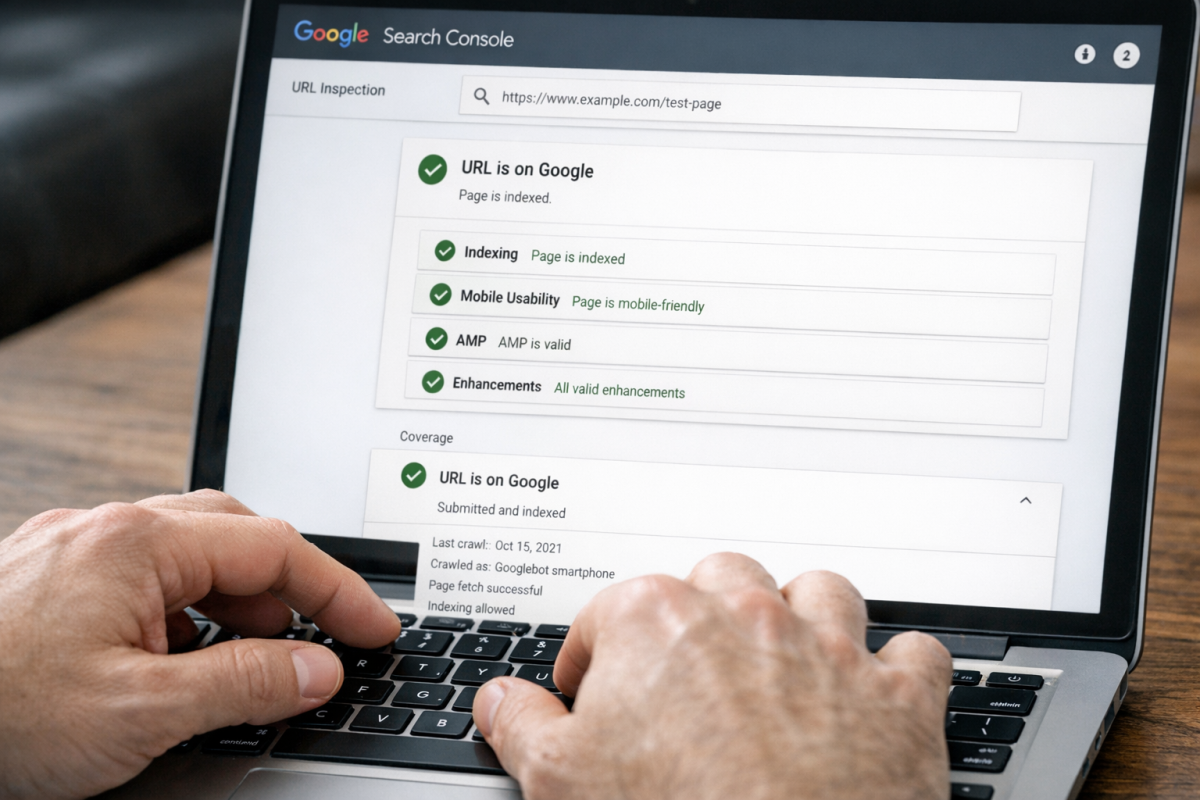
On high-authority sites, it will dramatically speed up the process. For example, on sites with a strong domain reputation, new pages have been known to get indexed within a few seconds of submitting through Search Console. For newer or lower-authority sites, results will vary. But it's still one of the most direct signals you can send to Google that a page is ready to be crawled. If you're also trying to get Google Sitelinks on your blog, building that domain authority over time is equally important.
5. Create Social Media Profiles with Backlinks
Part of appearing in the search index is appearing on the web organically, and a big part of that is backlinks. If no one links to your site, there's no way to find it.
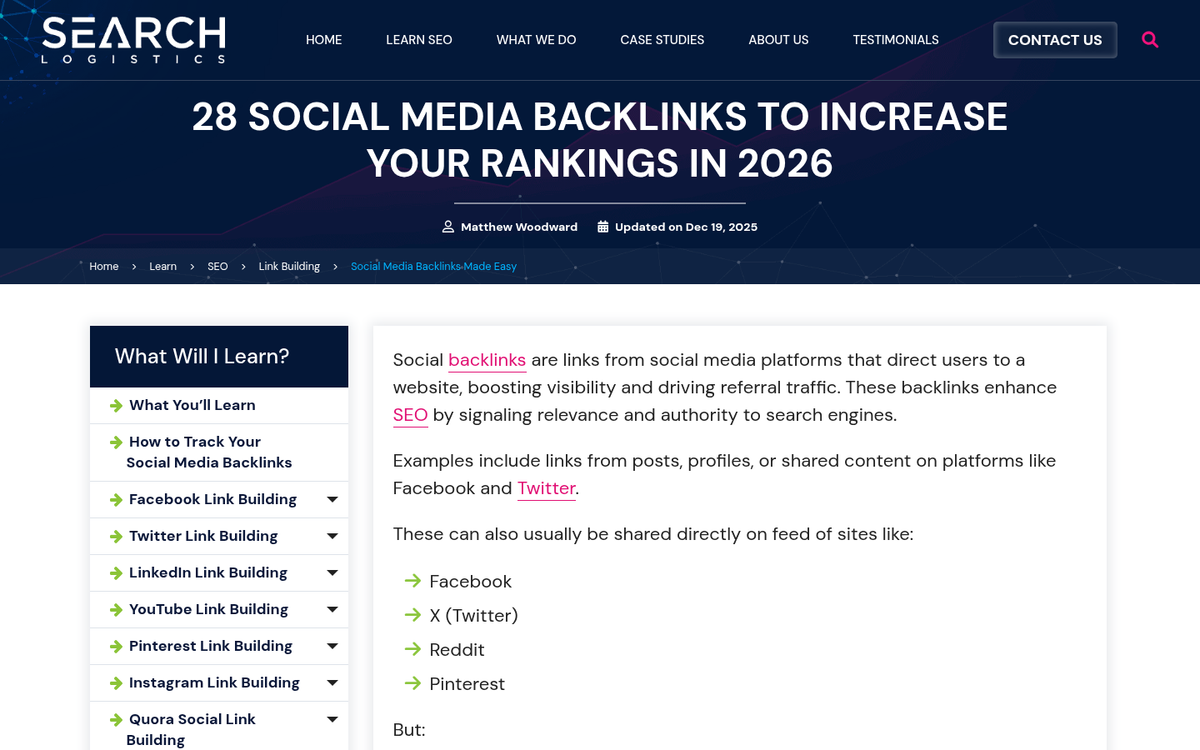
Social media is not the best place to get backlinks, because links from social networks are either valueless or very minimal in value. They are, however, indexed, and Google can use them to find new content.
I recommend at the very least creating company or brand profiles on Facebook, LinkedIn, and any platform relevant to your niche or industry. Pinterest, Instagram, YouTube, and others can be a worthwhile investment depending on your audience. You don't necessarily have to keep these profiles active - though social marketing is a valid strategy - but you should at least make sure they have accurate information for anyone who chooses to look you up.
6. Guest Post for Link Building Purposes
Link building outside of social media - or other locations you can control and freely post links - is tough. You have to build up a reputation, you have to publish content, you have to earn links from editorials, and on top of everything, those links need to be followed links instead of nofollowed links.
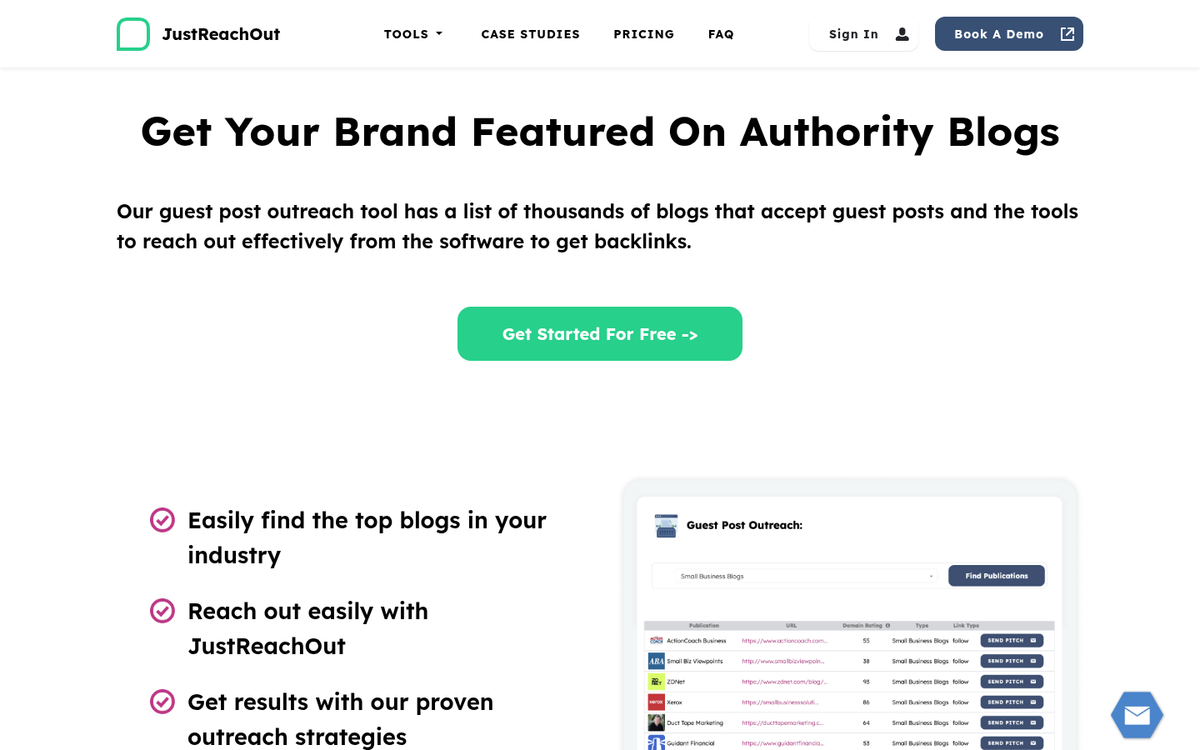
Guest posting can be a great way to get links that come attached to great content. The trick is, you have to find high quality sites to post on, who will accept you writing for them and who will give you those followed links. You can also settle for nofollowed links and brand mentions, though they won't be as valuable. Before you go down this path, it's worth understanding why accepting money for guest posts can be risky.
7. Submit Your Site to Reputable Directories
Directories are sites that primarily aggregate links from other sites, serving as hubs where users can find content relevant to a niche they're interested in. While general blog directories have largely fallen out of favor, niche directories and curated resource lists can still carry value for link building and discoverability.
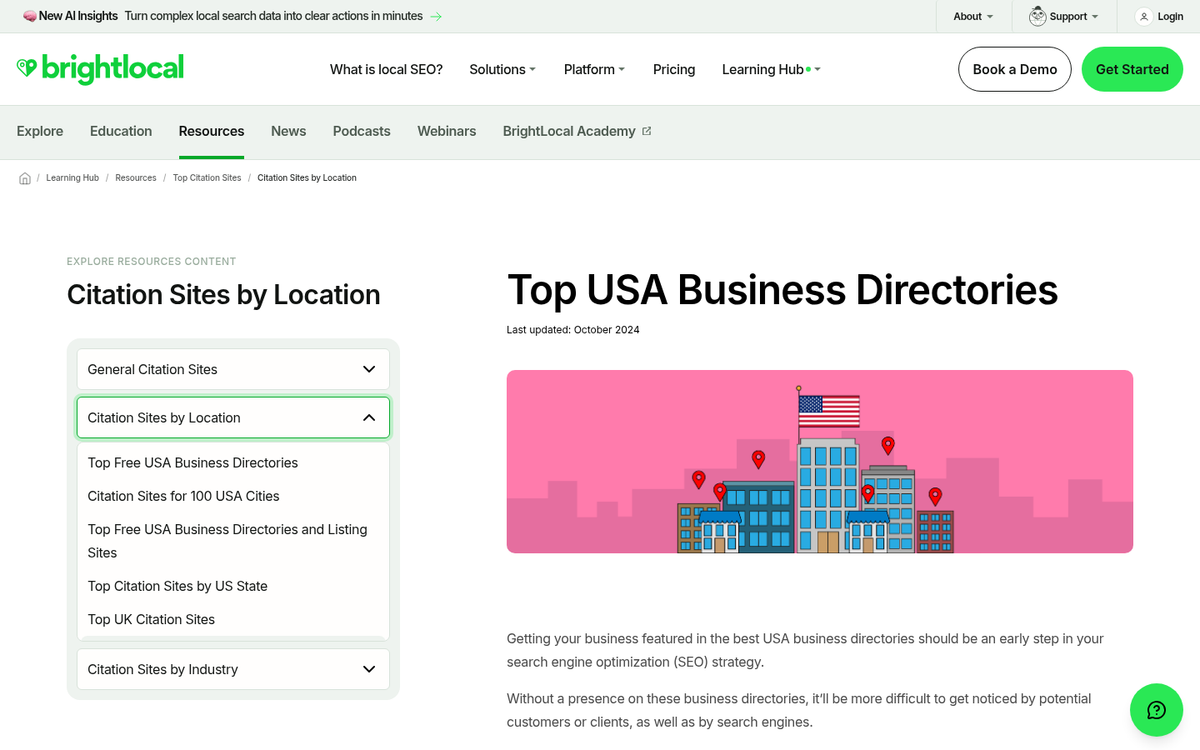
I recommend being careful with directory submission because of the spammy nature of directories. Focus on respected, well-maintained options instead of mass-submitting to every directory you can find, as low-quality directory links can do more harm than good.
8. Optimize Your Site for Speed
One of the top metrics Google cares about, once you have the baselines like links and content down, is site speed. They want your website to load quickly, and they give you a tool you can use to analyze your site. PageSpeed Insights will give you useful data about how fast different elements of your site load, and gives you tips for how to fix errors or speed up your site. If you're using third-party tools like comment systems, be aware that the Disqus comments plugin can slow your site down, and it's worth checking how social share counters load on WordPress as well.
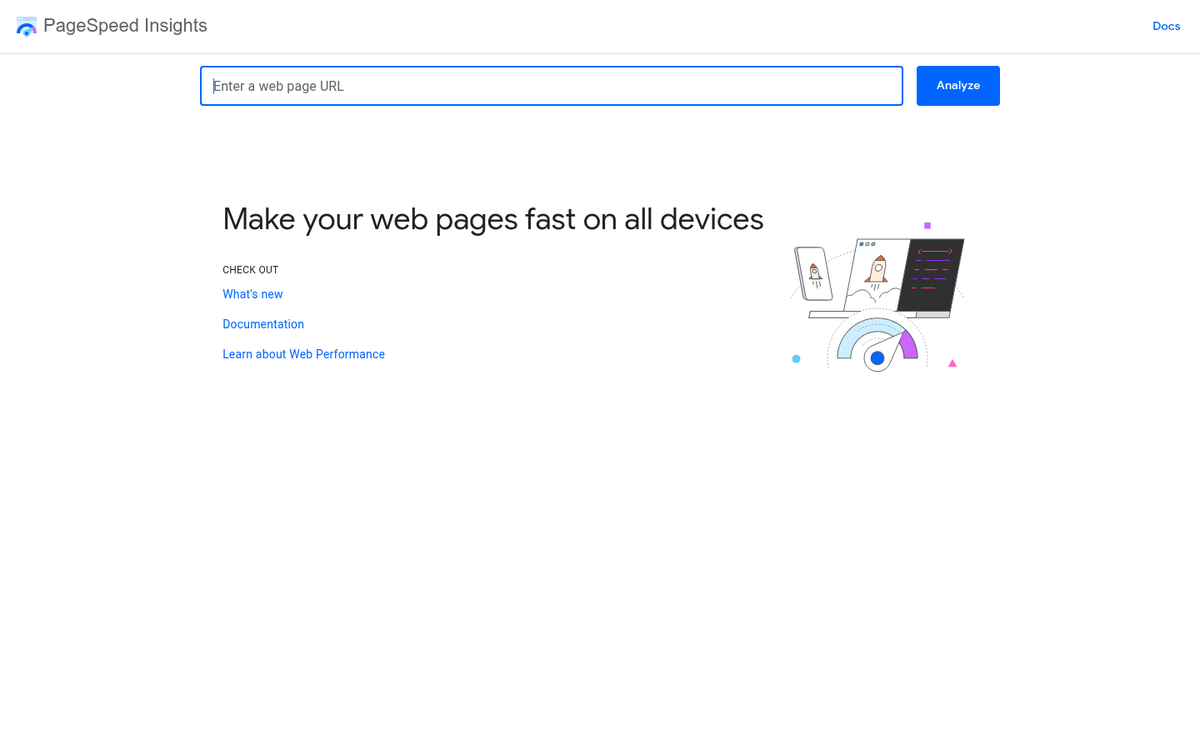
Making your site faster isn't necessarily going to get you indexed faster. But it will support your standing in the index and help make sure there's nothing failing to load or causing problems with Google's bots.
9. Optimize Your Site for Mobile
One thing you might notice with the PageSpeed Insights tool is that it has two tabs, one for mobile and one for desktop. The mobile version is the more important of the two, because Google uses mobile-first indexing, which means it primarily uses the mobile version of your site for indexing and ranking purposes.
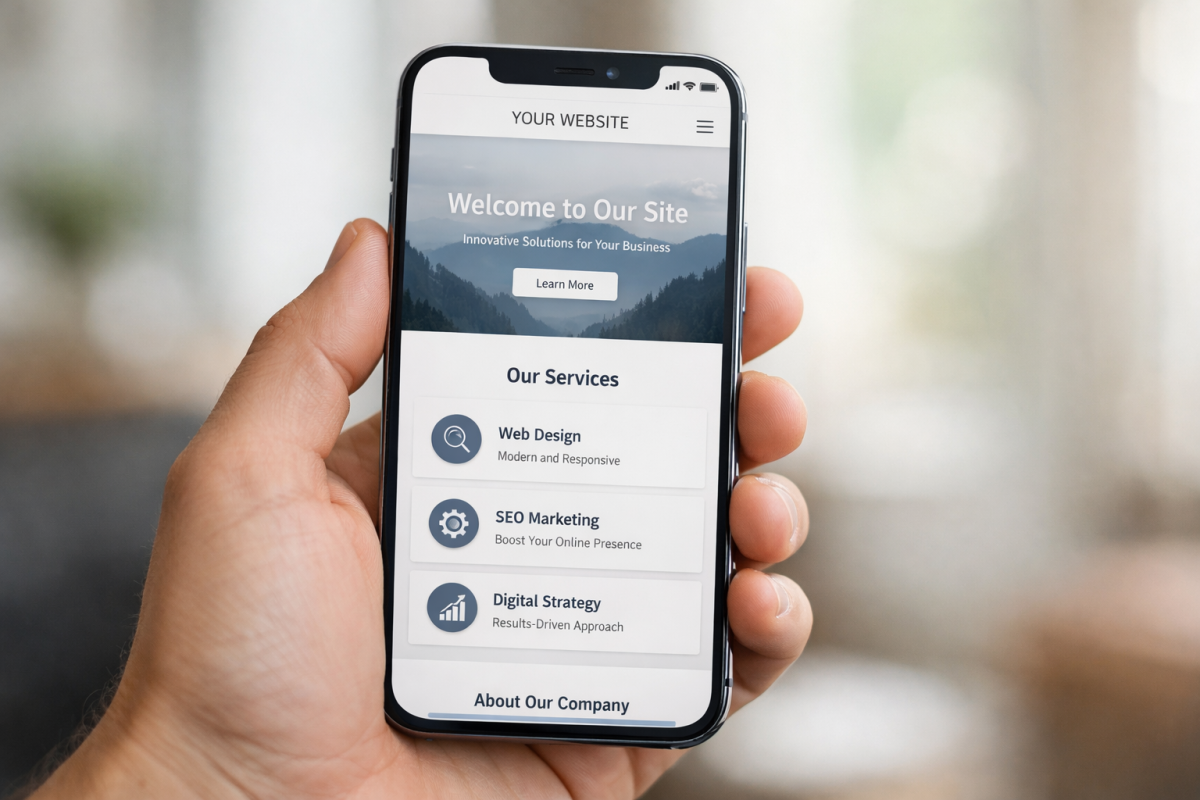
A fast, responsive design will put you heads and shoulders above similar competition. If your site still isn't mobile-optimized in 2026, fixing that should be a top priority before worrying about most other items on this list. You may also want to consider whether a plugin can help make your WordPress blog mobile friendly.
10. Publish Fresh Content on a Regular Basis
Publishing content keeps Google coming back for more. When you publish a post each week, Google catches on that you're publishing that frequently, and will check back time and again to see when your new content goes live.
Publishing new content does a few things for your indexing - it gives you the opportunity to add internal links, it helps to make sure Google finds the pages on your site, and it also gives you more content to index, which you can use as a barometer for how quickly you're being indexed. Keep checking Search Console to see what it says about your new pages, and how soon that data appears after publishing. If you ever find yourself struggling to keep up with a consistent schedule, it may help to read up on how to keep yourself from getting bored while blogging.