YouTube has a positively massive audience, and while converting viewers into website visitors has historically been a challenge, the opportunity has never been greater. YouTube.com now receives approximately 47 billion average monthly visits, ranking second globally behind only Google, and generated 6.44% of total web traffic in 2024 - nearly 40% more than Facebook, TikTok, Instagram, X, Reddit, and WhatsApp combined. The challenge remains that YouTube has spent an immense amount of time on ways to keep you on the site. Around 70% of watch time is driven by recommendations, related videos, suggested videos, autoplays, and playlists - leading users to chain-watch one video after another. Getting them to break that cycle and jump to your site takes deliberate strategy.
There are two broad categories of tips I've compiled here: Links and CTAs, and Content and Distribution. For the Links and CTAs section, I've compiled tips about where to place links to your website and where to introduce calls to action into your video and surrounding content. For the Content and Distribution section, I've compiled tips for the content of your videos, as well as ways you can distribute those videos to gain more viewership, which means more exposure to your CTAs, and thus more clicks through to your site.
Key Takeaways
- YouTube ranks second globally with 47 billion monthly visits, generating nearly 40% more traffic than major social platforms combined.
- Cards, End Screens, channel banner links, and pinned comments are the primary tools for placing clickable website links on YouTube.
- Tutorials and evergreen demonstrations are especially powerful content types, as search results with videos drive 157% more organic traffic.
- Creating branded video series increases repeated viewer exposure to your CTAs, leveraging YouTube's recommendation system in your favor.
- YouTube's algorithm indexes spoken words and captions, so saying target keywords aloud and optimizing descriptions improves content discoverability.
Links and CTAs
First, let's talk about your call to action. Generally, it's going to be a success just getting someone to click through to your website from your videos, so your CTA should be as broad as possible, particularly early on. Once you've grown as a channel and gained a larger viewership, then you can start using narrower, more targeted CTAs for individual videos or types of content.
Generally, your CTA is just going to be something like "to learn more, click the link below" or another simple instruction. It's easy, it's quick, and it reminds interested viewers to follow through. So where do you put the links?
You can't put a link in the title of your video - the SEO would suffer and it wouldn't function as a hyperlink anyway. You can't put a link in tags either, but you can put links in the description. Generally, your description will be loaded with links, but most of them will be cut off behind the "Show more" expansion. One link should appear before that cutoff, and it should be your most important link. YouTube now also supports clickable timestamps and chapter markers in descriptions, which can help keep viewers engaged and guide them toward your CTA at the right moment.
Other links can actually be in your videos themselves. YouTube removed the classic annotations editor years ago, but the replacement system - Cards and End Screens - is more effective and mobile-friendly. Cards can be added at any point in your video and appear as a small teaser in the corner of the screen. They can link to external websites, but only if your channel is part of the YouTube Partner Program and your site is verified. End Screens appear in the last 5-20 seconds of your video and are an excellent place to promote your website, a playlist, or a subscribe button. These are the primary in-video tools available today and should not be overlooked.
There's one more location for links, and that's in your channel profile page. On your channel page, you can edit your channel details to include links that appear prominently on your profile. YouTube allows you to add links that display directly on your channel banner. You can customize the anchor text for each link, making them function as calls to action in their own right. This is a simple but often-overlooked touch point for driving traffic.
There is, technically, one more link placement worth mentioning - YouTube Shorts descriptions and pinned comments. With Shorts now generating billions of views daily, pinning a comment with a link to your website beneath a Short is a legitimate and increasingly popular tactic. While links in Shorts descriptions aren't always clickable on mobile, a pinned comment can bridge that gap.
Finally, paid placements remain an option. When you buy ads on YouTube, some of those ads can appear on videos or as pre-roll commercials, depending on the format you choose. These are paid ads and deserve a dedicated discussion of their own, but they're worth noting as a link placement option.
Remember to set up all of the general links throughout your channel page, and then configure links individually for each video depending on the content and which destination pages should be promoted.
Content and Distribution
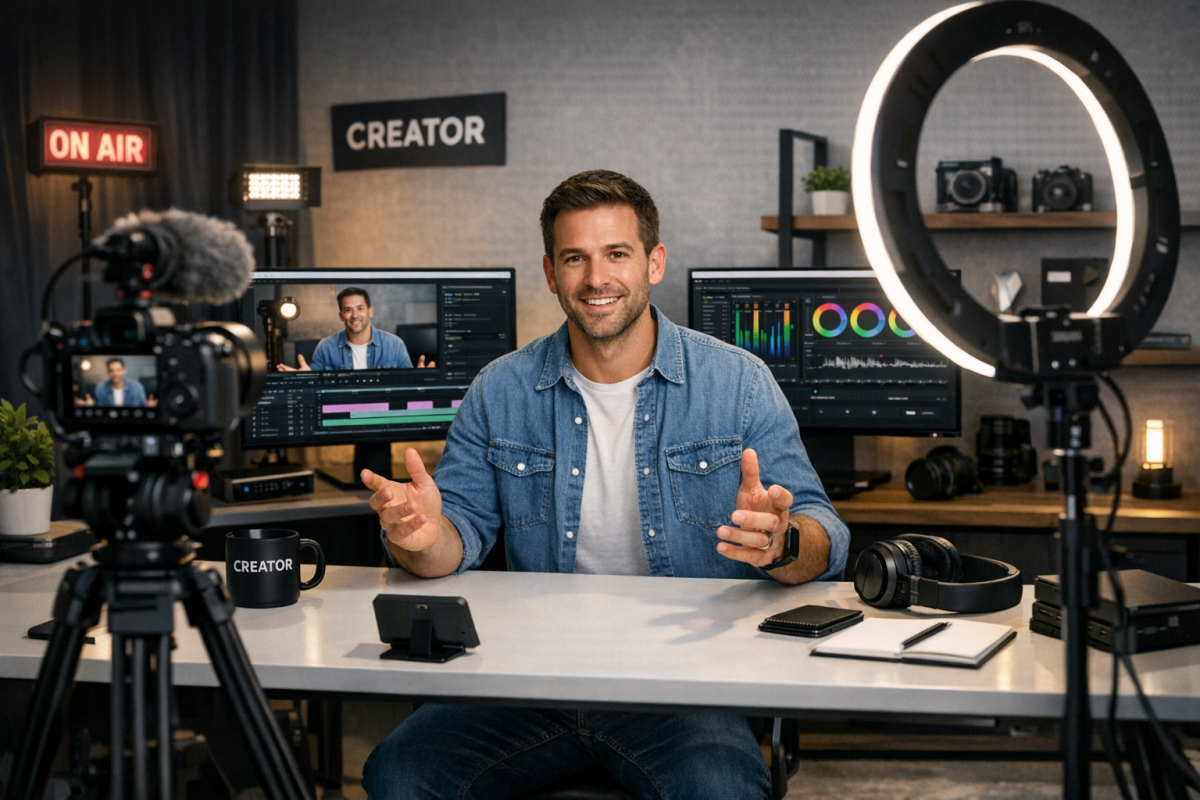
First up, let's talk content ideas. Here are some ideas you can use to create videos that will hopefully attract viewers - and convert them.
- Interviews or discussions at events. Any time you're at a public event or socializing with someone else in your industry, you can pull up a few questions or have a discussion on camera, and call it an interview. You can post these even as audio-only with a static image or simple b-roll and have a great source of content exclusive to your channel.
- Video blogs. Depending on your industry and the size of your business, it might be perfectly viable to keep a semi-personal vlog on your main channel. You don't want it to be too personal, but you can become a public face and spokesperson for your brand. Think of it the same way you would writing an editorial column.
- Tutorials and demonstrations. Tutorials and product demonstrations are some of the best evergreen content on YouTube for brands. As long as the product or software you're covering exists, people will be encountering issues with it, and they will find your videos to help them solve those issues. This is especially powerful given that search results featuring videos drive 157% more organic traffic than those without.
- Adapted content. You can take content from other sources in your marketing and adapt it into video. Blog posts can be summarized and read in video form, or expanded upon at crucial points, with links back to the original posts. Podcasts can be posted with supplemental images or subtitles. Slide decks or PowerPoint presentations can be animated with a voiceover. You can even take infographics and animate movement from section to section, turning them into quick, informative videos with strong shareability.
- YouTube Shorts. Short-form vertical video is no longer optional for brands serious about YouTube growth. Shorts can serve as top-of-funnel content that introduces viewers to your brand, with longer-form videos serving as the deeper dive. Cross-promoting between your Shorts and long-form content is one of the most effective organic growth strategies on the platform right now.
As for distribution, there's a lot you can do. In no particular order:
Post your video everywhere. Anywhere you can work in a link to a video, do it. Post it on social media, cite it as a source in your guest posts, and embed it in your blog posts as often as possible. One video per post is a reasonable guideline - enough to add value without overwhelming the reader.
Promote your video on social media. Social signals help build channel momentum even if they aren't a direct YouTube ranking factor. You can also link to your social profiles in any of the link locations to maximize cross-platform traffic flow. Just be cautious about purchasing engagement - it violates YouTube's terms of service and can seriously damage your channel's standing.
Make sure your videos all look and sound great. One of the hardest parts of YouTube marketing is getting attention to your videos and getting your channel off the ground. The first 100, 500, and 1,000 subscribers are by far the hardest. It's even harder if your video quality is low, your audio is poor, or you just aren't putting effort into it. Viewers are more discerning than ever, and production quality expectations have risen considerably as more creators invest in better equipment.
Consider a professional intro - but keep it short. A short animated intro that incorporates your logo and brand name adds polish and consistency to your channel. Platforms like Fiverr still offer affordable options, and there are now plenty of AI-powered tools that can generate branded intros quickly. Just keep it under five seconds - longer intros cause viewers to drop off before your content even begins.
Don't be afraid to scrap footage and re-shoot elements if they don't come out right. High quality video takes time and effort. If you flub a line, cut and fix it rather than pushing through. Jump cuts are extremely common and nearly unnoticeable unless overused. Just look at any high-performing educational or commentary channel for examples of fast-paced editing that works.
Create a series. Better yet, create several. All the best content on YouTube is part of a series. Every series you build is an opportunity to gain dedicated fans and grow your brand. If you can pull off regular interviews, tutorials, or animated breakdowns, tying them together into a named, branded series makes it far easier to retain viewers from one video to the next. Remember: 70% of YouTube watch time comes from recommendations, and a strong series gives the algorithm more content to link together.
One note on this: while it's frustrating that YouTube keeps people on the platform, it also works in your favor. The more videos of yours a user watches, the more of your links and CTAs they're exposed to. They'll be more likely to subscribe, engage with your content, and eventually click through to your site.
Don't worry too much about length - but don't pad for padding's sake. There's no universally correct video length. Long-form content, short-form Shorts, and everything in between can perform well depending on the topic and audience. Take as long as you need for the content you're covering, but ruthlessly cut anything extraneous. Viewer retention is one of YouTube's key ranking signals, and a tight, well-edited video will always outperform a bloated one.
Conversely, pay more attention to timing. There are two ways timing matters. First, the date and time you post will affect initial performance. People have varying usage habits with YouTube the same way they do any other platform. Figure out when your audience is most active and schedule your videos accordingly. Tools like TubeBuddy can help you identify optimal posting times based on your channel's historical performance. TubeBuddy remains one of the best third-party analytics suites available for YouTube creators.
The other way timing matters is consistency, particularly when running a video series. Think of it like a TV schedule - viewers appreciate knowing when new content drops, and if you can deliver value on a predictable cadence, people will build a habit around your content.
Don't forget to ask for engagement. There's more to YouTube than the links you're trying to get people to click. Likes signal quality to the algorithm, and comments create community. Asking an open-ended question at the end of your video is one of the most reliable ways to drive comment activity. You can take viewer responses and spin them into future videos, or use them to better understand and adapt to your audience.
Finally, don't forget all the aspects of SEO. There's significant opportunity for keywords both in the tags field and through natural use in your description and title. YouTube's search algorithm also pays close attention to spoken words in your video, so saying your target keywords out loud matters. Closed captions - whether auto-generated or manually uploaded - help the algorithm index your content more accurately. Take advantage of every optimization opportunity available, avoid anything that reads as spammy, and you'll be well ahead of most creators. Surprisingly few people truly understand how YouTube SEO works. You're already in the top tier just by being deliberate about it.