





It's no secret that YouTube remains one of the most powerful platforms for video content, though the landscape has shifted dramatically. Today, you're not just competing with Facebook - you're navigating a multi-platform world that includes TikTok, Instagram Reels, YouTube Shorts, and LinkedIn video, all fighting for the same eyeballs. The good news? There's nothing stopping you from using all of them. Too many creators abandon YouTube because early results are underwhelming, never realizing that a few strategic tweaks to their videos and channel can dramatically change their trajectory.
With over 500 hours of content uploaded to YouTube every single minute, the bar for standing out has never been higher - but the opportunity has never been bigger either. Over 70% of viewers say they've discovered new brands through YouTube. That's not a platform you want to sleep on.
Key Takeaways
- Upfront keyword research on YouTube and Google is essential before producing videos, as poor preparation wastes significant time and resources.
- Custom thumbnails appear on 90% of YouTube's most-viewed videos, making them arguably more important than titles for driving clicks.
- Clean audio matters more than camera quality - poor sound drives viewers away faster than imperfect visuals.
- Early engagement signals like comments and likes within 24-48 hours tell YouTube's algorithm your video deserves broader distribution.
- Distribution beyond YouTube - blog posts, social platforms, Reddit, and Shorts - separates videos that grow from ones that flatline.
Before Producing Videos
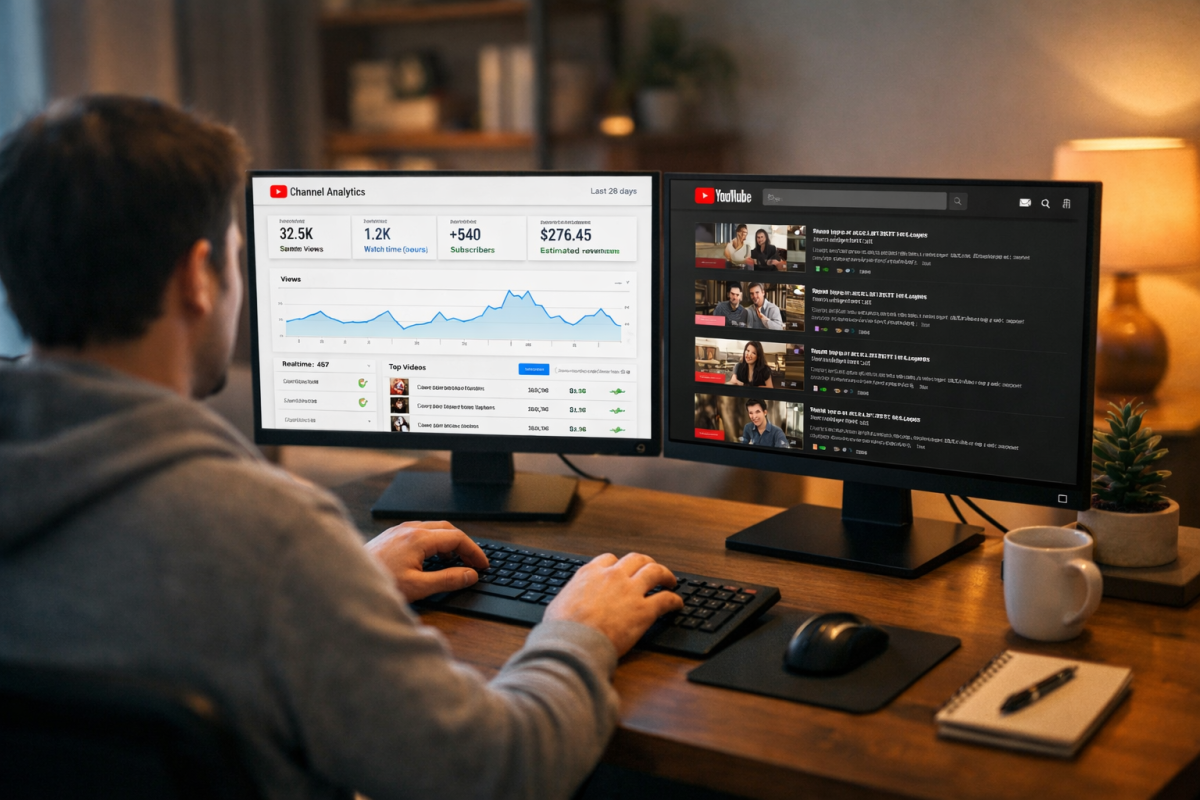
Before you launch a new business, you investigate the market and look for demand. Before you write a blog post, you search for a topic you think will perform well. Why would video be any different? If anything, video demands even more upfront research - it takes far more time and effort to produce than a written post, so going in blind is a costly mistake.
Start by nailing down a general topic, then build out a list of keywords that naturally fit that topic.
Once you have your keyword list, run searches on both YouTube and Google. On YouTube, you're scoping out the competition. Thin competition means a potential opening; heavy competition means you need a genuinely differentiated angle to break through. Pay close attention to the view counts, upload dates, and engagement on competing videos - a crowded niche with stale content is still an opportunity.
When you search on Google, look for whether video results appear on page one. If they don't, you could become the only video ranking for that term. If they do, study what's already there and make sure your video will be meaningfully better.
Also take time to research YouTube Shorts opportunities. Short-form content now functions as a discovery engine on YouTube itself, and a well-placed Short can funnel viewers directly to your longer content. Once you start building an audience this way, it's worth thinking about driving traffic from your YouTube videos to other parts of your online presence.
The Videos Themselves
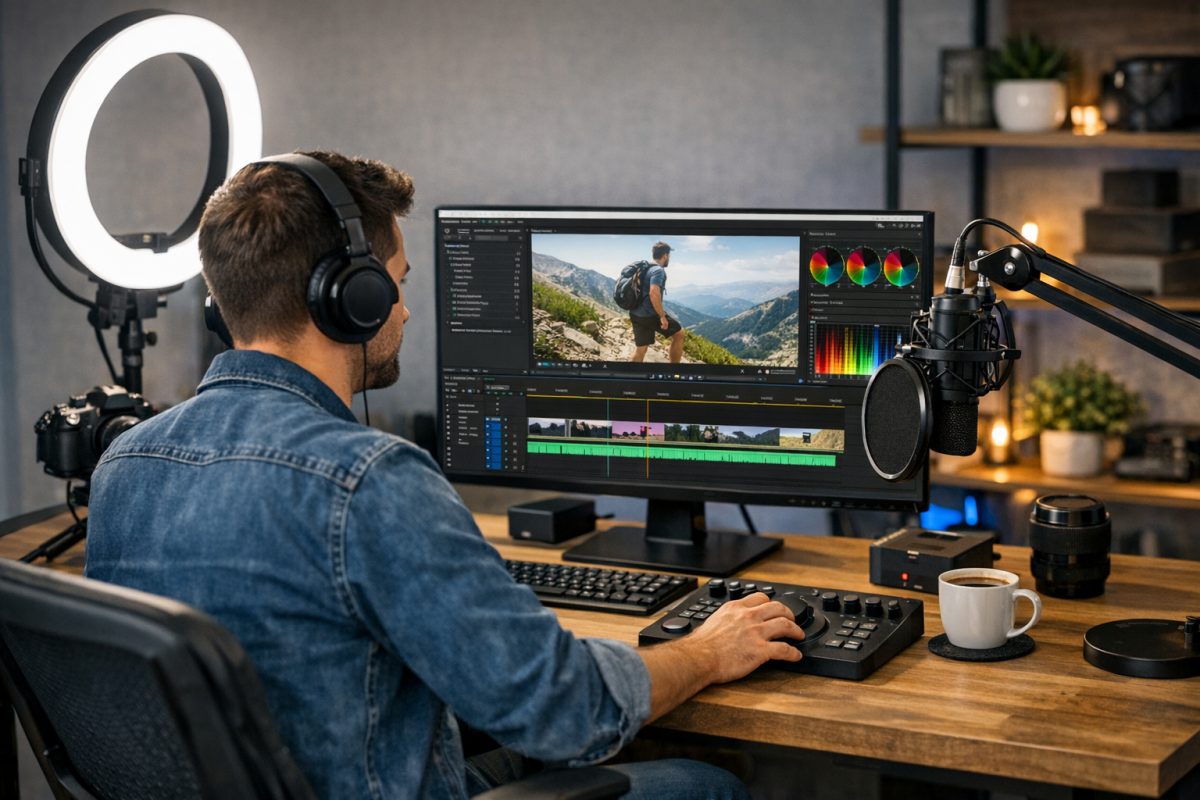
There's a lot to consider with your video production.
The Script - Write conversationally, not formally. Reading a blog post aloud doesn't work on camera. Viewers respond to a natural, direct tone - write the way you talk. Keep your hook tight; you have roughly 30 seconds before a viewer decides whether to stay or leave.
The Video Style - Are you shooting and editing live footage? Narrating over a screen recording or slideshow? Creating animations? Your choice should reflect your resources and your audience's expectations. Whatever format you choose, quality matters. In 2026, viewers are accustomed to crisp, well-produced content - shaky, poorly lit footage will send them elsewhere fast.
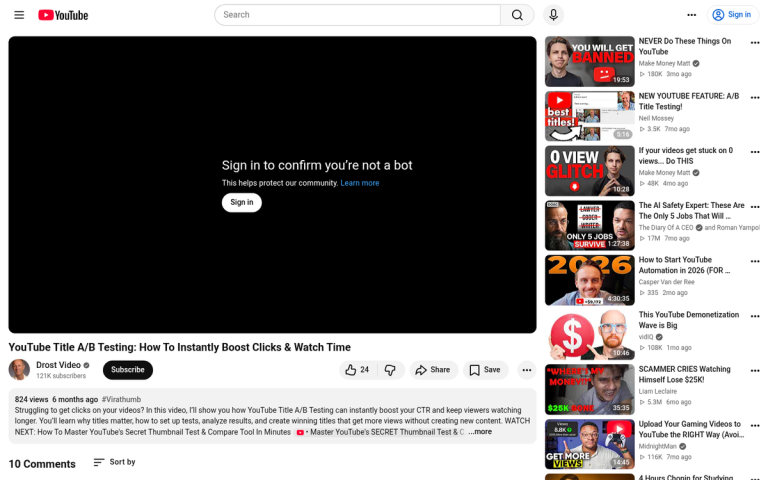
The Thumbnail - This deserves its own section now. YouTube's own data shows that 90% of the most viewed videos on the platform use a custom thumbnail. Your thumbnail is arguably more important than your title when it comes to click-through rate. Use bold, readable text, a compelling image, and high contrast. Test different thumbnail styles and pay attention to what drives more clicks.
The Audio - Clean audio is non-negotiable. If viewers can hear mic clicks, static, or inconsistent levels, they will leave. Invest in a decent microphone before you invest in a better camera - bad audio kills good video. For background music, stick to royalty-free tracks, YouTube's Audio Library, or licensed music through a platform like Musicbed or Artlist.
The Title - Your title should include your target keyword and be as descriptive as possible while staying concise. Titles that get truncated in search results lose their punch. One tactic worth testing: adding brackets or parentheses to your title - for example, "[Step-by-Step]" or "(2026 Guide)" - has been shown to meaningfully improve click-through rates.
The Description - Open with a link to your site or a relevant lead magnet, then write a genuine, keyword-rich summary of the video's content. Close with another call to action and any relevant links. Don't stuff keywords awkwardly - write for the viewer first, the algorithm second.
The Tags - Tags carry less SEO weight than they once did, but they still provide context. Don't paste keyword lists into your description - use the tags field for that. Focus on a mix of broad and specific tags relevant to your topic.
Chapters - Use timestamp chapters in your description to break your video into sections. This improves viewer experience, increases watch time, and can earn you chapter previews directly in Google search results - free real estate you don't want to leave on the table.
Playlists - Top-performing brands on YouTube build and promote twice as many playlists as lower-performing channels. If you're producing a series or a set of related videos, group them into playlists. When sharing a video externally, share the playlist link so the next video plays automatically and keeps viewers in your ecosystem longer.
End Screen Call to Action - Use the final 10-20 seconds of your video to direct viewers toward another video, a playlist, or a subscription prompt. YouTube's end screen tools let you add interactive cards here - use them. This is one of the simplest ways to keep people watching more of your content.
Your Channel Page
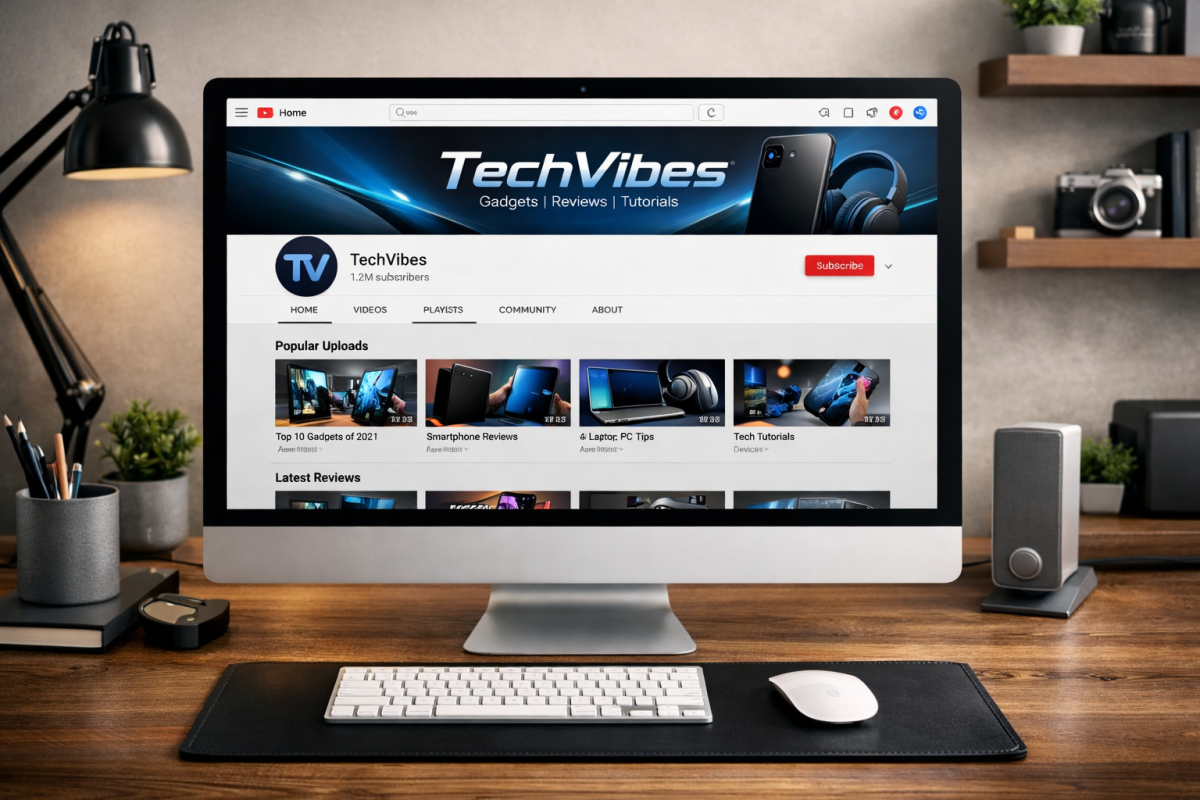
Your channel page is your brand's home base on YouTube. It should be immediately recognizable and easy to navigate.
- Upload a polished channel banner that reflects your brand's visual identity - it displays across desktop, mobile, and TV, so design accordingly.
- Write a keyword-rich channel description that clearly communicates who you help and what kind of content you produce.
- Link your website and other social profiles in the channel's links section, which now displays prominently on your page.
- Pin a strong introductory or high-performing video to the top of your channel for new visitors.
- Organize your content into well-labeled playlists so visitors can easily find what they're looking for.
- Fill out your profile completely - partial profiles look unfinished and erode trust. A complete, professional presence can help keep visitors from bouncing when they land on your page.
Engaging With Your Audience
YouTube is a social platform, and the algorithm rewards engagement signals - comments, likes, shares, and watch time all matter. Make a habit of responding to comments, especially in the first 24-48 hours after publishing. Early engagement signals to YouTube that your video is worth pushing to more viewers.
If your comment section becomes overwhelmed with spam or toxicity, use YouTube Studio's moderation tools to filter automatically. You can also hold comments for review or restrict who can comment. Don't let a noisy comment section become a reason to disengage entirely - genuine community interaction is one of YouTube's most underutilized growth levers.
Sharing Videos
Publishing on YouTube is just the starting point. Distribution is what separates videos that accumulate views over time from ones that flatline after the first week.
Write a companion blog post for every video you produce. Embed the video, expand on the topic in written form, and include a link back to the YouTube video in the post itself. Update your video description to reference the post.
Share your videos across social platforms - but adapt your approach per platform. On Instagram, short clips or Reels work better than full-length embeds; use them to tease the full video. On LinkedIn, native video continues to grow year over year and often outperforms shared links in organic reach. On Facebook, uploading natively still tends to generate more engagement than sharing a YouTube link, so consider doing both - post the native version first, then share the YouTube link once the initial engagement wave settles.
If your video answers a specific question, find places where people are actively asking that question. Forums, Reddit threads, niche communities, and Quora are all fair game - just make sure your contribution adds genuine value and isn't just a drop-and-run link.
Don't overlook YouTube Shorts as a distribution tool for your long-form content. Clipping a 60-second highlight from a longer video and publishing it as a Short can drive fresh viewers back to the full version - and the Shorts feed has become one of YouTube's most aggressive discovery surfaces.
The platforms and tactics will keep evolving, but the fundamentals stay the same: create content worth watching, optimize it so people can find it, and put in the work to get it in front of the right audience.
3 responses
Thoughtful replies only - we moderate for spam, AI slop, and off-topic rants.
Hi, Kenny!
Thank you for this insightful blog. I agree a lot on this one. Apart from this list, one should really have the consistency and persistence especially if you are just starting out your YT channel.
All those combined, you're off to a good start! Again, thank you for this, Kenny!
Very informative...😃😃😃
Thank you so much, Malika! 😊 We're really glad you found it informative! Growing a YouTube channel can feel overwhelming at times, but having the right strategies makes all the difference. If you ever have any specific questions about any of the tips covered or need further clarification on anything, feel free to ask in the comments. We're always happy to help! Best of luck with your YouTube journey - can't wait to see your channel grow! 🚀🎬