




The Answer Box is where AI-style search behavior is most visible - it's the original AI-style response built into Google search, and it's become a direct blueprint for how tools like ChatGPT, Perplexity, and Google's AI Overviews choose what content is worth surfacing.
For website owners, earning the Answer Box position is one of the highest-visibility placements you can get in search - it tells users and AI systems that your content is honest, well-structured, and legitimately helpful. In the context of Answer Engine Optimization (AEO), how Answer Boxes work - and how to write content that earns them - is foundational. Everything else builds from here.
Quick Answer
I don't see any article content in your message. Please share the article text you'd like me to summarize, and I'll provide a concise answer in under 100 words.
What the Answer Box Actually Is (and Why Google Shows It)
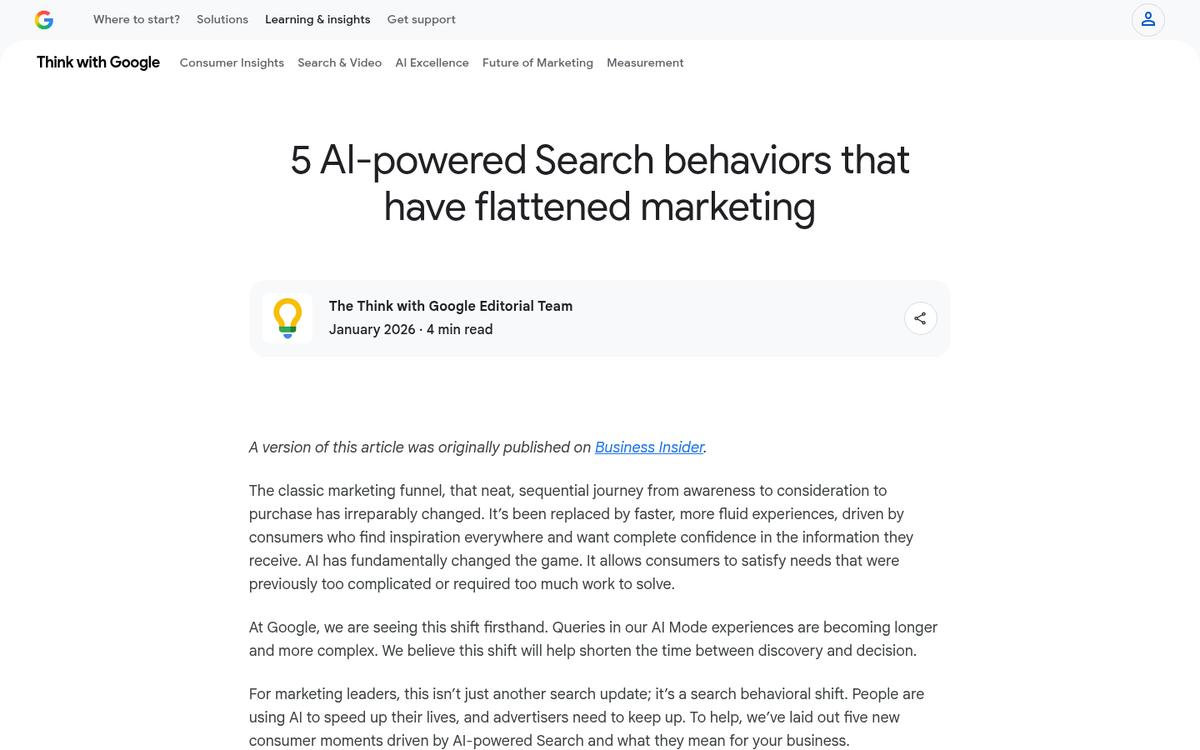
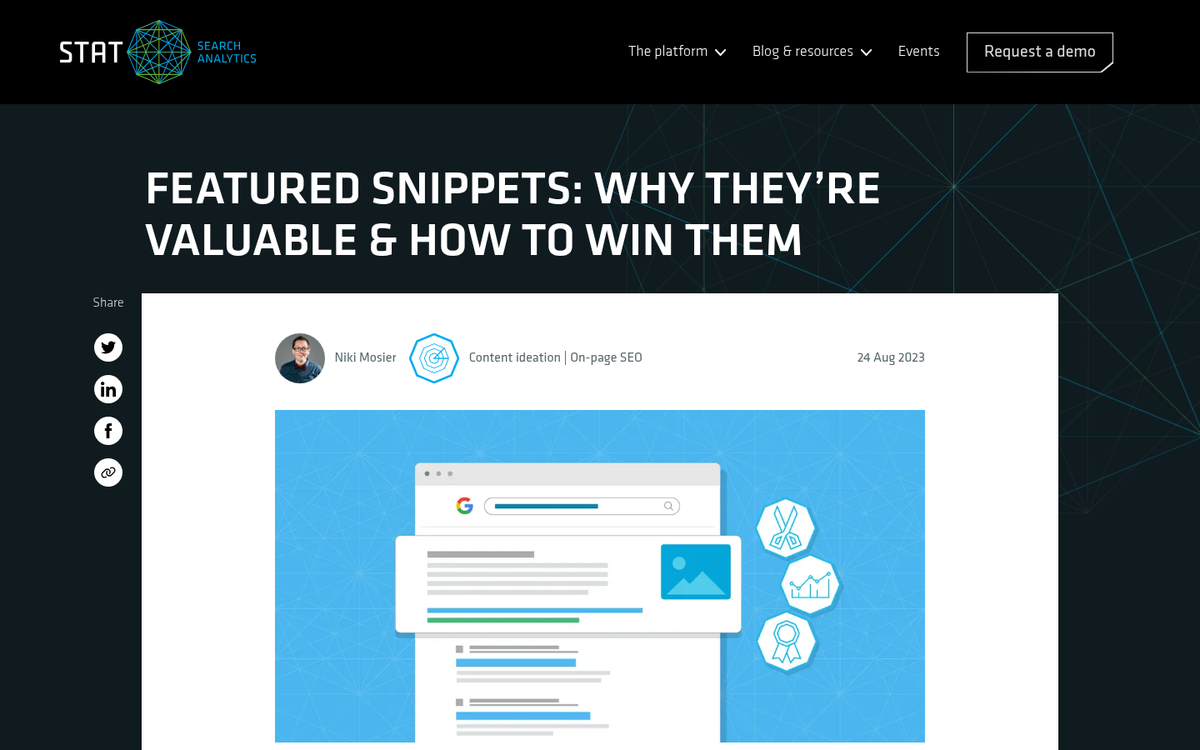
An Answer Box is the highlighted result that appears at the top of a Google search page, above the standard blue links - it pulls a part of content directly from a webpage and shows it as the answer to a user's question. Depending on the query, that content could be a short paragraph, a numbered list, or a table.
Google doesn't show one for every search. Research across over 10,000 queries found Answer Boxes appearing for around 17% of searches - and wider data puts the rate much lower for all query types combined, closer to 0.56%.
Google shows an Answer Box based on intent. For questions with a reasonably direct answer, Google wants to surface that answer immediately so the user doesn't have to click through to find it - it's a convenience feature for the user - and a visibility opportunity for the page that gets featured. This is closely related to the rise of zero-click search, where users get what they need without ever leaving the results page.
That's worth sitting with for a bit. Google is basically reading your content and deciding if it can stand alone as an answer. Pages written in a vague or meandering way are less likely to be chosen, and pages that answer a question directly and concisely are much better candidates.
The format of the Answer Box tends to line up with the format of the question. A "how do you" question is more likely to produce a list. A "what is" question tends to pull a paragraph. A comparison question might surface a table. Google is trying to match the shape of the answer to the shape of the content it finds.
A helpful question to ask about your content: if asked your target question out loud, does your page answer it in a way that makes sense on its own? Not buried in context - not hedged with qualifications - just answered. That's the content Google reaches for when it builds an Answer Box. Understanding how Google chooses to highlight your site can help you think about optimizing for these kinds of features more broadly.
How the Answer Box Connects to AI-Powered Search
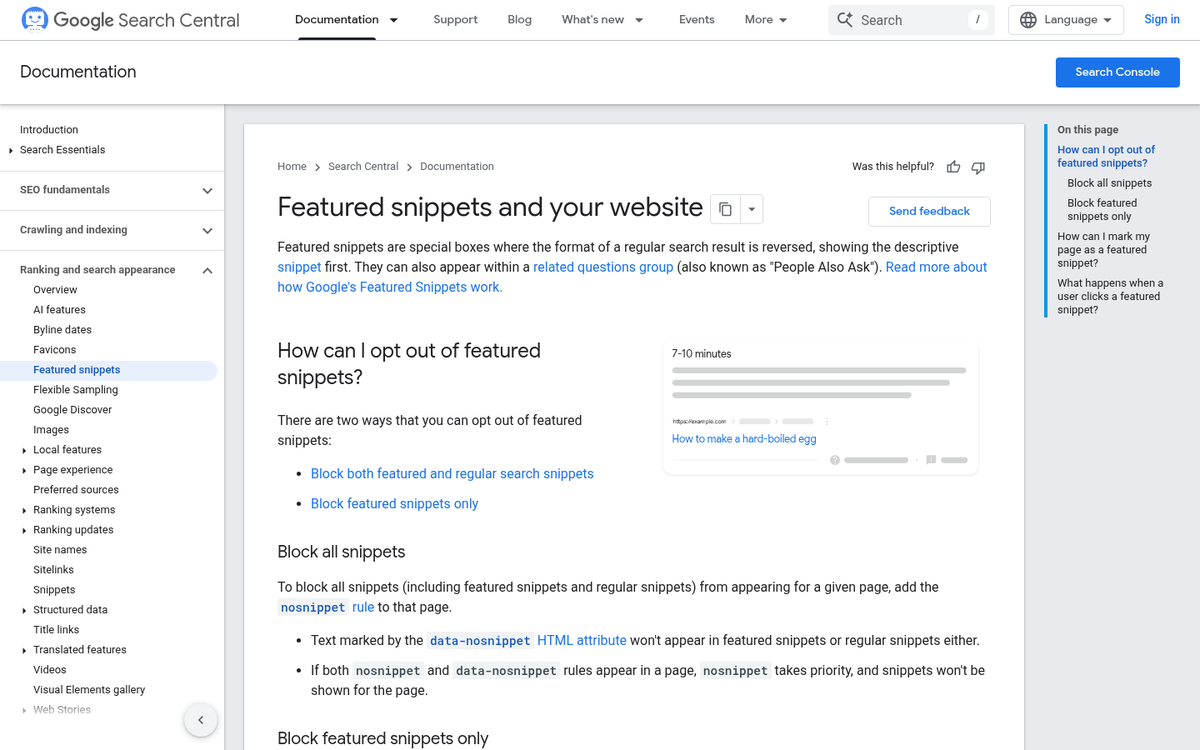
The Answer Box doesn't exist out there in isolation - it sits right at the intersection of traditional search and the newer wave of AI-driven answers that Google has been rolling out through features like AI Overviews.
AI Overviews and similar answer engines don't generate content from scratch. They pull from sources that search engines already trust, and featured snippet content is very much part of that pool. When your page earns an Answer Box position, you're signalling to AI systems that your content is reliable enough to surface as a direct answer.
Google identifies content that answers a question well, promotes it to the Answer Box, and then AI layers built on top of Google's index learn to treat that same content as a credible source. So the work you put into earning a featured snippet also feeds into how AI-powered search perceives your site.
The scale of this is growing fast. Research from iQuanti found a 4-6x increase in keywords that now trigger an Answer Box - meaning the number of questions Google chooses to answer directly inside search results has multiplied in a short period.
This growth tracks with how users are changing the way they search. Queries are more conversational and specific, and AI-powered search is built to handle that. The Answer Box has become one of the main ways Google responds to these longer, question-style searches before a user even clicks anything.
For anyone thinking about Answer Engine Optimisation, this connection is the whole point. AEO takes the same goal of ranking well and applies it to a world where AI systems are doing more of the answering. The Answer Box is where those two worlds meet, and it's one of the most concrete places to see that play out in search results.
The Types of Queries That Trigger an Answer Box
Not every search produces an Answer Box, and that distinction matters quite a bit if you're trying to win one. Google tends to surface them for searches where a single, direct answer exists - the searches where a user wants information instead of a product or a page to browse.
Question-based queries are the biggest trigger by far. A SEMrush and Ghergich & Co. study that looked at 80 million keywords found a 480% increase in Answer Box appearances for question-based keywords; it's a difference between those queries and everything else, so if your content answers direct questions, you're already in a strong position.
Definition queries work in a similar way. When someone searches for what a term means, Google likes to pull an explanation into the Answer Box instead of making the user dig through a full post. How-to queries follow the same logic - a user wants to know the steps for something, and a well-structured response is easy for Google to extract and display.
Comparison queries are worth mentioning too. Searches like "X vs Y" or "difference between X and Y" frequently trigger Answer Boxes because the user wants a factual side-by-side result. Content that directly addresses these comparisons in a structured way tends to perform well. If you write comparison content, tools like Long Tail Pro can help you find question-based keyword variations worth targeting.
| Query Type | Example Format | Likelihood of Triggering an Answer Box |
|---|---|---|
| Question-based | "What is...?" / "Why does...?" / "How long does...?" | Very High |
| How-to | "How to...?" / "How do I...?" | High |
| Definition | "What does X mean?" / "Define X" | High |
| Comparison | "X vs Y" / "Difference between X and Y" | Moderate to High |
| Navigational or transactional | "Buy X" / "X near me" / "Login to X" | Low |
The pattern here is intent. Google uses the Answer Box for searches where the user wants a fact, an explanation, or a process - not for searches where they want to make a purchase or find a local business.
Structuring Your Content to Win the Answer Box
The effort is worth it. Pages that appear in the Answer Box see an average click-through rate of 32.3%, which is well above what most standard search results get. So if your content is a fit for a featured snippet, it pays to format it.
The most reliable format is a short paragraph answer. Around 70% of featured snippets are paragraph-style, so a written response tends to win more than bullet lists or tables do. Research from SEMRush suggests 40-60 words as the sweet spot for snippet-worthy answers - long enough to be helpful, short enough to be grabbed by Google.
One of the simplest things you can do is use the exact question as a subheading. So if someone searches "what is a meta description", your page should have a subheading that reads that. The paragraph directly below it should answer the question in plain language, without a long build-up.
Put your direct answer at the top of that section instead of at the end. Google tends to pull text that appears early in a block of content, so burying the answer in the middle of a long paragraph works against you. Say what the answer is first, then add context or detail below it. If you're wondering whether backdating an article looks dishonest to Google, the same principle applies - how you present content signals a lot.
For questions that have a process or a sequence to them, a numbered list can be more helpful than a paragraph. For questions that ask "what is" or "what does", a short definition-style paragraph is usually the right call. The format should follow the shape of the question.
Keep your language as easy as possible throughout. Short sentences, simple words, and no unnecessary qualifiers all make it easier for Google to extract a clean answer. If your writing is dense or technical, it can become harder to lift a clean snippet from it. This matters whether you're writing yourself or training an employee to write for your blog.
A helpful strategy is to write one tightly focused section per question your page answers. Use the question as the heading, answer it in the first few sentences, and keep that opening response under 60 words. The rest of the section can then go deeper for readers who want more.
Your Answer Box Game Plan Starts Here
It's worth changing how you think about the prize. Winning an Answer Box was once purely a Google play. But that's no longer the whole picture. AI systems - from search assistants to chatbots to voice interfaces - are pulling from the same pool of trusted, structured content. The pages that earn featured snippets are the pages those systems are most likely to cite tomorrow.
Start small. Pick two or three pages that target a question, tighten the answer, add supporting structure, and track how they perform. The sites building that habit now are the ones that will show up - in search results and in AI replies - long after the rules of the game have changed again.
FAQs
What is an Answer Box in Google Search?
An Answer Box is a highlighted result appearing at the top of Google search results, pulling content directly from a webpage to answer a user's question. It can appear as a paragraph, numbered list, or table depending on the query type.
What types of queries trigger an Answer Box?
Question-based, definition, how-to, and comparison queries most commonly trigger Answer Boxes. Navigational or transactional searches like "buy X" or "X near me" are unlikely to produce one.
How should I format content to win an Answer Box?
Use the target question as a subheading, place your direct answer immediately below it, and keep that answer between 40-60 words. Numbered lists work well for process-based queries, while paragraph answers suit definition-style questions.
How does the Answer Box relate to AI-powered search?
AI tools like Google's AI Overviews and ChatGPT pull from sources search engines already trust. Pages earning Answer Box positions signal credibility to these systems, making them more likely to be cited in AI-generated responses.
What click-through rate does the Answer Box typically generate?
Pages appearing in the Answer Box see an average click-through rate of 32.3%, significantly higher than standard search results.