





Key Takeaways
- Sitelinks boost click-through rates to 46.9% versus 28.5% for standard results, making them a significant SEO opportunity.
- Sitelinks are algorithmically generated by Google; you cannot directly choose which pages appear as sitelinks.
- A unique brand name, dominant #1 ranking for branded queries, high traffic, and strong CTR are essential prerequisites.
- Clean site structure, internal linking, XML sitemaps, unique subpages, and Schema markup all indirectly improve sitelink chances.
- Google removed the sitelink demotion tool in 2016; influencing sitelinks now relies entirely on indirect optimization strategies.
Sitelinks are a little-known SEO benefit that many webmasters still ignore, either out of unfamiliarity or a lack of confidence in pursuing them. With Google's increasing use of AI to change search results, how sitelinks work - and how to earn them - has become more important than ever.
What are Google Sitelinks?
Run a Google search, and you'll see extra sub-pages of a site in the search results underneath that site's main entry.
For example, search for "Facebook" on Google. You'll see Facebook as the #1 result, with a block of extra links beneath it - things like the login page, the sign-up page, the Help Center, and so on. These are sitelinks.
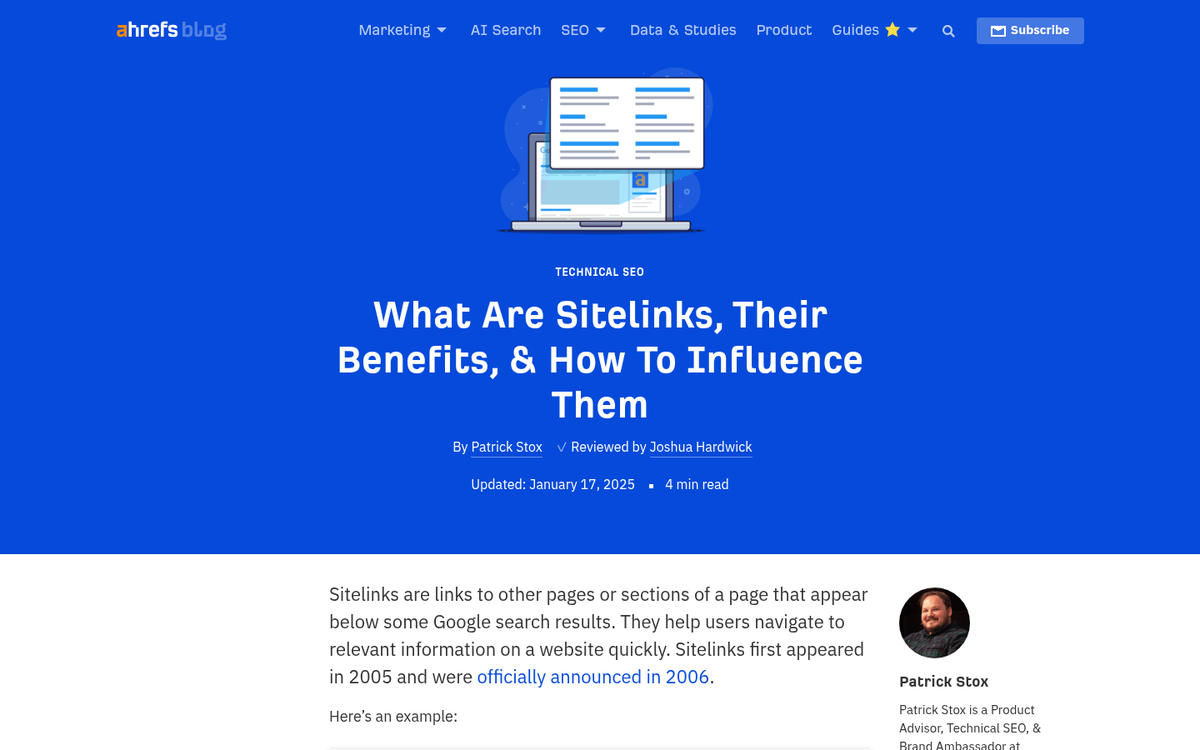
Sitelinks first appeared in 2005 and were officially announced by Google in 2006. They've since become a feature of branded search results. According to Sistrix data, when sitelinks are present on a SERP they yield a click-through rate of 46.9% for the top result, compared to just 28.5% when there's only ten standard blue links; it's a massive difference, and it's why sitelinks are worth pursuing.
Not every query gets sitelinks. According to Ahrefs' US database, sitelinks appear in just 1.8% of all SERPs. However, April 2021 data from Searchmetrics showed sitelinks appearing for 50% of keywords on desktop and 22% on mobile, suggesting they're far more common for branded and navigational queries. A striking example: nearly 67% of all organic keywords for Wikipedia.org have sitelinks.
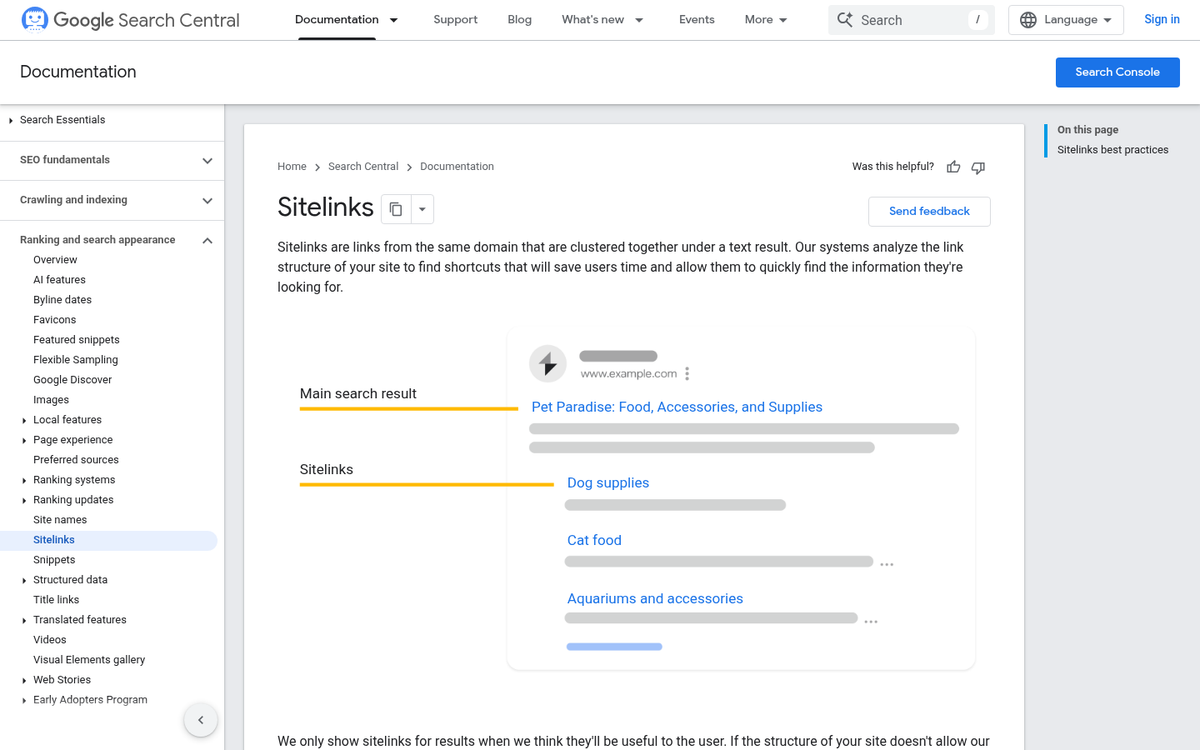
The idea behind sitelinks is to speed up navigation. Rather than landing on a homepage and then clicking through to find what they need, users can jump directly to the most relevant section of a site. Google's algorithms - increasingly powered by AI - choose which subpages are most helpful to surface for a given query.
The hard part about sitelinks is that they're algorithmically generated. You basically can't choose which pages appear. What you can do is make your site as well-structured, authoritative, and user-friendly as possible - and let Google's systems do the rest. But there are some indirect levers you can pull, which we'll cover below.
Factors Influencing Sitelinks

Google has never published a definitive list of criteria for earning sitelinks. Through research, testing, and reverse-engineering over the years, SEOs have identified a set of things that seem to determine whether you earn sitelinks and which pages are chosen. With Google's AI systems now playing a bigger role in how search results are assembled, many of these things tie directly into wider quality signals that AI-driven ranking also rewards.
Your Brand Name Should Be Unique
In order for sitelinks to appear, you'll have to be the unambiguous intended result for a search query. Brand names - Facebook, Ahrefs, Wikipedia, Canva - trigger sitelinks because when someone types that name, the intent is clear. You need a unique brand name for this to work. If you're still in the early stages, it's worth thinking carefully about how to come up with a name for your blog.

This is one reason why exact match domains built around generic keywords tend not to earn sitelinks. A query that fits an exact match domain is inherently too broad to have one intended result, and so unlikely to ever trigger sitelinks. It's also worth considering whether you should install your blog on a separate domain rather than a subdirectory, as domain structure can influence how search engines interpret your brand identity.
Your Site Must Be Indexed
This may sound like SEO 101. But it bears repeating: if your site isn't indexed - whether because of a manual penalty, an accidental noindex directive in robots.txt, or a technical misconfiguration - you won't have sitelinks. Indexation is a baseline requirement, not a differentiator.
You Should Have a Sitemap
An XML sitemap submitted through Google Search Console remains an important signal - it helps Google understand the structure of your site and the relative importance of your pages. Submit your sitemap through Google Search Console and include attributes like page priority and change frequency to give Google more context. If you're not sure which sitemap plugin to use, check out this comparison of Yoast SEO Sitemap vs Google XML Sitemaps.

Some SEOs believe that assigning higher priority values to pages increases their chances of being selected as sitelinks. While Google hasn't confirmed this, it's a low-effort step worth taking as part of general best practices.
Your Site Must Be The #1 Intended Result
Sitelinks only appear for the #1 ranked result for a given branded query. This means you'll have to have dominant authority for your own brand name - this sounds easy. But it's worth mentioning that brand building - like steady presence across social media, press mentions, and external content - supports this. Google's AI systems are increasingly capable of recognizing entities and associating businesses with their canonical web presence, so building a strong, coherent brand identity across the web matters more than ever.
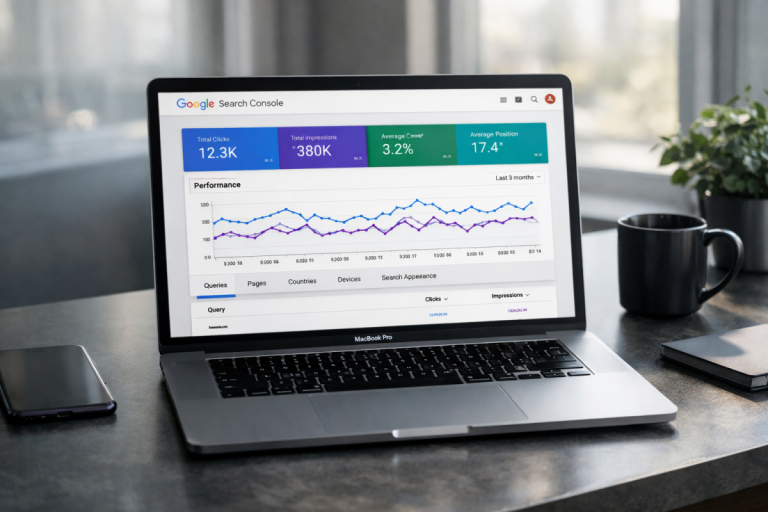
According to Google Search Console data, 12.9% of clicks on the branded search "ahrefs" go to sitelinks instead of the homepage - a demonstration of how sitelinks redistribute traffic across a site instead of just improving homepage visits.
Your Site Must Have Easy Navigation
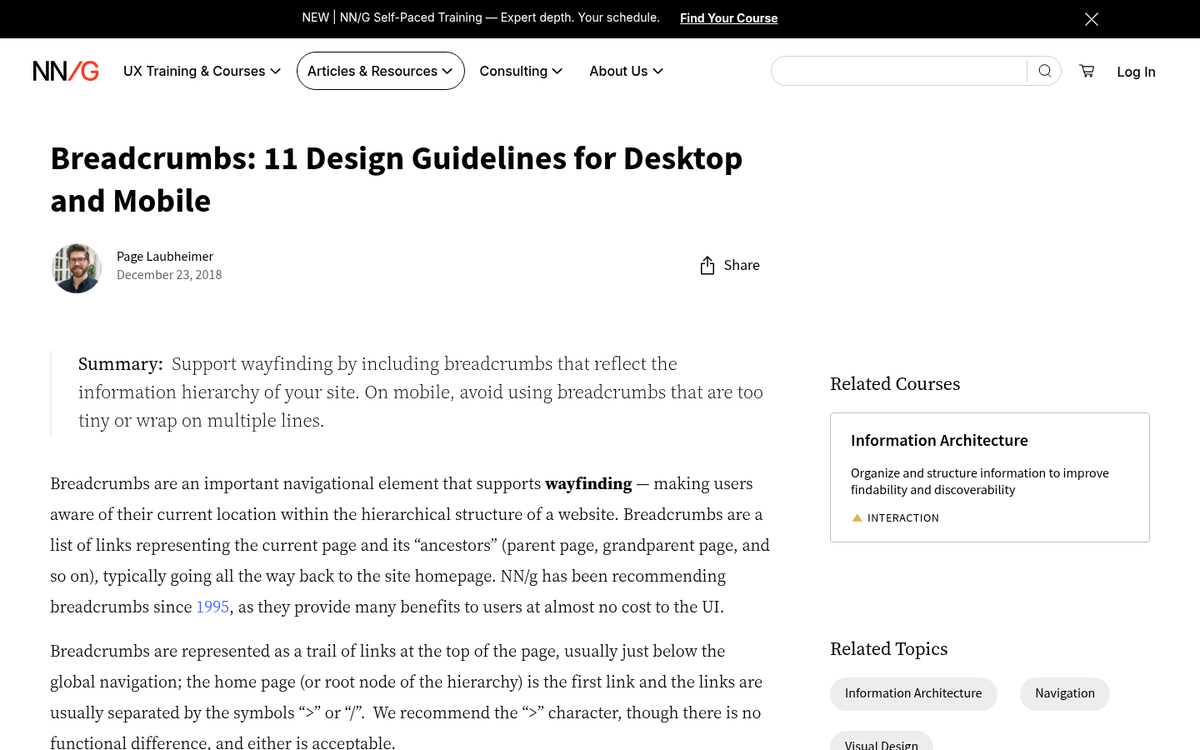
A hierarchical site structure helps users and crawlers. Breadcrumbs are especially helpful here - they reinforce a logical site hierarchy that Google's crawlers can map efficiently. If you want to go deeper on this, our guide to improving the indexing of your blog posts covers several related techniques.
With AI-driven crawling and indexing becoming more refined, a clean and logical information architecture now serves double duty: it helps traditional crawlers and AI-assisted systems understand how your content is organized and what's most important.
Your Site Must Have High Traffic

Sitelinks are reserved for sites with significant levels of traffic. This is partly a resource consideration on Google's part and partly a quality signal - high traffic from organic, branded searches confirms that users legitimately recognise and seek out your brand. This isn't something you can shortcut; it's a byproduct of building an audience over time.
Your Site Must Have a High Click-Through Rate
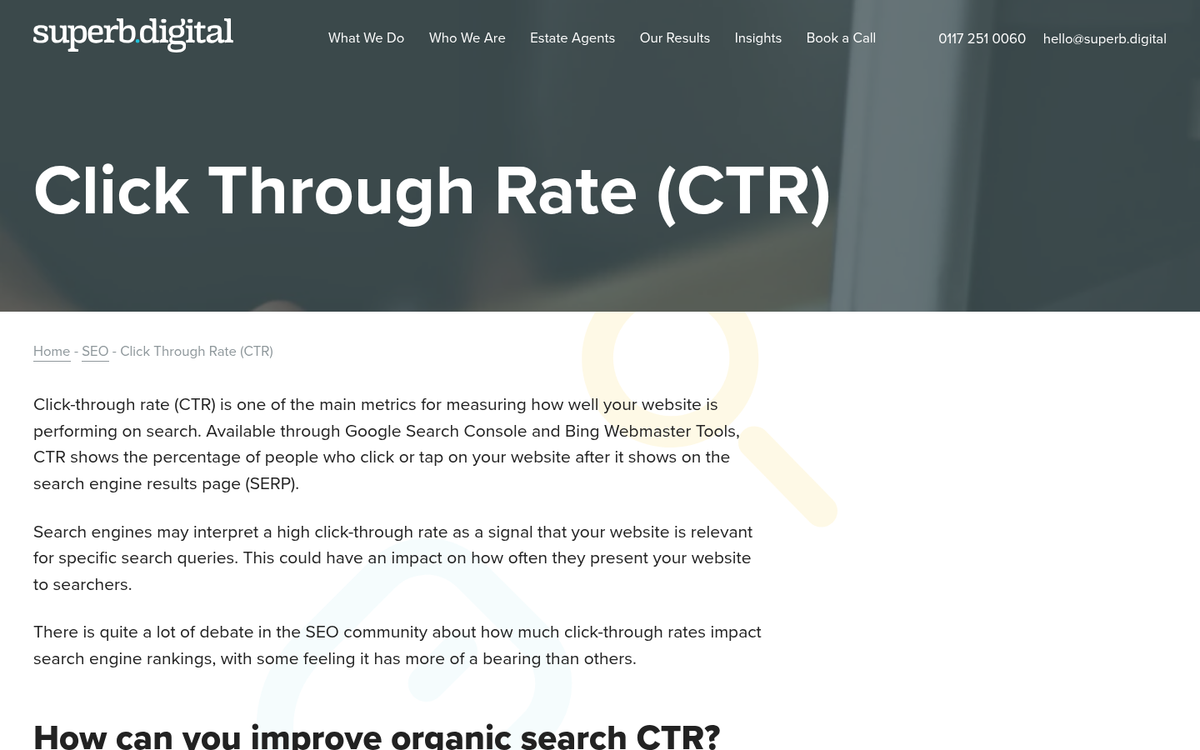
Traffic alone isn't enough. You also need a strong click-through rate for your branded search. As Sistrix data shows, sitelinks themselves dramatically improve CTR - but you need a healthy CTR on your main brand result first. Google uses sitelinks to help users reach their destination faster, so they're more likely to appear when a majority of users looking for your brand are clicking through to your site.
Your Site Must Have Popular Subpages
If virtually everyone who visits your site only ever lands on your homepage, there's little incentive for Google to surface sitelinks. The pages most likely to appear as sitelinks are those that draw direct traffic or that users navigate to directly - things like a pricing page, a login page, a documentation center, or a popular tools section.

Blog posts don't appear as sitelinks, with the exception of well-maintained evergreen guides on sites that are primarily content-focused. If your most helpful content is in your blog, keeping those cornerstone posts updated and prominently linked increases their chances of being considered.
Your Subpages Must Have Custom Meta Data
This is standard SEO practice. But it's especially relevant here. Google uses this data to understand what each page is about and whether it's worth surfacing in a sitelinks block.
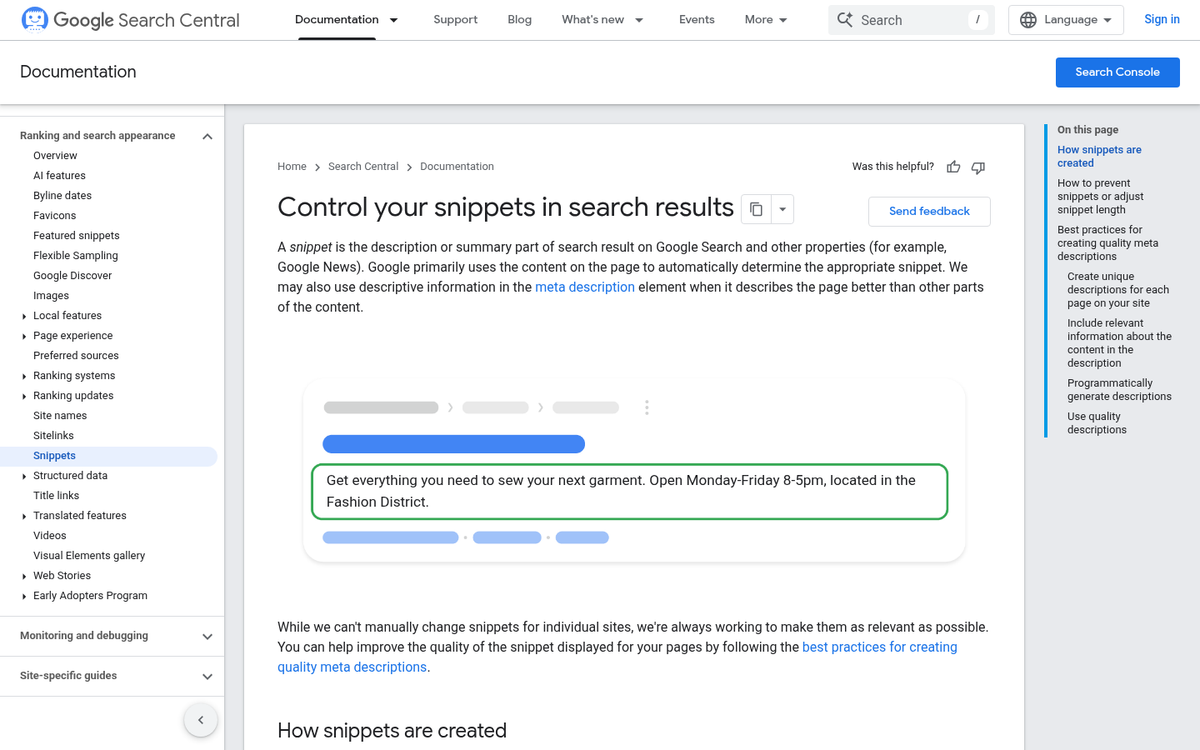
Don't try to game this by only adding meta data to six pages. Google evaluates the quality and completeness of your site's metadata - including things like writing a good meta description - as a signal of how seriously you take your presence.
Your Subpages Must Be Unique and Valuable
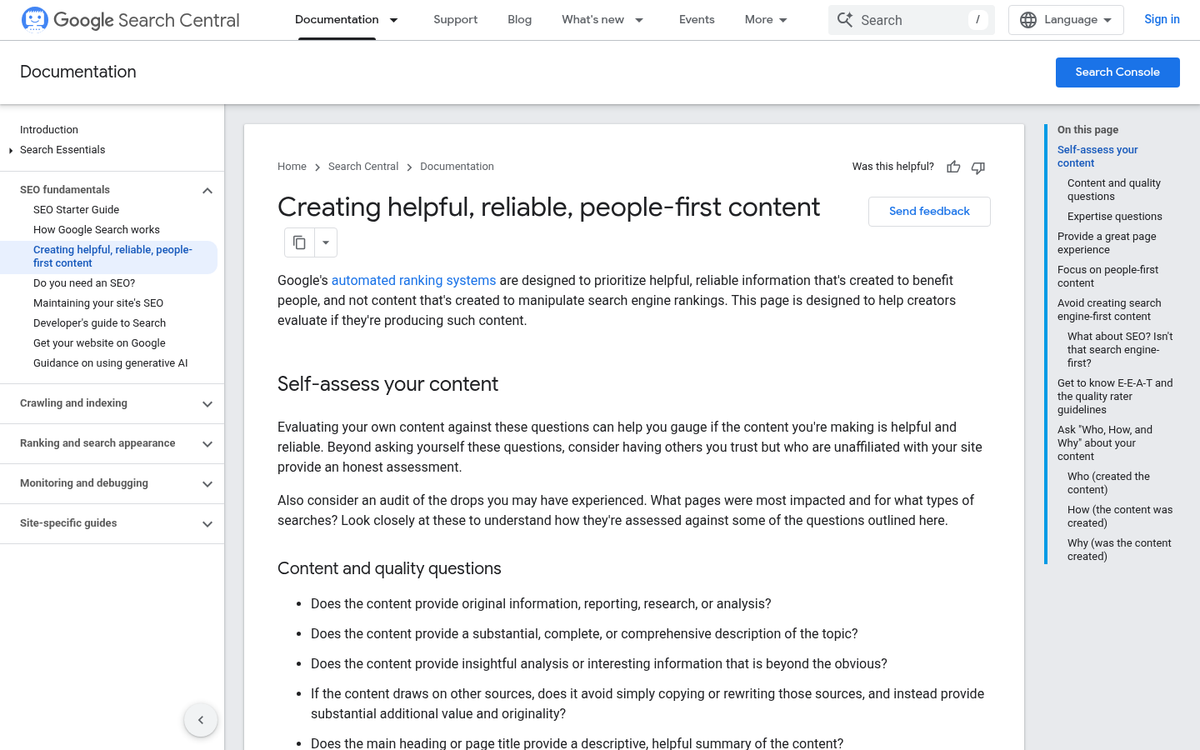
Your subpages need to be substantive, useful, and legitimately helpful to visitors. This aligns directly with how Google's AI-powered ranking systems evaluate content quality - thin, duplicative, or low-effort pages will drag down your site quality score and reduce your chances of earning sitelinks.
Your Code Should Be Valid and Well Formed
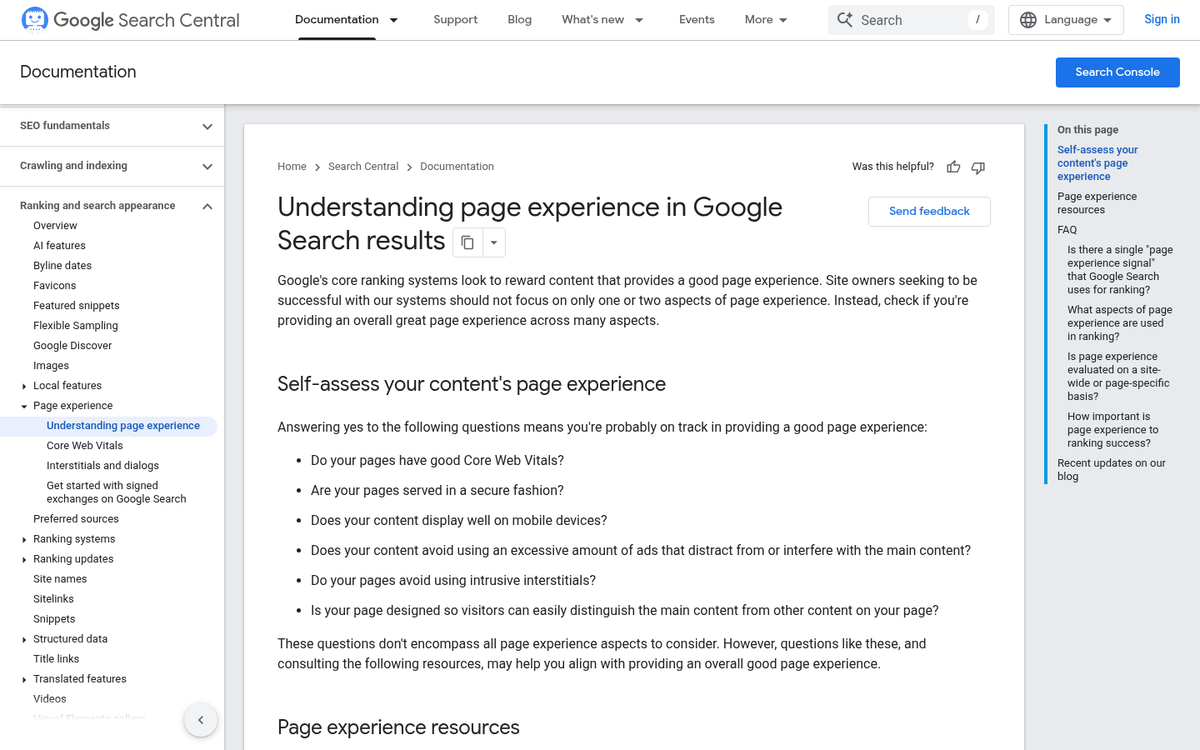
Technical hygiene matters. Pages with broken HTML, render-blocking JavaScript, or Core Web Vitals problems are less likely to be selected as sitelinks. Use Google Search Console's page experience reports and tools like the W3C validator to find and fix code-level problems. If you run into serious issues, it helps to know how to diagnose and fix an internal server error. Google rewards sites that show care and competence in how they're built and maintained.
You Should Produce More Internal Links
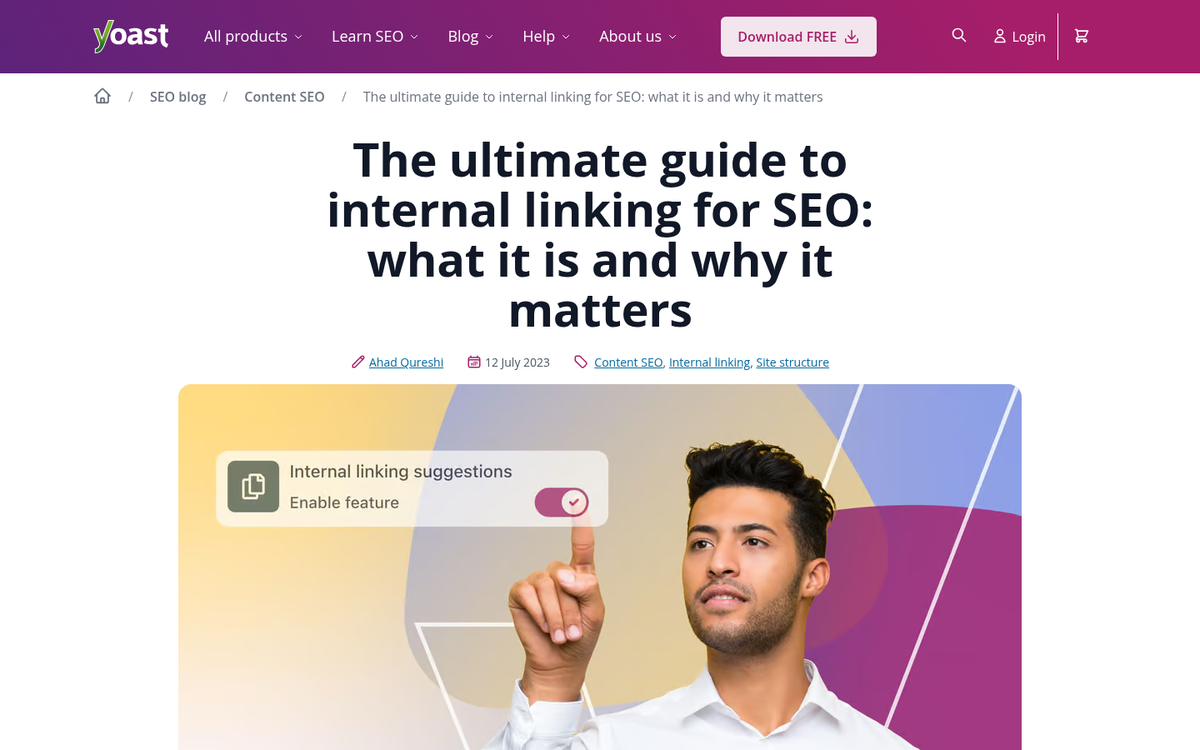
A strong internal linking structure helps crawlers map your site efficiently and signals which pages are most important. It also helps users who land on a subpage - whether via a sitelink or any other path - find their way around your site. Internal links are one of the clearest signals you can send to Google about which pages deserve attention.
Schema Markup Helps
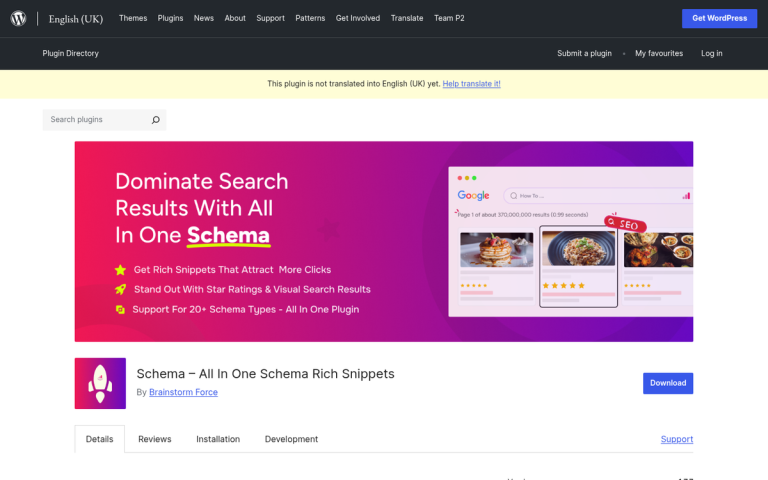
Structured data via Schema.org markup makes it easier for Google - and its AI systems - to understand what your site is about, how it's organised, and what data is relevant to surface in rich results. While there's no confirmed direct link between Schema markup and sitelinks, structured data for your organisation, site navigation, and important content types is strongly recommended. It supports a number of SERP features, and sitelinks are likely among the beneficiaries. Our review of All in One Schema.org Rich Snippets covers how this kind of plugin can help you implement structured data effectively.
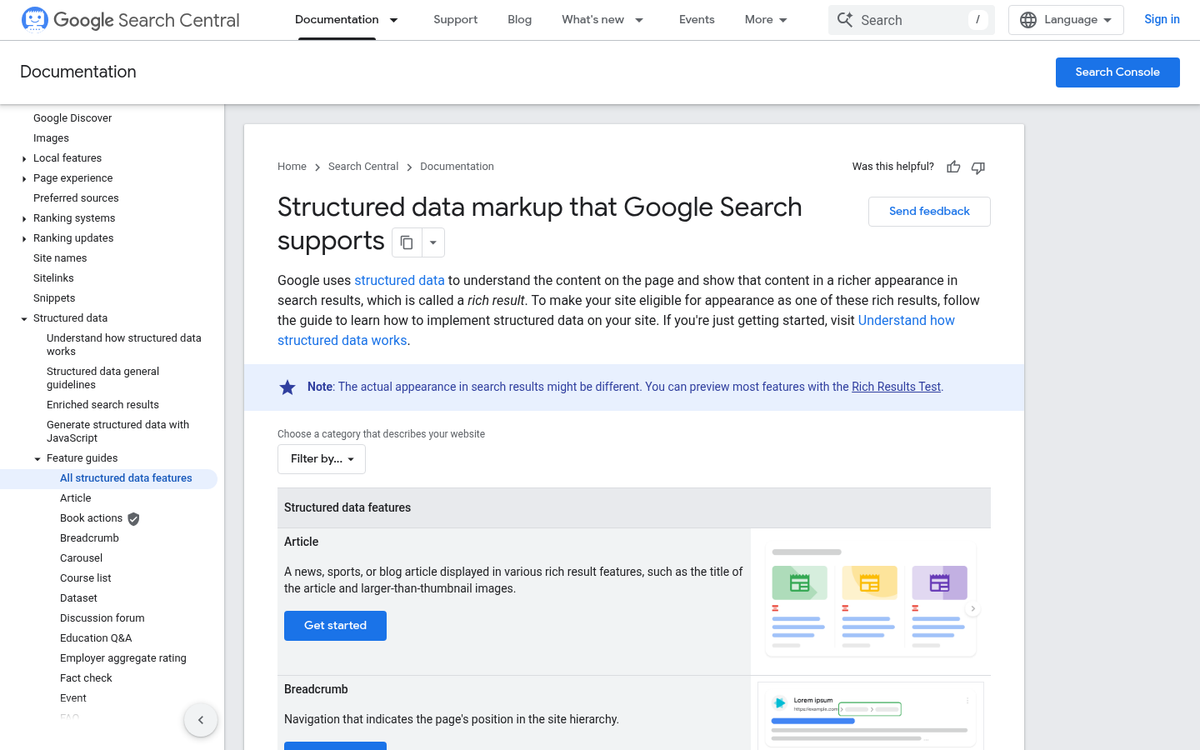
In 2026, with AI Overviews and other AI-generated search features becoming more prevalent, structured data has taken on even greater importance as a way to help Google's systems accurately represent your brand in search.
Controlling Sitelinks in Google Search Console
The old "sitelink demotion" tool in Google Search Console - which allowed you to suppress URLs from appearing as sitelinks - was removed by Google in 2016. That feature no longer exists.
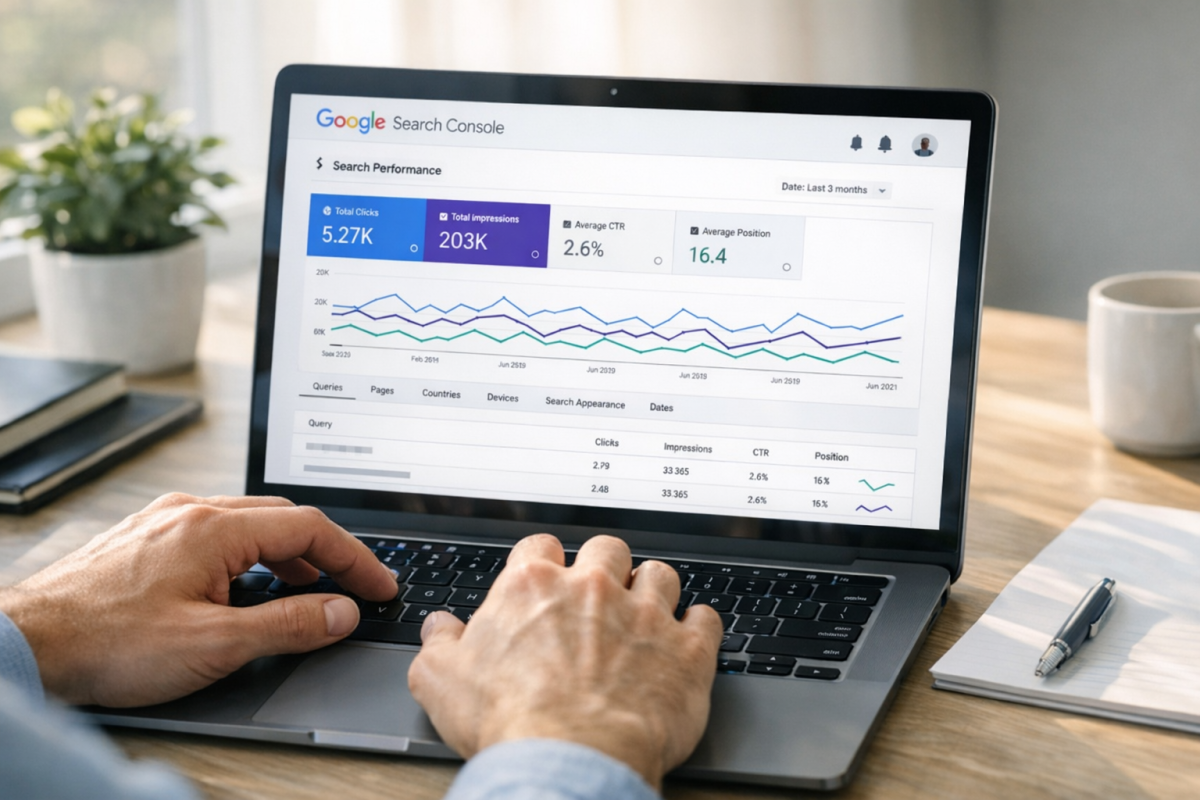
Today, the primary ways to influence which pages appear as sitelinks are indirect: improve the quality and prominence of pages you want featured, make sure those pages are well-linked internally, and use structured data to explain your site hierarchy. If a page is appearing as a sitelink that you'd prefer not to show, the most effective strategies are to reduce its internal link prominence or to consolidate it with a more suitable page via a redirect.
Google's AI-driven systems now make these determinations with more nuance than before, taking into account user behaviour signals, content quality, and entity relationships - so the best long-term strategy remains building a legitimately well-structured, quality site that serves its users well.

1 response
Thoughtful replies only - we moderate for spam, AI slop, and off-topic rants.
Thank you, I was able to get this working with Blogspot!