Key Takeaways
- Pinterest works best for niches like DIY, food, travel, fashion, and home décor, though any blogger can find success.
- A Pinterest Business Account unlocks analytics, Rich Pins, advertising tools, and exclusive marketing resources unavailable to regular users.
- Vertical images at 2:3 ratio (1000x1500px) with text overlays, vibrant colors, and no human faces perform best on Pinterest.
- Posting consistently, creating multiple pins per article, and pinning seasonal content 1-3 months early maximizes reach and engagement.
- Group boards, Rich Pins, social sharing buttons, and Pinterest Ads are effective tools for amplifying content promotion after posting.
Pinterest is a social network that has a huge amount of use and utility in some niches and is virtually ignored by others. It's actually a great option for bloggers of all stripes, and you can get traffic and engagement from it if you know how; that's what this post is for: to bring you from a newcomer to Pinterest all the way to a superstar.
I've compiled a couple dozen tips for promoting blog posts on Pinterest, and I've categorized them into a few large sections. Start with the baseline, expand into ways to share and promote your posts, and finish up with tips to improve performance.
Strong Foundations
The first chunk of tips are focused on creating a strong foundation on Pinterest. You can't post to Facebook without having a filled out profile, you can't make much use of Twitter with a blank new user, and you can't find success on Pinterest without building up that foundation.

The trick is, a foundation on Pinterest is a little different.
- Check your subject. Pinterest is a semi-specialized social network, in that they started as a craft and DIY focused pinboard online, and have slowly expanded from there. As such, a lot of niches perform far better because the audience is expecting that kind of content. Businesses in home décor, DIY, travel, food, fitness, fashion, makeup, beauty, and other such niches work best. That's not to say you can't find success with your tech blog, but your audience might be smaller or harder to suss out.
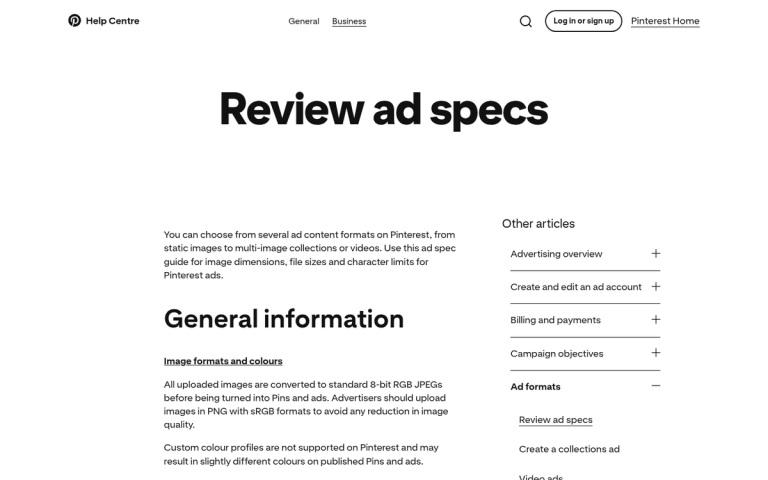
- Create a Business Account. Pinterest Business Accounts are accounts aimed at business owners for the purposes of promotion. They have access to analytics, advertising, and advanced features like Rich Pins. You also gain access to the Pinterest knowledge base, with videos and blog posts about Pinterest-specific marketing and tool usage tutorials you won't normally be able to access.
- Fill out your profile completely. A good account will have a compelling cover image, a crisp and clear logo as a profile picture, a clean link to your website, a short and compelling description, and a series of vibrant, enticing pin boards. Take time to study well-performing Pinterest business accounts in your niche for inspiration.
- Create a "my content" board. This is a generic board that includes everything you post, and nothing posted by anyone else. This is a great board for your fans to use to check out your specific recommendations and content.
- Create a "best of" board. This is a filtered version of your content, where you pin only your best performing content. Use it as a flagship feature of everything you've created that has done exceptionally well. As an added bonus, you can refer back to this for inspiration for highly shared content.
- Create boards for sub-topics. These boards are great for sharing some of your content, but mixing in content created by others in your industry. You use this to build a community, gain the attention of other users, and engage with your fans. It's like a combination of user engagement and influencer marketing with a Pinterest twist. A pintwist, if you will.
- Confirm your website. Claiming your website on Pinterest gets you a verified badge and unlocks additional analytics about how your content is being saved and shared across the platform. Log into Pinterest, go to your settings, and follow the steps to claim your site using an HTML tag placed in your website's header. It's similar to how Google validates website ownership for Search Console.
- Don't worry about followers. Pinterest may claim to be a social network, but users treat it more as a search engine and inspiration board. With close to 500 million monthly users on the platform, the opportunity is massive - but follower counts matter far less than pin-specific performance metrics. Set follower counts aside and focus on reach and engagement instead.
Quality Posts
The second section here will be full of tips for posting your content and making the most of the posts - it's the largest of the three sections, because this is where the bulk of your work will be focused.
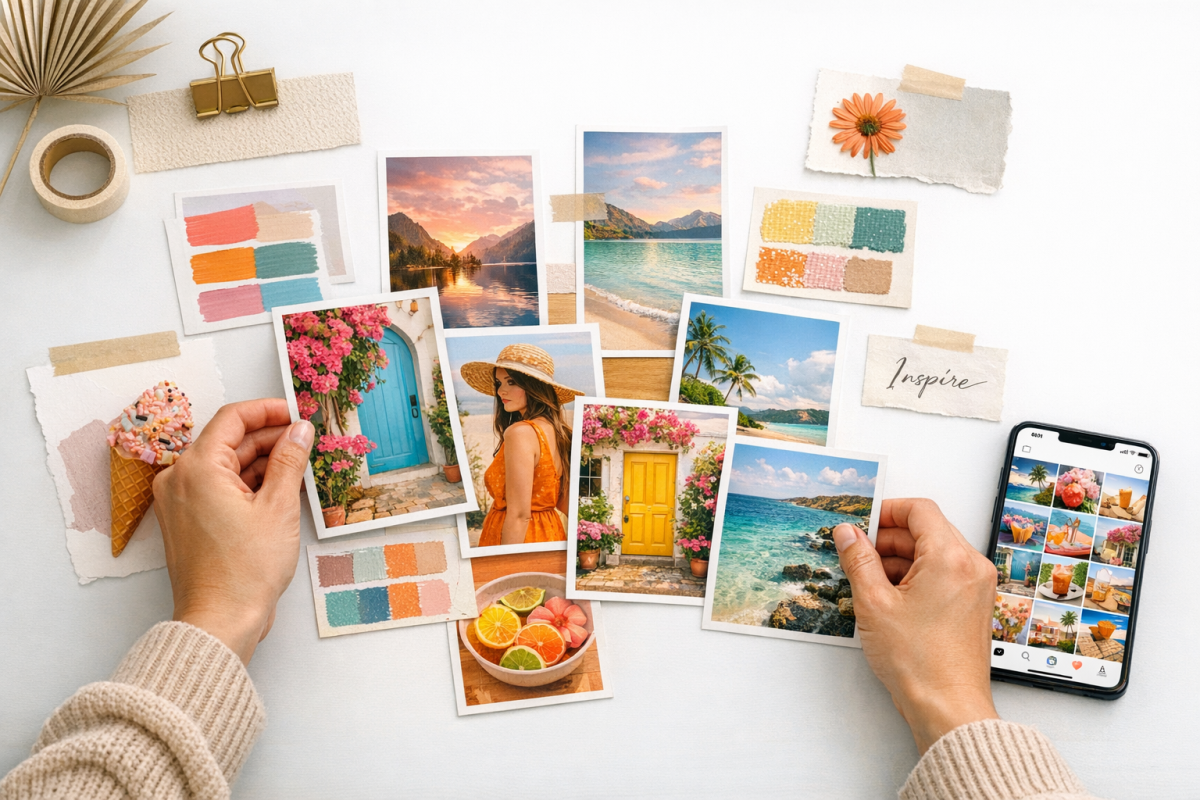
You want to make your posts on Pinterest have the greatest chance of success, and that means posting them well.
- Optimize for Inspiration. One key thing to understand about Pinterest is that the social aspects are secondary. A ton of people use Pinterest to create themed boards for inspiration or for moods. A writer might pin a bunch of architecturally interesting photos for setting inspiration. A graphic designer might have a board full of logos of varying styles to give them ideas. Make sure your content can be used in that way with visually distinct and inspirational images.
- Write a good title and description. In addition to writing good content, remember that all of this content is indexed and can be found via both Google search and Pinterest search. That means using your primary keywords in your content titles and descriptions, board titles and descriptions, and even image names.
- Use the curiosity gap. You can get perilously close to clickbait with Pinterest and still gain a lot of attention for your content. Add something to your image that makes users wonder what else is inside the post, so they click through to read it.
- Make your content helpful. One of the top two most important aspects of content on Pinterest is being helpful. You want to publish content that is somehow useful to a user, whether it gives advice, contains a tutorial, answers a compelling question, or provides useful data. Pinterest's own data shows that 80% of weekly app users have discovered a new product or brand through the platform - meaning helpful, relevant content gets noticed.
- Make your content actionable. The other top aspect of content on Pinterest is content that is actionable. Tutorials, guides, DIY instructions; these are all ways a user can get immediate value out of reading your content, and reasons for them to pin it to refer to later. Actionable content is the best possible content for Pinterest, and it's no coincidence that 85% of pinners have made a purchase from a pinned post.
- Use a high quality vertical image. Unlike other social networks where images tend to be horizontal or square, Pinterest is built for vertical images. Pinterest recommends a 2:3 aspect ratio at an optimal size of 1000 x 1500 pixels. Make sure you're creating high quality images that fit within this display ratio for the best results in the feed.
- More image tips. Studies have shown that images on Pinterest perform better if they don't have human faces in them, they use vibrant colors, their background is contextual rather than blank, and they trend toward lighter, warmer colors.
- Use text on images. Unlike Facebook and Instagram, text on your images works very well on Pinterest. People tend to gloss over the title and description if the image doesn't catch their eye, but the text on an image works like a bigger, more obvious and eye-catching version of the title. Plus, with the vertical real estate available to you, text doesn't take up as much space and leaves plenty of room for the image.
- Post pins consistently - ideally at least once a day. Pinterest rewards consistent activity. Aim to publish at least one pin daily to keep your content circulating in feeds and search results. Many studies have also looked at optimal times of day and days of the week to post, so start with that general guidance and then test to see if your specific audience skews differently. Follow your own data above all else.
- Optimize for Image Search. A huge source of traffic to Pinterest pins comes from Google image search, because of the massive SEO value and image focus of the network. Optimize your content under the assumption that a lot of people will be discovering it through image search and exploring from there.
Post-Posting Promotion
Once you've made your post, you'll have to learn how to actually use Pinterest to best effect. Some of this comes with interacting with other users, and some of it's promotion of your pins after the fact.
Here are some options you have available to you.
- Create and pin content early. This one is a little counter-intuitive. If you're leading up to the 4th of July, don't wait until July 1 to start posting content; post as much as 1-3 months in advance. People on Pinterest are looking for inspiration for party planning, and will want to be adding your content to their boards early enough that they can plan in advance. Give them sufficient lead time.
- Use multiple pins for the same content. You know how a common technique on Facebook is to re-share the same content a few times over several weeks to keep it in circulation? You can do the same thing with Pinterest. Identify specific sections of your post with different sub-themes, and create pins for that content for each theme. This can give you 3-5 pins for a single piece of content, which can be spread out over the course of several weeks. A Pinterest pin can circulate far longer than a Facebook or social media post - refresh it with a new pin each time engagement starts to drop.
- Join a Group Board. Group boards are single pin boards centered around a specific topic where many contributors can add their content. Identify group boards relevant to your niche and contact the owner to be added to the group. As long as you have relevant content, they'll probably let you in, because it benefits everyone involved.
- Create a Group Board. You can create a group board from scratch and invite other contributors in your niche. This way, you become the owner and a hub of activity around that topic. Sufficiently popular group boards can become influence hubs and put you in a great social position.
- Make use of social sharing buttons. You probably already have social sharing buttons on your site, but make sure Pinterest is included - both a share button and a "Pin It" button on your images. Making it easy for readers to pin your content directly from your blog is one of the simplest ways to boost your Pinterest engagement without any extra effort on your part.
- Use Rich Pins. Rich Pins are a business feature that allows you to link relevant data like product price and availability, recipe data, or article information to a pin. They stand out in pin boards and give additional context to users. You'll need structured data markup on your site to enable them, and you can apply through your Pinterest business account settings.
- Pay for Pinterest Ads. Pinterest ads are promoted pins that gain sponsored positions in relevant boards and feeds. You can pay for pin-based engagement or site visits, and track the data in your Pinterest analytics. As with any ad format on any platform, start with a small budget and experiment until you find what works for your audience and niche.
So there you have it: my top 25 tips for getting the most out of Pinterest. I'm sure some of you are more experienced in Pinterest than I am, so please share any extra tips in the comments below. I'd love to hear about any off-the-wall, successful strategies that stay on the white hat side of things. What have you done that works, and what has fallen flat?