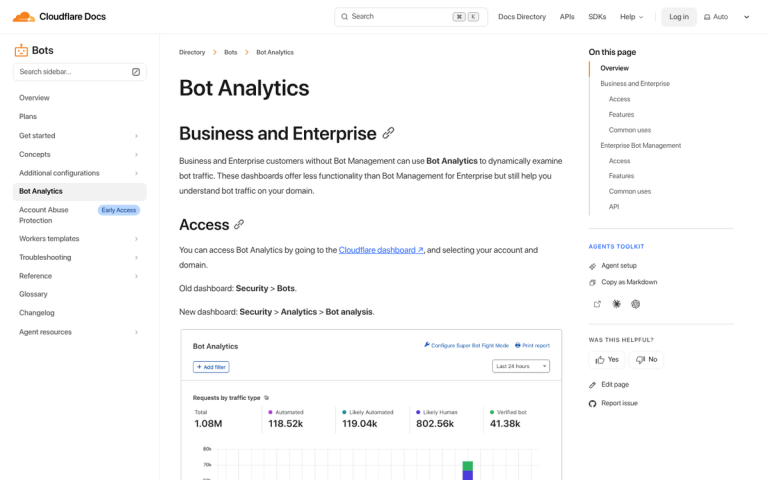
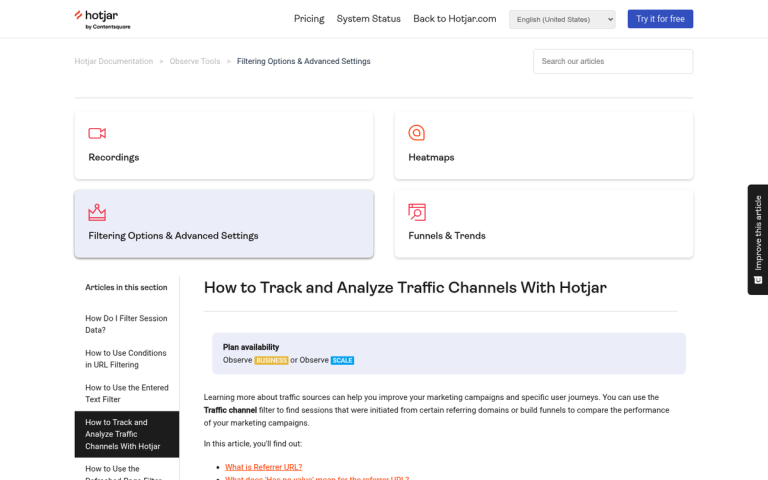
Robots, web crawlers, search spiders, auto-refreshers; whatever label you give them, software uses the Internet almost just as much as humans. And in 2026, the scale of that problem has grown far beyond what most website owners realize.
According to Barracuda Networks, bots already accounted for nearly two-thirds of global internet traffic back in the first half of 2021. Fast forward to today, and bad bots specifically make up 37% of all internet traffic. If your site is getting traffic, a significant chunk of it almost certainly isn't human.
On one hand, you have the benign, beneficial robots. You have bots like Google's crawlers, that trawl your site looking for links and indexing pages, calculating your position and feeding your data into the index.
On the other hand, you have spambots, that look for comment fields and web forms without anti-spam security. They take up residence on these unmoderated communication channels and repeatedly post their messages, advertising affiliate links or phishing schemes.
Then there are the invisible robots - bots designed to inflate page views, hits, and even affiliate link clicks, without delivering any real value. They don't post anything, and if you don't check your analytics carefully, you might never know they exist.
And now, in 2026, there's an entirely new category worth taking seriously: AI crawlers. These are bots built to scrape and harvest content to train large language models. The Read the Docs project famously reduced its daily traffic by 75% - dropping from 800GB to 200GB per day - simply by blocking AI crawlers, saving roughly $1,500 per month in bandwidth costs alone. AI crawlers are often not identified clearly, don't respect robots.txt, and can hit your server hard.
Key Takeaways
- Bad bots make up 37% of all internet traffic, with AI crawlers now a significant new threat harvesting content for model training.
- Only 2.8% of websites were fully protected against bot attacks in 2025, down from 8.4% the previous year.
- Blocking bots via .htaccess works by user agent or IP address, but only catches bots that honestly identify themselves.
- WordPress users benefit from a layered approach combining .htaccess rules, security plugins, and CDN-level protection like Cloudflare.
- Unexpected traffic surges with low engagement, high bounce rates, and no conversions likely indicate bot traffic, not real users.
The Problem with Bots
Take the best and worst examples. You have the Googlebot on one side, and a bot designed to refresh a page or scrape content on the other. They both visit your site, increasing your analytics hits and traffic. They both have very low time-on-page. The only real difference is that Googlebot is doing something beneficial - feeding data back to the index. The bad bot is inflating your traffic statistics, consuming your bandwidth, and potentially putting your affiliate program or ad revenue at risk.
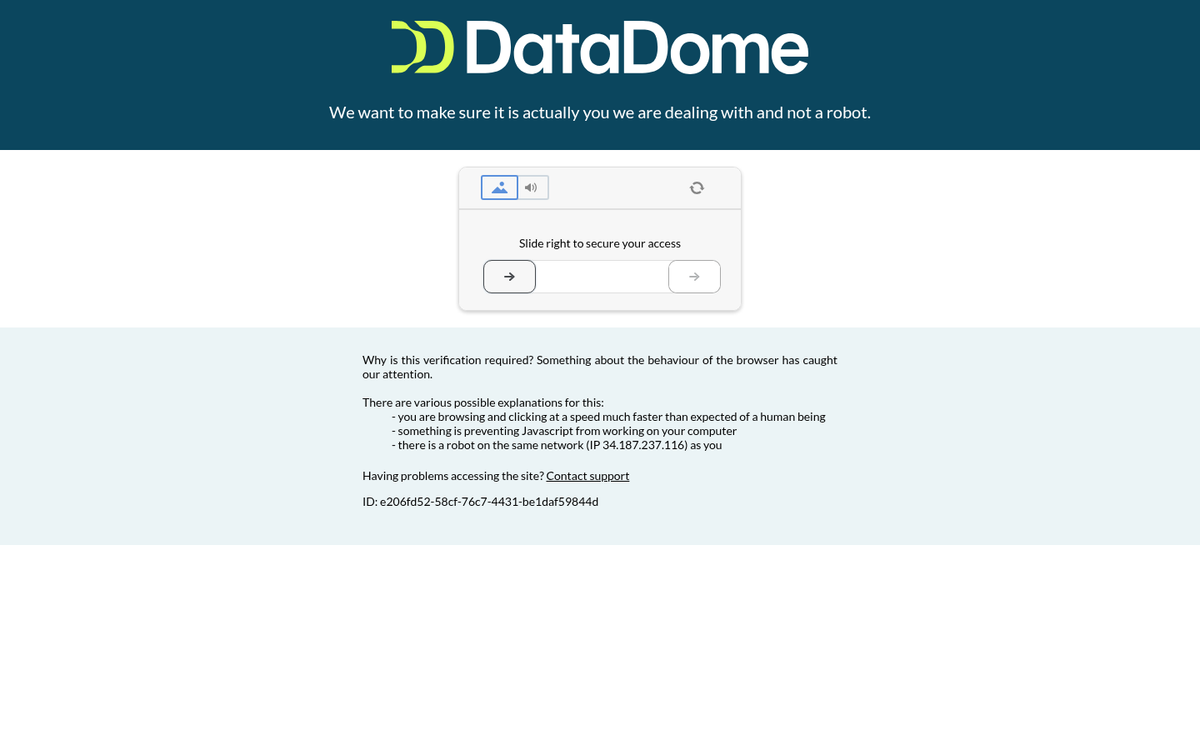
The situation has gotten worse. According to DataDome's 2025 Global Bot Security Report, only 2.8% of websites were fully protected against bot attacks in 2025, down from 8.4% the year prior. That's a troubling trend. The same report found that 64% of AI bot traffic specifically targeted forms, while 5% reached checkout flows - meaning e-commerce sites are particularly exposed. Malicious bots make up approximately 21.4% of an average e-commerce site's traffic.
Unless a bot identifies itself, you don't have much to go on. Thankfully, Google does exactly that. Spambots and AI scrapers may or may not identify themselves honestly. Known bad bots can be blocked, but the challenge is keeping up as new ones emerge constantly.
Blocking Unwanted Bot Traffic: Method One
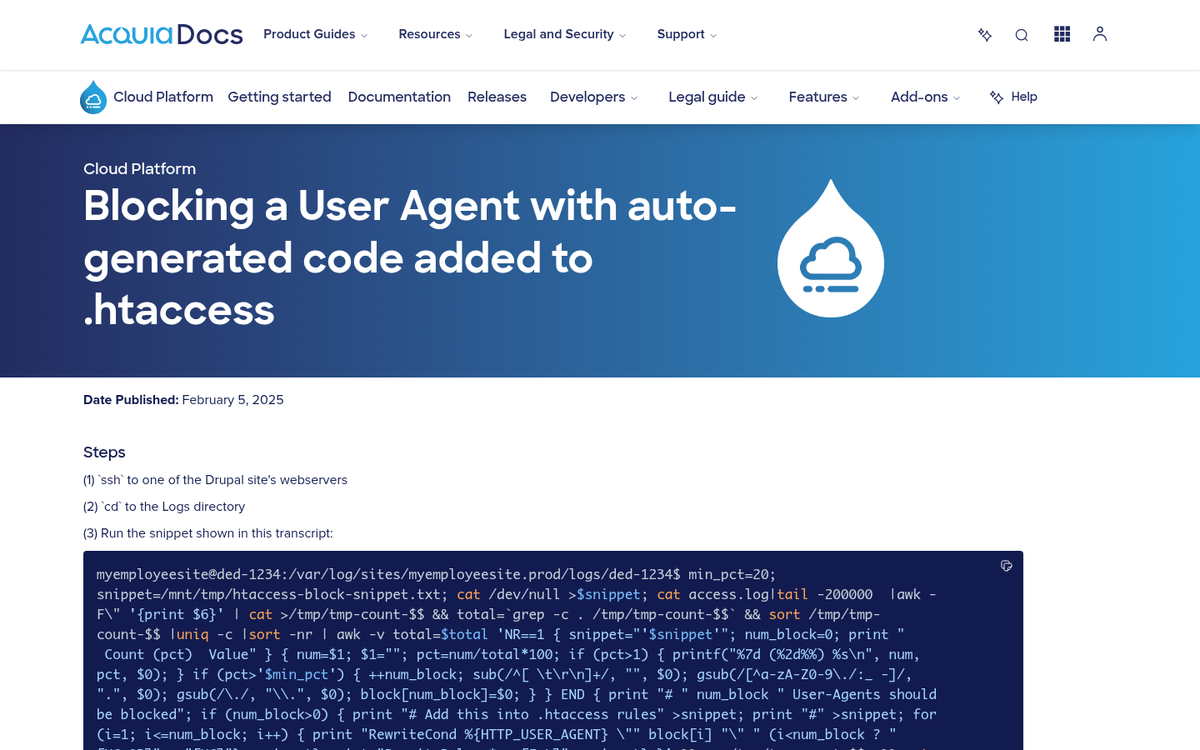
The first method is to use the .htaccess file to block bots by their user agent string. This method is straightforward and widely used, but it has one major drawback: it can only block bots that honestly identify themselves. If a bot spoofs a legitimate browser or user agent, this method won't catch it. Additionally, your server needs to be running Apache, since .htaccess is an Apache-specific function. Nginx users will need to handle this differently in their server config.
To implement .htaccess blocking, open your root .htaccess file and add code like this:
- RewriteEngine On
- RewriteCond %{HTTP_USER_AGENT} ^GrabNet
Those two lines will block the GrabNet bot from accessing your site. To block multiple bots, append [OR] to the end of each bot line and continue adding lines:
- RewriteCond %{HTTP_USER_AGENT} ^GrabNet [OR]
- RewriteCond %{HTTP_USER_AGENT} ^JetCar
For AI crawlers specifically, you'll want to add user agents like GPTBot (OpenAI), ClaudeBot (Anthropic), Google-Extended, and CCBot (Common Crawl) to your block list if you don't want your content harvested for AI training. You can also block these more cleanly via your robots.txt file, though robots.txt is advisory only and many bad actors ignore it entirely.
Blocking Unwanted Bot Traffic: Method Two

The second method uses your .htaccess file to block by IP address instead of user agent. The code looks like this:
- Order Deny,Allow
- Deny from 127.0.0.1
Replace 127.0.0.1 with the actual IP address of a bot you want to block. To block multiple IPs, simply add additional Deny lines. No [OR] entry is needed here.
IP blocking is effective for persistent offenders but has limitations. Many sophisticated bots rotate IPs or operate through proxies and cloud infrastructure, meaning you can inadvertently block legitimate users if you're not careful. Use this method for confirmed bad actors, not as a sweeping measure.
Blocking Unwanted Bot Traffic: WordPress Edition

WordPress sites face a unique challenge because they're such a common target. You can still edit your .htaccess file using the same methods above, but WordPress users also have access to dedicated security plugins that handle much of this automatically.
Plugins like Wordfence, Cloudflare's WordPress plugin, and WPBrands' Bot Blocker offer active bot detection and blocking. Akismet remains a solid choice specifically for spam comment bots. For more advanced protection, routing your WordPress site through Cloudflare (even the free tier) provides meaningful bot filtering at the network level before traffic ever reaches your server.
Given that only 2.8% of websites are fully protected against bot attacks as of 2025, using a layered approach - .htaccess rules, a security plugin, and a CDN with bot protection - is strongly recommended for any serious WordPress site.
Dealing with Faulty Analytics

Even with blocking measures in place, some bot traffic will always get through. This means your analytics data will always carry a margin of error. The goal is to minimize that noise so you're making decisions based on real human behavior.
First, note that Google Analytics 4 (GA4) has improved automated bot filtering compared to older versions of Universal Analytics. However, it's not perfect, and sophisticated bots that mimic human behavior can still slip through.
If you see an unexpected traffic surge, don't assume it's a win. Check where that traffic is coming from. In GA4, examine your traffic sources and referral paths. Is the surge coming from known websites or social platforms? Likely legitimate. Is it mostly direct traffic with no clear source? Probably bots. Also check engagement metrics - bot traffic typically shows extremely low or zero engagement time, high bounce rates, and no meaningful conversion activity.
To clean up your data going forward, set up exclusion filters in GA4 for known bot IPs and referral spam domains. For persistent issues, Cloudflare's analytics can serve as a cleaner alternative benchmark since it filters much of the bot traffic before it ever registers as a session. Unfortunately, as has always been the case, there is no way to retroactively clean historical data that has already been polluted.
The bottom line in 2026: bot traffic is not a minor nuisance. It's a majority of internet traffic, it's getting smarter, and protection rates are actually declining. Treating bot management as an ongoing maintenance task - not a one-time fix - is the only realistic approach.