Key Takeaways
- Bots accounted for 51% of all global web traffic in 2024, making bot detection essential when buying traffic.
- Heatmaps reveal bot traffic clearly - thousands of visits with minimal interaction patterns strongly indicate fake visitors.
- Geographic clustering and unnaturally uniform delivery schedules are reliable red flags for click farm or bot traffic.
- Bots rarely interact with live chat, pop-ups, or timed overlays - zero engagement during traffic surges signals fraud.
- Combining heatmaps, behavioral analytics, geographic analysis, and dedicated tools like ClickCease or Cloudflare offers the strongest detection.
How to Detect Bot Traffic When You Buy Traffic
Any time you buy traffic from any source, you want to know whether or not it's real. This holds true whether you're buying bundles of viewers from Fiverr, buying from a reputable third-party source, or buying from an ad network. Even Google and Meta will serve you some fake traffic, since it's impossible to weed out completely. You just need to know if the majority is real or fake.
And in 2026, this problem is bigger than ever. According to Imperva's 2025 Bad Bot Report, bots accounted for 51% of all global web traffic in 2024 - with bad bots specifically making up 37% of all traffic, up from 32% the year before. That's six consecutive years of growth. If you're buying traffic and not checking for bots, you're almost certainly wasting money.
The key to identifying bot traffic is monitoring patterns. Bots are software, so they have a hard time fully mimicking human behavior. Sophisticated bots can fool basic scanners, but the vast majority of bots delivered through paid traffic packages are far simpler than what large-scale threat actors deploy.
When you buy traffic, bots generally come in three varieties:
- Simple hit bots. These spoof a user agent, load a page, and leave. That's it.
- Complex hit bots. Same as above, but with added mechanics like randomized wait times, link clicks, scrolling, and other behavior designed to look more human.
- Screen recording playbacks. A human performs a sequence of actions once, and the software plays it back hundreds or thousands of times with rotating IP addresses and user agents.
It's worth noting that modern bots are increasingly hard to fingerprint by IP alone. In 2024, 21% of bot attacks used residential proxies - real home IP addresses - to disguise themselves as ordinary users. Chrome is also the most impersonated browser, accounting for 46% of bot-attributed web requests. This is why you can't rely on a single signal to catch fake traffic. You need to look at multiple patterns together.
Thankfully, you can still detect most of them. Here are the key methods.
Heatmap Monitoring
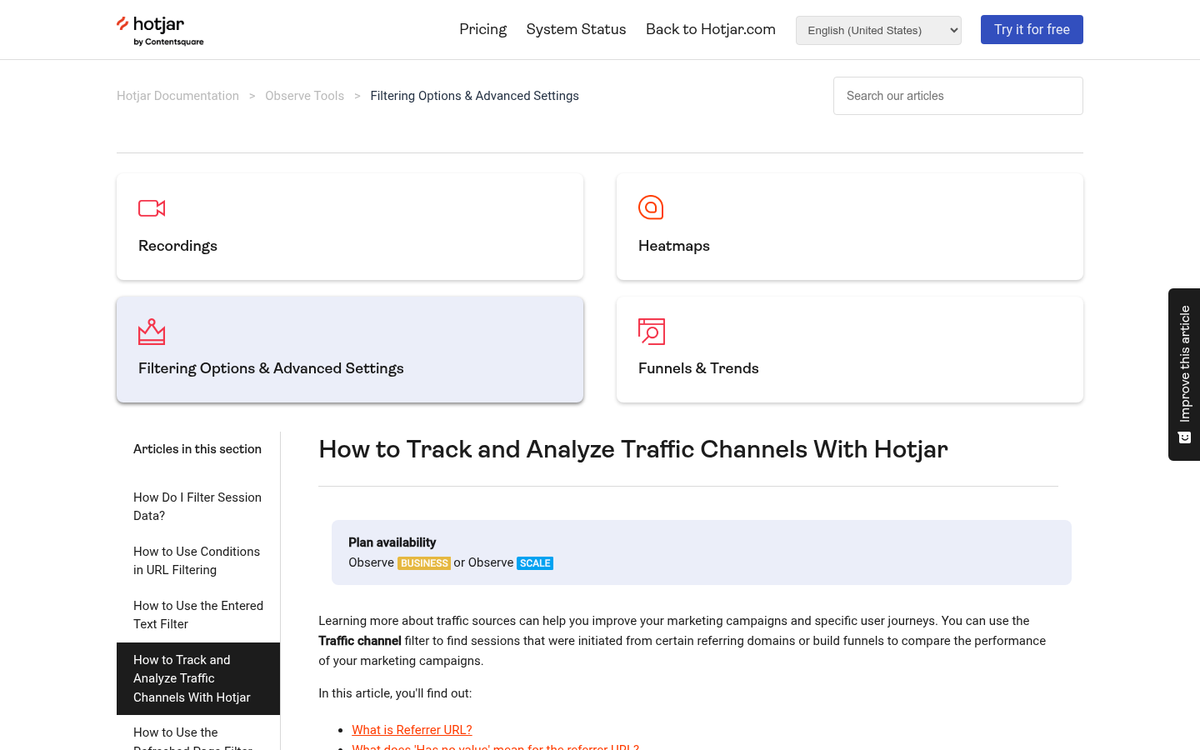
Most detection methods rely on your analytics platform, but this one requires an additional tool: a heatmap. Heatmaps are useful for marketing and UX optimization in general because they show you exactly what visitors do on your site - where they scroll, where they move their mouse, and what they click. Popular options in 2026 include Hotjar, Microsoft Clarity (free), and Lucky Orange.
With a heatmap, you can monitor the window of time when your purchased visitors are supposed to arrive. You can see specifically what actions those visitors are taking. Real users scroll, move their mouse across text as they read, and click a wide variety of elements - images, buttons, links. The patterns they leave tend to match the shape of your layout, like the classic F-pattern for blog readers. Bots, by contrast, leave almost nothing. They have no real cursor, so when they do click, it tends to be a single precise click on one element - if they interact at all.
If you receive a thousand visitors and the heatmap only reflects activity from a handful, the rest almost certainly weren't human. If interactions are unnaturally concentrated in one spot, that's a sign of screen recording playback bots following a single recorded session. No interactions at all? The traffic was fake. You may also want to look into whether blocking bots from your site is the right next step.
Source Categorization
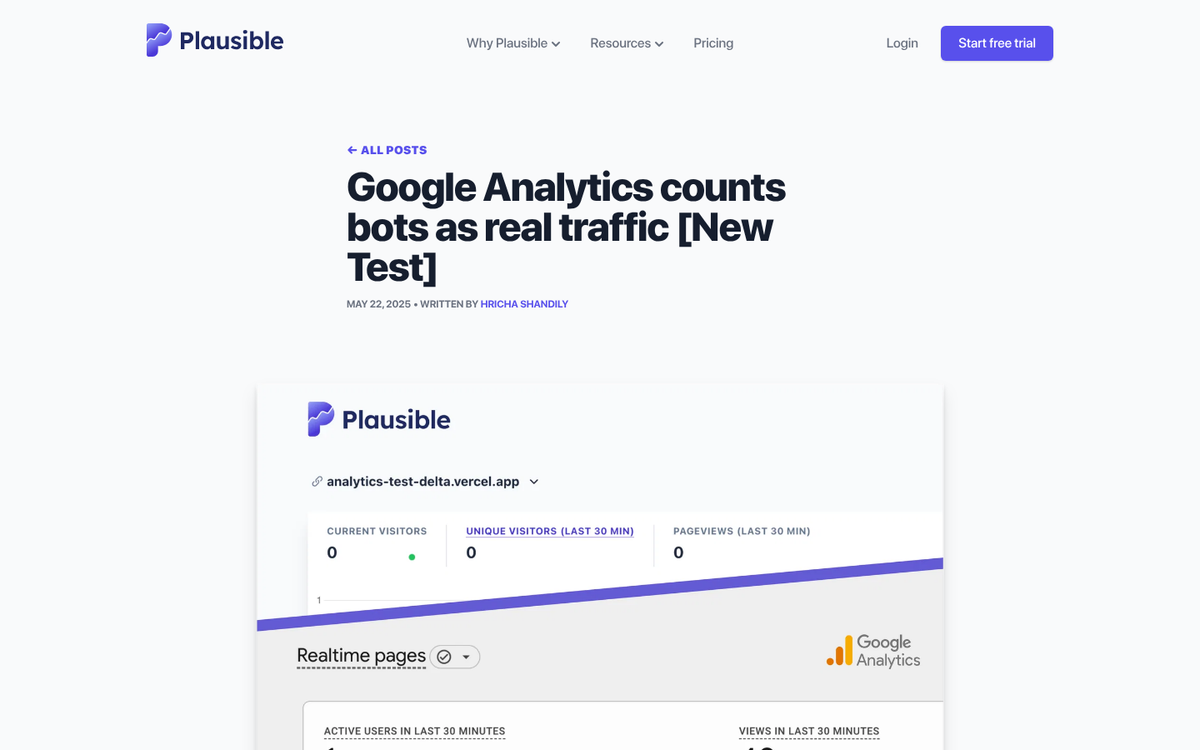
This is where you dig into your analytics - whether that's Google Analytics 4, Plausible, Fathom, or whatever platform you're using. You're looking at where your traffic is coming from, both geographically and by source. Certain patterns are strong indicators of fraud.
If you buy a package of a thousand visits and they all originate from a single country - say, Bangladesh or the Philippines - you're likely looking at click farm traffic. Click farms are still very much active in 2026 and are especially common with low-cost social media traffic packages. These are real people, so their behavior is less mechanical, but the geographic concentration is a dead giveaway.
Tight geographic clustering within a country - all traffic from one city or state, for example - often points to a rotating proxy list. If you're buying US traffic and everything is coming from one metro area, someone is running a botnet or proxy pool out of that region.
Because modern bots increasingly use residential proxies, raw IP-based detection is less reliable than it used to be. That's why geographic patterns, combined with behavioral signals, matter more than ever. Compare your new traffic surge against your historical baseline. If the source distribution looks nothing like your normal audience, that's a red flag regardless of how "legitimate" the IPs appear. If you suspect something is off, it's worth learning how to stop fake traffic in Google Analytics before it skews your data further.
Browsing Behavior

Bots generally do the absolute minimum. The less they have to do, the faster they can cycle, and the more volume a seller can deliver per hour. This economy of effort is actually one of their biggest weaknesses from a detection standpoint.
The classic indicator is bounce rate - or its GA4 equivalent, engagement rate. The cheapest bots load your page and leave immediately. They won't scroll, won't click anything, won't spend meaningful time on the page. They'll register as a session with near-zero engagement time. In GA4, this shows up as a non-engaged session.
Slightly more sophisticated bots will click a semi-random link on your page to avoid an immediate bounce. But they tend to click after a fixed pause - a few seconds - rather than the natural distribution you'd see from real visitors. You'll often see a spike in secondary page visits at a suspiciously consistent delay after the initial landing. Then they vanish.
Look for unusual spikes and unnatural consistency in your behavioral data. Real traffic always has a natural distribution of actions - some people bounce, some read for ten minutes, some click three pages deep. Bots compress that distribution into something far too uniform.
Numerical Regularity

Early bot sellers would dump all your purchased views as fast as possible and move on. That was easy to catch. So sellers got more sophisticated - they started spacing out delivery. But they're often still lazy about it, which creates its own tell.
If you buy 10,000 visits and receive almost exactly 1,000 per hour for ten hours, that regularity is itself a red flag. Real traffic doesn't arrive like a metronome. It fluctuates based on time of day, day of week, content promotion cycles, and dozens of other factors. A perfectly even delivery rate, adjusted only by a thin layer of organic traffic, points directly at a bot delivering on a schedule.
You'll also notice hard start and stop times with no gradual ramp-up. Legitimate paid traffic from ad networks typically spools up as the auction system warms to your campaign. Bots flip on and off like a switch.
Site Engagement Signals

One of the more reliable ways to expose bots involves the interactive elements most websites run - live chat widgets, timed pop-ups, cookie consent banners, exit intent overlays, and similar scripts. Real visitors interact with these things. Bots largely don't.
Many bots either disable JavaScript entirely or run in environments where these scripts never execute. Even bots that do load scripts often fail to recognize or respond to dynamic elements that appear after page load. If you buy 10,000 visits and your live chat engagement doesn't budge, that's a strong signal.
Timed pop-overs are particularly useful here. They load after a delay, which means a bot that's already targeting a specific element to click next suddenly has an overlay blocking it. Bots that follow a scripted path can get stuck, resulting in session data that simply stops mid-interaction - another pattern worth flagging.
If you run an engagement-dependent element and see zero change in its interaction rate during your traffic surge, the traffic almost certainly wasn't real.
Bot Traps and Filtering
Some sites use interstitial screens - welcome pages, age gates, cookie walls, or "continue to site" prompts - that serve a dual purpose: they present something to real visitors and simultaneously trap bots that can't or won't interact.
The logic is straightforward: a bot that only loads a page and doesn't interact never gets past the gate. A bot that has scripts disabled never sees the prompt. A screen-recording bot that follows a human's recorded actions might make it through, but will do so with mechanical regularity that stands out in your session data.
This approach does carry real tradeoffs. Interstitials add friction for real visitors, and friction kills conversions. GDPR and similar privacy regulations have also made cookie consent walls essentially mandatory in many markets, which means users are already dealing with one gate before they even see your content. Adding another can meaningfully hurt retention. If you go this route, test carefully and make sure you're not trading bot exclusion for audience loss.
Use Dedicated Bot Detection Tools
In 2026, manual pattern analysis is a good starting point, but it's not enough on its own - especially with residential proxy usage and Chrome impersonation making bots harder to fingerprint. Consider layering in dedicated tools alongside your standard analytics:
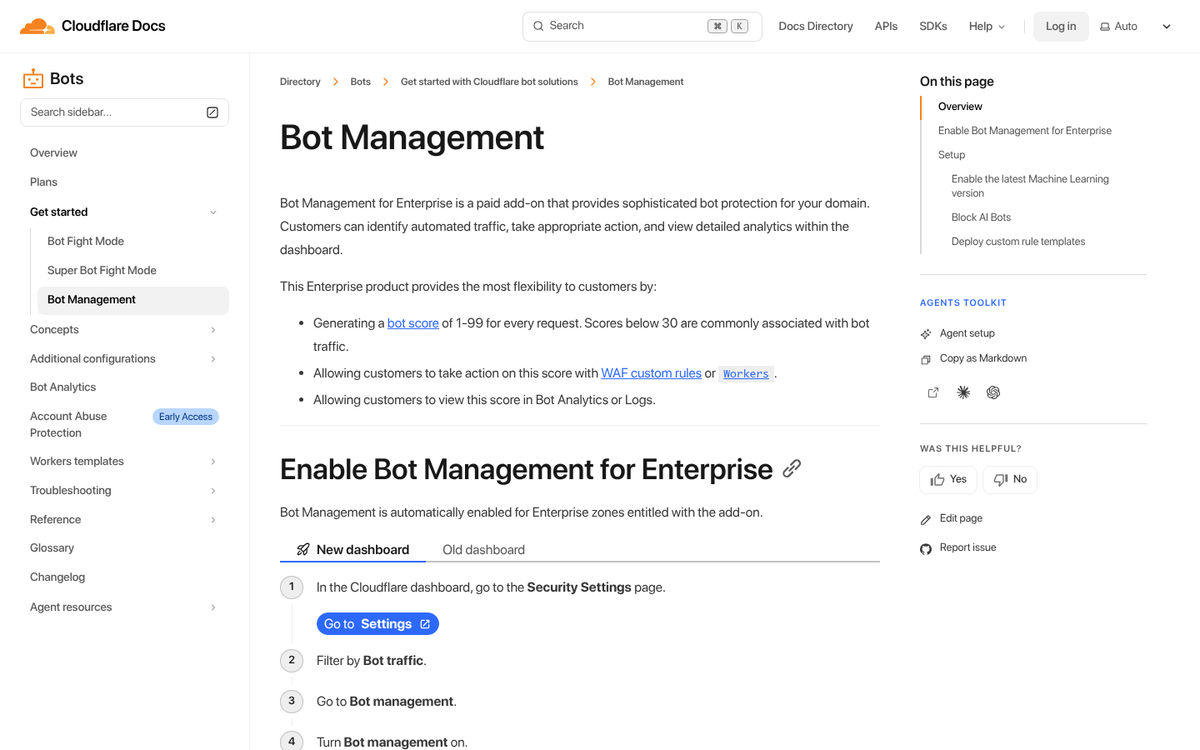
- Cloudflare Bot Management - Strong real-time filtering, especially on traffic entering your site.
- HUMAN (formerly White Ops) - Enterprise-grade bot detection used widely in ad verification.
- TrafficGuard or ClickCease - Designed specifically for paid traffic fraud detection, useful if you're running PPC campaigns alongside purchased traffic.
- Google's Invalid Traffic filtering in GA4 - Catches some bot traffic automatically, though it won't catch everything.
No single tool is foolproof. The smartest approach is combining behavioral analytics, heatmap monitoring, geographic analysis, and a dedicated bot detection layer. Given that bad bots now account for more than a third of all global web traffic, treating bot detection as a one-time check rather than an ongoing process is a mistake you'll pay for in wasted ad spend and skewed data.