Key Takeaways
- CDNs host media files and scripts globally, but don't replace web hosting-you still need a separate web host.
- Cloudflare offers a truly free forever plan with DDoS protection and 115+ worldwide data centers.
- jsDelivr stands out with unlimited free bandwidth and 750+ points of presence, ideal for WordPress static assets.
- Google Cloud CDN and Azure CDN aren't permanently free-both offer limited trial credits before switching to paid plans.
- Smaller options like Hostry and CoralCDN exist but have significant limitations in bandwidth or geographic coverage.
Internet speeds are getting faster and faster, and as a consequence, the amount of time we're willing to wait for something online is dropping at a precipitous rate. When was the last time you waited over a minute for a website to load? At this point, I assume it's having server problems and just leave by 10 seconds in.
CDNs help dramatically with this issue, so it makes sense that you might want one. I've have a list of recommendations and possibilities here. But first let's talk about what CDNs are and how they work.
Do You Need a CDN?
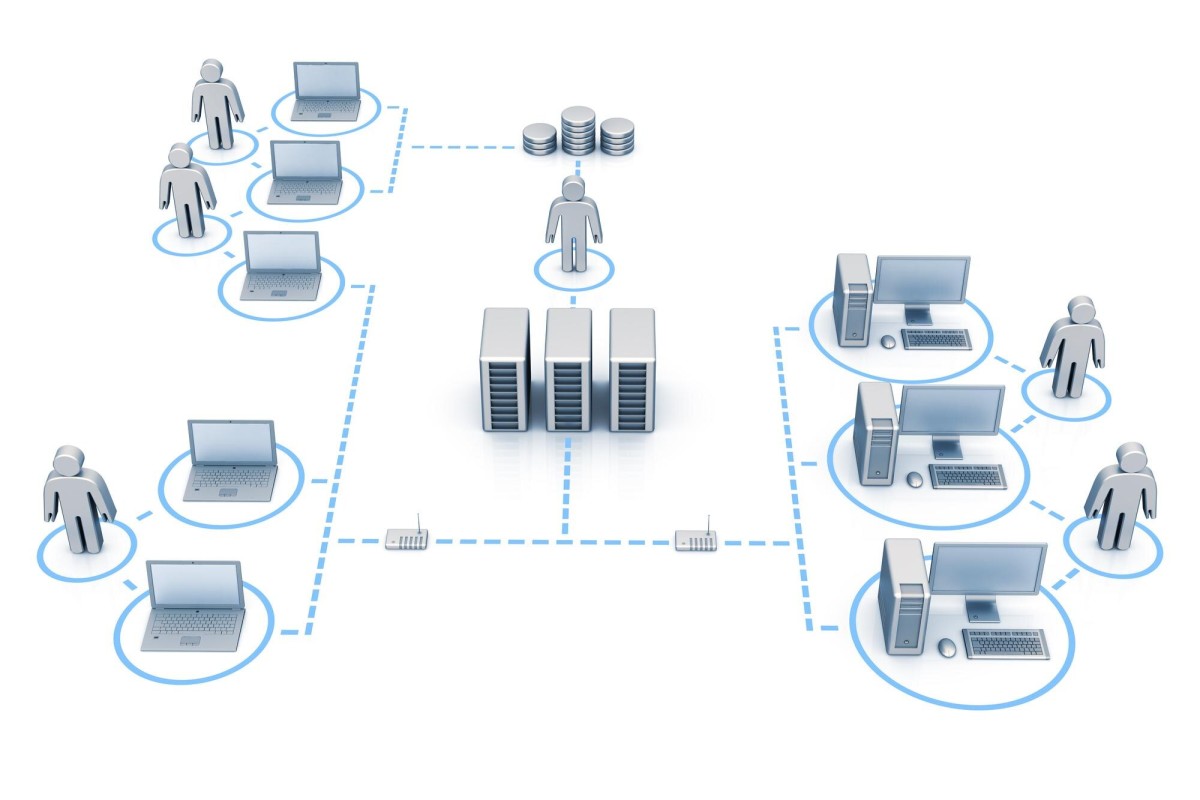
A CDN is a Content Delivery Network- it's basically just servers scattered around the world, all with the same content mirrored on each of them.
Say you're a small business in Florida. You contract a local web host with a small data center in Miami and they host your website. Great for residents of Miami! They get your website virtually instantly, piped right into their houses or phones.
Leave Miami and go to, say, Georgia and it's a bit more of a hop away. Someone in Georgia wanting to access your site has to send the data through a few hops to whatever main Internet trunk passes nearby and wait for replies along the same chain.
It's even worse for someone out in Oregon - even further away. At those kinds of distances, if nothing else, the speed of light can add a fractional delay to everything - it's not big under normal circumstances. But when your data has to process through a few dozen routers and sets of who knows how old cabling, every delay adds up.
All of this is not to mention overseas Internet access. Did you know that there are massive cables strung under the ocean, piping Internet between America and Europe, Europe and Africa and so on? These cables can be tens or hundreds of thousands of miles long. Sharks eat them! It's a big problem!
If you think that's tedious, slow and overkill, remember that the alternative is to use satellites in orbit. Travel time can become quite a bit longer when you have to beam your data to space - though low-earth orbit satellite services like Starlink have narrowed that gap considerably.
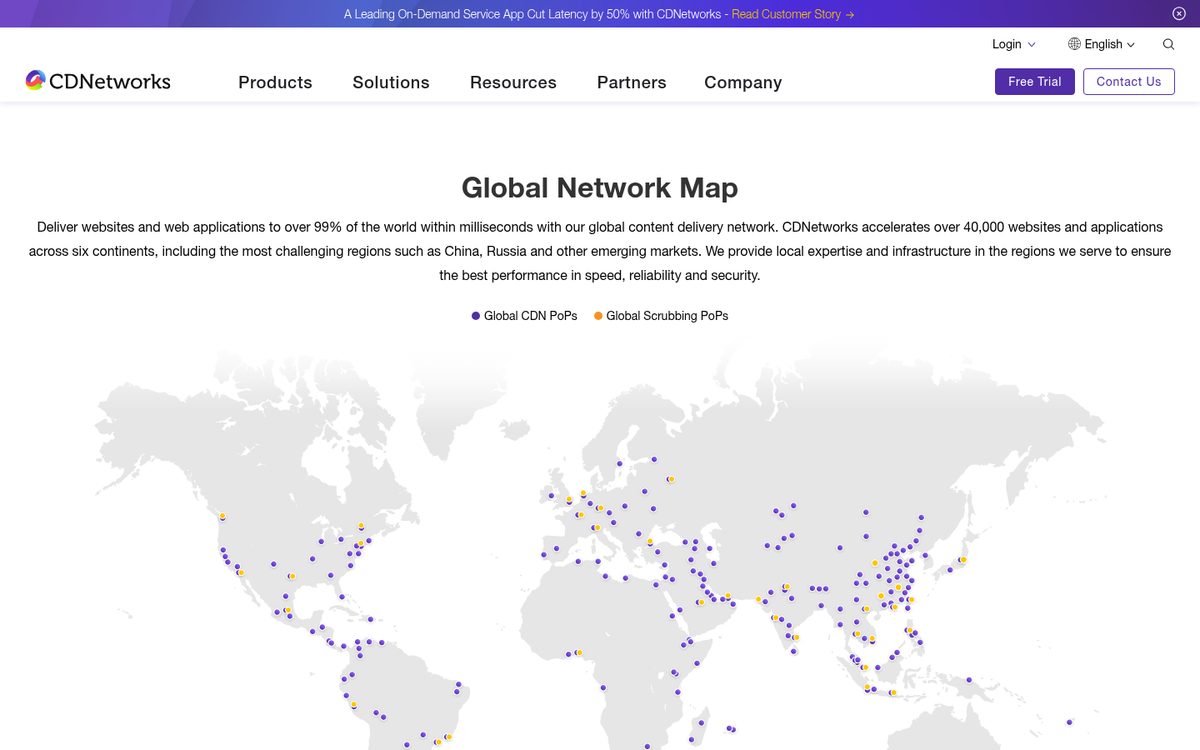
The answer to this problem is a CDN, a distributed network of computers in data centers around the globe. You throw your data on a CDN and that data is mirrored on servers across every continent except Antarctica, in strategic locations where it can serve a large geographic area at high speeds. Your user in Oregon doesn't need to access your web host in Florida; they can just pull the data from a server in Portland.
CDNs and WordPress
The title of this post is slightly misleading. I talk about hosting your blog on a CDN. But that's not what CDNs do. CDNs will host certain kinds of files. But they don't host your entire website. There would be data synchronicity problems if they did. Try updating a file on one server and finding it only updates for a subsection of the USA and you'd know what I mean. Now imagine if a customer makes a purchase and the purchase data is mirrored to every CDN server; now you have to fulfill 500 orders from that one person, eh?
A CDN doesn't host your entire website. CDNs will usually host two kinds of file: media files and scripts/CSS files. They host media files because media files tend to be large, anywhere from a few hundred times bigger than an HTML file all the way to tens or hundreds of thousands of times bigger, sometimes even millions. Orders of magnitude, is what I'm saying.
Scripts are hosted for consistency more than for speed. Scripts like to be small. But they can be subject to errors if a packet is dropped or some data is lost along the way through a connection. Rather than risk failure of your analytics tracking code or the code that makes your lightbox work, a CDN makes sure it's steady.
What I'm saying is that a CDN is not a replacement for a web host. You still need to pay for web hosting - or use a platform like Wix or WordPress.com - but you can offload the server stress and expense with a CDN for the heavy lifting.
Grand List of Free CDNs
Now let's talk about the list. I've tried to classify these by whether or not they have a free plan or basically a free trial with limitations. Ideally, you'll be able to find one that works best for you well enough.
Cloudflare
Every list of CDNs in the world will include Cloudflare, because they're one of the biggest names you'll see.

The biggest benefit of Cloudflare is that they have a "free forever" plan that includes access to their widespread CDN server network spanning over 115 data centers worldwide, among other features. One of the other features is DDoS protection, which can put small e-commerce sites in a more comfortable position when there are upswings in traffic and/or malicious attacks. Their WordPress plugin alone is active on over 100,000 websites, which speaks to how embedded they are in the WordPress ecosystem.
Cloudflare has extra features for those who want to pay for memberships - like image optimization, an expanded list of page rules, load balancing, rate limiting and quite a bit more. You can read it all on their pricing page.
Cloudinary
Cloudinary is an image and video-focused CDN that has a "forever free" plan - though with a big asterisk next to "forever." You get 25 credits; each credit is worth 1,000 image transformations, 1GB of storage or bandwidth, or 500 video processing seconds. All in all, it's somewhat limited depending on your usage. But if you're running a low-traffic site with modest media needs, those 25 credits can stretch a basic distance.
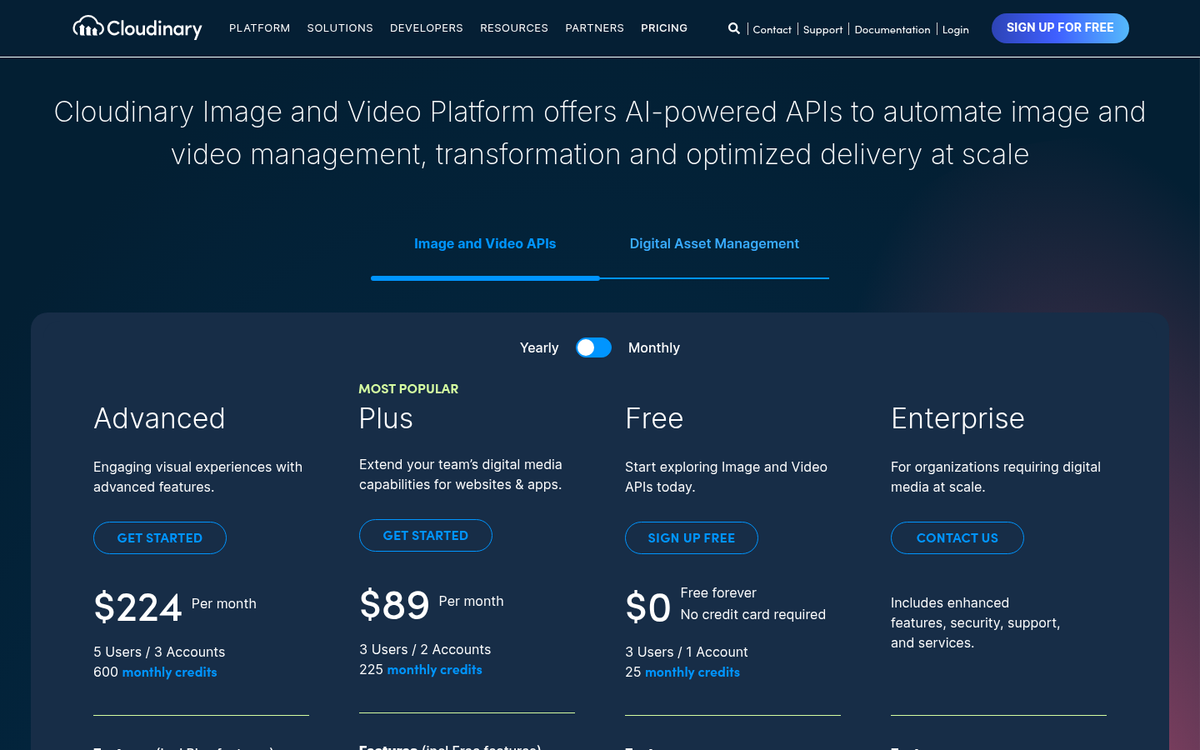
Cloudinary also functions as a tier-2 CDN. They act as a CDN image and video processor. But they can then go and host your images and media on another CDN, like Akamai or CloudFront - which can add some more delivery speed.
Jetpack Site Accelerator
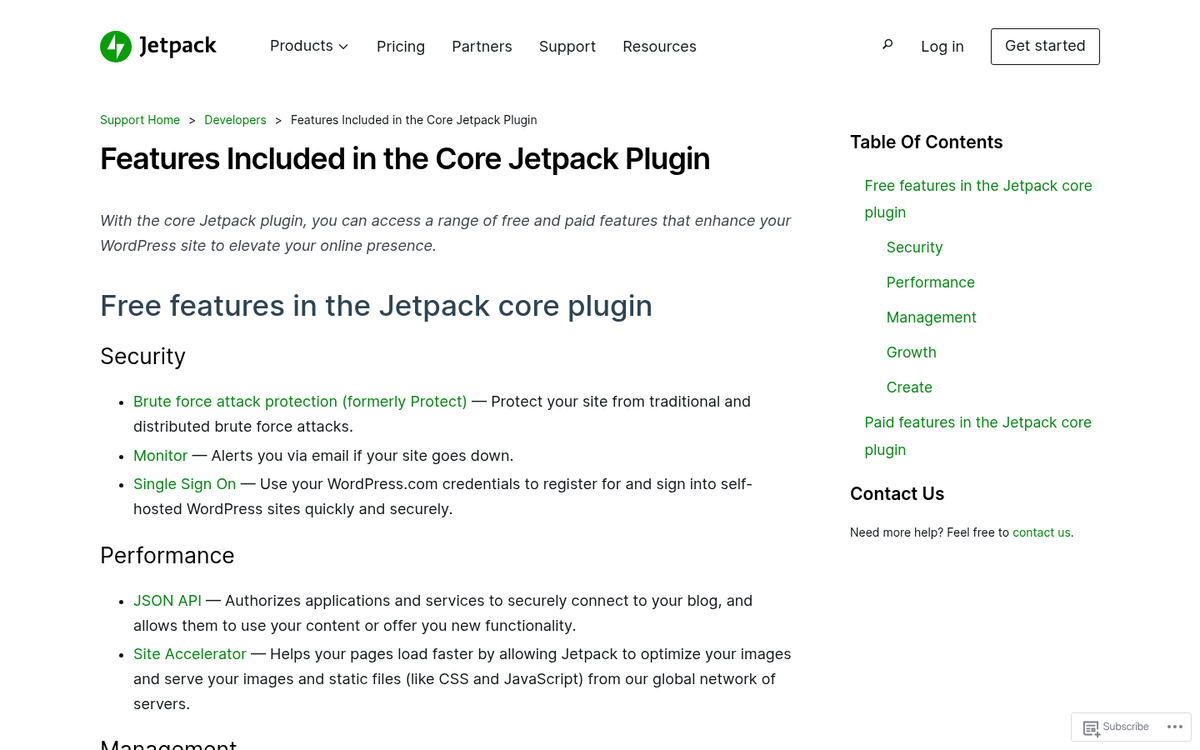
Jetpack is one of the most widely used WordPress plugins in the world, and with good reason - it has a giant number of features and benefits for any WordPress-based site, and one of them is the optional Site Accelerator feature.
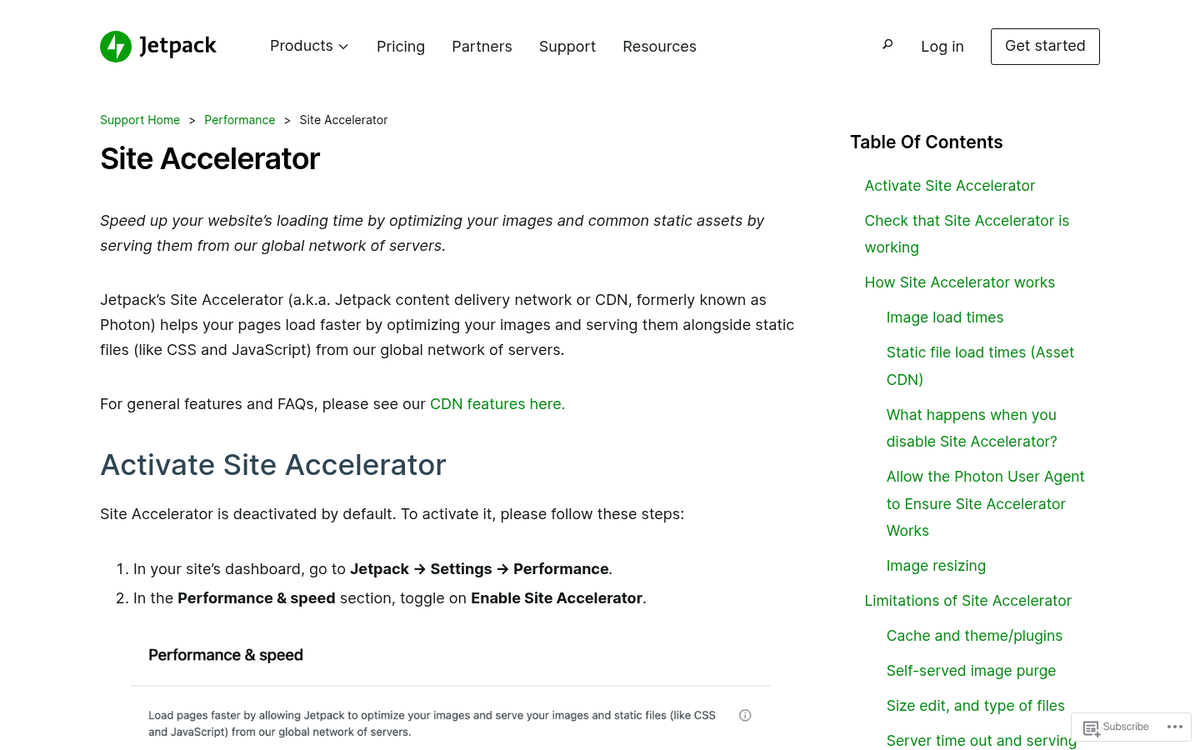
Though it's labeled Site Accelerator, it's basically a CDN that Jetpack uses to host images - with image editing and compression features - and static scripts like CSS and JavaScript files. The one drawback is that the static files hosting is limited to only WordPress core files, Jetpack files and WooCommerce files. You can't host other plugin files or custom scripts on their CDN. On the bright side, like Jetpack itself, it's free to use.
Amazon CloudFront
Not to be confused with Cloudflare, Amazon CloudFront is the CDN offering from AWS and it's grown into one of the most robust options available. The network now spans 600+ points of presence across 90 cities in 47 countries, which makes it legitimately competitive with any business-level CDN on the market.

The free tier includes 1 TB of data transfer per month and it's available for 12 months, after which you move to pay-as-you-go pricing based on usage; it's a real upgrade from older free tier limitations and makes CloudFront a viable option even for sites with moderate traffic. Once you're on the paid plan, costs remain pretty low for most small-to-medium sites.
Probably the biggest benefit of CloudFront is that it's an Amazon service, with the connected support, back-end engineering, stability and consistency that implies - and tight integration with other AWS services if you ever need to scale.
jsDelivr
jsDelivr is a great free CDN that flies under the radar, but deserves a prominent place on this list - it's purpose-built for open source projects and has a free plan with no traffic limits, backed up by a great network of more than 750 points of presence worldwide.
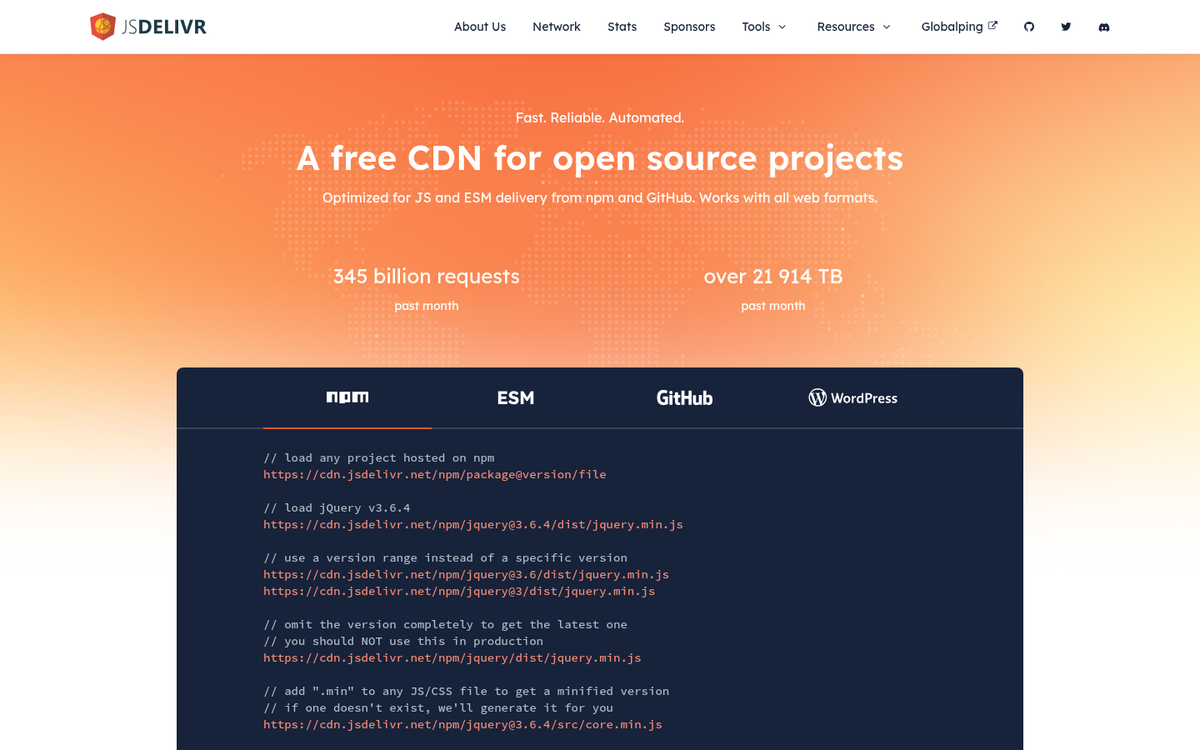
jsDelivr integrates directly with npm, GitHub and WordPress, which means you can serve files straight from those repositories without any extra configuration. For WordPress users specifically, it's an easy way to offload JavaScript libraries and other static assets. The fact that it's free with no bandwidth cap makes it unusually generous compared to most options on this list.
Google Cloud CDN
You didn't think there would be any internet-related space where Google didn't have a presence, did you? Of course Google has a CDN, built on top of the massive widespread infrastructure they already have in place for Search, Ads, YouTube and the million other services they offer.
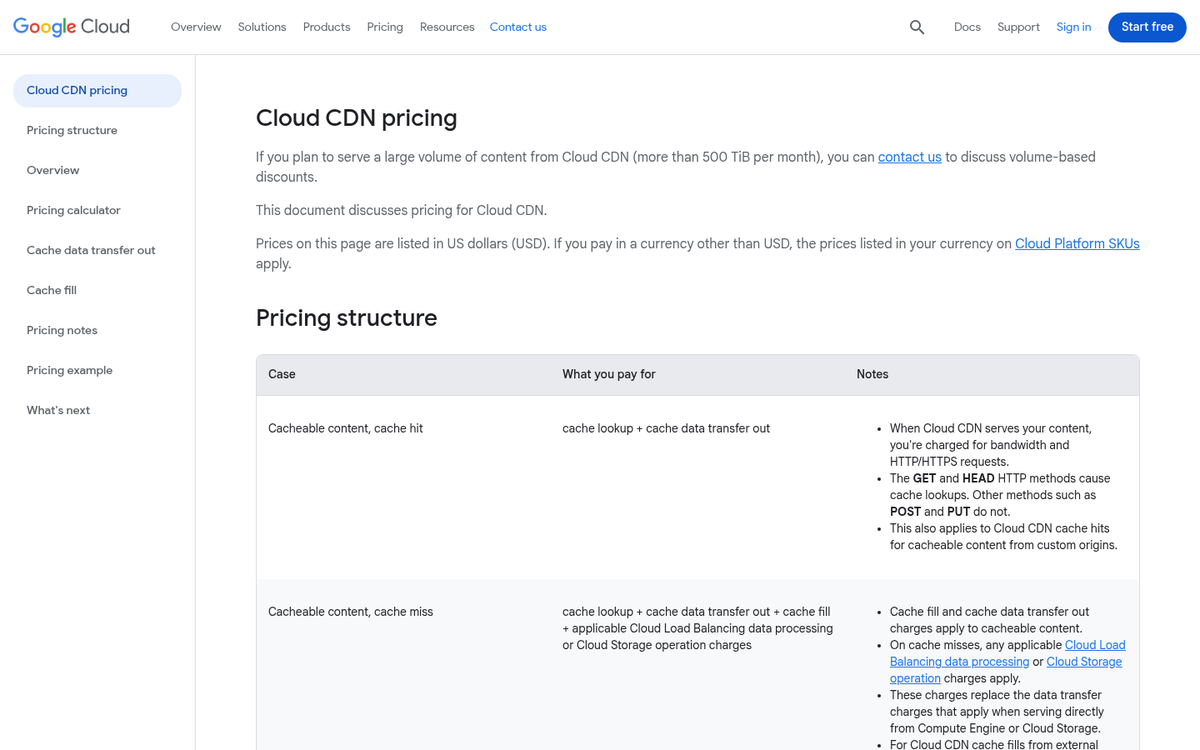
Google's Cloud CDN is not actually free in the traditional sense. Their free trial gives you $300 in credit to spend across Google Cloud services, which expires after 90 days - it's use it or lose it, so if you're low usage, don't count on stretching it very far. After the trial, you're on pay-as-you-go pricing, which can be economical for low-traffic sites but isn't free.
Azure CDN
Azure is Microsoft's offering in the CDN market space and it's most comparable to Google Cloud in terms of positioning. They give you performance, active monitoring for site performance, traffic analysis and usage metrics baked in from the start.

The Azure free account comes with $200 in credit to use within the first 30 days, plus 12 months of access to a set of free services. As with Google, it's not free in perpetuity. But the combination of initial credit and the generous list of always-free services - like container management, their machine learning API, developer tools, Active Directory objects and more - makes it worth looking at if you're already in the Microsoft ecosystem.
Hostry
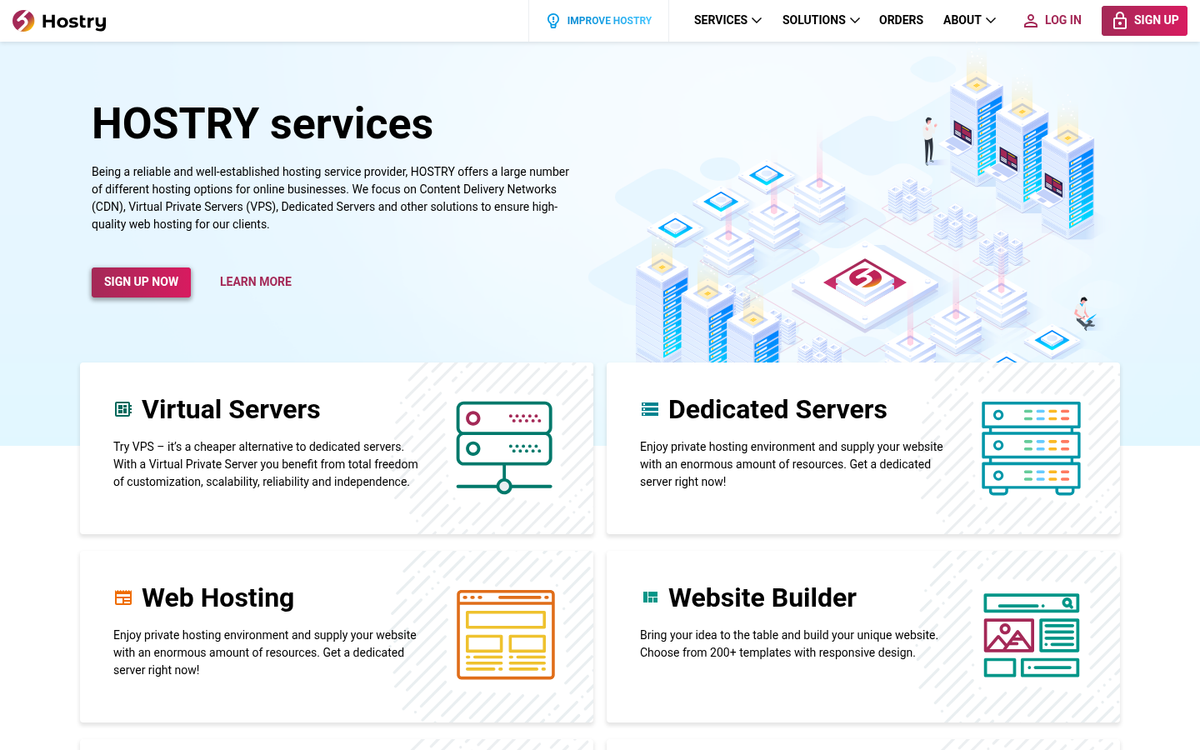
Hostry is a lesser-known option that has a legitimately free CDN tier, which makes it worth mentioning for budget-conscious site owners. Their free plan gives 10 GB per month for EU or US traffic and 5 GB per month for worldwide traffic - it's modest. But for a small blog with primarily regional readership, it can be a workable free way to get started with CDN delivery.
CoralCDN
CoralCDN is an interesting project that works as a sort of combination between a traditional CDN and something like BitTorrent - that is, a peer-to-peer CDN network - and it's free and open source. But use is limited in geographic coverage.
You have to append a bit of URL to the objects you want served through the CDN and even then it only works as long as nodes are active in your region. Coverage in South America, Australia, the Middle East and Africa remains thin, so it's most viable for US, Canadian and European audiences - it's a curious project, but probably not a primary solution for most WordPress site owners.
Google Hosted Libraries
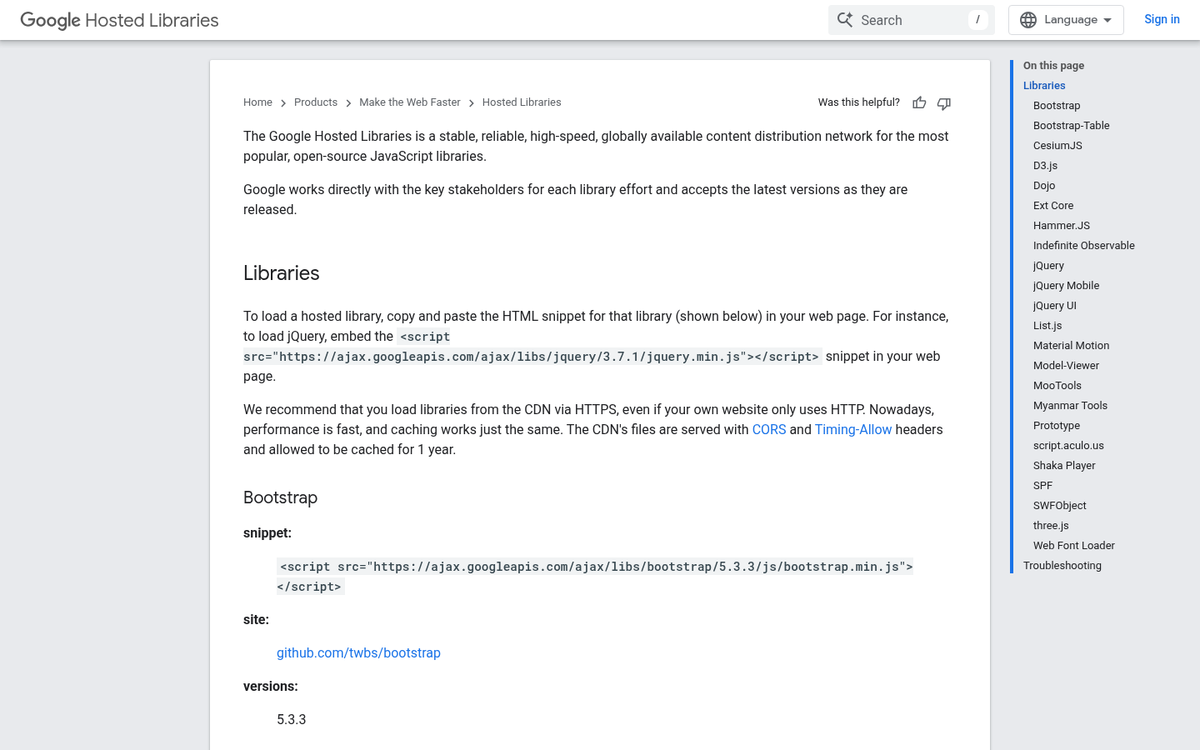
Google Hosted Libraries is a little different from a traditional CDN in that it's just a series of static libraries used for features in plugins and scripts - it's a great tool for developers who want to pare down their code and reference static libraries. But it's of limited utility if you're not a developer.
Alright, so, I said this was a list. But can any list be complete? This is where I hand things over to you, the readers. If you know of a great free CDN, list it in the comments below. And if one of these options above has changed or gone silent, let me know as well.