





Key Takeaways
- CDN services like Cloudflare Images and Bunny.net have become more accessible, affordable, and beginner-friendly for blog image hosting.
- Google Photos is unsuitable for blog hotlinking; direct image URLs can break and free storage is now capped at 15GB.
- AI image generation tools like Midjourney and Adobe Firefly now offer bloggers fast, custom, low-cost alternatives to stock photography.
- Imgur compresses non-animated files over 5MB, making it less ideal for high-resolution image hosting despite remaining reliable.
- Self-hosting paired with object storage like Cloudflare R2 offers maximum control, preventing third-party policy changes from breaking your images.
Blog posts need images. The problem is, finding the right place to host them - reliably, affordably and without sacrificing performance - has changed dramatically over the years. With the rise of AI-generated imagery, high-resolution photography and faster web standards, image hosting in 2026 looks very different from what it did even five years ago. Whether you're running a lean WordPress blog or a full content operation, here's a look at your best options.
In order to save on server resources and improve page load times, it's a good idea to host your images externally. There are quite a few hosts out there and the community has shifted considerably with modern CDN options becoming far more accessible than they used to be.
A CDN is now more approachable than ever. Services like Cloudflare Images, Amazon CloudFront and Bunny.net have simplified their pricing and setup. Cloudflare Images in particular has a flat, predictable pricing model that makes it easy to get started without a degree in cloud architecture. That said, if you just want to throw images somewhere faster and link to them, the hosts below are still valid options.
1. Imgur
Imgur has been an online image-hosting community since 2009, created as an easy, reliable alternative after earlier community image hosts disappeared without warning, taking linked images and forum threads with them - it quickly became the favorite image host for Reddit and similar communities.
What started as a basic image host evolved into a social platform with its own culture, memes and front page of viral content. For bloggers none of that matters much. You can upload images, get a direct link and hotlink them wherever you like.
One technical note: Imgur applies lossy compression to non-animated files over 5 MB, so if image fidelity matters, keep your uploads under that threshold or use a host better suited to high-resolution work.
Free accounts are available and let you manage, edit, or delete your images. A free account combined with a browser extension for on-the-fly uploads is legitimately all most bloggers will ever need here. If you want even more options, check out this guide to getting free images for your WordPress posts.
Imgur has pulled back from some of its social features and tightened its content policies - it remains functional and reliable for standard image hosting. But it's no longer the thriving community it once was.
2. Google Photos
Google Photos remains a solid option for personal image backups and organization, and that's especially true for Android users whose photos sync automatically - it includes helpful tools like AI-powered subject search, automatic collages and albums organized by people, places, or events. Google's machine learning here is legitimately great in 2026.
However, Google Photos is not a good choice for blog image hotlinking. Google has made it increasingly difficult to extract direct image URLs for external use and the service was built for personal storage instead of external hosting. Shared image links can break or change behavior without notice. If you need reliable image delivery for your blog, consider using a free CDN instead.

The storage situation has also changed: Google Photos no longer has unlimited free storage for any resolution. All uploads count toward your 15 GB of free Google account storage shared across Gmail, Drive and Photos. If you're a heavy user then you'll probably need a Google One plan.
Use Google Photos for what it's good at - backing up and organizing your own photos - but don't use it as your primary blog image host. For a more robust setup, look into managed WordPress hosting that handles media delivery more reliably.
3. Your WordPress.com Site
If you're running a blog on WordPress.com, hosting your images directly on the platform remains one of the easiest options available. Images uploaded through the WordPress media library are served from WordPress's own infrastructure, with built-in CDN delivery through Jetpack for eligible plans.
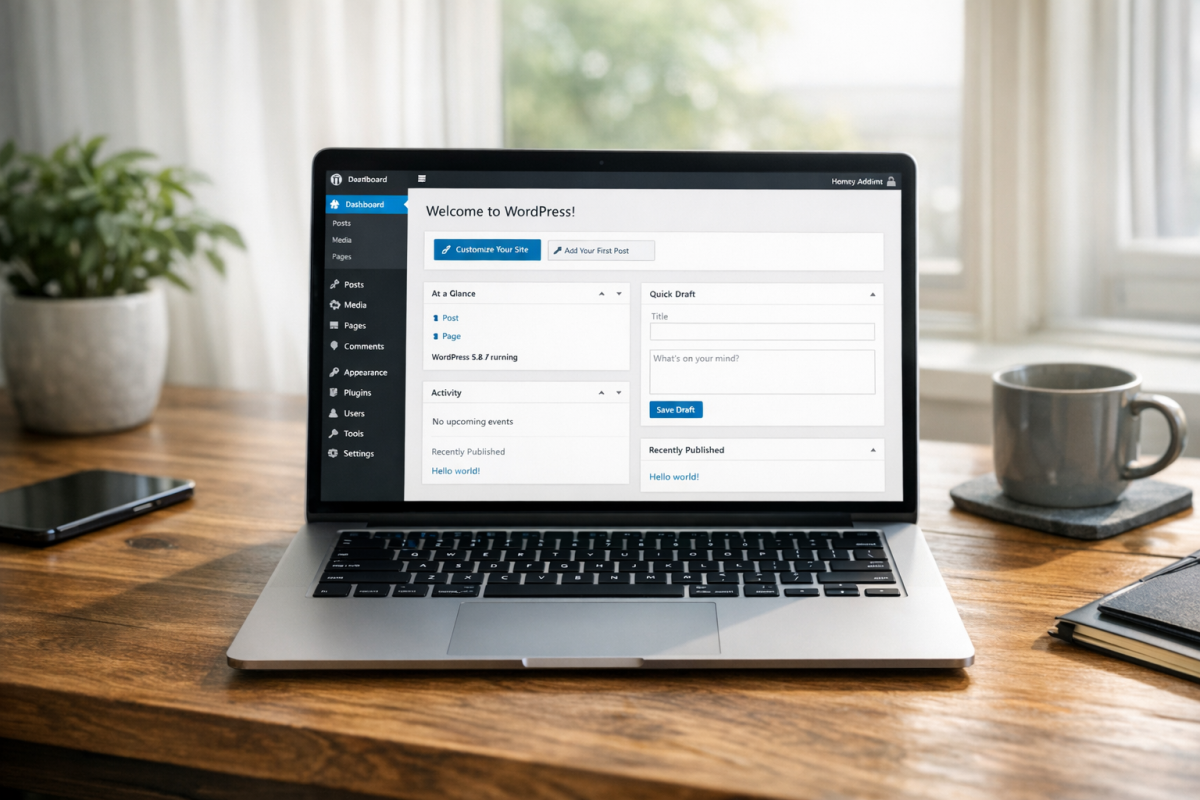
You get full control over file names, alt text, captions and other metadata right in the editor. The block editor makes image management more intuitive than ever and WordPress.com's plans in 2026 give you generous storage across most tiers.
If you're on a self-hosted WordPress.org installation on a cheap server, consider pairing it with a plugin like Offload Media, which automatically moves your uploads to an S3-compatible bucket or Cloudflare R2 - keeping your server lean while your images are served from fast, reliable infrastructure.
4. Cloudflare Images
Cloudflare Images has become one of the strongest image hosting options available to bloggers and developers alike - it has flat-rate pricing, widespread CDN delivery, automatic format optimization (serving WebP or AVIF where supported) and image resizing via URL parameters.

The pricing model is simple: you pay per image stored and per image served, with no confusing bandwidth tiers. For most small to mid-sized blogs, the monthly cost is minimal - just a few dollars.
It's now my top recommendation for anyone who wants a set-it-and-forget-it image hosting solution that's fast, reliable and doesn't require managing a social platform or worrying about community content policies. It's not free. But it's inexpensive and purpose-built for this use case.
5. Flickr
Flickr has had a turbulent history - sold by Yahoo to SmugMug in 2018, nearly shut down and then stabilized into what it is today: a focused community for photographers. SmugMug's stewardship has kept it alive and functional, though it's a much smaller presence than it once was.
Free accounts are limited to 1,000 photos, which is actually a reasonable amount for most bloggers. A Pro account unlocks unlimited storage and removes ads. Flickr still supports hotlinking, respects licensing options (like Creative Commons) and integrates well with photo-centric workflows.
If you're a photographer who wants your blog images to also live in a curated, searchable portfolio, Flickr still makes sense. For general bloggers, it's functional but no longer the standout option it once was. Keep in mind that third-party integrations can slow down your site's load time, so it's worth considering how you embed or link images from external platforms.
6. Bunny.net Storage + CDN
Bunny.net (formerly BunnyCDN) has emerged as one of the best value-for-money infrastructure options for image hosting. Their storage zones paired with their CDN give you a fast, globally distributed image host at extremely low cost - fractions of a cent per GB served.
It's slightly more technical to set up than a drag-and-drop image host. But far easier than AWS or Azure equivalents. If you're running a blog with growing traffic and want your images served faster worldwide without paying business prices, Bunny.net is well worth a look.
7. PostImage
PostImage remains one of the easier no-account image hosts. You upload an image, you get a direct link and you're done - it supports common image formats and allows hotlinking without friction.
It supports adult content tagging, which makes it one of the few mainstream image hosts that doesn't immediately remove mature content. Free uploads without an account are available, though registered accounts give you longer or permanent retention.
It's not the flashiest option. But it's reliable, simple and has been around long enough to show some staying power. Good for quick uploads that don't need anything refined. If you're focused on content marketing without wasting time and money, keeping your image workflow simple like this is a smart move.
8. Pixabay
Pixabay has evolved and it's now primarily known as a free stock image and video resource instead of a personal image host. In 2026, it's one of the best places to find quality, royalty-free images for your blog - especially helpful now that AI-generated stock imagery has flooded competing platforms with inconsistent quality.

Pixabay does not support hotlinking for hosted images, so it's not useful as a personal image host in the traditional sense. However, if you need free imagery for blog posts and want human-created, professionally curated photos, it remains one of the better free resources available.
Remember that if you upload to Pixabay, your images are licensed for free public use - so only upload content you're comfortable sharing freely.
9. AI Image Generation as an Alternative
This one is new to the list. But it would be irresponsible to write about blog image sourcing in 2026 without tackling it. Tools like Midjourney, Adobe Firefly, OpenAI's image generation (available through ChatGPT) and Google's Imagen have made it possible to create custom, original images for blog posts in seconds - at no cost or very low cost depending on the plan.
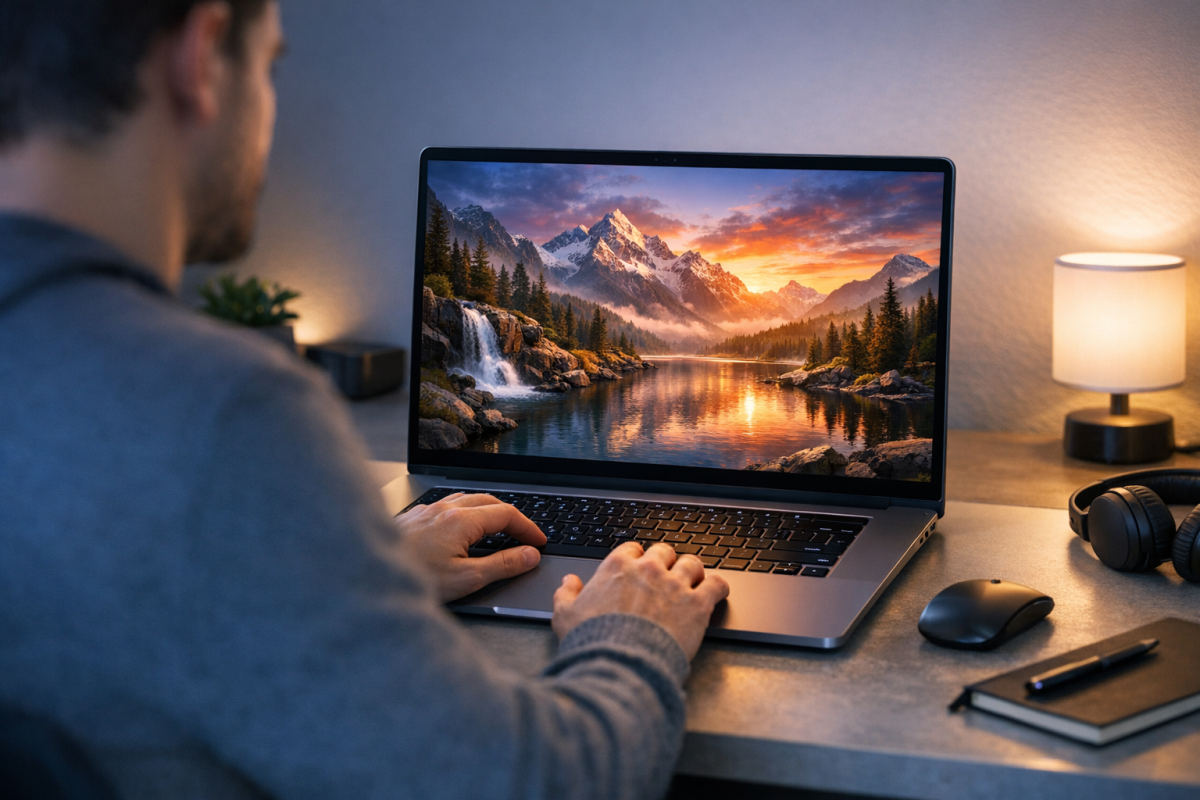
For bloggers, this is a genuine game changer. Instead of hunting for stock photos that only vaguely match your topic, or worrying about licensing, you can generate an image that matches your exact needs. The quality of AI-generated imagery in 2026 is sufficient for most blog use cases and the legal landscape around ownership of AI-generated images has become clearer in most jurisdictions - though it's worth staying well-educated as this continues to evolve. If you're also thinking about the legality of embedding other media in your posts, the same diligence applies.
Once generated, you'll still need somewhere to host these images, so pair this with any of the options above.
10. Your Own Web Hosting
At the end of the day, hosting images on your own web server or cloud storage remains the most flexible and controlled option. You choose what's uploaded, how it's organized, what licenses apply and when it gets removed. There's no third-party platform that can change its policies and break your images overnight.
Modern web hosting is also better value than it was a decade ago. For a few dollars a month, you can get shared hosting with storage, or pair a basic VPS with Cloudflare's free CDN tier to get decent worldwide delivery speeds without spending much at all.
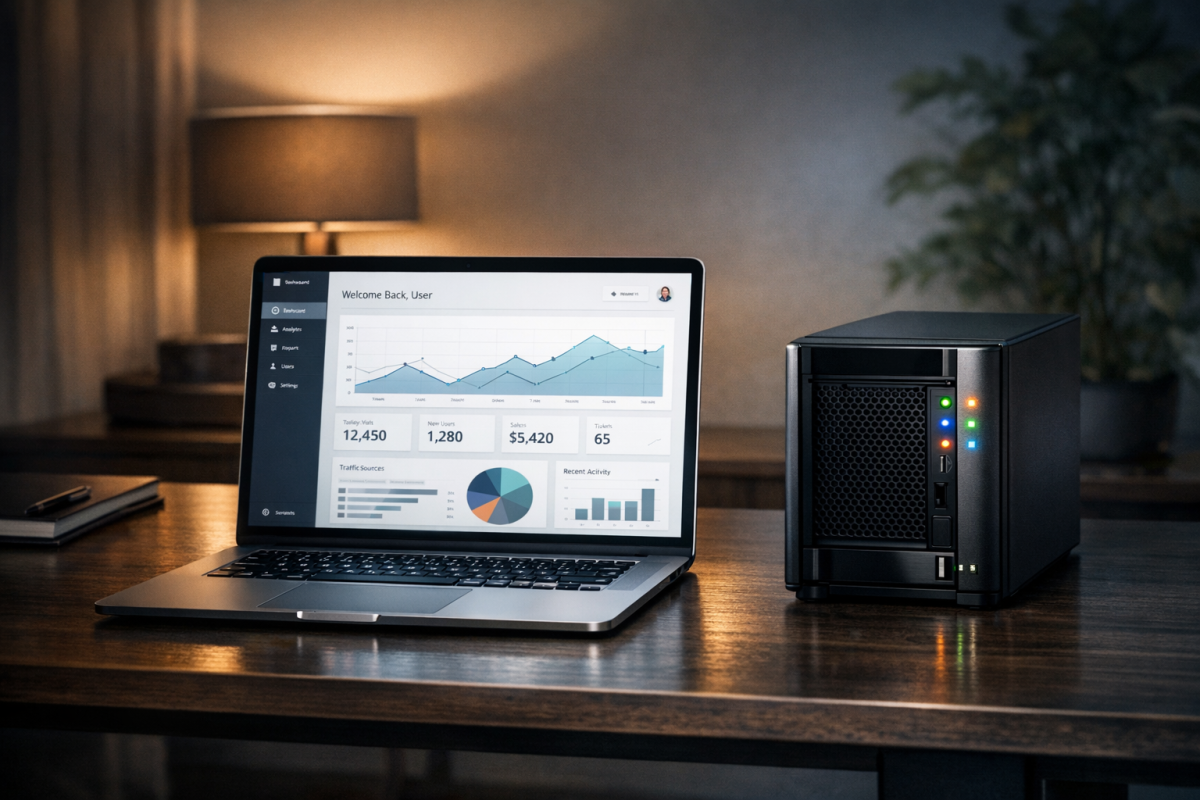
For those on self-hosted WordPress, pairing your installation with an object storage solution like Cloudflare R2 (which has no egress fees) or Backblaze B2 is increasingly the move - keeping your server resources free while your images are delivered faster from distributed infrastructure.
If you're serious about blogging long-term, owning your infrastructure - or at least controlling where your content lives - is the strategy that will serve you best. Third-party image hosts come and go, change their terms, or quietly start compressing your files. Your own setup doesn't.

5 responses
Thoughtful replies only - we moderate for spam, AI slop, and off-topic rants.
Imgur has a strict "no blogs" policy in their ToS and seems to be blocking sites that hotlink their images (other than forums).
I do not recommend use Google+ Photos!
I host some of images on the google drive, the images load so slow...It's really not a good option for hosting in my views.
Whelp. Flickr is dead. Or at least its comatose. Under SmugMug it has gone from needing life support to a vegetative, coma state. And a few of these sites will probably follow too.
TinyPic is closing
Thank you! Yes we added a note at the bottom of this post a month or so ago when we heard, we'll be removing it from the list soon. If anyone has good alternatives that aren't listed in this post please let us know!