





Key Takeaways
- WordPress.com Premium now includes full plugin directory access, custom domains, and AI design tools, making it far more competitive in 2026.
- Self-hosted WordPress powers 43% of all websites, offering total control over themes, plugins, monetization, and custom code.
- WordPress.com Premium costs roughly $80-$95/year all-in, while self-hosted ranges from $50-$300/year depending on hosting quality.
- Self-hosted WordPress wins for monetization flexibility, content ownership, and resale value, as it isn't subject to platform policy restrictions.
- WordPress.com handles security, updates, and server maintenance automatically, significantly reducing the technical burden on site owners.
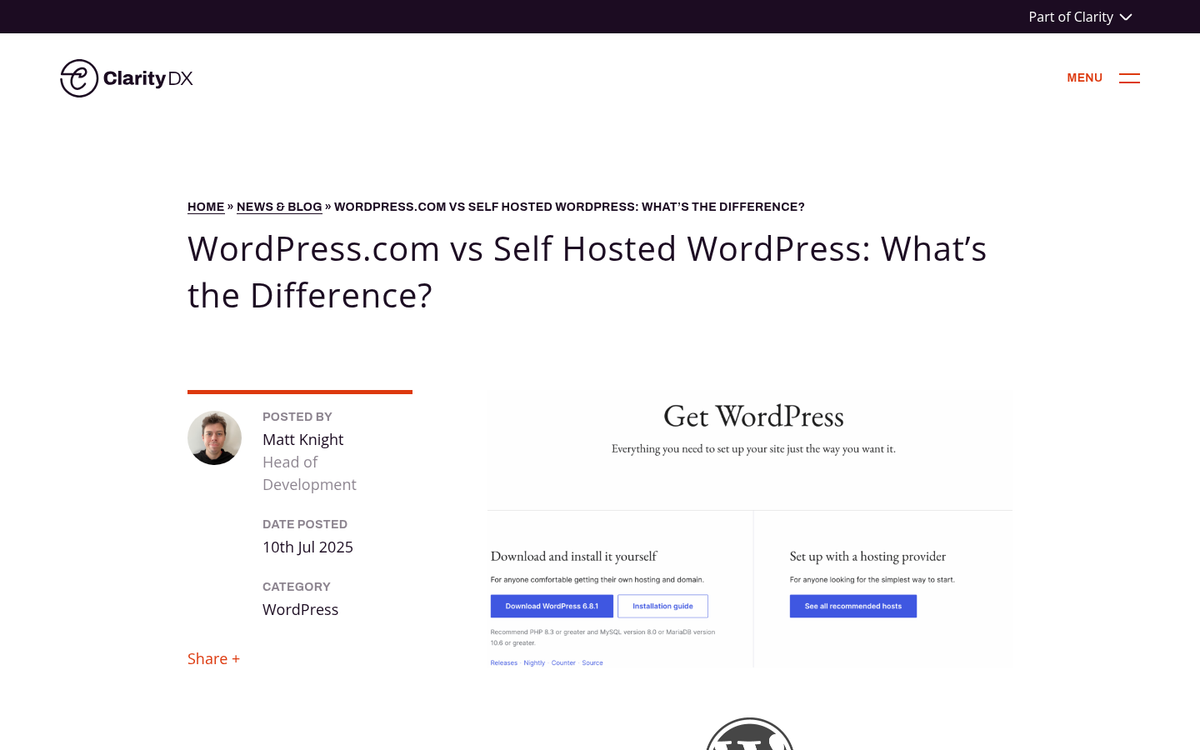
WordPress is a popular blogging platform, and understanding your options is more important than ever in 2026. There are two main versions to consider: WordPress.com, which is the hosted solution where WordPress manages everything for you, and WordPress.org, which is the self-hosted software you download and install on your own web hosting. WordPress.com also has a few paid tiers, with Premium being the most popular upgrade for casual bloggers.
If your choice is between free WordPress.com and WordPress.org, the answer is fairly clear. The extra options and flexibility of WordPress.org are vastly better than what the free version of WordPress.com has. However, know that with WordPress.com's paid plans - especially in a landscape where AI-assisted site building has made managed platforms more capable than ever - the choice can become legitimately more nuanced.
WordPress.com Premium Features
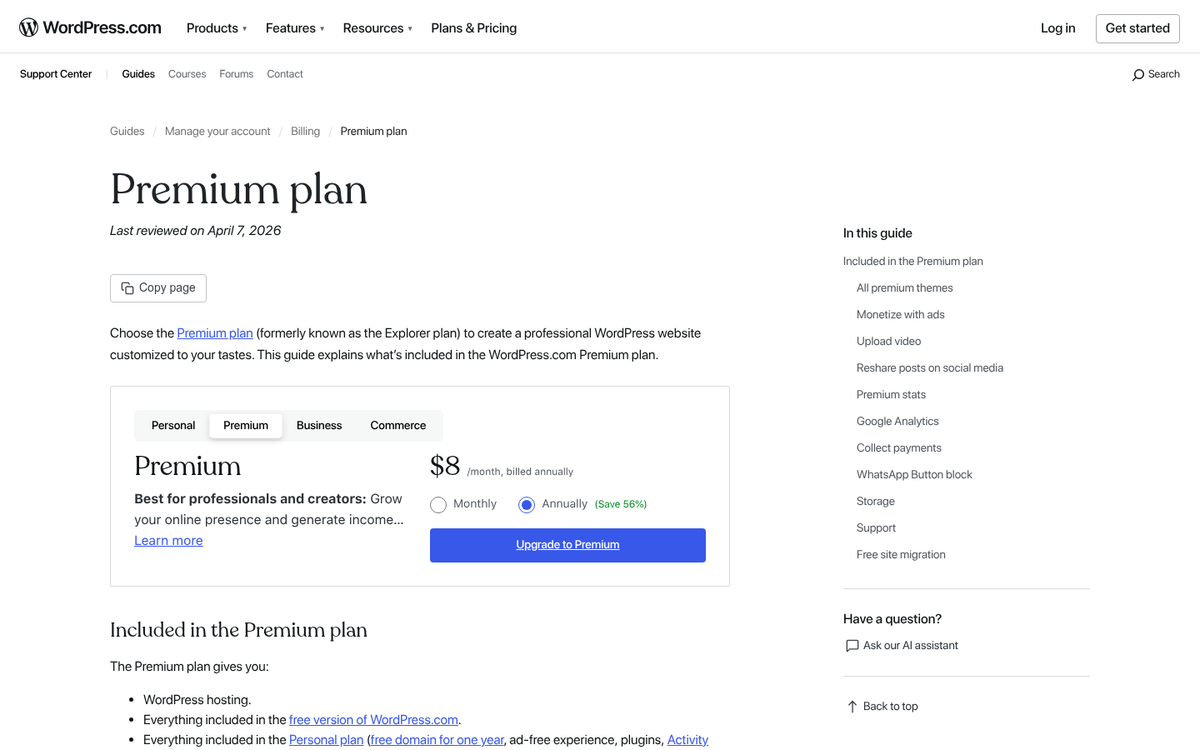
The Premium upgrade for WordPress.com has evolved and it's actually quite competitive in 2026. It's not without drawbacks. But here's what you get.
The first thing you get from Premium is a custom domain. You can map your own domain name to your WordPress.com site, removing the blogname.wordpress.com URL - this addresses one of the biggest weaknesses of the free tier with regard to branding and SEO.
The second Premium feature is access to over 50,000 plugins - a massive change from older versions of WordPress.com, which had virtually no plugin access. On any paid plan like Premium, you now have access to the full WordPress plugin directory - one of the strongest reasons to rethink the hosted platform. If you're evaluating premium plugins worth paying for, this access opens up a lot of options.
The third feature is expanded storage. WordPress.com Premium includes 13 GB of storage, which is adequate for most bloggers who aren't hosting heavy video libraries locally.
The fourth feature is the removal of WordPress ads. The free tier can display ads on your site to offset hosting costs. With Premium, those ads are removed since you're paying for the service.
The fifth feature is design customization. Premium users can edit CSS, access a wider theme library, and take advantage of WordPress.com's AI-powered site design tools, which have improved dramatically.
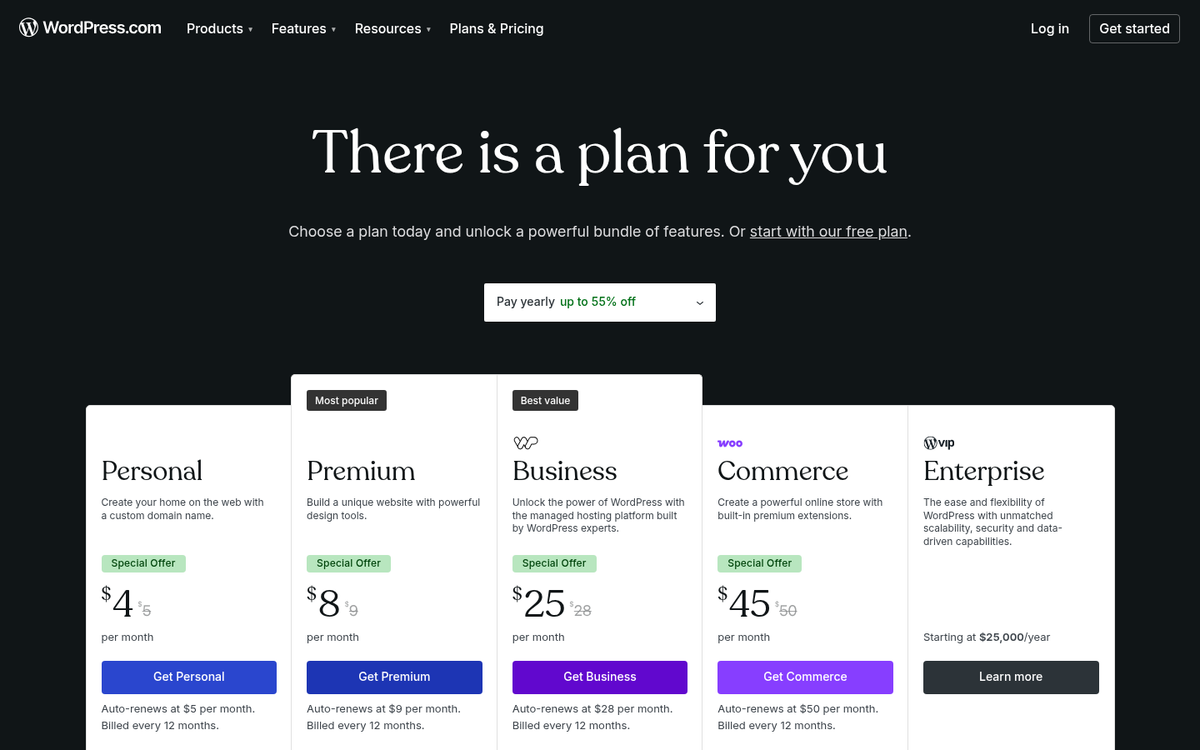
What's the cost? WordPress.com Premium costs $5.50/month on a three-year plan, which makes it one of the cheaper managed blogging options available. Higher tiers are available for more advanced needs - like a store tier starting at $25/month, which includes e-commerce functionality, unlimited storage, and advanced design tools.
The Benefits of Self-Hosted WordPress
WordPress.org remains the gold standard for website owners, and it's no coincidence that self-hosted WordPress now powers over 43% of all websites on the internet. Here's why it continues to dominate.
First and foremost is total control. With WordPress.org, you control everything - themes, plugins, custom code, server configuration, and more. You can modify source files, install any framework you like, and build virtually anything you can imagine. The only ceiling is your own technical ability and the infrastructure of your web host.
Secondly, theme flexibility is unrivaled. While WordPress.com has improved its theme selection considerably, self-hosted WordPress gives you access to tens of thousands of free and premium themes, as well as the ability to build custom designs from scratch. If brand uniqueness matters to you, styling your WordPress theme to match your site remains a key benefit.
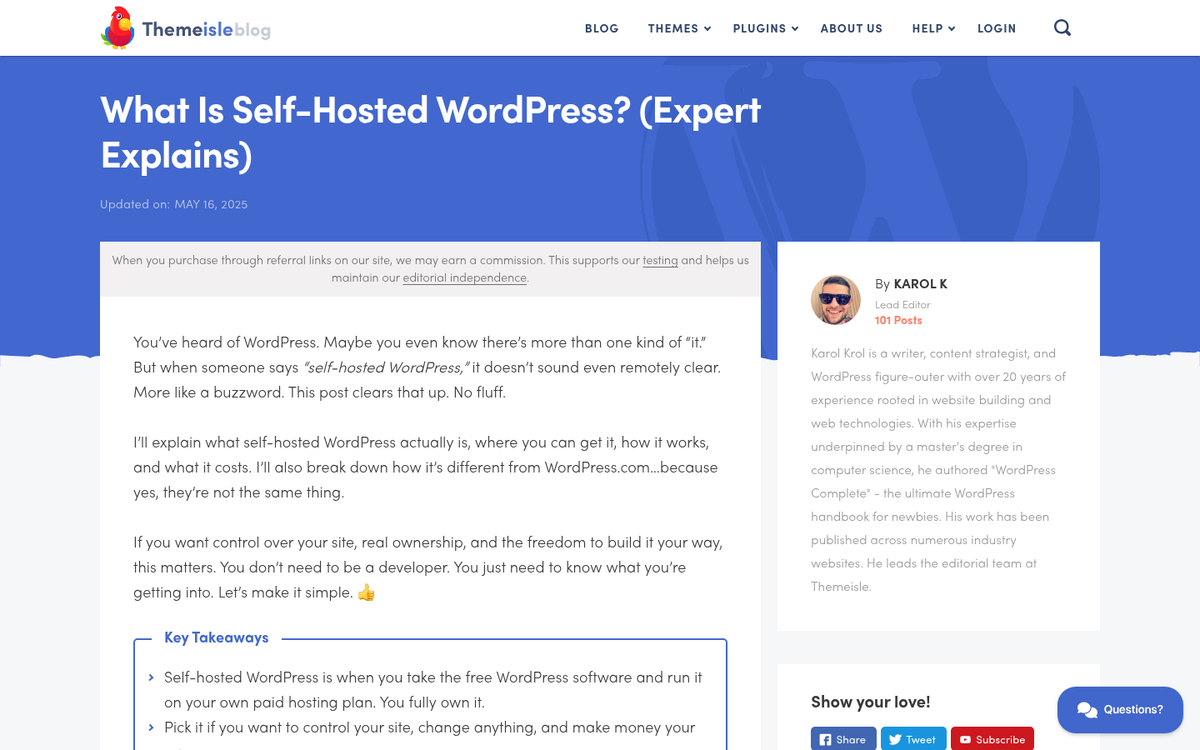
Plugin access is still a big differentiator for power users. While WordPress.com now has plugin access on paid plans, self-hosted WordPress gives you complete freedom - like the ability to install custom-built or private plugins that will never appear in any public directory. This matters enormously for complex business applications, custom integrations, and niche functionality.
Your own domain name and full ownership of your content are also important benefits. With self-hosted WordPress, you are not subject to a platform's terms of service beyond what your web host requires. WordPress.com's ToS, for most bloggers, is more restrictive than a common web hosting agreement, and platform policy changes could affect your site in ways you can't control.
Monetization flexibility is another area where self-hosted wins. You can run any ad network, build custom affiliate integrations, sell online or physical products through any e-commerce solution, and implement paywalls or membership systems as you see fit. You are not limited to WordPress.com-approved monetization methods.
Finally, a self-hosted site is far easier to sell on platforms like Flippa or Empire Flippers. The domain has independent value, the site's metrics belong entirely to you, and there are no platform restrictions complicating the transaction.
The Benefits of WordPress.com Premium
WordPress.com Premium has more going for it in 2026 than at almost any point in its history. Let's talk about what legitimately works.
The ease of getting started remains its biggest selling point. You can go from zero to a published, professional-looking blog in under an hour with no technical knowledge whatsoever. WordPress.com's AI-powered design tools now make it possible to generate a polished site layout, recommend content structure, and help configure settings automatically - something that basically wasn't possible even a few years ago.
You never have to manage updates, security patches, or server maintenance. WordPress.com handles all of that - and it's more helpful than it sounds. Self-hosted WordPress sites are a common target of automated hacking attempts, and keeping plugins, themes, and core software updated is an ongoing responsibility that many site owners neglect. On WordPress.com, that risk is almost entirely eliminated.
Performance and uptime are handled at scale. WordPress.com runs on business-grade infrastructure. Unless you're paying for premium managed WordPress hosting on the self-hosted side, your site is unlikely to match the baseline reliability and speed of a WordPress.com-hosted site out of the box.
Plugin access on paid plans narrows the functionality gap considerably. For most bloggers, having access to the full plugin directory on a managed platform removes the last technical reason to choose self-hosted over hosted.
Comparing Costs
Let's break down the numbers as of 2026.
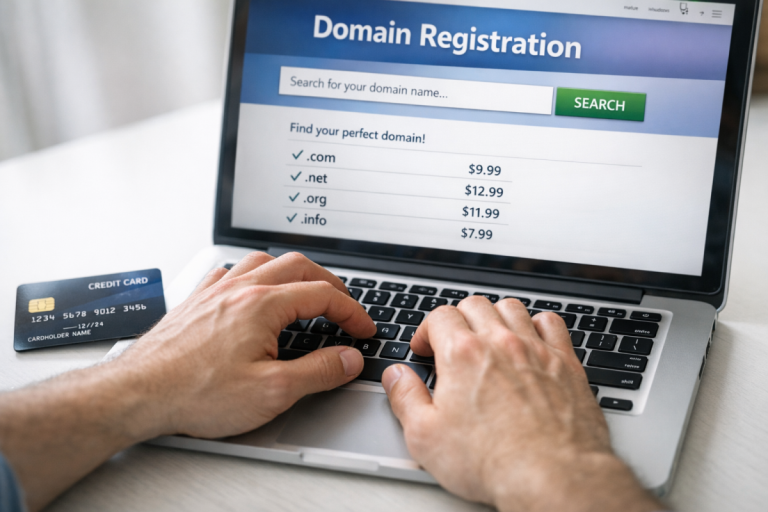
Domain names usually cost between $10-$15 per year through a third-party registrar. You can use your own domain with WordPress.com on any paid plan.
WordPress.com Premium costs approximately $5.50/month on a three-year plan, or slightly more on shorter commitments. Add a domain at $10-$15/year and your total annual cost is roughly $80-$95/year for a functional, ad-free blog with a custom domain and plugin access.
Self-hosted WordPress costs can vary more widely. Hosting starts at roughly $3-$10/month for shared hosting, plus your domain registration. That works out to an annual cost of approximately $50-$300/year depending on the quality of hosting you choose. Budget hosts at the low end work fine for small blogs. But growing sites need to upgrade to managed WordPress hosting, VPS, or dedicated plans that push costs higher.
If you're running multiple sites, self-hosted can become increasingly affordable. One hosting plan can support multiple sites, with only domain registration costs added per site. WordPress.com charges per site for its paid plans, so the more sites you run, the more self-hosted saves you.
What About Business and E-Commerce?
WordPress.com's store functionality starts at $25/month, which includes WooCommerce integration, unlimited storage, and e-commerce tools. For a simple storefront with managed infrastructure, this is a viable and reasonably priced option.
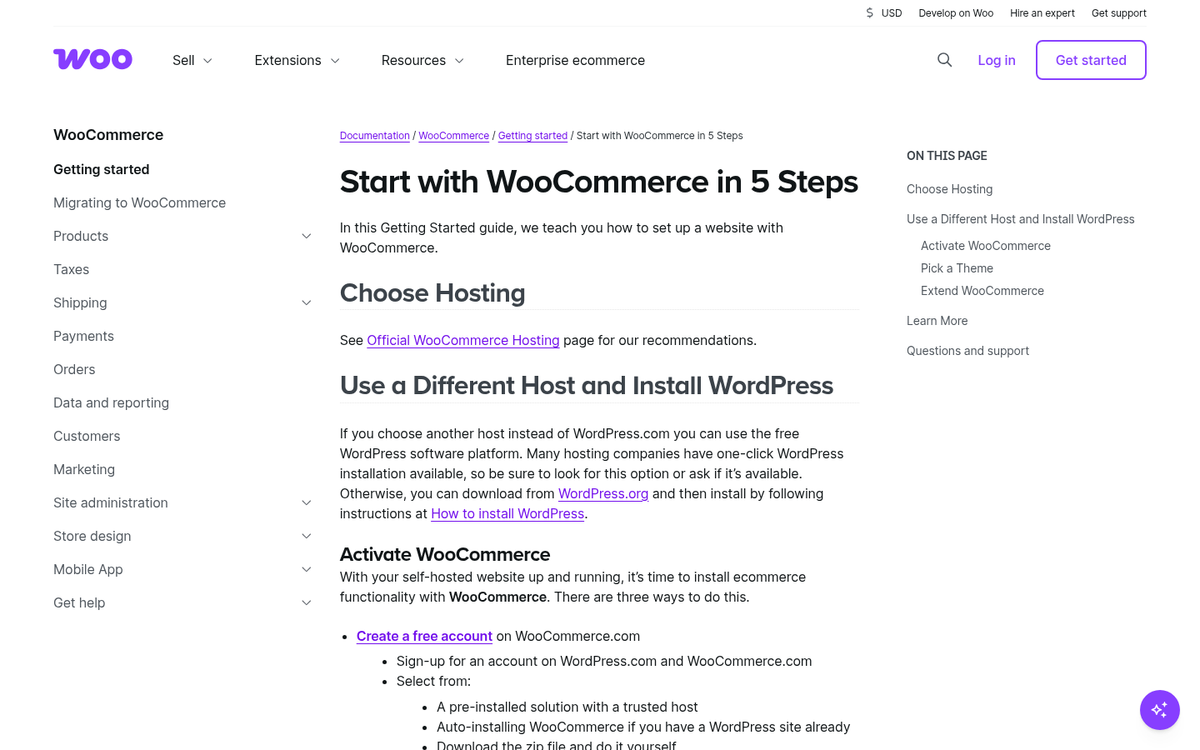
However, self-hosted WordPress paired with WooCommerce remains the most flexible and affordable answer for e-commerce. WooCommerce itself is free, with paid extensions available for additional functionality. You have control over checkout flows, payment gateways, product configurations, and custom integrations - none of which are fully possible on WordPress.com without working within platform constraints. If you're also looking to add a blog to your store, there are several methods worth considering.
For high-volume stores or businesses with complex needs, self-hosted is usually the better long-term investment - even accounting for higher infrastructure costs.
A Final Verdict
Both platforms are legitimately competitive in 2026, and the difference between them has narrowed considerably - largely due to WordPress.com's expanded plugin access and AI-assisted tools.
If you value ease of use, hands-off maintenance, built-in security, and simplicity, WordPress.com Premium is a legitimate choice that no longer requires compromises on functionality. At under $100/year all-in, it delivers value for bloggers, hobby site owners, and small businesses that don't need deep customization.
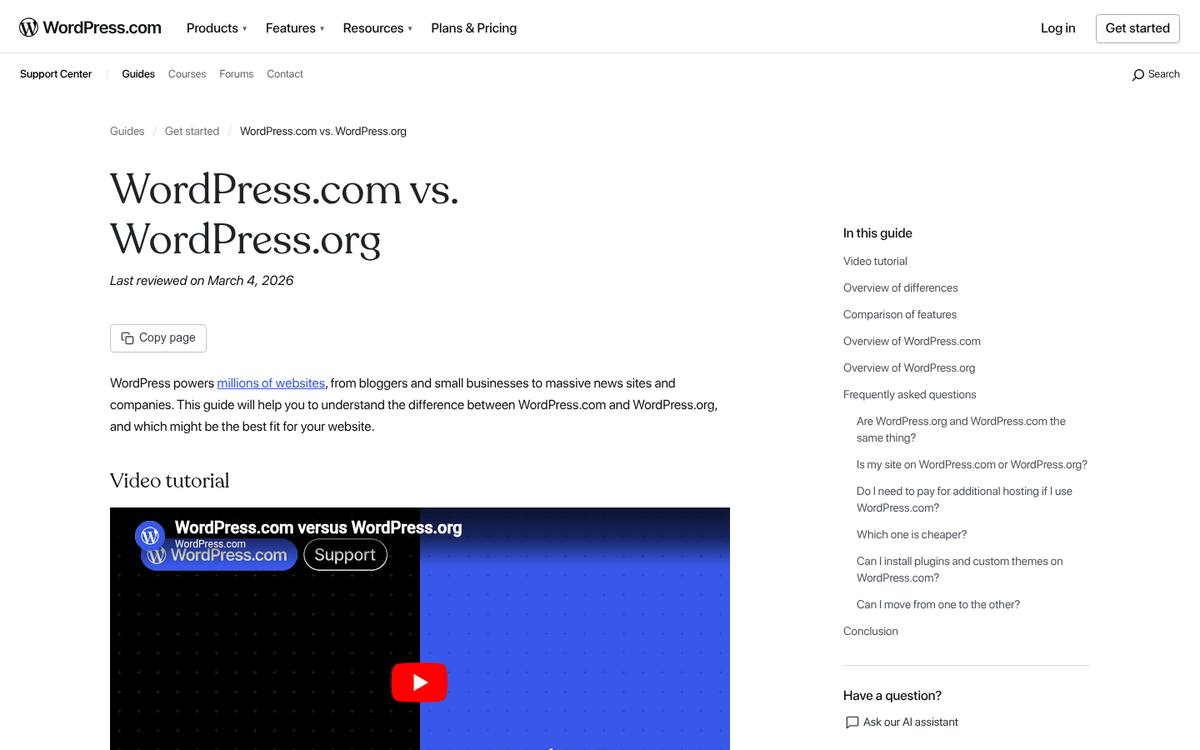
If you value total control, unlimited customization, maximum monetization flexibility, and long-term scalability, self-hosted WordPress.org is still the winner. The extra setup effort and ongoing maintenance overhead pay off as your site grows.
Cost should be a secondary factor. At the budget end, self-hosted comes in cheaper than WordPress.com Premium. At the higher end, premium managed WordPress hosting will cost more but deliver performance benefits. The choice ultimately depends on how much control you want versus how much budget you're putting into your blog.
Which option do you prefer?

3 responses
Thoughtful replies only - we moderate for spam, AI slop, and off-topic rants.
I have a free WordPress blog meaning it is almost invisible to search engines. I would like to upgrade and have my own domain name so I can found by search engines. I signed up with a blog host and found, after I paid, that I had to do all sorts of IT things. I did not even know where to start (I would need an IT consultant) so I requested a refund.
The WordPress premium sounds sufficient for my needs. I gather I can have my own domain name. BUT I am clueless about IT.
My question is:
Can I just pay the upgrade fee and WordPress will simply move my blog to this new domain?
As I understand it, yes. This comment is 6 months old so I hope your blog is all moved and happy now. That's what I'm planning on doing with mine; free WP blog to premium. I'm avoiding .org purely because the savings I could theoretically make would be blown by my having to employ someone to help me with all the IT stuff. Plus I just don't have the time to take care of all the updates, security and all of the other things WP currently does for me.
So how did the move go? Is your blog getting more traffic now?
You would start your wordpress website with the .com premium and then point the servers of your domain to that site... wherever that domain was purchased.