





Key Takeaways
- All in One Schema.org Rich Snippets helps WordPress users add structured data markup without writing code manually.
- The plugin supports only seven Schema types: reviews, events, products, recipes, software, videos, and articles.
- The plugin has not been actively maintained, with unanswered support threads and no updates for evolving Google requirements.
- Rich snippets matter more now, as Google's AI Overviews increasingly surface well-structured, machine-readable content in search results.
- For most users, Rank Math or Yoast SEO are recommended alternatives, offering broader Schema support and active maintenance.
There are three keywords going on here, all of which have specific meanings, and none of which are actually what we're talking about. Still with me?
The first: all in one- this doesn't seem like a keyword look. But those well-versed in SEO and in WordPress plugins will recognize it as the name of one of the most popular SEO plugins available, the other being Yoast. The plugin we're talking about is not, in fact, related to the All in One SEO pack- it's by a different developer and it's open-source via Github.
The second: Schema.org. Schema.org is an initiative launched in 2011 by the major search engines - primarily Google and Bing, but with Yahoo and Yandex involved as well. The goal was to create a data structure that would be supported as standard on a widespread scale, specifically for search. In their own words, it's a "collaborative, community activity with a mission to create, maintain, and promote schemas for structured data on the Internet." It can be found, reasonably enough, at schema.org.
This one is actually relevant, though we're not talking about schema.org. Still, it's a good idea to know how it works, at least. There is basically one common vocabulary that can be used with a few different types of encoding- like RDFa, Microdata and JSON-LD- it's worth mentioning that Google now strongly prefers JSON-LD for structured data implementation, and this preference has only solidified over time - especially as AI-powered search features like Google's AI Overviews increasingly use well-structured, machine-readable data to generate accurate summaries.
Essentially, Schema.org markup lets you specify bits of data and what they mean. For example, if you created a simple website with the title, author and ISBN of a book in a table, you would have three entries that look more or less like this:
- <td>Book Title</td>
- <td>Book Author</td>
- <td>ISBN</td>
With, of course, extra data surrounding it to make it an HTML table; it's basic code, with each part of data in a cell. The thing is, Google or another search engine parsing it doesn't necessarily know that it's a book title, author and ISBN. With a large index, the search engine can cross-reference to find out that the title is valid, the author has written other works and that the number is an ISBN. But that's going to require having seen the data elsewhere as well.
With Schema.org, there are flags in the code to indicate what the data actually contains. For example, with RDFa coding, you would have lines like this:
- <div vocab=http://schema.org typeof="book"> (this line goes at the top to indicate what subset of Schema.org the page is using, like book, movie, etc.)
- <td property="name">Book Title</td>
- <td property="author">Book Author</td>
- <td property="isbn">ISBN</td>
The extra line tells the search engine that the page is Schema.org markup and to look for it- it also specifies the type of entity - in this case a book - that the data is about. Then each table data tag acts as a flag for what data is contained in the cell: the name of the work, the author and the ISBN number.
The above is pretty simplified; it's just one type of entity you can specify with Schema.org; there's quite a bit more. And structured data has only grown in importance since AI-driven search features entered the mainstream - Google's AI Overviews, Bing Copilot search integration and similar tools all benefit from marked-up, structured content when generating answers and citations.
Well, that's why this is a relevant keyword to the plugin we're talking about- it's a plugin designed to make Schema.org markup on WordPress easier. But wait - there's a third keyword we're talking about.
The third: Rich Snippets. When you run a Google search, you see a list of search results that include a title, a URL and a description; it's the standard look. But sometimes you'll see data presented in a better way - star ratings, review counts, prep times for recipes, event dates, product prices and more displayed right in the search results. That's all data provided by Schema.org markup.
In today's search landscape, rich snippets matter more than ever. With AI Overviews appearing above traditional results for many queries, marked-up content has a better chance of being cited or surfaced in those AI-generated summaries. Structured data is no longer just a nice-to-have - it's a real competitive advantage.
So, you can see where each of the three keywords is relevant. When you put them all together, you get the All in One Schema.org Rich Snippets Plugin for WordPress.
About the Plugin
The plugin itself was developed by two authors, Sujay and Nitin Yawalkar- it's maintained on Github and published to the WordPress plugin directory.
The plugin basically integrates Schema.org rich snippets in a user-friendly way. It's designed to let you plug in data and have it flagged correctly, so Google and other search engines can generate a great snippet for you instead of leaving your search result as a bare standard listing- this increases visibility and organic traffic because a great snippet is more interesting and informative than a plain result. On a page of search results without Schema.org integration, your rich snippet stands out. On a page full of them- not having one yourself puts you at a disadvantage - even with a strong search ranking.
This plugin specifically supports a limited number of Schema.org content types: reviews, events, products, recipes, software applications, videos and articles. These are among the most common markup types, but they are by no means the only available entries. Notably absent are books, local businesses and others.
This means the plugin is only helpful for a set of websites - but that set is still quite large. Any site that blogs about cooking, lifestyle, or recipes can use this plugin. The same goes for software review sites, video aggregators and similar content. However, if your content falls outside those supported types, then you'll need to look elsewhere.
The plugin currently holds a 4 out of 5 star rating on WordPress.org, based on 162 reviews - like 106 five-star ratings- it has been translated into 8 locales, which speaks to its international user base. However, the install count and active development status are where things get tough.
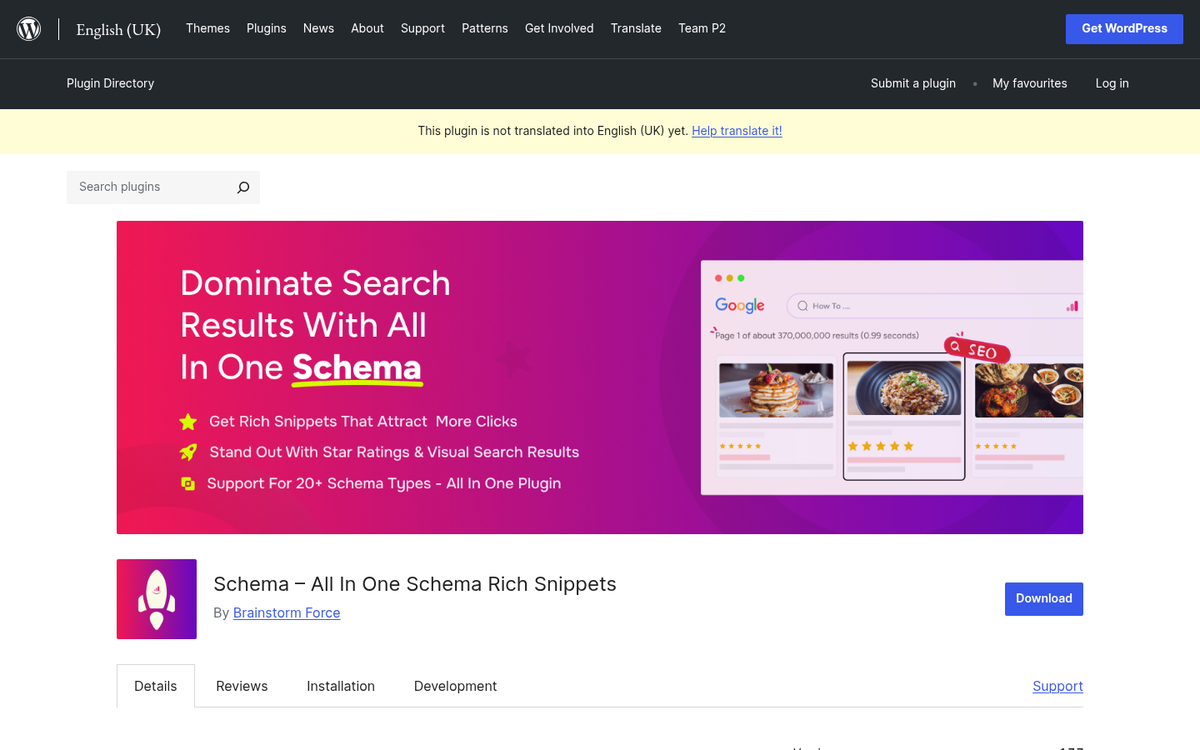
The plugin has not been actively maintained for some time. There are support threads on the WordPress.org forum that have gone unanswered by the developers - a real concern, and that's also the case as WordPress core, PHP standards and Google's structured data requirements have all continued to evolve. A smoke test conducted in late 2024 showed the plugin's average PHP memory usage increased by 207.08 KiB upon activation - a notable footprint for a plugin with fairly narrow functionality.
Lack of active maintenance also means no support for new Schema types, no updates to keep pace with Google's growing structured data guidelines and no fixes if something breaks with a future WordPress update. If you use this plugin, you should go in with eyes open about these limitations.
On the positive side, when the plugin works, it works fine. Installing it is straightforward and it's legitimately easy - you choose the Schema type from a drop-down of supported options and fill in the relevant fields. For sites that fit squarely within the supported content types and don't want to work with manual code, it can still get the job done.
The main functional downside is that the plugin appends Schema data in a summary box at the end of a post instead of integrating it into the existing content structure. While it's technically valid, some users dislike the visual result and would prefer a more seamless integration.
Alternative Snippet and Schema Plugins
If an unmaintained plugin is a deal breaker - and for many of you it should be - there are alternatives worth thinking about, a few of which have evolved alongside AI-powered search.
Yoast SEO and Rank Math are now the two dominant SEO plugins on WordPress and include strong Schema markup support built right in. Rank Math in particular has become a great option and offers a free tier with solid Schema support like JSON-LD output, support for dozens of Schema types and an intuitive interface- it's actively maintained, updated and generally regarded as one of the best free options available in 2026. Yoast SEO similarly handles Schema well, though some of the more advanced structured data features are locked behind the premium version.
WP Rich Snippets remains another option- it's not a free plugin - a one-site, one-year license runs $69 - but it has deep documentation, active support, multiple language translations and expandability through add-ons. If you need a dedicated rich snippets solution and are willing to pay for it, it's a solid choice.
Schema Pro (by Brainstorm Force, the same team behind the Astra theme) is another premium option worth mentioning- it supports a number of Schema types, outputs clean JSON-LD and integrates well with existing page builders and SEO plugins- it's especially well-suited for agencies or developers managing multiple sites.
For most users in 2026, the honest recommendation is to skip All in One Schema.org Rich Snippets in favor of Rank Math or Yoast SEO, both of which manage structured data as part of a wider, actively maintained SEO toolkit. If you're already using one of those plugins, you might not need a dedicated Schema plugin at all. The structured data landscape has matured considerably and the tools available are far more capable, better supported and better aligned with how traditional and AI-powered search engines handle structured data.

1 response
Thoughtful replies only - we moderate for spam, AI slop, and off-topic rants.
Well explained All In One Schema.org article/review. Thank you.
I currently use Yoast and don't mind the upgrade price if the schema data is easy to implement. I wish Yoast would better explain the value in upgrading to premium. WP Rich Snippets is a bit pricey for developers starting out such as myself.
Since experiencing a lot of Google structured data errors due to rich snippets, I would like to figure out the best solution as I want to solve this problem for present and future sites. You graciously gave a lot of options and I am wondering what your #1 preference is for site with a lot of articles/posts using yoast.
Does All In One Schema duplicate content if using a SEO plugin?