You can learn a lot about your brand presence online just by looking at where your traffic is coming from. Are your ads working to bring in traffic? Do a lot of people view your site on mobile devices? Do people love coming back, or are most of your visitors one-time users? Here's how you find out.
Key Takeaways
- Google Analytics must be installed early; it cannot retroactively collect data, so earlier setup means more historical insights.
- Organic search drives roughly 53% of site visits on average, making SEO the single most important traffic channel.
- Direct traffic can be misleading - a significant portion may actually be misattributed organic search traffic.
- Reviewing geographic data helps identify legitimate audiences and flag potential bot or click farm activity.
- AI-sourced traffic nearly doubled in early 2025, making it an emerging channel worth monitoring alongside traditional sources.
Installing Google Analytics
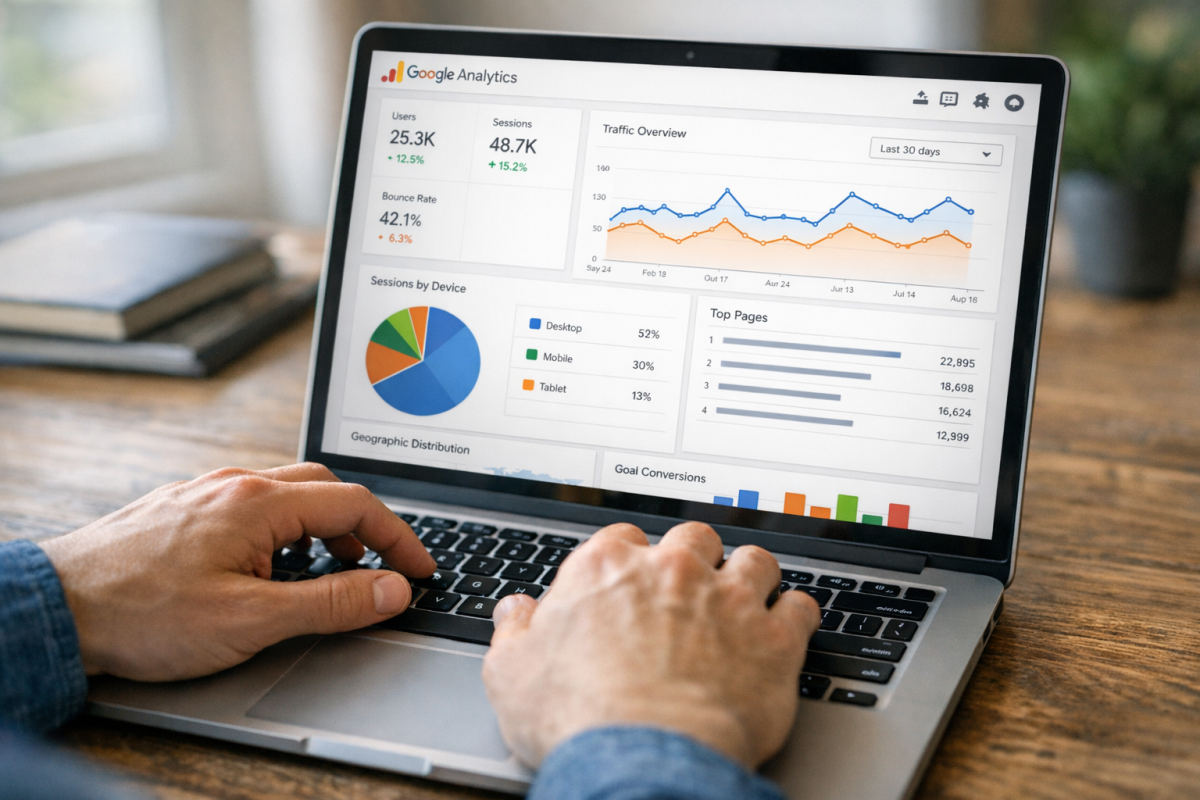
If you've had Google Analytics installed on your site for some time, go ahead and skip this section. If you haven't, you really need to get to work. Google Analytics has a very powerful data recording and tracking suite, and it's incredibly easy to implement.
The problem, if you're implementing it right now, is that you won't be able to go on with the rest of this post. Google can't magically pull your information from the past months or years; it can only record things moving forward. Furthermore, if you're applying goal tracking or filters, those only work moving forward as well. Earlier is better for all things Google Analytics.
Reading Reports
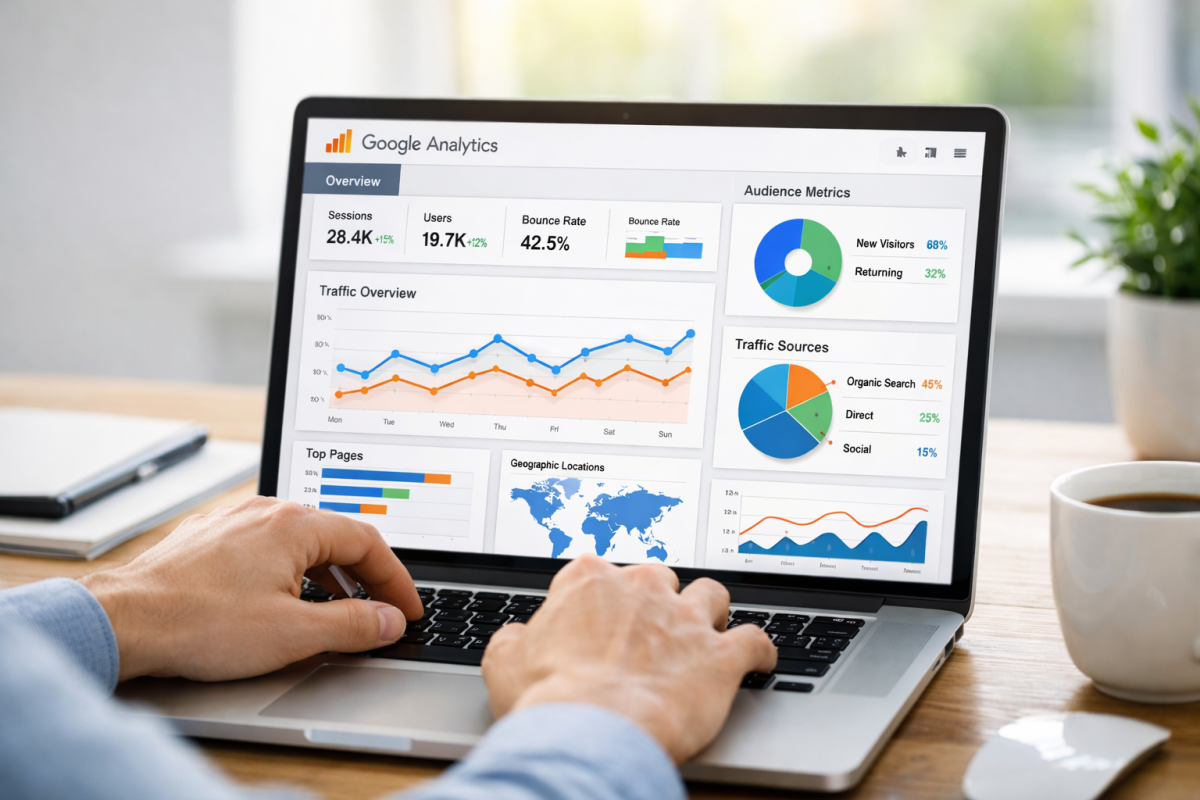
Once you have logged on to Google Analytics, you'll want to navigate to the Reports section and click on Acquisition. From there, select "Traffic Acquisition" to bring up your traffic sources and see how visitors are finding your site.
Under this menu, you'll see a breakdown of the various traffic sources you have tracked. These include things like organic search traffic, direct traffic, referral traffic, social traffic, paid search, and more. Next to each of these will be a number and a percentage. The number is the raw number of sessions you received from that source in the selected time period. The percentage is what portion of your total traffic that source represents.
Here's what each source typically means, along with some benchmarks to help you gauge your own performance:
- Organic Search Traffic is the traffic that comes from search engines. Google, Bing, and others are tracked here. According to BrightEdge, organic search accounts for roughly 53% of site visits on average, making it the single largest traffic driver for most websites. Conductor's research across 800+ domains found an average of 33% of traffic coming from organic search, though this varies heavily by industry - Medical (87%), Travel (72%), and Personal Finance (67%) tend to skew much higher. If your organic traffic is exceptionally low, you likely have SEO issues worth addressing.
- Direct Traffic is traffic from users who typed your domain directly into their browser, clicked a bookmark, or arrived through a source Google couldn't attribute. It accounts for roughly 27.6% of website visits on average. Worth noting: direct traffic figures can be misleading. A famous example - Groupon de-indexed its site for six hours in 2014 and found that roughly 60% of what appeared to be direct traffic was actually organic search in disguise. So if your direct traffic seems unusually high, it's worth digging deeper.
- Referral Traffic is traffic that comes from links on other websites - blogs, industry publications, news sites, and so on - that aren't search engines or social platforms. High referral traffic typically means you're earning quality backlinks that people actually click, which is a strong signal for both SEO and brand authority.
- Email Traffic is traffic that comes through links in email campaigns. It contributes around 4.4% of total traffic on average. If your email traffic is minimal, it's worth investing in building and maintaining a mailing list - email remains one of the highest-ROI marketing channels available.
- Paid Search Traffic accounts for nearly 23% of all website traffic on average, making it a significant channel for many businesses. If you're running Google Ads or other paid search campaigns, this is where you'll see the results. A low return here relative to spend is a signal to revisit your targeting or landing pages.
- Social Traffic is traffic coming from social networks. Facebook continues to dominate social referral traffic, accounting for roughly 71.58% of all social referrals. However, the mix can shift significantly depending on your industry and where you've focused your efforts.
- AI-Sourced Traffic is a newer and growing channel worth monitoring. Traffic attributed to AI platforms like ChatGPT, Perplexity, and similar tools nearly doubled in the first eight months of 2025, growing from 0.11% in January to 0.21% by August. While still a small slice, the trend is clearly upward, and optimizing your content for AI visibility is becoming a legitimate consideration alongside traditional SEO.
Location Information

Another interesting bit of traffic source information is the geographic location of your users. In Google Analytics 4, navigate to Reports, then User Attributes, then Audiences - or use the Explore feature to build a custom report filtered by country or region. You'll be able to see what countries make up the majority of your traffic.
Ideally, the vast majority of your traffic will come from your country of residence, with other high-ranking countries being relevant to your industry and target audience. If you find your traffic is dominated by regions known for click farms or bot activity, you may have issues with your ads or SEO that need attention.
You can also drill down further by region or city within a country. If you're running local advertising or trying to keep your appeal geographically narrow, this level of granularity will show you exactly how well it's working.
Expanding on Referrals

You can expand your Referral Traffic to see individual referral channels. Look for sites linking to your site that you don't recognize and investigate them. Some may be valuable leads you can approach for guest posting opportunities. Others may be spam sites or part of a Negative SEO attack.
When you're looking at individual referral sources, you can click on them to expand to the exact pages that are sending traffic your way. Some of these will be simple homepages, while others will be direct URLs for specific blog posts - both worth knowing about. Checking this regularly lets you spot new inbound links as they appear.
UTM Parameters are another powerful way of tracking the exact source of your traffic, and they're particularly useful for links you control - email campaigns, paid ads, social posts, and partnerships. Keep in mind they only work when you're the one creating the link. No one linking to your site organically is going to add your UTM parameters for you.
There's a lot you can learn about your traffic; it's just up to you to decide how best to use that information.