




That signal matters more than ever right now. Answer engines like ChatGPT, Perplexity, and Google's AI Overviews don't scan random pages - they look for sources that show structured knowledge. You're positioning your site as the reliable, well-organized source that AI systems actually want to pull from when generating answers for users.
For website owners and managers, this is an actual change in how to think about content strategy - it's no longer enough to publish isolated articles on loosely related topics. The sites cited and surfaced by AI tools tend to have one thing in common: they cover their subject areas thoroughly and connect that coverage in a way that's easy for humans and machines to follow.
This entry will talk about what a topical cluster is, how it functions within an Answer Engine Optimization strategy, and how you can start building one for your own site.
Quick Answer
A topical cluster is a content strategy where a central "pillar" page covers a broad topic comprehensively, supported by multiple related "cluster" pages that explore specific subtopics in depth. Internal links connect the cluster pages back to the pillar and to each other. This structure signals topical authority to search engines, improves SEO rankings, and helps users navigate related content efficiently. It organizes a website's content around key themes rather than isolated, unrelated articles.
What a Topical Cluster Actually Means in AEO
A topical cluster is a group of content pages that are all built around one main page and linked together. That main page covers a large subject at a high level and the surrounding pages each go deeper on a part of that subject. The links between them are what make it a cluster instead of just a bunch of pages about similar things.
This structure tells search engines that your site has genuine depth on a subject. Instead of one page trying to answer everything, you have a network of connected pages that together paint a picture. That distinction matters quite a bit more now than it did a decade ago.
In 2015, Google launched RankBrain, its machine learning system for interpreting search queries. This moved the focus away from exact keyword matches and toward what a user actually wanted to know. Sites that covered a subject thoroughly started performing better than sites with a single well-optimized page on that same subject.
HubSpot picked up on this early. In 2016, they ran experiments that pointed to a structural problem in how most sites organized their content. Too many pages were competing against each other for the same terms and going nowhere. The answer was the topic cluster model, which HubSpot then adopted as a core part of its content strategy.

That same logic now applies directly to AI answer engines. When a system like ChatGPT or Google's AI Overviews pulls together an answer, it draws on sources that show knowledge of a subject. A single page can answer one question. But a well-connected cluster can answer a question and everything around it. That makes clustered content far more helpful to an AI as a reference point.
Isolated pages tend to get passed over in this process. They answer something in a vacuum with no supporting context around them. A cluster, by contrast, shows a relationship between ideas and builds a case for the site as an honest source on that whole subject area. This is one reason why blogging beats posting to social platforms when you want to build lasting topical authority.
How Pillar Pages and Supporting Content Work Together
The pillar page and cluster page structure relies on two content types that serve different purposes but point back to each other. A pillar page covers a large topic at a high level. But cluster pages go deep on specific subtopics that fall under that umbrella. Internal links connect them both ways, so a cluster page links back to the pillar and the pillar links out to each cluster page.
This two-way linking is what gives the structure its strength - it tells search engines and AI systems that these pages belong together. That your site treats the topic as a whole - not as a bunch of unrelated posts.
The pillar page is intentionally broad - it introduces the key angles of a topic without going too deep on any single one, because each of the angles gets its own dedicated cluster page. The pillar is the entry point and the cluster pages are where readers go to get the full picture on something.
| Content Type | Scope | Word Count | Linking Role |
|---|---|---|---|
| Pillar Page | Broad overview of a topic | 2,000-4,000+ words | Links out to all cluster pages |
| Cluster Page | Deep dive on one subtopic | 800-2,000+ words | Links back to the pillar page |
Word count on cluster pages matters more than many like to assume. Orbit Media's 2025 blogger survey found that posts over 2,000 words produce strong results for 39% of marketers, compared to just 21% for shorter posts. That gap aligns well with how depth signals authority.
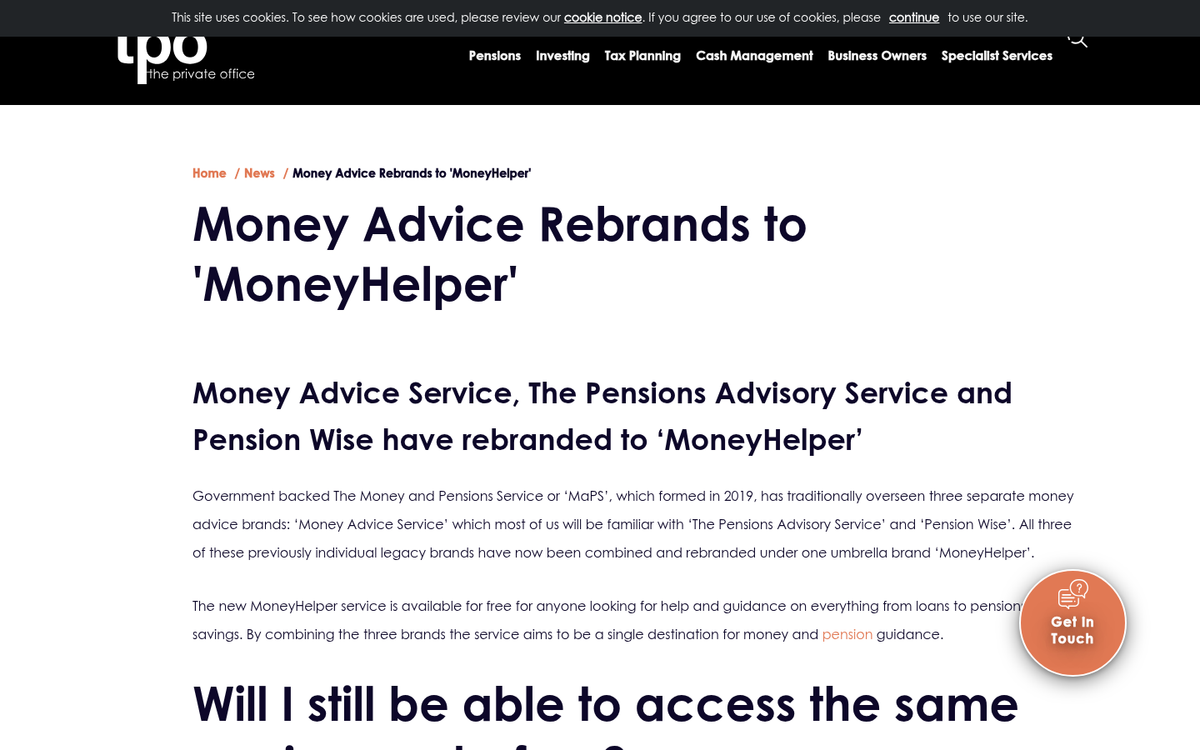
Cluster pages need more than short answers to a single question. A page that covers a narrow angle in depth is far more helpful to a reader and far more credible to an AI system scanning for reliable information. If you're looking to get more out of existing content, combining old posts into new resources is one way to build that kind of depth without starting from scratch.
The internal links do more than pass authority between pages. They show that each piece of content has a home within a bigger framework. That your coverage of a subject is deliberate and connected.
Why AI Answer Engines Reward Topical Depth Over Isolated Pages
AI answer engines don't look for a page that mentions the right keywords. They look at whether a site can be trusted to cover a topic fully, and that trust is built through breadth and depth together.
When an AI model pulls an answer to surface in a response, it weighs how comprehensively a source works with the subject. A single well-written page can answer one question. But a structured cluster of connected content tells the AI that your site understands the full conversation around a topic; it's a difference in how you get selected as a source.
A helpful way to remember it: does your site answer the full conversation around a topic, or just one question? A user asking about personal budgeting might follow that with questions about saving strategies, debt management, or emergency funds. If your content covers those angles and links them together logically, an AI engine has more material to draw from when it builds its answer.
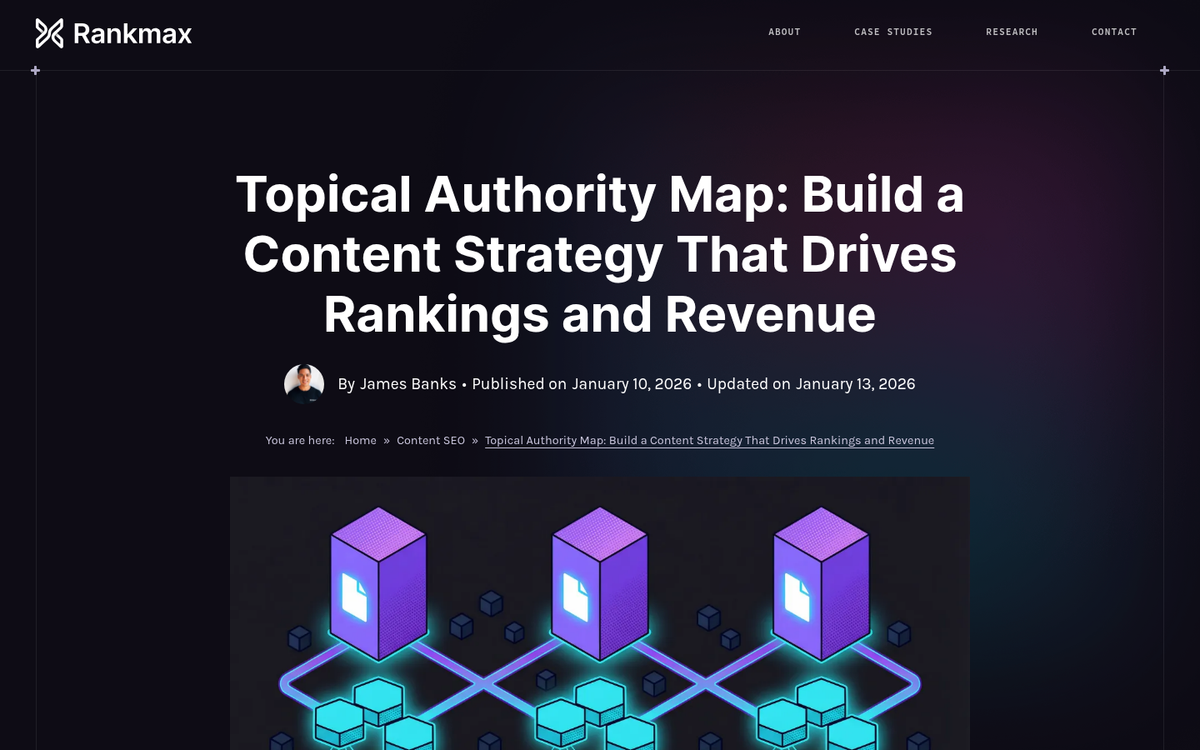
MoneyHelper is a strong real-world example of this. Their content clusters appear in "People Also Ask" results for over 1,500 keywords, and that reach comes from topical depth instead of isolated pages. Their structure gives AI engines a reliable web of answers to pull from across related queries.
Thin, scattered content gets left behind in this environment. A page that answers half a question or sits disconnected from related content on your site is easy for an AI engine to pass over. There are usually more sources available.
This is where a well-structured content approach becomes directly helpful - it gives you a content footprint that AI engines can read as authoritative coverage of a topic instead of a handful of unrelated articles.
Depth signals reliability. When an AI model sees that your site addresses a topic from multiple connected angles, it has more confidence that your content is a trustworthy answer to surface. A single page, no matter how well-written, can't create that same signal on its own.
Building Your First Topical Cluster from Scratch
Start with one core topic that aligns with what your site is actually about - it will become your pillar page - a large piece that covers the main topic at a high level and links out to more focused supporting pages.
Once you have your pillar topic, the next step is to map out the questions asked around it. Use tools like Google's "People Also Ask" boxes, Reddit threads, or Answer the Public to find the subtopics your audience legitimately wants to know, and each question can become a candidate for its own supporting page.
Write the pillar page first - it doesn't need to answer every question in full depth - it needs to signal that your site understands the full scope of the topic and then point readers toward the pages that go deeper. Think of it as the center that holds everything together.
From there, create your supporting content one page at a time, and each page should target a single question or subtopic, link back to the pillar page, and link to one or two closely related supporting pages. That internal linking structure is what tells search engines your content is connected and authoritative.
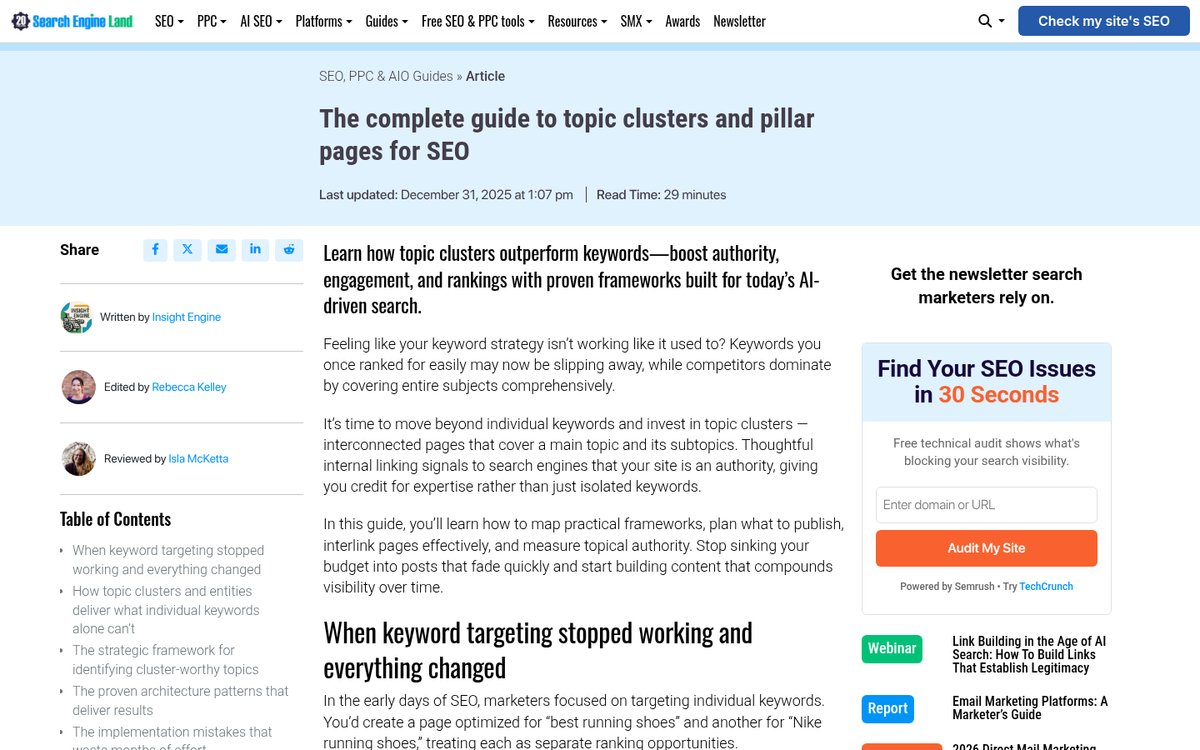
Here is an easy cluster map to give you a concrete starting point.
| Subtopic | Target Question | Content Format |
|---|---|---|
| Pillar Page | What is [core topic]? | Long-form guide |
| Subtopic A | How do I get started with [core topic]? | Step-by-step article |
| Subtopic B | What tools do I need for [core topic]? | Comparison or list post |
| Subtopic C | What mistakes do people make with [core topic]? | FAQ or tips article |
| Subtopic D | How long does [core topic] take to work? | Short explainer |
You don't need ten pages to launch a cluster. Three to five well-linked pieces around one pillar page is enough to get started. HireGrowth's 2025 research found that clustered content drives 30% more organic traffic and holds rankings 2.5 times longer than standalone pages - so the time you put in compounds over time.
If you're working with limited time, publish the pillar page and two supporting pieces first and add more as you go. A small connected cluster will outperform a large but disconnected pages almost every time.
Turn Your Content Into a Web, Not a Stack of Pages
The results back this up. Before you create a single new piece of content, take stock of what you already have. Chances are the foundation of your first cluster is already sitting in your CMS, waiting to be connected and optimized.
It can only become more helpful over time. As AI-powered answer engines grow more sophisticated, they increasingly reward topical authority - the depth and coherence of your coverage - over isolated keyword targeting. Building clusters now is sound SEO practice and a way to stay visible in the next era of search. Start with one topic, map it out, and build from there. The ecosystem takes care of the rest. If you're looking to expand your reach beyond your own site, learning how to grow a successful blog on Medium can help you build topical authority across multiple platforms.
FAQs
What is a topical cluster in content strategy?
A topical cluster is a group of interlinked content pages built around one main pillar page. The pillar covers a broad subject at a high level, while supporting cluster pages dive deep into specific subtopics, all connected through internal links.
Why do AI answer engines prefer topical clusters?
AI answer engines like ChatGPT and Google's AI Overviews favor sources that demonstrate structured, thorough knowledge. A connected cluster signals authority across an entire subject, making it more likely to be cited than isolated, unconnected pages.
What is the difference between a pillar page and cluster page?
A pillar page broadly covers a large topic and links out to all supporting pages. Cluster pages each focus on one specific subtopic, going deeper than the pillar while linking back to it, creating a two-way connected structure.
How many pages do I need to start a cluster?
You only need three to five well-linked pages to launch an effective cluster. Start with a pillar page and two supporting pieces, then expand over time. A small connected cluster consistently outperforms a larger set of disconnected pages.
How do topical clusters impact organic traffic?
Research from HireGrowth found that clustered content drives 30% more organic traffic and holds rankings 2.5 times longer than standalone pages, meaning the investment in building clusters compounds significantly over time.