





Key Takeaways
- Thin, duplicate posts hurt rankings by splitting SEO authority through keyword cannibalization, preventing either post from ranking well.
- Content consolidation delivers major results: Baremetrics saw a 400% traffic increase after merging two competing articles into one.
- During a content audit, categorize posts as excellent, good, merge fodder, outdated, or trash, then act accordingly on each.
- When merging, preserve the URL with the most backlinks and traffic, then 301 redirect all old URLs to the consolidated post.
- Only 38% of bloggers update older articles, making content consolidation one of the most underleveraged SEO opportunities available.
With Google's ever-evolving algorithm - and the seismic shift brought on by AI-driven search - there are more reasons than ever to pay close attention to your older blog posts. Thin content, duplicate coverage, and outdated information can actively suppress your search rankings. And in 2026, with Google's AI Overviews now dominating the top of search results pages, the bar for content quality has never been higher.
One way to work with old content is to make it work harder for a new internet age. You can build it up, remove it, or merge it with other pieces of content. The merging strategy tends to give you the best results, because most sites have multiple posts covering the same topic - and those overlapping posts are very likely working against each other.
One reason old posts hurt is basically because they're short and thin. Google has moved away from rewarding high volumes of low-quality content. Small, superficial posts that were once written purely to target a keyword no longer serve much purpose - and they can actively drag down the perceived quality of your entire site.
Another reason is called keyword cannibalization. If you have two blog posts on your site covering the same topic, they'll likely compete for the same keywords. Google has become very refined at semantic meaning, which means two posts covering similar ground will be seen as redundant - splitting your authority and preventing either from ranking well.
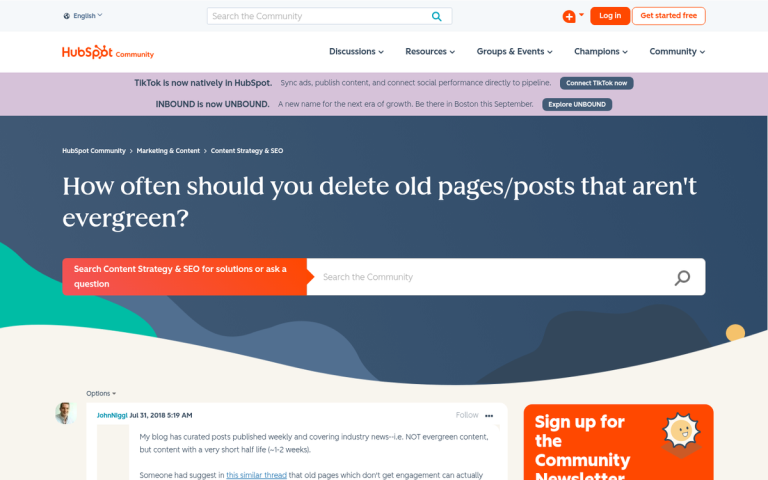
Keyword cannibalization is when two or more posts target the same topic. Your SEO authority gets divided between those pages instead of concentrated into one strong resource. Think of it this way: a single well-consolidated page might earn enough authority to crack the top three results. Two weaker pages covering the same topic might each fall off page one entirely - meaning you get zero clicks from either.
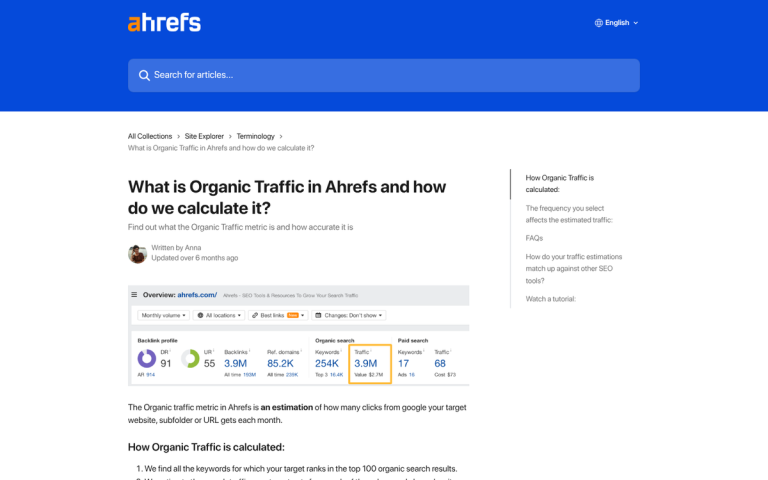
The data supports this. Baremetrics reported that before consolidating two articles on the same topic, one post received less than 60 visitors per month. After consolidation, the combined post surpassed 1,200 visitors per month - an increase of over 400%. Inflow reported that content consolidation helped one client achieve a 70% increase in impressions and a 92% increase in clicks. Even Google itself consolidated six separate websites into Google Retail, doubling the site's CTA click-through rate and increasing organic traffic by 64%.
Despite results like these, only 38% of bloggers update their older articles - making content consolidation one of the most underleveraged SEO opportunities available.
I'll assume by now you're convinced it's worth doing. Let's talk about how to do it, step by step.
Identify Which Old Posts Aren't Worth Keeping
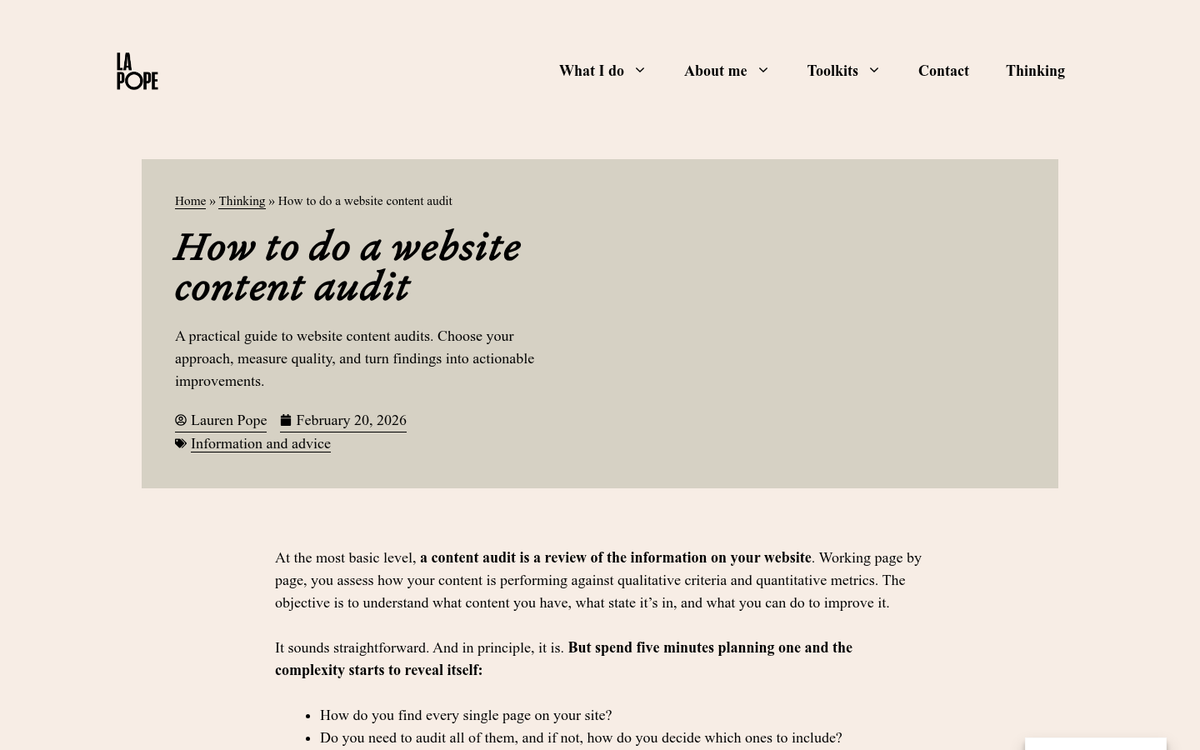
The first thing you need to do is figure out which posts can be merged and which should basically be removed. This means doing a content audit. Let's talk about what I recommend collecting for each post:
- Word count
- Number and quality of backlinks
- General subject, URL, and title
- Whether or not it has any residual traffic
- Whether the topic is evergreen or time-sensitive
- Whether the post has been updated in the last six months
From there, sort each post into one of the following categories:
- Excellent. This content is strong and up to date. Leave it alone or make minor refinements.
- Good. This content is solid but could be expanded or refreshed.
- Merge Fodder. This content is thin or redundant, but has some value that could be folded into a stronger post.
- Outdated. This content is stale and has little to no residual traffic or links.
- Trash. This content is extremely thin, valueless, or duplicated. It's hurting you just by existing.
Keep the excellent content. Expand the good content. Delete the trash. For outdated content with no residual value, delete or redirect it. Set aside the merge fodder for the next steps.
One important note: if your site has a domain authority below 35, content consolidation alone might not be enough to move posts up in the rankings. You'll likely need to pair this process with active link building and continued content improvement to see the full benefit.
Also worth mentioning: Ignite Visibility recommends refreshing blog posts every six months to ensure all information aligns with the latest best practices. Build this into your content calendar so posts don't quietly go stale again after you've done the hard work of updating them.
Determine if the Data in Those Posts Is Valuable
When you have two or more posts you want to merge, your next step is to look at what's actually worth keeping from each of them. Note which post has more backlinks and higher-quality inbound links. Check the latest search ranking for each. Identify the key facts, statistics, and arguments that make each post helpful. Pay particular attention to any data points - if a post cites statistics from 2019 or 2020, those almost certainly need to be updated before the merged post goes live.

Sometimes after doing this deeper audit you'll know neither post has much going for it. No traffic, no actual links, and a topic that's no longer relevant. In those cases, it's fine to simply delete the posts and move on. Not everything needs to be saved.
Pick a New, Broader Topic That Covers Both Posts
Now comes the strategic part. Your goal is to find a single overarching topic that encompasses both posts. Sometimes this is easy - the posts are basically covering the same thing with slightly different angles. Other times, the posts cover related subtopics that can be unified under a wider umbrella.

For example, if one post covers a product issue and another covers how to get through a warranty claim for the same product, you could merge them into a guide on common problems with that product and how to resolve them. The new post can become more authoritative, more useful, and more likely to rank than either individual post was on its own.
In 2026, with AI Overviews pulling heavily from well-structured content, a guide-style post is more helpful than a few thin standalone articles.
Write a New Post That Includes the Best Information from Both
Now it's time for the work. Whether you're writing the post yourself, hiring a freelance writer, or using AI writing tools as a first draft, the goal is the same: produce something legitimately helpful and well-structured.
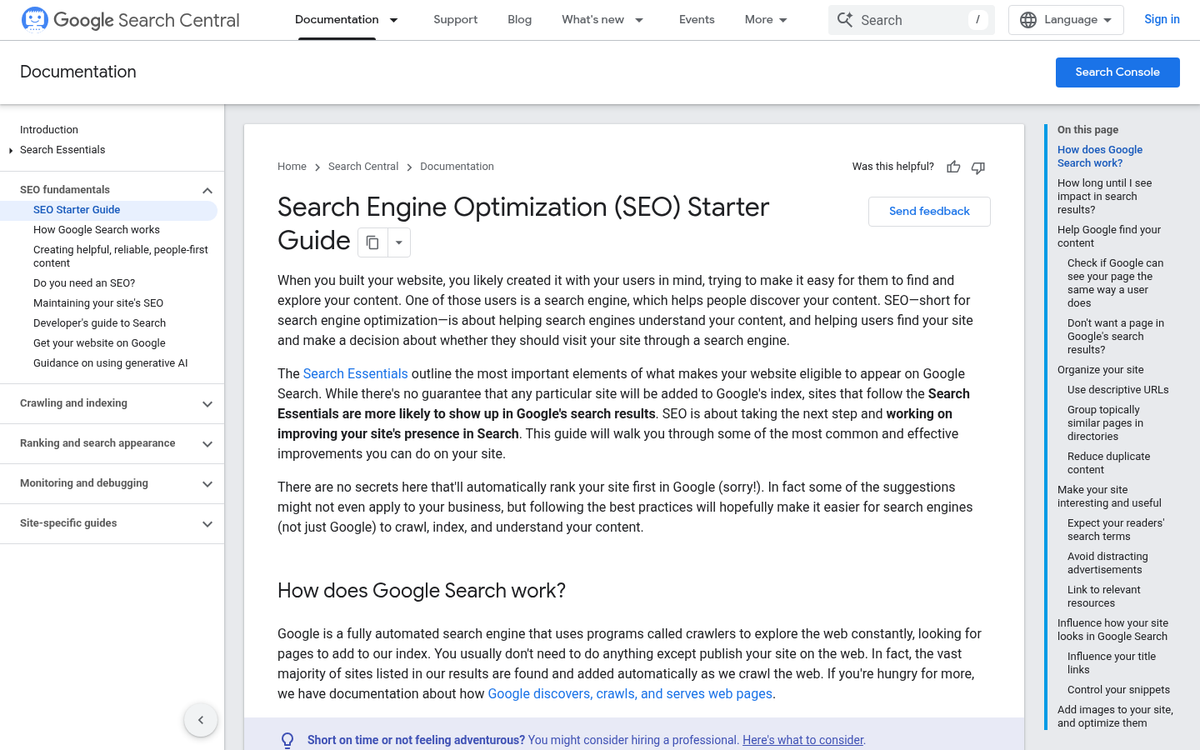
If you're using AI tools to help with writing, treat the output as a rough draft that requires human editing. Google's Helpful Content guidelines still prioritize content written with genuine expertise and firsthand experience. An AI-generated post published as-is, without actual human input, is unlikely to outperform well-crafted, experience-backed content.
In terms of length, shoot for depth over a word count. That said, most top-ranking guides in competitive niches still tend to fall in the 2,000-3,500 word range. Cover the topic thoroughly, use headings, and don't pad the content just to hit a number. Quality and practicality matter more than length alone.
Once you have your draft, edit it for accuracy, tone, and grammar. Update any outdated statistics. Add links to current, quality sources - and make sure everything fits the voice and style of the rest of your blog.
Edit the Best Old Post, or Create a New Post
From the posts you're merging, find which one has the most residual value - meaning active traffic, quality backlinks, or a well-aged URL; it's the post you'll update in place. Replace the old content with the new post, update the meta title and description, and refresh any internal links. Leave the URL unchanged - it's where the accumulated SEO value lives.
If neither of the old posts brings anything to the table in terms of traffic or links, simply create a new post with the new content. There's no actual benefit to preserving a URL that has never earned any authority. In that case, just redirect the old URLs to the new post and start fresh.
Redirect the Other Posts to the New Post
Once your consolidated post is live, remove the old posts and redirect their URLs to the new one. Always use a 301 redirect - this is a permanent redirect that tells Google that the content has moved for good, and it passes along the SEO value accumulated by the old URL.
Never redirect an old post to your homepage unless there's no better option. A 301 to a relevant post is better. Even setting a 410 (Gone) status - which tells Google the content has been permanently removed - is preferable to a lazy homepage redirect.

Proper 301 redirects can be implemented in your .htaccess file like this:
- Redirect 301 /old-blog-post-url https://www.website.com/new-blog-post-url
If you're on WordPress, plugins like Redirection or Yoast SEO Premium manage this without requiring manual file edits. Most modern CMS platforms have similar tools built in or available as plugins.
Identify Old Links and Opportunities for New Links
With the new post live, it's time for some outreach. Find anyone who linked to the old posts and reach out to let them know the resource has been updated and improved. Give them the old URL and the new URL to make updating the link as easy as possible. Even if they don't update the link, your 301 redirect means you're still capturing that value - but a fresh link to the new content is always preferable.
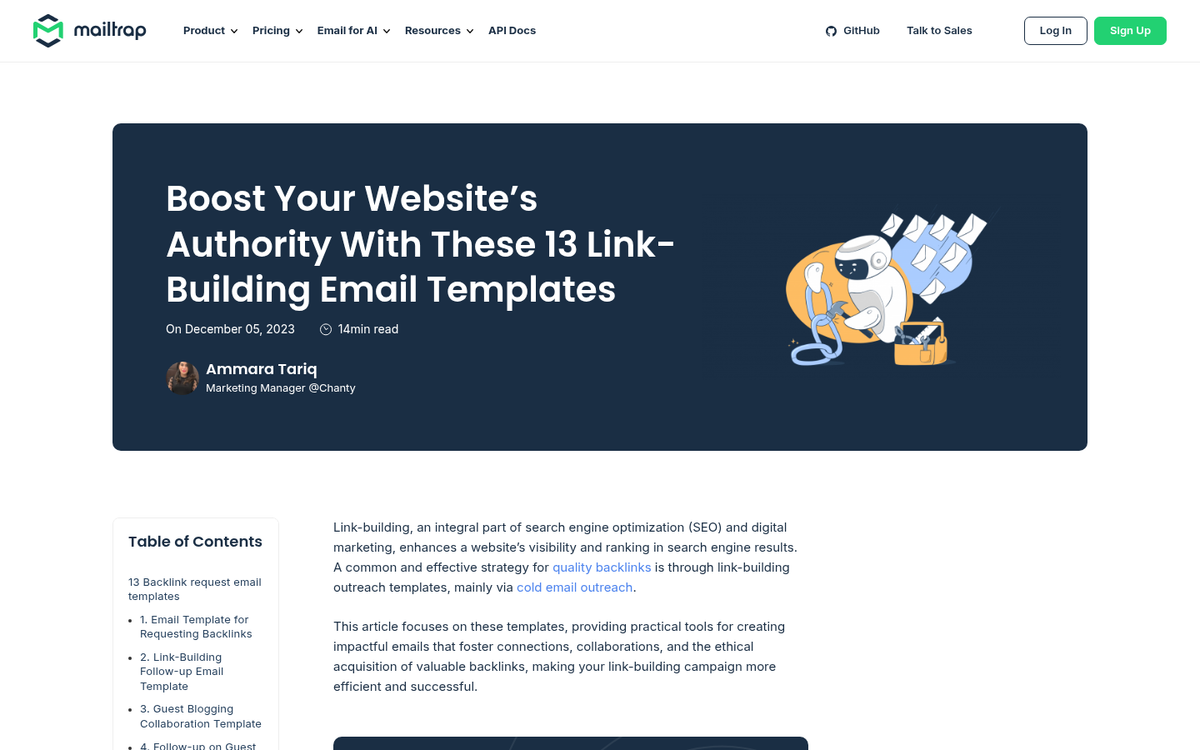
You can also use this as a link building opportunity. Search for other sites that link to inferior or outdated resources on the same topic. Reach out and recommend your new, more comprehensive post as a replacement. It's a well-established tactic, and when your resource genuinely is better, the conversion rate on these outreach emails can be fairly strong.
Promote the New Post for Fresh Value
Don't stop at the redirect and call it done. Your newly consolidated post is also a brand new content opportunity, and you should treat it that way.
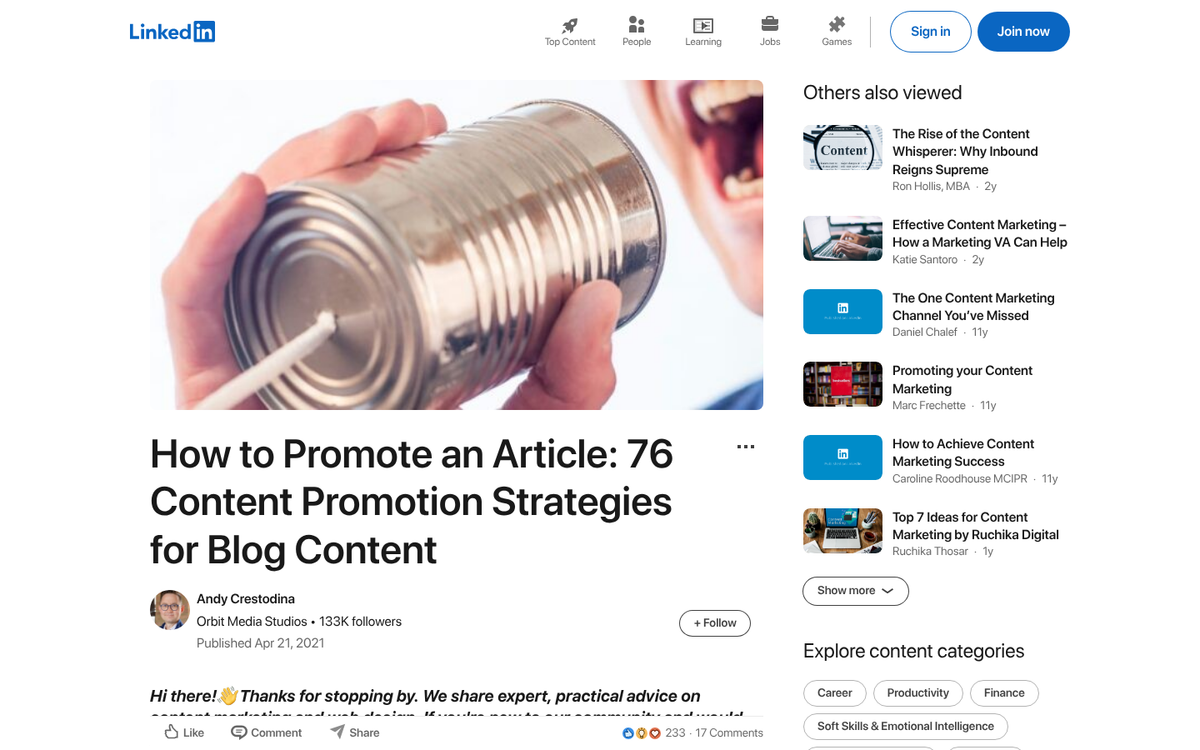
Share it on social media. Link to it in new blog posts. Include it in your email newsletter. If the topic is relevant to your audience, actively push it. In most cases you don't even need to mention that it's a refreshed older post - it's simply a quality resource you're putting in front of people.
The compounding effect here is real. You're benefiting from the removal of thin or redundant content, the consolidation of SEO authority into a single stronger page, the fresh signals from new promotion, and the potential for new inbound links - all at once. It's one of the highest-ROI content activities available in 2026, and it's still being ignored by the majority of site owners.
1 response
Thoughtful replies only - we moderate for spam, AI slop, and off-topic rants.
This all makes sense... and it's a lot of work. My site is 6 years old and I have 600 blog posts. There's one thing I need clarification about... if I want to trash a post, and I set up a 301 redirect, can I then delete (move to trash) the original post?