Key Takeaways
- Infinite scroll implemented via JavaScript can remove up to 90% of organic search traffic and hide content from search engines entirely.
- Google doesn't reliably execute JavaScript indefinitely, so static, paginated HTML versions of content are essential for proper indexing.
- Google itself abandoned infinite scroll for both desktop and mobile search results in 2024, signaling its limitations.
- Infinite scroll pushes footers out of visibility, complicates analytics, drains resources, and creates navigation challenges for users.
- For most blogs and business sites, infinite scroll offers little SEO benefit and poses significant risks if poorly implemented.
You've used a site with an infinite scroll plugin before. Have you realized it? Can you name one? Here are a few:
- TikTok
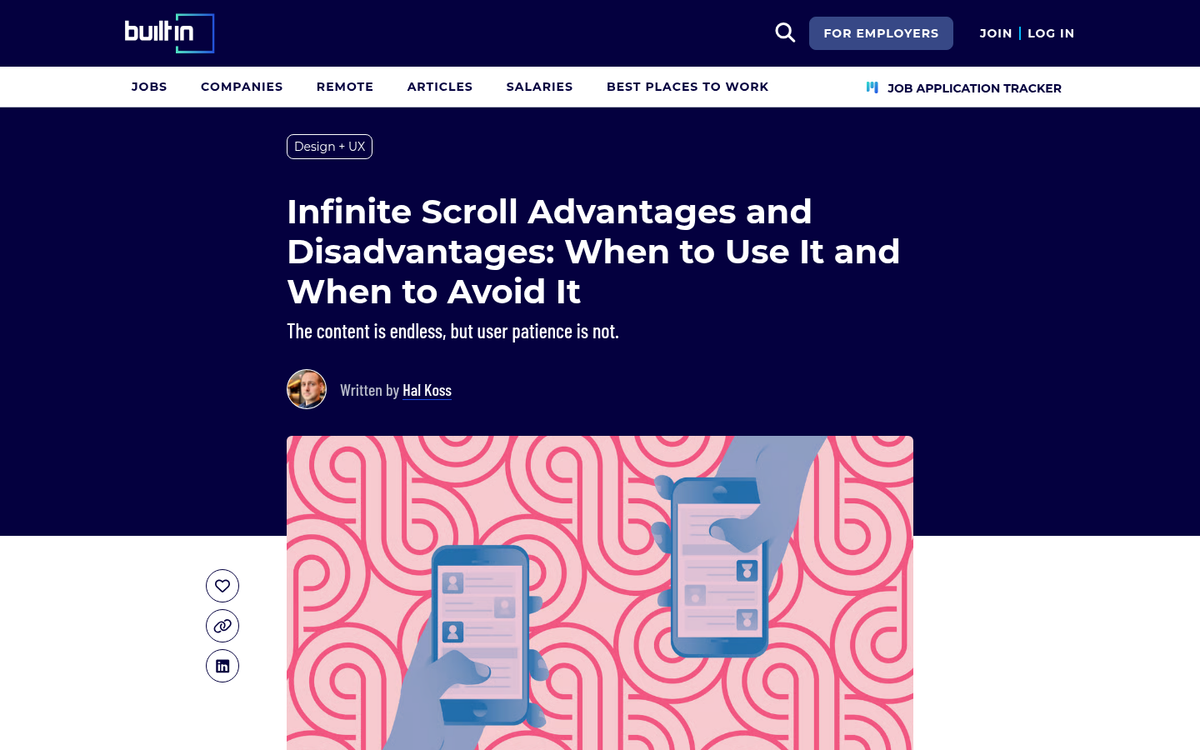
As well as blogs, some news sites, other social networks, and more. Infinite scrolling is a way to present information in a better way, without leaving the user to hunt and search for the "next page" button or worse, miss it entirely - it's a way to keep users involved and sticking around - if they're used to browsing "until the end of the page" before they leave, this keeps them locked in forever.
Of course, an infinite scrolling page is an SEO challenge. The content on the page is not all loaded at once, or else your entire website would need to be loaded when the user arrives, which is never going to be a valid option. Search engine bots can expand it. But how deep do they go? Is any of the content loaded and indexed? Is it SEO friendly at all?
The Pros and Cons of Infinite Scrolls
Infinite scrolling has some benefits. But those benefits can come at a cost. Let's look at both sides of the coin.
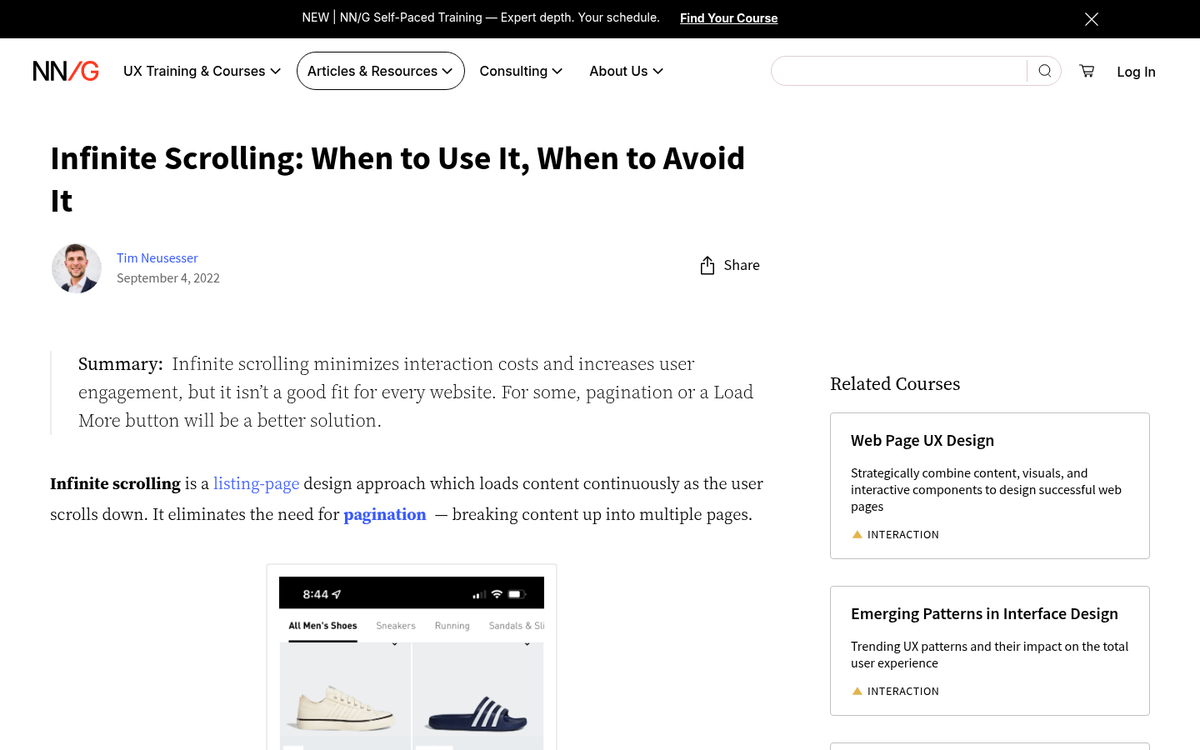
Pro: Infinite scrolling keeps users on page for a longer amount of time. There's always something else just peeking up over the bottom of the page for the user to see - it tends to work best with indexes and with social networks; person posts take up less than one screen, so a user is encouraged to keep scrolling. Putting blog posts one after another works less well, as there are discrete ending points for each and less space to welcome the user to continue. A blog homepage that shows titles, images, and snippets works way better than full posts loading one after another.
Con: The infinite scroll loading tends to push your footer further down, which makes it invisible. All those footer links, to your About section or your contact information or your social profiles, are gone. They won't count for the purposes of things like affiliate disclosure or legal compliance requirements, just to give you an example. You have to find a place for that information and those links elsewhere, which can make spaces like your top bar navigation that much more cluttered. If you use WordPress, you may already be thinking about how footer links work in your theme.
Pro: Infinite scrolls work well on mobile devices; the user can basically swipe down with little other interaction. The format feels natural on touchscreens and it's a big reason why places like TikTok and Instagram have leaned so heavily into it.
Con: Navigation can get a little tough with infinite scrolls. Some sites leave the navigation up at the top, which means users need to scroll all the way back up - or just hit the Home button - to get back up there and browse, which makes going back down to where they were even more annoying. Some sites use sidebar or floating navigation, which is more usable. But it limits screen estate and changes the resolution of "full screen" images.
Pro: Unique design is more likely to take advantage of an infinite scroll. Modern CSS and HTML animation and parallax effects can be at their best with an infinite scroll page, and there have been some very interesting "window" style glimpses created with great coding.
Con: Analytics can be very tough. Rather than loading one bit of code on page load and tracking user actions from there, an infinite scroll page is going to need a different arrangement of analytics. You need to learn how to read and interpret data differently, assuming you're tracking it.
Con: Infinite scroll sites have increasingly large drains on resources the more a user scrolls. Additionally, if a user has an ad blocker or a similar script, blocked elements stack up the resources as well - it will put a finite cap on the amount of browsing an "infinite" scroll page can do.
Con: Implementing infinite scroll that depends on JavaScript can remove as high as 90% of organic search traffic, according to a research study from Hashmeta. 68% of e-commerce sites are affected by infinite scroll failures that hide their content from search engines entirely. These are not small dangers to take on.
So there are some roadblocks aside from the SEO issue. If that's still something you're interested in, let's dig into the SEO side of infinite scrolling. It's also worth considering whether splitting content across multiple pages might be a better alternative for your site.
Google and Infinite Scrolling
Google has been aware of infinite scrolling pages for well over a decade. Early on, infinite scrolls were basically only read as the first page load; anything past it wouldn't be visible to crawlers. Their recommendation was to create an alternate paginated version for those who can't use the infinite scroll.
Google itself experimented with infinite scroll in its own search results. They launched the feature on mobile in March 2021 and rolled it out to desktop in December 2022. However, on June 26, 2024, Google announced it would remove the continuous scroll feature from its desktop search results, which tells us that even Google had second thoughts about the format's effectiveness. The mobile experience has also reverted to a paginated format - a telling sign that infinite scroll isn't the universal answer it was once marketed as.
One interesting quirk is that Google doesn't reliably scroll your pages down, but they do load an extremely tall version of the page to catch as much content as they can. For desktop that viewport is over 12,000 pixels high, and nearly 10,000 on mobile. Google can mimic scrolling in some cases. But it's not consistent, so it's not something you should rely on.

The fact is, Google isn't always going to be executing JavaScript, and when they do, they aren't always loading it repeatedly or indefinitely. They have to protect their own infrastructure, so their script rendering is necessarily limited. Their recommendation for infinite scrollers remains the same as it is with other forms of generated, hidden, or dynamic content: put what you want Google to see in static HTML.
Any static version of the page is a fallback for users who block scripts and for search indexing, so it's usually a good idea regardless.
How to Make Infinite Scrolls Search Friendly
Google's core recommendation has not changed: use a static, paginated version of your content. Let's talk about how you do it.
First, figure out how you want to divide up your content. Pretend for a bit that you're converting your site from an infinite scroll into a paginated layout. How many items per page will there be? The same number of items that are on the page before the user has to load more, if you're not DOM recycling. Think about how a social feed will load a set number of posts before you need to reach the bottom to trigger more.

You will then need to set a URL structure that makes sense for these paginated pages. You can structure it basically however you want, so long as URLs are consistent and human readable. Don't use relative URLs, or you run into duplicate content problems.
With any paginated system, you should have rel="next" and rel="prev" URL references in your header so Google understands what pages go in what order. They also like you to canonicalize any URL that has differences, so you don't hit duplicate content problems.
HTML's History API includes pushState, a command that tells the browser when it should load the next section of content and what content it should load. Many infinite loading pages use the similar replaceState, which is more flexible with scrolling behavior.
One Possible Alternative
Another alternative is to use something other than the standard infinite scrolling JavaScript used by so many other sites. The Infinite Ajax Scroll plugin, just to give you an example, creates infinite scrolling pages in an SEO-friendly way - it still works by having a server-side paginated version of your site, but shows pages by reading the rel="next" and previous links in those pages to choose what content to load.

Of course, this option still relies on you having a paginated version of your content for Google and the plugin to read. There's no way around it; search crawlers are not going to act like humans and expand your content. If you want your content to be indexed, you need a static, paginated version of it for them to access.
Is Infinite Scroll Necessary?
So here's a question: is infinite scrolling necessary to your design? A lot of the sites that use it are social networks, who benefit majorly from keeping users scrolling down one page and not benefitting from the lost analytics or clicks. Other sites that benefit from infinite scrolling design are pages that also excel at the artistic presentation of information or offer an infinite gallery of user options.
For a common web storefront or business blog, you aren't going to benefit from infinite scrolling enough to make it worthwhile. Think about the stakes: the top search result receives 43.32% of all clicks according to a research study from Neil Patel, while Google page 2 results average a click-through rate of less than 1% per BrightEdge. If a broken or poorly implemented infinite scroll causes your content to disappear from indexing, the traffic loss can be catastrophic and very difficult to recover from.
I personally don't feel like an infinite scrolling design is worthwhile for most of the clients I talk to. There are edge cases and great uses. But those are cases for hiring talented developers who know what they're doing with the back-end static versions as well.
Infinite scrolls are also the cause of one of the worst problems I've seen with modern SEO. Google indexes the page. But the page changes in between indexation. A user clicks through a Google result looking for a piece of information, only to find it's nowhere visible on the page because the loading has buried it. Even a full page search can't find the relevant keyword. What is SEO if the information isn't accessible by the time the user gets there?
If you're thinking about an infinite scroll page, you should think long and hard about what job it serves. If you're running it because "everyone else is", you should think again; it's less common than you think, and even Google abandoned it for their own search results in 2024. Even "infinite" scroll pages only load two or three extra pages of content before cutting off with a "load more" button. If you can define a reason to run infinite scrolls, fine, by all means do so. Just make sure that you do them right. Otherwise don't do it and don't worry about the issues it causes.