





There's a bit of a debate going on amongst webmasters about website comments. Some say comments are a surefire way to increase your traffic and that every comment, no matter how minor, is valuable. Others claim that turning off comments has no discernible impact and lightens your workload significantly.
It's possible that running an active comments section will be more detrimental in terms of time spent than turning them off, but a successful, robust comments section can be highly beneficial.
Key Takeaways
- Responding to comments builds community and signals authority, turning blogs from one-way channels into two-way conversations.
- Buffer's analysis found comment replies boosted engagement significantly: 42% on Threads, 30% on LinkedIn, and smaller gains elsewhere.
- Active comment sections can add 3,000-10,000 indexable words per post, providing meaningful SEO content at no writing cost.
- Not all comments deserve responses; prioritize questions and valuable insights while ignoring generic thanks or deleting spam.
- B2B blogs may benefit from disabling comments due to low meaningful contributions and high moderation overhead.
Why Comments are Valuable
Comments are valuable as a sign of interaction and engagement. When you're reading a blog post online, do you think to comment? Chances are you generally don't. When you do, it's for one of two reasons. Either you've spotted incorrect information and want to point out a correction to the author, or you want to add something of value - typically to yourself more than the blogger - in the comments.
The typical user may have a few other reasons. They may have a question they think you can answer. They may just want to thank you for your blog post. They may want to get a feel for how communicative you are. All of this is valuable in a B2C blog.
That said, for a B2B blog, you may not want to use comments. The case for disabling them on B2B blogs often comes down to the lower volume of meaningful contributions and the higher moderation overhead - effort that could be redirected toward more targeted audience engagement.
There's also a practical SEO angle worth noting: a blog post with 50-100 active comments could add anywhere from 3,000 to 10,000 extra words of indexable content to a page. That's a meaningful content expansion that costs you nothing to write.
That's all about the value of comments from readers on your blog posts. What about your responses?
Why You Should Respond to Comments

Blogs are often used as one-way communication channels. They are distinct from social media, which is a two-way communication channel. The thing is, a blog can be just as much a two-way conversation as any social network. You have a community of interested people. You have your authority. You have a topic. Too many people ignore blog comments as a channel, and that's a missed opportunity.
When a user comments, they are taking time out of their day to communicate with you. That has meaning. If you're leaving them hanging, you're wasting a valuable opportunity.
The data backs this up strongly. Buffer's analysis of nearly 2 million posts across platforms found that replying to comments drives meaningful engagement lifts. On Threads, posts where creators replied to comments saw 42% more engagement. LinkedIn saw a 30% lift, with roughly 83% of LinkedIn profiles performing better when they replied. Even Facebook and X showed gains of around 9% and 8% respectively when creators engaged with their comment sections.
While those figures come from social platforms, the underlying principle applies equally to blog comments: responding signals that you're present, authoritative, and worth engaging with.
Of course, if you're responding to each and every comment on your blog, you're probably wasting a lot of time. When a user just says thanks, you don't necessarily need to respond. When a user asks a question, then it's a chance to showcase your insight and value as a blogger. You should avoid a basic "thanks for your comment" response to everyone; it comes across as hollow and defeats the purpose of building a community.
Types of Comments and the Best Responses
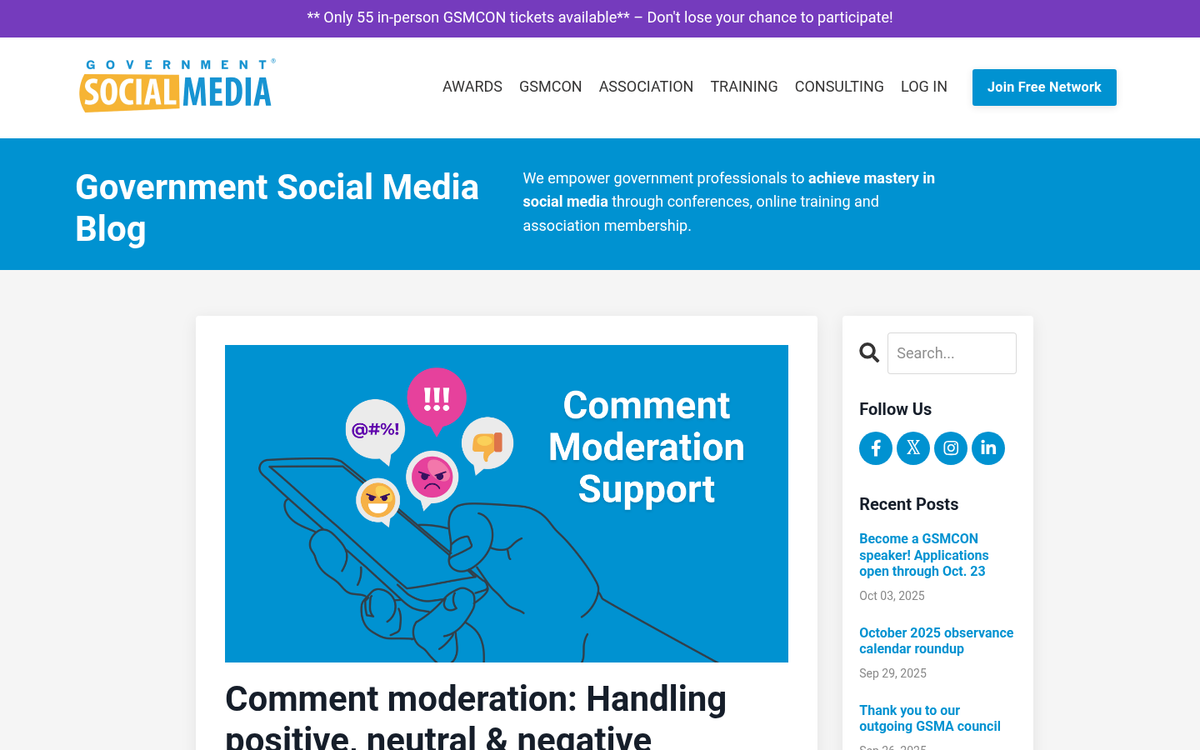
There are a few different broad categories of comments you'll find. Some are easier to respond to than others.
- Spam comments. Delete and ignore them, if they ever make it past your comment filters. Always actively moderate your comments. A blog filled with spam comments and flame wars amongst users does not inspire confidence.
- Extremely long comments. Some people either have a lot to say or really just want to ramble in their comments. Read these; there may be some hidden value. If it turns out to be nonsense, just ignore it. If it's actually interesting or valuable, thank the user for their comment, assure them that they raise a good point, and encourage them to post a blog post of their own to share that insight. This might earn you a backlink, if all goes well.
- Nonsense comments. Sometimes the user just doesn't have a firm grasp on their ideas. Sometimes a single misplaced typo or forgotten word entirely changes the meaning of the comment. Ask for clarification and wait a few days. If the user comes back and clarifies, go ahead and answer. If they don't, you can safely ignore or delete the comment. Make sure you check any attached website links to make sure the comment wasn't posted by a spambot that slipped through.
- Off-topic comments. These comments respond to the title or the intro paragraph, typically with outrage or indignation. Chances are you addressed their point in your post and they didn't read it. Call them out on it and move on.
- Promotional comments. These are comments from other bloggers looking to promote their blogs in your comments. There's a fine line between spam and legitimately valuable links. If the link is to a homepage, you might want to remove it. If the link is to an unrelated post, it may as well be spam. If the link is to a related post, thank the user for the link and check it out. Establishing clear moderation guidelines for links will help you draw the line.
- Generic thank you comments. "Thanks for the excellent writeup!" isn't a very valuable comment, but it's also benign. Unless the commenter is using their profile as a link to promote their content, you can safely ignore these, or offer a brief acknowledgement.
- Valuable comments. These are short but potent comments with insight and value. Reward these commenters in any way you can, because their contributions are genuinely worthwhile. You can feature the comment in an edit to your post or a later response post, and you should always thank them when they make the comment.
- Outrage, insults or flames. Just delete them. Unless they're valid criticism, in which case you might get in trouble for censorship. If you're unsure whether to allow certain contributors on your website, having clear policies in place can help.
This will help you identify at a glance the types of comments you're dealing with, and immediately put a response in mind. Once you engrave these responses on your mind, it won't take long at all to moderate and respond to your comments. Keep it up and you'll see your community grow in no time. If you notice your comments plugin slowing your site down, it may be worth exploring alternatives to keep things running smoothly.

2 responses
Thoughtful replies only - we moderate for spam, AI slop, and off-topic rants.
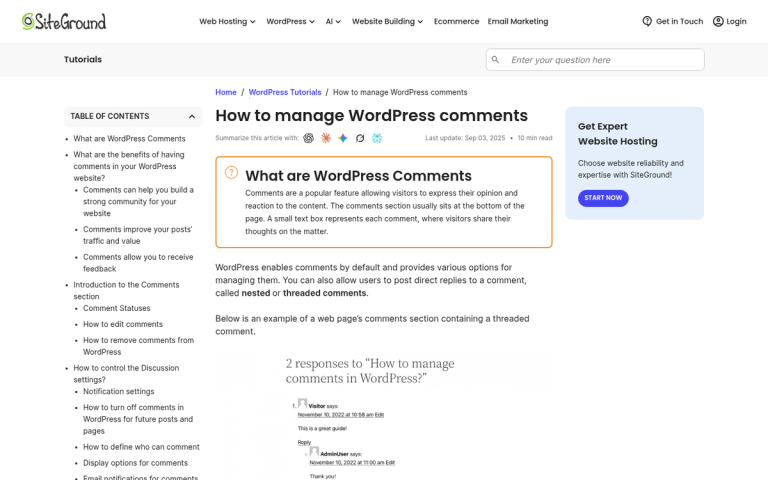
Hi, I am Venkata Panchumarthi. I read this article and it is very informative. I like the way you explained about the topic. Thank you so much for sharing all this wonderful info. It is so appreciated!!!
Thank you so much, Venkata! We're really glad you found the article informative and helpful. Engaging with comments like yours is actually a perfect example of exactly what the article talks about - building genuine connections with readers. It means a lot that you took the time to share your thoughts. We hope the tips help drive some great traffic to your site!