





Key Takeaways
- Disqus declined after its 2017 acquisition, introducing intrusive ads, 70+ HTTP requests, and over 1MB of JavaScript slowing sites.
- wpDiscuz offers a free, lightweight Disqus alternative with nested threads, voting, and optional paid add-ons starting at $15.
- Isso is a self-hosted, 12KB commenting solution with no ads or trackers, but requires technical setup and a server.
- Comments Evolved lets visitors choose between multiple comment systems simultaneously, maximizing engagement across different user preferences.
- Disabling comments entirely is a valid option; data shows little correlation between comment counts and post views or links.
For a long time, Disqus was one of the better WordPress comment plugins. They are a large platform with users around the web, so those who have used Disqus in one location are already registered to comment on your site as well.
Unfortunately, things have gone downhill since Disqus was acquired by Zeta Global in 2017 - a data-powered marketing technology company - and their advertising system was rolled out. You could make a little money on the side by showing ads in your comments to your readers, but the income was minimal. At the same time, Disqus generates more than 70 HTTP requests per page load and its JavaScript code weighs well above 1MB, causing noticeably slow loading times. The user disruption - and the conflicts with other ads you're running - made it a worse prospect. Some found that switching away improved their engagement, and others have seen an increase in ad clicks when the Disqus ads are removed.
If you don't like what Disqus has done with the place, so to speak, here are some options you can use to remove the ads and have comments with a less disruptive experience.
1. Native Comments
No, this isn't the name of some plugin; I just mean removing whatever comment plugin you currently have and using what WordPress gives on their own.
Sure, the native comments system isn't the best - it has some problems - it can be slow on large sites, it doesn't have advanced features, and it doesn't have cross-site functionality like other plugins.
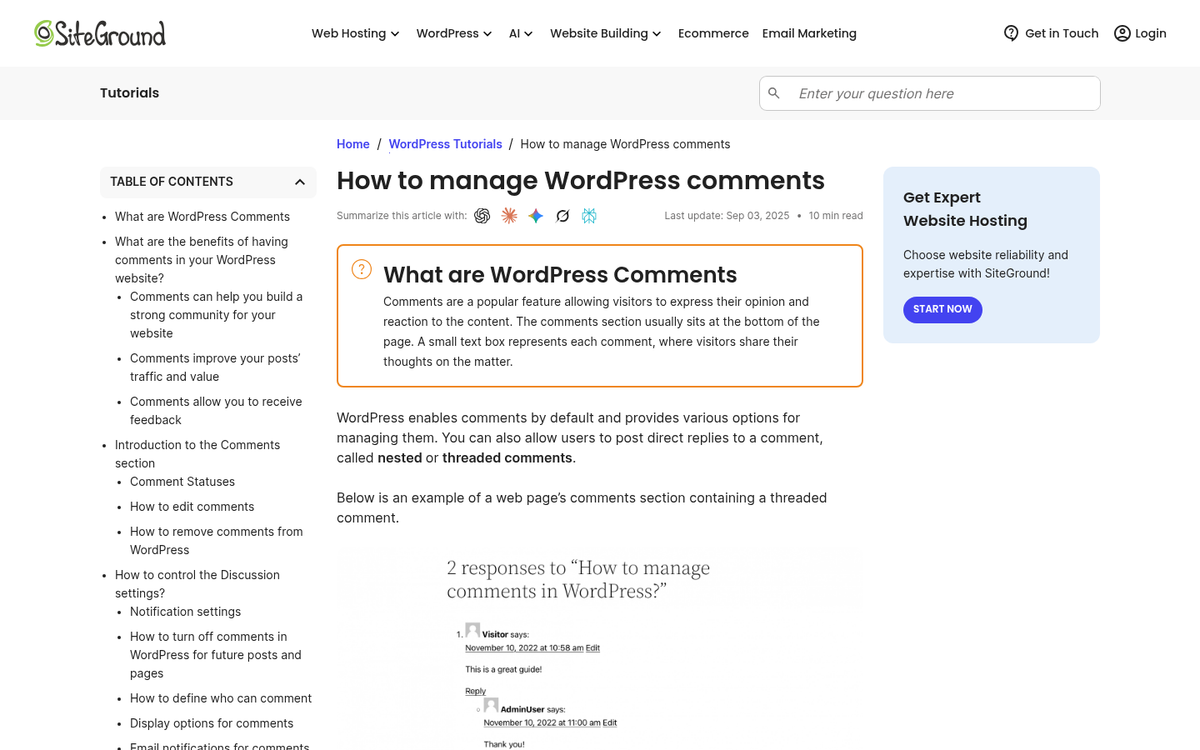
But with Akismet it has pretty good filtering and moderation options - it's pretty lightweight for smaller sites, loads quickly, and doesn't need to run scripts to pull data from some third-party server.
I put it first because it's the baseline option when looking for alternative comments. Regardless of what you do or don't want, you can always use native comments on any WordPress site - it's not the best option, it's not the worst option. But it's always going to be an option. You can also do some custom styling to make it look nice - even close to Disqus if you want.
2. Jetpack Comments
One of the most prominent plugins to improve WordPress is Jetpack, which is a suite of features and plugin modules made to improve nearly every feature of the blogging platform. In particular, we're interested in the conversation and community features, which include improvements to the comment system.
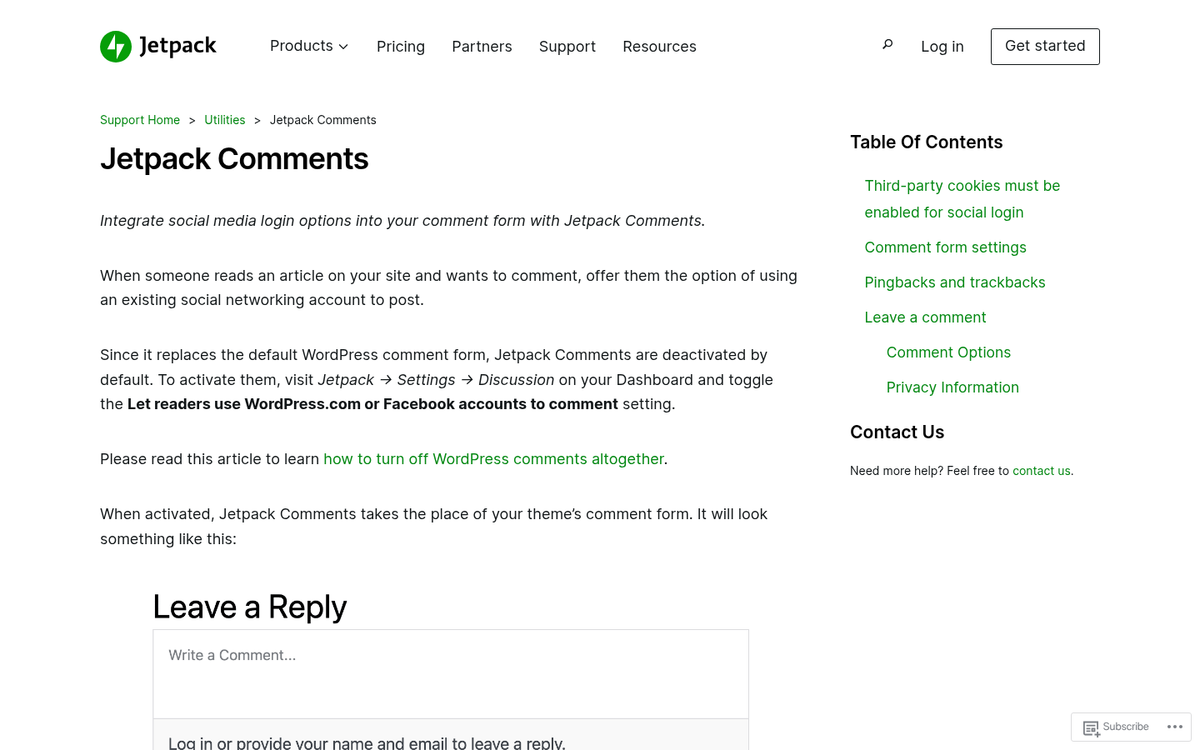
What features does Jetpack add? For one thing, it can add social media integration, so users can log in via their WordPress.com, Google, or other accounts and post that information, instead of needing to fill out forms or have a third-party account set up. Jetpack comments also add the ability for users to receive notifications on replies - it helps you build a community and hold better discussions.
While Jetpack does have paid tiers with extra features, the core commenting functionality is available without paying. The main locked feature at the free tier is advanced spam filtering past what Akismet gives at the basic level.
3. wpDiscuz
Despite the name echoing an ad-laden competitor, wpDiscuz is one of the better free alternative comment systems available in the WordPress plugin directory - it has amassed over two million downloads, is kept up to date consistently, and integrates with user profiles from BuddyPress and other user plugins - it also works with anti-spam plugins like Akismet.
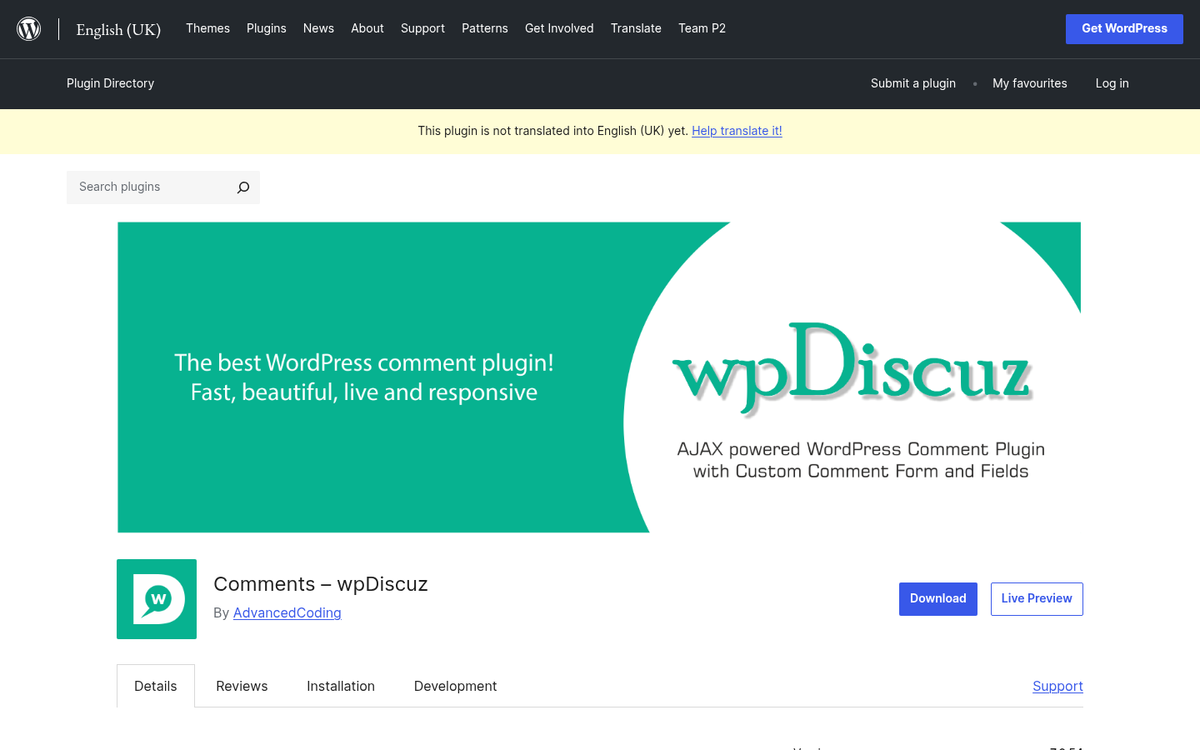
wpDiscuz has a long feature list covering everything you'd expect from a modern comment system. You have options like lazy loading, nested comment threads, truncated comments, subscription activation, voting on comments, and a great deal more - all without injecting megabytes of third-party scripts into your pages.
While the primary plugin is free, there are buyable add-ons to give your comment system more features. These include front-end moderation, emoticon usage, comment search, user tagging, and more. They range from $15 to $25 each as one-time fees - not monthly charges, which makes them a reasonable investment if you need the extra functionality.
4. Facebook Comments
A giant portion of the world uses Facebook. If you're looking for a comment system that's easy to use because users are already registered and logged in, Facebook comments is a familiar option worth thinking about.
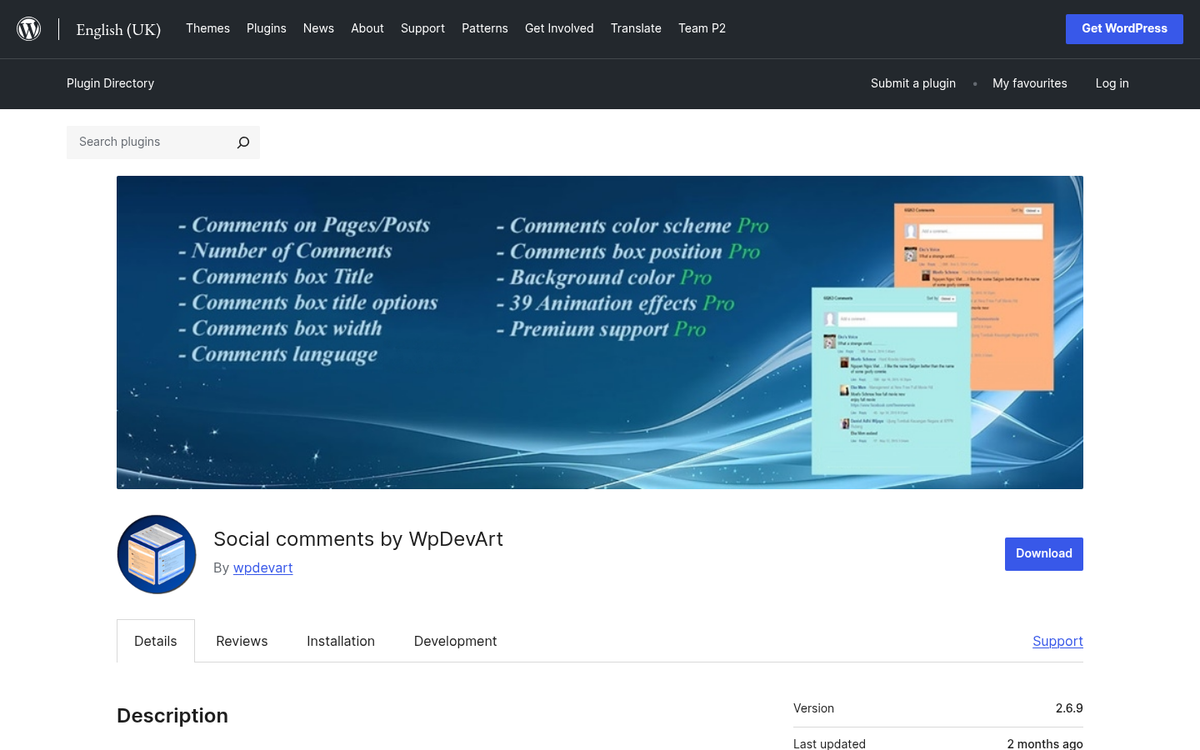
The Facebook comments plugin for WordPress is free, available through Meta's developer tools, and easy for users to use. If you have it linked to a Facebook page, you can get cross-posted comments between the social network and your website.
Facebook helps stay away from spam by making it harder to register fake accounts and impossible to post as a guest. However, it does limit comments from those who don't want their name attached to what they say. Additionally, the quality and tone of Facebook comment sections can be unpredictable, so active moderation is a must. If you want to explore other options, check out our review of Spot.im as an alternative comment system, or learn more about how the default WordPress comment system affects SEO.
5. Isso
Isso is a lightweight, self-hosted commenting server written in Python that's worth a look if you're technically inclined and want to keep things lean. Its embed weighs only 12KB min+gzip - a stark contrast to Disqus, which exceeds 1MB. Because it's self-hosted, there are no third-party trackers, no ads, and no data being handed off to a marketing company.
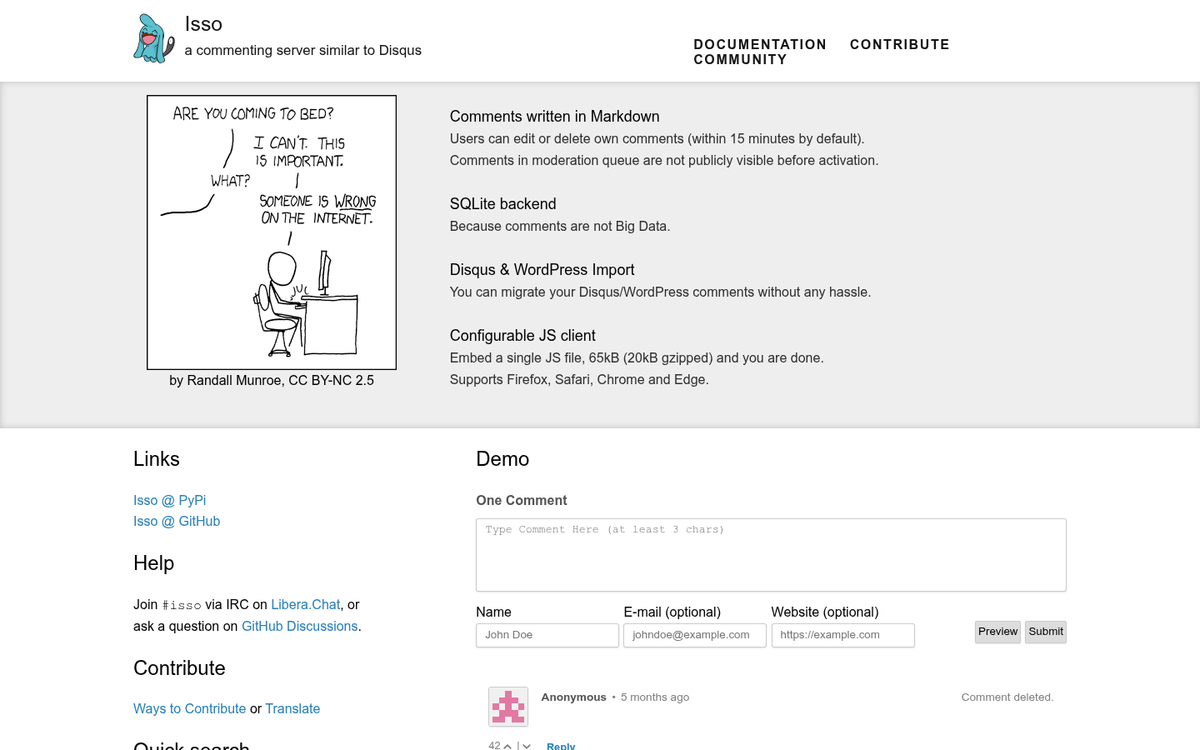
Isso supports threaded comments, Markdown, email notifications, and anonymous commenting, and it gives you basic functionality without the bloat. The trade-off is that it is going to need a server to run and some technical setup compared to dropping in a WordPress plugin - but it's a privacy-respecting alternative for developers or site owners on a VPS.
6. Super Socializer
Super Socializer is a free WordPress plugin that covers social login, social sharing, and social commenting in one package. Its social login feature supports 24 networks, which makes it one of the most flexible options for letting users comment without creating yet another account - this lowers the friction barrier for first-time commenters.

Because it uses existing social accounts instead of building its own comment network, spam is reduced - it's a middle ground for site owners who want the convenience of social login that Disqus offered, without handing their comment section over to an ad-driven third-party platform.
7. CommentLuv
CommentLuv is an interesting plugin in that it's designed with blogger engagement in mind. Users can flag posts from their own blogs, and that post shows up as a link when they comment on your site - it works in the same way as the website link field in traditional WordPress comments, but surfaces a recent post instead of just a homepage URL.
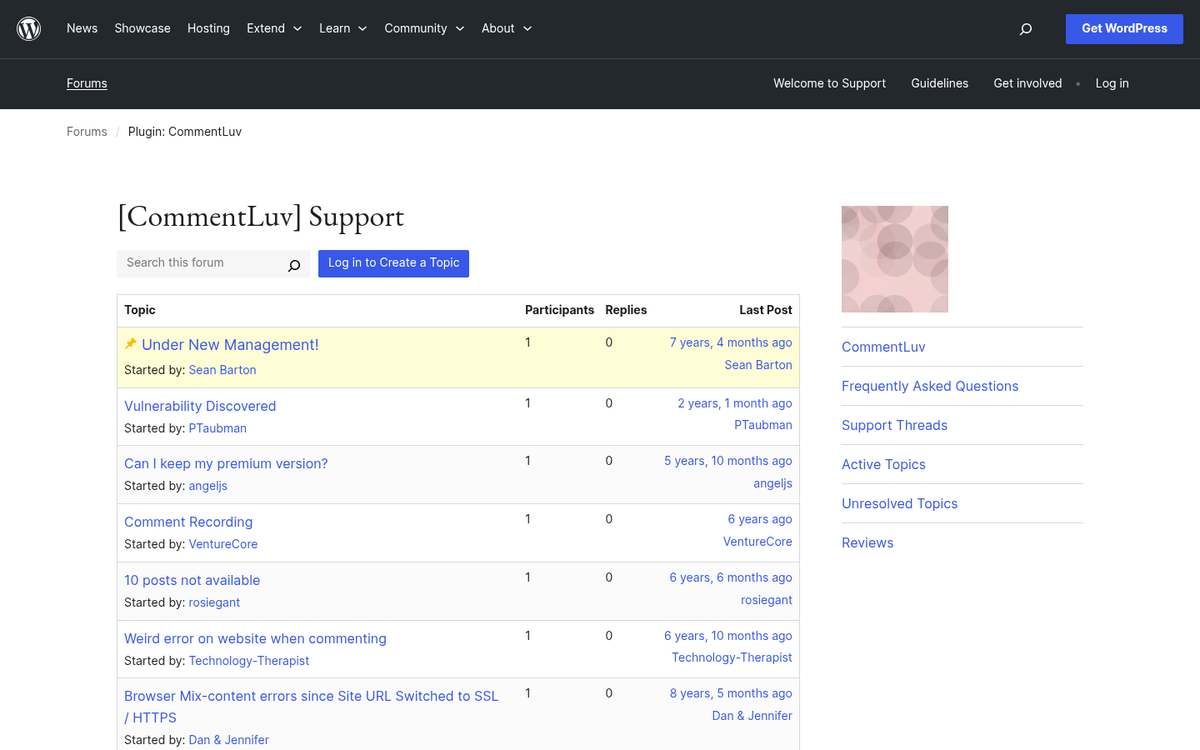
As you might expect, it will draw comments from other webmasters and content creators, which can be a boost to your engagement and possible influencer outreach. However, it means there will be those trying to exploit the links you give them, so you'll have to keep a close eye on your comments and remove the most spammy of them.
8. Comments Evolved
This plugin can add tabbed comment sections for multiple comment systems and actually integrates with Disqus, Facebook, native comments, and the trackback system simultaneously - letting visitors choose which platform they want to use to leave a comment.

From some perspectives, user choice is a big benefit. If you set up Disqus and a user wants to comment but doesn't want to use Disqus, you've lost that possible comment. If you give them the choice between a few different comment systems, they can pick the one that's easiest for them. You get engagement from all systems ready to comment.
On the other hand, choice can give you paralysis. Which account does the user want to use? Or did they use a different one last time? They might just not comment at all - this plugin works best as an answer for those who have wavered between two or three different comment plugins and can't choose which one to go with.
9. Disable Comments Entirely
There's an ongoing argument in blogging about whether or not comments are even worth having. Some large sites have disabled comments entirely, citing the moderation burden and the migration of conversation to social media. Others have tried disabling comments, found they missed the engagement, and turned them back on.

It's always a possibility that you can just disable comments entirely. You can add a note directing readers to a shared post on social media if they'd like to talk about the content. Or you can simply ignore the social feature of blogging altogether and let the content stand on its own.
Should you disable comments or not? It's up to you. Data has shown very little correlation between the number of comments and the number of links or views a post gets. That said, comments can contribute long-tail keyword content to your pages, which benefits SEO - though this is more impactful on high-traffic sites that generate hundreds of comments per post than on smaller blogs. Make the choice based on your own traffic, your moderation capacity, and your goals instead of any blanket recommendation.



2 responses
Thoughtful replies only - we moderate for spam, AI slop, and off-topic rants.
Appreciate this post. I wanted to get rid of DIsqus, just to allow people to comment without having to create an account. I'm working with WPDIscuz4 right now and so far it's the most seamless one I've tried. It also has an up and downvoting system which is what I was looking for.
Free speech is going to disappear entirely if sites keep using captchas before they'll let us log in to use a commenting system! These companies are clearly trying to stamp out the use of VPNs for their own self-serving reasons. People/companies/sites should think twice before putting ANY captcha on their sites, and Disqus has basically ruined itself by doing so.