By far the number one enemy of the mailing list is the spam filter. Spammers have become such a nuisance over the last few decades that it's impossible to find an email address without dozens coming in every day. According to Kaspersky Anti-Spam Lab, nearly 45.6% of all emails worldwide were identified as spam in 2023, and by December 2024, spam messages accounted for more than 46.8% of all email traffic. If you register an email address, it might be sold as part of a list, depending on the service. There are web bots designed to crawl the Internet looking for addresses to add to lists. Any time you sign up for a service, you can end up on a spammer's list.
It's incredibly easy for your company emails to end up filtered by a spam filter. According to Validity's 2024 Email Deliverability Benchmark, roughly 1 in 6 emails never reaches the inbox, with the global inbox placement average sitting around 84%. Different email services have different filters, some more zealous than others, and even legitimate emails can get caught in the crossfire.
As a business, how can you ensure that your emails aren't ending up in the spam folder?
Key Takeaways
- Nearly 47% of all email traffic is spam, and roughly 1 in 6 legitimate emails never reaches the inbox.
- Never buy email lists - they contain honeypots, broken addresses, and will damage your sender reputation with ISPs.
- Avoid spam trigger phrases, bad HTML, and overly promotional language, as marketing emails account for 36% of all spam.
- Since February 2024, Google and Yahoo require DMARC, DKIM, and SPF authentication for bulk email senders.
- Use spam checker tools like Mail Tester or GlockApps to test deliverability before sending campaigns.
1. Never Buy Lists
It's possible to purchase lists of email addresses to add to your database, but you should never do so. There are three very good reasons not to.
First, the emails you get aren't from people who chose to opt in. This means you have a list full of email addresses for people who don't care about your product. You'll also have a bunch of bad addresses.
Second, the list will be filled with broken addresses and honeypots. Broken addresses mean that every time you send out a newsletter, you'll be bombarded with mail delivery failure messages. Honeypots are much worse. They're email addresses designed by anti-spam companies specifically to be seeded into lists. Any message arriving to that address, the company knows is coming from someone who bought a spam list. They pass the sender information along to ISPs and email providers like Google or Yahoo, who then add those senders to spam filters. Be sure to also avoid spam keywords in your marketing emails to stay out of those filters.
Third, they'll screw with your testing. If you have 10,000 people on your mailing list and you want to test out your message, you can divide that database into two groups of 5,000 and send out varying messages to each side. If 8,000 of those emails are from a purchased list, you have no way of knowing which half of your mailing list contains more good addresses. You might have one side with 5,000 bad addresses and the other side with 2,000 good and 3,000 bad. The side with the 2,000 good is going to perform way better, even if the message sent to the other side was better.
Even if the company selling you a mailing list claims that the addresses are highly targeted towards your industry or you specifically, they're probably lying just to make the sale. They might be somewhat targeted, or they might not be targeted at all.
2. Avoid Known Spam Phrases
The most common reason a newsletter might end up filtered by a spam filter is because of the language you use. Unfortunately, just about every variation of sales language is going to end up filtered, unless the user sets up a whitelist or you're very careful about how you phrase it. This is because spammers have tried every trick under the sun to get past filters, and the filters have evolved to detect all of those tricks and more.
Obviously, you should also avoid common spam terms, like references to pharmaceuticals, drug names, and so forth. It's worth noting that marketing and advertising emails make up nearly 36% of all spam, meaning filters are finely tuned to catch overly promotional language.
Spam filters also use some cues from HTML in the composition of your message. Bad HTML is a sign of spam, as are any attempts at scripts.
3. Ask for Whitelisting
A whitelist is the opposite of a blacklist; a list of something that is expressly allowed without question. An email whitelist for your company would be the user telling their email client to allow your messages regardless of content. You can add a footnote to your messages: "Want to guarantee delivery of our messages? Add company@address.com to your contacts!"
You can also get whitelisted at the domain level. Using a reputable email service provider can give you credibility with Google, Yahoo, and other email services. When those companies know you're sending messages through reputable services - services that are known to block spammers - you're more likely to be treated as a trusted sender.
4. Set Up Proper Email Authentication (DMARC, DKIM, and SPF)
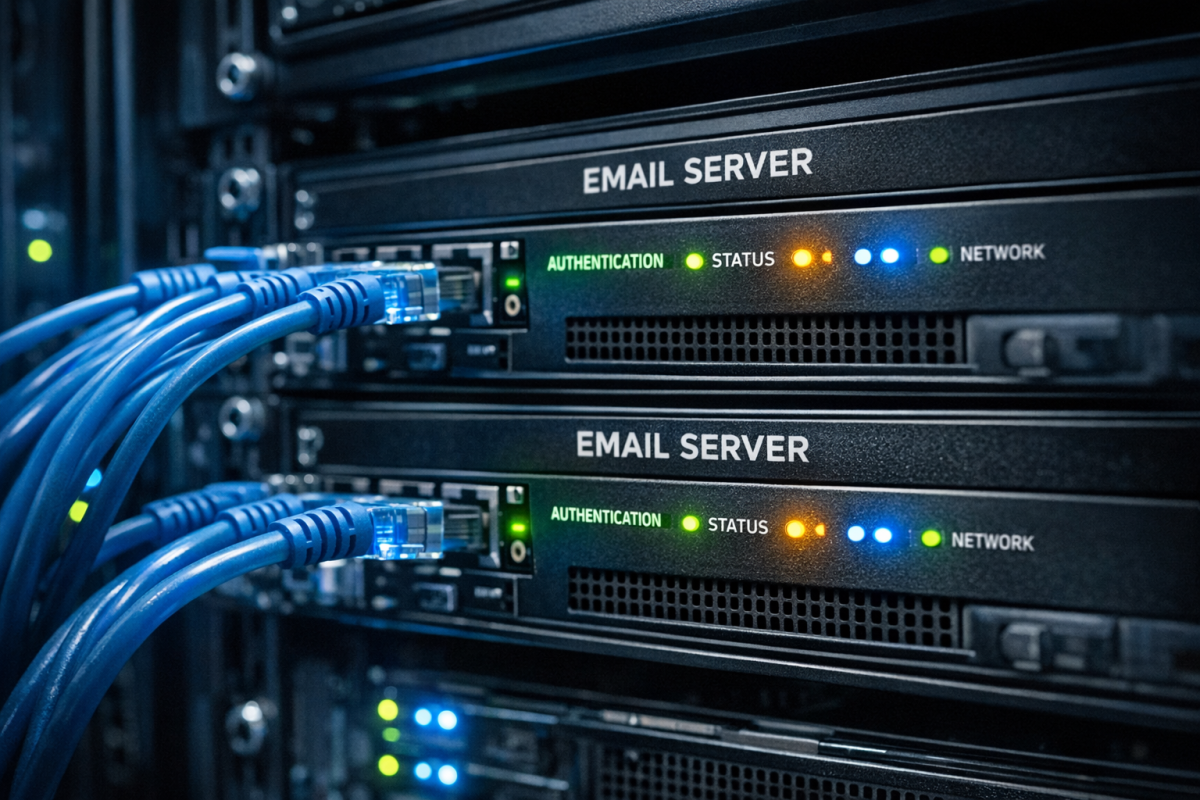
This has become non-negotiable. In February 2024, Google and Yahoo began requiring DMARC authentication for bulk senders. If you're sending large volumes of email and haven't set up DMARC alongside DKIM and SPF, your messages are at serious risk of being rejected or sent straight to spam.
SPF (Sender Policy Framework) tells receiving mail servers which IP addresses are authorized to send email on behalf of your domain. DKIM (DomainKeys Identified Mail) adds a digital signature to your emails that verifies they haven't been tampered with in transit. DMARC (Domain-based Message Authentication, Reporting, and Conformance) ties both together and tells receiving servers what to do if either check fails.
Setting all three up correctly is now a baseline requirement for serious email marketers, not an optional extra. If you're managing high send volumes, make sure your email campaign tools support these authentication standards out of the box.
5. Watch Your Sender
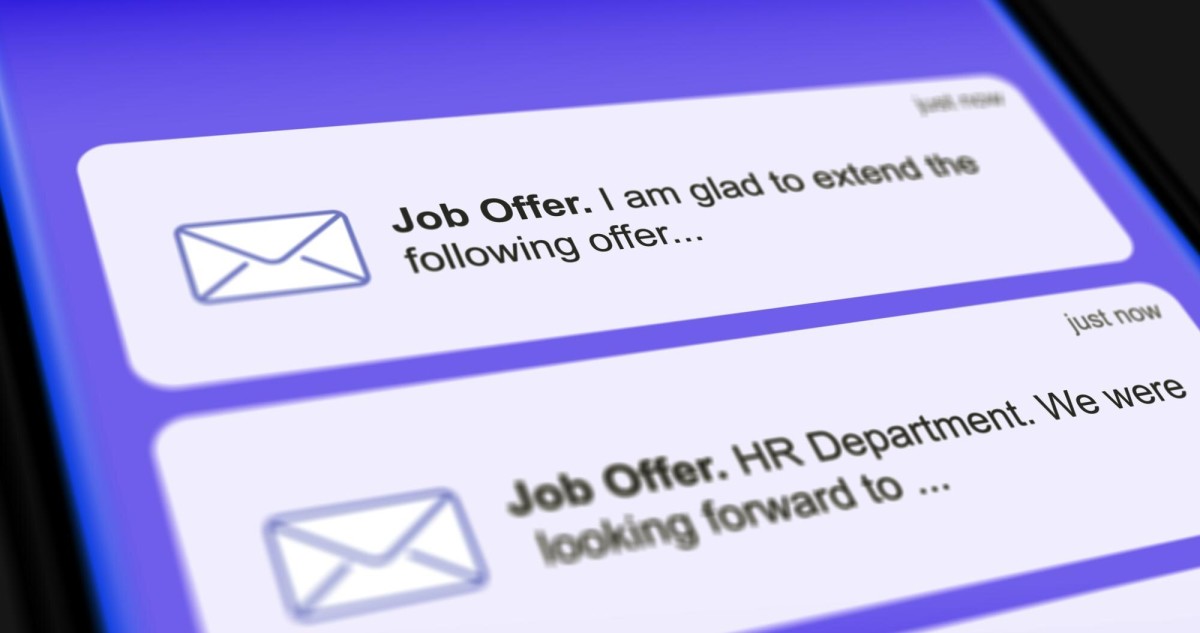
The "from" field in your email is very important. If you're sending a message from support@company.com, you're going to have a much higher chance of making it through than you would sending something from noreply@company.com or a randomly generated address. The domain name alone is not a guarantee.
You should also avoid changing your sender address frequently, as consistency helps build a sender reputation over time with ISPs and spam filters.
6. Send Mail Often
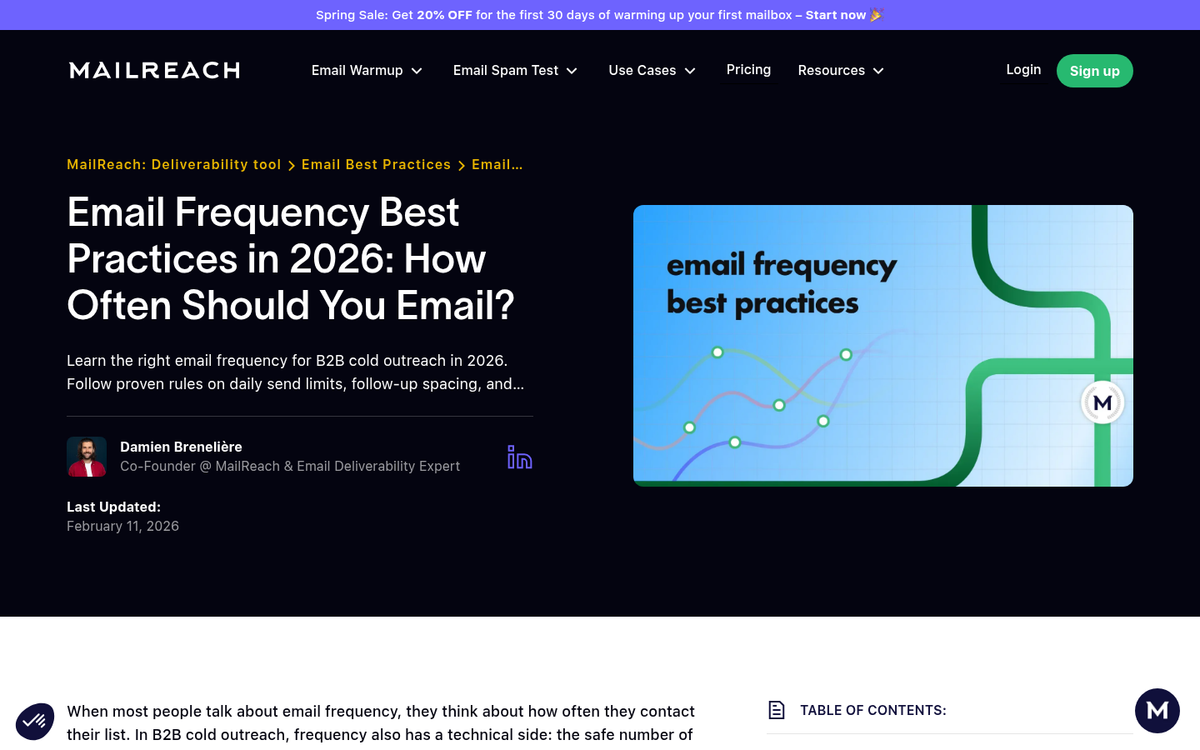
But not too often. If you're only sending one message every couple of months, users are going to forget who you are or why they were on your mailing list. On the other hand, if you're sending a message every two days, you're standing very close to the spam fire. The only companies that can get away with daily or near-daily messages are companies that provide daily services, or companies with large enough sender reputations that ISPs are unlikely to flag them.
7. Remember the CAN-SPAM Act
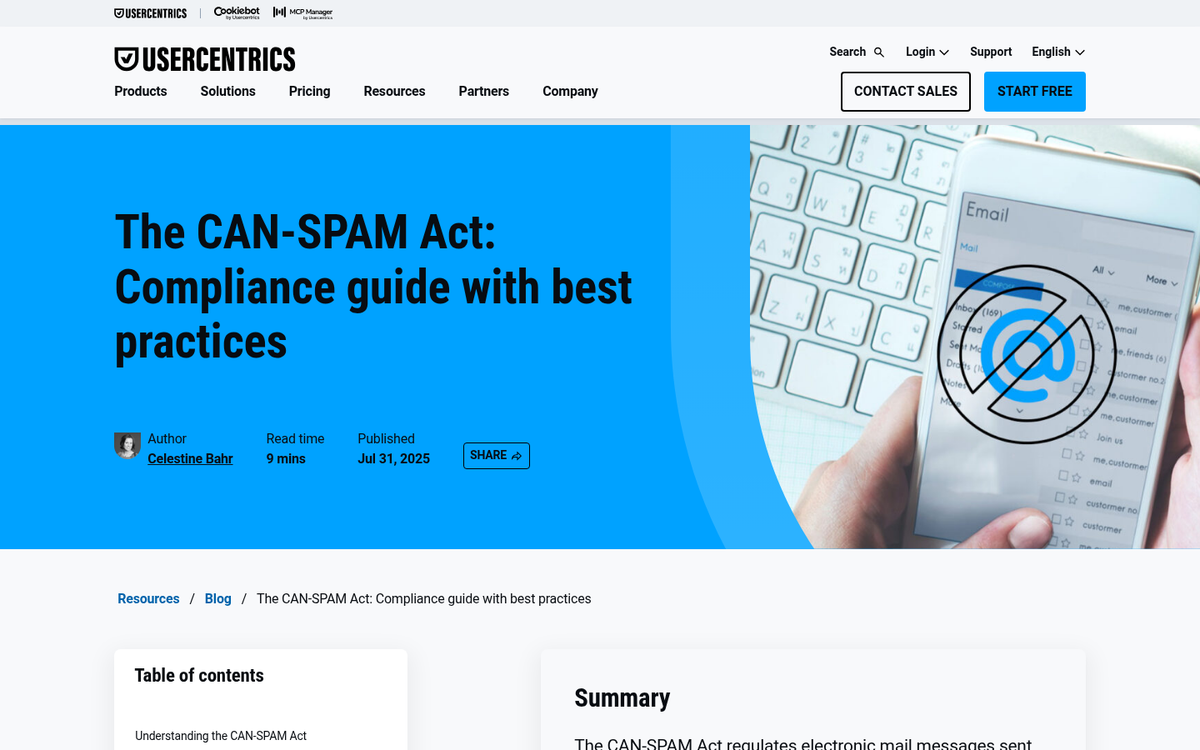
The CAN-SPAM Act is a law that applies in the United States. It governs the quality and content of "any electronic mail message, the primary purpose of which is the commercial advertisement or promotion of a commercial product or service." While you are unlikely to actually receive the fines associated with breaking the law, you can find yourself marked as a spammer. What are the rules to follow?
- Don't spoof header information or use a misleading header.
- Don't use a deceptive subject line.
- Make sure your recipients know your content is advertorial.
- Make sure recipients know where you're located.
- Include a method for recipients to opt-out.
- Honor opt-outs promptly.
Additionally, if you're emailing recipients in the European Union, Canada, or other jurisdictions, be aware that stricter laws such as GDPR and CASL may also apply. These typically require explicit opt-in consent rather than simply offering an opt-out.
Monitor any third parties sending out mail on your behalf and make sure they aren't breaking any regulations either.
8. Use a Spam Checker
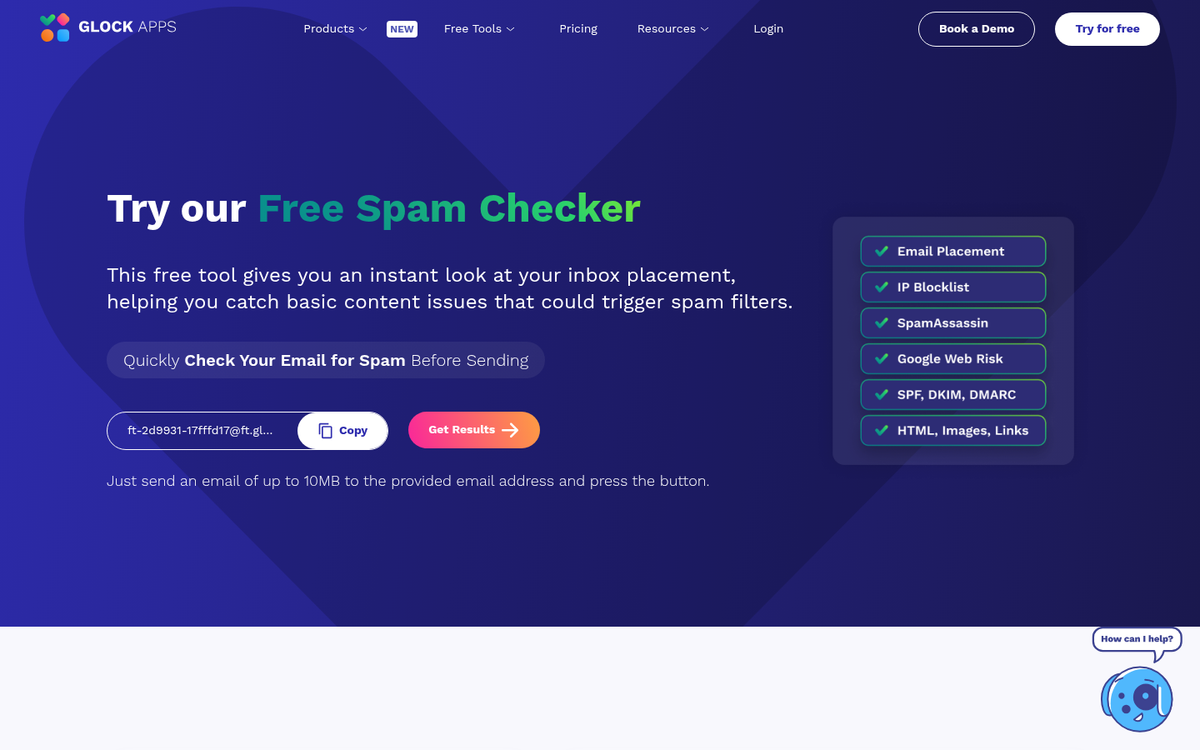
There are several tools available that will allow you to check your newsletter before you send it. Services like Mail Tester, GlockApps, and Unspam.email will tell you if anything trips their spam filters, including language, header info, authentication setup, code, or content. GlockApps in particular provides detailed deliverability testing across major ISPs, which can help you identify inbox placement issues before they affect your campaigns.