





For being one of the largest and most-used advertising networks in the world, Google is pretty imprecise with their billing schedule. Once you know how it works it will make sense to you, but the trick is understanding how it works. So let's dig into it, shall we?
Key Takeaways
- Google Ads offers two payment types: manual (prepaid, with hard spending limits) and automatic (charged when thresholds are met).
- Automatic payments trigger either every 30 days, when your spending threshold is reached, or on the 1st of each month-whichever comes first.
- Most accounts start with a $50 payment threshold, which increases as you reliably pay; hitting $500 threshold could mean three charges monthly.
- Manual payments are unavailable for new accounts in many countries, including the US, UK, Canada, Australia, and most of Western Europe.
- You can request a higher threshold via manual Google review, but Google won't notify you of threshold changes without prompting.
Manual Payments and Payment Control

Much like cars, there are two kinds of billing types you can have with Google Ads. These are manual and automatic. Instead of referring to a transmission, though, with Google it refers to payments.
Manual payments are very simple, so I'm going to cover them in this section before we dig into the more interesting details of automatic payments.
Manual payments are essentially pre-paid advertising. With manual payments set on your account, you make a payment to Google before you run any ads at all. In fact, your ads won't run at all until you have made a payment.
Essentially, manual payments are a way for you to pay up-front and have a hard limit on your advertising budget. You can pay $100 to Google and be 100% guaranteed that you will never pay more than that $100 unless you specifically decide to add more money to your account. Once you have money in your account, you can set ads to run using that budget. The ads still run according to your settings for daily spend limits.
In order to avoid instances where your ads are starting and stopping abruptly due to short budgets, Google will send an email to your Google Ads account contact email when your stash of cash is running low. Generally, this is when you have about a week's worth of budget remaining, though if you tend to put less than a week's worth of money in your account at a time, the warning email will be different.
There is a minimum amount you can add when you make a manual payment, though it's fairly low. It varies by account, however, based on location and payment type, to ensure that transaction fees and other costs are covered. You are able to store a payment method, such as a credit card, but Google will not automatically charge it; you must manually make the payment. There are a variety of different payment methods available, depending again on your location and currency of choice. This tool will check based on your information in your Google Ads account.
Don't forget two things. First, there will be processing time involved in adding money to Google Ads. It can take anywhere from a day to a week, or even more for esoteric payment methods or when there's a possibility of fraud with a given type of payment. Make sure to restock your budget ahead of time so you don't have gaps in ad coverage. Secondly, remember that some countries require you to pay the Value-Added Tax (VAT) when you make a payment. Don't under-pay to your budget because you forget you're liable for VAT.
Unfortunately, manual payments are not available for new accounts in specific countries. If you have an older account in one of these countries you may be grandfathered in, but you may be required to change. The countries where manual payments are restricted or unavailable for new accounts include Canada, the United States, Austria, Belgium, Denmark, Finland, France, Germany, Ireland, Italy, Luxembourg, Netherlands, Norway, Portugal, Spain, Sweden, Switzerland, United Kingdom, Israel, Australia, Malaysia, and New Zealand. Any page in Google's help center involving manual payments - like this one - will have a list of these countries kept up to date, so double-check before you try to start manual payments.
Manual payments are generally the preferred option for countries that have a high history of fraud and invalid payments. It makes sense; Google wants the money up front so they aren't shafted when it comes time for payment. For more trustworthy countries, or countries where fraud can be more aggressively punished, automatic payments are allowed or required.
Note: if your account is set to automatic payments, you can still make manual payments toward your bills. For example, if you're paying on a rolling 30-day basis, but you would prefer to pay for your ads weekly, you can make payments once a week towards your overall balance. This allows you more control over your billing as you go. This is not required, but can be helpful for some businesses.
Automatic Payment Thresholds and Schedules
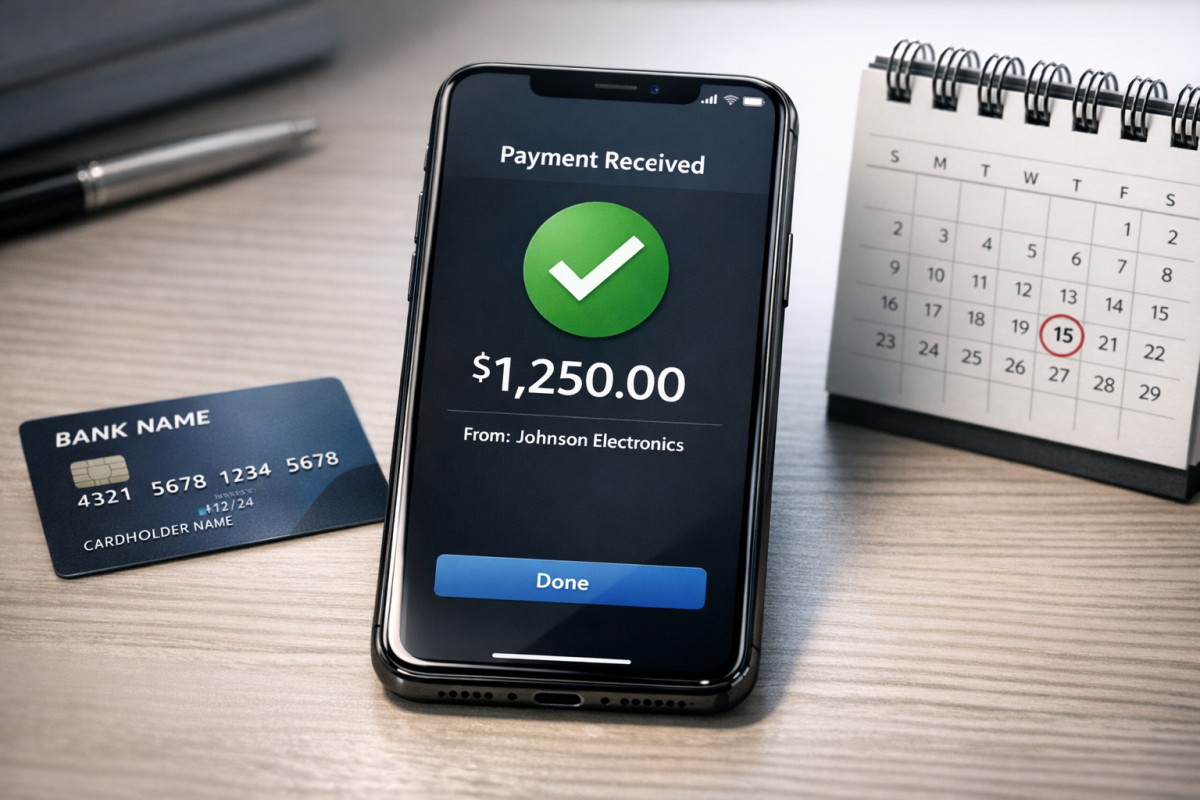
With an account set to automatic payments, you essentially just add a payment method to your account, which is debited when you reach certain payment thresholds. These thresholds are variable, which is why there's so much confusion as to when you have to pay for your ads.
Automatic payments trigger when one of two thresholds is met. The first is straightforward: you are charged either 30 days after your last automatic charge, or when you reach your preset spending threshold - whichever comes first. Additionally, Google Ads will also charge any remaining balance on the 1st of every month, which acts as a regular billing checkpoint regardless of where you are in your 30-day cycle.
This means your billing isn't strictly once per month on a fixed date - it floats depending on when thresholds are hit and when the monthly rollover occurs. This payment date drift can add to some confusion, especially when you're scaling campaigns or running seasonal promotions.
The second trigger is your payment threshold, which kicks in regardless of how far away your next scheduled payment is. Your account accumulates costs as your ads run, and once those costs hit your threshold, Google charges your payment method immediately. You could potentially trigger it two days after your last payment if you crank up your ads high enough.
Most accounts start with a payment threshold of $50. What this means is that once your account has accrued $50 in costs, you will be charged immediately, regardless of how long it has been since your last payment. So if you were last charged on October 1 and you reach $50 in costs by October 7, you will be charged on October 7.
Once you hit that $50 threshold and pay it successfully, your threshold will increase - typically to $200. As you continue to hit and pay each threshold on time, Google continues to raise it. For example, if your threshold reaches $500, you'll be charged every time your costs reach $500. So if you're spending $1,500 in a month, you could be charged three separate times within that month alone.
Google will continue to increase your payment threshold as you reliably hit and pay it. If you fail to reach your threshold within 30 days, your threshold may drop back down to the next lower level. This system is designed to protect Google against large unpaid balances while also rewarding reliable advertisers with fewer interruptions.
It's a means of protection more than anything. If you average $45 in ads for a month, you'll generally just be paying on the 30-day mark or the 1st of the month. But if you suddenly scale up your campaigns and accrue costs rapidly, Google limits their exposure by charging you at each threshold, so the maximum they'd ever be left hanging is roughly the gap between thresholds.
If you need a refund for any reason, keep in mind that Google takes approximately two weeks to process refunds on their end, and your credit card company may take additional time beyond that before the funds appear back in your account.
Finding and Changing your Thresholds
I know it's fairly tricky to understand, but that's what happens when I have to explain a general answer to a broad audience. If you come to me specifically, one on one, asking when your next payment will be due, I can look that up for you easily. You can look it up too; just go to your Google Ads account, click the wrench or tools icon, look for the Billing section, and navigate to Billing & Payments. From there you can see your current balance, your progress toward your next threshold, your next scheduled payment date, and your full payment history.
There are a few ways you can tweak your payments. For one thing, you can make a manual payment at any time. This will reduce your amount owed by the amount you pay, meaning it will take that much longer to reach your next value threshold. However, this does NOT push back your next automatic payment date or the monthly 1st-of-month charge.
For example, if you were charged automatically on October 1, your next automatic payment could fall on October 30 or November 1, whichever comes first. If you make a manual payment on October 20 that reduces your amount owed to $10 and you don't accrue any further costs, you'll still be charged that remaining $10 at the next scheduled date. See what I mean?
You can manage payment methods using manual payments. For example, if you want to use a secondary payment method to help with some of your ad costs, you can make a manual payment with the second payment method, reducing the amount your primary payment method will be charged when you reach a threshold.
Google also highly recommends adding a secondary backup payment method to avoid cases where a declined credit card causes your ads to stop running. This is not technically required, but it's a good practice if your business is heavily reliant on your advertising. Reducing your overall Google Ads costs is another area worth exploring if you want to stretch your budget further.
You cannot, as far as I know, contact Google to ask for a reduced payment threshold. You CAN, however, contact Google and ask for an increased threshold. Google may be able to increase your threshold, but it requires a manual review of your account.
This review will go over your payment history and validity of your ads in detail. If you've ever had a payment declined, if you've used a variety of different payment methods, or if you show signs of impending fraud, Google will not increase your threshold. Otherwise, they might. It typically takes around a week for the application to process. If your application is approved, Google will increase your threshold. This does NOT change your time-based billing; you will still be charged 30 days after your previous automatic payment, or on the 1st of the month - whichever comes first.
It's also worth noting that, outside of a manual review, Google will not notify you of a change to your payment thresholds. You have to pay attention to your billing status in your account on your own. It can be worthwhile to check this on a weekly basis, particularly if you have volatile ads or are ramping up for seasonal campaigns. If you're curious about what a good pay per click ROI looks like, that context can help you decide how aggressively to scale your spending.
There! That's pretty simple, right? It's actually less complex than it sounds, but the answer to "when is the next time I'll be charged by Google" is basically "check your account and see." There's no single fixed date or schedule Google sends out bills; it all depends on your payment type, your accrued costs relative to your current threshold, and whether the 1st of the month arrives before you hit that threshold. So, you know, just go check yourself.

1 response
Thoughtful replies only - we moderate for spam, AI slop, and off-topic rants.
My 30 days is almost over and I don't have any money with me right now. I have to wait some more days for cash. After my 30 days expire and I manually pay up and decide to run ads, if I pay the second time before 30 days run out, will my threshold increase?