You probably trust Google Analytics. They're pretty good about reporting data, aren't they? Well, not really. Here's the thing: GA4 - Google's current analytics platform since Universal Analytics was sunset on July 1, 2024 - has some serious accuracy problems that are worth understanding before you put too much faith in your dashboard numbers.
Let's start with a striking finding from Orbit Media: GA4 underreports traffic by 11.2% on sites without a cookie consent banner, and by a much more alarming 20.3% on sites that do use one. When Plausible compared GA4 accuracy head-to-head on sites with a cookie consent banner present, GA4 was only capturing 55.6% of traffic - meaning nearly half of all visits were completely invisible.
That's not a rounding error. That's a significant blind spot.
The bigger problem is data sampling. Rather than track every individual hit, Google picks a sample of your traffic and extrapolates from there. According to Blast Analytics, depending on which sampling precision setting is used, this can mean the difference between underreporting revenue by 11% or 80%. For large sites - including virtually every major brand or high-traffic publisher - sampled data is the norm, not the exception.
There are actually a number of different ways Google Analytics data can be inaccurate. You can fix some of them, but others are beyond your control. Let's take a look.
Key Takeaways
- GA4 underreports traffic by 11.2% without cookie consent banners, and captures only 55.6% of traffic on sites that use one.
- Data sampling can cause two users running the same report to see revenue figures differing by as much as 80%.
- Missing, duplicate, or improperly loaded GA tags cause significant tracking gaps, some fixable through regular audits.
- GA4 and Shopify Analytics show 10-12% discrepancies in transaction data, making cross-platform verification essential for revenue decisions.
- Experts recommend treating GA4 as a directional tool, not a precise one, and cross-referencing with server-side analytics.
Missing Analytics Code
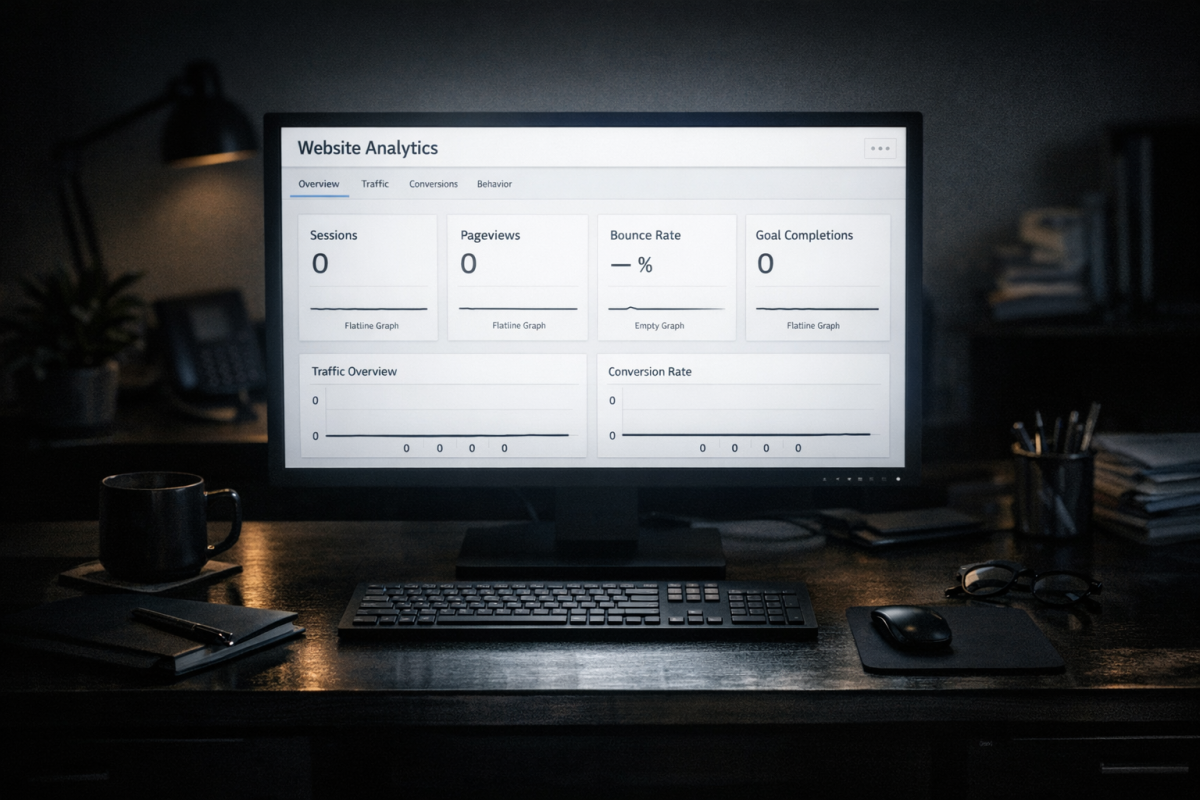
Google Analytics only tracks data on users when the GA tag is present on the page. If you have a page without the code, any traffic coming to that page is essentially falling into a black hole. To Google, it looks like those users left the site. If they click another link on that page and go to another page on your site with GA code, Google may track it as a new visitor.
It's not hard to verify that the code is present on your page, but it may be time consuming. Ideally, you'll use a tool to crawl and audit each page on your site and confirm the tag is firing correctly.
A related issue is duplicate GA code. Google won't notice that there are two instances of the code running on a given page - it will just track data reaching those pages twice. This can lead to flukes like a doubled bounce rate or an abnormal traffic profile for the offending page. If you have odd standout statistics, check for duplicate tags.
Load Optimization Delaying Code

Google Analytics is a script, and any script makes a page load a little slower. A lot of webmasters like to place their GA code near the end of the page so it doesn't delay loading content. However, if a user clicks the page, lets some elements load, and clicks away before the GA code runs, they won't be tracked.
Google Analytics loads asynchronously, which helps - but with GA4's event-based model, misconfigured tag triggers in Google Tag Manager can still cause missed sessions. It's worth regularly auditing your GTM setup to make sure events are firing as expected. If you're noticing gaps in your data, see our guide on why Google Analytics isn't showing your traffic for more troubleshooting steps.
Cookie Consent and Privacy Tools
This is where GA4 takes its biggest hit. Unlike Universal Analytics, GA4 relies heavily on first-party cookies and consent signals. When users decline cookie consent - which happens at a high rate in regions under GDPR, CCPA, and similar regulations - GA4 simply doesn't track them.
The Orbit Media data makes this concrete: sites with cookie consent banners see GA4 accuracy drop to around 55.6% compared to server-side tracking tools. That means if your site targets European or privacy-conscious audiences, your GA4 numbers could be reflecting little more than half of your actual traffic.
The same issue applies to users with JavaScript disabled, ad blockers, or browsers with aggressive privacy defaults like Firefox and Brave. GA4's tracking tag is widely blocked by privacy-focused browser extensions, making this a growing and largely uncontrollable source of data loss. If you want a clearer picture of what you're missing, it's worth learning how to accurately track users and visitors on your site.
Device and Cross-Session Tracking
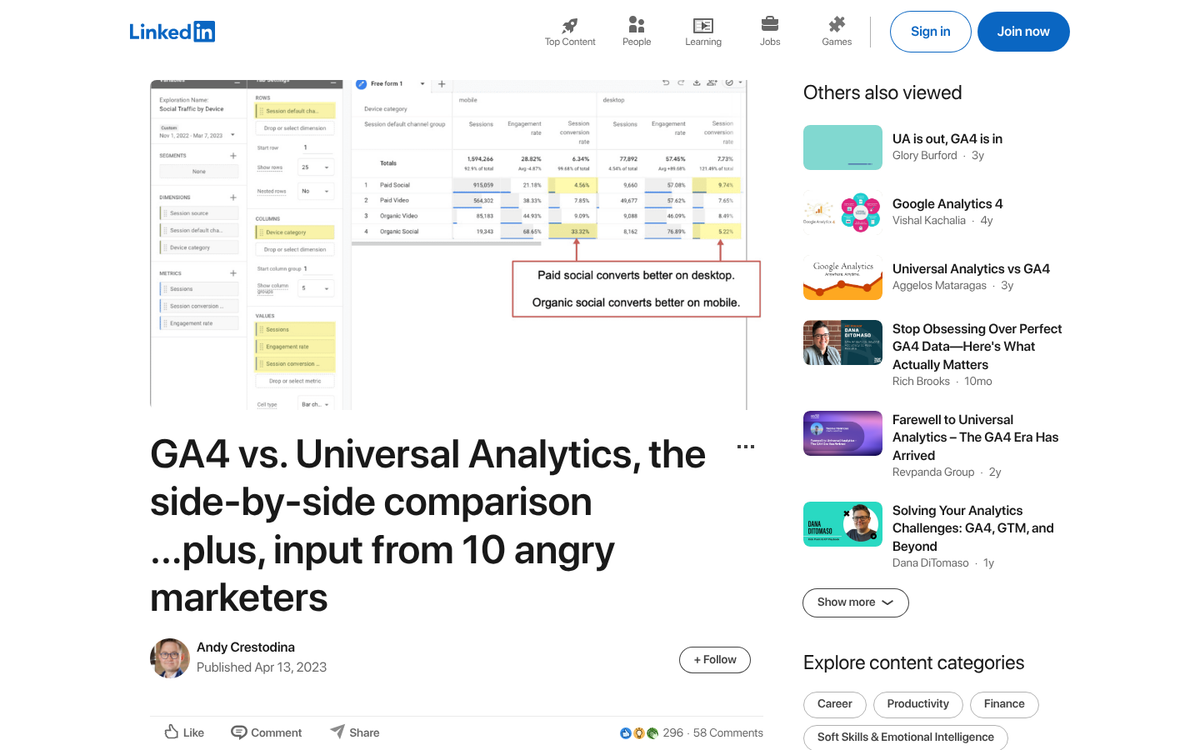
When two different users browse your site on the same computer, it counts as one user. When one user browses on their laptop and then switches to their phone, it counts as two users - unless they're logged into a Google account and you've implemented User ID tracking. GA4 has improved cross-device reporting compared to Universal Analytics, but it still relies on probabilistic modeling to fill in the gaps, which introduces its own margin of error.
The UA-to-GA4 Migration Gap

Universal Analytics (GA3) was officially sunset on July 1, 2024. For anyone who relied on historical UA data, the forced migration to GA4 created immediate data discrepancies - not just because the platforms measure differently, but because GA4 uses an entirely event-based model compared to UA's session-based one. Metrics that look similar on the surface, like bounce rate versus engagement rate, aren't actually measuring the same thing. Year-over-year comparisons between UA and GA4 data are effectively apples-to-oranges.
GA4 also introduced 17 default channel groupings compared to Universal Analytics' 10, which means traffic that was previously lumped into one category may now be split across multiple channels - creating the appearance of shifts in traffic sources that are really just reclassifications.
Data Sampling
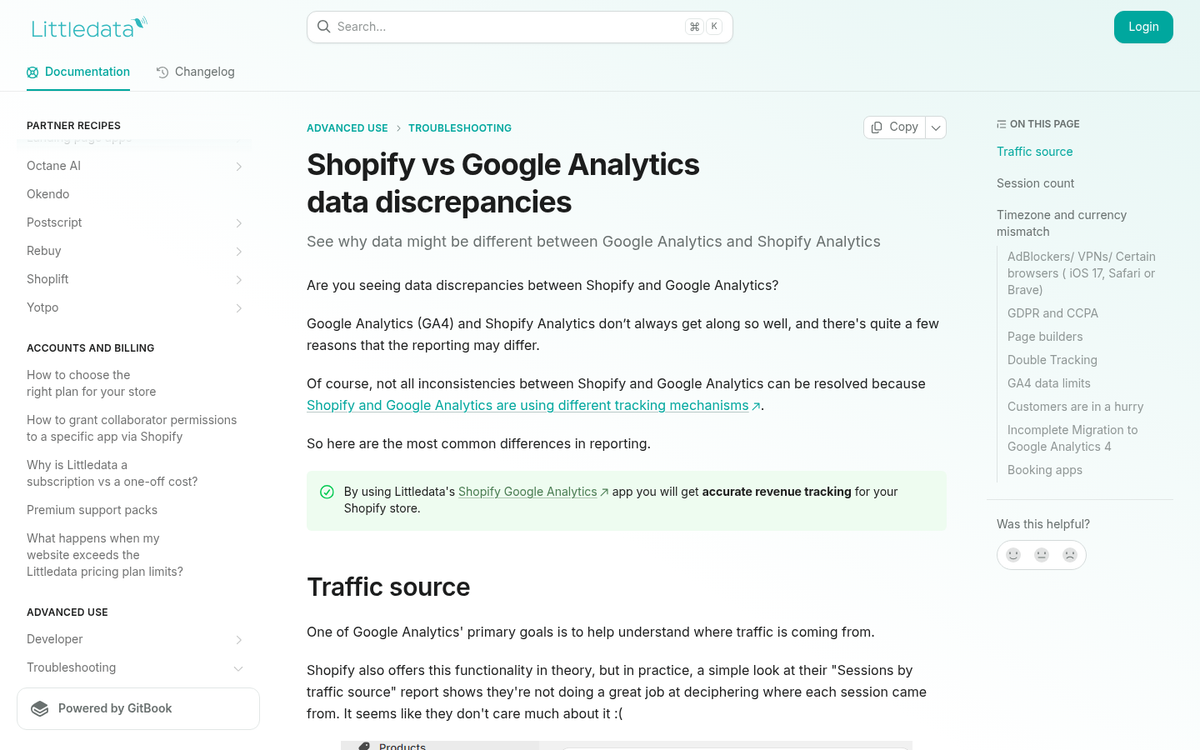
As mentioned above, Google samples data. For smaller sites, this generally isn't a problem - the volume is manageable. But for any high-traffic site, sampling is the default, not the exception. The practical consequence, per Blast Analytics, is that two different users running the same report with different sampling settings can see revenue figures that differ by as much as 80%. That's not a minor variance - that's a fundamentally different picture of your business.
GA4's free tier does use BigQuery export and some session-level unsampled data, which is an improvement, but sampling still applies to many standard reports.
Platform-to-Platform Discrepancies
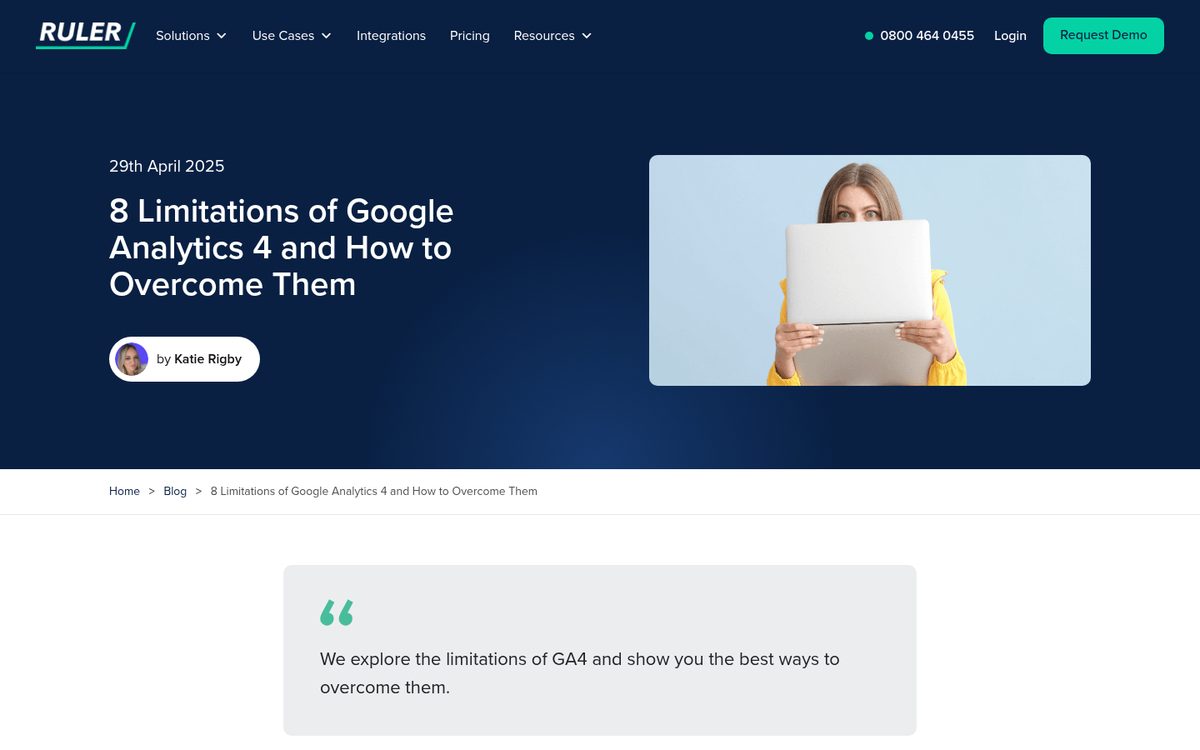
It's not just GA4 vs. reality - it's also GA4 vs. your other data sources. Inflow reports a 10-12% discrepancy between GA4 and Shopify Analytics for transaction and purchase data, even after ruling out common configuration errors and ad blocker interference. If you're making revenue decisions based purely on GA4, you may be consistently working from a slightly - or significantly - understated baseline. Consider exploring methods to increase your revenue that account for these data gaps, and make sure you understand the difference between impressions and clicks when interpreting cross-platform metrics.
Dealing With the Data
So why do people still use Google Analytics if the data has these limitations? Partly because it's free, widely supported, and deeply integrated with Google's ad ecosystem. But the more honest answer is that it's still useful - as long as you understand what it's not telling you.
The key shift in how to think about GA4 is this: treat it as a directional tool, not a precise one. Traffic trends, user behavior patterns, and conversion flows are still meaningful even if the absolute numbers are off. Where it gets dangerous is when you treat GA4 session counts or revenue totals as ground truth without cross-referencing against server-side analytics, your payment processor, or platform-native tools like Shopify Analytics.
The data is always inaccurate in somewhat predictable ways - GA4 will consistently undercount users who opt out of cookies, consistently miss JavaScript-blocked sessions, and consistently apply its channel groupings the same way. That consistency makes it useful for relative comparisons. Just don't mistake consistency for accuracy.