Analytics are one of the most important parts of your marketing. They're what allow you to see what you're doing right, what you're doing wrong, and what effect your changes have on your audience. Sometimes, something as simple as moving an image to the left or changing the position of a button can have a profound effect.
The most frustrating thing to deal with, regarding analytics at least, is the delay in reporting. Google Analytics (now GA4) is probably the number one most used analytics suite on the web today, because it's robust and free, but there's still a delay in updating and reporting data. If you post an update on social media, you'll often see engagement data appear on-platform faster than you will through Google Analytics. This is all setting aside the ongoing challenges around data sampling and the growing impact of privacy regulations like GDPR and CCPA on what data gets collected in the first place.
How much of a delay does Google Analytics have? It varies from site to site. Smaller sites with low traffic and fewer pages will report data fairly quickly, anywhere from a ten-minute delay to an hour or two. Larger sites with thousands of pages and hundreds of thousands of visitors might see delays of five or six hours. Extremely large sites have historically seen delays closer to 12 hours, though most at that scale use custom analytics infrastructure or enterprise-grade solutions. GA4's standard reports generally update within 24-48 hours, while its real-time report shows data from the last 30 minutes - more on that below.
Of note, the type of data you're looking at also affects the delay. Basic metrics are easier to process and report quickly, while more complex intelligence reports and funnel analyses take longer to compile. This hasn't changed much, but it's worth keeping in mind when you're trying to make timely decisions.
Now, delays are understandable. Google handles an almost incomprehensible volume of global data - search indexing, Drive, Gmail, Maps, YouTube, and yes, Analytics - all running simultaneously at a planetary scale. There are different degrees of infinity, and Google's is perpetually close to capacity.
It's a problem any sufficiently large analytics company has to face. The more users and the more data they're crunching, the more processing power they need. Most companies simply accept that there will be a delay. However, some platforms - especially newer, leaner ones - have found ways to speed things up considerably through edge computing and first-party data architectures.
In fact, Gartner predicted that 75% of enterprise-generated data would be processed at the edge by 2025, up from just 10% in 2018, with edge computing spending projected to reach $378 billion by 2028. This shift is part of why real-time analytics have become far more viable and accessible than they were even a few years ago.
What we're talking about is real time analytics. When a user visits your site, you see data about them immediately - not ten minutes from now, not an hour from now, and certainly not a day from now.
Key Takeaways
- Google Analytics GA4 has reporting delays of 24-48 hours, though its real-time report shows the last 30 minutes.
- Real-time analytics provide immediate value for debugging tracking issues, monitoring campaign launches, and B2B visitor identification.
- Statistical significance and change agility are critical considerations before investing in real-time analytics tools.
- Privacy regulations, cookie deprecation, and Apple's ATT framework mean real-time visitor data is increasingly incomplete.
- Affordable real-time analytics tools include Clicky, StatCounter, and Matomo, while enterprise options include Contentsquare and Woopra.
The Skeptical Value of Real Time Analytics
One thing we have to question is whether or not real time analytics are really worth it. Sure, you get up-to-the-second data, but is that valuable? How can you utilize that data in a better way than you could if the data was on a 24-hour delay? There are, certainly, legitimate concerns with real time analytics.
For one thing, real time data means you're swamped with more data, constantly shifting and updating. If you want to draw an analysis report, you need to snapshot the data all at once, or your report may use data from different times, adding fuzziness to your findings. As it is, many marketers are already drowning in more data than they know how to use, and simply watching numbers tick up in real time is a novelty more than a valuable prospect - unless you have the right processes in place to act on it.
Secondly, you have to keep privacy constraints in mind. The analytics landscape in 2026 looks very different from what it did even three or four years ago. Apple's App Tracking Transparency framework has driven global opt-in rates down to around 14%, with games performing slightly better at roughly 18% versus around 12% for other app categories. Cookie deprecation, consent management platforms, and tightening privacy regulations mean that real-time visitor data is inherently less complete than it used to be. You're often working with a partial picture, which is important to factor in before you over-invest in real-time tooling.
A third possible issue is the viability of the analytics suite you choose. If you're chasing "real time data" at the expense of depth, accuracy, or actionable reporting, you're sacrificing tangible value for a flashy dashboard. That said, this is less of a concern than it used to be - most credible real-time analytics platforms today offer a solid breadth of reporting. The days of "real time" being a buzzword used to sell glorified hit counters are largely behind us.
There are two major concerns you should consider before you opt for a real time analytics solution. These are statistical significance and change agility.
Statistical significance matters because sample size matters. Reporting on a handful of visitors tells you very little. If you're recording data minute-by-minute, you'll see spikes and lulls as they happen - and if you react to a temporary lull as if your content is failing, you're not giving yourself time to see the full picture play out.
As for change agility, it's about how quickly you can actually react to what you're seeing. How useful is real-time data if your process for making a change takes 48 hours? If your team can't act on data quickly, the refresh rate of that data matters a lot less than you'd think.
The Real Value of Real Time Analytics
That may sound like a lot of nay-saying, and to an extent it is - but real time analytics are genuinely more valuable in 2026 than they've ever been. Processing power is cheaper, edge computing is mainstream, and first-party data strategies have become the new standard. Companies using first-party data approaches see conversion rates up to 4x higher compared to third-party methods, which is a strong argument for investing in better, faster, closer-to-home analytics infrastructure.
Here are some real, tangible ways you can use real time analytics to your benefit:
The first is simply technical - debugging issues with your site and your tracking setup. When data is on a day-long delay, errors can go unnoticed for too long. With real-time analytics, a broken tracking parameter, faulty code, or a 404 link shows up immediately and can be fixed before it skews your data or hurts user experience.
The second is to see the immediate results of an action. Post something on social, send an email campaign, or launch a paid ad - and you can watch the initial traffic flood in, see where it's coming from, and get a sense of early engagement signals. Just remember this is only useful for initial impressions, not long-term trend analysis.
The third is B2B visitor identification. This is one of the areas where real-time analytics has genuinely evolved. IP-to-company matching now delivers 70-80% accuracy for identifying which businesses are visiting your site, with some platforms maintaining databases of over 50 million companies and 4.7 billion IP addresses. For B2B marketers, knowing in near-real-time that a target account just visited your pricing page is genuinely actionable intelligence.
The fourth is split testing. You can run A/B tests and see how the data reacts in real time - but this only works well if you have a substantial volume of incoming traffic. Remember statistical significance: if you're getting thousands of visits an hour, real-time split testing is powerful. If you're not, the real-time element adds noise more than clarity.
And of course, there's the novelty factor. For those of us used to day-long delays, watching numbers change by the minute is genuinely satisfying. But that's a morale boost, not a strategy.
Real Time Analytics Options
But enough about all of that. You want to know what tools are actually available in 2026. Here are some of the best options worth considering.
Contentsquare - Formerly incorporating Clicktale (which was acquired and folded into this platform), Contentsquare is now a sophisticated enterprise-grade experience analytics solution. It offers session replay, heatmaps, journey analysis, and real-time behavioral data. It's powerful, but it's firmly in enterprise territory - pricing reflects that. If you're a smaller operation, this likely isn't where you start.
StatCounter - A long-standing and reliable real-time analytics option that doesn't get talked about enough. Plans start from around €9/month with a 30-day free trial. It provides real-time visitor tracking, referral data, search term data, device and geolocation information, and more. It's straightforward, clean, and a solid choice for small to mid-sized sites that just want clear, fast data without a steep learning curve.
Woopra - Still one of the more robust real-time options available, particularly strong for tracking the full customer journey across touchpoints. A lot of its advanced features require some setup and a willingness to dig into the documentation, but once configured, the dashboard is genuinely powerful. Free up to 500 actions per month; paid plans start at $999/month for serious usage. Firmly aimed at growth-stage and enterprise teams.
Matomo - Formerly known as Piwik, Matomo has grown into one of the most credible Google Analytics alternatives on the market - and it's still open source. It's particularly relevant in 2026 given the ongoing pressure around data privacy, because Matomo gives you full ownership of your data. You can self-host it for free or use their cloud version starting at around $23/month. Real-time visitor tracking, heatmaps, session recordings, goal tracking, and multi-site support are all included. Actively developed and widely used.
Clicky - One of the original real-time analytics platforms and still worth using today. All data is genuinely real time, not just a hit counter with a live label on it. Features include heatmaps, uptime monitoring, bot filtering, referrer spam removal, and on-site analytics. The free version covers one site up to 3,000 daily pageviews. Paid plans start at $10/month, with heatmaps and uptime monitoring kicking in at the $15/month tier and above.
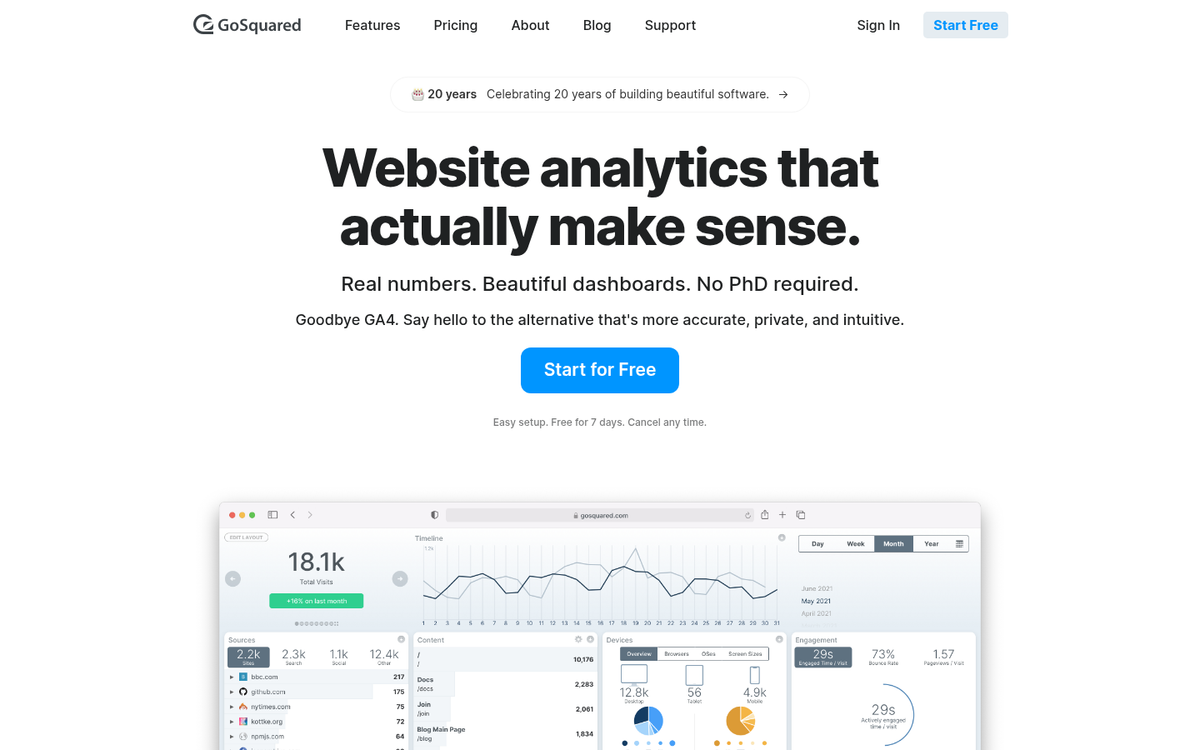
Google Analytics (GA4) - Yes, GA4 does include a real-time report, showing data from roughly the last 30 minutes. You can see active users, their locations, the pages they're on, traffic sources, and event data as it happens. It's not the deepest real-time experience, and standard GA4 reports still carry the typical processing delay - but for a free tool, the real-time view is a useful sanity check, especially right after launching a campaign or pushing a site update.