





Key Takeaways
- Landing Page Monkey charges a one-time fee, making it significantly cheaper than subscription tools like LeadPages at $477 annually.
- The standout feature is full-screen video backgrounds, but these don't work on mobile devices, creating a flat experience for those visitors.
- Built-in split testing lets you clone pages, tweak one element, and run both versions with automatic rotation and tracking.
- Unlike template-based competitors, Landing Page Monkey builds from scratch, making pages more unique but with a steeper learning curve.
- It's a landing page tool only, not a full funnel builder - upsells and multi-step sequences require separate external setup.
Landing Page Monkey Review (Updated 2026)
Landing Page Monkey - found here, past this non-affiliate link - is one of several pieces of software designed to help you create a landing page, squeeze page, or sales funnel. Created by Jeremy Gislason and Simon Hodgkinson, the idea is to eliminate the need for a coder or designer by using modular, template-free page building. What you lose in paying for the service, you make up for in saved time and money you would have spent on a developer.
My initial impression of Landing Page Monkey is mixed, for a couple of reasons. The first is the ecosystem around it online. A large number of the reviews and overviews of the software you'll find are very transparently affiliate shells - people using Landing Page Monkey to build a landing page designed to sell you Landing Page Monkey, through their affiliate link. It's a little circular and makes it hard to find honest information. The second reason is more of a personal gripe with dated marketing tactics baked into the sales page itself. Neither of these things necessarily reflect the quality of the software, and the rest of this review is fairly balanced - but they're worth noting upfront.
The Obvious Comparison
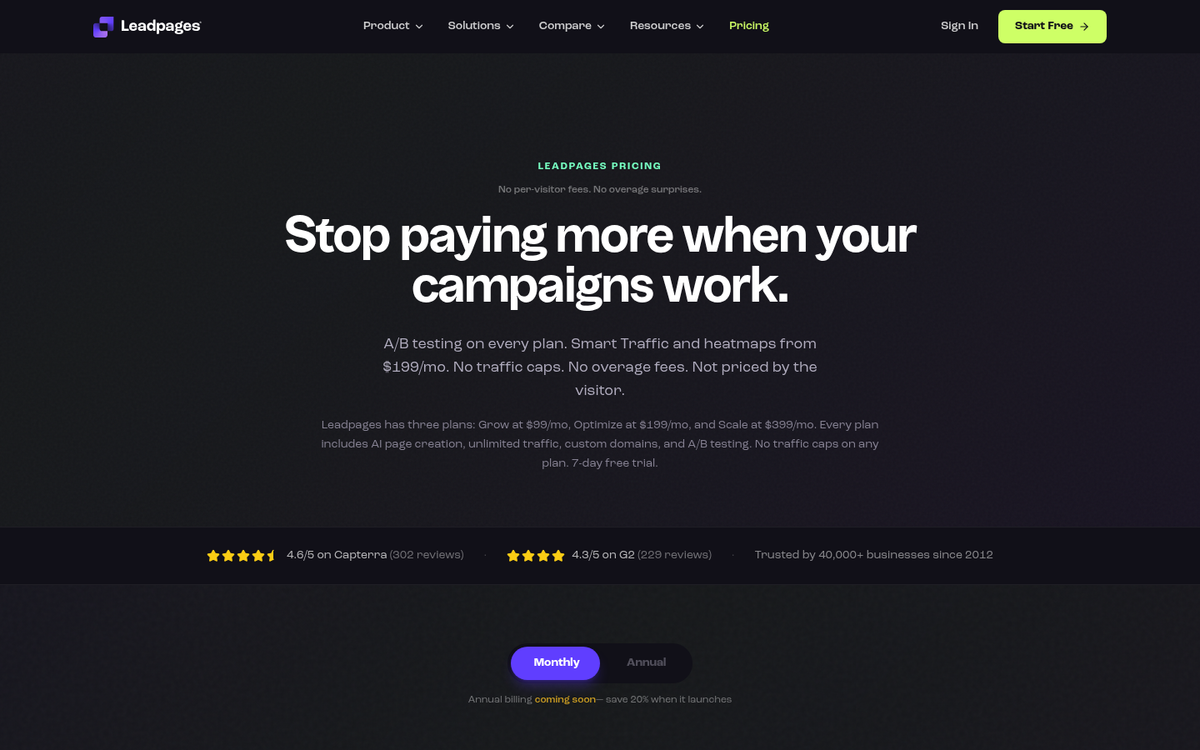
First of all, let's get this out of the way: Landing Page Monkey serves the same basic role as LeadPages, which remains one of the more polished and feature-rich options in this space. LeadPages has grown significantly over the years and now sits at around $477 per year on the annual plan - a meaningful investment for solo marketers or small businesses just getting started.
That price gap is arguably the biggest reason someone would consider Landing Page Monkey. It's a one-time fee rather than a recurring subscription, which makes it extremely attractive if you just need a functional landing page without committing to an ongoing monthly or annual cost. You get fewer features and less polish, but for a lot of use cases, that trade-off is entirely worth it.
The Features

So what does Landing Page Monkey actually have going for it?
- The one-time pricing model is a significant advantage over subscription-based alternatives that can run hundreds of dollars per year.
- The software is genuinely easy to use. It's module-based with drag-and-drop elements that let you position components and include opt-in forms without touching any code.
- The standout feature remains full-screen video backgrounds. Think of a large video playing behind your opt-in box - it creates a visually dynamic landing page that grabs attention.
- It doesn't rely on shared templates the way LeadPages and similar tools do. This makes pages more unique and avoids the "template saturation" problem where everyone in a niche ends up with near-identical pages. The trade-off is that you're building more from scratch, which has a slightly steeper learning curve.
- Built-in split testing is included. The clone feature lets you duplicate an existing page, tweak one element, and push both versions live. The system handles the rotation and tracking from there.
- WordPress integration is straightforward and well-documented with video tutorials.
- Finished pages can be published by downloading them as an HTML file and uploading directly to your own website, keeping things simple and self-hosted.
There are some notable drawbacks worth being upfront about. The headline feature - full-screen video backgrounds - does not work on mobile devices. There is a fallback in place, but if your video is central to the page's impact, mobile visitors will get a noticeably flat experience. Given that mobile traffic has only grown since this software was first released, that's a real limitation to factor in. It's worth considering whether your WordPress setup is truly mobile friendly alongside any landing page tool you choose.
The lack of built-in templates also makes it less beginner-friendly than competitors. Templates do exist, but they depend on other users creating and sharing them rather than being officially maintained and updated.
It's also worth noting that Landing Page Monkey is a landing page tool, not a full funnel builder. If you need upsells, downsells, or a multi-step funnel, you'll need to wire those up separately. The developers - Gislason and Hodgkinson, who also created products like Video Profits FastLane, Trend Jacker, Money Marketing Mastermind, and Solo Ads Fast Lane - have kept this tool intentionally focused in scope.
A Basic Tutorial
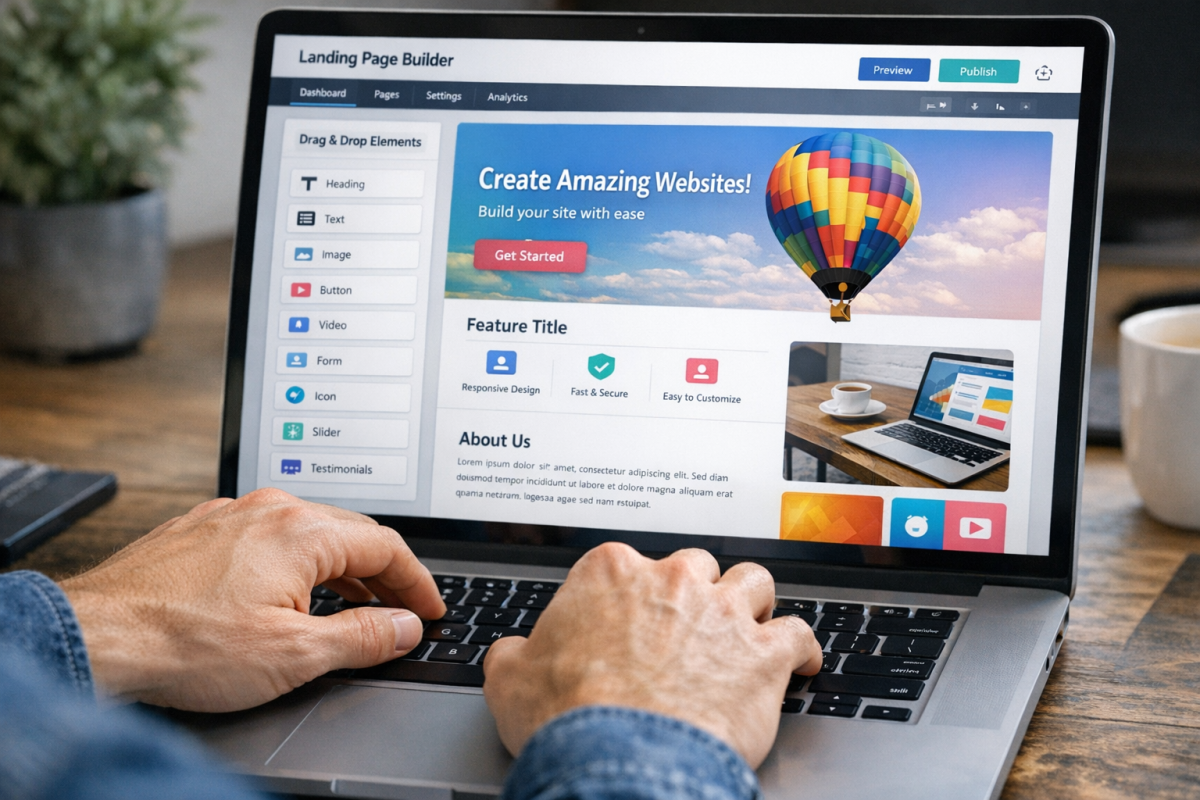
So how do you actually put a page together?
Step 1: Log in. You'll land on a dashboard with bonus offers and tutorials. When you're ready, click Create Page at the top.
Step 2: Choose advanced. The difference between simple and advanced is minor, and the advanced mode gives you a few extra options with no real downside to selecting it.
Step 3: Fill out your page information. Start specifying your details - the LPM name is your page title, box position sets where your opt-in form appears, and you'll choose colors for the box, background, button text, and more.
This is also where you upload an image or video for the background. Combined with opt-in box animation styles, this is where Landing Page Monkey earns its differentiation from more cookie-cutter tools. If you want to increase opt-in rates on your squeeze pages, paying attention to these details makes a real difference.
Advanced Options

Advanced options cover things like opt-in box transparency, border styles, box sizing, and the ability to set a specific timestamp for your background video to begin playing.
Step 4: Set SEO options. Title and description fields - simple, but don't skip them.
Step 5: Write your copy. Once the structural options are set, you'll fill in all the text and messaging for your page. This is entirely up to your goals and audience.
Step 6: Configure integrations. This is where you connect Landing Page Monkey to your email autoresponder or any other external scripts. Since the tool is a landing page builder rather than a full funnel platform, anything beyond the initial opt-in needs to be handled through these integrations.
Once everything is set, save and export. You can download the page as an HTML file and upload it to your own hosting, or push it directly to WordPress.
The bottom line in 2026 is largely the same as it was when this tool launched: Landing Page Monkey is a solid, no-frills option for marketers who need a functional, visually interesting landing page without paying subscription fees. If you want a polished, mobile-optimized, full-funnel solution, LeadPages or a modern funnel builder will serve you better. But if you want something quick, affordable, and genuinely usable with a one-time investment, Landing Page Monkey still holds up for the right use case. If you're looking to get more out of your pages, these 5 ways to increase landing page sales are worth reviewing alongside any builder you choose.


2 responses
Thoughtful replies only - we moderate for spam, AI slop, and off-topic rants.
Landing Page Monkey is a great product and it really helps us create landing pages immediately, I can personally recommend it.
Thanks for the great review. I am in need of a great quick alternative to a website. Three questions. What sales funnel option do you recommend?. Also will landing page monkey rank (well or at all in the search engines) utilizing the info in step 4 above ? Lastly will your "grow traffic campaigns" assist my landing page with Google 1st page rankings without utilizing keywords through search? Should i place special emphasis on category keyword descriptions for better search rankings? Thanks in advance...