Key Takeaways
- WPTouch creates a separate mobile site version but has become increasingly outdated and doesn't meet modern mobile web standards in 2026.
- The plugin offers easy installation with no technical skills required, making it a basic option for simple blogs with tight budgets.
- WPTouch loses custom branding, conversion elements, and functionality, potentially hurting brand perception and conversion rates on mobile.
- Better alternatives include actively maintained plugins like Jetpack, responsive WordPress themes, or hiring a developer for a custom solution.
- Google recommends responsive design as the industry standard; mobile-friendliness is now a baseline expectation, not an optional add-on.
WordPress is an eminently customizable platform. But at its core, it still has a good framework. You can change the skin and change the flesh. But changing the bones is harder than it seems. This is why - even with mobile web browsing now accounting for over 60% of all widespread internet traffic and more than 92% of internet users preferring mobile phones for browsing, WordPress sites still don't have much of an optimized mobile experience.
Plugins are major. But can they do even this for you? Can they warp the bones of your site and show your content to a grateful mobile audience?
Enter WPTouch
This is where WPTouch comes in. Once one of the most popular WordPress mobile services available, the plugin gives you a secondary version of your site that shows only to mobile users, designed to follow Google's mobile-friendliness guidelines - it has historically maintained over 300,000 active installs and positioned itself as a favorite answer for WordPress site owners who needed mobile compatibility without a full redesign.
However, it's worth mentioning first that as of 2026, WPTouch has become increasingly dated. The plugin has not kept pace with modern mobile web standards and its relevance has diminished considerably compared to its peak years. If you are looking at it, go in with basic expectations.
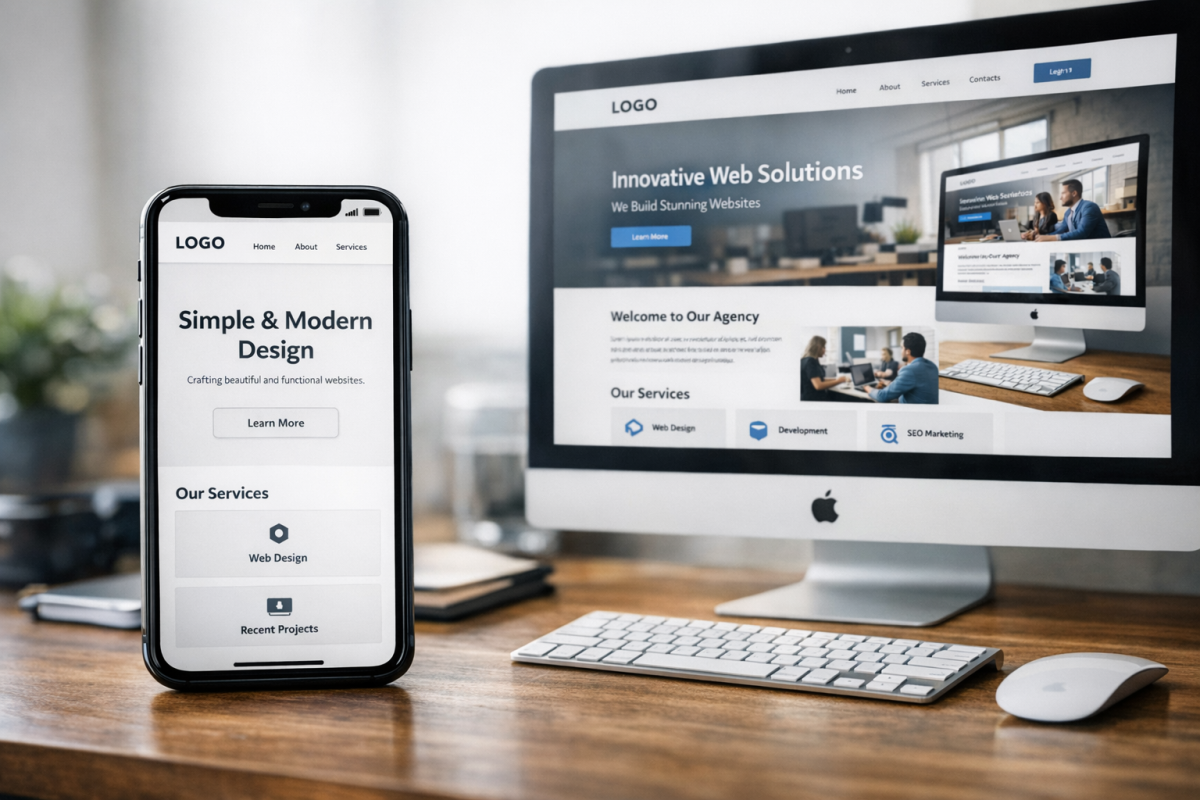
What does the plugin do? WPTouch gives you a separate mobile version of your site instead of making your existing site responsive. Desktop users continue to see your standard site. But mobile visitors are redirected to the stripped-down mobile version generated by the plugin.
The basic, free version of WPTouch has limited customization options and it's usually sparse - it was built to be functional and fast. But it does not carry over your theme or custom design elements - it's a limited engine, not a true replacement for a responsive design.
There are, of course, pros and cons for a plugin like this. When your alternative is a mobile-friendly design created by a professional developer, you can see some of them immediately.
The Pros of WPTouch
The first and most obvious pro of WPTouch is simple: it makes a mobile-friendly version of your site available, which matters in today's search landscape. Since April 2015, Google has officially rewarded mobile-friendly websites and penalized those that are not. Mobile searches have exceeded desktop searches since 2018 and over 60% of all Google searches come from mobile devices. Having any mobile solution in place is a bit better than having none.
While mobile-friendliness has gone from being a minor ranking signal to a foundational expectation, the user experience argument is equally strong. With over 5.3 billion mobile internet users worldwide in 2024, expected to climb to 5.8 billion by 2026, failing to serve mobile visitors well means leaving a giant portion of your possible audience underserved.
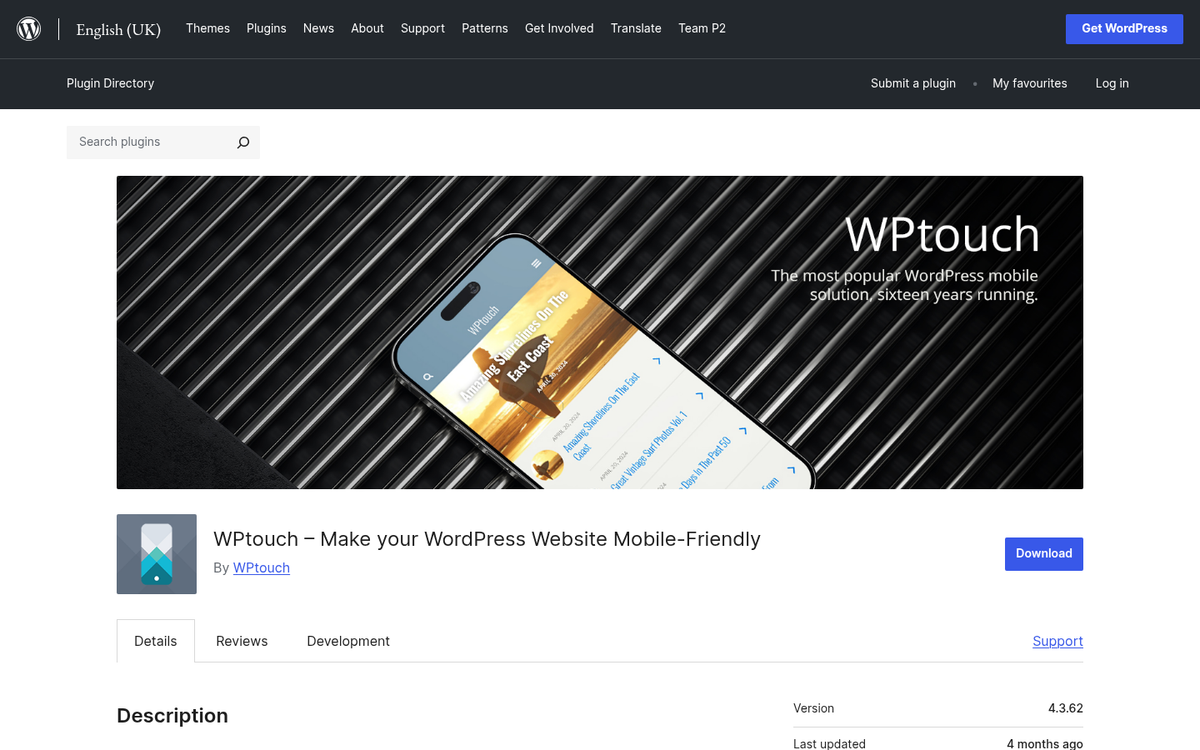
WPTouch specifically is an easy plugin to install. Much like most plugins, all you need to do is follow the usual upload and activate process and you are done. For site owners with no development budget and no technical background, that simplicity still has value. If you're unsure which plugins are worth adding, see our guide on what plugins to install on a new WordPress site.
The free version also lets you try the plugin before committing to any paid tier, which is a basic starting point for determining if it meets your preferences.
The Cons of WPTouch
Of course, WPTouch is not without its flaws, and in 2026 those flaws are more pronounced than ever.
First of all, the plugin is increasingly outdated. WPTouch has not meaningfully evolved to keep pace with modern WordPress development, Google's Core Web Vitals requirements, or modern mobile UX expectations. Sites using it may pass a basic mobile-friendliness check. But they are unlikely to perform well on more nuanced metrics like Largest Contentful Paint, Cumulative Layout Shift, or Interaction to Next Paint, which now factor into Google's ranking signals.
Secondly, you are limited to the extensions and themes they give you, and your mobile site will look fairly generic as a result. If you have custom functionality, non-standard branding, or calls to action, you are probably going to lose most of that on the mobile version. In competitive niches where standing out matters, a cookie-cutter mobile experience can actively hurt your brand perception even if it technically satisfies a search engine checkbox.
This limitation can also affect social sharing buttons, lead capture forms, and other conversion elements. Even if your SEO value nominally benefits, your conversion rates can drop if key elements don't carry over to the mobile version.
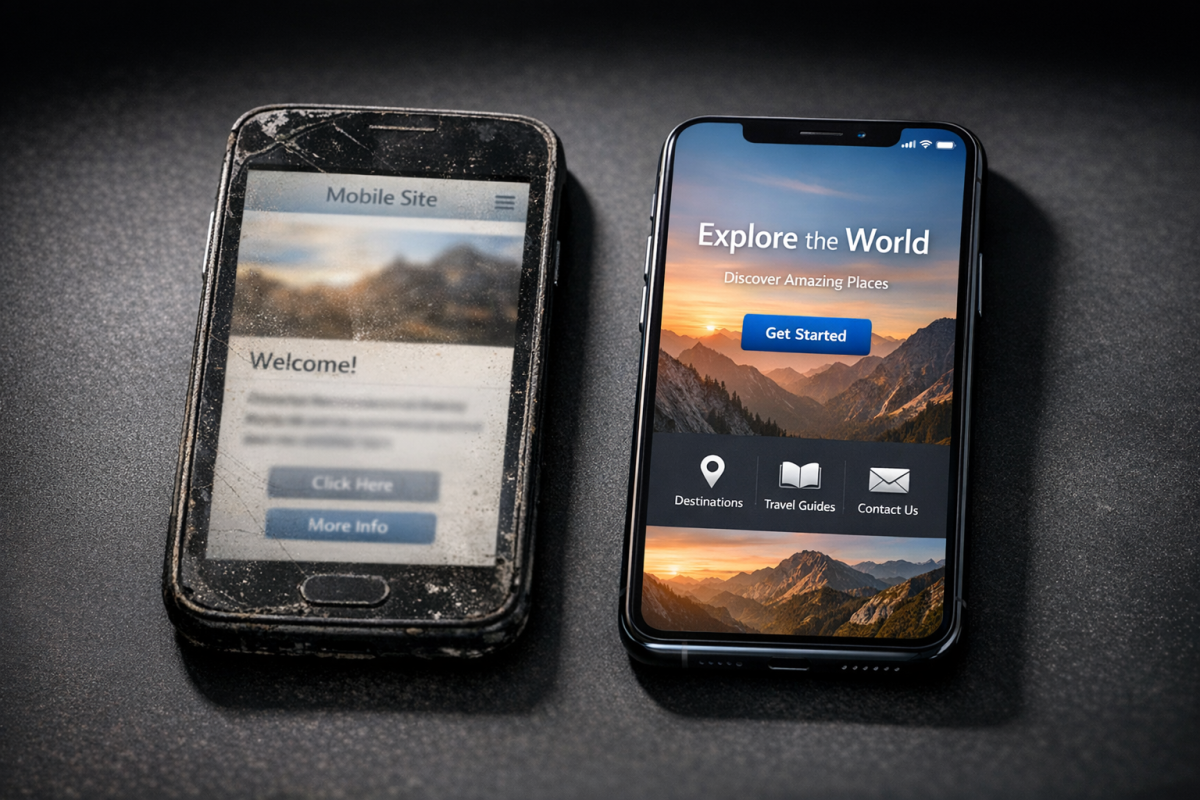
The eCommerce setup is also of questionable value. The MobileStore theme was built specifically for WooCommerce and will not work if you are using a different or customized commerce platform. Given how modern storefronts use headless or custom-built services, this is a real limitation.
If all you have is a simple informational blog, a tight budget, and minimal customization requirements, WPTouch can still serve a basic purpose. However, for anything more demanding, the case for it in 2026 is thin.
Alternatives to WPTouch
There are several possible alternatives to WPTouch to make your site mobile-friendly, and in most cases these alternatives are better options.
The first option is to use another plugin. Jetpack, just to give you an example, has over 5 million active installs, supports WordPress and PHP version 5.6 and higher, and has features across more than 44 languages - it's actively maintained and covers far more ground than WPTouch ever did. For performance specifically, Autoptimize is worth considering, as it can cut back on a site's loading time by as much as 30% according to Search Engine Journal, which can directly affect mobile user experience and Core Web Vitals scores.
The second and best option for most site owners is to switch to a responsive theme instead of a plugin. A responsive design adjusts to the screen size and resolution of whatever device is being used, delivering an optimized layout and experience without requiring a separate mobile version of your site. This is now the industry standard strategy and what Google recommends. The WordPress theme directory and third-party marketplaces like ThemeForest are full of well-built, actively maintained responsive themes across every niche and price point.

A smartphone visitor gets a layout optimized for a narrow touchscreen. But a desktop visitor gets the full-width experience, all from the same codebase with no redirect or secondary site.
The third option is, of course, hiring a developer to build or convert your site to a responsive design. A skilled developer can preserve your existing plugins, branding, calls to action, and custom functionality while bringing your site in line with modern mobile standards. This is the most robust and future-proof answer available.
Finding a developer will require some due diligence. Rates can vary widely, and the freelance market has its share of inexperienced or unreliable contractors. That said, places like Toptal, Codeable (which specializes in WordPress specifically), and even vetted Upwork profiles can surface legitimate talent. Be clear about your requirements, ask for relevant portfolio examples, and don't skip a contract.
At the end of the day, a responsive theme or a custom developer solution is a better long-term investment than relying on a plugin like WPTouch. In 2026, mobile is not a feature you add on top of your site - it's a baseline expectation. Building mobile responsiveness into the foundation of your site instead of patching it on with a plugin will serve your users better, perform better in search, and need less maintenance overhead over time.