When you think of WordPress, you think blog, you don't usually think about ecommerce. If you're familiar with WooCommerce you might realize that there are storefronts you can use with WordPress, but you're still not likely to think about landing pages.
The thing is, WordPress is a perfectly powerful platform. You can do anything you want with it, either with a little custom code or with custom code someone else made and released as a plugin. That's what this post is all about, in fact; doing something you don't normally think to do with WordPress using a plugin.
In this case, we're talking about landing pages. If you're running a blog, though, you might be asking; why do I need a landing page? After all, the point of a blog is to drive traffic through every page as a landing page. People want something, they search for it, they find your blog. They're on your site, you don't need another page specifically for them to land on, do you?
Wishpond has covered this topic in a series of great blog posts. I'm going to link them, and then shamelessly summarize the salient points so we can move on to the real meat of this post.
- What is a Landing Page?
- Why Should I Use Landing Pages?
- When Should I Use Landing Pages?
- How Many Landing Pages do I Need?
Key Takeaways
- Landing pages are hyper-focused on one objective, with no distractions or navigation links, and can convert at 20% or higher.
- Websites with 10-15 landing pages see up to 55% more conversions than those with fewer than 10.
- SeedProd leads with 1 million users, AI page generation, 350+ templates, and affordable pricing starting at $39.50/year.
- Thrive Architect is the most conversion-focused option but is the priciest, starting at $299/year in 2026.
- Breakdance offers the best value for agencies, with unlimited websites coverage available at $199/year.
What is a Landing Page?
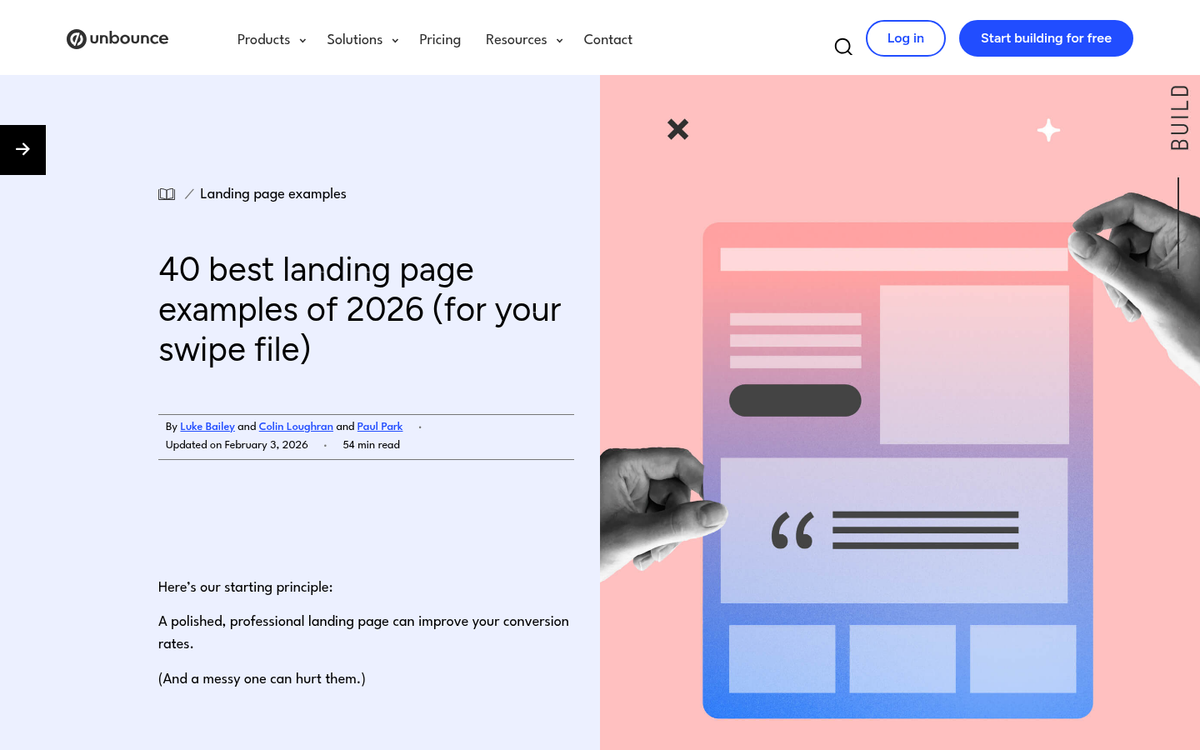
In simple terms, a landing page is a hyper-focused page that is engineered around one singular objective. If you want people to sign up for a mailing list, you might create a landing page designed to promote your mailing list. It will tell people what they get for being on your mailing list, what big-name people subscribe to your mailing list, how many thousands of people are already on it, and so forth.
The trick with a landing page is the focus. Regardless of the objective, that's the only thing in the world to the landing page. There are no navigation links to other parts of your site. There are no secondary objectives. There are no distractions. It's just one page, one user, one objective. Learn more about hacks to increase landing page conversions once you have yours set up.
Why Should You Use a Landing Page?
Why do you need hyper-focused pages? Well, that depends on what your business happens to be. Honestly, if you're a blog with no storefront, no product, no ebook, nothing on offer but your words? You don't need a landing page. Your site lives or dies by the quality of your content. What are you going to do, build a landing page around why people should read your blog? They can just go to your blog and see for themselves.
However, if you have any one of those things, you can use a landing page. If you have products to sell, you should have a landing page promoting those products. If you wrote an ebook and you're trying to sell it or give it away, it should have a landing page. If you're promoting an event, you should have a landing page for that event. Anything other than your blog text itself should have a landing page.
The fact is that landing pages convert at a much higher rate than more passive, tertiary forms of marketing. You might have sidebar ads for your ebook, but they'll convert at a fraction of a percent, or maybe as much as 3% if you're good. A landing page can easily convert at a 20% rate or higher.
When Should You Use Landing Pages?

There are a few different types of landing pages worth understanding.
- Long term landing pages. These are landing pages that work for an ongoing effort or evergreen content, content that isn't going to go away and isn't time-sensitive. This is the sort of landing page you make for a free trial, a how-to guide, or a free ebook. They sit around for ages, converting in the background, for as long as they work.
- Unique channel landing pages. These are landing pages that aren't general-issue. They're landing pages that take into account the source of the traffic that reaches them. A landing page designed for organic Google visitors and one designed for visitors from paid social ads can be quite different.
- Segmented landing pages. These landing pages take into account the demographics of the people reaching the page. If you have five products, you'll have landing pages for each of them, aimed at the sorts of people most likely to want to buy that product. For more general products, you might have one oriented at families and one oriented at individuals, for the same product. Same item, different spin.
For a more concrete answer, you should use landing pages any time you want a specific conversion action to happen. Again, any time you're promoting a book, a product, or an event, you can have a landing page for it.
How Many Landing Pages Should You Use?
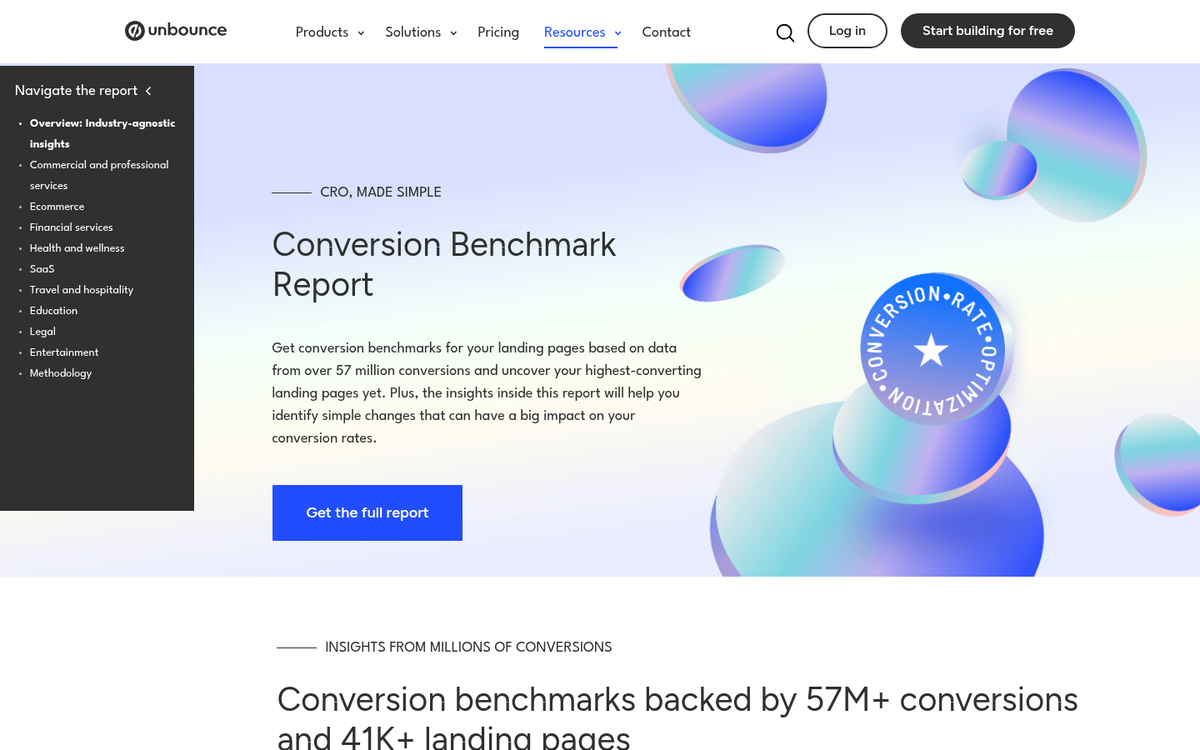
Studies have shown that websites with 10-15 landing pages have as many as 55% more conversions than websites with fewer than 10 landing pages. However, that doesn't mean you can just pump out 15 landing pages and watch the traffic flow in. Depending on your business, that might have a lot of redundancy.
Essentially, it depends on your audience and your business. How many products or items do you have to sell? How many different audience demographic groups are attracted to those products?
Say you sell exactly one item, and that one item is a small shoe for girl children. Seems easy; one product, one landing page, right? Well, how about this: one landing page for mothers shopping for their daughters. One landing page for the kids themselves, that you might use as the target for in-app ads. You can even have a third landing page for special offers on the product.
That's already three landing pages for one product, and all of them play different roles. Imagine you have 15 products, or 150. You can't make 3+ landing pages for every product, particularly when you have products that have more general appeal. You need to pick and choose the best opportunities. Rather than struggling to get 15 good landing pages, you might be struggling to prune yourself down to that few.
Essentially, any time you have a defined purpose that you want to promote, and you have a traffic channel leading into that purpose, you want a landing page. If you don't have active marketing pointing at the channel, you don't need a landing page.
So, with all of that down and understood, you know why you need landing pages even on a relatively simple WordPress blog. Even if all you have is one niche ebook, that's still worth having a landing page. So, what plugins can you use to make and maintain those landing pages?
1. SeedProd
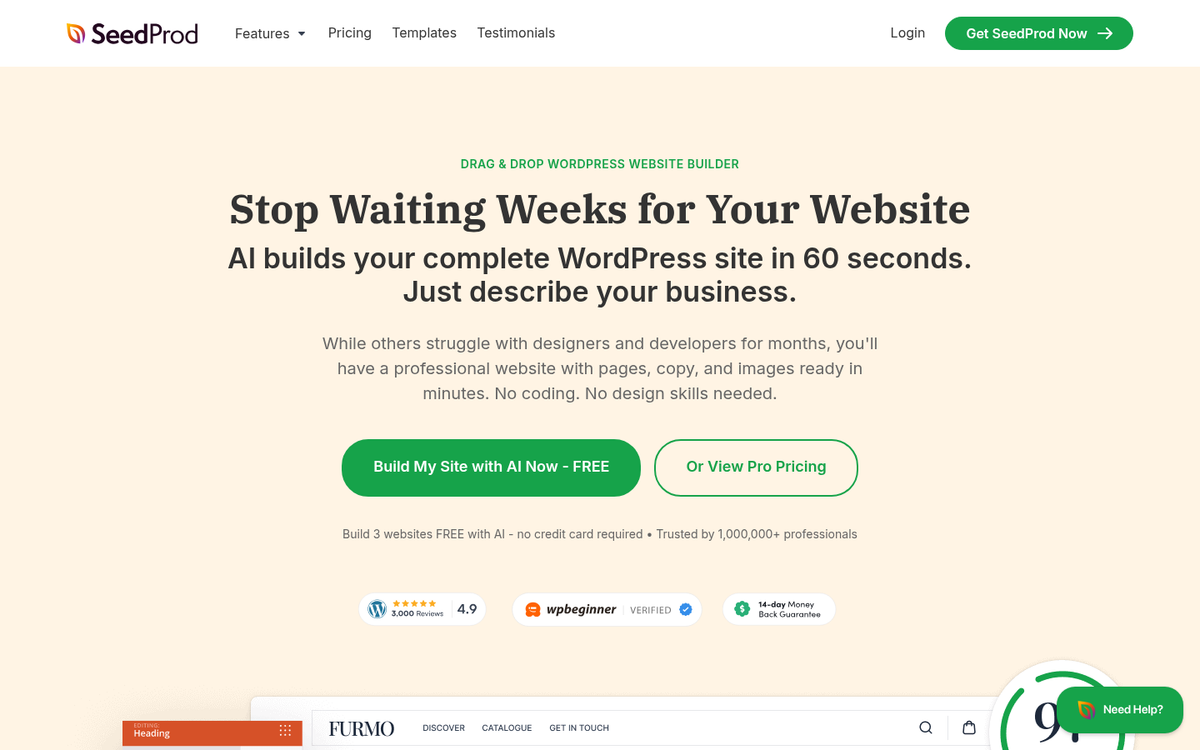
SeedProd has quietly become one of the most popular landing page solutions in the entire WordPress ecosystem, and by 2026 it's difficult to argue with its dominance. With over 1 million users, it has the kind of adoption that speaks for itself. OptinMonster used SeedProd and reported a staggering 340% increase in conversion rate, which is the sort of case study that gets attention.
What makes SeedProd stand out in 2026 is the sheer breadth of what it offers. You get 350+ templates organized by goal and industry, a drag-and-drop builder, and - most notably - AI page generation that can build a complete campaign page in under 60 seconds. Page speed is also genuinely impressive, with a reported load time of around 556ms, which matters a great deal for both conversions and sales.
The plugin handles coming soon pages, maintenance mode, and full landing pages all in one place. It integrates with every major email marketing platform and has subscriber management built in. Paid plans start at just $39.50/year, making it one of the most affordable premium options on this list.
2. Thrive Architect
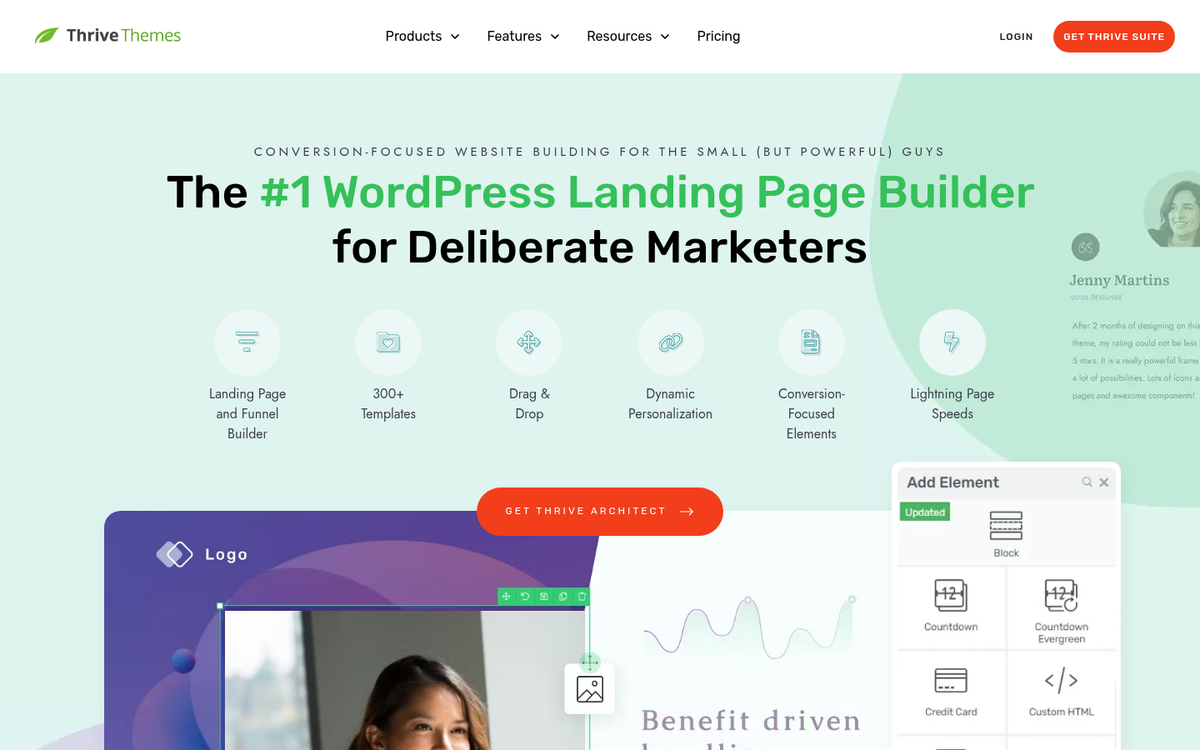
Thrive Themes has been a staple of the WordPress landing page world for years, and their builder - now called Thrive Architect - remains one of the most conversion-focused tools available. It's built from the ground up with one goal in mind: turning visitors into leads and customers.
The drag-and-drop editor is fast and intuitive, with a deep library of templates and conversion-focused elements like countdown timers, testimonial blocks, lead generation forms, and two-step opt-ins. Every element is engineered around getting a specific action out of the reader, not just looking pretty.
Thrive Architect integrates cleanly with the rest of the Thrive Suite ecosystem - including Thrive Leads and Thrive Optimize for split testing - which makes it an especially powerful choice if you're already invested in that stack. The downside is the price has climbed over the years. As of 2026, Thrive Architect starts at $299/year, which puts it firmly in the premium tier. That said, for serious marketers who want every conversion advantage available, it's still worth the investment.
3. OptimizePress
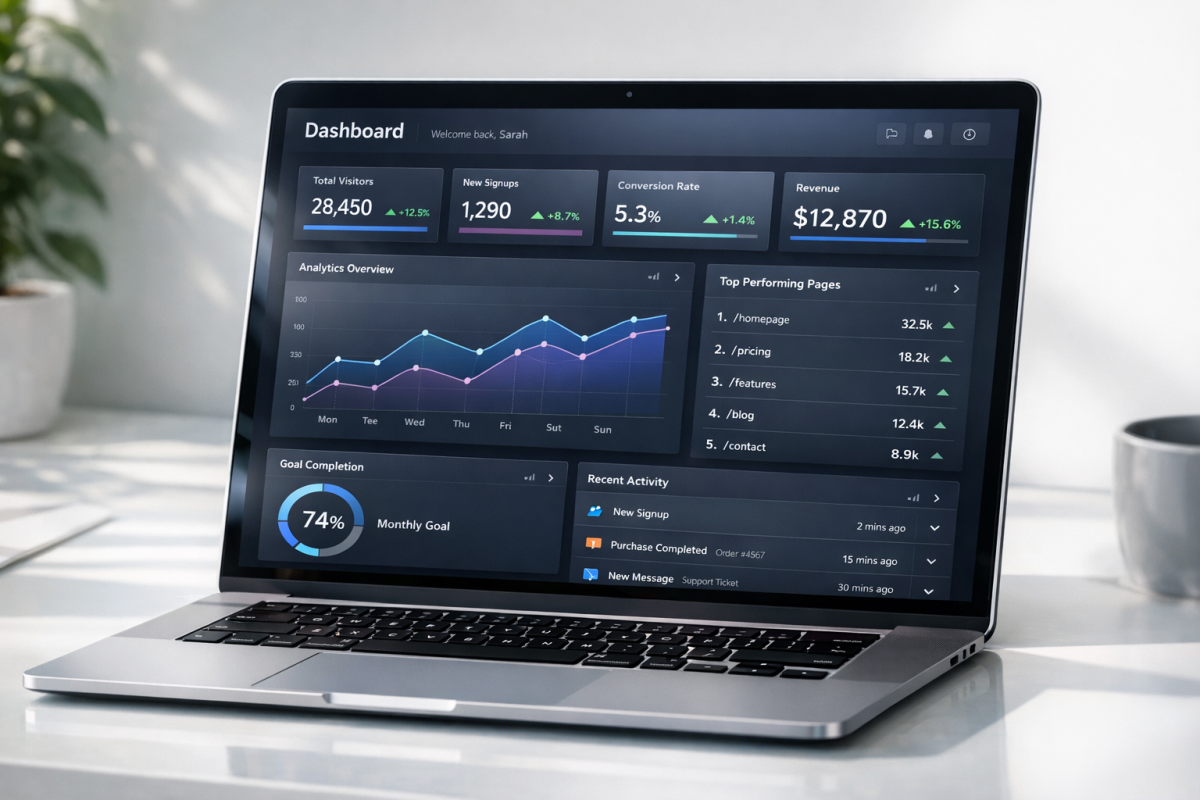
OptimizePress has been a reliable name in WordPress landing pages for a long time, and it has continued to evolve. Their templates reportedly drive over 4.5 million opt-ins every month across their user base, which is a compelling indicator of real-world performance.
The plugin includes a drag-and-drop editor, a membership system, a WordPress theme, countdown timers, mobile responsive design, two-step opt-ins, and a solid split testing system. It also has deep integration with Google Analytics, and API connections to popular email platforms like MailChimp, ActiveCampaign, ConvertKit, and more.
The membership portal functionality remains one of the more underrated aspects of the package. If you're running a course or a gated content library alongside your landing pages, having that built in is a genuine advantage. The core package starts at $99/year, making it competitively priced relative to other premium options in 2026.
4. Beaver Builder
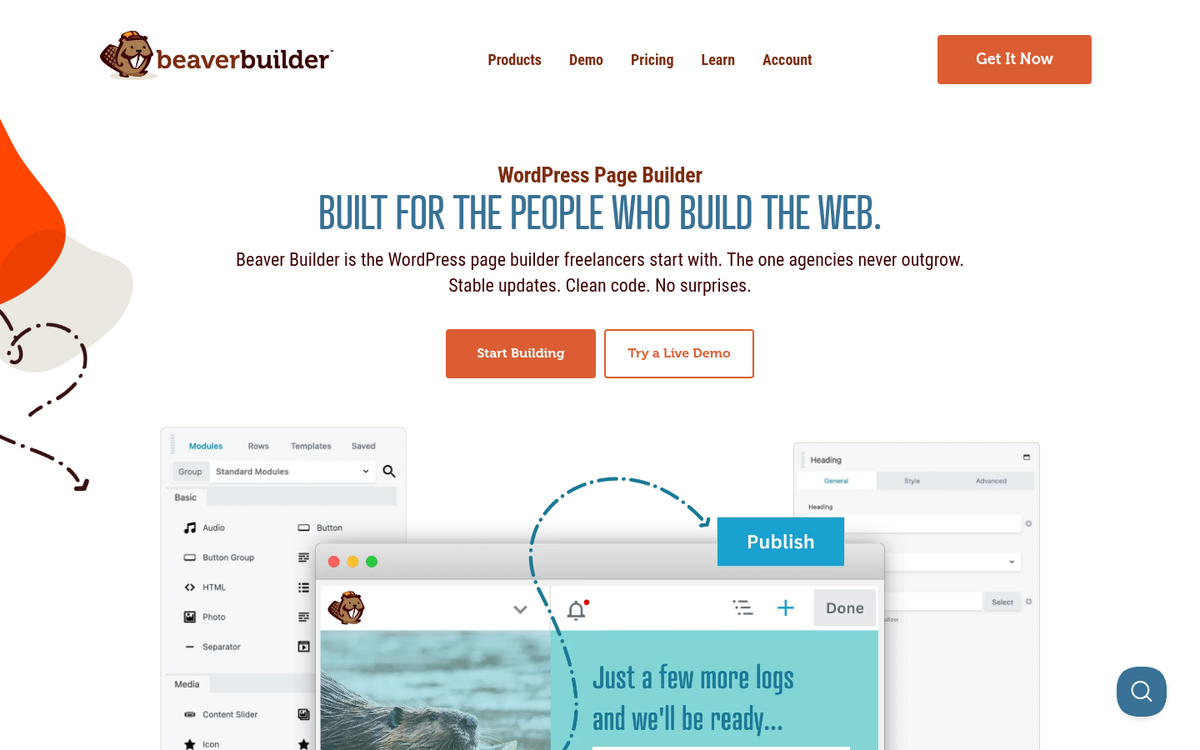
Beaver Builder has built a loyal following over the years, with a community of over 500,000 businesses using it to build pages on WordPress. It's not exclusively a landing page builder - it's a full page builder - but it does landing pages extremely well, and its reputation for stability and clean code sets it apart from flashier competitors.
The front-end drag-and-drop editor is smooth and beginner-friendly, and the templates are clean and professional. Beaver Builder plays nicely with virtually every WordPress theme and plugin, which makes it a great choice if you're working in a more complex environment where compatibility matters.
Premium plans start at $89/year for a single site, making it a reasonable investment. The Beaver Builder ecosystem has also expanded significantly, with add-ons and third-party modules giving you even more flexibility if you need it.
5. Breakdance
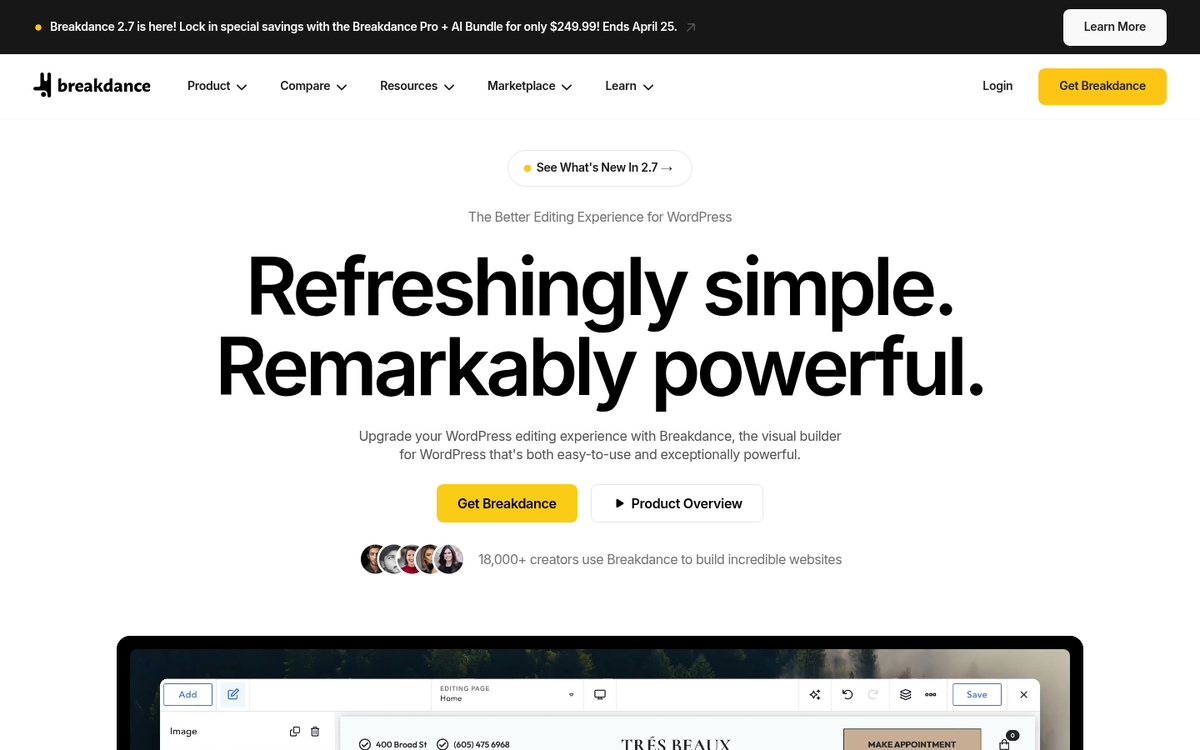
Breakdance is one of the newer names on this list, but it has earned its place. Built by the same team behind Soflyy and WP All Import, Breakdance is a full-featured visual builder with serious landing page capabilities. It's fast, it's modern, and it's built with performance in mind from the ground up.
The builder includes a clean drag-and-drop interface, a solid template library, WooCommerce design support, form building, popup creation, and dynamic data features that give developers a lot of room to work with. It's a strong choice for those who want something that feels current in 2026 without the baggage of older platforms.
Breakdance Pro starts at $99/year for a single site, with an unlimited websites plan available at $199/year - which is excellent value if you're managing multiple properties or running an agency.