





There are a lot of things you can do with an expired domain. The easiest way to eke out a little value is to implement a quick and simple 301 redirect from the domain to your primary site. That, however, ignores the value the previous site might have had on its own.
There are a lot of reasons a site might fail, and they don't all have anything to do with a poorly made site. Sometimes perfectly viable sites fail because the owner didn't have the dedication to keep running them, or they fell victim to an accident, or they hit hard financial times and were putting too much money into the site to keep it afloat compared to other more important parts of their life.
None of that means the site wasn't valuable, and it all means there could be something worth salvaging that would be more valuable to you than just the 301 redirect would be. The trick is saving it. If you know where to look, almost nothing on the internet is truly dead.
Key Takeaways
- Google removed its public cache feature in 2024; the Wayback Machine is now the primary tool for recovering old site content.
- Buying an expired domain does not transfer content copyright; republishing without permission creates real legal exposure.
- Prioritize restoring pages with inbound backlinks first, as those URLs hold most of the recoverable domain authority value.
- Audit recovered content aggressively, cutting thin, duplicate, or low-quality pages to build a cleaner, higher-quality foundation.
- Act quickly after acquisition, as expired domains lose accumulated authority if left dormant too long.
1. Examine the Dead Site
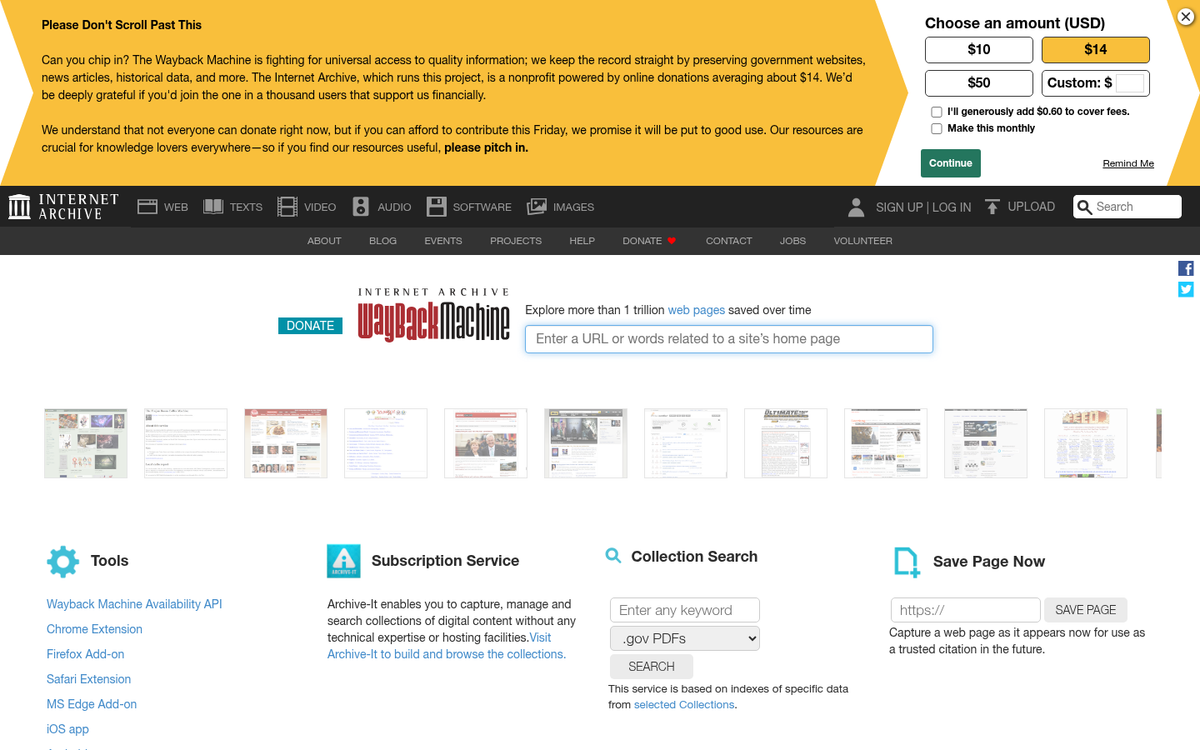
There are a number of different ways to look up the content of a site that no longer exists. Some of them depend on tertiary services, and none of them are guaranteed to have a complete copy of the site. If the site disallowed search crawling, there won't be a cached copy. If the content was trapped behind a membership portal, you won't be able to access it either.
The first thing worth knowing: Google removed its public cache feature in early 2024. That "cache:" search operator that used to let you pull up a snapshot of any URL? It's gone. Google quietly killed it off, and it's not coming back. So that old standby is no longer an option.
Your best tool now is the Wayback Machine, hosted at the Internet Archive. It's been around since 1996 and remains the gold standard for recovering old site content. It takes multiple snapshots of pages over time, so you can often find different iterations of a site, including content that was later deleted or replaced. Just plug in the URL and browse through the archived dates.
The Wayback Machine isn't perfect - it can be incomplete for heavily dynamic sites, membership-gated content, or sites that actively blocked archiving via robots.txt - but it's genuinely impressive in scope. For most sites with any real history, you'll find something useful.
Other options worth trying:
- Bing's cache - Bing still maintains cached versions of pages and is often overlooked. Worth checking if the domain dropped relatively recently.
- CommonCrawl - A massive open repository of web crawl data that researchers and developers use. It's not consumer-friendly, but if you're technically inclined it can surface content that nothing else has.
- Google Search Console data - If you somehow have access to the previous owner's GSC account (unlikely, but possible in a legitimate acquisition), this can tell you which pages existed and drove traffic.
- Ahrefs or SEMrush - Even if the site is gone, these tools often retain historical data on which URLs existed and which had backlinks or traffic. This is extremely useful for knowing which pages are worth rebuilding. Our complete SEMrush review and walkthrough covers how to get the most out of it.
You will want to copy as much of the content as possible. Focus especially on pages that had backlinks pointing to them - those are the URLs worth prioritizing. If the site is large, use a scraper or site downloader tool to handle the bulk of the work. The content is the most valuable asset here; treat it accordingly.
2. Install a Content Management System
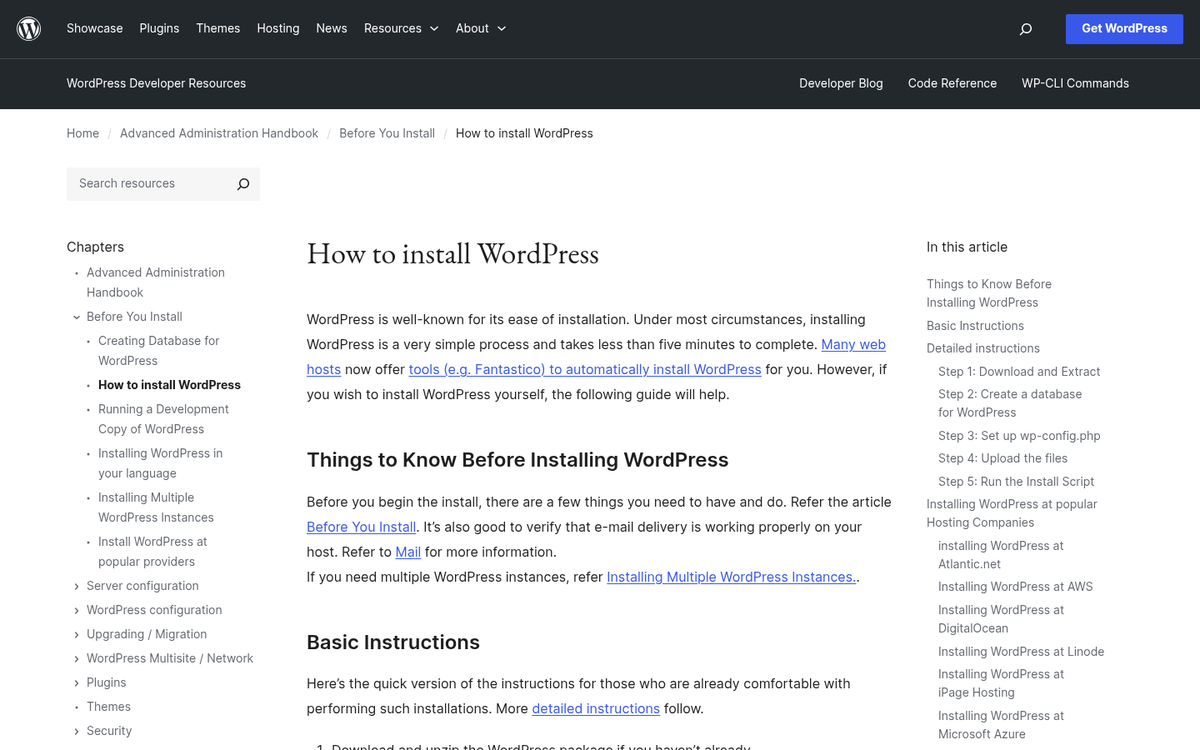
The second thing to do is set up a CMS on the host of your choice. You'll want proper hosting rather than a hosted platform - this gives you control over URL structure, redirects, and how you deploy content, all of which matter when you're working with an expired domain.
In 2026, WordPress remains the dominant choice for most use cases and still powers a massive share of the web. If the old site was blog-style or article-based, WordPress is the path of least resistance. The ecosystem is mature, themes are plentiful, and it's easy to replicate the general structure of a previous site quickly.
That said, the CMS landscape has evolved. A few alternatives worth considering depending on your situation:
- Webflow - A strong option if you want more design control without diving into code. Better suited for portfolio or resource-style sites than a high-volume content operation.
- Ghost - Excellent for publication-style or newsletter-adjacent sites. Leaner than WordPress and faster out of the box, which matters for Core Web Vitals.
- Drupal - Still viable for complex, resource-heavy sites that need granular content architecture. Steeper learning curve, but powerful when the use case fits.
Whatever you choose, site speed and Core Web Vitals should be a priority from day one. Google's ranking signals have only become more performance-sensitive over the years. A slow site built on a dead domain is going to have a hard time clawing back any authority.
For WordPress specifically, keep your plugin stack lean. You don't need a dozen plugins fighting each other. Focus on security (Wordfence or similar), caching (WP Rocket or LiteSpeed Cache), and a solid SEO plugin (Rank Math or Yoast). That's essentially your foundation.
3. Restore Old Content as Thoroughly as Possible

Before you start uploading anything, there's one critical check to run. Did the original owner simply migrate to a new domain, and the old one is just now expiring? If so, that content likely still exists on a live site, which means uploading it will create duplicate content issues and could get you penalized almost immediately. It also raises obvious legal concerns. Check carefully before proceeding.
Speaking of legal concerns - the copyright issue is real and worth taking seriously. Buying an expired domain does not transfer ownership of the content that was once on it. The original author or site owner retains copyright by default, regardless of whether the site is live or the domain has lapsed. If you republish that content and the original owner surfaces, they have standing to file a DMCA complaint or pursue other remedies.
In practice, most people in this position never notice or never act. But "probably won't happen" is not the same as "legally fine." If you're building something you actually care about for the long term, the safest path is to use the archived content as a structural guide - understanding what topics were covered, which pages had value, how the site was organized - and then write fresh content that covers the same ground. That way you own everything outright and there's no exposure.
If you want to use the content directly, consider reaching out to the original owner if they can be found. Some will be happy to formally transfer or license the content for a reasonable fee. Others won't respond at all. Either way, making the attempt puts you in a much better position than just publishing without asking.
When you do start uploading, prioritize pages that had inbound links. Use Ahrefs, SEMrush, or Majestic to identify which URLs were linked to externally, and make sure those pages are restored first and at the same URL paths. This is where most of the recoverable domain value lives.
4. Remove, Update, or Merge Bad Content

Once you have the content up, it's time for an audit. Depending on how old the site was and how well it was maintained, you may end up removing a significant portion of what you recovered - and that's fine. A smaller, cleaner site outperforms a bloated one in almost every scenario.
Content worth cutting or overhauling includes:
- Anything under roughly 500 words that doesn't serve a clear, specific purpose. Thin content has been a liability in Google's eyes for years, and that hasn't changed.
- Content with broken links, outdated statistics, or references to events, products, or tools that no longer exist.
- Anything that reads as low-effort, poorly written, or clearly produced for SEO volume rather than actual utility.
- Content that appears to be duplicated or scraped from another source. Run suspect pieces through Copyscape or a similar tool before keeping them. Be aware that spun content that passes Copyscape can still be problematic for your site's credibility.
- AI-generated content that was mass-produced without editorial oversight - this became a significant problem on many sites between 2023 and 2025, and Google has become increasingly effective at identifying and discounting it.
When you find short or thin content that covers a topic worth keeping, the best move is usually to merge it with related pieces into one comprehensive page, then redirect the old URLs to the consolidated version. This is better for both SEO and user experience.
For copied or scraped content, the decision is straightforward: cut it. The risk of carrying duplicate content on a domain that's already starting from scratch isn't worth whatever marginal value that content might bring. If you're also relying on outdated SEO techniques throughout the recovered site, now is the time to identify and address those as well.
By the end of this process, you should have a leaner site with a higher average content quality than what the original had. That's your foundation to build from.
5. Establish a Purpose and Move Forward

At this stage, you need to make a deliberate choice about what this site is actually for. There are a few directions you can go.
The link asset approach: You run the site primarily as a supporting property in a broader network, using it to pass authority to a main money site. If this is the plan, make sure the links are contextual and editorially placed - not footer links or sitewide links, which have minimal value and carry more risk than reward. Keep the site maintained enough that it doesn't look obviously hollow.
The full rebuild approach: You treat this as a legitimate site in its own right, gradually replacing old content with original work, building out a content strategy, and growing it as a standalone property. This takes more time and investment, but it's the option with the most upside and the least long-term risk. If the domain has real authority and a clean history, this can be a genuinely valuable asset.
The hybrid approach: You restore enough content to preserve the domain's authority, point some internal links where you need them, and slowly improve the site over time without committing to a full editorial operation. This works reasonably well for niche sites in lower-competition spaces.
Whatever direction you choose, move quickly. Expired domains begin losing their accumulated authority if left dormant, and the window between acquisition and meaningful action matters more than most people realize. Get the site live, get the key URLs restored, and establish a crawlable structure as fast as you can. The strategic decisions can be refined over time - but getting indexed again is the first priority.
2 responses
Thoughtful replies only - we moderate for spam, AI slop, and off-topic rants.
Thanks for this clear step by step for restoring an expired domain. But I have a question. The restored site im using is WordPress. WordPress has a /category/ added to the URL and the original URL didn't. Will that hurt? Is ther a way to create the content without any category so it will be exactly like the original? Thanks
Great question, Troy! Yes, the /category/ in WordPress URLs can hurt your restoration efforts since those original URLs won't match. The good news is you can fix this easily! Go to Settings > Permalinks in your WordPress dashboard and customize your URL structure to remove the /category/ slug. You can also use a plugin like "Remove Category URL" to strip it out completely. That way your URLs will match the originals much more closely!