Key Takeaways
- Submitting an XML sitemap to Google Search Console is the fastest, most reliable way to get a new site indexed.
- Google Search Console's URL Inspection tool lets you manually request indexing for specific pages after verifying ownership.
- Posting your site link publicly on social media helps Google discover it faster, since these platforms are crawled constantly.
- Earning backlinks from relevant blogs, directories, or guest posts signals Google to crawl and index your site sooner.
- Before pursuing indexing, ensure robots.txt, noindex tags, page speed, and mobile-friendliness aren't accidentally blocking Google.
How Google Indexes Your Site (And How to Speed It Up in 2026)
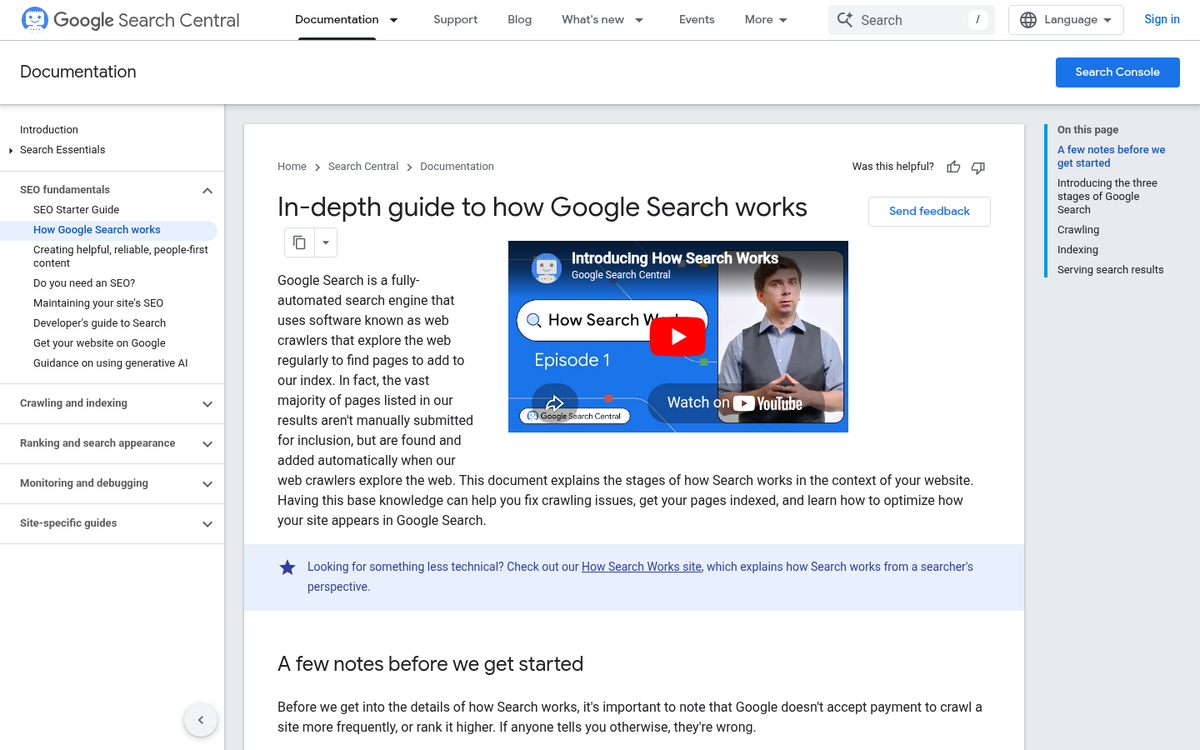
Google isn't an omnipotent being, though it does sometimes seem like they're fairly omnipresent. This is thanks to their fleet of bots and spiders - pieces of software running 24/7 with no purpose other than visiting web pages, following links, and crawling content. They find new sites, check for changes on old sites, and add a constant flow of data to the Index: Google's ever-growing sum of all knowledge.
If you're not in Google's index, you're not in the search results. It's as simple as that. You could have the best on-site SEO in the known universe, but if you're not indexed, you won't have a search ranking. You'll have nothing. So how do you get Google's attention?
How Indexing Works, or How Google Finds Sites
Google's end goal is to have websites included in the index and ranked according to a list of up to 200 factors of varying importance, as documented by Brian Dean of Backlinko. You can find that breakdown here, though keep in mind much of it is reverse-engineered from Google's public advice, leaked quality rater guidelines, and years of correlation studies. It's informed, but not gospel.
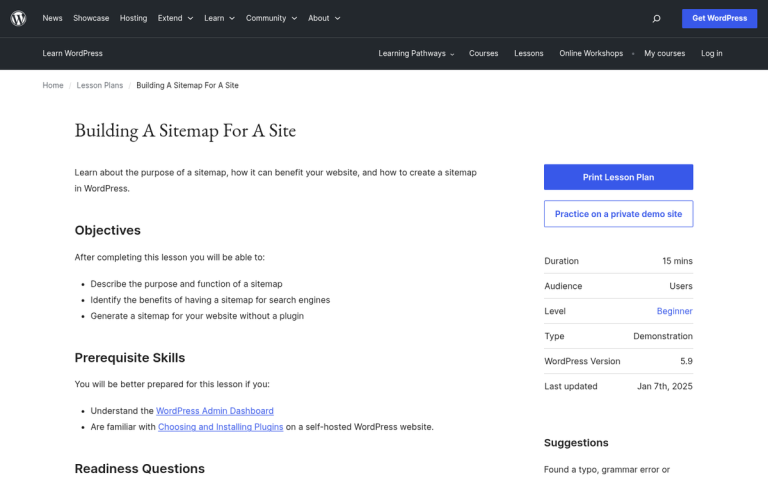
To get websites into the index, Google uses sophisticated software called spiders to find sites and pull the relevant information needed for ranking. When a spider lands on your homepage or a subpage, it downloads the page, follows links, downloads those pages, and so on. If you have a sitemap, Google will also use that to find pages it might otherwise miss. Yoast SEO and Google XML Sitemaps are two popular options worth comparing.
You can use search engine directives in your meta header to guide these spiders. The two main attributes are nofollow and noindex. Nofollow tells Google not to follow a given link - it can still see the link exists, but won't crawl the destination. Noindex tells Google to ignore a page entirely, keeping it out of the index altogether. If you want a deeper dive, check out this guide to using nofollow on your blog posts.
This brings you to two scenarios. In the first, you have an established website with pages already indexed. In the second, you're building a new site that hasn't been indexed yet.
As for how long indexing takes: according to Google, it can take a week or so for Google to begin crawling and indexing a new page or site, and Google Search Console Help notes that new content can sometimes appear in the index within just a few days. That said, having authority attributed to a new domain can realistically take anywhere from 4 days to 6 months, depending on your link profile, content quality, and crawl frequency. If your site still isn't gaining traction, it may help to understand why your new website isn't getting any traffic yet.
Putting Your Site in Google's View

If you have an established site, getting new content indexed is relatively straightforward. You can wait for Google to find it naturally, update your sitemap, or link to it internally and externally to attract spiders faster.
The harder case is a brand new site with no existing links or indexed pages to lean on. Simply waiting isn't a great option when you're starting from scratch. It certainly can work - especially if someone else finds and links to you - but there are faster, more reliable ways to get into the index. Here are the strategies I recommend.
Create and Submit an XML Sitemap
A sitemap is a simple but powerful concept - it's a single file that lists all the pages on your site along with some basic information about each one. Think of it as a directory listing that you hand directly to Google. According to the Google Webmaster Blog, sitemaps genuinely help content get crawled and indexed faster, so this is one of the highest-leverage things you can do early on.
There are two types of sitemap: HTML and XML. XML is faster, smaller, and easier for Google to process. Unless you're building a human-facing directory, XML is the way to go.
An XML sitemap lists two key pieces of information for each page: the URL and the date it was last updated. This lets Google compare your sitemap against what it already knows, so it only needs to re-crawl pages that have actually changed - saving everyone time.
Creating and maintaining a sitemap manually would be a nightmare, which is why plugins and tools exist for exactly this purpose. If you're on WordPress, the easiest option is Yoast SEO or Rank Math, both of which automatically generate and update your XML sitemap without any extra configuration. For non-WordPress sites, XML-Sitemaps.com is still a solid option for sites under 500 pages.
Once your sitemap is ready, you'll want to submit it to Google Search Console and Bing Webmaster Tools. These are the two that matter. Here's how to do both:
- Submit your sitemap in Google Search Console - go to the Sitemaps section and paste in your sitemap URL.
- Submit your sitemap in Bing Webmaster Tools - similar process, under the Sitemaps tab.
After submission, you should expect to see your site and its pages indexed within a few days to a week. This is by far the most effective method for getting indexed quickly, and it sets you up with an ongoing system that keeps Google informed as your site grows and changes.
Set Up Google Search Console
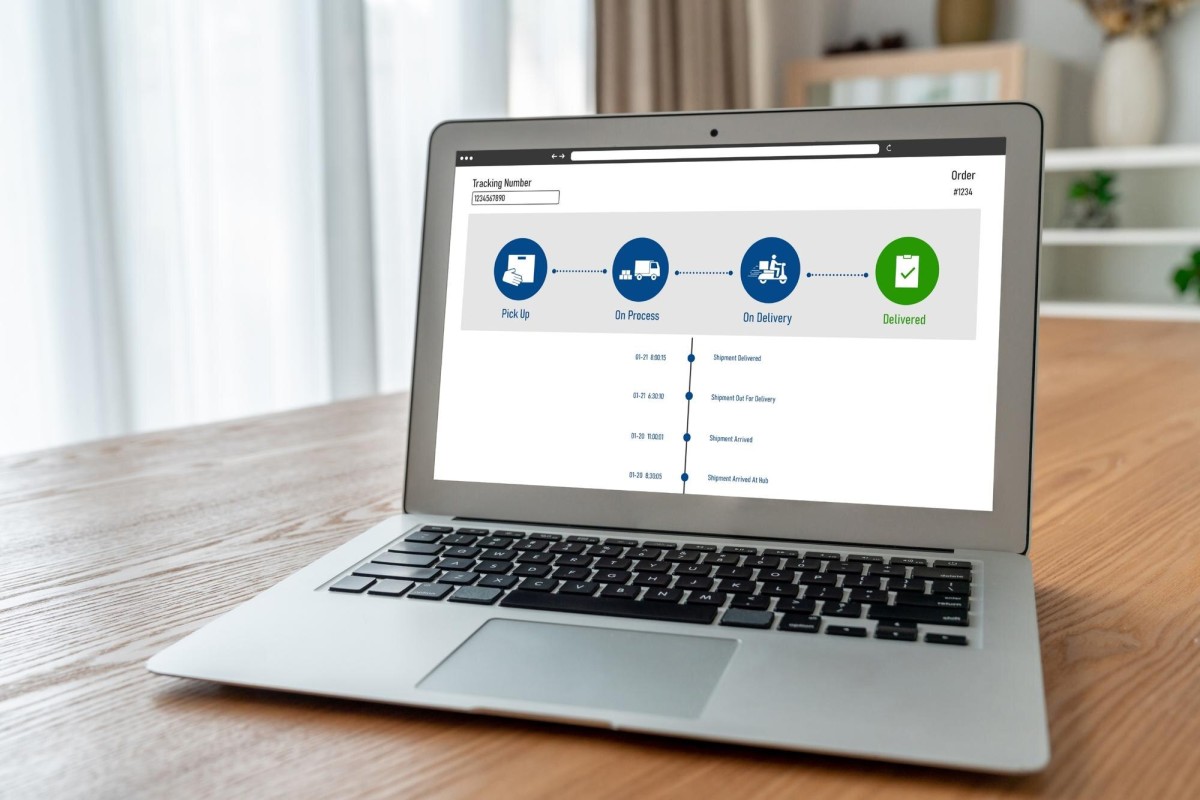
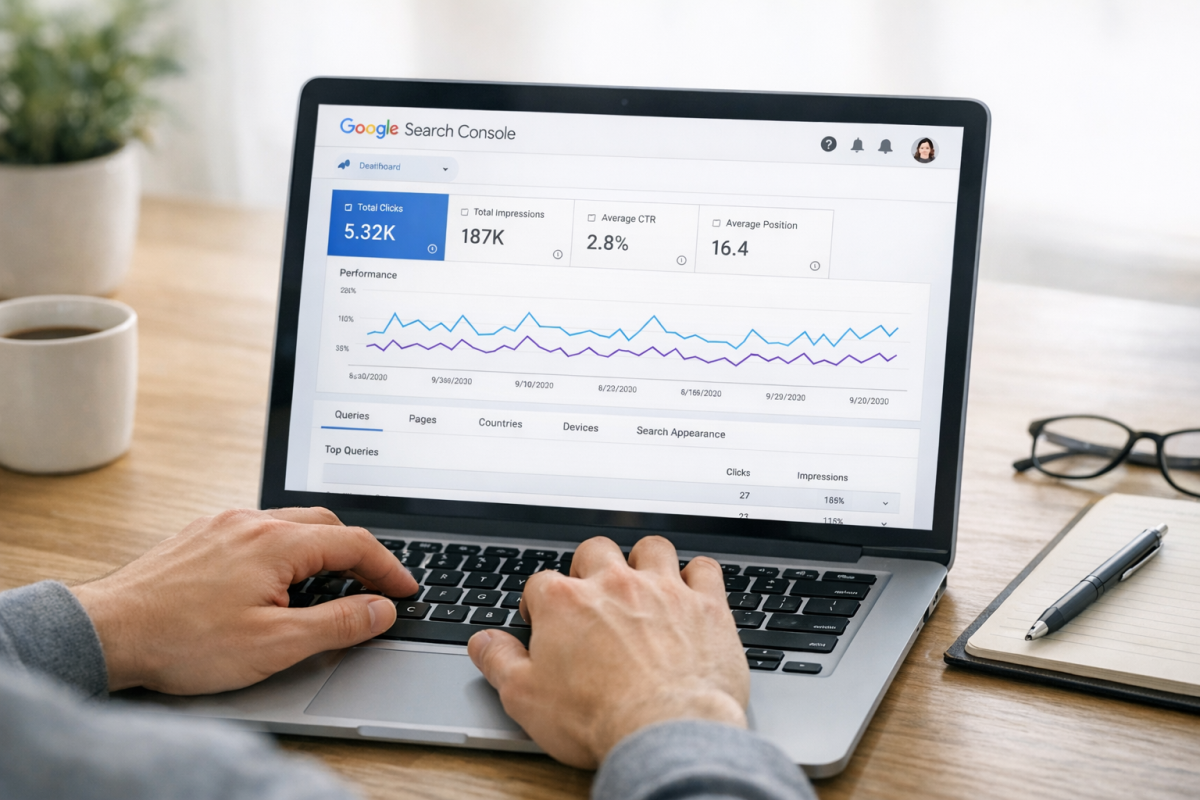
Google Search Console (formerly Google Webmaster Tools) is a free tool that gives you direct visibility into how Google sees your site. More importantly for new sites, connecting your site to Search Console puts it directly in Google's awareness.
Setting it up takes just a few minutes. You'll need a Google account, then head to Google Search Console and add your property. Google will ask you to verify ownership through one of several methods:
- Add an HTML meta tag to your homepage's code - Google checks for it and confirms you control the site.
- Upload an HTML verification file to your server root - proves you have access to the server.
- Add a DNS record through your domain registrar - Google verifies it independently.
- Use your Google Analytics or Google Tag Manager snippet - if you already have either installed, this is the fastest path. If you haven't set up tracking yet, learn how to add a tracking pixel to your website first.
Once verified, you can use the URL Inspection tool to request indexing of specific pages directly. This is now the recommended replacement for the old manual URL submission form, which Google deprecated. It's more reliable, gives you crawl status feedback, and lets you prioritize important pages for faster indexing.
Beyond indexing, Search Console is invaluable for tracking search performance, spotting crawl errors, reviewing Core Web Vitals, and understanding which queries bring people to your site. You should be using it regardless.
Use the URL Inspection Tool for Manual Requests

Google retired the old standalone URL submission form that used to exist at a separate link. The modern replacement lives inside Google Search Console, under the URL Inspection tool.
To use it, paste the URL of a page you want indexed, click "Request Indexing," and Google will add it to the crawl queue. This works well for new pages or recently updated pages on an already-verified site.
A few caveats: this is not a magic button. Google will still evaluate the page and decide whether it meets indexing criteria. If your page has thin content, is blocked by robots.txt, or has a noindex tag, the request won't help. Fix underlying issues first, then submit.
Bing has an equivalent via their Bing Webmaster Tools dashboard, which is worth doing as well. Bing powers both Bing and some third-party search integrations, and setup takes about five minutes.
Link to the Site via Social Media

One of the ways Google finds new sites is by following links from pages it already crawls regularly. Social media platforms are crawled constantly, which makes them a useful shortcut for getting your site noticed early on.
- Facebook. Create a page for your brand and post your website link. You can also share it from a personal profile for additional visibility.
- X (formerly Twitter). Share your link with a relevant hashtag or two. X is crawled frequently and links posted publicly are visible to spiders.
- LinkedIn. Particularly valuable for B2B sites. Post your link in an update or add it to your company page. LinkedIn profiles and pages tend to index well on their own, giving you an extra layer of visibility.
- Reddit. Share your link in a relevant subreddit where it genuinely fits. Don't spam - Reddit communities are quick to downvote self-promotion that adds no value, and a heavily downvoted post isn't doing you any favors.
- Pinterest. If your content is visual or lifestyle-oriented, Pinterest pins get indexed by Google and can drive traffic independently. Worth the five minutes it takes to pin a few pages.
The key across all platforms: make sure your posts are publicly visible. If Google's spiders can't see the link, they can't follow it, and the effort is wasted.
Earn Backlinks from Relevant Sites

Beyond social media, earning links from legitimate, topically relevant websites remains one of the most effective ways to get your site noticed and indexed quickly. When a well-crawled site links to you, Google follows that link and discovers your pages.
This doesn't mean you need to chase high-authority backlinks right out of the gate. Even modest links from industry blogs, niche directories, or resource pages can be enough to trigger a crawl. Focus on getting your site mentioned in places where the link is natural and contextually appropriate.
A few practical starting points:
- Submit to reputable, niche-specific directories in your industry (not generic link farms).
- Reach out to bloggers or journalists who write about your topic and let them know your site exists.
- Write a guest post for an established site in your space with a link back to your homepage or a relevant page.
One note: Alexa rankings, which used to be mentioned in older SEO guides, are now completely irrelevant. Amazon shut down Alexa.com's web ranking service in 2022. Don't factor it into anything.
Ensure Your Site Is Technically Ready to Be Indexed
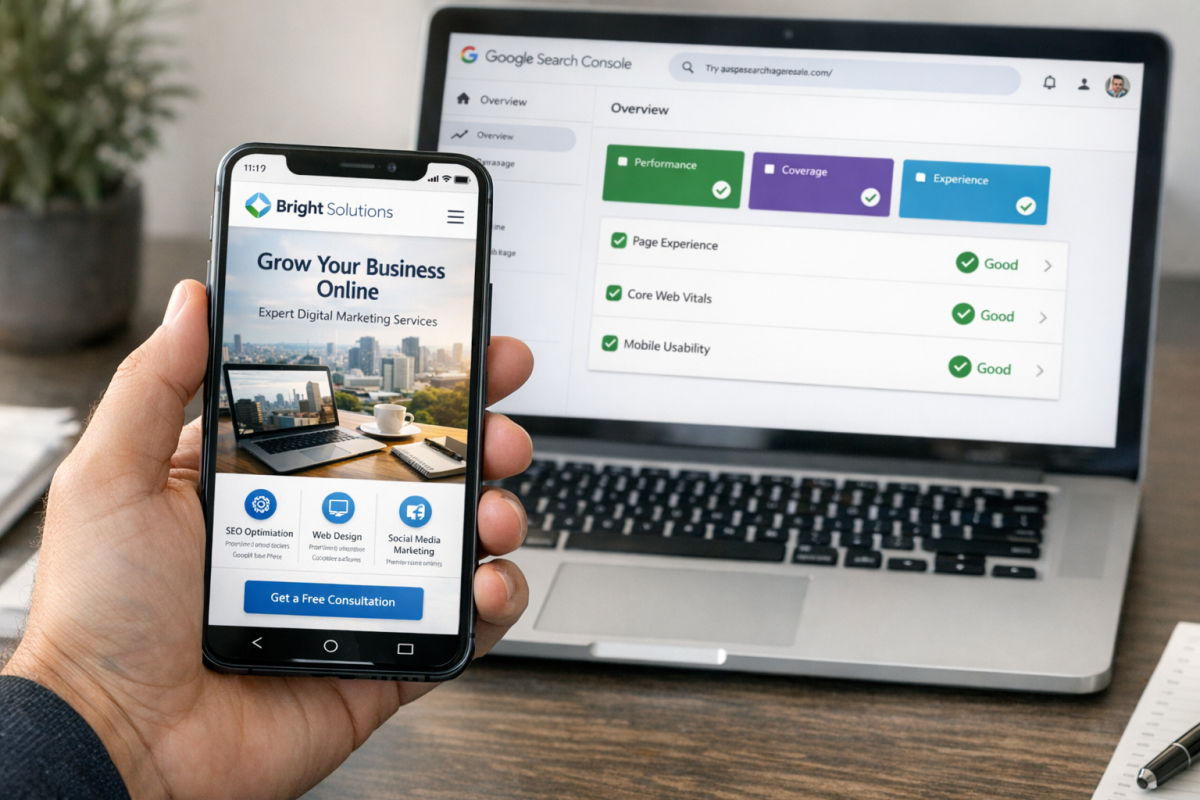
Before any of these strategies will work, your site needs to be technically crawlable. This is worth double-checking, because a surprising number of new sites get launched with settings that accidentally block Google.
A few things to verify:
- Your robots.txt file isn't blocking Googlebot. A simple misconfiguration here can prevent your entire site from being crawled. Check it with our Robots.txt AI Bot Checker at yourdomain.com/robots.txt.
- You don't have a sitewide noindex tag. WordPress, for example, has a setting called "Discourage search engines from indexing this site" that's sometimes left on after development. Make sure it's turned off before launch.
- Your site loads quickly. Page speed is a ranking factor, and 53% of mobile users will abandon a site that takes longer than 3 seconds to load. A slow site isn't going to endear you to Google's crawlers - or your visitors.
- Your site is mobile-friendly. Google has used mobile-first indexing since 2019, meaning it predominantly uses the mobile version of your site for indexing and ranking. If your site looks broken on a phone, that's a problem.
Getting indexed is step one. Staying indexed and building rankings from there comes down to consistently publishing quality content, earning legitimate links, and maintaining a technically sound site. But none of that matters if Google can't find you in the first place - so get these fundamentals right first, and everything else becomes much easier to build on.