Key Takeaways
- Caching saves server resources by storing site snapshots, serving them repeatedly instead of recompiling data for every user request.
- WP Rocket ranks #1 for performance results and ease of setup, but costs $59/year per site.
- LiteSpeed Cache is the strongest free option with 6 million installs, though full features require LiteSpeed hosting.
- Simple Cache is best for users wanting zero-configuration caching, while W3 Total Cache suits those wanting advanced control.
- Some web hosts like WP Engine offer built-in caching systems, potentially eliminating the need for a separate plugin.
Under normal website operation, when a user wants to visit one of your pages, they have their computer or phone send a request to your domain. The request is forwarded to your web host, which directs it to a server to reply with data. This is, of course, vastly simplified. But it's the basic gist of things.
Often times, the server needs to make other requests - it needs to fetch data like images, it needs to process scripts, it needs to load data from databases, and usually compile the total sum of the website to send back. It will take a long time, from the perspective of a web server; even full seconds, depending on the size and amount of content.
Now imagine that hundreds, thousands, or millions of users are sending these requests. All of them expect basically the same result. But the server needs to make those requests and compile that data every time - it's an amount of strain on the servers that they are able to manage in some circumstances, but might not be able to manage all the time.
According to research from Portent, website conversion rates drop by an average of 4.42% with each extra second of load time between seconds 0 and 5 - it's not a trivial number, and it's a big reason why performance optimization matters.
This is where caching comes in. Caching lets the server make those requests once and compile a "snapshot" of your website. Then it can serve that snapshot to users, with changes made depending on the user's situation. Static elements like your site structure, your header and footer, your sidebars, and your homepage content are cached with a long lifespan. More frequently updated content, like a blog feed or ad scripts, are cached with either a smaller lifespan to allow for updates, or with no caching, like ads that are served dynamically.
WordPress has different options for caching your website, and I've tried to give them a review, albeit with limited attention spent on each one. Here's my ranking.
Honorable Mention: Hosting Caches
The first thing I want to mention is that some web hosts have caching systems built in that you can use instead of creating your own caching through a plugin. I'm only mentioning these in passing because there are quite a few of them, and they can vary quite a bit based on what the web host is prioritizing and how much caching they're doing. Some, like SiteGround, are generalized caching systems that help regardless of your site architecture. Others, like WP Engine, are WordPress-specific and have some fairly advanced options to set.
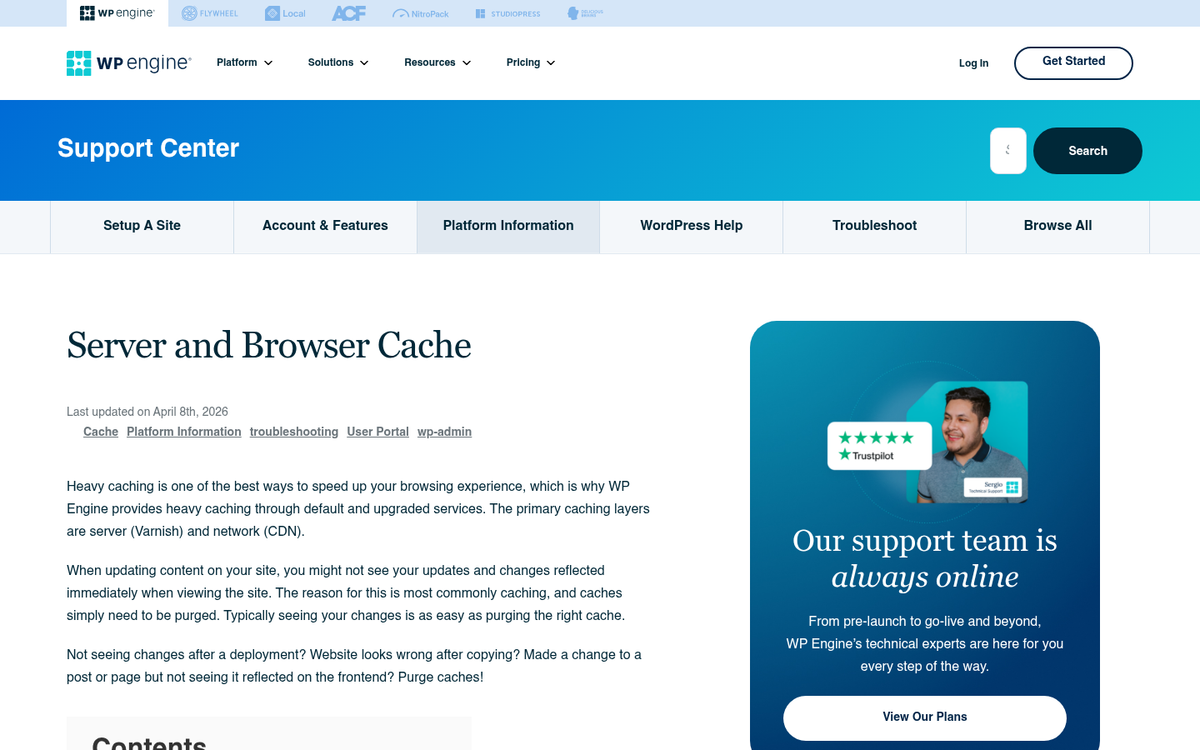
Still, these aren't WordPress plugins specifically, so they don't get a place in the rankings. You can use them if you like, and sometimes they'd be the best option. But you'll want to look into what your host actually has to make the choice. Keep in mind that this puts the onus on your web host to manage the caching system appropriately, which might not always be ideal - it can depend on your situation and your host!
Honorable Mention: Sucuri
Sucuri is a general WordPress security plugin suite with a whole number of different features. They have some caching and CDN features, website watching, security, and incident response options. Their primary offering is a firewall, which protects against unauthorized intrusion, hacking and brute forcing attempts, DDoS attacks, and other kinds of attack.

I'm including this because they have a WordPress suite. But it's only an honorable mention because caching is the least of what they do. The whole firewall system uses caching to serve a copy of your website to users without actually exposing your servers to them, which allows for greater security - it can be a great performance improvement. But it's also dramatically overkill if all you want is caching.
Sucuri is great. But it's not the tool we're looking at here. Still, it's something worth checking out, and that's also the case if you think your site is in danger of an attack. If you're exploring other ways to protect and enhance your site, it may also be worth looking into whether the Jetpack WordPress plugin fits your needs.
#9: Hyper Cache
Hyper Cache is a PHP plugin that works with caching in a simple but helpful manner on your site - it has separate caches for desktop and mobile browsers, and it works with a level of compression. It caches comments in some situations, though some comment plugins might not work with it. One of the better features is the ability to serve cached versions of pages to bots even when those caches are expired, so bots get the fastest possible version of your site.
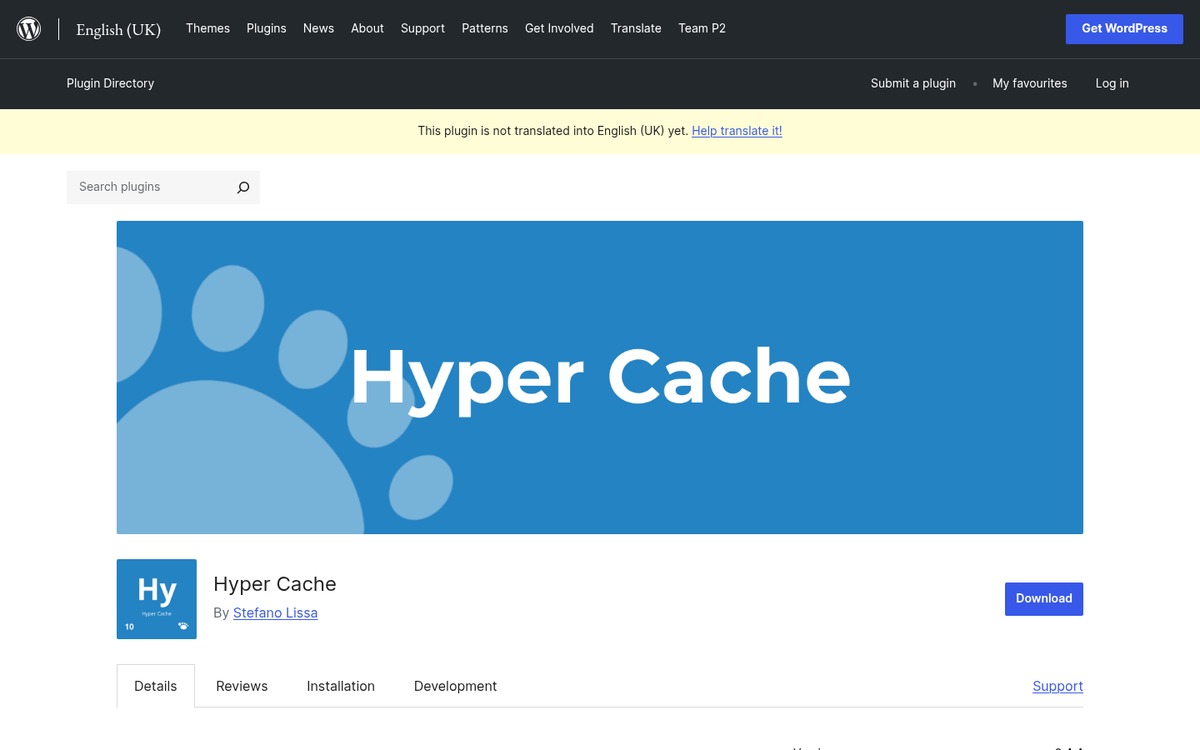
It's worth mentioning here that - even though this plugin is the last on the list, that doesn't make it bad by any means. Any caching is helpful, so long as it works, and you're going to see a performance improvement when you run it. The only questions are how helpful they are, how many options they have, and how fiddly they are to set up. Hyper Cache is easy, effective, and lightweight. But it's not as feature-rich compared to the other plugins on this list.
#8: Comet Cache
This plugin has been around for a while, but is making a comeback since their rebranding. They used to be known as ZenCache and Quick Cache. The plugin works by creating snapshots of individual pages to save them and serve them later - it's very easy to get up and running, and it has some configuration options if you want to set up advanced features like user agent exclusions, referrer exclusions, and caching 404s.
Again, this plugin is not bad even though it's low on the list - it has some cool features you don't see in other caching plugins. But some of them aren't selling points if you don't have the setup to use them. For example, it can cache RSS/ATOM feeds for you if you use them. But if you don't, it's not a great benefit.
#7: Cache Enabler
Cache Enabler is one of the more traditional forms of caching plugin - it generates static HTML versions of your pages and serves those upon request, instead of generating them each time. It's fast, it's efficient, and it has some extra features you might find helpful. These include extras like minification of JavaScript when it's inline with the HTML, support for multisites, and support for custom post types.
Beyond that, it's not a complex plugin - it's a pretty basic caching plugin without advanced features or configuration options; it's great if that's all you want. But modern websites often want something a little more robust.
One extra drawback is that a couple of its features, like WebP support, need other plugins to work.
#6: Simple Cache
Simple Cache is the epitome of its name - it's extremely easy; you just install it and turn it on, and it does its thing. There's no need to dig into configuration options or advanced settings at all. Clearing the cache is easy, as is removing the plugin if you want to try something else. It's also open source and well documented on GitHub.
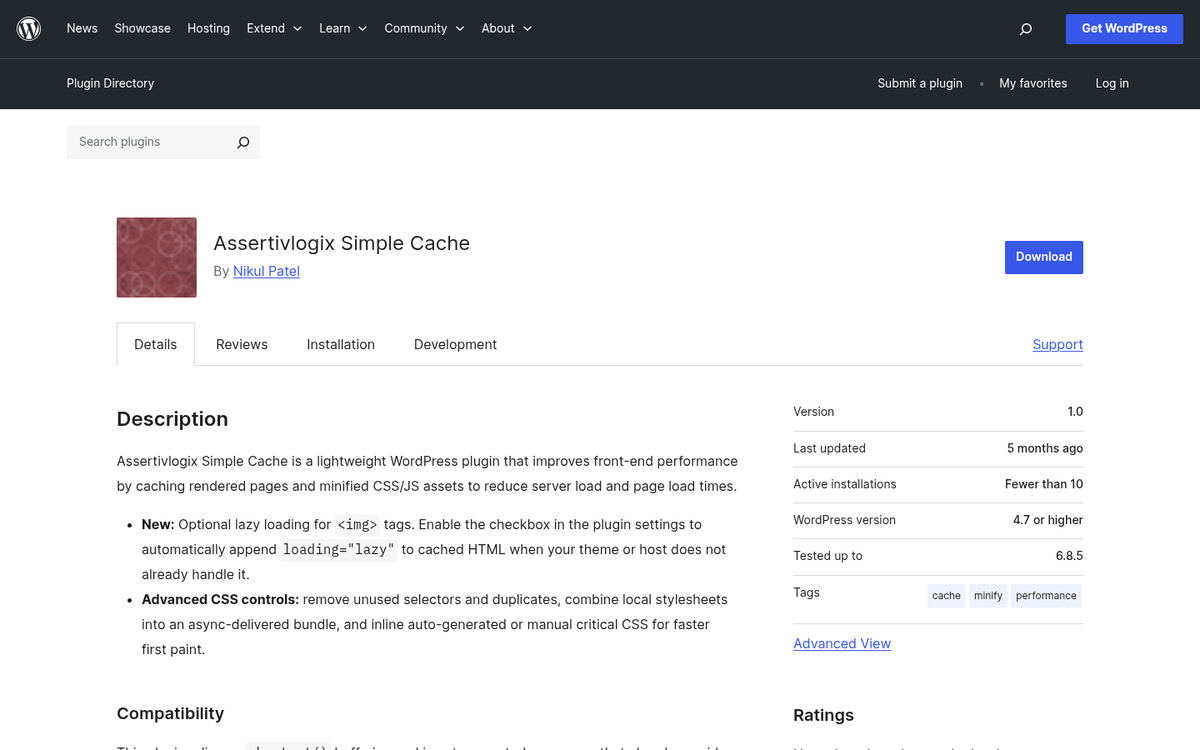
So why is it higher up on the list when I've listed "too simple" as a negative for other plugins? Well, basically put, it's because this is the simplest of the easy plugins. If all you want is a fire-and-forget caching plugin that does what it says on the tin with zero input from you, this is the best option you have. If you want anything with more advanced options, you're going to want to look elsewhere. Since I value features over simplicity, I've put it lower. But you might think it's the top of the top for your site, and that's fine - though it's worth considering other factors like how many ads you safely run on your blog or even whether you've taken steps to install SSL to improve your rankings.
#5: W3 Total Cache
W3 Total Cache is one of the most established caching plugins in the WordPress ecosystem, with over a million active installations and thousands of five-star reviews. It claims at least a 10x improvement in site performance when configured, which is an ambitious but plausible claim depending on your starting point.
In particular, because of how complex this plugin is, it's easier for something to break your site, at least temporarily. It has CDN support, but getting it to play nicely with CDN setups can take effort. The free version covers most use cases, though the premium version - which starts at $99 per year - unlocks extra features like improved CDN configuration and advanced support.
Perhaps my biggest gripe is that this plugin is laced with prompts to upgrade to its premium version. I don't need my admin dashboard always reminding me to spend more money every time I want to check on my cache.
#4: WP Super Cache
As one of the most downloaded free caching plugins in the WordPress repository, WP Super Cache is universally considered a solid option for caching. It has different configuration options for different levels of user skill - like an advanced mode for configuration and a simple mode that just caches the most common options and runs with it.
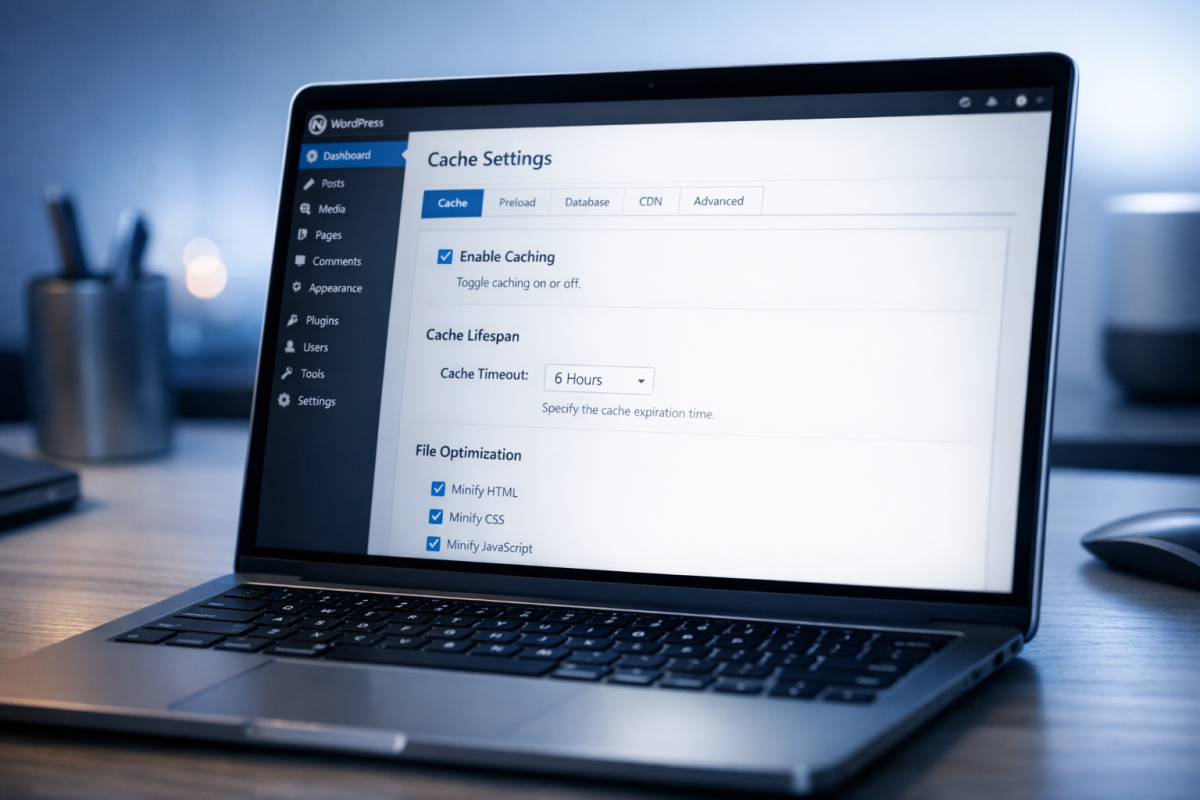
In my personal experience, this plugin is reliable with caching but slightly unreliable with my audience, so it didn't give me the speed improvements I hoped it would. It also works with CDNs on a pretty lackluster level. I think they intend it to be a replacement for CDNs for small blogs. But bigger sites that still want to use CDNs might need to work around it to get it all to work nicely. The cache preloading is also somewhat inconsistent, which is unfortunate.
#3: WP Fastest Cache
WP Fastest Cache is one of the most popular caching plugins for WordPress, with over a million active installations and a regular update schedule. It's easy to set up but can be difficult to configure, with options that just don't have explanations unless you dig into documentation or are a WordPress dev yourself.

When I tried out this plugin, I found that the cache preloading was somewhat unreliable. It doesn't do some speed features like image lazy loading natively, and its support for CDNs exists but isn't exceptional. Overall, they have a very high rating and I do like them, and they are by no means a bad caching plugin - I just like a couple of others over what they give you.
#2: LiteSpeed Cache
LiteSpeed Cache has quietly become one of the most capable free caching plugins available, and it's now one of the most installed plugins in the entire WordPress ecosystem with over 6 million active installations and a great 4.8 out of 5 star rating. Best of all, it's free.
Some of its most powerful features - like the server-level cache - require your host to be running LiteSpeed Web Server. If you're on Apache or Nginx, you won't get the full benefit. However, even without LiteSpeed hosting, it still has page caching, image optimization, CSS/JS minification, lazy loading, and database optimization that are all legitimately helpful. If you happen to be on a LiteSpeed-compatible host, it's arguably the best free caching plugin available right now.
#1: WP Rocket
This one is my favorite plugin, and it's the one I use, which is why it's at the top of the list. I readily admit it's not the right choice for everyone, because it's a premium plugin compared to most of these other free options.
Anecdotally, this is the plugin that had the most positive results on my site's PageSpeed scores. It has advanced features like lazy-loading for images, script minification, image optimization, browser caching, and a ton more. Some of the advanced features, like scheduled database cleaning and optimization, are great as well. Setup is also refreshingly easy compared to something like W3 Total Cache.

The downside, of course, is that it's not free. $59 per year gets you a license for a single website, with a mid-tier option for three sites and an unlimited license plan at $299 per year. I found it worthwhile. But you might not - especially given how strong LiteSpeed Cache has become as a free alternative. It's also worth noting that social buttons can slow down your website's load time in ways that even a great caching plugin can't fully offset.
What's your personal ranking for these plugins? Do you have another caching plugin you like that I didn't find? Let me know.