





The Apple App Store is a surprisingly cutthroat place. There are over two million apps available to iOS users, and with over 65% of App Store downloads beginning with a search, getting your app discovered organically is both critical and competitive. To stand out against a sea of competitors all fighting for the same eyeballs, you need a deliberate strategy. That's where app store optimization comes in.
Key Takeaways
- Over 65% of App Store downloads start with search, making app store optimization essential for organic discovery and competitive visibility.
- Your app title, subtitle, and 100-character keyword field carry the most algorithmic weight-use every character strategically and avoid repetition.
- Ratings significantly impact rankings; moving from 3-star to 4-star can increase conversion rates by 89%, so actively encourage reviews.
- Top-ranked apps update metadata quarterly and localized listings can increase installs by up to 49% for international audiences.
- Advertising through social media, a dedicated website, and Apple Search Ads helps drive downloads beyond users already searching the App Store.
Submission
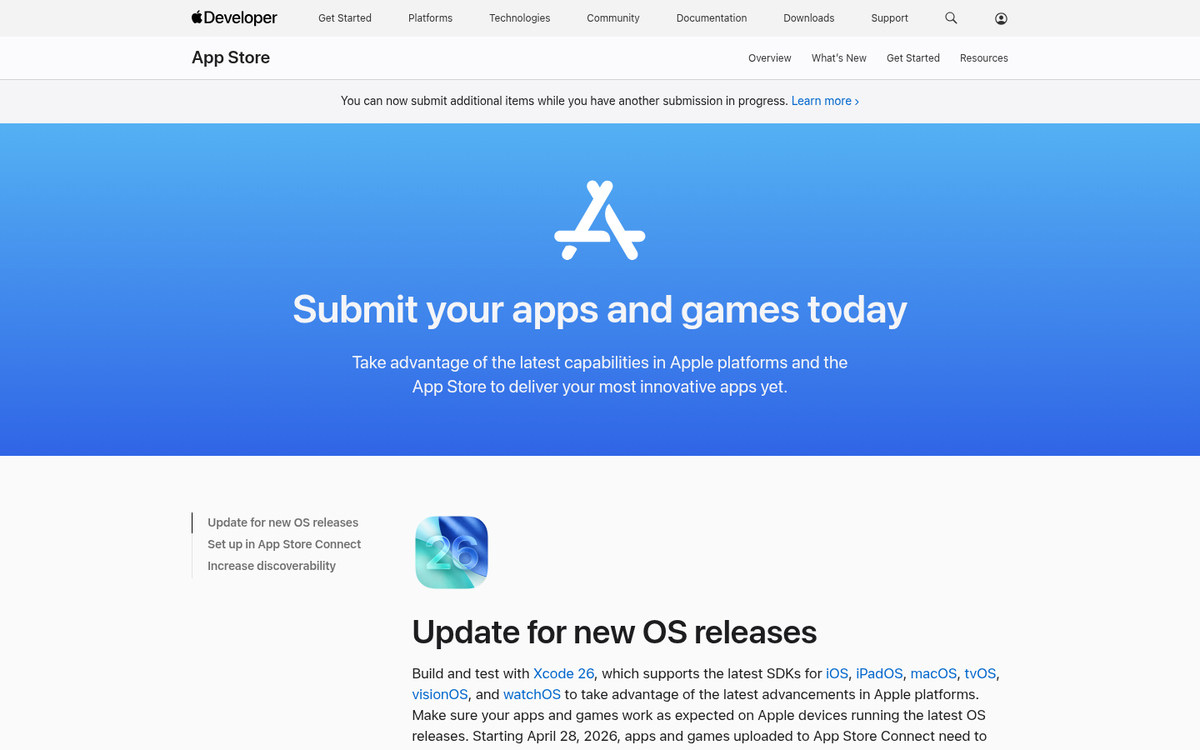
Before you can get a foothold in the app store, you need to submit an app. The Apple process for submitting an app is actually pretty complex, so much so that there are freelancers out there who specialize entirely in optimizing and submitting apps for clients. It will give you a leg up on the competition if you can get through the submission process on the first try, so you don't have delays with your marketing and you can promote it quickly and effectively.
The first thing you need for a good submission, other than a working and high quality app, is information about the app.
- Screenshots. Apple requires at least one screenshot for each supported device screen size. Your screenshots should be attractive and designed to bring in interest. They also cannot contain transparency of any kind in the image.
- Name. You can change the name of your app at any time, so renaming on the fly is possible. If your initial launch doesn't gain traction, you can try changing the name to either distance yourself from a failed launch or to take advantage of a more clever name. However, remember that you lose association with the old name, so you don't want to change away from something that works.
- Subtitle. Apple gives you a dedicated subtitle field beneath your app name - up to 30 characters. This is prime real estate for secondary keywords and a concise value proposition. Don't waste it with filler.
- Description. You need a good, detailed description of your app, complete with a features list and language relevant to the kinds of searches people will run to find your app. Note that the App Store's search algorithm does not index your description for keyword ranking purposes, so think of it as conversion copy rather than keyword stuffing territory.
- Keywords. The App Store gives you a dedicated keyword field capped at 100 characters. Use every character wisely. Don't repeat words already in your title or subtitle, don't use spaces after commas, and avoid plurals if the singular is already included. This field carries significant weight in how Apple ranks your app in search results.
- URLs. You need a website with URLs for support information, marketing information, and a privacy policy for your app. These are mandatory.
- Icon. A good, attractive icon is a must, and it will be generally associated with your brand identity. Make sure your icon is something you want attached to your brand long-term. Follow Apple's current technical specifications for file format and resolution, and work closely with your designer to ensure it renders well at every display size.
- Categories. You need at least one category for your app, and can optionally choose a secondary category. If your app falls under more than one, choosing a second is strongly recommended, so people who browse the App Store by category have a larger chance of seeing it.
The actual mechanical process of compiling and submitting the app through Xcode and App Store Connect is a bit technical and outside the scope of optimization, since it doesn't really change your eventual ranking. Apple's own developer documentation is the most reliable and up-to-date resource for walking through those steps.
Once you launch, you'll quickly find that there are three categories of factors that affect your app store ranking.
- Controllable listing factors. These are entries like your app name, subtitle, description, and keywords, which you can update with each new app version submission.
- Uncontrollable listing factors. These are derived factors like the number of downloads your app receives and the ratings and reviews it gets.
- Off-store factors. This is your word of mouth, your off-site advertising, and your overall reputation.
You can take steps to optimize all of these, though the second category is obviously going to be harder to influence legitimately.
Listing Elements
As with all good marketing, the first thing you actually need to do is sufficient keyword research. You have an app, so what does it do? What purpose does it serve? What kinds of people are looking for that kind of app? A budgeting app is going to have a very different audience and a very different set of keywords than a fitness tracker, a mobile game, or a task-oriented hotel chain app for managing bookings. Keyword research for apps follows much the same logic as keyword research for any other content - understand your audience, understand what they're searching for, and meet them there.
One practical difference is that you generally don't need to chase ultra-long-tail keywords the way you might with blog content. There are far fewer apps than there are web pages, so there's meaningful room to compete on more direct terms. That said, being precise still matters. A narrow, well-targeted keyword often outperforms a broad one because it attracts higher-intent users who are more likely to actually download.
Research shows that 79% of top-ranked apps updated their metadata quarterly, treating keyword optimization as an ongoing process rather than a one-time setup. Localized listings - translating and adapting your metadata for different regions and languages - have been shown to increase installs by as much as 49%. If you have any international audience at all, localization deserves serious attention.
When you submit an app, and any time after with a new version, you can update your title, subtitle, and keyword field. These should all include your primary keywords.
If it seems odd to have a keyword baked into your app title, the data backs it up regardless. Apps with keywords in their title have shown meaningfully higher rankings compared to those without. Apple's algorithm places significant weight on the title field. That said, there's a reasonable middle ground: major consumer apps like Spotify or Instagram built pure brand names into their titles and compensated with massive advertising budgets to blast past the early plateau. If you have that kind of budget, a brand-name-only title can work. If you don't, lead with clarity and keywords.
Keywords are obviously easier to work into descriptions naturally, but remember - Apple does not use the description field for keyword indexing. Write your description for the human reading it, not for the algorithm. Make it persuasive, highlight your core value, and list your best features clearly. The keyword field is where the algorithmic heavy lifting happens, so be surgical with those 100 characters.
One general tip for all of your targeting is to be precise and specific. You might struggle to rank for "accounting app," but targeting a specific type of user - say, freelancers tracking billable hours - puts you in front of a higher-intent, more convertible audience.
Ratings and reviews carry enormous weight, both algorithmically and in terms of conversion. Research shows that 79% of users check ratings and reviews before downloading a new app. Moving from a 3-star to a 4-star rating can produce an 89% increase in conversion rate. Apps rated 4.5 stars or higher are 2.1 times more likely to rank in the top 50. Apps sitting below 3.5 stars face significantly reduced visibility in search results. This is not a metric you can afford to ignore.
So, encourage downloads by advertising, and encourage ratings by including in-app prompts. The timing and context of these prompts matters - a game could display one between levels, never mid-level. A productivity app might trigger it after a user completes a meaningful action. Apple's native SKStoreReviewRequest API is the approved mechanism for this, and Apple itself controls how and how often the prompt actually appears to users, so work within that system rather than trying to engineer around it.
Be thoughtful about how you solicit feedback. Routing negative sentiment toward an internal feedback form rather than the public rating is a known tactic, but Apple's guidelines have become increasingly strict about manipulative rating practices. For a related approach, see how others encourage customers to leave positive reviews while staying within platform rules. Focus instead on genuinely improving the experience for users who report problems, which naturally lifts your rating over time.
Inbound Advertising
All of that will help you capture the people who are already on the App Store and searching for something like your app. You also need to bring people who aren't already searching directly to your listing, and that means advertising and inbound marketing.
The first major tip is social media. At minimum, maintain an active presence on the platforms where your target users actually spend time. Use those channels for customer service, bug acknowledgment, update announcements, and showcasing what your app does well. Short-form video - Reels, TikTok-style content, YouTube Shorts - has become especially effective for demonstrating app functionality in a format people actually watch.
Second is having a website and blog. A dedicated web presence gives you a place to house longer-form content, collect email subscribers, build SEO traffic, and send people directly to your App Store listing. Having a mobile-friendly site is especially important if you're trying to convert visitors into app installs. For content marketing tips, the rest of this blog has you covered.
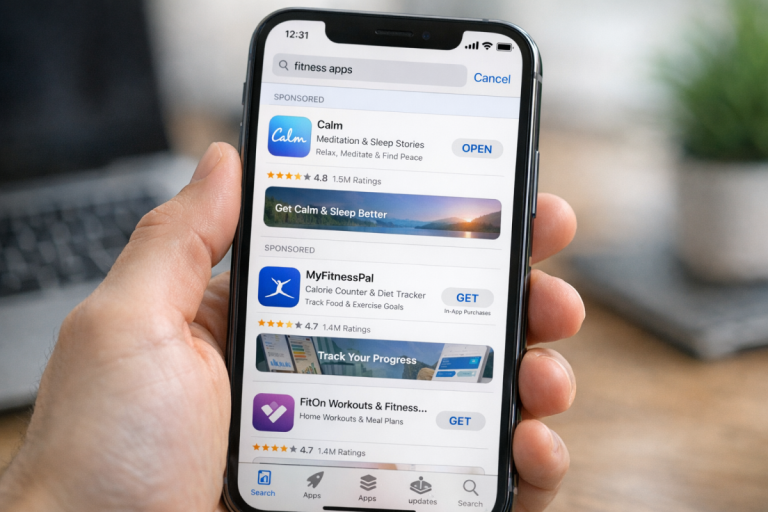
Third, consider Apple Search Ads. Apple's own advertising platform places your app at the top of relevant search results within the App Store itself. It's one of the most direct ways to accelerate downloads early, when organic ranking is hardest to achieve. Combined with well-researched keywords, it can significantly shorten the time it takes to build momentum. Standard paid channels like Google and Meta ads remain useful as well, particularly for reaching users before they ever open the App Store. If you're running paid ads, it's worth understanding whether to send ad traffic directly to your homepage or a dedicated landing page.
Fourth, promote your app across every available touchpoint. Email signatures, QR codes on physical materials, trade show presence, partnerships with complementary apps or brands - every opportunity to put your listing in front of a qualified potential user is worth taking. There are also proven ways to get more downloads and installs that go beyond the basics.
Once you get over the initial hump of establishing your rankings, that's when you can refine and iterate on your listing more strategically. Test different screenshots. Experiment with your subtitle. Update your keywords based on what's actually driving installs. The App Store is not a set-it-and-forget-it environment - the apps that hold their rankings treat optimization as an ongoing discipline, not a one-time launch task. Ideally, you build enough momentum to develop a real brand around the app, grow it over time, and carve out a durable position in your niche.

4 responses
Thoughtful replies only - we moderate for spam, AI slop, and off-topic rants.
Thanks for sharing the information with us! The content was very useful It would be helpful to improve our ranking .
Thanks for sharing the information with us! The content was very useful It would be helpful to improve our ranking .
I must say you have high quality posts here. Thanks for sharing.
I must say you have high quality posts here. Thanks for sharing.