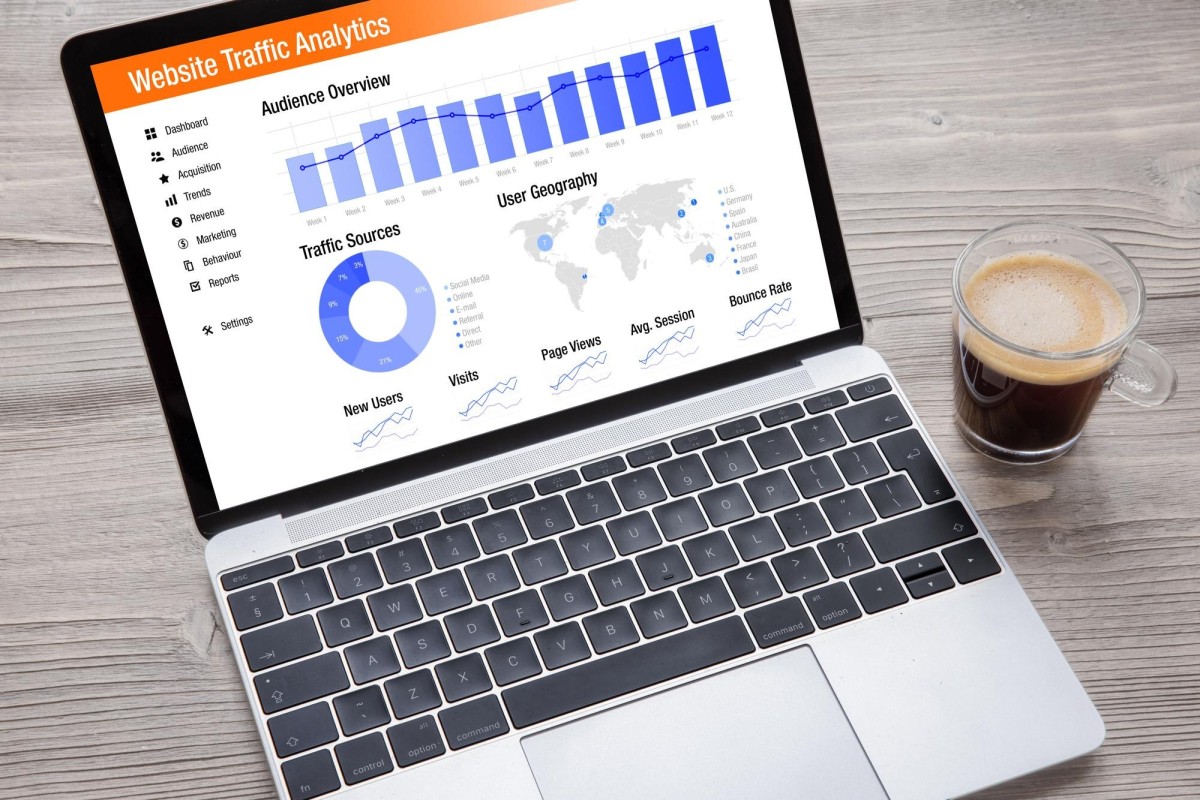
The easiest way to estimate the traffic a website gets is to look in Google Analytics - which is definitely installed, of course, why wouldn't it be? - and check the actual numbers. It's still an estimation due to the presence of traffic bots and other edge cases, but it's a very accurate one.
What happens, though, if the site is not under your control? What if you don't have access to the Google Analytics data? What if you're investigating a site you're looking at on Flippa, to see if it's legit? What if you're just trying to study your competitors and find out what you're up against? In these cases, you need a way to estimate traffic that isn't tied to an installed analytics platform or control panel. Try out these options.
Key Takeaways
- Similarweb is the most accurate third-party tool for large sites, but variance exceeds 50% for low-traffic sites.
- SEMrush estimates traffic within 10-15% for mid-to-high traffic sites and adds valuable keyword and ranking context.
- Ahrefs tends to underestimate traffic for long-tail keyword-heavy sites and works best alongside SEMrush.
- Quantcast data is reliable only when a site has its tracking tag directly installed; otherwise accuracy drops significantly.
- Cross-referencing multiple tools, ad marketplaces, engagement signals, and self-published stats produces the most accurate estimates.
1: Similarweb

Similarweb has become one of the go-to tools for estimating competitor traffic, and for good reason. It pulls from a wide range of data sources including clickstream data, ISP data, and web crawls, giving it broader coverage than older tools like Alexa (which shut down in 2022).
That said, accuracy varies significantly depending on the size of the site you're analyzing. For sites with 500,000+ monthly visitors, Similarweb performs well. For mid-sized sites, expect a 15-30% variance from actual traffic figures. For low-traffic sites, the variance can exceed 50%, making the data more directional than definitive. Interestingly, a SparkToro study found Similarweb's estimates most closely aligned with Google Analytics data compared to SEMrush and Ahrefs, particularly for sites receiving between 5,000 and 100,000 monthly users.
Use it for trend analysis and broad comparisons, but treat it with appropriate skepticism for smaller sites.
2: SEMrush

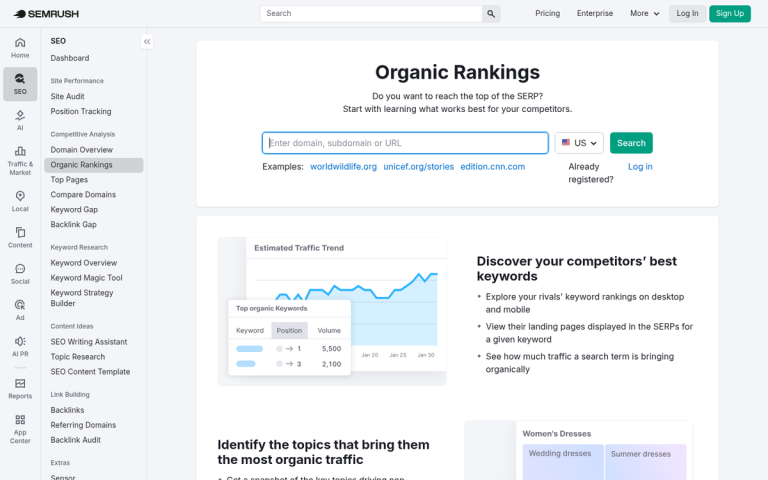
SEMrush remains one of the most capable tools on this list. Its traffic estimates are generally within 10-15% of actual traffic for mid-to-high traffic sites, though for smaller sites under 50,000 monthly visitors, you can expect a 20-40% variance. For sites under 10,000 organic visits per month, nearly every tool's estimates - including SEMrush's - tend to be off by at least 40%, per Screaming Frog's research.
Where SEMrush really shines is in the keyword and ranking data it layers on top of traffic estimates. You can see which keywords are driving traffic to a competitor's site, how their rankings have shifted over time, and where potential gaps exist in your own strategy. That context makes even imperfect traffic estimates genuinely useful.
The Pro plan starts at $139.95/month and includes 5 projects, 500 tracked keywords, and full traffic analytics. It focuses primarily on Google traffic, so keep that in mind if you're analyzing sites with significant traffic from other sources.
3: Ahrefs
Ahrefs is primarily known as a backlink analysis tool, but its traffic estimation features have matured considerably. Like SEMrush, it estimates organic traffic based on keyword rankings and estimated click-through rates, which means its accuracy is closely tied to how well a site's keyword profile is mapped. It tends to underestimate traffic for sites that rank for large volumes of long-tail keywords, but for sites with strong head-term rankings, it performs well. It's best used alongside SEMrush rather than as a standalone source of truth.
4: Quantcast

Quantcast has shifted its focus more toward programmatic advertising and audience measurement for publishers, but it still offers some publicly available traffic data for sites that have directly integrated with the platform. When a site has the Quantcast tag installed, the data is quite reliable. When it doesn't, Quantcast is estimating like everyone else, and the accuracy drops accordingly. It's worth checking, but verify whether the site you're researching has direct measurement enabled before putting too much weight on the numbers. If you want to find out how much traffic your competitors get, cross-referencing multiple tools is always a smarter approach than relying on a single source.
5: Niche Engagement Counts

This won't directly estimate the traffic on a site, but it will give you an idea of how engaged their audience is. There are a few options here.
- Video views. If the site uses an embedded video, you can click through to the hosting platform, like YouTube. You can then see both the upload date of that video and the number of views it has accumulated, giving you a rough sense of daily content consumption.
- Comments. Blog posts and other comment sections tally up engagement over time. You have no way of knowing the exact visitor-to-commenter ratio, but comparing their comment volume to your own sites gives you a useful benchmark.
- Archive snooping. Some sites publish their own traffic statistics. When they do, you get accurate data without any tools required - just verify the numbers aren't being inflated for optics.
6: BuySellAds
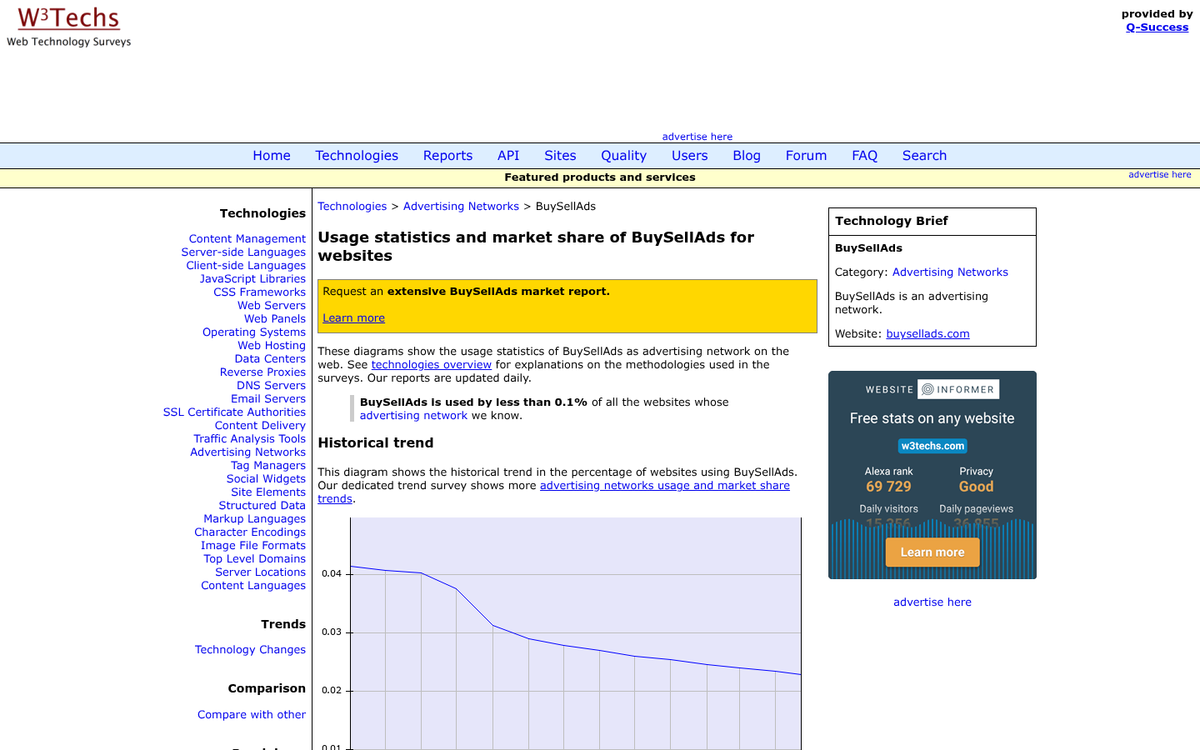
BSA and similar ad marketplaces require publishers to disclose their traffic ranges so advertisers can make informed bids. If the site you're researching runs ads through one of these platforms, you can often find a general traffic range simply by browsing as a potential advertiser. Since these platforms are largely self-serve and automated, accessing that information doesn't require much effort or expense.
With these methods combined, you should be able to build a reasonably accurate picture of a site's traffic. No single tool will give you perfect data - especially for smaller sites - but triangulating across two or three sources will get you much closer to the truth. You can also learn a lot by digging into a website's traffic sources to understand where visitors are actually coming from. And if all else fails, you can always just ask the webmaster directly. Some people are happy to brag.