





Key Takeaways
- Google Ads supports app promotion for both Apple App Store and Google Play Store across Search, YouTube, Display, Gmail, and Discover.
- App campaigns offer three subtypes: installs, engagement (re-engaging existing users), and pre-registration (Android only, before launch).
- Unlike traditional campaigns, App campaigns use machine learning to automatically assemble and test creative asset combinations.
- Google recommends waiting for at least 100 tracked conversions before making campaign changes to avoid disrupting the learning phase.
- Apps must comply with Google Ads policies, including restrictions on adult content, deceptive practices, data collection without consent, and trademark infringement.
Promoting Your App with Google Ads in 2026
These days, it seems like everyone has an app or two. Bands have apps to monitor tours and shows. Restaurants use apps for their loyalty programs instead of physical cards. Grocery stores use apps to replace both loyalty programs and coupon mailers. That doesn't even scratch the surface of all the stand-alone task apps and games out there - with over 1,000 new apps submitted to both Google Play and the Apple App Store every single day, the market is more crowded than ever.
Does Google allow you to promote apps through Google Ads? Of course. You can drive traffic from Google Ads to both the Apple App Store and the Google Play Store. You can also drive traffic to your own website where a landing page can send users to the appropriate storefront.
Frankly, it would be insane of Google to not allow this kind of advertising. The app industry is worth hundreds of billions of dollars at this point. Of course Google wants their slice of the pie - and by god is it a big one.
App Campaign Types in Google Ads
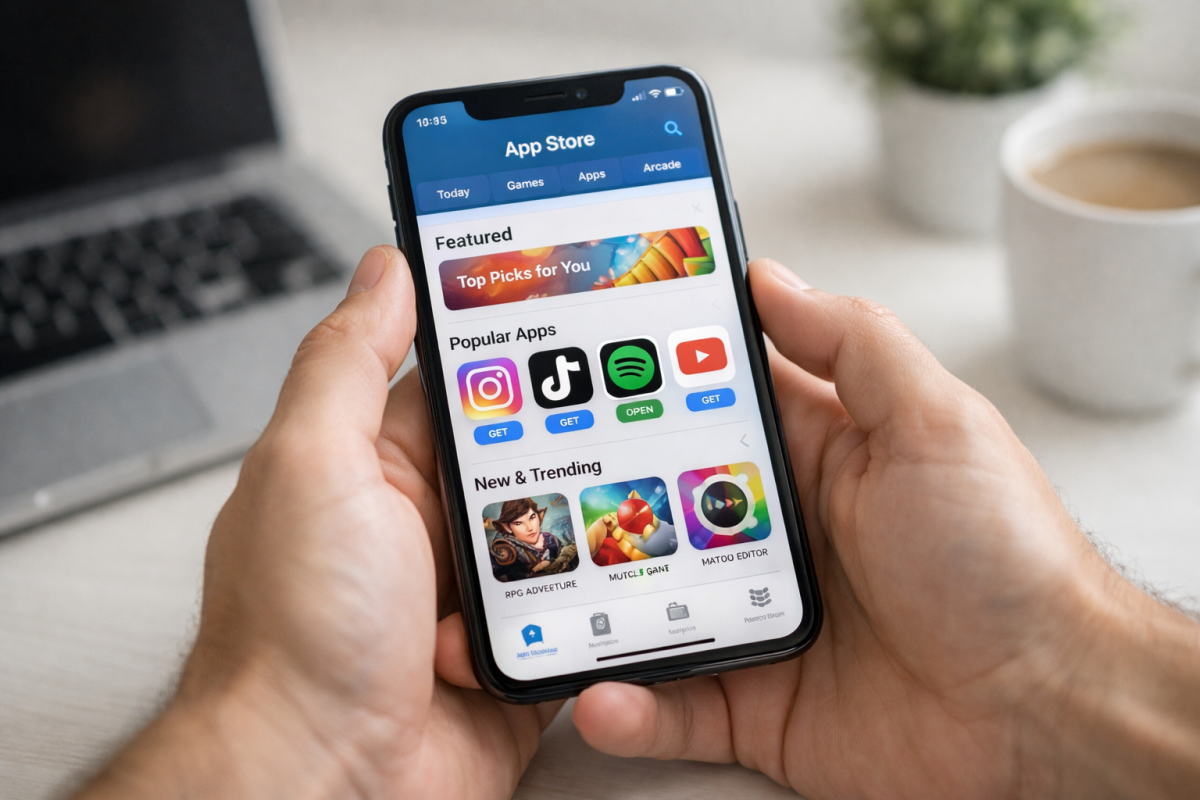
Back in 2015, Google launched Universal App Campaigns (UAC) as an all-in-one solution for promoting apps across Google Search, YouTube, and the Google Display Network. Originally available only for Android apps, UAC expanded to support iOS in 2016. Then in 2017, Google fully transitioned all app install campaigns into the UAC format - consolidating everything under one roof.
Today, when you set up an App campaign in Google Ads, you choose from three distinct campaign subtypes, each optimized for a different goal. You can find a complete list of all Google ad and campaign types if you want a broader overview.
App installs is the first and most common campaign type. The goal here is straightforward: get more people to download your app. Google will optimize delivery across its entire network to find users most likely to install. For additional strategies, check out these 12 ways to get more downloads and installs on your app.
App engagement campaigns are the second type. Rather than targeting new users, these are designed to re-engage people who already have your app installed. You can deep-link directly into specific sections of the app and encourage users to take a particular action - like completing a purchase, redeeming a reward, or upgrading to a premium tier.
App pre-registration is the third type, and it's exclusive to Android apps on Google Play. This lets you build buzz and collect pre-registrations before your app officially launches, so you hit the ground running on release day. Once your app is live, learning how to improve iOS app rankings in the App Store can help you maximize visibility.
Where Your App Ads Can Appear
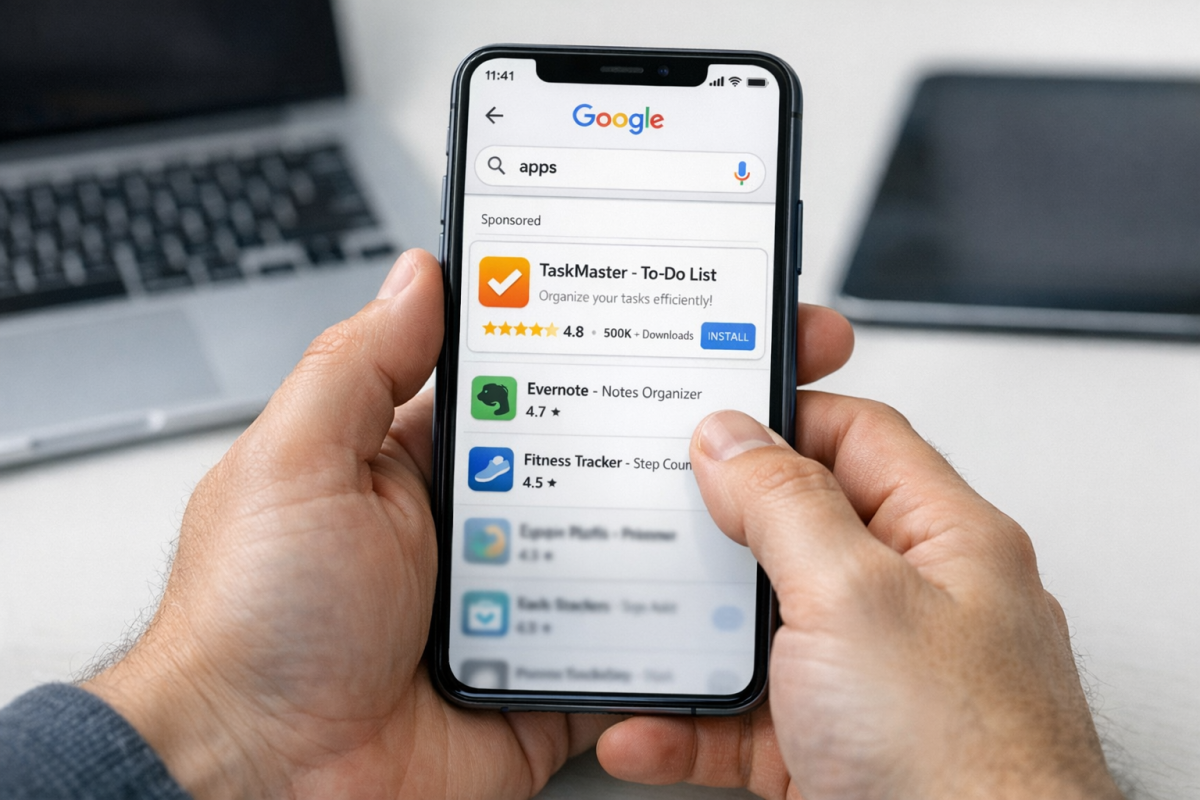
One of the biggest advantages of running App campaigns through Google Ads is the sheer reach. Your ads can appear across:
- Google Search - both on Google.com and across Google's network of search partners
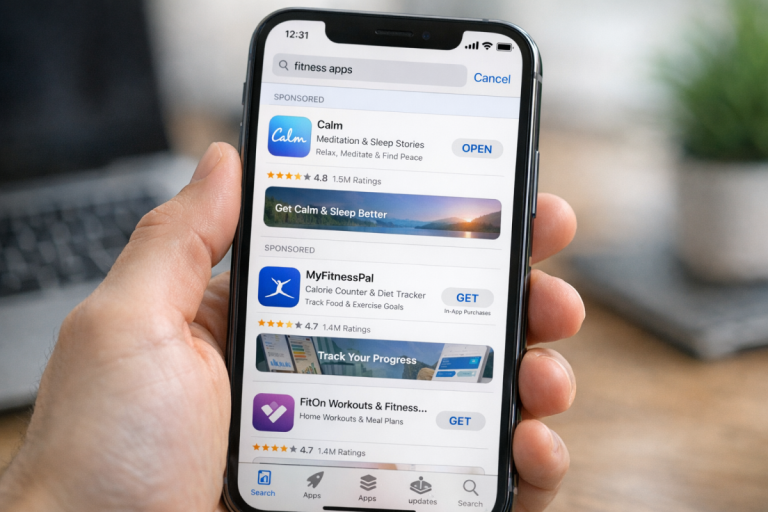
- Google Play Store - as sponsored listings in search results, "related apps" sections, and suggested app boxes
- YouTube - as in-stream video ads and as ads in the recommended video listings
- Google Display Network - across millions of websites and mobile apps that use Google's ad system
- Gmail - appearing as promoted content in users' inboxes
- Google Discover - surfacing in the personalized content feed on Android and the Google app
Google's machine learning handles placement automatically, iterating on your creative assets and targeting based on what's actually driving conversions. The longer the campaign runs and the more data it collects, the better it gets at finding the right users. If you want more control over where your ads show, it's worth understanding whether the Display Network or Search is right for your goals, and you can also learn how to properly optimize your Google Display ads to improve results across placements.
How App Campaigns Actually Work
Unlike traditional Google Ads campaigns where you build individual ads from scratch, App campaigns work differently. You don't create individual ads manually. Instead, you provide a set of assets - headlines, descriptions, images, and videos - and Google's machine learning assembles and tests combinations automatically, serving the best-performing versions to the right audiences.
Google recommends providing as many varied assets as possible to give the algorithm more to work with. The more diverse your creative inputs, the better Google can tailor messaging to different user segments rather than taking a one-size-fits-all approach.
One important note on optimization: Google recommends allowing at least 100 conversions to be tracked before making any changes to your campaign. Tweaking things too early disrupts the learning phase and can actually hurt performance. Patience here pays off.
App Ad Requirements
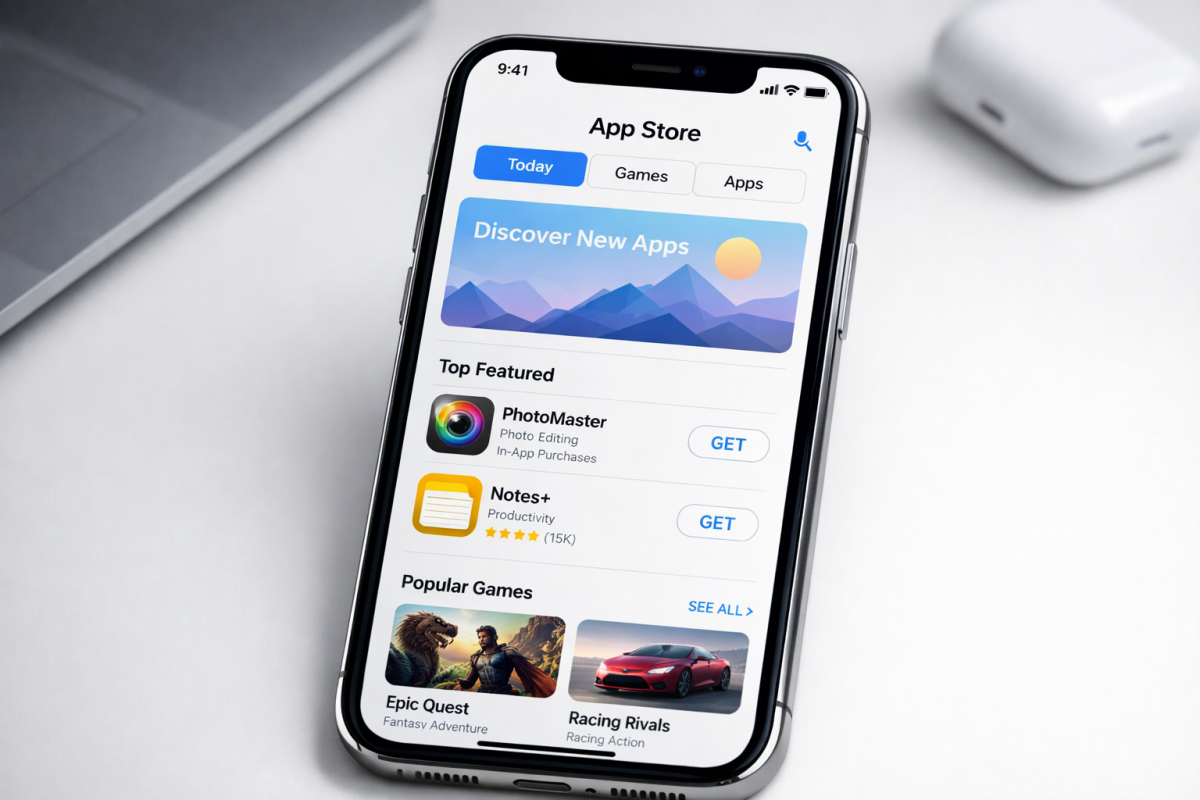
If you're running ads for your app through Google Ads, your app needs to comply with all of Google's advertising policies. There are a few common reasons apps get disapproved, even if the app itself is live on the Google Play Store or Apple App Store.
Your app's store listing text needs to comply with Google Ads advertising policies, not just store policies. Since Google can pull ad copy directly from your store description, any language that violates ad policies - even if the store allows it - will get you flagged.
Your app ads can also be rejected if Google doesn't recognize the app ID, if the app has been previously removed or suspended, or if the destination URL isn't formatted correctly. You cannot advertise an app that has been deleted or suspended from its storefront, regardless of which platform it was on.
Apps cannot advertise adult content, just like any other Google ad. It doesn't matter how well-designed your app is - if it falls into a restricted category, you'll need to find another advertising platform.
Google's unidentified business policy also applies to app ads. Your ad needs to clearly identify the business or app doing the advertising, either through branding, a URL, or the ad copy itself. The app name should be visible at all times.
Image and video quality matters too. Assets need to be sufficiently high resolution, with no strobing or flashing imagery that could be harmful or disruptive. If you're using interactive HTML5 demos, temporary effects triggered by user actions are acceptable - but don't try to game attention with aggressive or deceptive techniques.
The unwanted software policy is one worth reading carefully. Google has an entire policy covering apps that are in any way deceptive. Your app cannot promise value it can't deliver, trick users, piggyback on another app's installation, hide significant features or functions, negatively affect the user's device, collect data without permission, or be difficult to uninstall. Violations here will get you removed fast.
Beyond that, the usual rules apply: don't infringe on copyrights or trademarks, don't promote malware, and don't use misleading or deceptive content. It's also worth reviewing the most common Google Ads mistakes to avoid getting flagged for issues that go beyond app-specific policies, and understanding how long approval typically takes so you can plan your campaign launch accordingly.
Recommendations for Great App Ads in 2026
If you're advertising an app on the Apple App Store or Google Play Store using Google Ads, here are the best practices worth following in 2026.
Set up conversion tracking from day one, and track more than just installs. Track meaningful in-app actions - purchases, level completions, subscription upgrades, whatever matters to your business. The richer your conversion data, the better Google's machine learning can optimize on your behalf.
Upload a diverse range of creative assets. Google needs variety to do its job well. Provide multiple headlines, multiple descriptions, and ideally several image and video options. A mix of landscape, portrait, and square formats will help your ads perform across different placements and devices.
Don't underestimate the power of a great store listing. Since Google pulls from your store page to build ad copy, your listing does double duty. Polish your description, screenshots, and preview video - not just for organic store discovery (which accounts for 70% of App Store visits according to Apple), but because it directly feeds your paid campaigns too.
Be patient during the learning phase. Give your campaign time to hit that 100-conversion threshold before drawing conclusions or making major changes. Campaigns that get adjusted too early rarely hit their potential. If you're running parallel paid efforts, it's also worth understanding why Google Ads may exceed your set daily budget during this period.
Consider app pre-registration campaigns if you have an Android app in development. Building an audience before launch is a legitimate competitive advantage in a market where over a thousand new apps launch every day. A beginner's guide to promoting on Apple Search Ads can also help you diversify beyond Google at this stage.
The app advertising landscape in Google Ads is far more mature and automated than it was even a few years ago. The best thing you can do is give Google's system strong assets, clear conversion signals, and enough runway to optimize - then get out of the way and let it work.


3 responses
Thoughtful replies only - we moderate for spam, AI slop, and off-topic rants.
Hi James, thanks for this informative article. I had a lot of questions and you answered a lot. Although, i do have an additional question 😉
It's about an itunes app which can be set to different languages from inside the app. On itunes there are several different language versions of the store page, with different pictures. But it's all the same app with just one app identifier. How can i make sure that the UA ads for a specific country with a specific language are constructed from the correct itunes store page?
Regards, Navajo
Hey James,
Nice article!
Can you please tell how to promote a non play store or a stand-alone app? What are the best practices for promoting such apps? Challenges in such cases and things to keep in mind for better campaign performance on any promotional channel like Facebook, Google, Amazon ads or Affiliate networks.
Thanks in advance!
Cheers,
Hi Vin! I've had great success with Google Ads, especially for SaaS apps / subscription businesses. If it has a free trial, even better, since it reduces signup friction and makes much better use of your ad spend.