Key Takeaways
- 70% of App Store visitors use search to discover apps, making discoverability and ASO critical strategies.
- A/B testing screenshots can improve conversion rates by 15-35%; top apps update store visuals 2-4 times yearly.
- 90% of users check reviews before downloading; a 4.0+ rating is increasingly required for algorithm visibility.
- 20-60% of users uninstall within three days, meaning strong onboarding is as important as user acquisition.
- Paid acquisition works best as a launch blitz; poor retention raises CPIs since platforms track post-install behavior.
How to Get More App Downloads in 2026
Apps are a lot of work. You have to find a problem that an app can solve. You have to make sure there aren't other apps doing the same thing, or that your app does it meaningfully better. You have to develop it, make sure it works across platforms - mobile, desktop, web - and then figure out how to actually get people to find it, care about it, and download it.
Well, I can't help you with most of that today. What I can do is give you tips on getting your app downloaded more frequently. Most of these tips apply to both mobile and desktop apps, though a few are mobile-specific. All of them are worth your attention.
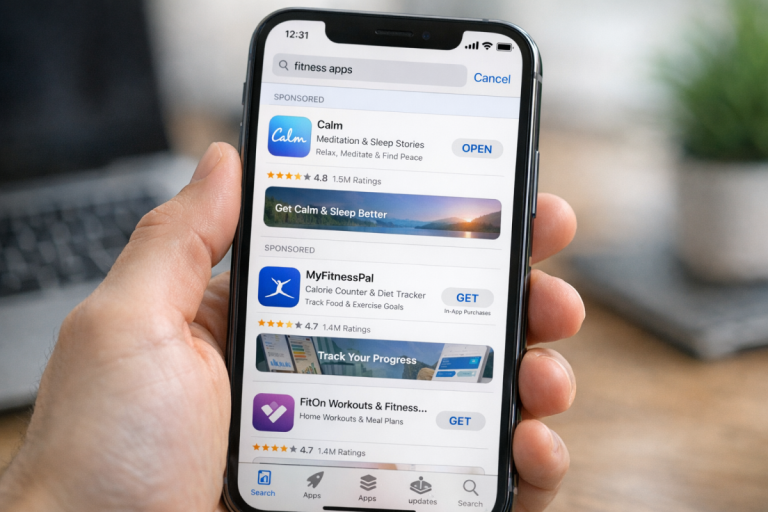
One thing worth flagging upfront: the landscape has shifted a lot. iOS users still spend significantly more per month on apps - roughly 7.4x more than Android users - but they also cost more to acquire (average CPI around $4.70 vs. $3.40 for Android). And with 70% of App Store visitors using search to discover apps, and 65% of downloads happening immediately after a search, your discoverability strategy matters more than ever. Keep that in mind as you read through the tips below.
1. Make a Demonstration Video
An app demonstration video should be attractive, compelling, and interesting. You're showing off the core problem the app solves and how it solves it. You're not going into technical details - this is not a usage guide, it's a commercial. Think of it like a movie trailer. Show your best moments, make it punchy, and keep it short.
If need be, hire a professional company to make the video for you. Good visual design and clean audio go a long way. I've personally passed on apps because their preview video looked amateurish - a bad video is actively worse than no video at all.
If your narrator sounds like one bored person reading a script, you're not doing your app justice. You need at minimum a high quality voice actor, and ideally a script that's been properly edited. In 2026, AI-generated voiceovers have gotten genuinely good - tools like ElevenLabs or Descript can help you produce something polished without a massive budget. Just don't let it sound robotic or obviously synthetic.
2. Make Screenshots Visible, Attractive, and Up to Date
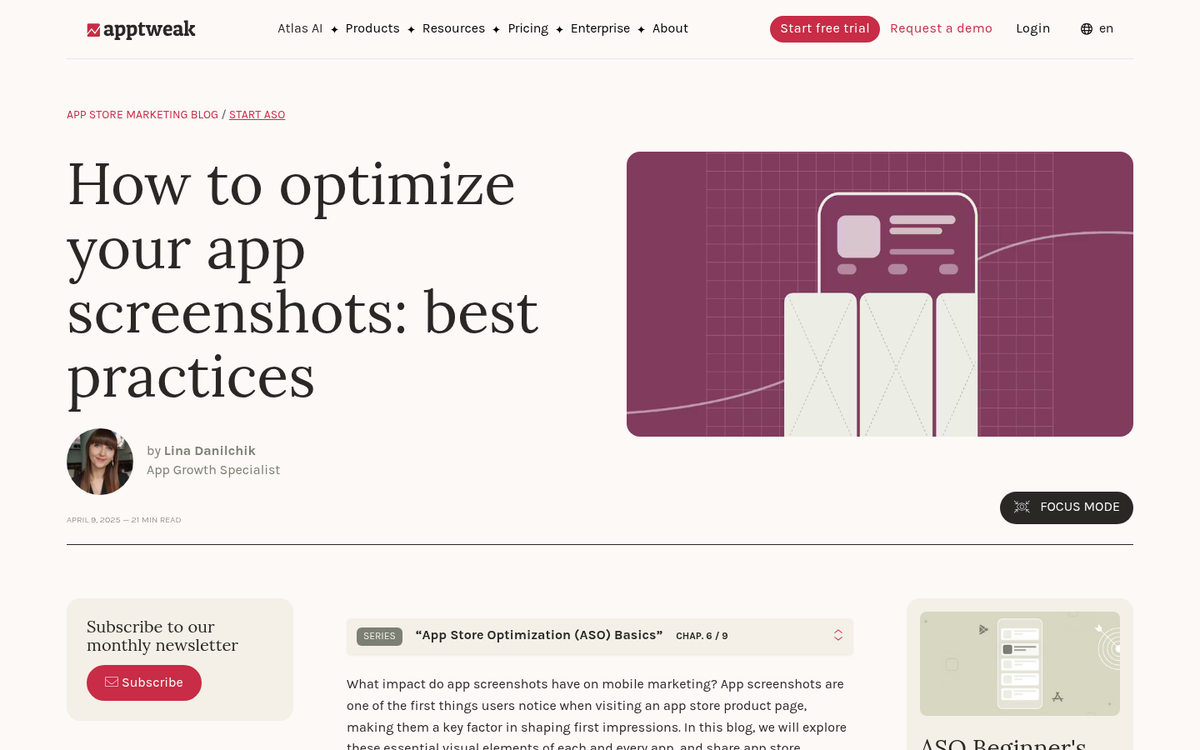
Your app needs screenshots. A mix of actual in-app screenshots and lifestyle shots - real people using your app in realistic situations - tends to work best. Avoid anything that looks like a poorly edited stock photo with a UI awkwardly pasted over it.
Screenshots should highlight the most visually interesting parts of your app. They don't have to show the most technically complex features, just enough to make someone stop scrolling and think "that looks useful."
Here's something a lot of developers overlook: top-performing apps update their screenshots two to four times per year, and A/B testing different screenshot sets can improve conversion rates by 15-35%. That's not a trivial gain. Treat your store listing like a landing page that needs ongoing work - something that needs iteration, not a one-and-done upload.
If your UI looks like it was thrown together in an afternoon, no amount of clever copy will save it. Visual design has always mattered, but in 2026, the bar is higher than ever. This goes for both mobile and desktop apps.
3. Readily and Obviously Provide Documentation and Support
If your app is anything more than trivially simple, you need to provide support - and more importantly, you need to be visibly doing it.
- Reply publicly when someone asks for help on social platforms like X, Reddit, or relevant Discord communities.
- Use live chat or a well-maintained help desk so support is accessible directly from your website or within the app itself.
- Address negative reviews publicly and actually fix the issues - don't just post a generic "thanks for your feedback" reply.
- Have clear links to documentation at every level, from quick-start guides to in-depth technical docs, so users can self-serve if they prefer.
This matters more for desktop apps than mobile, where users tend to assume compatibility issues are device-related and less fixable. That said, if there are known compatibility quirks with your mobile app, have a dedicated support flow for identifying and resolving them. Don't make users hunt for help.
4. Encourage Reviews - And Take Them Seriously
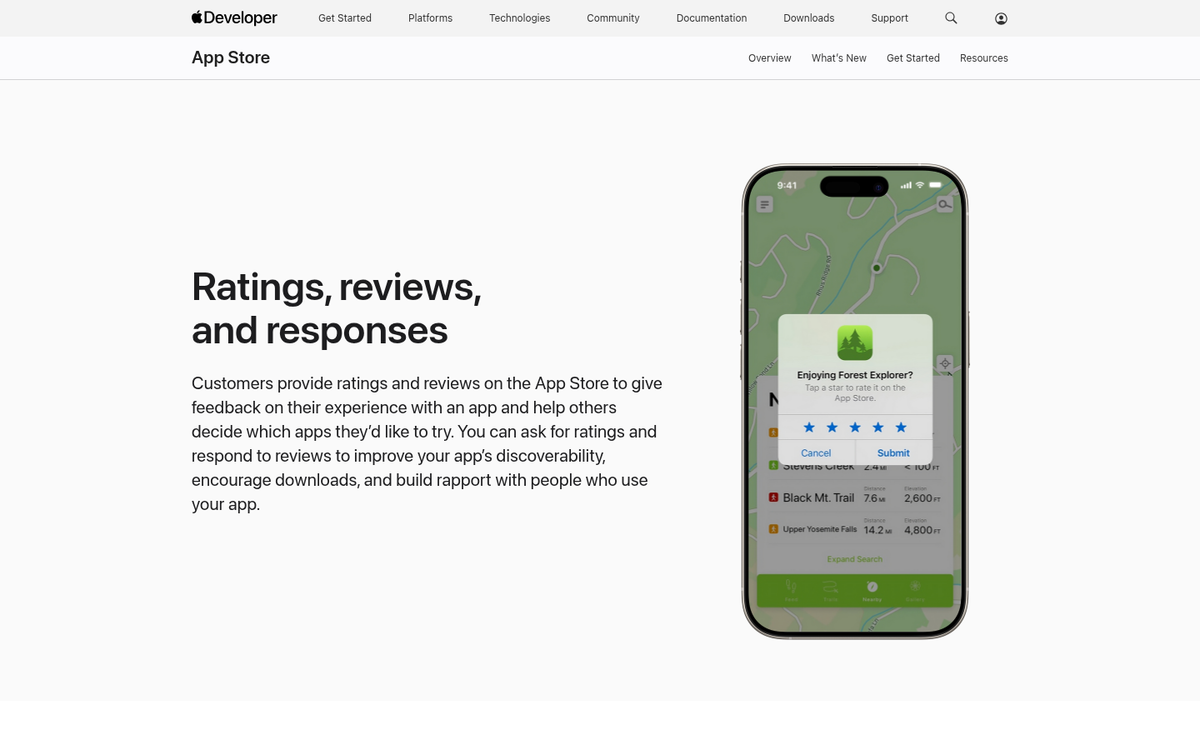
When someone's deciding whether to download your app, what do they do first? They check the reviews. 90% of users check reviews before downloading, and a 4.0 rating or higher is increasingly a threshold for visibility in app store algorithms. Below that, you're fighting an uphill battle.
The problem is that satisfied users rarely leave reviews unprompted. Frustrated users absolutely will. So you have to actively solicit reviews - an in-app prompt at the right moment (after a user completes something successfully, not mid-task) is still one of the most effective methods. You can learn more about how to improve iOS app rankings in the App Store to complement your review strategy.
You can also incentivize reviews with in-app rewards, but check the rules for whatever marketplace you're in - some, like Apple's App Store and Amazon, have restrictions around this. Do it within the guidelines or don't do it at all.
One more thing: testimonials matter beyond the app stores too. Adding them to your landing page or marketing materials can increase conversion rates by around 34%, according to data from AppsFlyer. Collect them and use them.
5. Get Featured
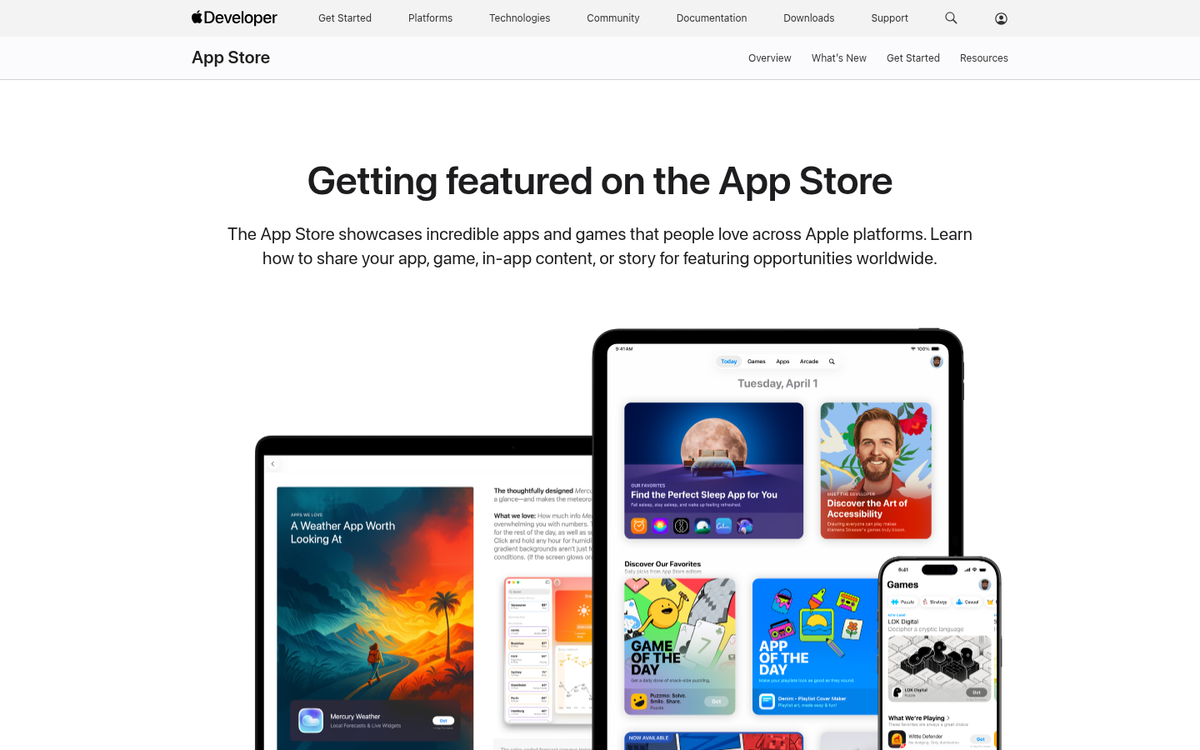
There are two main ways to get featured. The first is through app review sites and industry publications that cover tools and software relevant to your niche. Reach out before launch if possible - timing a feature to coincide with your release amplifies both.
The second is getting featured on the app stores themselves. Google Play, the Apple App Store, and others all have editorial features for category pages. Getting there requires solid app store optimization (ASO), strong ratings, and often a direct relationship with the platform's editorial team. It's not easy, but it's worth pursuing - a single editorial feature can drive thousands of installs.
ASO in 2026 also means paying close attention to localization. There's documented evidence that localizing your app listing across multiple languages can significantly boost organic downloads - in one well-known case, aggressive localization across 10+ languages contributed to 27% growth in organic downloads in 90 days. If you're only optimizing in English, you're leaving installs on the table.
6. Embark on a Content Marketing Campaign
Reviews require users, and users require awareness. Content marketing remains one of the most cost-effective ways to build that awareness over time, especially if you're not throwing a massive paid budget at launch.
You need a website with a blog - assuming you're not building the app as an extension of an existing business - and you need to fill it with content that addresses the problems your app solves. Not vague thought leadership, but specific, useful content that ends with a natural path to your app.
Guest posting on relevant industry blogs still works. It gets you in front of audiences who might never find you otherwise, and it builds the kind of backlinks that help you rank. Don't treat it as a numbers game - one genuinely useful post on a respected site beats ten generic ones on low-traffic blogs.
7. Reach Out to Get Unbiased Coverage

Many tech bloggers and app reviewers make a point of publishing unbiased, independent reviews. They accept submissions but don't take money for coverage, which is exactly why their audiences trust them.
Submit your app to these reviewers confidently - but only if your product is genuinely ready. If they find issues, treat it as an opportunity rather than a threat. Fix what they flag, and follow up. A reviewer who initially found a bug and then saw it patched quickly is likely to mention your responsiveness, which is its own form of positive coverage.
8. Create a Detailed Landing Page
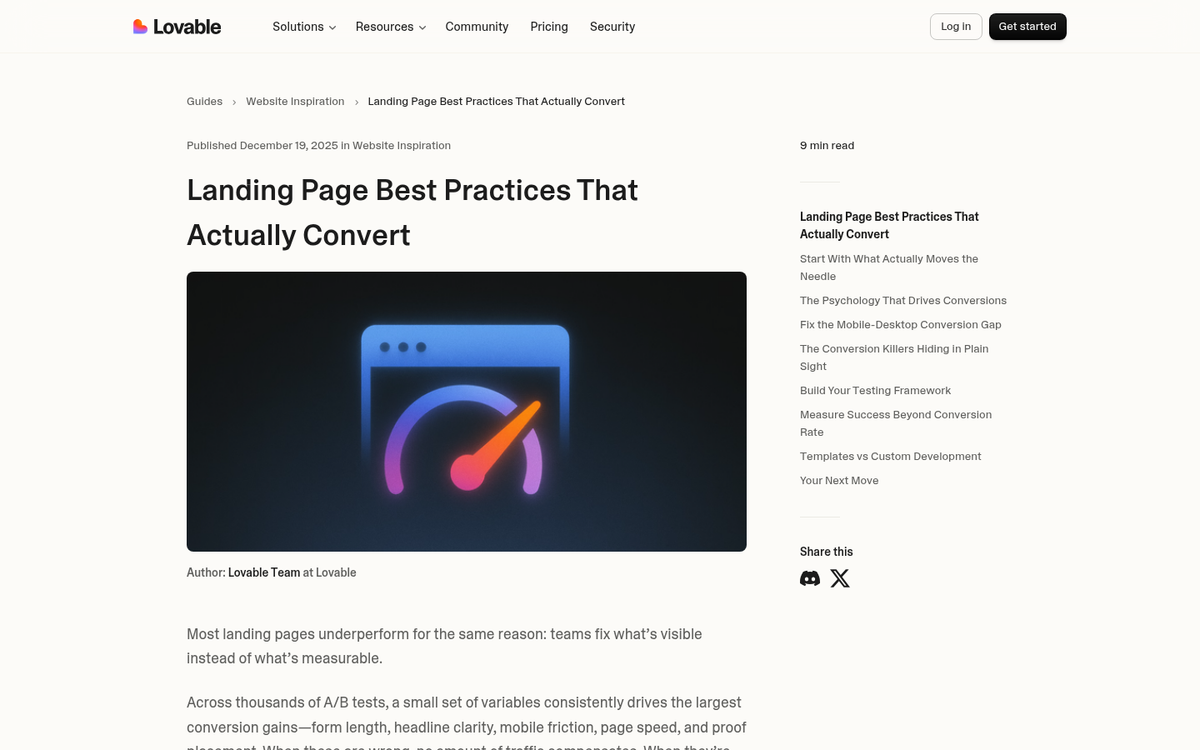
Whether you're marketing a mobile or desktop app, you need a dedicated landing page. This is your hyper-focused product pitch - screenshots, video, feature lists, unique selling points, social proof, and a clear call to action.
Optimizing that landing page takes iteration. Where does the CTA sit? How much copy is too much? What headline converts best? You'll need to test. Tools like VWO, Convert, or even Google Optimize alternatives can help you run experiments without a massive budget.
The one non-negotiable: the page must look good and function perfectly on mobile. This should be obvious given what you're promoting, but it still gets overlooked more often than it should.
9. Use App Analytics and Feedback to Improve
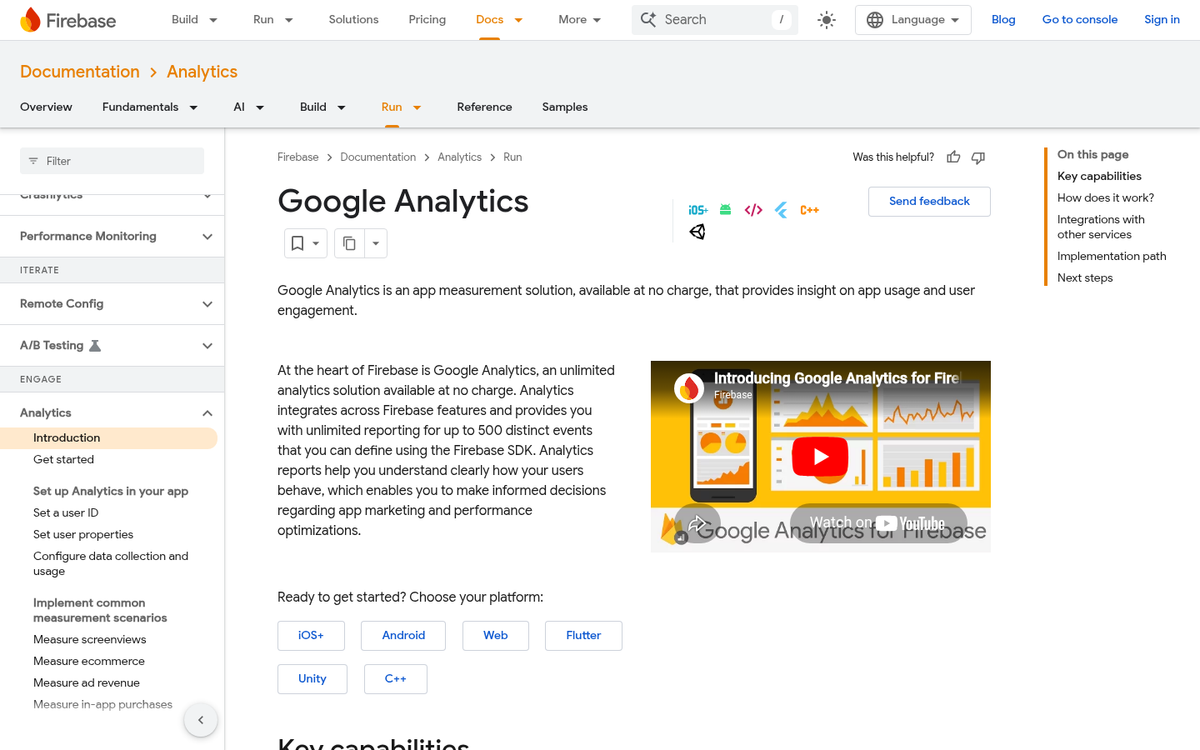
Unlike websites where you can drop in an analytics tag in minutes, apps need analytics baked in from the start. That means additional permissions, potential user friction around data sharing, and a careful choice of analytics platform. In 2026, options like Firebase, Mixpanel, Amplitude, and Adjust are well-established - pick one that fits your scale and privacy requirements.
Beyond usage data, listen to your support channels - reviews, community forums, help desk tickets. When multiple users hit the same wall, that's a signal, not a coincidence. Prioritize accordingly.
Here's a sobering stat: top mobile apps see 20-60% of users uninstall within the first three days. That means your onboarding experience is as important as the app itself. If people aren't sticking around long enough to see the value, all your acquisition work is wasted. Fix the leaks before you pour more in.
10. Create a Trial Version for Skeptical Users
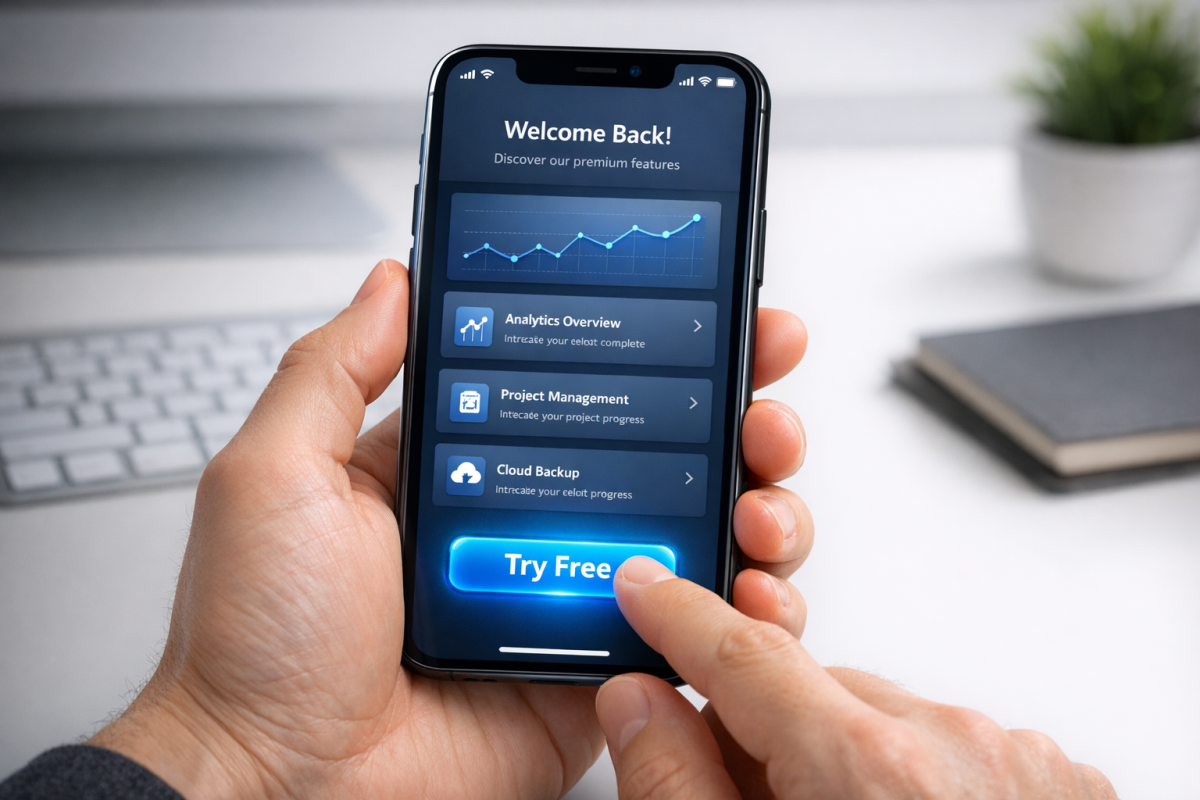
If possible, let people try before they buy. For desktop apps and SaaS-style products, a time-limited free trial or a freemium tier is practically expected in 2026 - it's table stakes, not a differentiator.
For mobile apps, the options are messier. You can release a separate lite version, though this splits your reviews and social proof. Or you can use in-app purchases to unlock premium features, which works but still carries a stigma with some users. A third option that's grown in popularity is the free trial within a subscription model - Apple and Google both support this natively now, and it converts well when the onboarding is tight.
Whichever route you choose, make the trial genuinely useful. A demo that walls off everything interesting after two minutes isn't a trial, it's a teaser, and it often does more harm than good. If you're still building out your app's presence, consider submitting to app directories to broaden your reach beyond the main stores.
11. Offer Time-Limited Discounts
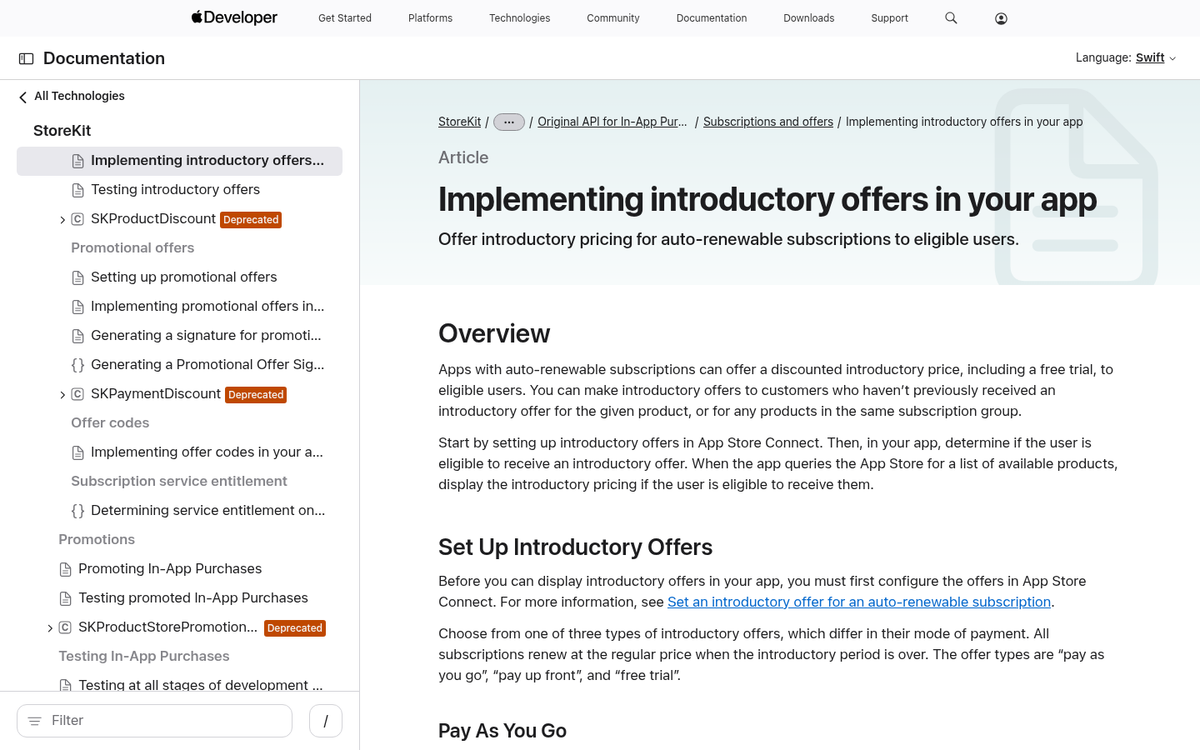
A time-sensitive discount at launch can meaningfully accelerate early adoption. If your app typically runs $10, a $5 introductory price for the first few weeks creates urgency and lowers the barrier for early adopters who might otherwise wait.
This works differently depending on your monetization model. For subscription apps, a discounted first month or extended free trial at launch can have a similar effect. For one-time purchase apps, a straightforward price drop is simpler to communicate. Either way, make the discount clearly visible and the deadline real - fake countdown timers erode trust fast.
12. Pay for Visibility
Paid acquisition is still part of the playbook, but it's gotten more expensive and more competitive. Cost per install ads through Google UAC, Apple Search Ads, and Meta remain the primary channels, but you need to know your numbers going in - average CPIs have climbed, and the gap between iOS and Android acquisition costs has widened.
The general strategy hasn't changed much: a paid blitz at launch to build early momentum, followed by a pull-back to organic and content-driven growth. What has changed is the importance of post-install metrics in how platforms optimize your campaigns. If users install and immediately churn, the algorithm notices and your CPIs go up. That loops back to everything above - a better product, better onboarding, and better retention make your paid spend go further.
Track everything. Know your cost per install, your day-3 retention, your day-30 retention, and your LTV. Without those numbers, you're spending blind.