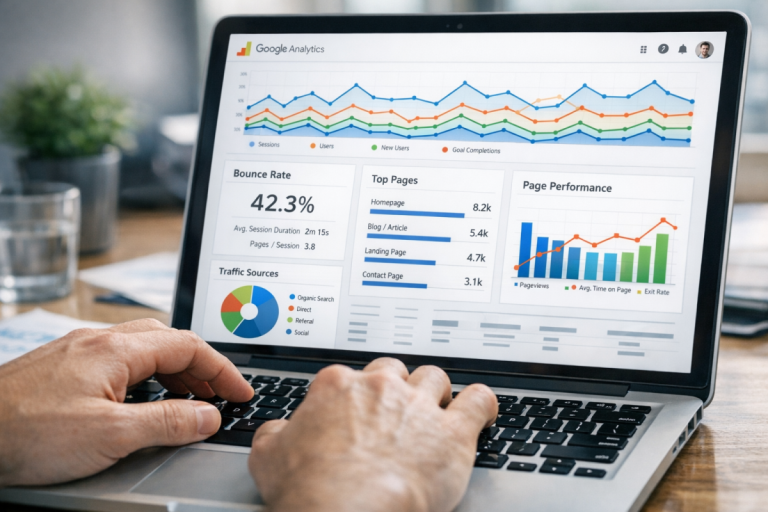
Bounce rate is one of those SEO factors I like to think of as a silent killer. As a web user, I typically perform a search and open several tabs out of the results. Sometimes, my question is answered in the first tab I open, which means I close the other tabs more or less without looking at them. Other times, I close the first few tabs before I find the answer I'm looking for.
This means one query results in as many as half a dozen clicks to various websites. I rarely spend much time on any given site, and it means traditional analytics record bounces for most of my visits, even if I'm pleased with what I've seen.
This means that bounce rate is often thought of as semi-benign. There are posts written about the "good" side of a high bounce rate; i.e. that it means you're answering the questions your users ask, leaving them satisfied. This, of course, doesn't address the fact that your site doesn't hook them and keep them around.
In any case, bounce rate is a highly visible metric that's far more damaging than it seems. This is because of a convergence of factors. On one hand, you have people explaining how a high bounce rate isn't all bad. On the other hand, you have people dedicating far too much time to fixing a high bounce rate, to the exclusion of other, more beneficial changes. It all means that bounce rate is poorly understood, as are the means to fix it.
According to Databox (September 2024), the median bounce rate across all industries sits at 44.04%, though this varies significantly by site type - e-commerce sites average 20-45%, while blogs can range anywhere from 65-90%. Knowing where you stand relative to your industry is the first step before trying to fix anything.
With that in mind, here are six ways you can decrease your bounce rate in a meaningful way, which boosts your customer retention and consequently your search rankings.
Key Takeaways
- Slow load times drastically increase bounce rates; a 2-to-5-second delay alone raises bounce rate from 9% to 38%.
- Mobile devices generate the highest bounce rates at 51%; responsive design can reduce mobile bounces by up to 30%.
- Ads covering 35% or more of visible page area drive users away and trigger Google penalties for poor value.
- Off-topic content causes bounces; use Google Search Console to align pages with actual user search intent.
- Extremely high or low bounce rates may indicate broken analytics, not real site problems-verify your tracking setup first.
1. Speed Up Your Site
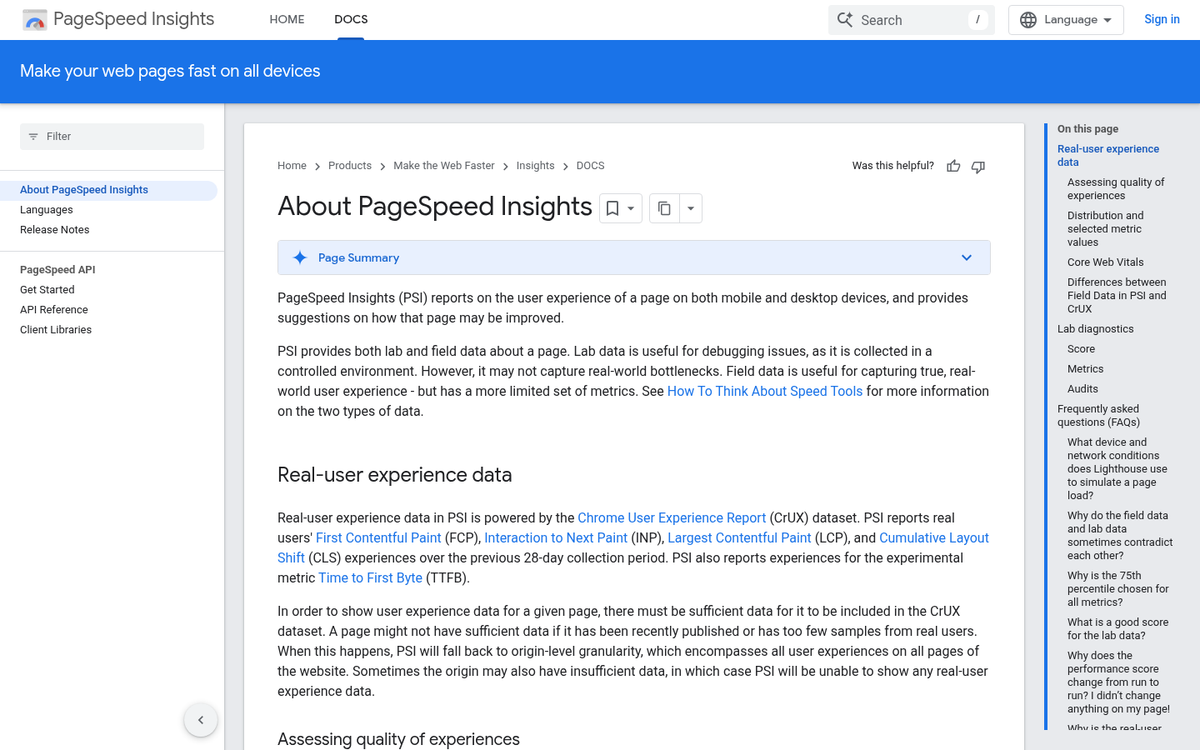
You've experienced it, I've experienced it, we've all seen it happen: you click a link to a promising-looking result on Google only to see the tab go blank white and the loading bar swirl. You wait, you wait, and you decide the page is taking too long to load. You click back and check out another site on the list.
The numbers here are stark. According to Google's own research, bounce rate increases by 123% for every 10-second delay in page load time. More specifically, when loading time rises from just 2 to 5 seconds, the average bounce rate climbs from 9% to 38%. Real-world results back this up too - The Economic Times achieved a 43% reduction in bounce rate after improving page speed, and Adobe saw a 12% decrease.
How can you speed up your site? The possibilities are plentiful. Prune down the code. Remove unnecessary scripts and plugins. Streamline the plugins you do use. Don't autoplay media. Load content, particularly images and video, asynchronously. Use a content delivery network (CDN). And regularly audit your Core Web Vitals inside Google Search Console, as these remain a confirmed ranking and user experience signal in 2026. You may also want to check whether the Disqus comments plugin is slowing your site down.
2. Make Your Site Mobile Friendly
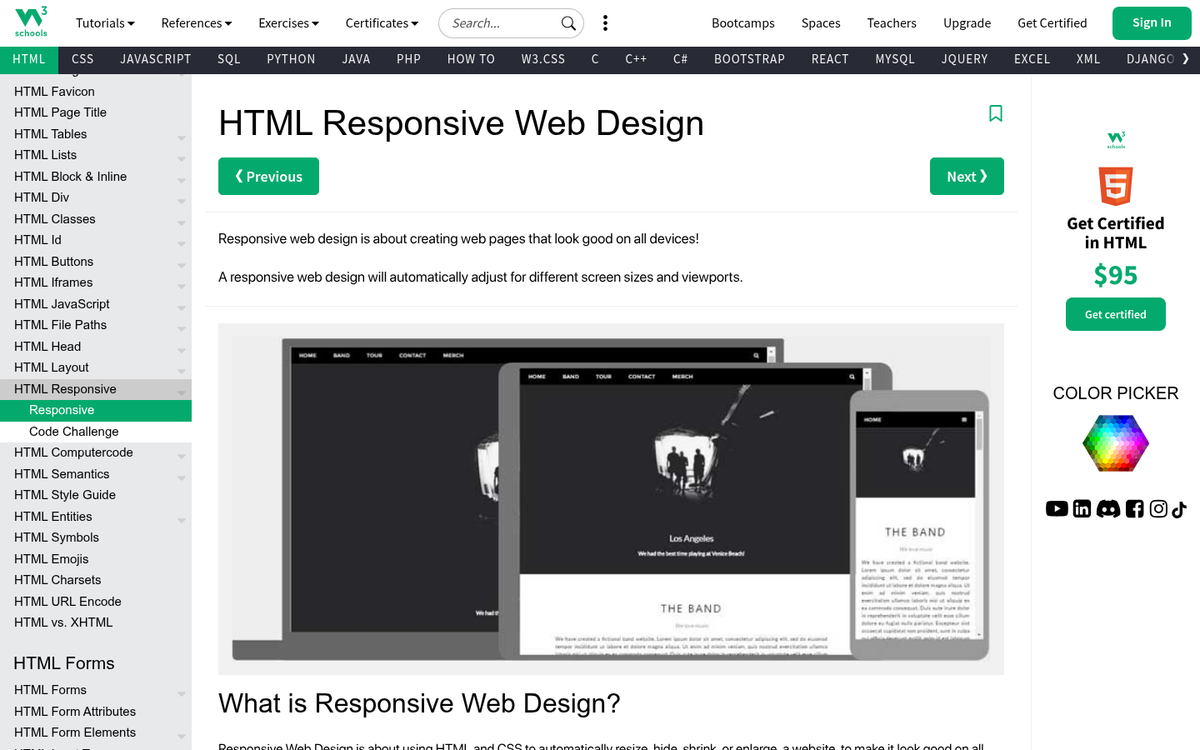
If your site isn't fully optimized for mobile in 2026, this is still your single highest-leverage fix. Mobile devices now account for the highest bounce rates across all industries at 51%, compared to 43% on desktop and 45% on tablets. That gap represents an enormous opportunity - or a serious liability, depending on where you currently stand.
The good news is that responsive design continues to be the gold standard solution. Websites with responsive designs see a 50% lower bounce rate among mobile users, and mobile-friendly navigation specifically leads to a 30% reduction in mobile bounce rates. If your site was last redesigned more than a few years ago, it's worth auditing not just whether it's technically responsive, but whether the mobile experience is genuinely smooth - fast-loading, easy to navigate with a thumb, and free of intrusive interstitials that frustrate users and draw Google's scrutiny.
3. Too Much Advertising

A profusion of advertising is a problem in several ways, and bounce rate is one of them. Google also penalizes heavy ad saturation because it signals that a site was built to monetize traffic volume rather than deliver real value. Users bounce because the page looks cluttered and messy, or because ads are disguised as content and they're tired of being misled.
If ads are covering 35% or more of your visible page area, you have too many. Cut the worst performers, move your best ads to higher-value positions, and eliminate anything that's irrelevant to your audience. This is especially important on mobile, where screen real estate is limited and intrusive ads are even more disruptive to the user experience.
4. Off-Topic Content

It's a common problem: a page ranks for a keyword that's actually tangential to its real purpose. This can be harder to spot than you'd expect. To understand what users are actually searching when they land on your pages, use Google Search Console's Search Queries report - it remains the clearest window into user intent and keyword alignment available without paying for third-party tools.
If you discover that people are landing on your pages looking for content you don't have, you have two options, and you should probably take both.
First, create new content that directly addresses those queries. If users are finding irrelevant pages on your site before finding real resources, the niche is clearly underserved.
Second, revisit older content and remove or update keyword references that are pulling in the wrong audience. Pages that drop in visibility for the wrong terms will make room for your better, more targeted content to rise. If you're unsure which of your pages are actually performing, that's a good place to start before making any changes.
5. Poor Content Formatting
Decades of eye-tracking studies and user behavior research all point to the same conclusion: people don't read web content, they skim it. This hasn't changed, and if anything, shorter attention spans and mobile-first browsing have made formatting even more important.
Present your information in a way that rewards skimming. Use frequent subheadings. Bold key points. Break up long sections with images or visuals. Lead with your value - don't bury the point. Avoid unnecessary jargon or filler. Keep sentences and paragraphs short. Use bulleted lists wherever a list makes sense. The easier your content is to parse at a glance, the more likely users are to slow down and actually read it.
6. Broken Analytics
If your bounce rate is suspiciously extreme - either above 90% or below 10% - your analytics setup may be the problem rather than your site itself. A misconfigured tracking code, duplicate tags, or a broken GA4 implementation can all produce wildly distorted numbers that lead you to chase a problem that doesn't actually exist.
Before making sweeping changes based on a dramatic bounce rate figure, verify that your analytics code is correctly installed and firing once per page. In GA4, also confirm that your engagement rate metrics are being interpreted correctly - GA4 replaced the traditional bounce rate with an engagement rate model, and many site owners are still misreading the data as a result. Make sure you're measuring what you think you're measuring before you start optimizing.