If you've been a webmaster for a while, you've likely paid close attention to your referring keyword data in Google Analytics. Over the past few years, however, you've seen a distressing number of "not provided" entries cropping up. These days, it's hard to see any data at all, when so much of it is digitally blacked out. Why is it listed as not provided?
Key Takeaways
- Google's 2011 SSL encryption change caused "not provided" keywords in Analytics, originally estimated to affect only 10% of traffic.
- By 2013, Google made all searches secure by default, pushing "not provided" rates past 99% for most websites.
- Google still collects keyword data but reserves it for paid advertisers, making it inaccessible to organic SEO professionals.
- Google Search Console remains the best free workaround, showing top 1,000 queries with clicks, impressions, and average position data.
- Additional recovery options include Google Ads data, third-party tools like Semrush, referral URL decoding, surveys, and site search tracking.
The Origin Story
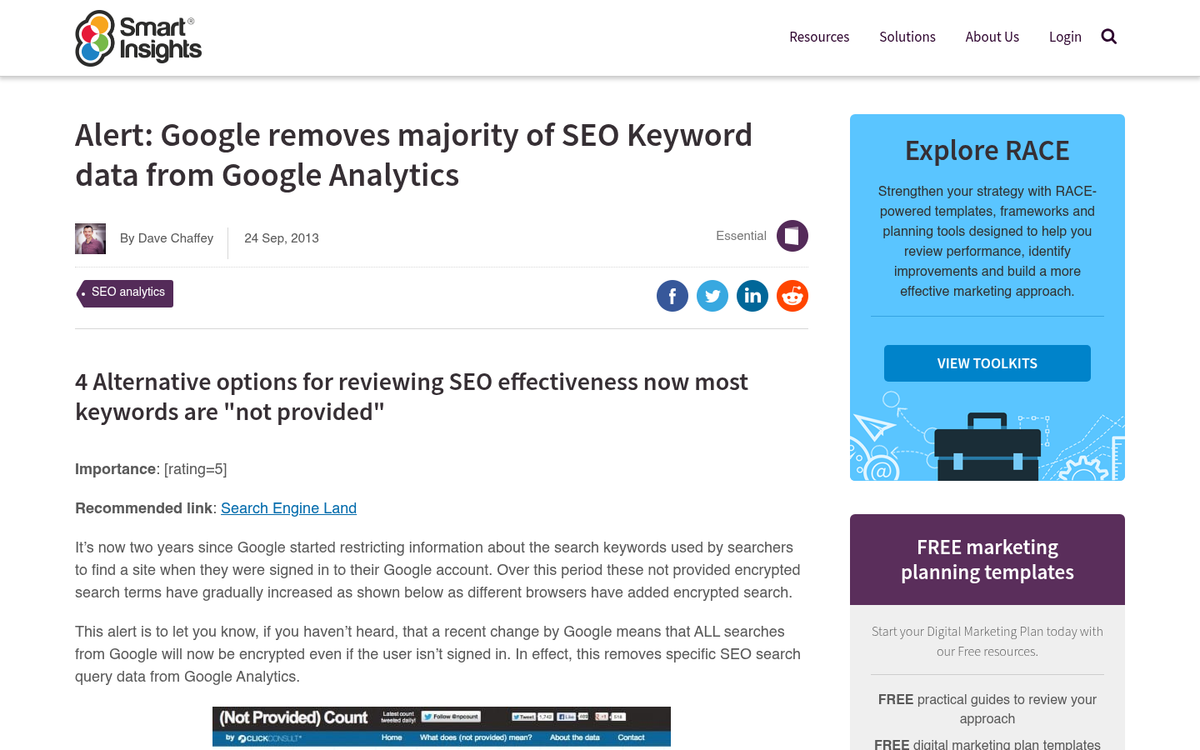
In 2011, Google moved to encrypt its search engine by employing SSL encryption, and this single decision is what triggered the "not provided" issue that webmasters still wrestle with today. By securing the connection between users and Google's search results, the search query data that had previously flowed freely into analytics platforms was suddenly cut off.
When Google originally announced the change, they publicly estimated it would only affect up to 10% of a website's search traffic - a figure that turned out to be wildly optimistic. This was the start of Keyword Not Provided, and it left many webmasters investigating unexpected drops in their analytics data.
The Rise of Not Provided
The problem escalated far faster than anyone anticipated. By November 2012, a full 49.91% of all organic search traffic sent by Google had referring keyword data blocked - already five times worse than Google's original estimate.
Then in September 2013, Google announced it was going to make all searches secure by default, which caused the "not provided" rate to skyrocket almost overnight. It was not a coincidence that around this same period, Google was rolling out its Panda update series, effectively nudging webmasters away from keyword-focused SEO and toward content quality and user value.
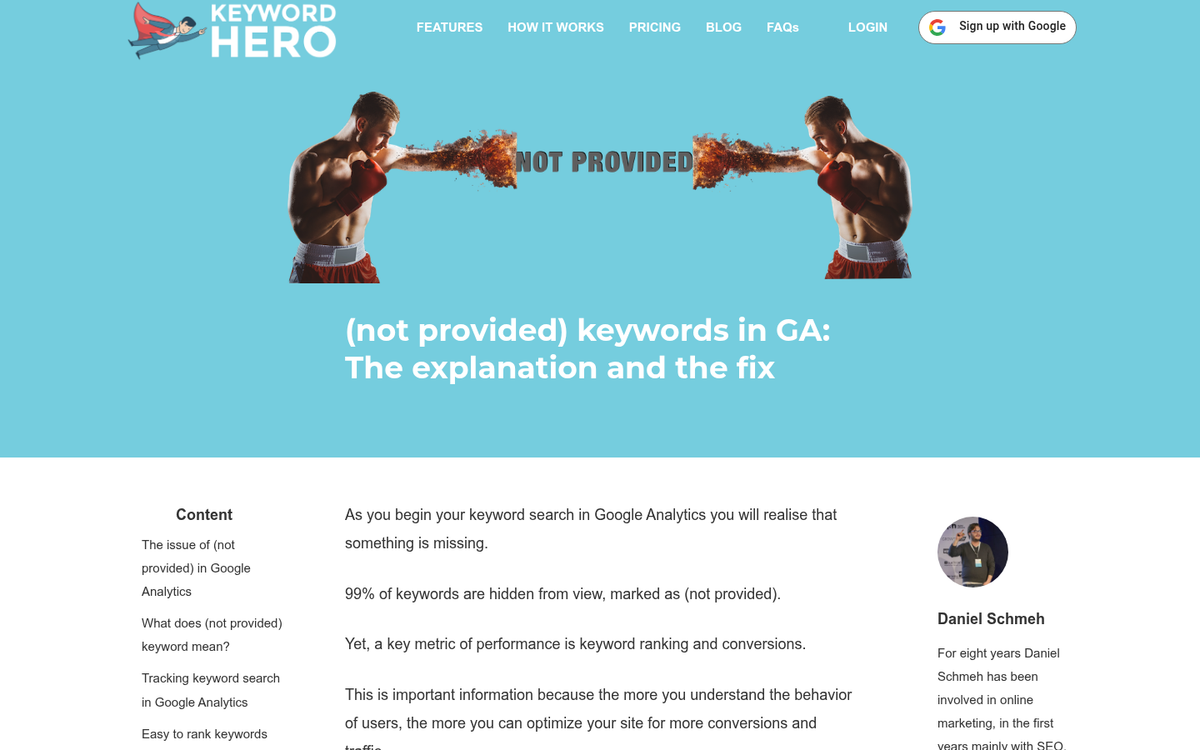
Since then, the situation has only worsened. The "not provided" rate has long since passed the 99% mark, meaning that for most practical purposes, organic keyword referral data in Google Analytics is completely gone. Most sites now see somewhere between 80-95% of their keyword data obscured, with many sites experiencing total blackout on organic keyword visibility.
Of course, Google still records all of the keyword data. It's all part of the Google Ads ecosystem, after all. Keyword volume is sold to advertisers on a regular basis. The only difference is that SEO professionals can't access that data outside of paid campaigns. Or can they?
Workarounds to View Keyword Data
Option 1: Google Search Console (GSC). This is now the most reliable free option available to webmasters. Under the Performance report, you can view the queries users searched before clicking through to your site, along with impressions, clicks, click-through rates, and average position. The catch is that GSC integration surfaces data for up to the top 1,000 queries only, and the data is aggregated rather than tied to individual sessions. Still, for most sites, this is the single best starting point for recovering keyword visibility. You can connect GSC directly to Google Analytics 4 for a more unified view.
Option 2: Google Ads data. All of the keyword volume information that was once visible in organic analytics is now available through Google Ads. If you run even short, low-budget campaigns, the matched search queries section will show you the actual search terms users typed before clicking your ads. It's not a direct reading of organic traffic, but it provides strong signal on which terms are driving intent in your niche. If you're finding that your Google Ads have high clicks but low earnings, keyword intent is often a key factor worth examining.
Option 3: Third-party keyword recovery tools. Tools like Keyword Hero use machine learning algorithms to match sessions back to keywords by combining GSC data, analytics behavior patterns, and probabilistic modeling. These tools can achieve roughly 80-85% accurate session-to-keyword matching, which is a significant improvement over staring at a wall of "not provided." Other platforms like Semrush and Ahrefs also provide organic keyword estimates based on their own crawl data, which can be cross-referenced against your GSC performance data.
Option 4: Referral decoding. This is one of the more complex methods, as it requires decoding the parameters Google embeds in their referral URLs. For example, if you were to run a Google search for Moz, the visible URL shows simply:
- Moz.com/
However, when you right-click and copy the link and paste it into a document, what you actually get is something like this:
- http://www.google.com/url?sa=t&rct=j&q=&esrc=s&source=web&cd=1&cad=rja&uact=8&ved=0CC8QFjAA&url=http%3A%2F%2Fmoz.com%2F&ei=kFoWVMGSLIKuyATkuYGgBA&usg=AFQjCNFmLixI-u4UF_Ig1D4lkRSgg1C79A&sig2=yN7bSoVHdvetPOWsfW69cA&bvm=bv.75097201,d.aWw
You can see it's a Google referral link, the source is web, and the destination URL is moz.com. The primary attribute of interest is the VED parameter. In the above URL, that's:
- ved=0CC8QFjAA
The VED value encodes information about the type of result clicked. The QFj code in this instance corresponds to an organic search result, while other codes represent sitelinks, image results, and so on. You can read more about putting VED decoding to work with Google Analytics filters on Moz.
Option 5: User surveys. It may seem too simple to work, but when the search engine is hiding the data, why not just ask your users directly? Run a simple exit survey asking what visitors searched for when they found your site. You won't capture everyone, but even partial responses can surface valuable keyword patterns you wouldn't find any other way.
Option 6: Site search tracking. When you install a search bar on your site, you can track what users type into it. That tracking is a straightforward setting in your analytics admin. You'll be able to see the keywords users search for once they're already on your site, which can be a useful proxy signal - though it may differ from the queries they originally used to find you.