Key Takeaways
- UTM parameters remain the most reliable way to track individual links and achieve granular campaign attribution inside GA4.
- Three UTM parameters are mandatory (source, medium, campaign); term and content are optional for keyword and creative testing.
- Consistent lowercase naming conventions are critical - GA4 treats "Facebook" and "facebook" as two completely separate traffic sources.
- GA4 replaces bounce rate with Engaged Sessions, offering a more accurate picture of content quality and campaign traffic value.
- Mobile traffic dominates most industries, making device segmentation alongside campaign data essential for catching costly landing page gaps.
Google Analytics, UTM Parameters & Campaign Tracking in 2026
Google Analytics 4 is fantastically powerful, but by itself it's somewhat limited. You need to be intelligent about formatting your ads and your links in order to get the most out of the suite. Even then, there are some things it just can't do natively - detailed heat maps, for example. For that level of depth, you'd want to pair GA4 with something like Hotjar or Microsoft Clarity (which is now free and surprisingly robust).
The point is that you would very much like to track as much information as possible relating to your marketing and ad campaigns. There's an easy way to do this, but first I'll go over what you can track, what you should track, and how you can track it.
GA4 Traffic Sources

One of the first and easiest things to track through Google Analytics 4 is your website traffic sources.
In GA4, you'll find this under Reports > Acquisition. You're presented with traffic breakdowns showing users, sessions, and engagement metrics segmented by channel group - Direct, Organic Search, Paid Search, Organic Social, Referral, and more.
One persistent issue that has only grown over the years: a large chunk of your traffic is going to be misattributed as Direct. This happens when social networks, email clients, or apps don't properly pass referrer information. Dark social - links shared privately through messaging apps, Slack, Discord, and similar - is notoriously difficult to capture. The best workaround for this, now as much as ever, is UTM parameters. Find out how to properly dissect your traffic sources to get a clearer picture of where your visitors are actually coming from.
More on those in a moment.
Engagement Metrics in GA4
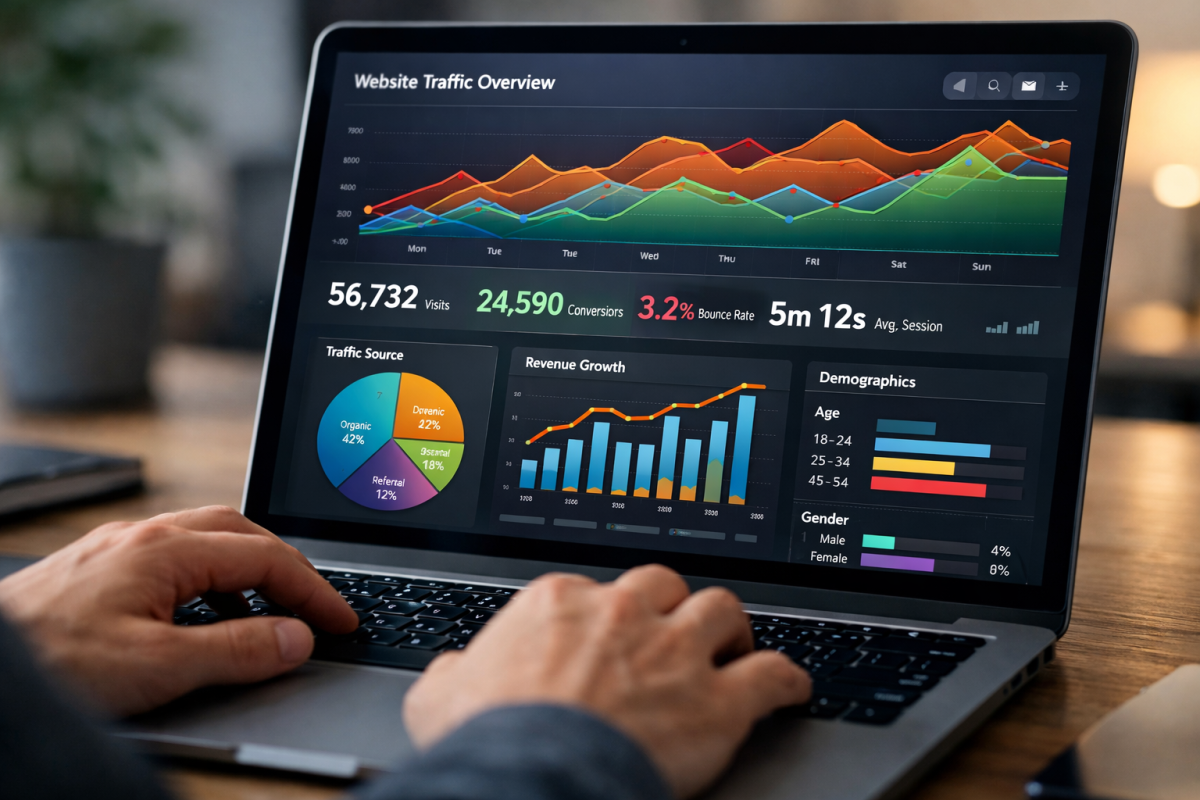
If you migrated from Universal Analytics, you'll notice that GA4 thinks about user behavior very differently. Gone is the old Bounce Rate as the primary signal. In its place, GA4 uses Engaged Sessions - a session where the user was active for a minimum of 10 seconds, viewed at least two pages, or triggered a conversion event.
This is actually a much more meaningful metric. The old bounce rate punished single-page visits even when the user read every word and got exactly what they needed. Engaged Sessions gives you a more honest picture of content quality.
The % Engaged Sessions metric tells you what percentage of your total sessions qualified as engaged. Pair this with your campaign data and you can quickly see which traffic sources are sending you genuinely interested users versus empty clicks.
Mobile Usage Habits

Mobile is no longer "becoming" important - it's been dominant for years, and in 2026, the majority of web traffic across most industries is mobile. That means tracking mobile behavior isn't optional; it's foundational.
GA4 has solid device and platform reporting built in, showing you breakdowns by device category, operating system, and screen resolution. You can find this under Reports > Tech.
This matters enormously when you're auditing your landing pages and ad destinations. A page that converts beautifully on desktop can bleed money on mobile if the layout, load time, or form experience isn't dialed in. Use GA4's device segmentation alongside your campaign data to catch these gaps before they drain your budget.
Social Media Reports

Social attribution in GA4 has improved, but it's still imperfect - largely because of the dark social problem mentioned above. That said, you can still get meaningful data about social performance through GA4's Acquisition reports.
Under Traffic Acquisition, you can filter by Organic Social or Paid Social channel groupings to see how social traffic compares across sessions, engagement rate, and conversions.
One thing to be aware of: GA4 no longer has the old "Social Reports" section that Universal Analytics had, including the Data Hub Activity report. That's gone. What you have instead is more flexible but requires more setup - custom explorations, channel groupings, and event tracking.
The Explorations section of GA4 (previously called Analysis Hub) is where you'll build your more granular social reports. You can segment by source/medium, compare social platforms head-to-head, and layer in conversion data to see which networks are actually driving results versus just traffic.
Tracking with UTM Parameters
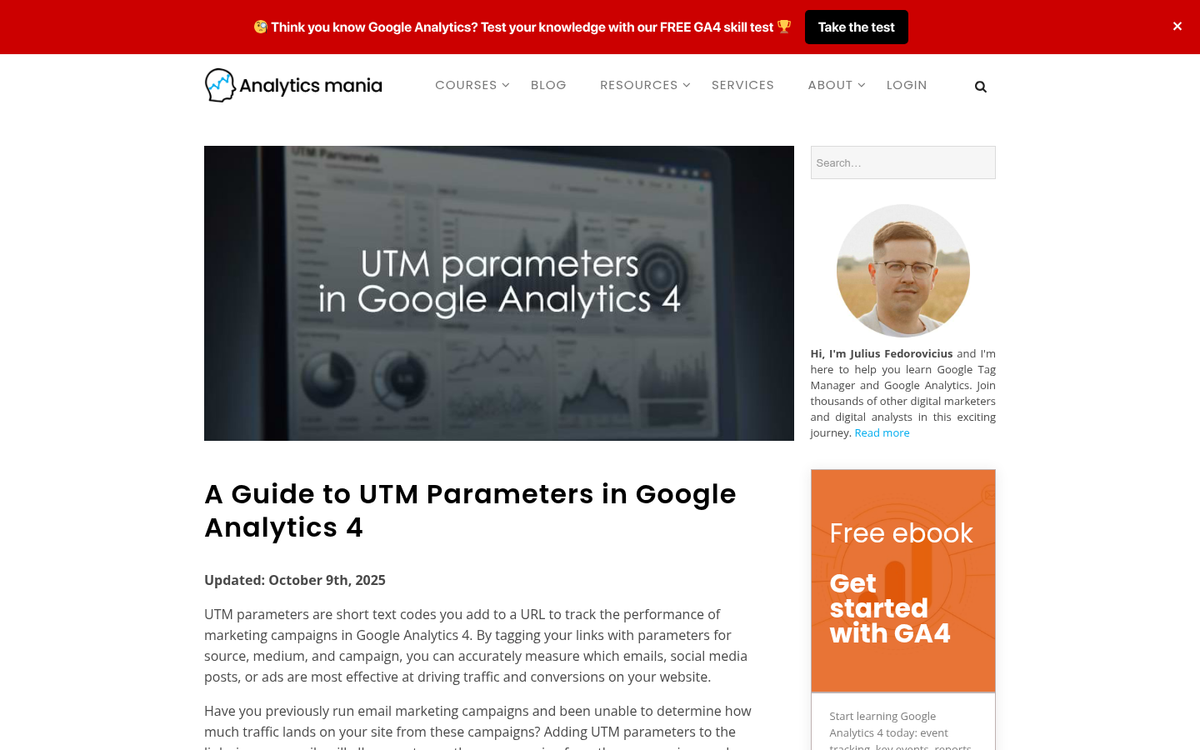
All of that built-in reporting is useful, but it's inherently broad. It's nice to see that a certain number of people came in via a Facebook link to a given post - but what if you published that link in four different places? What if you ran three different ad creatives pointing to the same landing page? How do you know which one is working? The answer, in 2026 as it's always been, is UTM parameters.
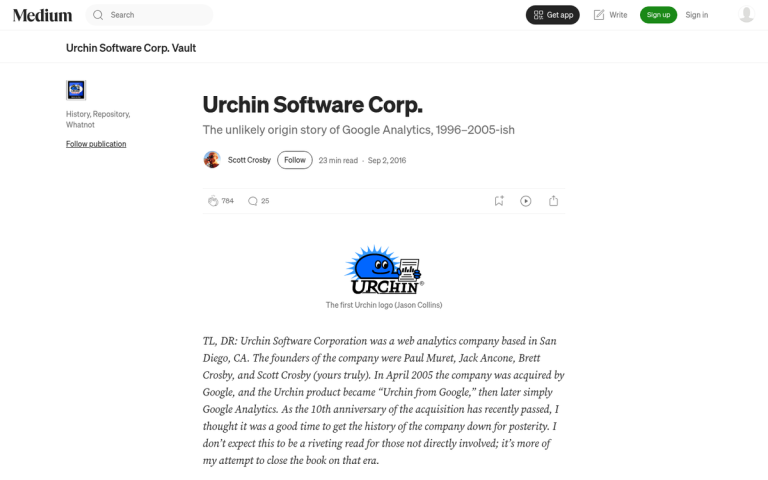
UTM stands for Urchin Tracking Module, a name inherited from when Google Analytics was called Urchin before Google acquired the company. No one much cares about the etymology anymore - what matters is that UTM parameters remain the most reliable, universal way to track individual links across the internet.
You've probably seen UTM parameters everywhere without paying them much attention. Any URL that looks like www.example.com/?utm_source=newsletter is using them. Now that you know what to look for, you'll see them constantly.
The primary benefit is granular attribution inside GA4. Instead of seeing "Facebook" as a traffic source, you can see exactly which post, which campaign, and which ad creative drove a specific user to your site. If you're trying to set meaningful traffic goals in Google Analytics, UTM parameters are what make that level of detail possible.
What Parameters Exist
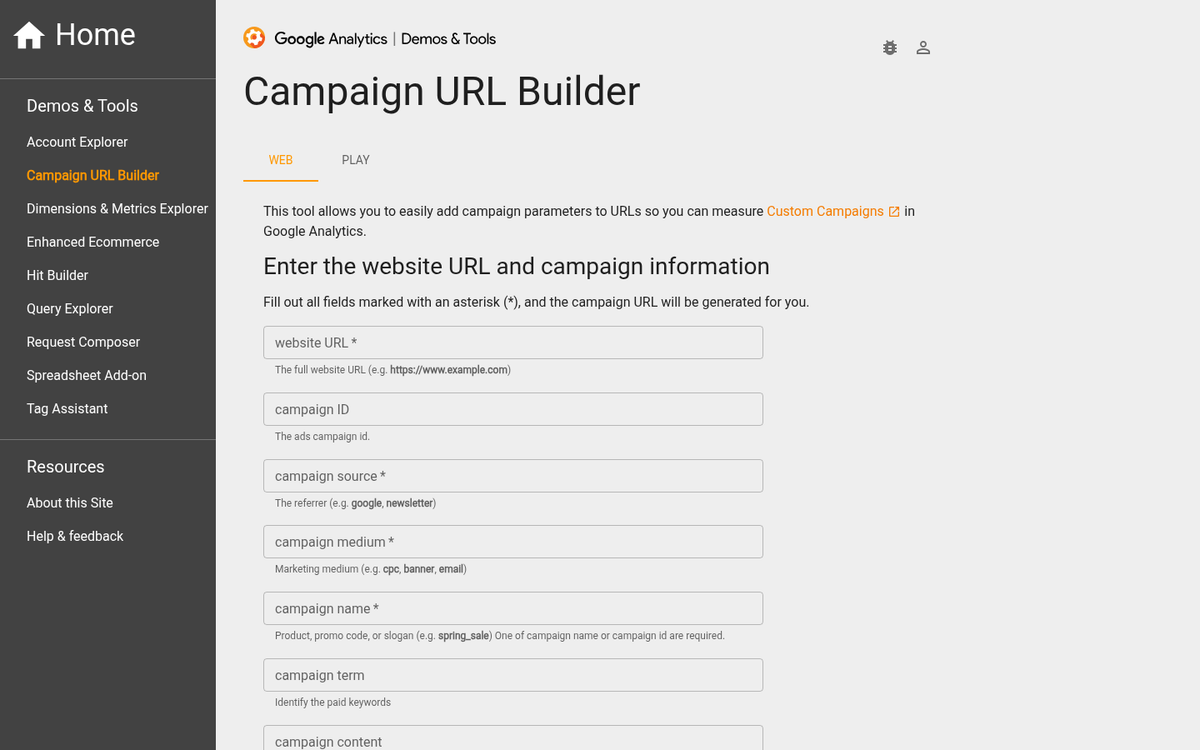
There are five different parameters you can attach to any given link. Three of them are mandatory whenever you use UTM tracking at all. The five parameters are:
- Campaign Source (utm_source) - The origin of your traffic. If you originally share a link in your newsletter, you'd use utm_source=newsletter. If someone copies that link and pastes it on Twitter, the traffic is still recorded as coming from the newsletter. This gives you an accurate picture of where your links originate and how far they spread.
- Campaign Medium (utm_medium) - The marketing channel or method. For example, utm_medium=email for newsletters, utm_medium=cpc for paid ads, utm_medium=social for organic social posts. Use this to differentiate types of activity within the same source.
- Campaign Name (utm_campaign) - The overarching label tying everything together. If you're running a Summer Sale promotion across PPC, email, and social, every link associated with that promotion gets utm_campaign=summer_sale. This is the top-level grouping you'll use most when analyzing results.
- Campaign Term (utm_term) - An optional parameter, primarily used for paid search campaigns to track which keywords triggered your ads. If you're running Google Ads with manual UTM tagging (rather than auto-tagging), this is where you'd record the keyword. Less relevant for organic content but useful in granular PPC analysis.
- Campaign Content (utm_content) - Another optional parameter, most commonly used for A/B testing ad creatives. If you're running two versions of a Facebook ad pointing to the same landing page, utm_content lets you differentiate them so you can see which creative performed better.
All five parameters surface as trackable dimensions within GA4. You can build custom Explorations to analyze them in combination, or find them under Reports > Acquisition > Traffic Acquisition using the session source/medium breakdown.
Building URLs
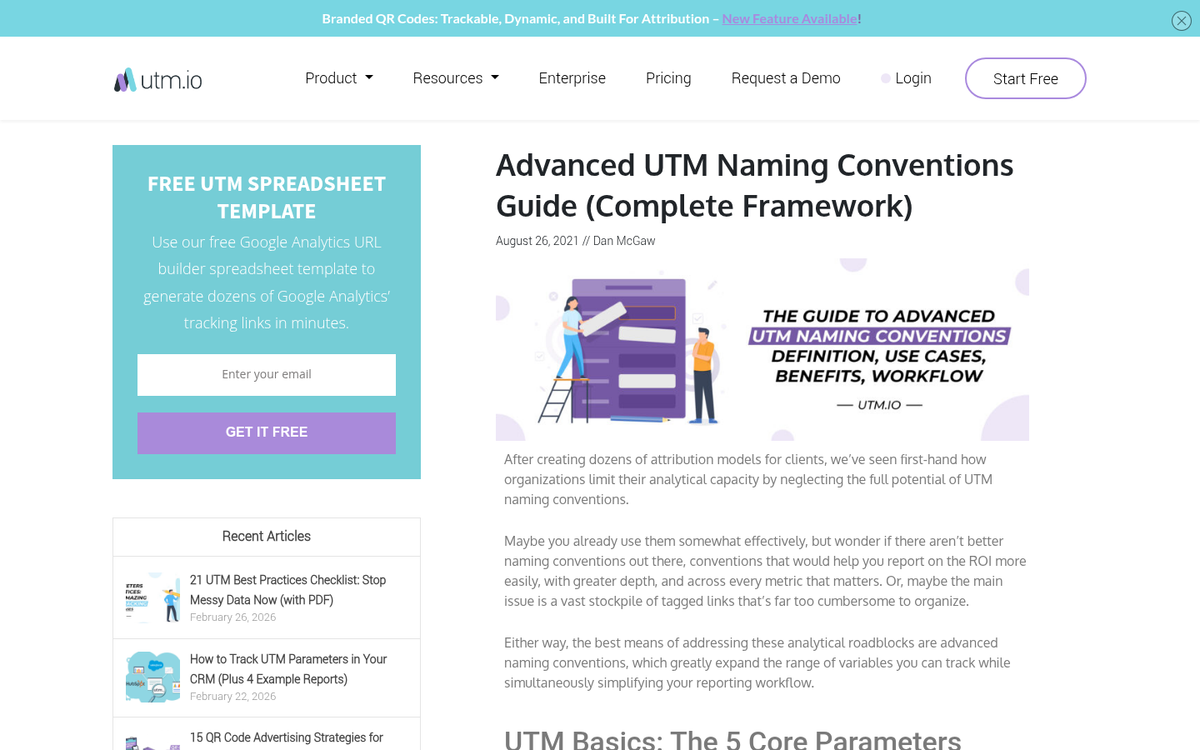
Google's Campaign URL Builder is available here. Using it is straightforward. Paste in your destination URL, fill in your three mandatory parameters (source, medium, campaign), add the optional ones if needed, and the tool generates your full tagged URL.
The resulting URL will be long, but that's fine - most platforms truncate or shorten links automatically. For cases where you want something cleaner, URL shorteners like Bitly work perfectly well and preserve UTM parameters. As a bonus, services like Bitly provide their own click analytics layered on top of whatever GA4 is capturing.
One important note for Google Ads users: if you're using auto-tagging in Google Ads (which is enabled by default), Google automatically appends its own gclid parameter. You generally don't need to manually add UTM parameters for Google Ads traffic when auto-tagging is on - and using both simultaneously can sometimes cause conflicts. Keep this in mind and check your settings.
Tracking Best Practices

Organizing your campaigns properly from the start is what separates clean, actionable data from a reporting nightmare. Here's how to stay on top of it:
First, adopt a consistent naming convention immediately and document it. Inconsistency is the enemy. If one team member uses utm_source=Facebook and another uses utm_source=facebook, GA4 will record these as two separate sources. Decide on your conventions, write them down, and share that document with everyone who touches your links.
Second, always use lowercase. UTM parameters are case sensitive. Facebook and facebook are not the same thing in your reports. Making lowercase your default from day one eliminates a whole category of messy data problems.
Third, use descriptive names - not internal shorthand or codes that will be meaningless in six months. utm_campaign=q2_summer_promo is far more useful than utm_campaign=camp2.
Fourth, remember that UTM parameters are visible to anyone who looks at a URL. Don't put anything in them you wouldn't want a user or competitor to read. This sounds obvious, but it's a mistake that gets made more often than you'd think.
Fifth, use the optional parameters purposefully. utm_term and utm_content add real value when you're running structured PPC tests or split-testing creatives. If you're not doing that, don't add them just for the sake of it - they'll add clutter to your URLs and noise to your reports without corresponding insight.
Campaign Report Viewing in GA4
To view your campaign data in GA4, go to Reports > Acquisition > Traffic Acquisition. By default, the primary dimension is Session Default Channel Group, but you can switch this to Session Campaign, Session Source/Medium, or any other UTM dimension to drill into your data.
For deeper analysis, the Explorations section is where GA4 really shines. You can build free-form reports, funnel explorations, or path explorations that layer your UTM data against engagement metrics, conversion events, revenue, and more.
One thing to keep in mind: GA4's data can take up to 24 hours to fully update, so don't panic if your morning numbers look lower than expected - check back in the afternoon before drawing conclusions.
What URLs Should You Track
The short answer: pretty much everything you actively promote. Here are practical examples:
- Guest posts on other sites are a classic case. If a site has linked to you before, you can't distinguish new campaign traffic from old referral traffic based on domain alone. UTM parameters solve this immediately.
- Social media is the highest-volume use case. Use utm_campaign for your campaign, utm_source for the platform, and utm_medium or utm_content to differentiate between an organic post, a boosted post, and a paid sidebar ad - all pointing to the same page.
- Email campaigns are prime territory. People forward emails, share links from newsletters, and click days or weeks after you sent the message. UTM parameters let you trace that activity back to the original campaign no matter how far the link travels.
- Influencer and partnership campaigns benefit enormously from unique UTM combinations per partner. You can see exactly whose audience is converting, not just who sent the most raw clicks.
- Any press coverage, interview, or PR placement where you have some control over the linked URL is worth tagging. It's rare to get the chance, but when you do, use it. If you're unsure how much traffic your website should have before investing heavily in tracking these sources, that's worth considering first.
Improving Campaign Performance
Tracking data is only valuable if you act on it. Here's how to turn UTM reports into real improvements:
First, watch your engagement metrics by campaign - not just traffic volume. A campaign that drives thousands of sessions with a low % Engaged Sessions rate is telling you something important: the traffic isn't connecting with the content. Either the ad promise doesn't match the landing page, or you're targeting the wrong audience. Either way, more spend is not the answer until you fix the disconnect.
Second, use utm_content to run systematic creative tests. Hold everything else constant - landing page, audience, campaign, budget - and change only the creative. Let the data tell you which version resonates. Then iterate.
Third, keep your landing pages tightly aligned with your ad copy. The gap between what a user expects when they click and what they actually find is one of the biggest conversion killers there is. It also gets ads flagged and disapproved on platforms like Meta and Google. Make sure every tagged URL leads to an experience that delivers on the promise that brought the user there.
Fourth, review your campaigns at a regular cadence - weekly for active paid campaigns, monthly for organic. Look at patterns over time, not just snapshots. Seasonal trends, platform algorithm shifts, and audience fatigue all show up in UTM data if you're paying attention.
UTM Parameters FAQ
Will UTM parameters hurt your SEO? No. Both Google and Bing are fully aware of UTM parameters and strip them out of the indexing process. You can use as many parameter variations as you want on the same URL and it will be indexed as a single page. No duplicate content issues, no penalties. You're safe.
Do UTM parameters look suspicious to users? They do make URLs longer, and a small number of privacy-conscious users may hesitate before clicking a heavily parameterized link. The practical fix is a URL shortener - by the time the user sees the underlying URL, they've already clicked. For anyone using a link-preview tool, UTMs are well-understood and widely recognized as routine marketing infrastructure rather than anything sinister.
Where do I find utm_term and utm_content data in GA4? In the Traffic Acquisition report, change your primary dimension to "Session Manual Ad Content" for utm_content, or "Session Manual Term" for utm_term. You can also surface both dimensions in a custom Exploration report alongside whatever metrics matter most to you.
Do UTM parameters work with GA4 the same way they did with Universal Analytics? Largely yes - the parameters themselves haven't changed. What's different is where you find the data and how it's organized. GA4 uses a more event-based model, and some of the old preset reports don't have direct equivalents. Explorations in GA4 are the replacement for most of the custom reporting you'd have done in UA.
What's your favorite use of UTM parameters in 2026? Are you tracking dark social, influencer campaigns, or something more creative? The fundamentals haven't changed - but the platforms and the possibilities keep expanding.