Key Takeaways
- Always verify if a real drop occurred - natural traffic fluctuations, weekends, and seasonal patterns often explain apparent declines.
- Isolating which traffic source dropped (organic, direct, paid, referral, social) helps pinpoint the root cause quickly.
- GA4 drops don't always mean real traffic loss - CMP updates, broken tracking codes, or GTM errors can create false alarms.
- AI Overviews can collapse click-through rates even when rankings hold, with Ahrefs reporting a 58% click reduction on affected queries.
- Cross-reference GA4 with Search Console, check for Google algorithm updates, and verify no manual action was issued in Search Console.
Why Did My Traffic Drop? A 2026 Troubleshooting Guide
One of the most frightening things to encounter as a webmaster is logging in to your analytics to see a drop in traffic. There's a moment of blind panic, and another, longer moment of introspection. Did you do something to cause this? Was it an external force? Did a piece of technology fail, or did Google decide you were doing something wrong?
Most of us then stop and take a deep breath, or two, or three, and set about discovering what's wrong. Often times it's actually a very minor issue, and can be solved in minutes. Sometimes it's deeper or more insidious, though, so it pays to take a look.
The only thing worse, of course, is when your client is the one discovering the drop in traffic. They couldn't sleep and decided to check their analytics at 3 a.m. and now here you are, 4:30 in the morning, rushing to the office so you can take a look at what has them in a tizzy. If you're lucky, it's an actual problem, and not just a misreading that led to a frantic phone call.
Here's a general flowchart you can use to go through troubleshooting. Take it from the top, and if you haven't solved the problem move to the next step.
How Bad Was The Drop?

One thing a lot of people seem to miss in the frenzy to figure out what happened is the question of whether or not anything actually happened at all. Traffic has a natural rise and fall. A drop in traffic isn't necessarily a bad thing. No website in the world has constant growth from day to day; there are rises and falls along the way. What you hope for is a general incline from month to month and year to year, not from day to day and hour to hour.
The first thing I like to check is how much of a drop there actually was. I've seen site owners call up their marketing team and rave about horrible traffic drops when they were really just zoomed in on the timeline, so a normal weekend drop looked fantastically bad. When you zoom out and put things in perspective, your traffic is a series of peaks and valleys, with the valleys centered around weekends.
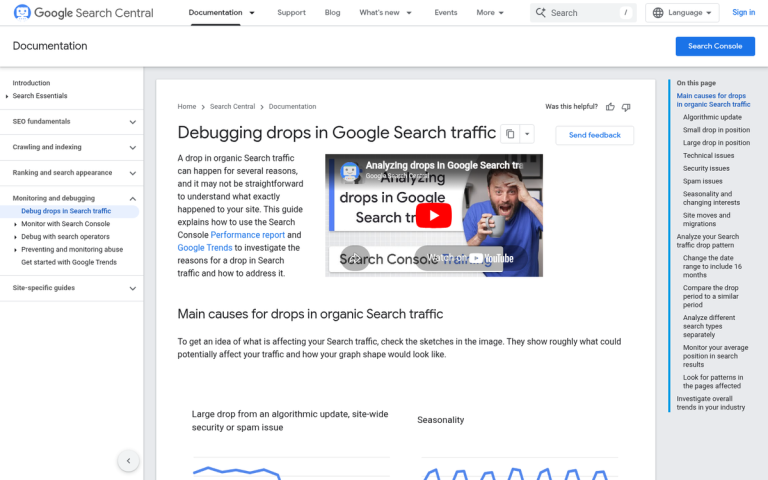
Google Search Central actually recommends comparing data over 16 months in Search Console's Performance report to properly identify patterns and separate genuine drops from seasonal noise. That's a good habit to get into before you start panicking.
The second thing to check is how steep the drop was. Did it drop suddenly, overnight, or has it been on a slow and steady decline for days or weeks? Did it drop and start to rise again, or has it settled at a lower level? A sudden cliff edge in your traffic chart is a very different problem from a slow, grinding decline that's been happening for months.
Another thing to check is whether or not your traffic is already on its way back to normal. Sometimes a decline in traffic will be a temporary issue and will restore itself before you even have a chance to act. You still might be concerned about why it happened, but it takes a lot of the urgency out of it.
Which Traffic Source Dropped?

Once you've identified that yes, there is in fact a problem with your traffic, you get to start investigating why it happened.
The first thing to check is what your traffic sources look like individually. In GA4, you can plot up to 6 channels at a time in the Acquisition report, which makes it relatively straightforward to isolate exactly which channel took a hit. Here's what to look at:
- Direct traffic is traffic that came to your site through typing in the URL or through a bookmark. There is no referral information. If this is the kind of traffic that dropped, you might wonder if a competitor launched a high profile ad campaign, or if your usual landing page is broken. It's also worth checking whether a CMP or cookie consent update is misclassifying traffic - more on that below.
- Organic traffic is traffic that arrives from Google or other search engines. If organic traffic is the type of traffic that dropped, you have to consider why you have lost placement in search rankings or been removed from those rankings. Did you make any SEO changes, or did Google push an algorithm update? In 2026, there's also a third option worth seriously considering: AI Overviews. According to Ahrefs data from early 2026, AI Overviews are responsible for a 58% click reduction on affected queries. If Google is now answering your target queries with an AI Overview, you may be losing traffic even while holding your rankings - a phenomenon sometimes called a zero-click search.
- Paid traffic is traffic that comes through advertising of some sort. If your paid traffic is the source that dropped, check if an ad campaign ended, an ad account was suspended, or if there's a payment issue.
- Referral traffic is traffic from links on referring websites. If referral traffic is the source that dropped, you'll need to check with your partners; maybe one of them removed tags or links, or their site had issues of its own.
- Social traffic is traffic from social network referrers, like Instagram, Facebook, TikTok, LinkedIn, and others. If social traffic dropped off, check whether something happened to your social profiles - a lapse in posting, a follower drop, a suspended account, or a hacked page.
If all of your traffic sources dropped at once, you have to consider either an issue with your site as a whole, or - and this is increasingly common - an issue with your analytics tracking itself. If some of the tracking code broke on some of your pages, it can look like a traffic drop. If it broke across your whole site, it looks like you have no more traffic at all. This is a surprisingly common cause when people ask why Google Analytics isn't showing their traffic, and it's worth ruling out before drawing any conclusions about your actual visitor numbers.
Could It Be a Tracking or Consent Issue?
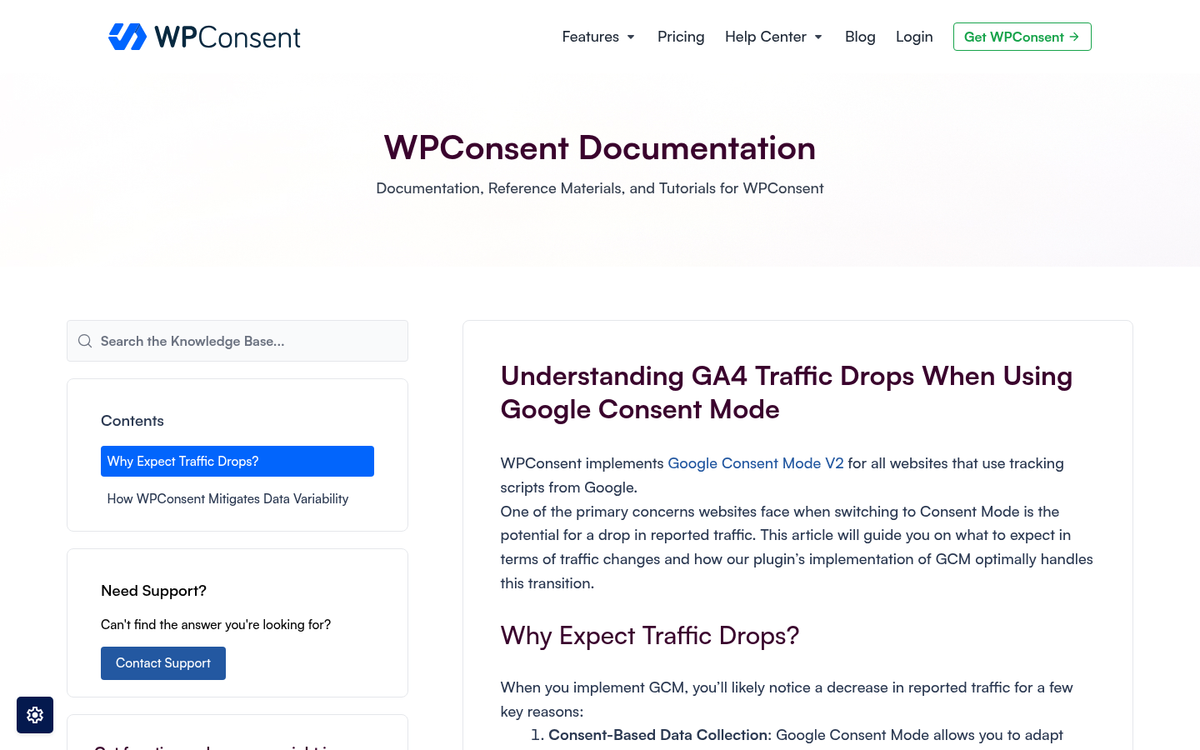
This one has become far more relevant in recent years and deserves its own section. In early 2026, a well-documented case showed GA4 reporting a significant traffic drop while Search Console showed zero ranking movement. The culprit? A Consent Management Platform (CMP) update that was blocking GA4 from firing for users who declined cookies - primarily affecting visitors from Germany and France due to stricter GDPR enforcement in those regions.
The takeaway here is important: if your Search Console data looks healthy but GA4 is showing a drop, your rankings are probably fine. The problem may be in how your analytics are being collected, not in how your site is actually performing. Always cross-reference GA4 with Search Console before assuming the worst. A CMP misconfiguration, a GTM tag that stopped firing, or a JavaScript error on key pages can all produce what looks like a traffic catastrophe but is really just a measurement problem.
Is the Problem With New or Returning Users?
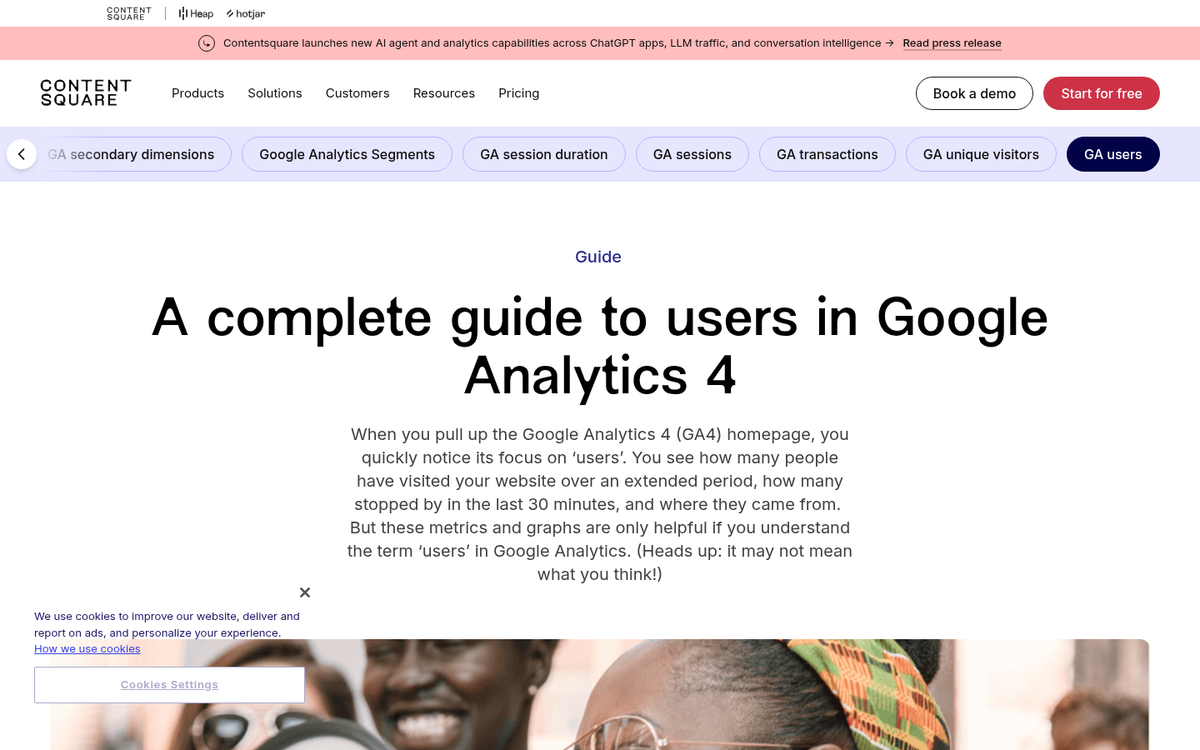
In GA4, under the Audience or Retention reports, you can get a sense of whether the drop is concentrated in new users or returning users. The data isn't perfect - returning users who've cleared cookies can appear as new - but it still tells a useful story.
If new user traffic is the traffic that dropped, you have to look towards your acquisition channels, your ads, and your landing pages. Something along the line broke in such a way as to drop your new user acquisition. Maybe ads ended, a landing page broke, or your organic visibility dropped for head terms that were previously bringing in fresh eyes.
On the other hand, if it's primarily returning users that are dropping off, you have to look at your site structure, your content, and your user experience. It's possible that some pages broke and are returning 404 errors, which drives users away. It might be an issue with site speed, or a poor user experience that's keeping them from coming back.
Was There a Holiday or Disaster?

I lump these two together because they are both abnormalities that can cause a drop in traffic, and the disaster side doesn't even have to happen to or near you.
On the holiday side, unless you're running a highly promoted holiday themed sale, chances are your users aren't necessarily going to be coming in or sticking around. Even in this connected age, most people like to spend holidays with their families, on vacation, or otherwise away from the screen. Depending on your niche, this could mean a steep drop in traffic for that day or weekend. If a mid-sized or large holiday happened, don't worry about your traffic unless it doesn't come back when the next work week starts.
On the disaster side, you need to start looking around for reasons people wouldn't be checking your site. A wildfire, an earthquake, or severe weather can take out Internet infrastructure or data centers. If your web host's data centers are affected, your site can be intermittent or totally down. Disasters in your primary area of business also distract people from whatever you're selling, leading to lower traffic numbers regardless of rankings or campaigns.
There's not much you can do about either of these. You just have to weather the storm and hope things work out on the other side. It's also why you should always have backups of your data stored in multiple locations. A disaster recovery plan is a must, and yet it's still ignored by most businesses.
Did an Ad Campaign or Traffic Buying Campaign End?

It's surprisingly easy to forget about your paid ads if you're not immersed in running them daily. If you set things up at the beginning of the month and took a "set and forget" approach, you might reach the end of the campaign period and not even remember the ads were running until they stop. The drop in paid traffic is the tell.
There are other reasons your paid ads might have stopped. Perhaps the ad network detected unusual activity and suspended your account. There might also be a simple payment issue - a lapsed credit card, an expired billing method, or a failed charge. It sounds embarrassing, but it happens constantly. The fix is usually quick, but the traffic loss in the meantime is real.
Did Your Web Host Have Downtime?
Sometimes the traffic drop is evenly distributed across all of your traffic sources. That suggests an issue with something broader than a single channel - your entire web host may have dropped out for some period of time. The worse the traffic drop, the longer the downtime or the more peak-hour timing was involved.
You can see this if you go hour by hour in your traffic logs, looking for abrupt drops to zero. If your web host is down and isn't serving your site to anyone, you won't be recording any traffic for those times.
If your web host is dropping, call them to find out why. A one-time hardware failure can be forgiven, but if they were down for a significant length of time, or if it's happening repeatedly, you may want to consider a host with better redundancy and a more credible SLA.
Did Google Update Their Algorithm?
If your organic traffic is the source that dropped the most, check whether you made any changes on your end first. A change in URL structure, a change in meta data throughout the site, or a significant content overhaul can all have an effect, ranging from minor to majorly detrimental depending on the change.
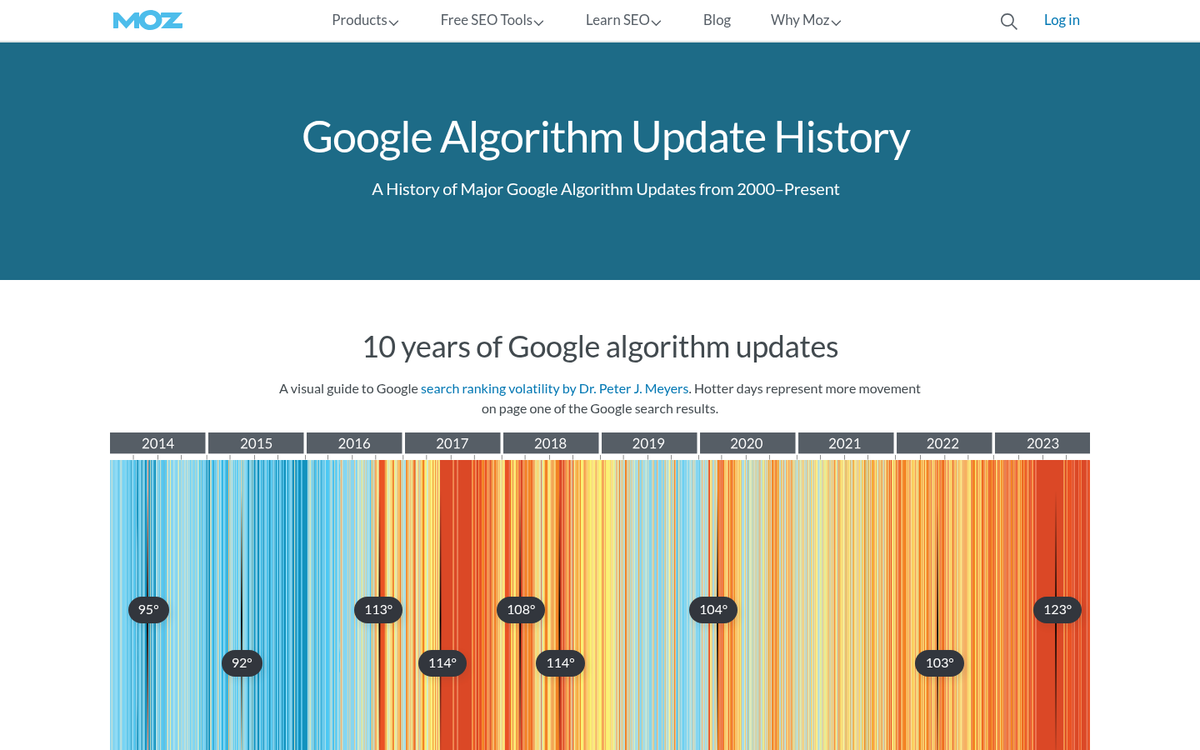
If you didn't change anything, it could have been a Google update. Google has continued to push major core updates at a significant pace, and the cumulative impact of updates over the last few years has reshuffled a lot of the search landscape - particularly for informational content, health and finance topics, and sites that leaned heavily on programmatic or thin content.
You can track Google algorithm updates at Moz's Google Algorithm Change History. For faster, real-time coverage, check SEO Roundtable, Search Engine Journal, or Search Engine Land. Cross-reference the date of your traffic drop with any confirmed update rollouts - if they line up, you likely have your answer.
It's also worth seriously considering AI Overviews as a factor even if your rankings haven't moved. Google has significantly expanded AI Overview coverage since late 2024. If an AI Overview now appears above the organic results for your primary keywords, your click-through rate can collapse even if you're still ranking in position one. According to Ahrefs data from early 2026, the citation click-through rate for sources appearing inside an AI Overview is approximately 1%. That's not a typo. Visibility without clicks is the new reality for many queries, and it's worth auditing which of your target keywords now trigger AI Overviews - and whether NLP-optimized content ranks better in those placements. If you want to understand why this matters for your broader strategy, it also helps to explore whether your business can survive without Google traffic at all.
Did You Receive a Manual Action?

If there was no algorithm change and no AI Overview cannibalization, it's possible you received a manual action. Manual actions are taken by Google against sites that are breaking specific rules, and they can be frustrating to recover from. Thankfully, they are at least announced - you can see them in your Google Search Console dashboard under the Manual Actions section. Google has documented what they are, how to find them, and how to file a reconsideration request here.
If after all of that you still don't know why your traffic has dropped, you'll need to consult with someone more experienced in technical SEO and analytics. There are a thousand possible causes, from a misconfigured robots.txt to a broken hreflang implementation to a consent management issue silently swallowing your data. Some of these are easy to spot once you know where to look; others take a serious audit to uncover. The important thing is to stay methodical, cross-reference multiple data sources, and resist the urge to make sweeping changes before you actually understand what caused the drop in the first place.