





Key Takeaways
- Yoast SEO uses a type-based sub-sitemap structure with 1,000-link caps, making it cleaner than Google XML Sitemaps' date-based approach.
- Google XML Sitemaps still functions but has slowed development and is no longer the obvious first choice it once was.
- WordPress 5.5+ includes basic built-in XML sitemap functionality requiring zero plugins, suitable for simple sites needing basic crawl coverage.
- Rank Math is now considered the most feature-rich free SEO plugin and is recommended for new site installs in 2026.
- Submitting your sitemap to Google Search Console and Bing Webmaster Tools matters more than which plugin you choose.
Sitemap plugins for WordPress have changed considerably in recent years. Yoast SEO - even its free version - includes robust XML sitemap functionality built right in. With AI-driven SEO tools, new plugin competitors, and WordPress's own block editor growing fast, it's worth taking a fresh look at your sitemap options in 2026.
So, let's compare your main options and figure out what actually makes sense.
Creating Sitemaps
Both Google XML Sitemaps and Yoast SEO make it easy to generate an XML sitemap for your WordPress site. The plugins scan your content and compile URLs for posts, pages, custom post types, category pages, and more - all without requiring manual access to your server or third-party scanning tools.
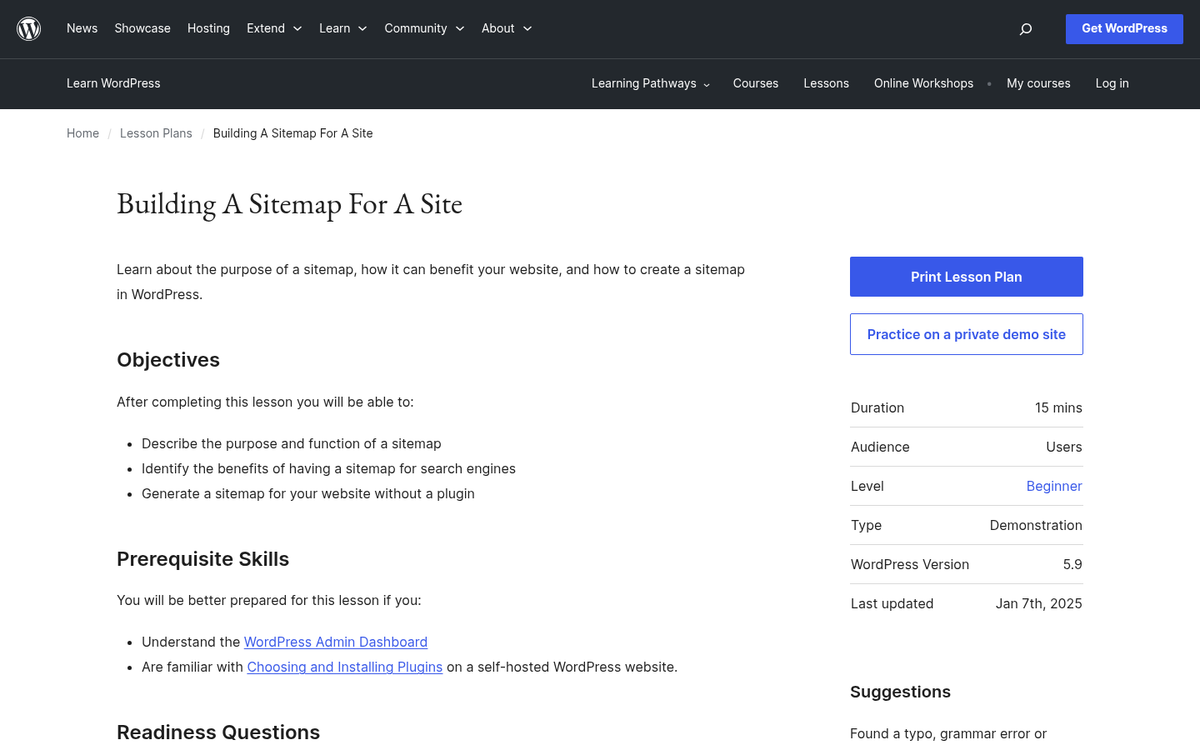
If you're very new to sitemaps, here's the short version: a sitemap is basically a structured list of the URLs on your site. Most sitemaps include metadata like when a page was last modified and how frequently it changes. The primary job is to help search engines like Google and Bing discover and crawl your content efficiently - especially helpful for new pages, orphaned content, or pages that don't receive internal links.
The XML sitemap format, first introduced by Google back in June 2005, was built to be machine-readable instead of human-friendly - it's the standard format for communicating your site structure to search engines. HTML sitemaps, by contrast, are styled like web pages and focused on human visitors - but they're not helpful at scale and aren't especially helpful from an SEO standpoint. Stick with XML. If you want to go further, you can also optimize how your blog appears in Google Search Console to get even more out of your sitemap submissions.
Google XML Sitemaps Plugin
The Google XML Sitemaps plugin was created by developer Arne Brachhold and - despite the name - has no official connection to Google. It generates a standard XML sitemap readable by any search engine - like Google, Bing, and others.
For years it was the favorite choice for easy sitemap generation, and it still has a great rating on the WordPress plugin repository. However, its development pace has slowed and it has fallen behind more actively maintained alternatives in terms of features and compatibility with modern WordPress setups.
What the Google XML Sitemaps plugin has:
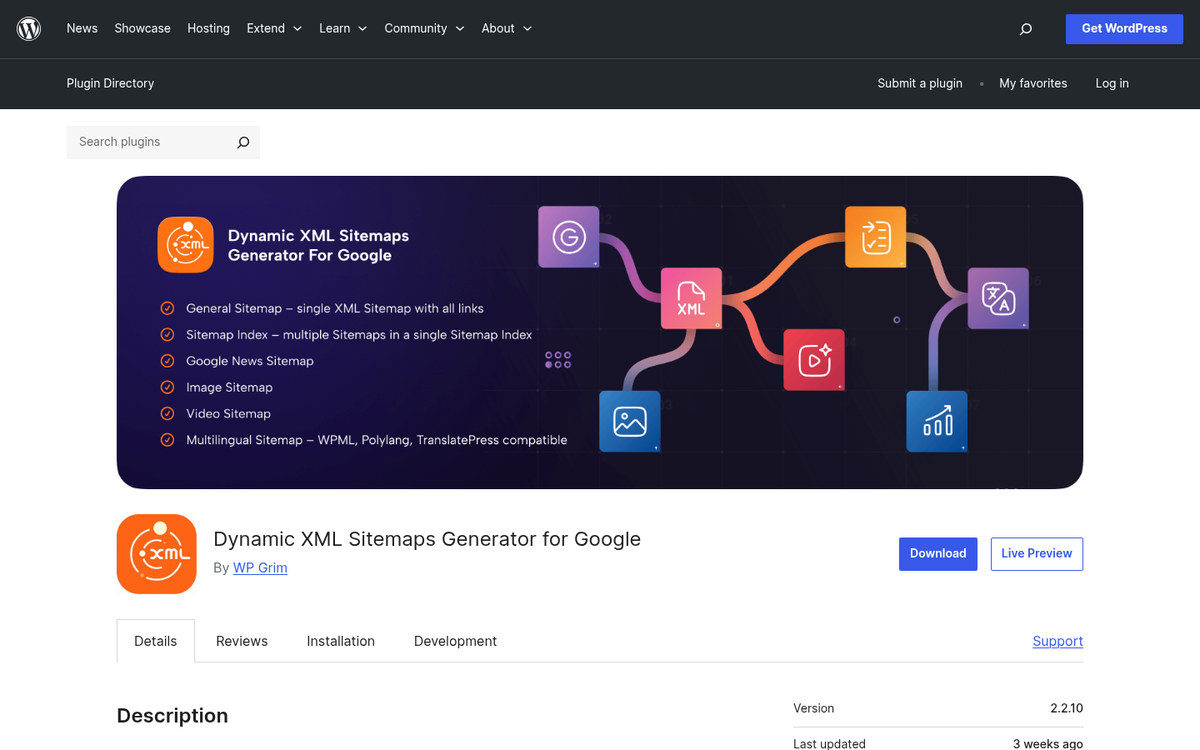
- Set the priority of page types for indexation. Assign higher priority to important pages like your homepage, and lower priority to tag or author archive pages.
- Dynamic priority calculation per post based on comment count or average comment activity, or use a flat priority setting across the board.
- Exclude specific post types or categories from the sitemap - useful for staging content, private categories, or anything you don't want indexed.
- Choose which content types are included, such as the homepage, posts, static pages, categories, archives, author pages, and tag pages.
- Manually specify additional URLs that fall outside your normal blog structure.
- Automatic sitemap submission to major search engines when your sitemap is regenerated.
- Set change frequency hints by content type to guide crawler behavior.
- Enforces a 10 MB size limit per individual sitemap file, in line with the sitemap protocol specification.
One structural note: Google XML Sitemaps splits large sitemaps chronologically by archive date, so each monthly archive gets its own sub-sitemap file - this can create a large number of separate files on older sites, though functionally it makes no actual difference to how Google processes them.
The plugin's weaknesses are worth mentioning. Active development and support have been inconsistent over the years - it can create a virtual robots.txt file that conflicts with a custom one you might already have. Some users have also reported problems with image indexing. For simple blogs with modest content volumes, it still works - but it's no longer the obvious first choice it once was. If you're looking to improve how your content gets discovered, see our tricks to improve the indexing of your blog posts.
Yoast SEO's Sitemaps
Yoast SEO was built by Joost de Valk and has been one of the most widely used WordPress plugins since the late 2000s - it's a full-featured SEO suite, and XML sitemap generation is one part of what it does.
Beyond sitemaps, Yoast SEO works with:
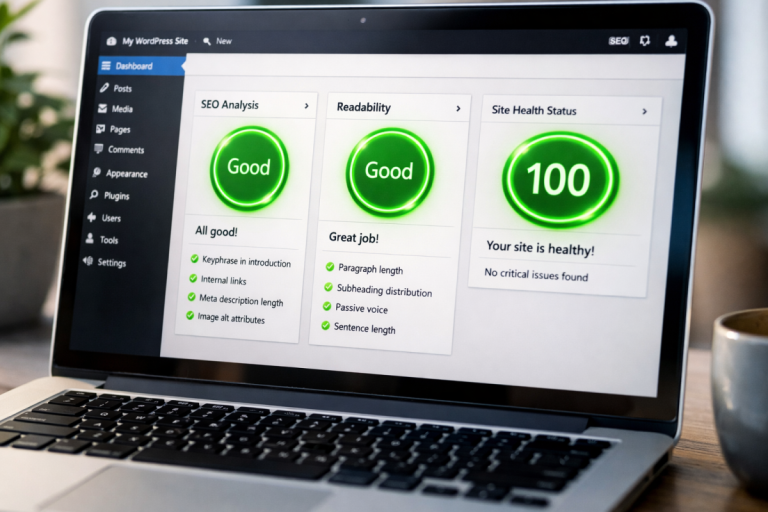
- Meta titles and descriptions with a built-in content analysis tool that evaluates your on-page SEO across multiple criteria.
- Per-page robots meta configuration, giving you granular control over indexation without editing a central file.
- Canonical URL support to prevent duplicate content issues, including across multisite setups.
- Breadcrumb markup with full taxonomy control, compatible with most WordPress themes.
- Permalink cleanup to strip unnecessary URL parameters and reduce canonicalization problems.
- RSS feed customization with options to append or prepend content to your feed.
- Schema.org structured data output, which has become increasingly important for rich results in Google Search - something that wasn't a major focus in earlier versions but is now a core feature.
- An API for developers who want to extend or customize functionality.
For sitemaps specifically, Yoast uses a type-based sub-sitemap structure - so you'll get separate files like post-sitemap.xml, page-sitemap.xml, and category-sitemap.xml, each capped at 1,000 links. This is usually cleaner and easier to manage than the date-based strategy used by Google XML Sitemaps, and it makes it easier to find which content types are being indexed and how.
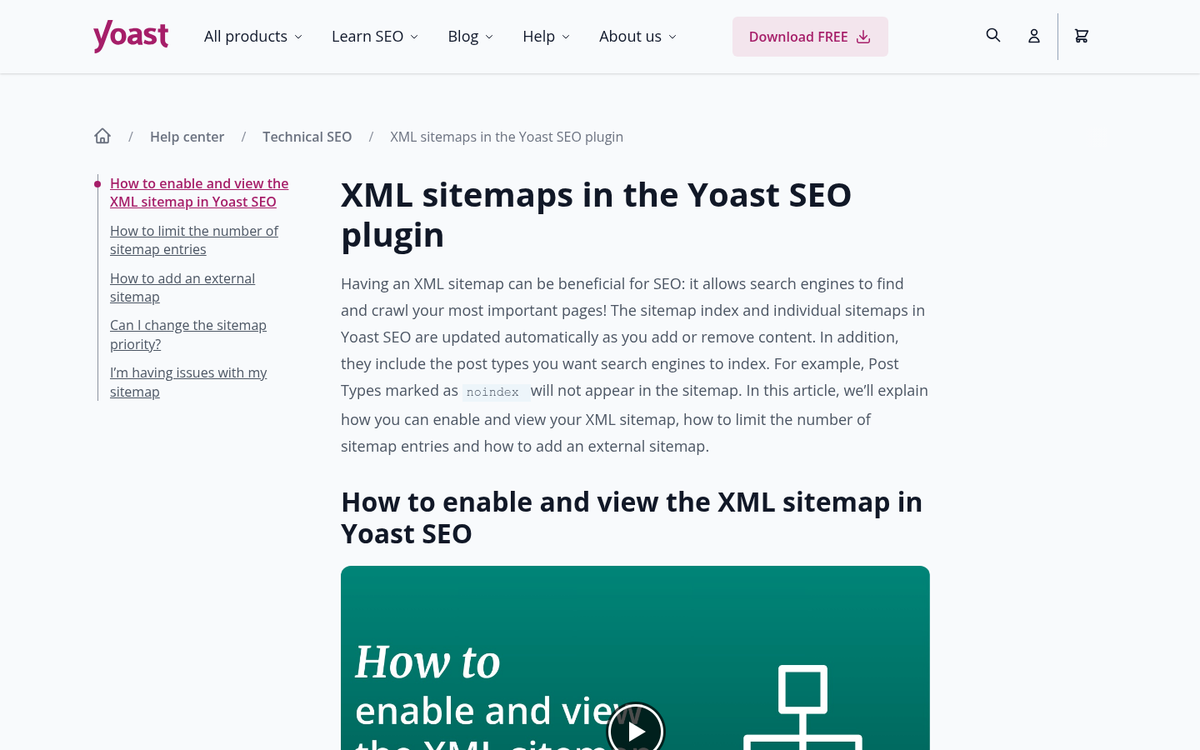
Yoast also applies XSL stylesheets to its sitemaps, which makes them human-readable in a browser - a minor but nice touch if you ever want to manually audit your sitemap.
One real-world performance concern worth flagging: on very large sites, Yoast's sitemap generation can be slow. Documented testing on a site with approximately 5 million posts found that Yoast took over 4 minutes to retrieve just 100 sitemap items. After server-side optimization, this dropped to under a second - but out of the box, large-scale publishers may need extra configuration work to make performance acceptable.
Yoast SEO is free for core functionality. The Premium version is priced at $99 per year and adds features like redirect management, internal linking suggestions, and extra content analysis tools. For most users, the free version is enough for sitemap needs.
A few known idiosyncrasies to be aware of:
- It requires a non-default permalink structure. If you're still using WordPress's default permalink format, Yoast's sitemap will return a 404. You should be using a custom permalink structure anyway, but it's worth knowing upfront.
- Don't run it alongside Google XML Sitemaps simultaneously. The compatibility warning in the plugin is specifically about running both sitemap features at once - not about having both plugins installed with one's sitemaps disabled.
- Some users have reported Yoast injecting a credit link into the sitemap. This has been a minor controversy historically, though it doesn't affect sitemap functionality. If you're evaluating what plugins to install on a new WordPress site, it's worth keeping in mind.
Alternatives Worth Knowing in 2026
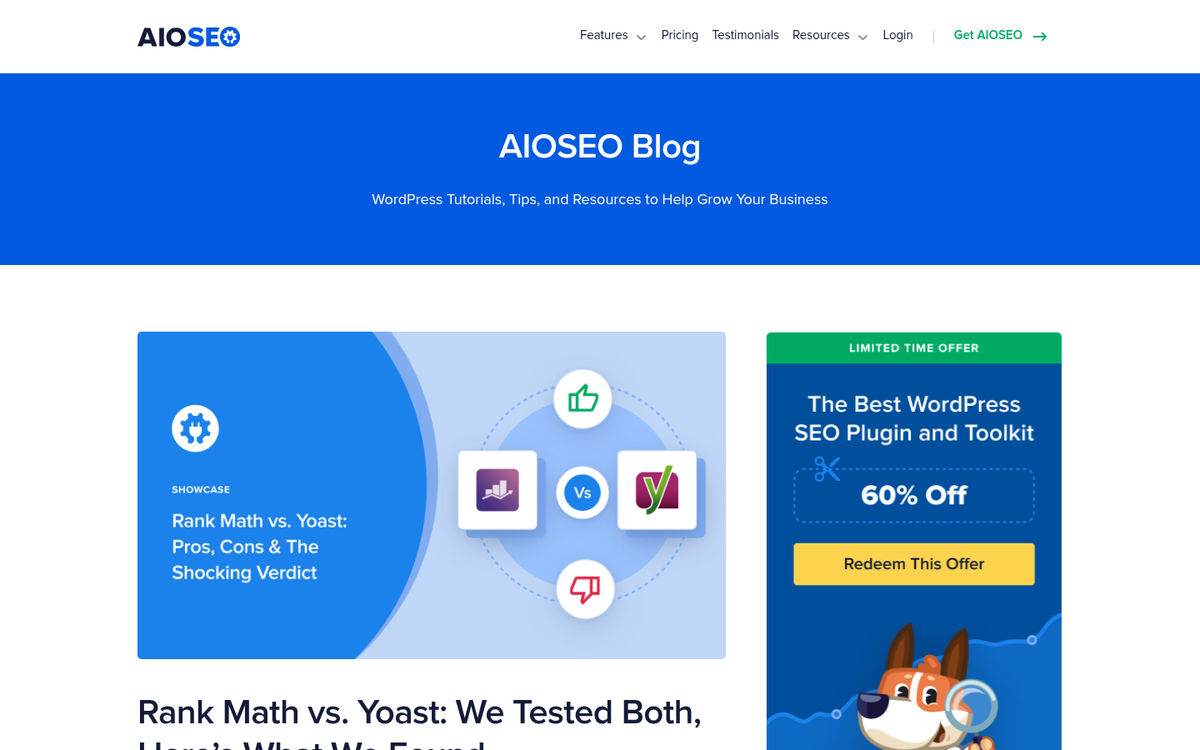
All in One SEO (AIOSEO) remains the most direct competitor to Yoast as a full SEO suite - it includes sitemap generation, schema markup, and a comparable feature set. Many users find its interface more approachable than Yoast's, and it's a legitimate alternative if you prefer it stylistically.
Rank Math has grown in popularity and is now considered by many to be the most feature-rich free SEO plugin available - it includes advanced sitemap options, schema support, and integrations with Google Search Console - and the free tier is especially generous compared to Yoast and AIOSEO. If you're creating a new site in 2026, Rank Math is worth consideration. You can read more in our roundup of the best WordPress SEO plugins to see how these options compare.
WordPress Core (since 5.5) now includes basic XML sitemap functionality out of the box, without any plugin - it's minimal - no priority settings, no change frequency hints - but for simple sites that just need Google to find their pages, it may be all you need. You can check it by visiting yoursite.com/?sitemap=1 or yoursite.com/wp-sitemap.xml.
For sites that need News sitemaps or Multisite support, plugins or the premium tiers of Yoast and Rank Math are your best bets.
Conclusion
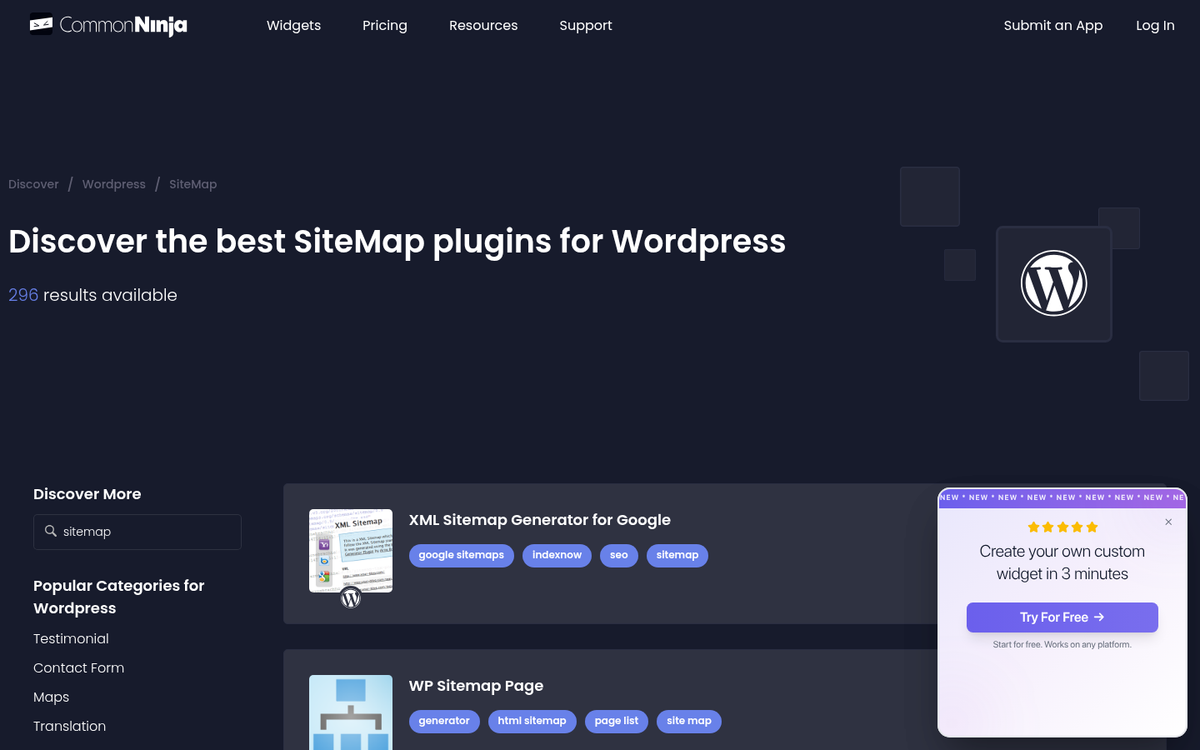
The sitemap plugin community in 2026 looks quite different from what it was even a few years ago. WordPress now ships with basic sitemap support built in, Rank Math has emerged as a legitimately strong free option, and AI-assisted SEO tools are starting to change how site structure is managed at scale.
Here's a quick way to remember your options:
- Just need something that works with zero configuration? The built-in WordPress sitemap is already active on your site. Check it, submit it to Google Search Console, and move on.
- Want a full SEO suite with strong sitemap support? Yoast SEO (free) or Rank Math (free) are both excellent. We'd lean toward Rank Math for new installs in 2026 given its feature depth at no cost, but Yoast remains rock-solid and widely supported.
- Running a very large or high-traffic site? Be aware of sitemap generation performance and consider server-level caching or a caching plugin that's been optimized for scale.
- Google XML Sitemaps still installed? It still functions, but it's no longer the obvious recommendation it once was. If you're doing a site audit anyway, it's worth switching to a more actively maintained option.
Whatever you choose, the most important step is making sure your sitemap is submitted to Google Search Console and Bing Webmaster Tools. The plugin is secondary - getting it in front of the search engines is what actually matters.
3 responses
Thoughtful replies only - we moderate for spam, AI slop, and off-topic rants.
Yoast is not adding the separate html pages in root to the sitemap. Any solution?
Hi Indresh! Yoast adds an XML sitemap. HTML sitemaps are different, and optional, but XML sitemap is important for indexing for search engines. You can add an HTML sitemap if you prefer to have one, but it is somewhat deprecated in 2019.
nice article and i like it but how if i am want to use plugin and i hope u can next time make new article about making sitemap with plugin, it will be nice too. thanks from susugede.net