





Key Takeaways
- WordPress Multisite runs multiple blogs from one codebase, making updates simple but forcing shared users, profiles, and themes across all sites.
- Migrating a single site out of Multisite can realistically take over 40 hours due to shared database tables and serialized data.
- ManageWP provides a unified dashboard for managing separate WordPress installs, keeping each site fully independent with no shared infrastructure.
- ManageWP's premium features start at $29 per month per site, making costs significant for agencies managing many client sites.
- In 2026, Multisite suits narrow use cases like Edublogs; most publishers and developers are better served by separate installs with ManageWP.
Have you ever wondered how some of the largest blog networks out there do it? How they manage the disparate sites and users? Running multiple WordPress sites used to mean juggling endless dashboards, update cycles, and login credentials. Today, with AI-assisted workflows and better tooling, it's easier than ever to manage a network of blogs - but the underlying WordPress infrastructure question still matters: should you use WordPress Multisite, or manage separate installs through a main dashboard like ManageWP?
The answer depends heavily on what you actually need. Let's break the options down.
What is WordPress Multisite
WordPress Multisite is a feature built into every standard WordPress.org installation, introduced back in WordPress 3.0 as a successor to the old WordPress MultiUser (WPMU) project - it's free and open source. It lets you use one single WordPress installation to host and run as many blogs as you want. WordPress.com itself is the most famous example - hundreds of thousands of blogs all running under one core WordPress installation.
In practice, you're never going to need that scale. But the concept is: one codebase, one database structure, one place to manage everything. The basic limit is with your web hosting. Multisite can tax server resources and it's strongly recommended to run it on a VPS or dedicated server instead of shared hosting. A shared hosting plan will buckle under the load of even a modest Multisite network. If you want better performance and reliability, consider managed WordPress hosting as an alternative.
The Pros and Cons of WordPress Multisite
Multisite is a great system within its intended boundaries. Step outside those boundaries and you hit walls fast. Going in with a clear sense of what it can and can't do will save you frustration.
Multisite's core strength is that it is great at sharing. It runs on one core code installation on one server.
- Your central code base is shared, so you don't have to update WordPress separately across each site every time a patch drops.
- Your user base is shared, so writers and commenters have one consistent login across the network.
- Plugins are installed once network-wide, rather than duplicated across each site. With 10 sites all using the same plugin, Multisite stores it once. With separate installs, each site holds its own copy.
- Themes are shared but can be selectively activated, so each sub-site can have its own look while still drawing from a central theme library.
The single biggest benefit remains the unified codebase. If you have 35 different sites and WordPress releases a security patch, you update once, run compatibility checks once, and you're done. That alone is a strong reason to consider Multisite.
The flip side is that Multisite keeps no secrets. If a user logs in to one site on the network, they are logged in across them. User profiles are shared network-wide. If you run a gaming site, a recipe site, and a DIY site under the same Multisite, a user can't have separate profile customizations for each one - it's a single profile across the board.
The same applies to themes. If you modify the files of a theme on one site, every other site using that theme will change too. Keeping sites visually distinct is going to require forking themes and maintaining separate copies, which defeats some of the convenience. You may want to look at how to style a WordPress blog theme to match your site before deciding on your approach.

This also means Multisite is transparent from a technical standpoint. Anyone who registers on one site can check if their credentials work on other sites in the network - not a security vulnerability per se. But it makes it impossible to obscure the shared infrastructure - something worth keeping in mind depending on your use case.
There are also some persistent limitations that have never been cleanly solved:
- Sharing content or navigation menus across sub-sites without triggering duplicate content problems is cumbersome.
- Removing the subdirectory or subdomain URL structure from sub-sites is difficult to impossible without custom workarounds.
- Restricting individual plugins to specific sub-sites - for example, enabling a feature on four sites but not the fifth - is awkward and often requires additional plugins to manage. Knowing what plugins to install on a new WordPress site becomes even more important in a network context.
- Creating custom user roles with different permissions on different sub-sites is technically possible but requires significant setup. Having a user with editor access on one site and read-only access on the rest is a chore to configure correctly.
Perhaps most critically: migrating sites out of a Multisite installation is brutal. Because of shared database tables, serialized data, and shared user records, extracting a single site from a Multisite network can realistically take well over 40 hours of technical work per site. If there's any chance you'll ever want to move your site to a separate install or different host, this is a serious consideration before committing to Multisite.
Reasons to Avoid Multisite
There are enough friction points with Multisite that staying away from it is a perfectly reasonable choice for most users. To summarize the most common reasons:
- If the feature you want is something a standard plugin handles on a single install, Multisite is overkill and adds restrictions without meaningful benefit.
- If you want each site to have a distinct design and feature set, Multisite's shared infrastructure will constantly work against you.
- If you need granular admin control - locking specific admins to specific sites - Multisite makes this far harder than it sounds.
- Keeping user data truly separate between sites is effectively impossible. Shared logins and profiles are baked into how Multisite works.
- The migration pain alone is reason enough to pause. Committing to Multisite is a long-term infrastructure decision that is genuinely hard to reverse.
What is ManageWP
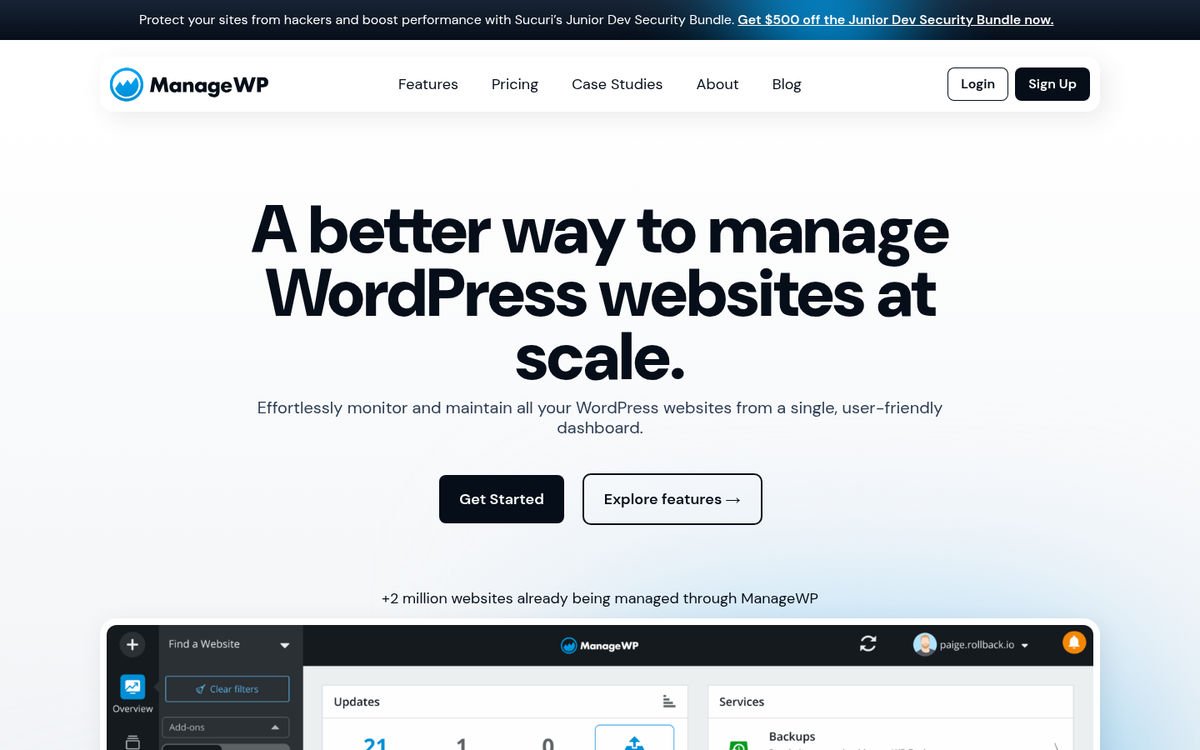
ManageWP was created in early 2010 by CEO Vladimir Prelovac and has since been acquired by GoDaddy - it was built with one job: give WordPress site owners a single dashboard to manage multiple separate WordPress installations. Where Multisite achieves centralization by merging everything into one codebase, ManageWP achieves it by sitting on top of independent installs and giving you a unified control point.
From the ManageWP dashboard, you can update plugins, themes, and WordPress core across all your sites with a single click. You can run security scans, manage backups, and monitor uptime - all without logging into each site individually. It's worth mentioning that because each site is a separate install, plugins are not shared the way they are in Multisite, and each site holds its own plugin files - it means slightly more storage overhead. But it also means independence between sites.
Backups are one of ManageWP's strongest features. You can schedule automatic backups and send them to cloud storage destinations like Amazon S3, Google Drive, Dropbox, and others. Site cloning is also built in, which makes it easy to spin up a new site based on an existing one.
The main trade-off compared to Multisite is cost. ManageWP operates on a freemium model, with premium features starting at $29 per month per site depending on what you need. For most independent bloggers managing a small network, the free tier with selective premium add-ons will cover the basics. Agencies and developers managing dozens of client sites are going to need to budget accordingly, though volume discounts do apply at scale.
It is also worth mentioning that with AI-powered tools now widely available in 2026, ManageWP fits into broader automated workflows. You can combine it with AI writing assistants, automated SEO auditing tools, and AI-driven content scheduling systems - something that is largely not possible with Multisite's closed, shared infrastructure.
How do They Stack Up in 2026?
The two systems are not mutually exclusive - you could technically manage a Multisite network through ManageWP's dashboard - but this is not recommended. Adding a third-party management layer on top of an already complex Multisite setup compounds the problems instead of solving them.
In 2026, the honest reality is that WordPress Multisite has a very narrow use case. It makes genuine sense for platforms like Edublogs, where the goal is to give users their own blog under a unified umbrella with stable infrastructure. For that model, Multisite is the right tool. For almost everything else - developers managing client sites, bloggers running a few complementary niche sites, content teams operating across multiple businesses - Multisite introduces more problems than it solves.
If you are a developer managing sites for multiple clients, or a publisher running a few topically distinct blogs, separate WordPress installs managed through a main dashboard like ManageWP will serve you quite a bit better. Each site stays independent. Plugins, themes, users, and data are never accidentally shared. Migration is easy. And if one site should have a different setup than the others, there's nothing stopping you.
The cost of ManageWP is real. But in most cases it's modest relative to the time saved and the problems avoided. Weigh it against the possible 40-plus hours of work it would take to untangle a single site from a Multisite network if your preferences change, and the math becomes fairly clear.


3 responses
Thoughtful replies only - we moderate for spam, AI slop, and off-topic rants.
my site goes too slow when i login wp-admin after multisite. i hate this
Thanks for the excellent guide James. I have a bunch of WordPress websites and thinking to switch to WordPress multisite.
I read an article titled about how the security of one site can jeopradise the entire multisite network.
I'm a bit confused, what if one of my sites got hacked, will it reflect all the subsites or not?
How about the DDoS on a single site?
Looking forward to your response, if everything goes well, I will be switching to WPMU in a month.
Hey David! Interesting question.
It all depends if the sites each have their own cPanel, or if they share one.
Also, whether or not they are all on the same box, or different servers.
If they are all on the same cPanel and one of the sites gets hacked, they are potentially all at risk.
If they are on different cPanels, they are generally protected, and only the site that gets hacked is affected (unless the other sites have the same vulnerability and are discovered).
If they are all on the same server and you get DDoSed, all sites will go down.
If they are on different servers, the other sites will not be affected, unless they are targeted by seperate DDoS attacks.
It's always smart to have your sites on different cPanels, but not everyone can afford to have seperate (quality) hosting for each site. If you're worried about DDoS attacks and they are a credible threat to you, check out Cloudflare, hire an expert to harden your dedicated server firewall, and consider investing in a hardware firewall for bad DDoS attacks.
I don't know how large your sites are and if you are DDoSed frequently, so this might be overkill for you - usually Cloudflare blocks most "script kiddies" that like to play around with DDoS attacks.