Key Takeaways
- Pinterest shoppers spend 80% more monthly than other platform users, with 40% larger basket sizes, signaling strong purchase intent.
- Connecting a product catalog generates 5x more impressions and a 30% increase in checkout volume for eCommerce brands.
- Rich Pins automatically sync live pricing and stock data, consistently outperforming standard Pins in engagement and click-through rates.
- Well-optimized Pins can surface in search results for months or years, making Pinterest content a long-term marketing asset.
- Vertical 2:3 ratio images with lifestyle photography outperform standard product shots in Pinterest's visual-first feed environment.
Pinterest has evolved from a simple image-sharing platform into one of the most powerful eCommerce drivers on the internet. It's quietly become a goldmine for savvy marketers - but it's also littered with the abandoned profiles of businesses that set up an account, posted a few times, and gave up when they didn't see instant results.
Don't be that business. Pinterest in 2026 operates differently than most social platforms, and once you understand how it works, it becomes one of the highest-ROI channels available. Consider: for every $1 spent on Pinterest ads, businesses are averaging $4.30 in sales. Pinterest shoppers spend 80% more per month than users on other platforms and have 40% larger basket sizes. This isn't a casual browsing platform anymore - it's where people go with intent to buy.
Here's how to use it properly. If you're just getting started, it helps to first understand how to find the most popular Pins on Pinterest before building out your strategy.
Register a Business Account
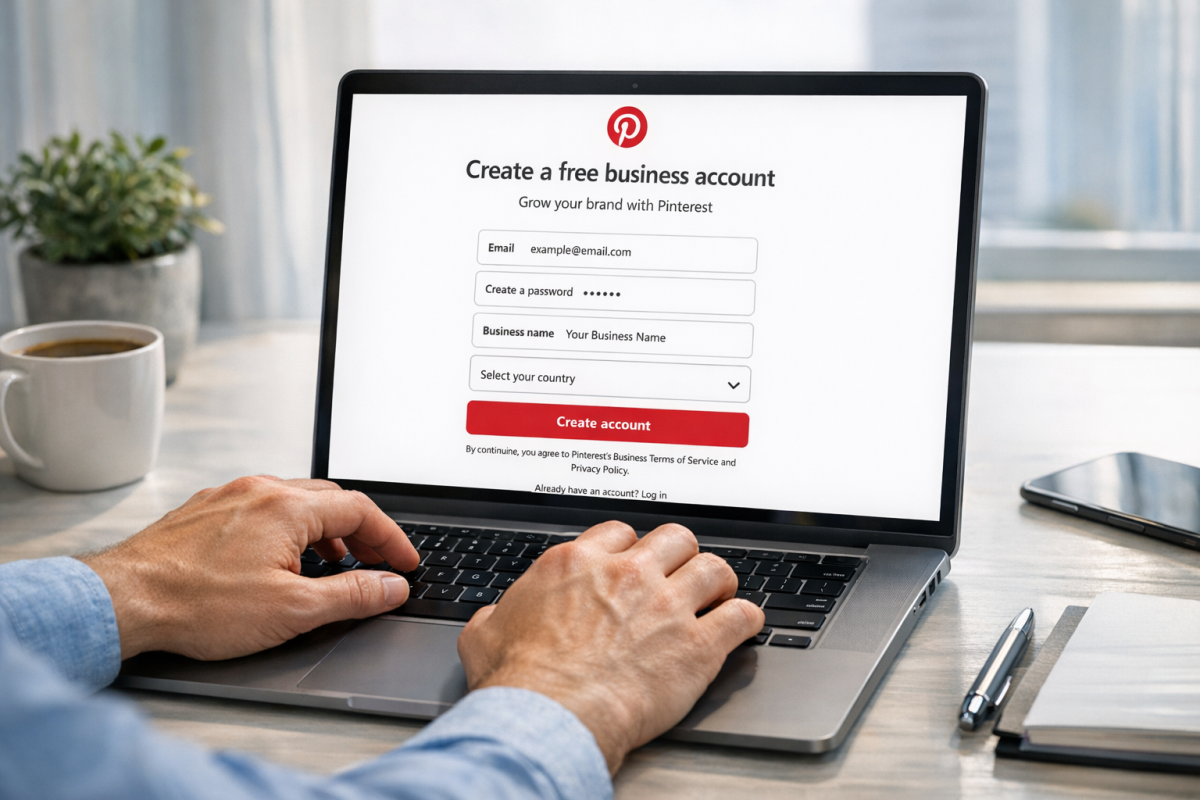
The first thing you need to do is make sure you're registered as a business, not a personal user. This unlocks Pinterest Analytics, access to the full ads platform, catalog tools, and Rich Pins - none of which are available on personal accounts.

When filling out your profile, use your logo as your profile picture and keep everything consistent with your branding across other platforms. Same business name, same website URL, same address if you have a physical location. Consistency matters both for brand recognition and for Pinterest's own trust signals.
If you already have a personal account, you don't need to start over. Just go through the "convert to business account" process. You'll select a business type - Retailer, Brand, Non-Profit, Local Business, and so on - and carry on from there.
Verify Your Account and Claim Your Website
Verification tells users you're the real deal and not an imitator account trying to piggyback off your brand. It also unlocks analytics for content pinned from your website, which is invaluable.
To verify, you'll use either the meta tag or HTML file method:
- The meta tag method: Edit your profile, click "Claim your website," and choose the meta tag option. Pinterest generates a code snippet you paste into the
<head>section of your homepage. Once it's live, return to Pinterest to complete verification. - The HTML file method: Same starting point, but instead you download a verification file from Pinterest and upload it to your website's root directory. Once it's in place, return to Pinterest and finish the process.
- Pinterest maintains up-to-date host-specific instructions on their verification page if you need a walkthrough for your particular setup.
Set Up a Product Catalog
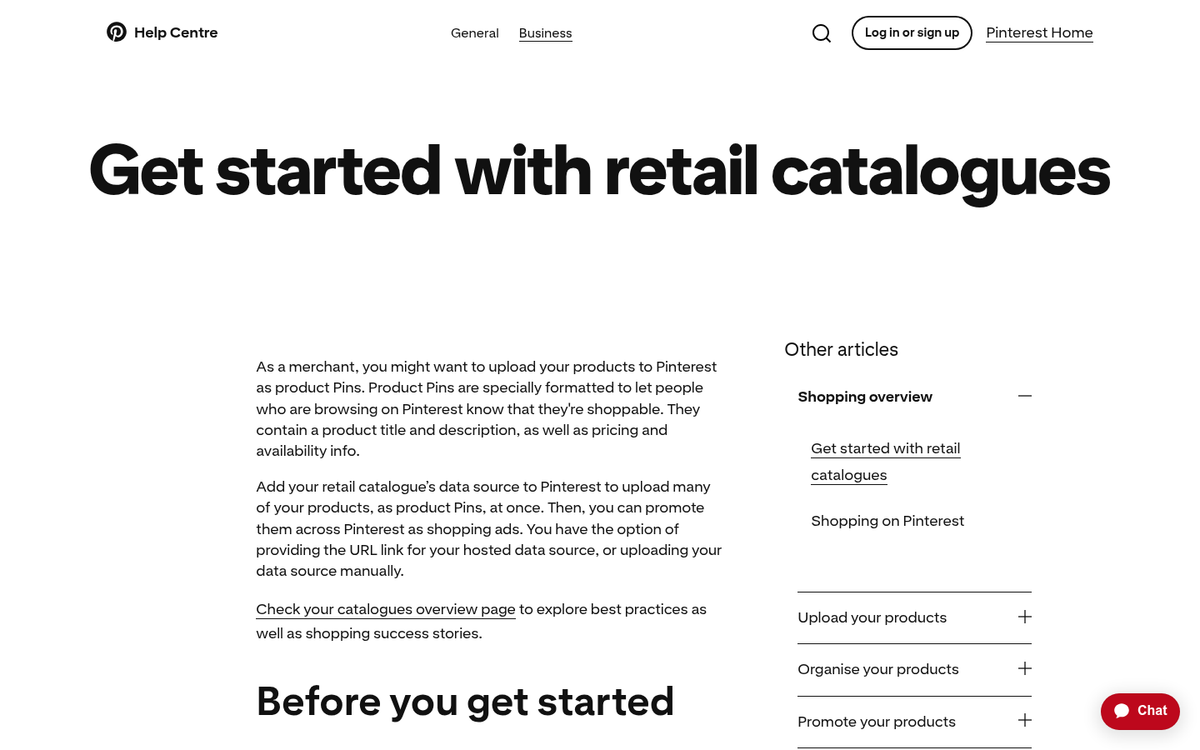
This is arguably the most important step for eCommerce businesses in 2026 and one that far too many brands skip. Connecting a product catalog to your Pinterest business account allows Pinterest to ingest your entire product feed and create shoppable Pins automatically.
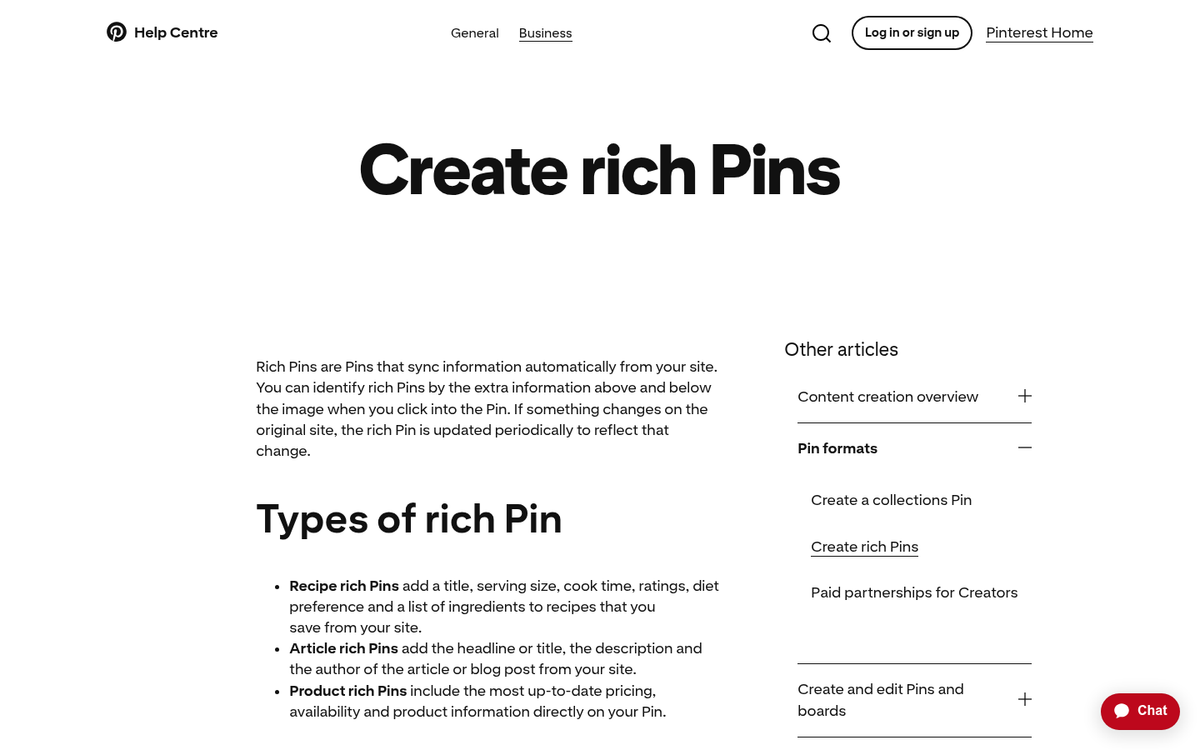
The numbers here are hard to ignore. Brands using a Pinterest catalog get 5x more impressions on their products. Shops that provide full product catalogs and tag all products see a 30% increase in checkout volume. If you're running an online store and you're not using this feature, you're leaving an enormous amount of money on the table.
You can connect your catalog directly through Pinterest's Catalogue tool under your business hub. Most major eCommerce platforms - Shopify, WooCommerce, BigCommerce - have native integrations that make this straightforward.
Use Rich Pins
Rich Pins pull live data directly from your website and display it alongside your Pin - things like current pricing, stock availability, product descriptions, recipe ingredients, or article metadata. When your product goes on sale or goes out of stock, the Pin updates automatically.
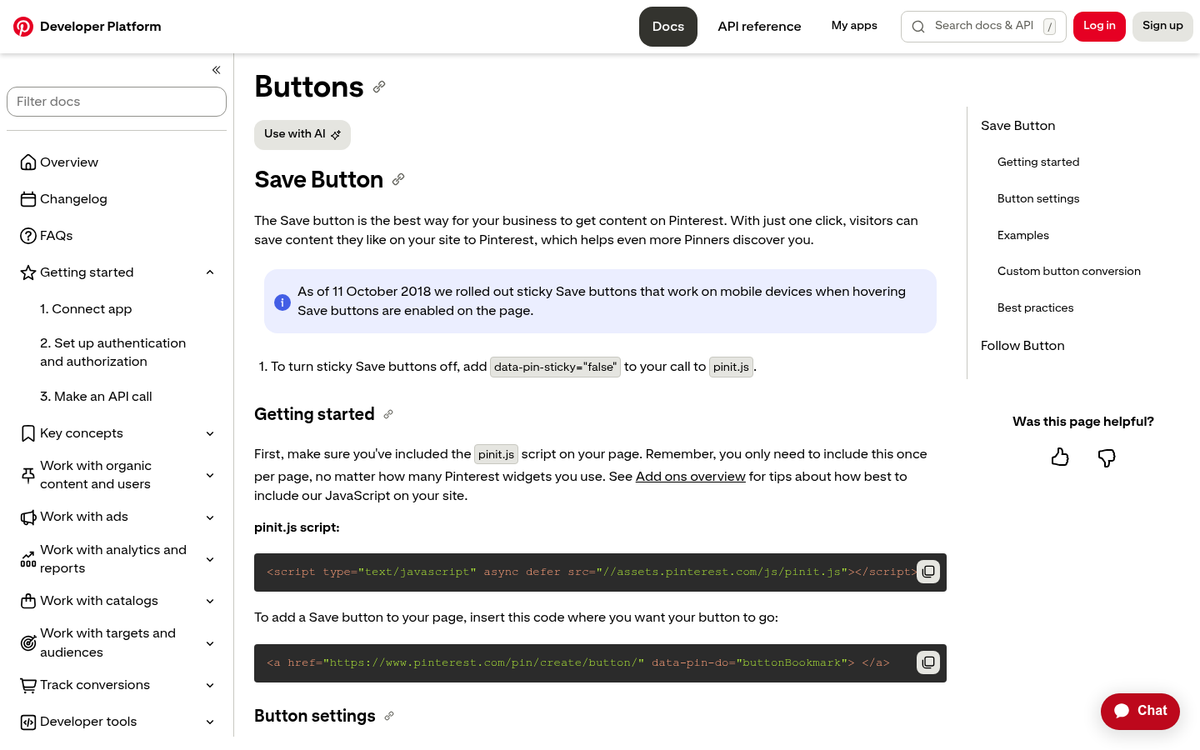
Setting up Rich Pins requires adding structured data markup to your site (Open Graph or Schema.org), then validating through Pinterest's Rich Pin Validator. It's a one-time technical lift that pays off continuously. Pins with rich product data consistently outperform standard Pins in both engagement and click-through.
Use a Save Button on Your Site
Pinterest's Save button (formerly the Pin It button) can be added to your website so that visitors can pin your products and content directly to their boards with one click. You can implement this as a hover button that appears over images, a static button placed near your content, or through your eCommerce platform's Pinterest integration. There are many ways to embed Pinterest buttons on your blog, so you can choose whichever method suits your site best.

Given that 85% of weekly Pinterest users have made a purchase based on Pins from brands, making it effortless for your existing site visitors to share your products on Pinterest is a no-brainer. Every Pin a customer saves extends your reach to their followers at zero cost to you.
Note that hover-based implementations don't work on mobile, so if your traffic skews mobile - and in 2026, it almost certainly does - make sure your Save button implementation includes a mobile-friendly option.
Network With Pinterest Creators and Influencers
Every niche on Pinterest has its power users - accounts with large, engaged followings who set the tone for what gets traction. Identify the key players in your space and follow them. Watch what they post, engage thoughtfully with their content, and pin things from them that genuinely resonate with your brand.
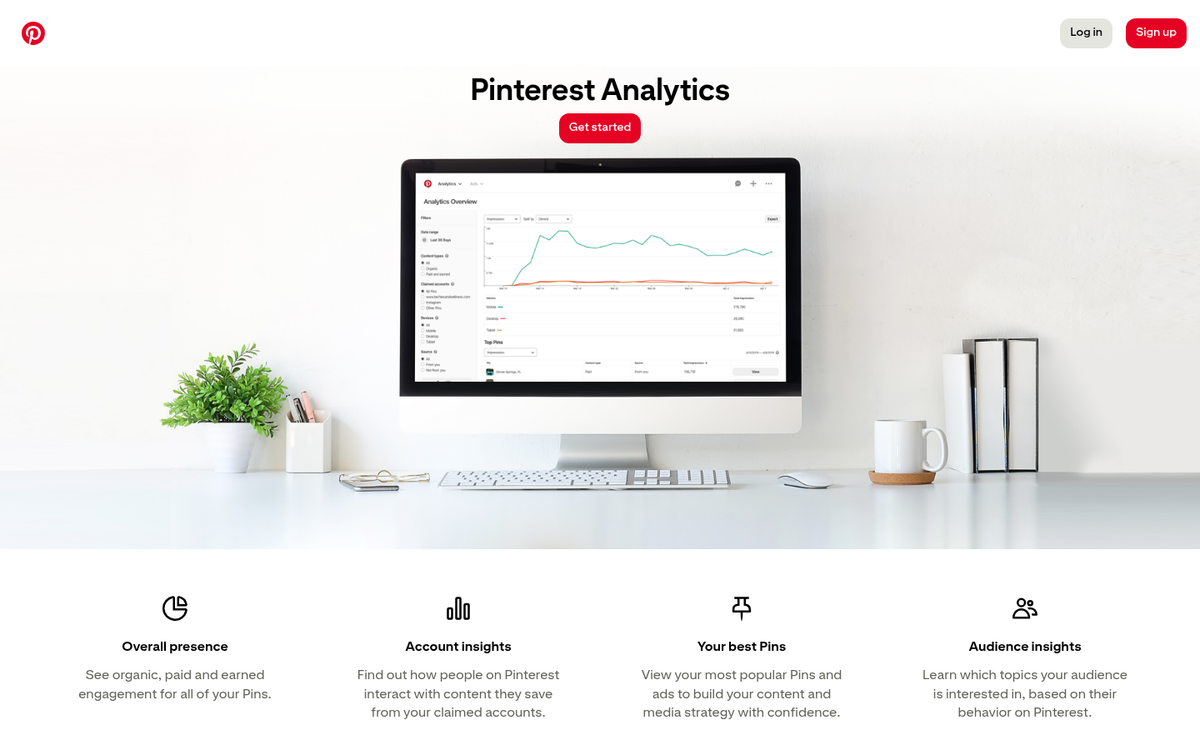
Pinterest ads also generate 11.4x more new leads than ads on other social networks, which means paid partnerships with established Pinterest creators can have an outsized impact compared to influencer spend on other platforms. As your own account grows, co-create content with these influencers - shared boards, collaborative campaigns, or simply cross-promotion.
Pin Relevant, Intentional Content
Pinterest's algorithm is built around interest and intent, not recency the way Instagram or X are. A well-optimized Pin can surface in search results for months or years after it's first posted, which makes your Pinterest content more of a long-term asset than a fleeting post.
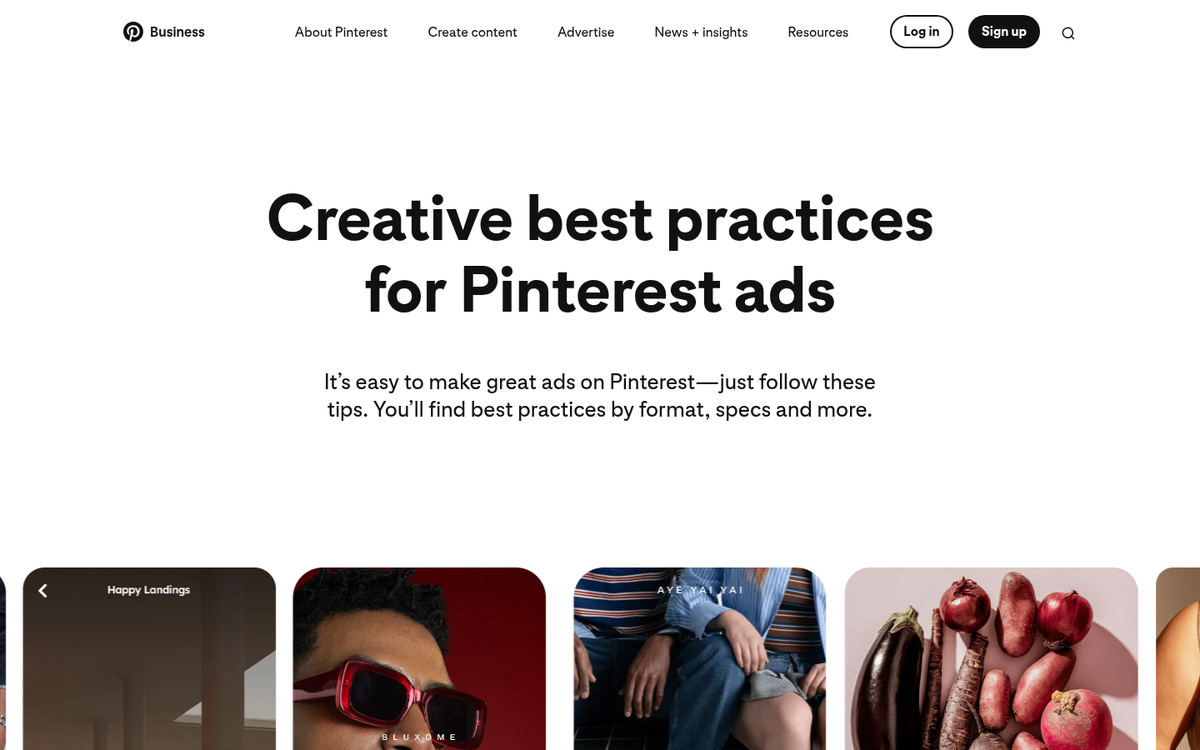
Know your audience. Pinterest's built-in analytics will show you what's resonating. Use that data to build boards that align with both your products and your customers' broader lifestyle interests. Someone shopping for products on your blog is probably also interested in productivity, interior design, and organization - build boards around those adjacent topics and your products fit naturally into the mix.
Given that 1 in 3 online Pinterest shoppers earns over $100,000 per year, you're often speaking to a high-intent, high-spending audience. Create content that matches that level of quality and aspiration.
Use Better Images - and Optimize for Pinterest's Format
Pinterest is a visual platform, and image quality directly affects performance. Vertical images in a 2:3 ratio (e.g., 1000x1500px) perform best in the feed. Clean backgrounds, strong contrast, and minimal text overlays tend to outperform cluttered compositions. If you need a powerful yet accessible tool to create or edit these visuals, consider the best Canva alternative for photo editing.
If your standard product photography isn't cutting it, lifestyle imagery - your product in use, in context, in a setting your target customer aspires to - consistently performs better on Pinterest than plain product-on-white-background shots. You can always edit the destination URL of a Pin to point to the correct product page regardless of which image you use, so there's no reason not to use the most compelling visual available. For more on driving consistent results from Pinterest, learning how to maximize image-based traffic can complement your efforts across platforms.