





Automation in some areas can be excellent, while in others it's not recommended. If you have some simple data entry to do every few days, you can automate it pretty easily and save yourself time. If you have a lot of customers asking questions of your service reps, you can automate a significant portion of it - AI chatbots now resolve 65-80% of routine eCommerce inquiries automatically - but you should still keep humans in the loop for complex or sensitive issues. You can automate the scheduled posting of social media posts, but you shouldn't fully automate responses to comments, where a human touch still matters.
When it comes to running an eCommerce website through a platform like Shopify, automation is a huge boon. Every element of your business that you automate is time you save.
Automation does take an initial investment. In some cases, it's a very simple investment, involving little more than installing an app. In other cases, it might involve some tedious coding or custom development, which you might even have to pay someone to do for you. This can make it seem like a poor investment.
Think about it this way. If you have a task that takes you half an hour every single day, that's two and a half hours spent on that task in a given workweek. If it takes you 100 hours to develop a custom solution to automate that task, that means in 40 weeks - less than a full year - the automation will save you money. Often, it will be an even better return! It very rarely would take 100 hours to produce automation that covers something that only takes you 30 minutes at a time.
Key Takeaways
- Start by listing every business task, then categorize each by how easy or difficult it would be to automate.
- AI chatbots now resolve 65-80% of routine eCommerce inquiries, but human oversight remains essential for complex issues.
- Shopify's app ecosystem, including Klaviyo, Shopify Flow, and Back In Stock, covers most standard eCommerce automation needs.
- Tools like Zapier and Make allow custom automation workflows without coding, lowering the barrier to advanced solutions.
- Time saved through automation can be reinvested into expanding your store, launching new niches, or hiring for human-critical tasks.
Step 1: Identify All Tasks and Processes
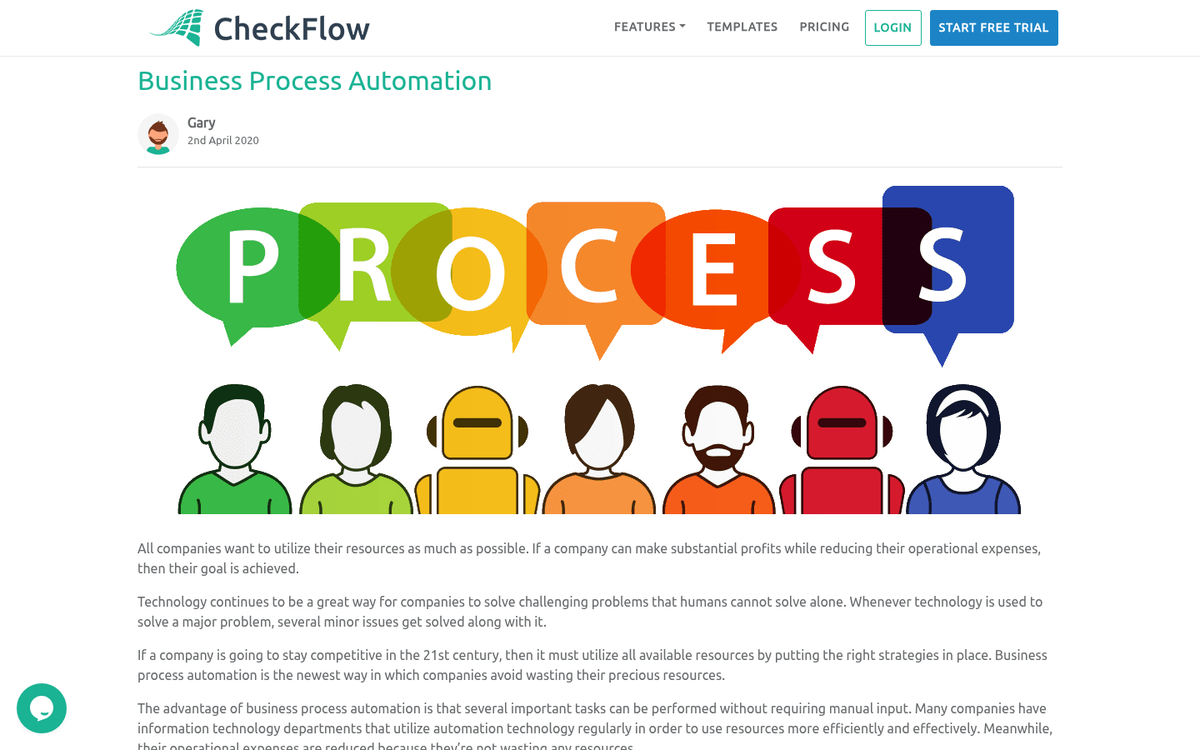
The first thing you need to do in order to automate a business is list every task you can think of that needs to be done.
Some of these tasks are daily data entry, upkeep on social media, sending emails, and other tasks. Here are a number of examples you might look for.
- Sending cart abandonment emails. Roughly 70% of all online shopping carts are abandoned, representing an enormous amount of lost potential revenue. The good news is that automated email sequences can recover approximately 15% of those abandoned carts. It's generally a good idea to send one email reminding customers of the items left behind, and if they don't respond, a follow-up offering assistance or a small incentive. For every $1 spent on email marketing automation, Shopify stores see an average return of $42 - making this one of the highest-ROI automations available.
- Offering customer service. It's generally not a good idea to fully automate customer service, as people have unique problems that benefit from human comprehension. However, AI chatbots have become remarkably capable - in 2026, they typically resolve 65-80% of routine eCommerce inquiries automatically, including order status checks, return policy questions, and product availability. By 2030, AI is expected to manage 80% of customer interactions in eCommerce altogether. The best approach is a hybrid model: let automation handle the common questions, while human agents monitor and step in when needed.
- Inventory management. When you have a fixed stock of items, or when you want to change pricing, it's a good idea to set up an automated system that updates your inventory in real time as purchases are made. This ensures you never oversell a product or promise more than you can deliver. Many modern Shopify apps handle this seamlessly and can also trigger restock alerts to your team automatically.
- Productivity and workflow automation. Tools like Zapier and Make (formerly Integromat) are both excellent for flexible, free-form automation. For example, you can trigger onboarding emails when a product is purchased, update your calendar when a meeting is booked, or push daily sales summaries to a Slack channel. Shopify also includes native marketing automation tools that are free for up to 10,000 emails per month, making it easier than ever to get started without a big budget.
Remember, right now you're not looking for solutions - that comes later. At this stage, all you're doing is putting together as large a list as possible of processes that could be automated to save you time, even if it only saves you a few minutes per day. Every minute you save with automation is a minute you can spend doing something you can't automate, to grow your business or set up another.
Step 2: Determine Ease of Automation
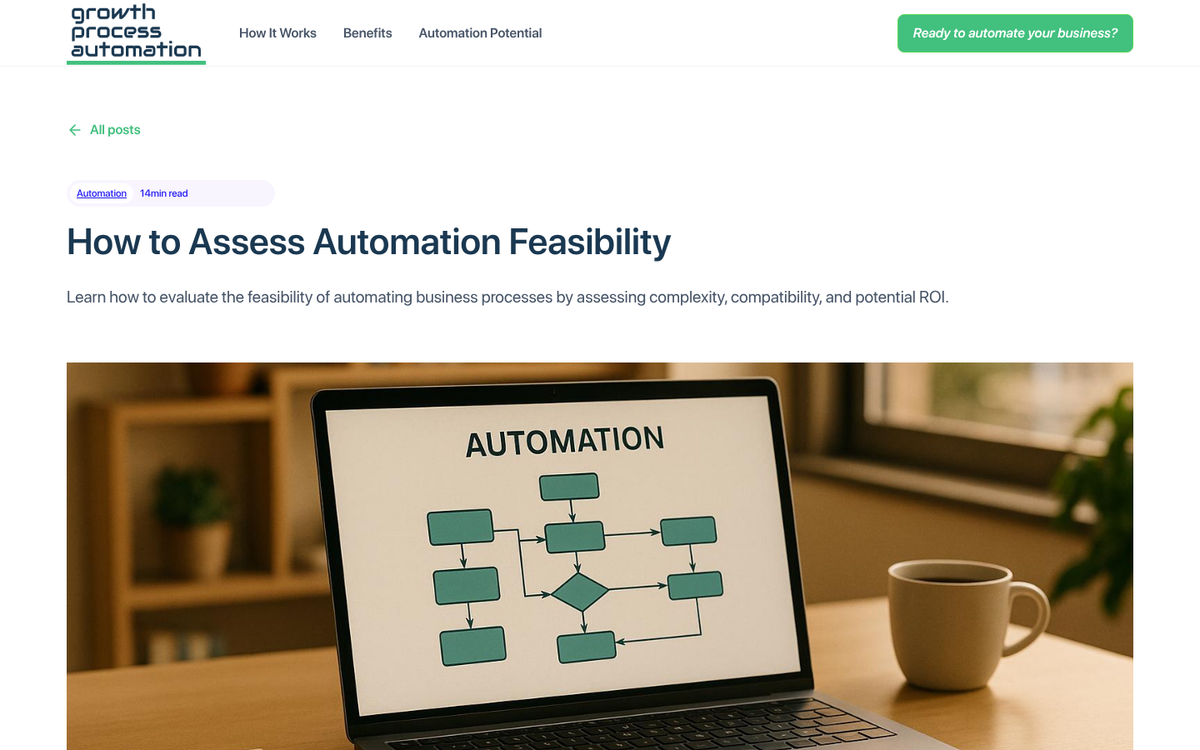
The second step is to categorize your list based on how easy or difficult it is to automate each process. I like to consider four categories.
Category one is the easy-to-automate elements. These are things like data entry, which might only take a simple script or an off-the-shelf app. It might include sending onboarding emails when a user joins a mailing list, or cart abandonment sequences. Generally, category one processes have solutions already available for free or a small fee, which you can install or configure quickly and easily. Notably, about 87% of Shopify merchants already use apps to enhance their operations, with the average merchant running six apps - so you're in good company.
Category two are the tasks that take a bit more effort to automate. This might include something like accounting, which requires setting up integrations with your accounting software, training a bookkeeper, or regularly reviewing your data for accuracy. It might also include elements that don't have many solutions already available, or processes that have not-quite-perfect solutions you would need to customize. If you need A, B, and C done, but the app you find only does A and B, it goes into this category.
Category three are the tasks that are difficult to automate. Anything highly custom about your brand voice or creative strategy will generally fall into this category. These are business processes that either require custom-built solutions or significant configuration. AI tools like ChatGPT and others can help here more than ever before, but they still require human oversight and fine-tuning to maintain quality and brand consistency.
Category four are the processes that are impossible to automate. Going to meetings with potential partners, building genuine relationships with suppliers, and other such high-touch processes cannot be fully delegated to a machine. At least not yet.
It's worth noting here that you CAN outsource some of the category four processes. You can always hire someone to handle your cold outreach or vendor calls to save more of your own time. This is, however, not automation, and it's an added expense. It's outside the purview of this post, but worth keeping in mind.
Step 3: Look for Existing Solutions
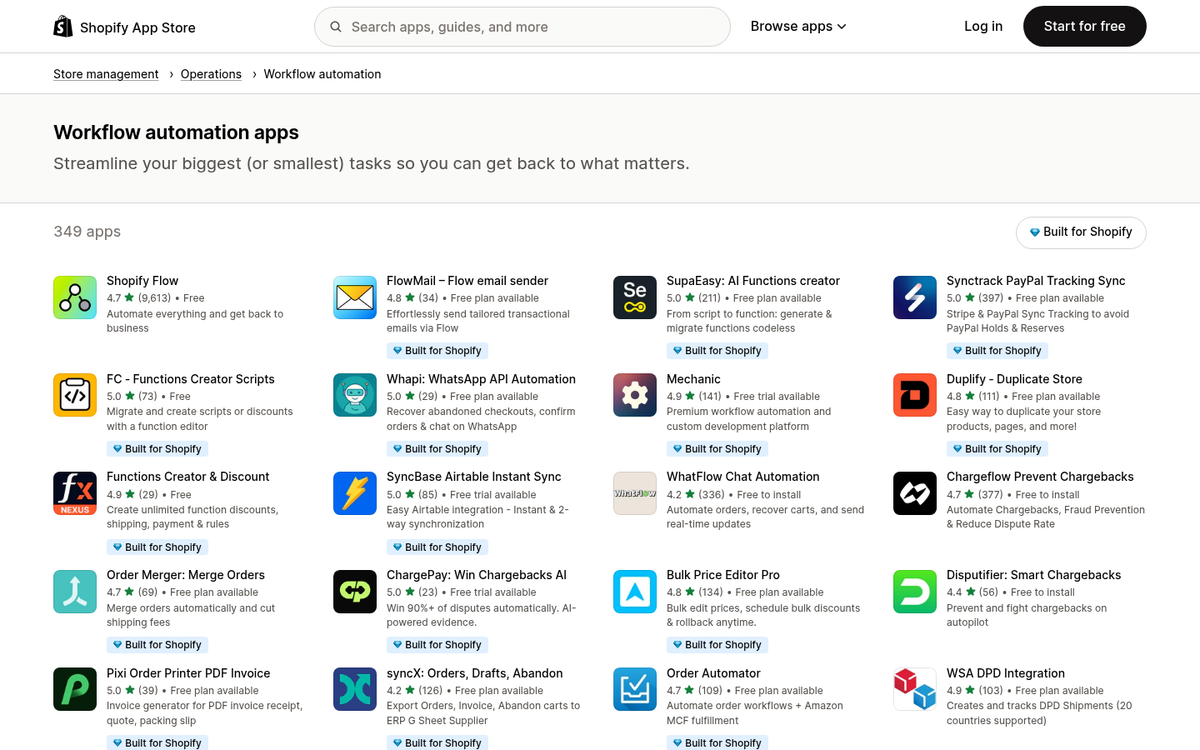
The third step is to start with your category one processes and look for existing solutions, working your way through the whole list. You might discover that some processes are actually harder or easier to automate than you thought, and may need to re-categorize them. If you find a category one process that turns out to be category three, don't spend a ton of time on it - skip it and move on. You can always come back to it after picking the low-hanging fruit first.
Shopify is a great platform for creating an eCommerce store specifically because it works very well with apps and integrations. They have a massive library of apps, some free and some paid, that can automate large portions of your business. Here are some of the best options, though you can always browse the store for more.
- Back In Stock - This app allows customers to sign up for an alert when an out-of-stock product becomes available again, then automatically sends that email when inventory is replenished. Depending on the scale of your business and how frequently products sell out, it can be an excellent revenue recovery tool.
- Klaviyo - Klaviyo has become the dominant email and SMS marketing automation platform for Shopify stores, with over 260,000 customers as of 2026. It handles everything from cart abandonment flows and welcome sequences to post-purchase follow-ups and personalized product recommendations - all triggered automatically based on customer behavior. It integrates natively with Shopify and is widely considered the gold standard for eCommerce email automation.
- Shopify Email / Shopify Marketing Automation - If you're just getting started, Shopify's built-in automation tools are free for up to 10,000 emails per month. You can set up basic flows like abandoned cart reminders, welcome emails, and win-back campaigns without needing a third-party tool. It's a great starting point before graduating to something like Klaviyo.
- Shopify Flow - Shopify's native automation engine lets you build custom workflows using triggers, conditions, and actions - all without writing a single line of code. For example, you can automatically tag high-value customers, hide out-of-stock products, notify your team when inventory runs low, or flag orders that look like potential fraud. It's available on all Shopify plans and is one of the most powerful built-in tools available.
- AI Chatbots (e.g., Tidio, Gorgias, or Zendesk) - With AI chatbots now resolving 65-80% of routine customer inquiries automatically, adding one to your Shopify store is a no-brainer. These tools handle common questions about orders, shipping, and returns around the clock, while escalating complex issues to a human agent. Given that AI is projected to manage 80% of eCommerce customer interactions by 2030, getting comfortable with this technology now puts you well ahead of the curve.
There are many more options available, of course, but these represent some of the most impactful choices for most Shopify store owners. We've reached a point where there are very few standard eCommerce processes that don't have at least one solid automation solution already built for them. If you're struggling to drive traffic to your Shopify store, addressing that alongside automation will help you get the most out of these tools.
Step 4: Develop Custom Automation Solutions
Once you have implemented every off-the-shelf solution you can find, it's time to start developing your own. In some cases, this means learning a programming language - if you don't already know one - and writing scripts or apps to automate your own unique processes. You can also hire a developer through platforms like Upwork or Fiverr, though you should have at least a basic understanding of what you're asking for, and ideally enough technical literacy to review the work and ensure it's not creating security vulnerabilities or routing your data through unauthorized third parties.
Zapier and Make (formerly Integromat) are both powerful platforms for building custom automation workflows using the APIs of thousands of existing services - without needing to write code from scratch. If you're trying to connect a Google app, a Shopify trigger, a social media platform, or nearly any SaaS tool you use, there's a good chance one of these platforms can bridge the gap.
For more advanced AI-driven automation, tools like n8n (an open-source alternative to Zapier) and various large language model integrations are now making it possible to build surprisingly sophisticated workflows that would have required a full development team just a few years ago. If you're curious how AI fits into content creation as well, see how to use AI to write blog posts in bulk without losing quality. The barrier to entry for custom automation has never been lower.
Step 5: Pursue Further Developments
With all the time you've saved, you can expand your existing business or build new ones. If you've created a functional and profitable Shopify store that largely runs itself, you can take that same framework and adapt it to a new niche, a new product line, or an entirely new brand. You can slowly build up a network of stores, each operating in its own niche, each automated to the greatest extent possible.
Alternatively, you can reinvest the profits from a more efficient, faster-moving business into hiring people to manage the elements that genuinely require a human touch - creative direction, relationship building, strategic partnerships, and so on.
If you play your cards right, and embrace the automation tools available to you in 2026, you could run a highly profitable business that demands remarkably little of your time. It's amazing what entrepreneurship looks like when you have the full power of modern automation working in your favor.



2 responses
Thoughtful replies only - we moderate for spam, AI slop, and off-topic rants.
thanks for not making me feel like its not possible like other people on the internet...............
You're so welcome, Trenton! It absolutely IS possible, and we never want anyone to feel discouraged. Automating a Shopify store takes some time and setup, but once everything is running smoothly, it's totally worth the effort. Keep pushing forward and don't let the naysayers slow you down! 🙌