If you're not familiar with Amazon marketing, you probably should be. Sponsored Products are ads you can run through Amazon, designed to feature a product in a way that makes it look recommended by the platform. Think of it like native advertising for Amazon. They're immensely popular, and according to Amazon Ads themselves, advertised products are 321 times more likely to generate ad-attributed sales. The opportunity is massive - but so is the competition. Optimizing properly is what separates the sellers who profit from the ones who burn through budget.
Key Takeaways
- Start with automatic campaigns for at least a month to collect search term data before transitioning to manual campaigns.
- Run one SKU per ad group to keep performance data clean and accurately attribute clicks and conversions.
- Use negative keywords to eliminate irrelevant traffic, reducing wasted spend and improving your ACoS efficiently.
- Placement bid adjustments allow up to 900% bid increases for top-of-search, product pages, or rest-of-search placements.
- Ad creative pulls directly from your listing, so weak titles, images, or reviews will hurt paid ad performance.
What are Sponsored Products?
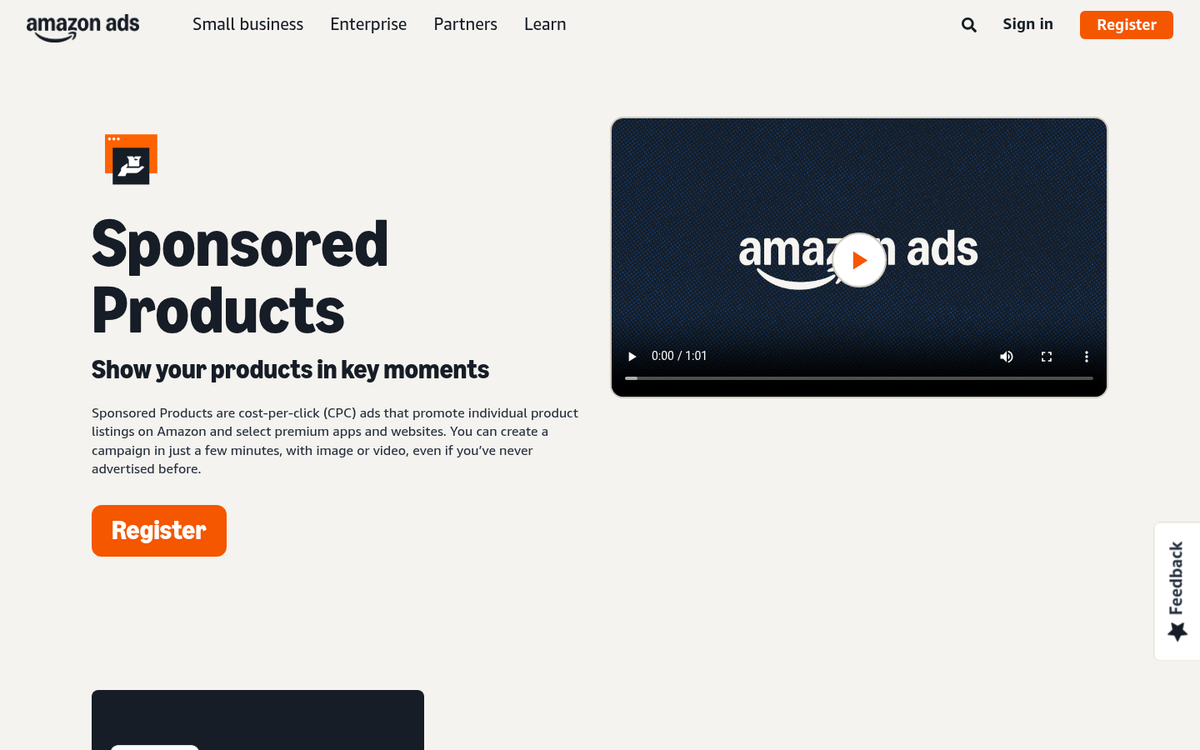
If you've ever browsed Amazon without an adblocker, you've seen products in the search results with a Sponsored label next to them. These look like any other product listing, appearing at the top, middle, and bottom of results pages, on product detail pages, and even off Amazon on third-party sites and apps. They have a "Sponsored" label, but otherwise blend naturally into the browsing experience - which is precisely why they convert so well.
Sponsored Products are available across a wide range of categories, including Appliances, Automotive, Beauty, Computers, Electronics, Grocery, Outdoors, Shoes, Sports, Video Games, and many more. Costs per click typically range from $0.05 to $10, depending on your category and competition, and Amazon recommends a minimum daily budget of at least $10 to give campaigns enough data to optimize.
Sponsored Product ads are designed to send traffic from the search results directly to your product detail page. You don't have complete flexibility with the ad creative - Amazon pulls images, titles, pricing, and reviews directly from your listing. What you can control, however, is a lot of the behind-the-scenes targeting, bidding, and structure that determines whether your ads succeed or fail. Let's talk about how to get that right.
20 Methods for Optimizing Sponsored Product Ads

There are a lot of options available to you for optimizing your product ads. I've compiled 20 pieces of advice you can use. Play around with them, experiment, and figure out what works best for your products in your categories.
1. Understand Campaign Types

First up, you should understand that there are two types of campaigns, and what the benefits and drawbacks are to each. They are Automatic and Manual, and they use different types of targeting.
The difference is straightforward: Automatic targeting allows Amazon to determine which searches are relevant to your product based on your listing content and shopper behavior. Manual targeting lets you specify your own keywords or product targets. Automatic targeting is easier and less time-consuming. Manual gives you more control, and typically delivers better results - assuming you optimize properly - but requires more time and carries a higher risk of poor setup.
In 2026, Amazon has also expanded Sponsored Products to include product targeting within manual campaigns, meaning you can target specific competitor ASINs or product categories directly, not just keywords. This is worth building into your strategy.
2. Use Automatic Campaigns First
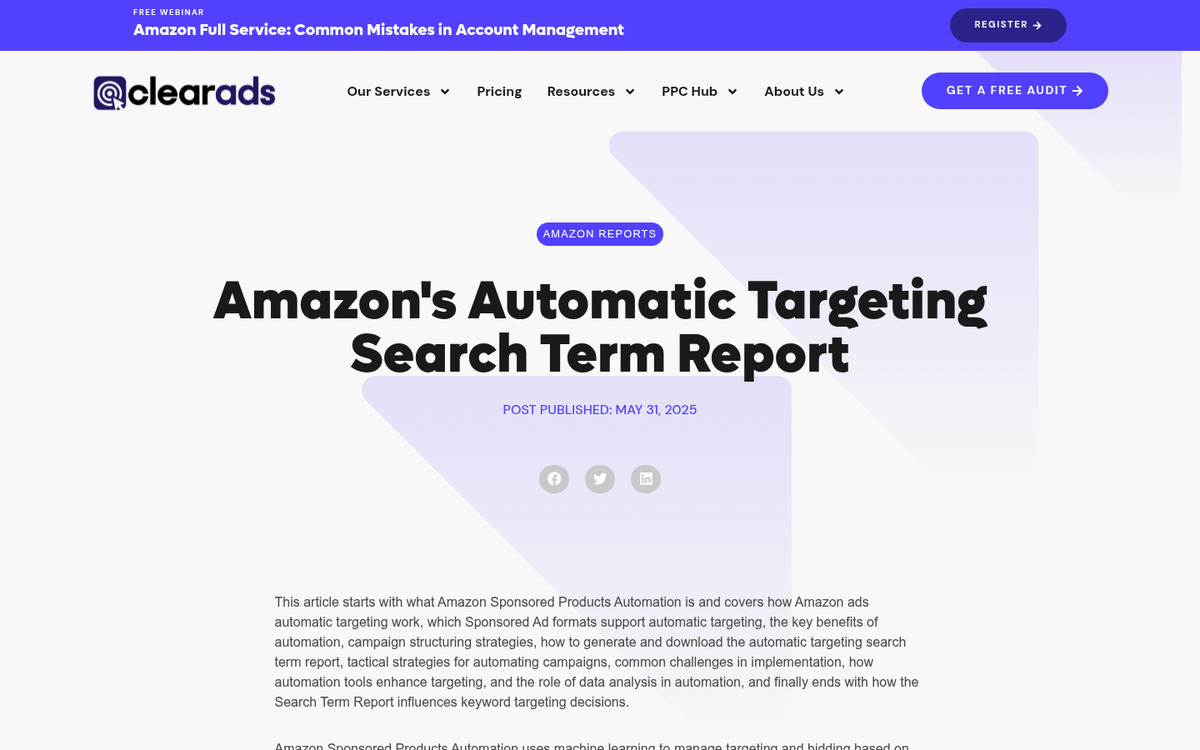
Start by running automatic campaigns. This allows Amazon to use their vast customer data and behavior signals to figure out how to advertise your products. They won't always be the most efficient ads, but they serve as an excellent starting point for data collection.
The key to success here is to run automatic campaigns for at least a month before drawing conclusions. The search term data Amazon provides during this period is invaluable for building smarter manual campaigns later. Think of automatic campaigns as your research phase, not your profit phase.
3. Don't Fall to Product Bias
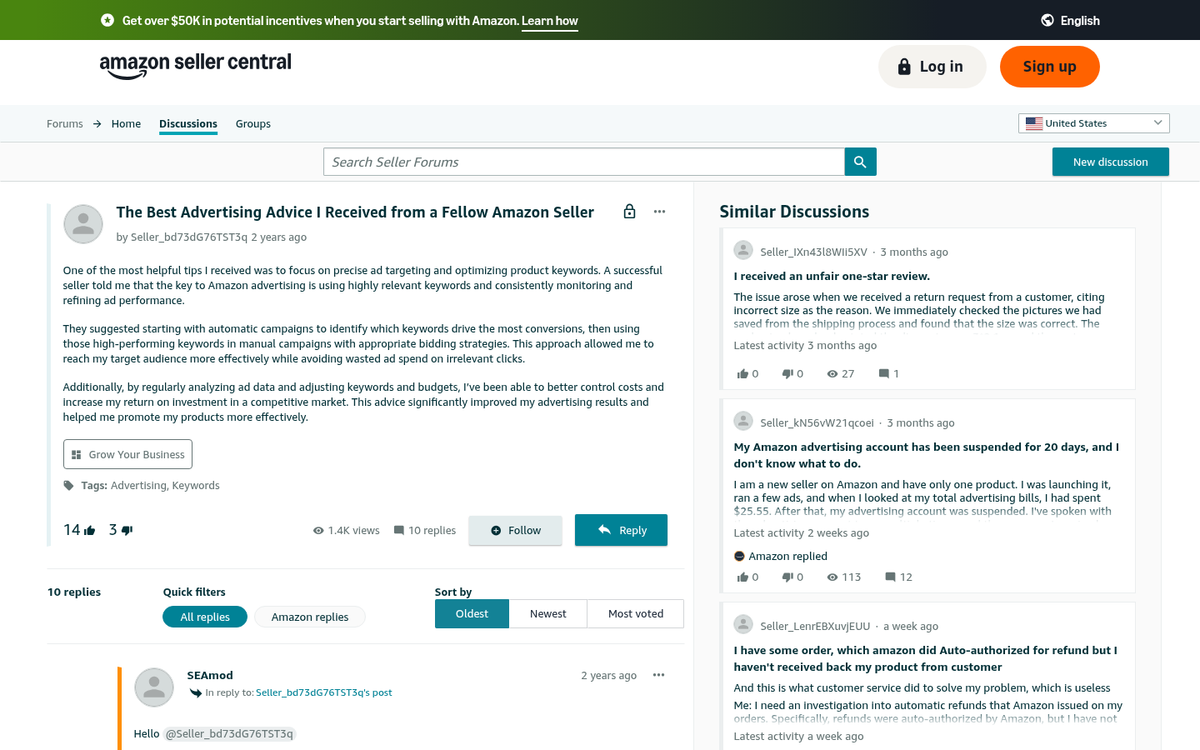
Everything in your storefront is something you believe will sell. All too often, Amazon sellers get tunnel vision, doubling down on their best sellers and leaving underperforming products completely unmarketed.
The reality is that your best sellers are often already capturing a large portion of their available audience organically. Sponsored Products may provide incremental gains, but the bigger opportunity is often with undiscovered products that simply haven't had enough visibility yet. Think about raising up the underperformers rather than only boosting the products that are already doing well.
4. Run One SKU Per Ad Group

When you create an ad group in Amazon Sponsored Products, you can include multiple SKUs - but I strongly recommend running only one SKU per ad group.
Why? Amazon's reporting ties keyword performance to the ad group, not the individual SKU. If you have multiple SKUs in an ad group, you can't tell which product drove which clicks and conversions. With one SKU per ad group, the data is clean and attributable. You know exactly what's working and what isn't.
This is more manageable with smaller catalogs, but it's worth the effort regardless of size. The cleaner your data structure, the smarter your decisions.
5. Use Bulk Operations if Necessary
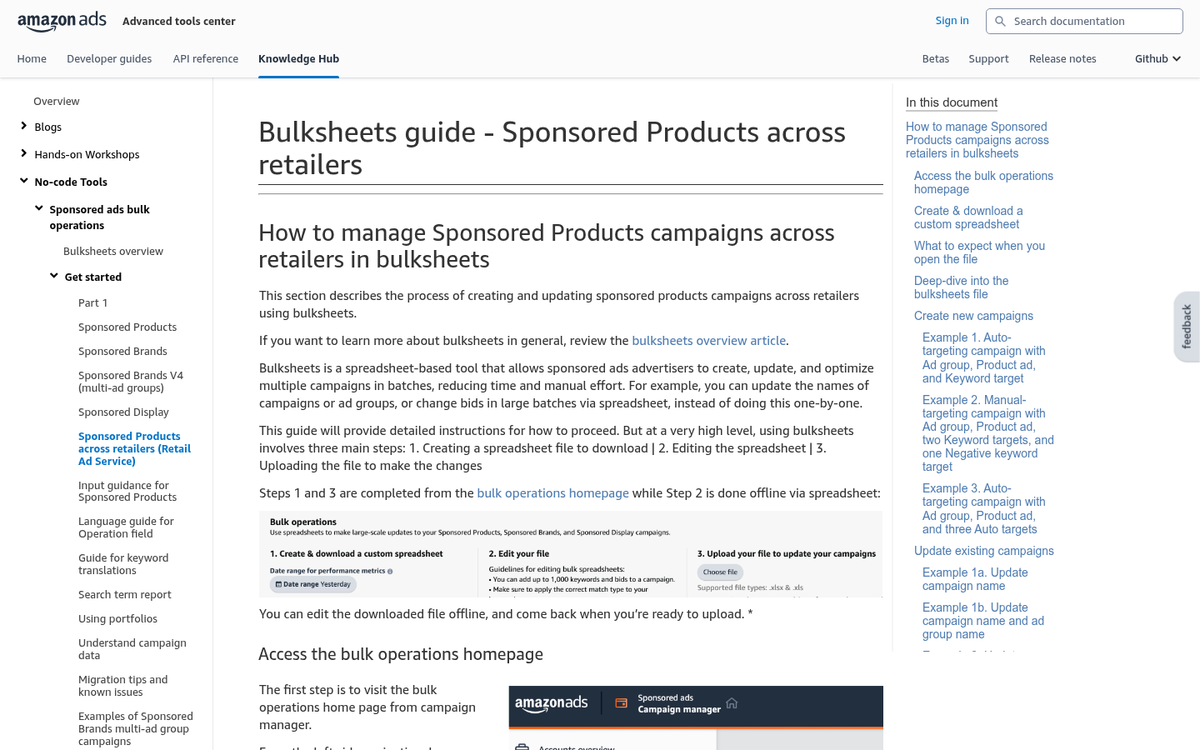
This is less of an optimization tip and more of a time-saving tip. If you have over 100 products, make use of Amazon's Bulk Operations tool for Sponsored Products. This lets you manage large numbers of campaigns, ad groups, keywords, and bids via spreadsheet uploads rather than manual entry.
It requires some spreadsheet familiarity, but it's a huge time saver at scale. Amazon has continued to improve the bulk operations interface over the years, and it remains one of the most underutilized tools for high-volume sellers.
6. Harvest Data
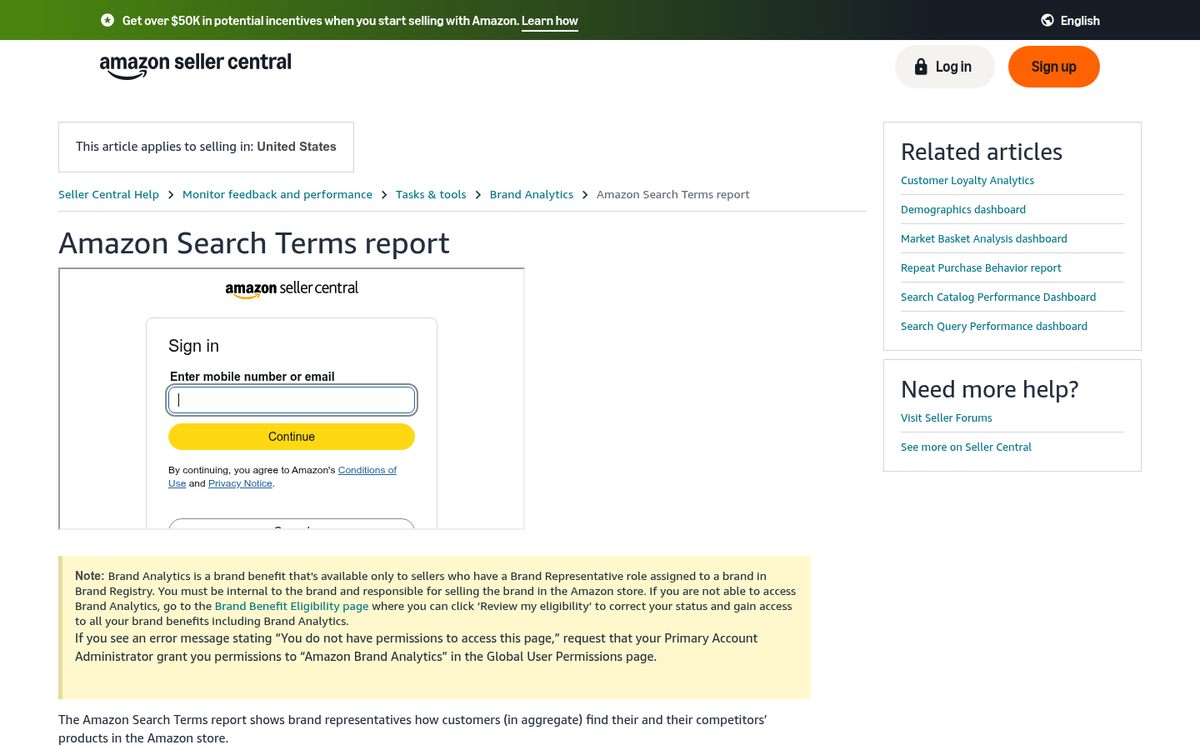
As mentioned, automatic campaigns generate valuable search term data. Once you've run your campaigns for at least a few weeks - ideally a full month - download your Search Term Reports from the Amazon Ads console.
These reports show you exactly what shoppers searched for when they saw and clicked your ads. With one SKU per ad group, you can directly attribute that performance to a specific product and start building a picture of what's actually driving results.
7. Understand Data
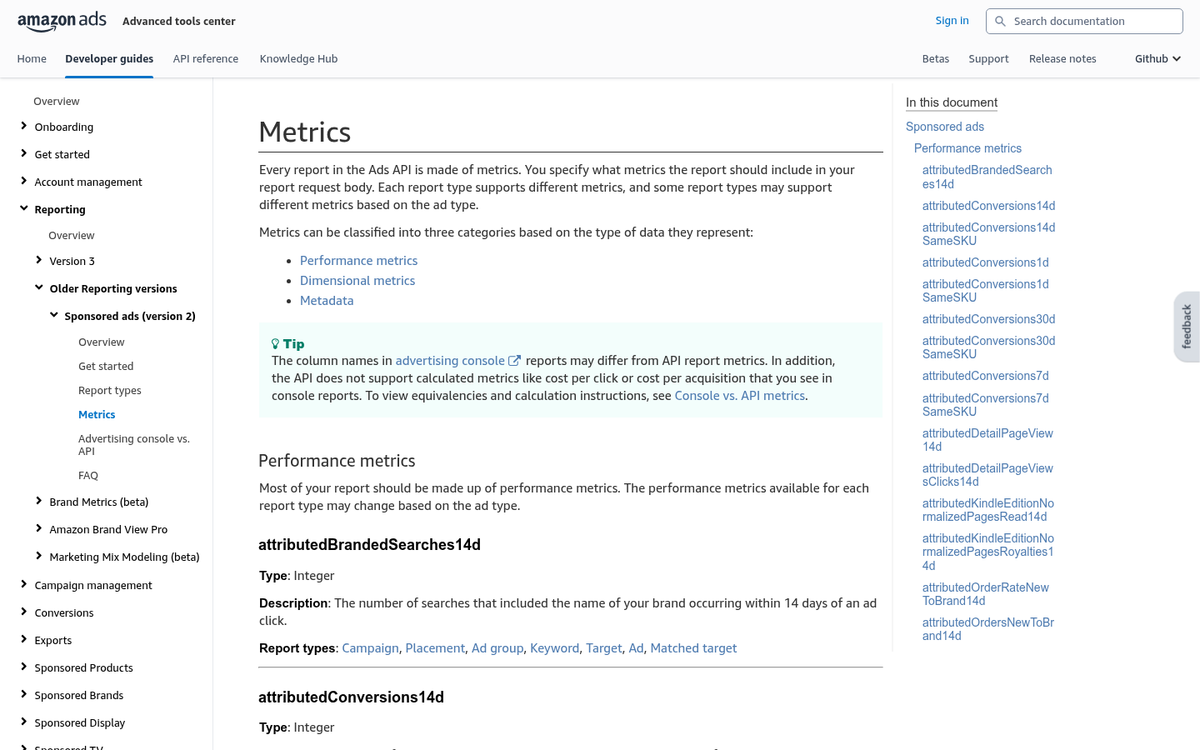
The data you harvest needs to be understood before you can act on it. Amazon reports a range of metrics you should be familiar with:
- Impressions. How many times your ad was shown. Useful for understanding reach and visibility.
- Clicks. The number of times your ad was clicked per keyword. Used to calculate conversion rates.
- Orders. The number of conversions per keyword per SKU. Normalize by time when comparing campaigns of different ages.
- Sales. Total sales value attributed to the ad. Will be higher when orders included multiples of the same product.
- ACoS (Advertising Cost of Sale). Your ad spend divided by ad-attributed sales, expressed as a percentage. Your most important efficiency metric.
- ROAS (Return on Ad Spend). The inverse of ACoS - how much revenue you generated per dollar spent. Amazon now surfaces this prominently in the console.
8. Correlate Data
Using the data Amazon gives you, correlate trends and identify where to focus. Export your reports and start building a picture of which keywords drive clicks, which drive conversions, and which drive neither. Calculate the click-to-sale rate for each keyword, and compile a shortlist of the highest-performing terms for each SKU. These will form the backbone of your manual campaigns. To sharpen your strategy further, consider reviewing a list of negative keywords to exclude wasteful terms, and brush up on picking the right keywords to ensure your shortlist is as strong as possible.
9. Build Manual Campaigns
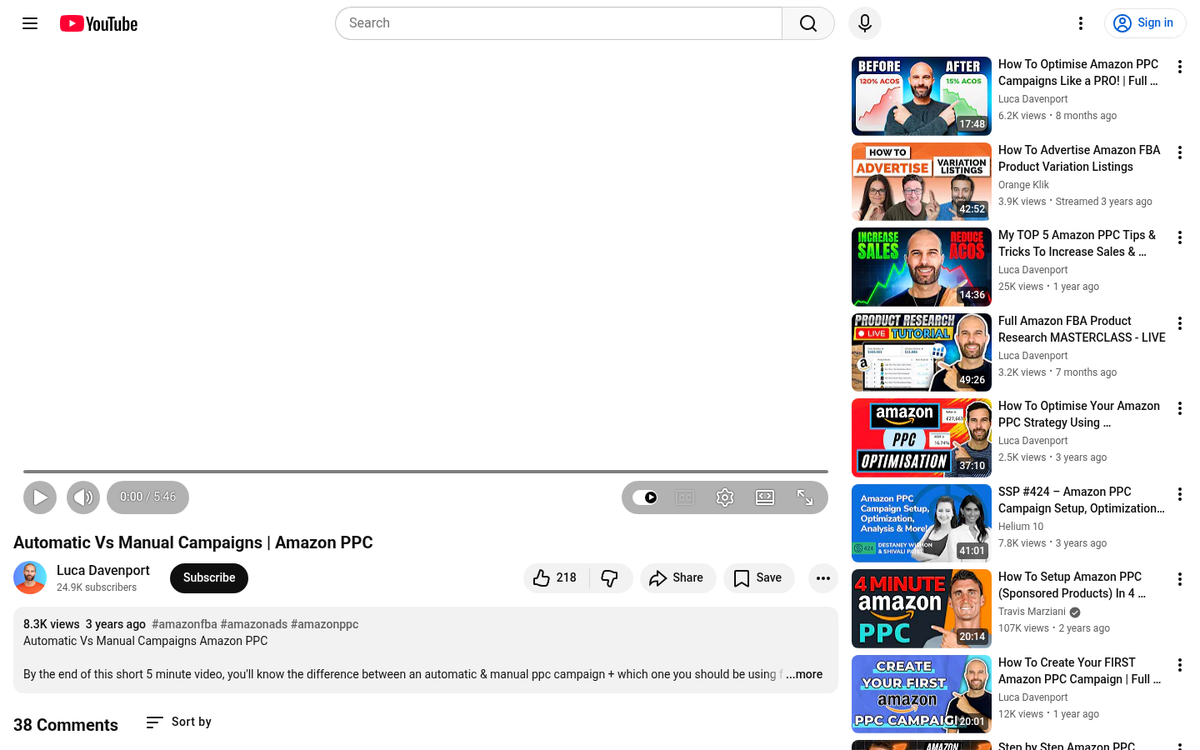
Once your data is correlated, transition your best-performing products from automatic to manual campaigns. Specify exactly which keywords to target, set appropriate bids, and remove the wasted spend on irrelevant search terms.
Don't delete your automatic campaigns entirely right away - keep them running at a lower budget to continue discovering new search terms. The strongest strategy is often running both in parallel: automatic for discovery, manual for efficiency.
10. Use Broad Match Keywords

Broad keyword matching shows your ad for searches that include part of your keyword or a synonym. If you're advertising "green mascara", your ad might appear for "emerald mascara", "green makeup", or just "mascara." Use broad match for exposure and to continue discovering how your customers search. It's a good complement to your ongoing automatic campaigns.
11. Use Phrase Match Keywords
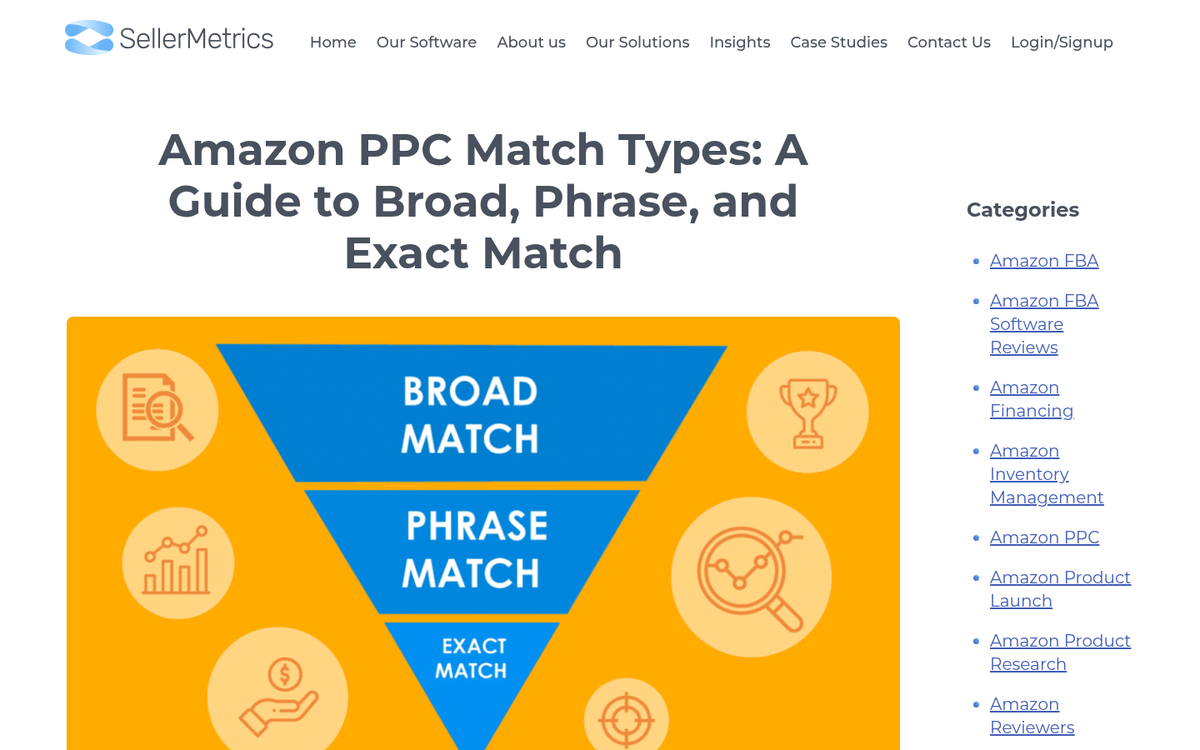
Phrase matching requires that the full phrase appears within the search term, though additional words can appear before or after it. Amazon also accounts for close variations and plurals. Use phrase match once you've identified keywords that consistently perform, as it offers more control than broad match while still capturing varied search patterns.
12. Use Exact Match Keywords
Exact match targets only searches that precisely match your keyword, with minimal variation allowed. Use this for your proven top performers - the keywords you know convert well and are worth bidding aggressively on. Monitor seasonal keywords carefully under exact match, as performance can drop sharply when search behavior shifts.
13. Use Negative Keywords
Negative keywords prevent your ads from showing for searches that are unlikely to convert. For example, if you sell synthetic mascara and you're getting clicks from searches for "natural mascara" or "organic mascara," add those as negatives. You'll reduce wasted spend and improve your overall ACoS. Negative keywords are one of the highest-ROI optimizations you can make once you have enough search term data to identify poor-fit traffic.
14. Calculate and Act on ACoS
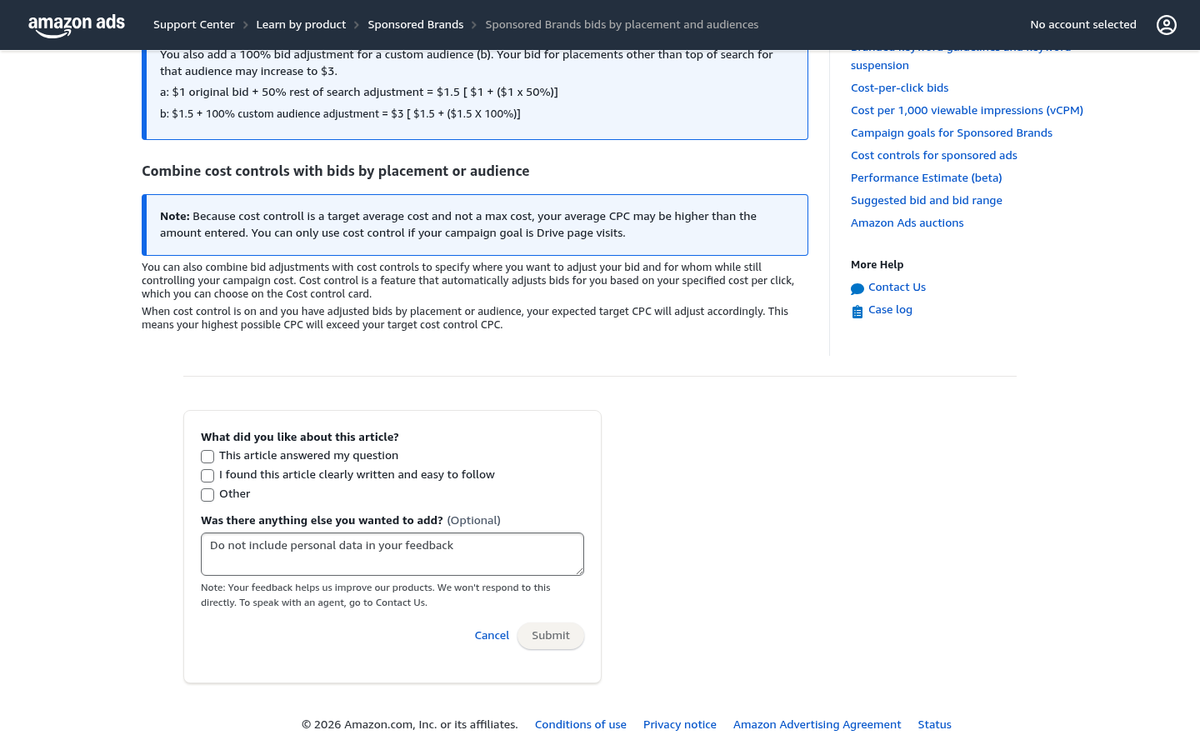
Your Advertising Cost of Sale (ACoS) is calculated by dividing your total ad spend by your total ad-attributed sales and multiplying by 100. It's the clearest single measure of campaign efficiency.
A low ACoS means you're spending little to generate each sale - great for profitability. A high ACoS means you're spending a lot relative to what you're earning, which isn't always bad (sometimes you're investing in visibility or ranking), but it needs to be intentional. Use ACoS alongside your actual margin to determine whether each campaign is truly profitable, and adjust bids accordingly.
15. Use Placement Bid Adjustments

One of the most powerful - and often underused - features in Sponsored Products is placement bid adjustments. Amazon allows you to increase bids by up to 900% for specific placements: Top of Search, Rest of Search, and Product Pages.
If your data shows that top-of-search placements drive disproportionately high conversion rates for a product, it makes sense to bid significantly more for that placement. Conversely, if product page placements are eating budget without converting, you can reduce or eliminate spend there. Check your placement reports regularly and adjust accordingly.
16. Know Your Goals
Make sure you know what you're optimizing for before you make changes. Are you chasing the highest revenue, the most units sold, the best ACoS, or the highest organic ranking (since ad-driven sales velocity can boost organic placement)? Your goals will shape every bidding and keyword decision you make. A product launch strategy looks very different from a mature product profitability strategy.
17. Don't Be Afraid to Return to Automatic

The general progression for a product is: automatic campaigns for data, then manual campaigns for efficiency. But sometimes manual campaigns stall, keywords stop performing, or the market shifts. When that happens, don't be afraid to reintroduce an automatic campaign alongside your manual one to find fresh search terms and new opportunities. Treat automatic campaigns as an always-available research tool, not just a beginner's setting. Learn more about all the campaign types available to help inform your strategy as you scale.
18. Use the Right Number of Keywords
When building manual keyword campaigns, how many keywords should you use? A good starting range is 25 to 50 keywords per ad group. Too many keywords will spread your budget thin and make the data harder to read. Too few will leave segments of your audience unreached. As you optimize over time, you'll naturally consolidate around your top performers - but start with enough breadth to surface the winners. For deeper research, check out these keyword spy tools to take your competitor's traffic.
19. Be Consistent
Consistency matters when comparing performance data. Don't compare a campaign that ran for three days to one that ran for six weeks. Don't compare a 5-keyword ad group to one with 200. Make sure the variables are controlled when you're drawing conclusions. Inconsistent comparisons lead to bad decisions, wasted budget, and a lot of frustration.
20. Optimize Your Product Listings
Because Amazon pulls your ad creative directly from your product listing - title, images, bullet points, reviews, and price - the quality of your listing directly impacts your ad performance. A great campaign driving traffic to a weak listing is money wasted.
It's also worth noting that according to Statista, 32% of online consumers say positive ratings from other customers directly influence their purchasing decisions. That means your star rating and review count aren't just organic ranking factors - they're conversion factors for your paid ads too. Optimize your product listings with strong titles, high-quality images, compelling bullet points, and a strategy for generating legitimate reviews. Your ads and your listings succeed or fail together.