





Google Analytics is the best available analytics tool for webmasters, but it's not always practical or available. It has some issues. It's fairly common for spammers to inject false referrals, which throw off your metrics. The sampling occasionally means your data is less accurate than it could be. It has issues with historical data, and it buries some valuable data behind reports you need to make and generate yourself. In short; it's not exactly user-friendly if you don't want to invest some serious time into it.
There are an absolute ton of alternative analytics suites out there, both for stand-alone suites and analytics built into, well, everything. It's practically impossible these days to find a web app or CMS that doesn't have a pile of analytics options tacked on to the end of it. Of course, the best analytics aren't free, and the free analytics aren't always all that good. That's why I've put together a list of decent free and low-cost analytics tools you can use instead of Google Analytics.
Key Takeaways
- Google Analytics struggles with accurate session time, bounce rates, and became harder to use after the forced GA4 migration in 2023.
- Matomo is a free, open-source, self-hosted alternative integrating with 65+ CMS platforms, but requires technical maintenance.
- Plausible and Fathom are privacy-first, cookieless, GDPR-compliant tools offering simple dashboards without complex configuration.
- Clicky's free plan covers one site with up to 3,000 daily views, making it beginner-friendly but limited without a paid upgrade.
- Inspectlet works best as a supplement, recording visitor sessions and mouse movements to explain why users behave certain ways.
The Problem With Google Analytics
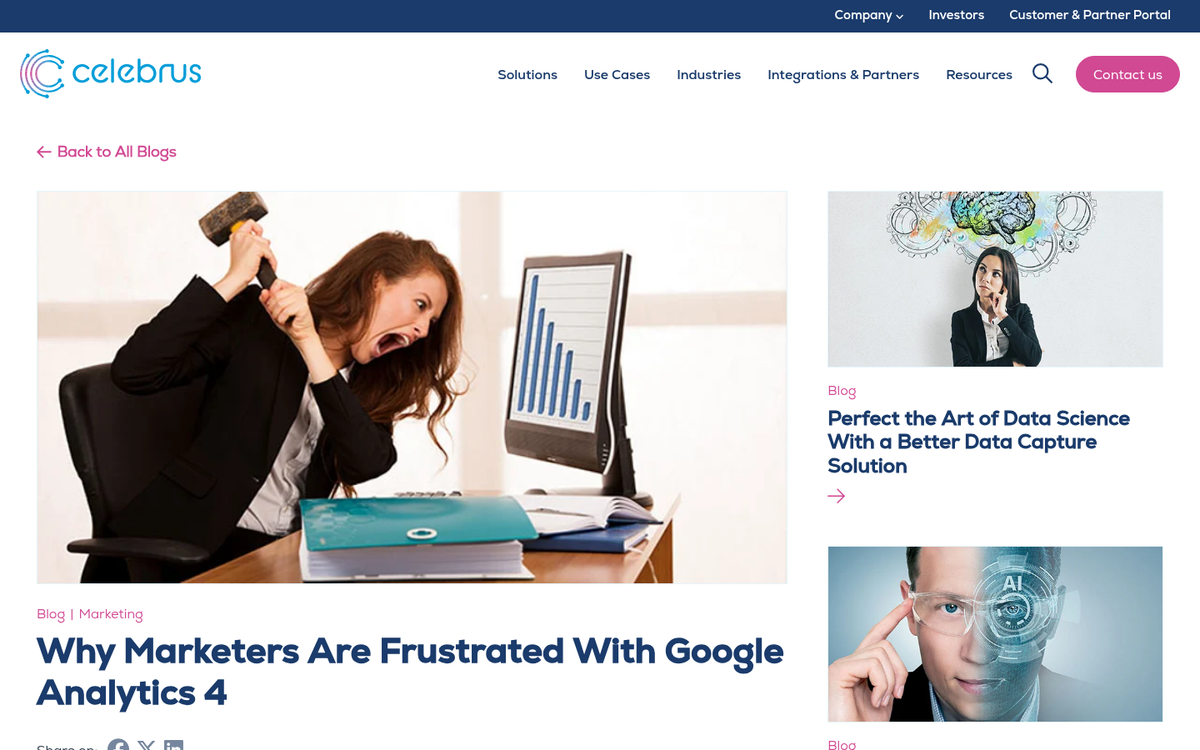
The number one issue Google Analytics has is measuring true session time. Google only triggers on page load or specific actions. If I click to a blog post and start reading, spend 20 minutes reading a lengthy post, then close out the tab satisfied, there's no second action. As far as Google sees, I landed and disappeared. There's no way to tell between a 20 minute visit and a 1 second visit. This throws off all data about bounce rates and time spent on site, which both tend to be used extensively by marketers.
Beyond that, Google's forced migration from Universal Analytics to GA4 in 2023 left a lot of webmasters frustrated. GA4 is a fundamentally different product - it uses an event-based data model instead of the session-based model UA used, which means historical data didn't carry over and many familiar reports were gone entirely. The learning curve got steeper, and for smaller site owners especially, GA4 can feel like using a sledgehammer to crack a nut.
Analytics is also quite complex, which means it's difficult for a newbie to wrap their head around. It can be very daunting and it makes it difficult to explore and set up custom reports to show you what you really want to know.
1. Matomo (formerly Piwik)
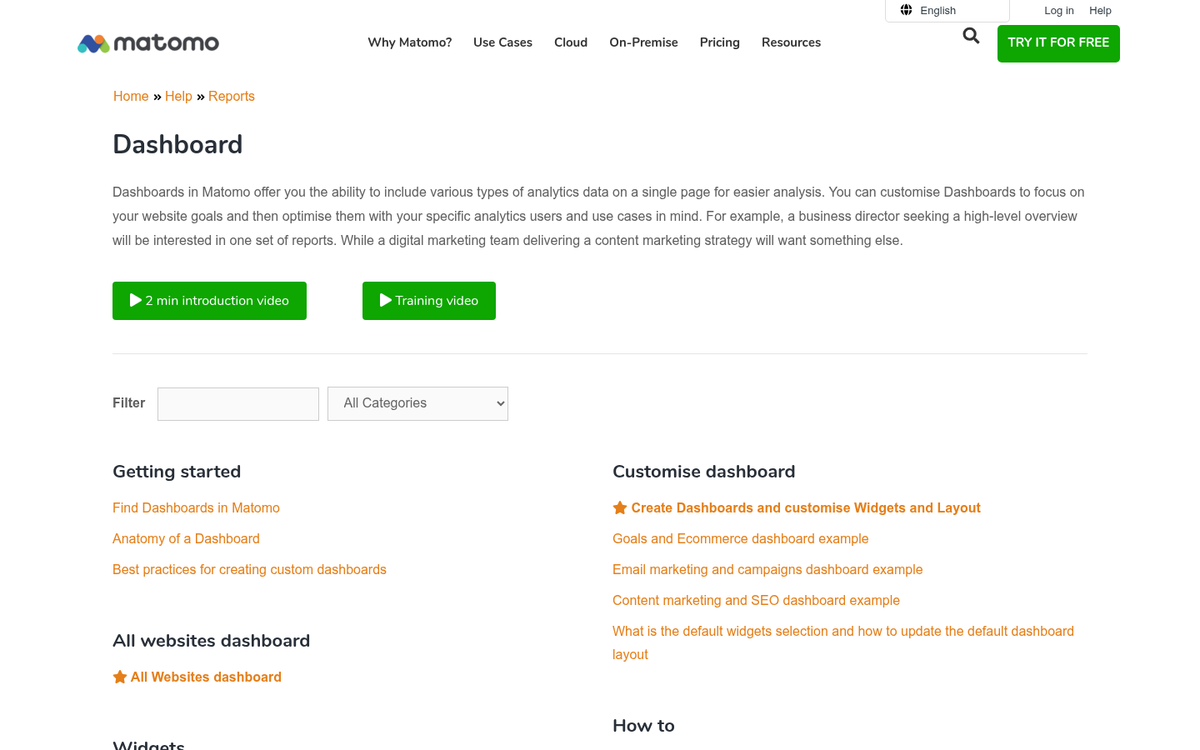
You may remember this one as Piwik - it rebranded to Matomo back in 2018. It's still built with privacy in mind, and it's still available as a self-hosted solution that's free and open-source. Google Analytics just requires that you verify your site and install a bit of code. Matomo, in its self-hosted form, requires you to have the actual analytics engine running on a server you own and control. You don't have to worry about a third party company accessing or controlling your data, but you do have to worry about keeping your data accessible and secure.
If you prefer the more traditional hosted approach, Matomo offers a cloud-hosted version for a fee. The self-hosted version remains free. As an open-source platform licensed under the GPL, you can dig into the code and see exactly what's going on.
One of Matomo's biggest strengths is its integrations. It connects with more than 65 content management, e-commerce, and online forum systems, including WordPress, Magento, Joomla, and vBulletin, via plugins. For bloggers and e-commerce operators especially, this makes setup considerably smoother than most alternatives to Google Analytics.
One great benefit is the ability to import log files, giving you access to historical data from before you implemented Matomo, as well as data saved in logs from other sources.
The hardest part of the self-hosted version is that you have to manage and maintain it yourself. If something breaks, it's on you to fix it. If the software needs updating, you need to update it. If the server goes down, you lose the ability to record or analyze data. It's not really a beginner's solution, but for those with a bit of technical confidence, it's one of the most powerful free options available.
2. Plausible Analytics
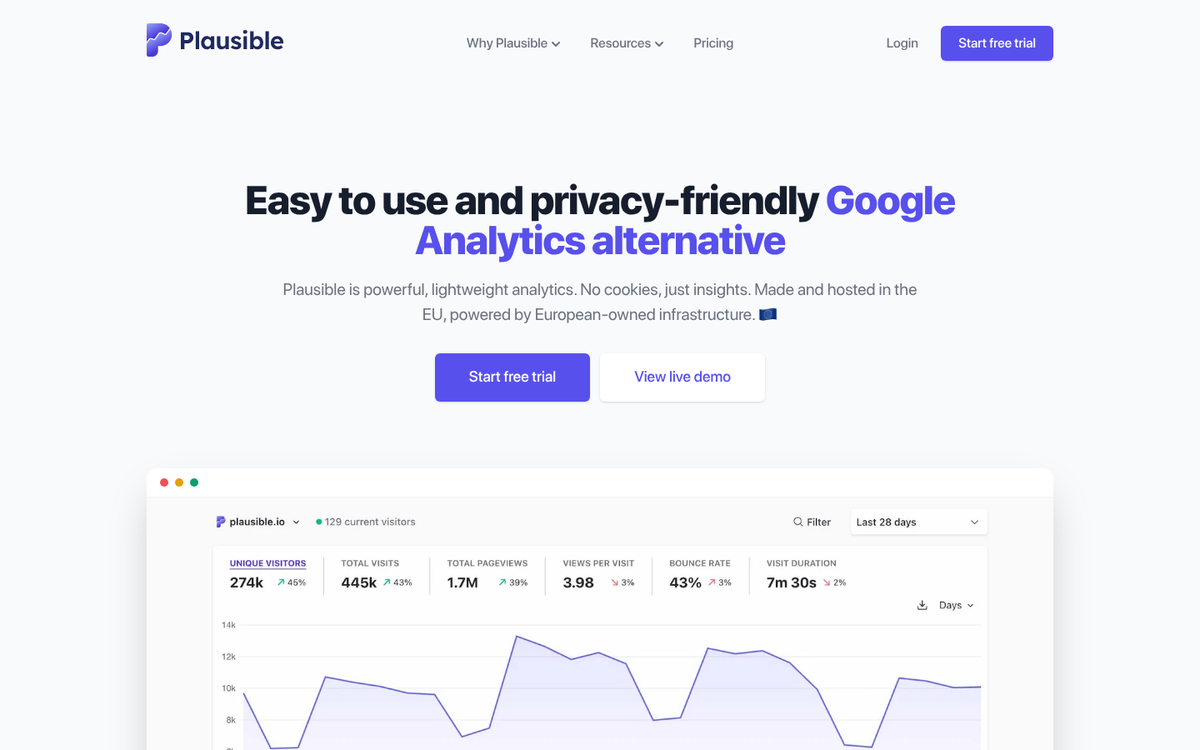
Plausible has become one of the most talked-about Google Analytics alternatives in recent years, and for good reason. It's a privacy-first, lightweight analytics tool that doesn't use cookies and is fully compliant with GDPR, CCPA, and PECR out of the box. The tracking script is tiny - under 1KB - which means it has virtually no impact on your page load times.
It's open source under the GNU Affero General Public License Version 3 (AGPLv3), so you can self-host it for free if you're technically inclined. For everyone else, there's a hosted version with straightforward pricing. Plausible has earned the trust of over 17,000 paying subscribers, including notable organizations such as Hugging Face, Basecamp, Ghost, MongoDB, the Open Source Initiative, and the Python Software Foundation.
The dashboard is refreshingly simple - everything is on one page, there's no need to build custom reports, and you can share your stats publicly if you choose. It won't replace GA4 if you need deep funnel analysis or complex event tracking, but for the vast majority of content sites and small businesses, it covers everything that actually matters.
If you're tired of GA4's complexity and don't need enterprise-level data, Plausible is arguably the most sensible modern replacement.
3. Clicky
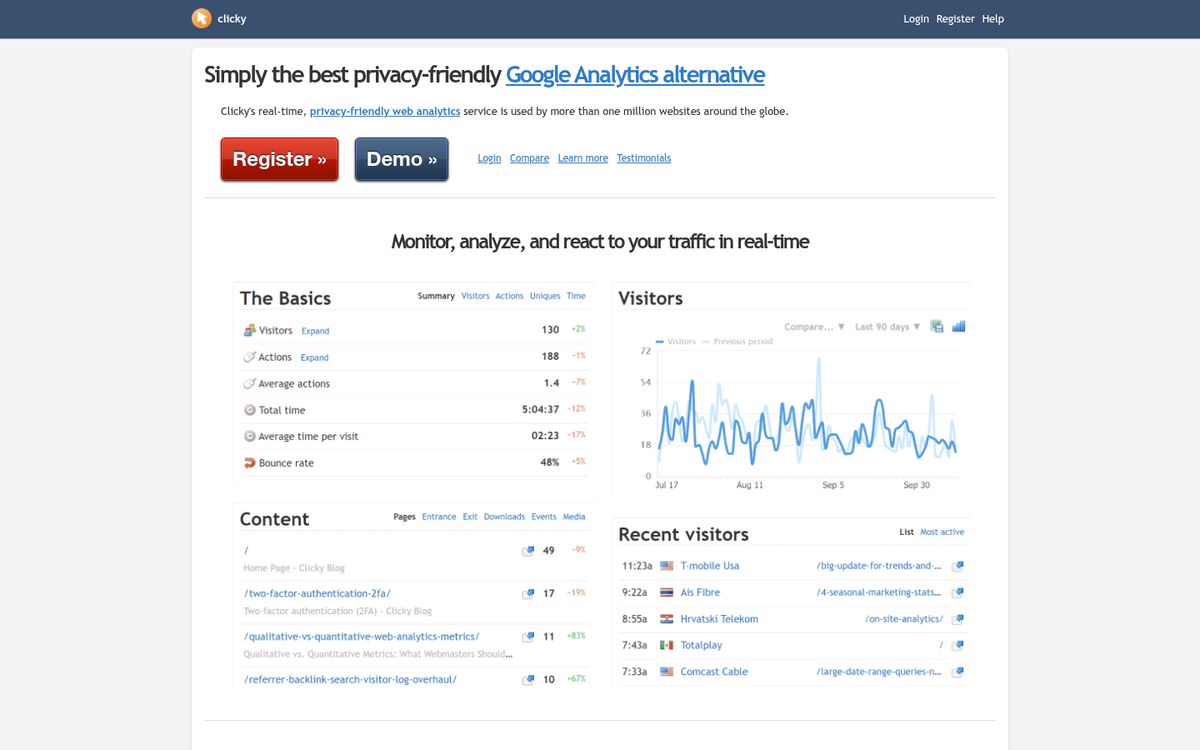
Clicky is one I was hesitant to include on this list, but did so anyway. The analytics it provides are actually quite good, but they're also a little limited in nature. I consider Clicky to be a good piece of analytics software that works as a gateway to more advanced features.
Essentially, because Clicky is so limited, it's not very complicated. It has keyword tracking, basic on-site tracking of visitors and sessions, and some real-time data. A lot of its best features are, of course, hidden behind the paywall.
While this all sounds like a detriment, it can be looked at as a blessing - the features it does have are simple and presented front and center. You can learn them all and figure out most of their intricacies in a matter of minutes.
The base free version allows you to track one website with up to 3,000 daily views. It gives you content analytics, search data, referrer data, basic segmentation, and mobile analytics. If you want real-time analytics, download tracking, data exporting, split testing, heatmaps, or uptime monitoring, you'll need to move to a paid plan. Pricing starts at $10 per month for up to 10 websites with 30,000 daily views, with higher tiers available for additional features.
4. Mixpanel

Mixpanel is a strong option if your focus is on product analytics and user behavior rather than traditional pageview-based reporting. It's particularly well-suited for web apps, SaaS products, and any site where understanding what users actually do - not just where they came from - is the priority.
The free plan is genuinely useful, covering core event tracking and funnel analysis. If you need more, paid Growth plans start at $28/month. It's not quite a drop-in replacement for GA4 in the traditional webmaster sense, but for anyone running a product or app where conversion flows matter, it's worth serious consideration.
5. Fathom Analytics
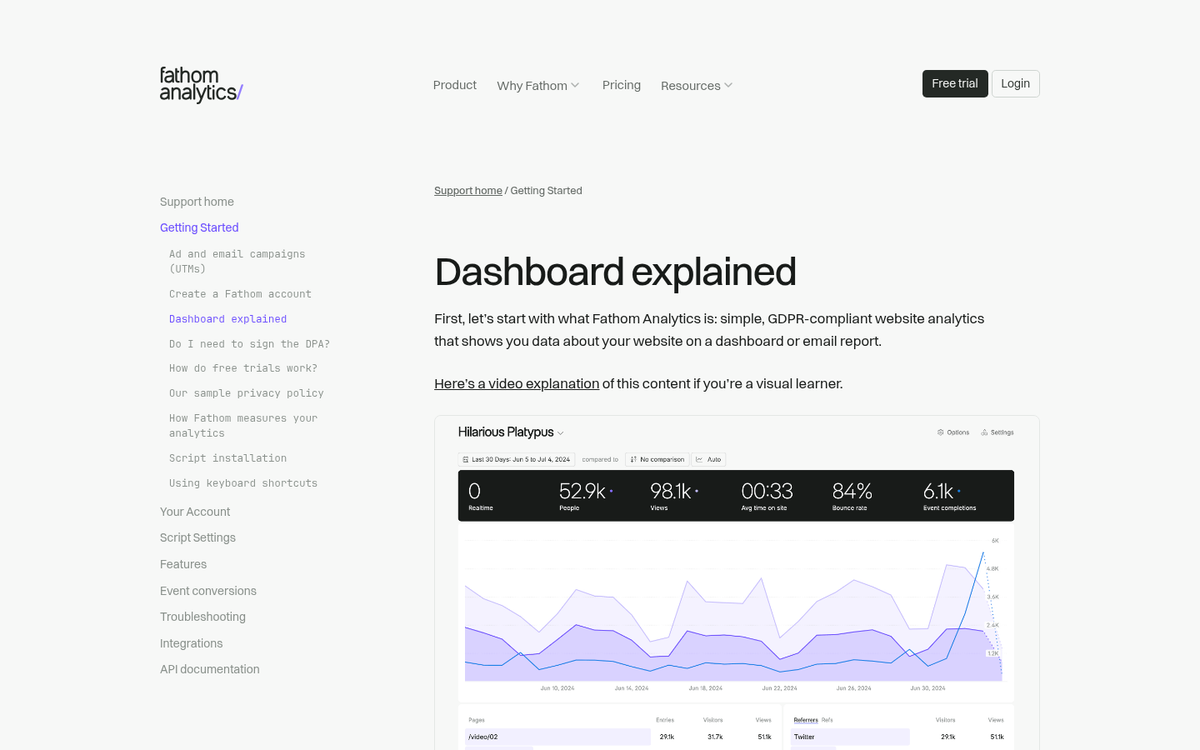
Fathom is another privacy-focused alternative that has quietly built a loyal following. Like Plausible, it's cookieless and designed to be GDPR-compliant without any configuration needed. The dashboard is clean and minimal, making it easy to get up and running quickly.
Fathom isn't free - pricing starts at $15/month - but it does offer a 30-day free trial, which is enough time to genuinely evaluate whether it fits your workflow. For small business owners and bloggers who want something dead simple and privacy-respecting without the maintenance overhead of self-hosting, Fathom is a compelling option.
6. Inspectlet
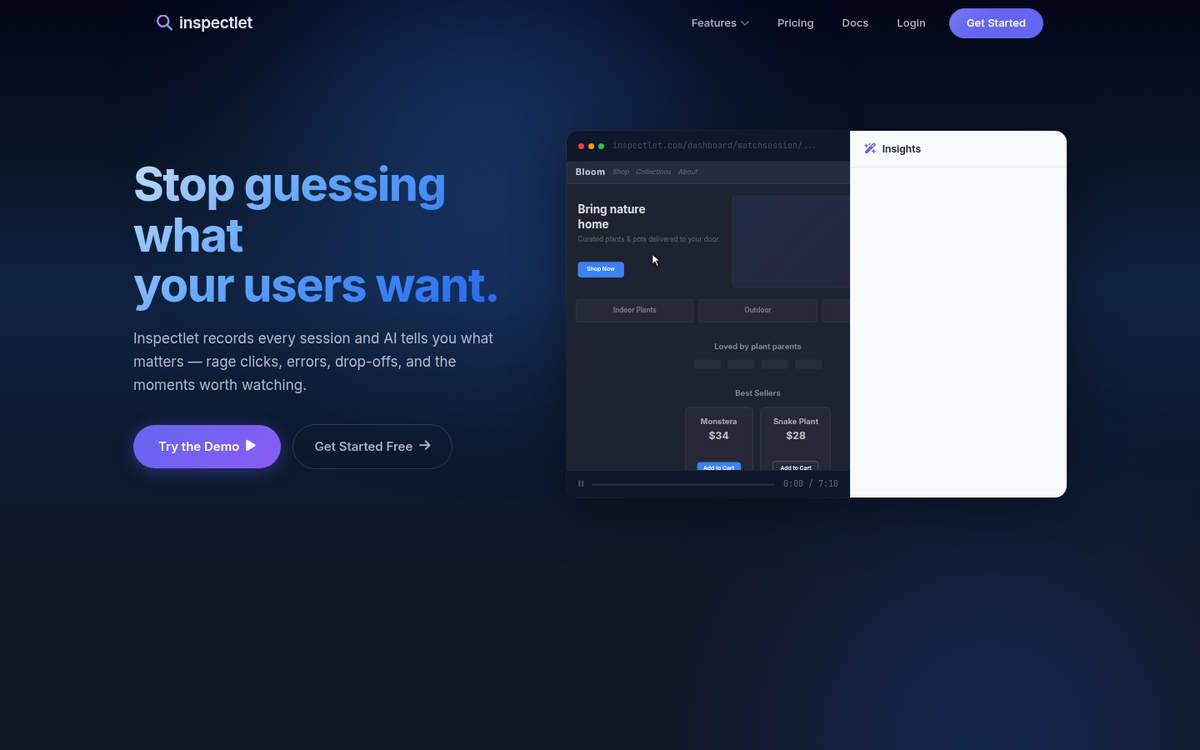
Inspectlet bills itself as a supplement to Google Analytics. As they say, GA tells you what is happening on your site. Inspectlet tells you why people are doing what they're doing.
Essentially what Inspectlet does is record visitor sessions, including every action they're taking with the mouse. By tracking mouse position and movement, as well as click times and locations, Inspectlet can take a live version of your site and apply that data to create a "video" of the visitor session. You'll be able to see how the visitor is interacting with your site as if you were looking over their shoulder.
As such, this really is a supplemental tool. Use it in addition to something like Matomo, Plausible, or GA4. It doesn't have enough features to stand on its own, but it's not something to discount entirely.
Possibly the best feature is the conversion funnel tracking. You can set up an ideal series of pages - landing page, purchase page, etc - and track what the user does on each. You can then see exactly what stops them, be it a specific form field, a bit of text, or not seeing a button.
When all is said and done, Google Analytics - now in its GA4 form - still reigns as the most feature-complete free analytics suite available, but the forced migration away from Universal Analytics pushed a lot of webmasters into exploring alternatives, and many of them never looked back. The ecosystem of privacy-friendly, lightweight analytics tools has matured enormously, and options like Plausible and Fathom now offer a genuinely better experience for the majority of site owners who don't need enterprise-level data.
Use what is comfortable for you to use, as long as you can make good use of it. Just don't be surprised if people suggest GA4 to you when they find out you're using a simpler tool. It's complex, yes. It has gone through a disruptive overhaul, yes. It's still about the most powerful thing you're going to get for free - but powerful isn't always what you need.

5 responses
Thoughtful replies only - we moderate for spam, AI slop, and off-topic rants.
Hi Kenny
Great insights , many thanks. I would be willing to add another company (Countly) who is doing both web and mobile analytics on the same platform. Possible to add Countly Web Analytics in your comparison next time?
Thanks!
Piwik is not called Piwik anymore it is called Matomo and there is a hosted version.
Great catch, Jason! You're absolutely right - Piwik rebranded to Matomo back in 2018, and we should have that updated in the article. Thanks for pointing that out! And good to know about the hosted version being available for those who don't want to self-host. We'll get the article refreshed to reflect the current name. Appreciate you keeping us on our toes!
why not post your analytics for this site. what are you using? how do you actually .install. analytics on this site...
and please...dont make people submit...post or send comments...never submit...
Hey Hugh, great questions! We actually use a combination of tools here - mainly keeping it simple with lightweight options. As for installation, it typically involves dropping a small snippet of code into your site's header or footer - most platforms make this pretty painless. And ha, fair point on the "submit" button - you're absolutely right that "Post Comment" or "Send" feels much more natural and inviting!