What is Hello Bar? I'm sure you've seen it. It's a sticky bar that appears at the top (or bottom) of a webpage, typically containing a message and a call to action. It's one of several ways to add a dynamic CTA to your site, alongside pop-over lightboxes, slide-in scroll-triggered boxes, and full-screen welcome mats.
The official Hello Bar can be found here. They pitch it as a way to grow your email list and drive conversions, with integrations into major email platforms like Mailchimp, AWeber, Klaviyo, and ActiveCampaign. They also support social integrations and allow you to dynamically serve different messages to different visitors, making traffic-segmented split testing possible. All in all, it's a solid concept.
If it's so good, though, why look for alternatives? Well, the primary reason is simple economics. Hello Bar needs to stay in business, so they've put some significant restrictions on their free plan. The free version is now limited to just 5,000 page views per month and only 10 popups. For any site with meaningful traffic, you'll hit that ceiling fast. And historically, the free version has included Hello Bar's own branding - prime real estate you were hoping to use for your own CTA.
The paid plans remove those restrictions, but the pricing has always been structured in a way that punishes success. Pricing has started at around $5 for 100 clicks, rising to $13 for 500 clicks and $30 for 2,500 clicks - meaning the more effective your CTA, the more you pay. Current pricing details aren't always transparent on their site, so you'll want to check directly, but the general structure hasn't gotten cheaper over time.
The fact is, for both large and small sites, Hello Bar is an excellent concept with an execution that can leave something to be desired from a value standpoint. The free plan is too restricted for most serious use cases, and the paid plans can feel steep depending on your traffic. It makes sense to look for alternatives, so that's just what I've done. Here I've listed five potential alternatives for you to check out.
Key Takeaways
- Hello Bar's free plan is limited to 5,000 monthly page views and 10 popups, making it impractical for serious use.
- Five free Hello Bar alternatives exist: WP Notification Bar, Sumo, WordPress Notification Bar, Fluid Notification Bar, and Easy Heads Up Bar.
- Sumo offers the broadest feature set, including a Smart Bar, welcome mats, heat maps, scroll boxes, and dozens of email integrations.
- Fluid Notification Bar is the only fully free option with no premium upsell, making it ideal for users wanting simplicity without paywalls.
- Most advanced features like countdown timers and audience segmentation require paid upgrades, typically starting around $29.
Option 1: WP Notification Bar
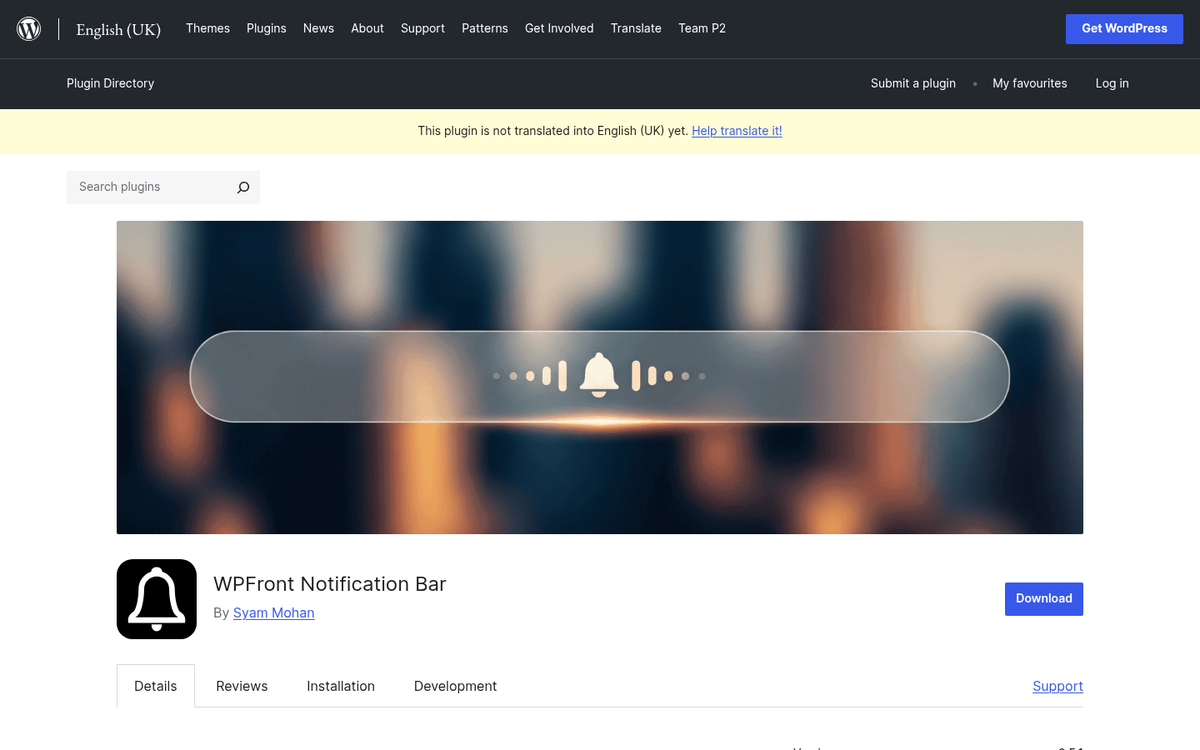
You can find this free plugin in the WordPress.org plugins directory using the link above. It's the free version of a paid plugin published by MyThemeShop, with around 8,000 active installs and a five-star rating.
What benefits does this plugin have? It's fast and easy to install and use. It doesn't slow down your site. It's customizable and doesn't impose limitations on the number of clicks that can funnel through it. It's responsive, so it works on mobile devices without issue. You can choose any color you like so it always matches your branding. You can add custom code if you want to extend it - the whole thing is open source. You can also choose to only show it to certain types of traffic, like only to Facebook visitors or only to organic visitors from Google. It's entirely possible to display different messages to different audiences on different parts of your site.
With all of this, why bother upgrading? The paid version of the plugin, found here, runs $29 for the premium version. It comes with a bunch of additional features, including post content and link bars, countdown clocks, embedded social media feeds, and even video pop overlays.
Option 2: Sumo
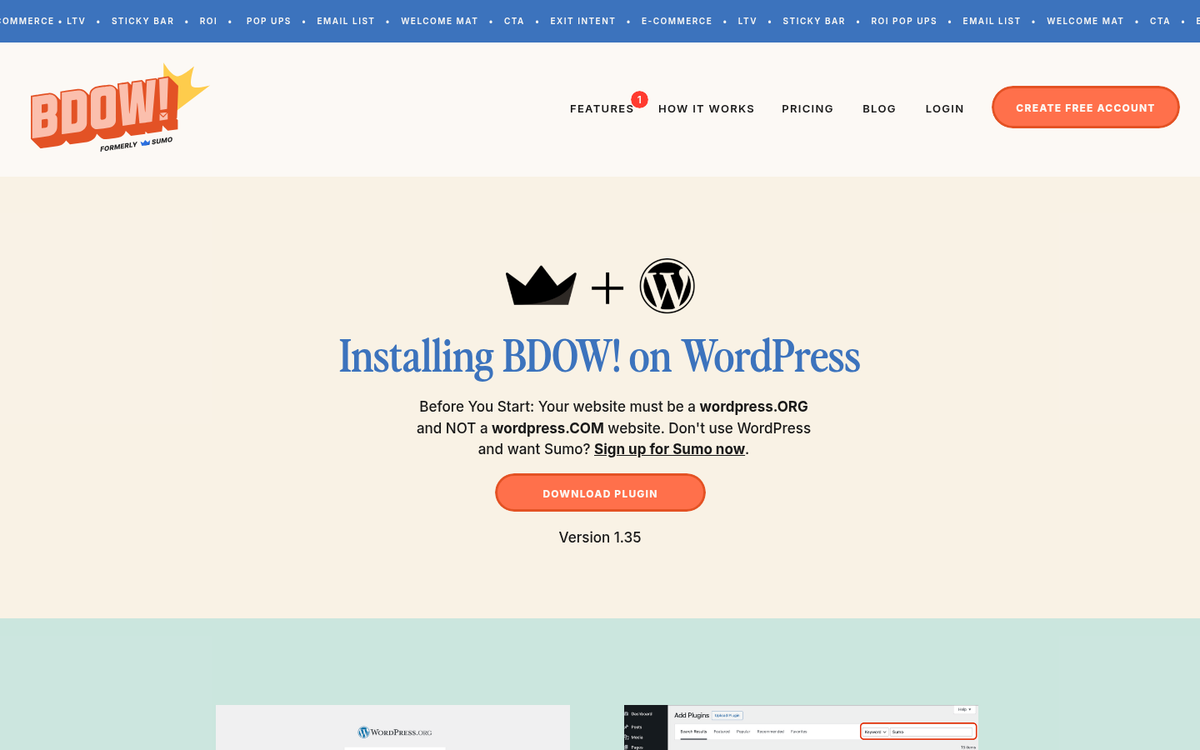
Sumo is one of the more well-known CTA toolkits on the web. The free WordPress plugin has over 80,000 active installations and a 4.1-star rating. It comes with a Hello Bar-style notification bar, plus a broader suite of CTA features.
They have a lightbox pop-over that connects to your email list, with integrations for dozens of platforms including Mailchimp, AWeber, Constant Contact, Klaviyo, ConvertKit, and more. You can also connect it to Zapier to extend it into almost any workflow.
They also have full-screen CTAs that appear when a visitor lands on your site - their so-called Welcome Mat. It's not for everyone, but it's there if you want to test it. Sumo also includes some basic heat map and analytics data, though deeper insights require upgrading to their full service.
The Hello Bar alternative, their Smart Bar, is quite flexible.
It floats over content and follows the user as they scroll, featuring newsletter CTAs, links to specific pages, or social sharing buttons. It can be positioned at the top or bottom of the screen depending on your preference.
Additional features include a content highlighter (so visitors can highlight text and share it directly to X/Twitter), an image sharer overlay for Pinterest and Facebook sharing, and a scroll box - a scroll-triggered slide-in CTA that's become a staple across modern content sites.
Option 3: WordPress Notification Bar
This plugin is produced by SeedProd - a name you've probably seen attached to several solid WordPress tools - and carries a 4.5-star rating with around 8,000 active installs.
This is a streamlined free version of a plugin with a premium tier. It's designed for people who want a no-fuss Hello Bar alternative without a mountain of configuration options. Setup is quick, you can customize your message and button text, choose your color scheme, and it supports multisites. It also has strong international support with a wide range of language translations and i18n compliance.
The premium version can be found here. It lets you create multiple notification bars and gives you granular control over where, when, and for how long each bar displays across different parts of your site. It's responsive, uses Google Fonts for clean typography, and includes animation and entrance effects for added polish.
You also get countdowns, social profile links, custom CSS support, and a range of other customization options in the pro version. Pricing starts at $29 for a single site with one year of support and updates, with multi-site and lifetime license options available at higher tiers.
Option 4: Fluid Notification Bar
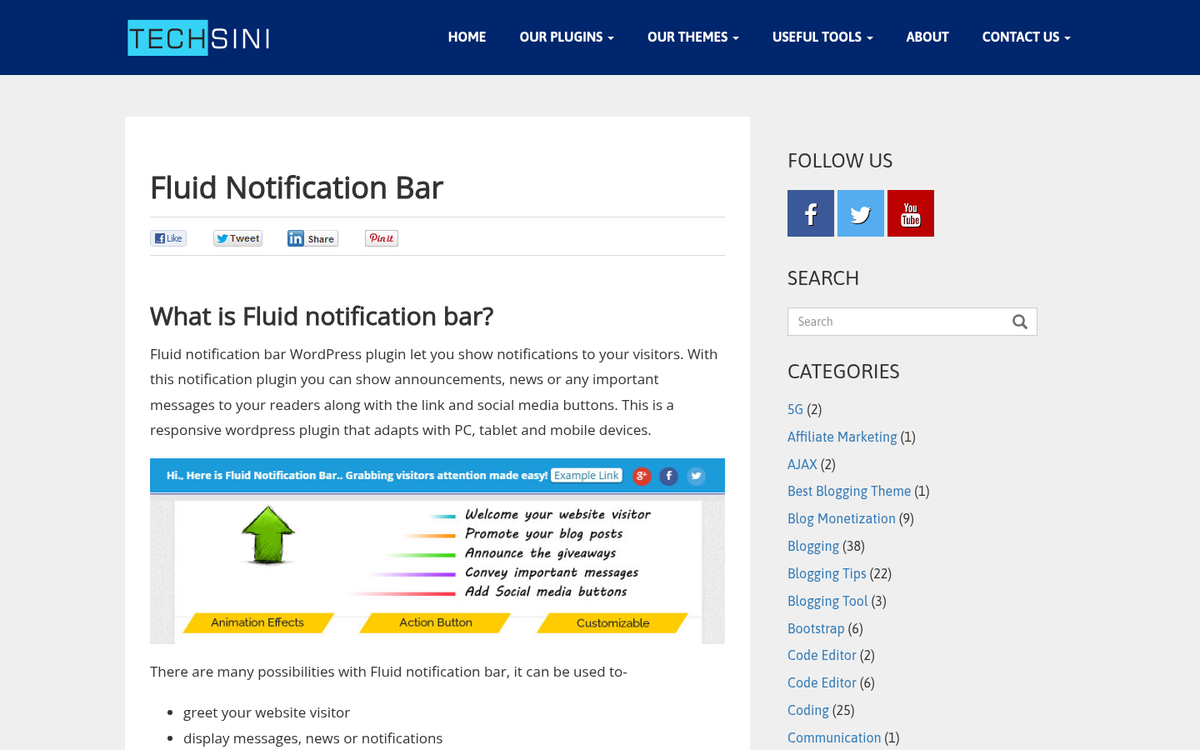
Produced by Shrinivas Naik, this is a lightweight, no-frills notification bar plugin. It's a smaller player in terms of install count, but it deserves more attention than it gets - especially if you just want something simple and genuinely free with no premium upsell attached.
When I say free, I actually mean free. This isn't a teaser for a paid upgrade. The bar is lightweight, but it includes a few features that other plugins lock behind paywalls, which makes it worth considering.
In addition to the standard top-bar CTA display, this plugin includes a slide-in animation to grab attention on arrival. You can pick from several animation styles. Social media buttons are supported, and you can set a display delay so the bar doesn't immediately interrupt someone who just landed on your page.
You also get full control over font, font size, font color, and background color - plus link customization. What it doesn't do is function as a form or support countdowns and rich media. It links out to a page, and that's about it. In many ways, it's exactly what a simple, free Hello Bar alternative should be - nothing more, nothing less.
Option 5: Easy Heads Up Bar
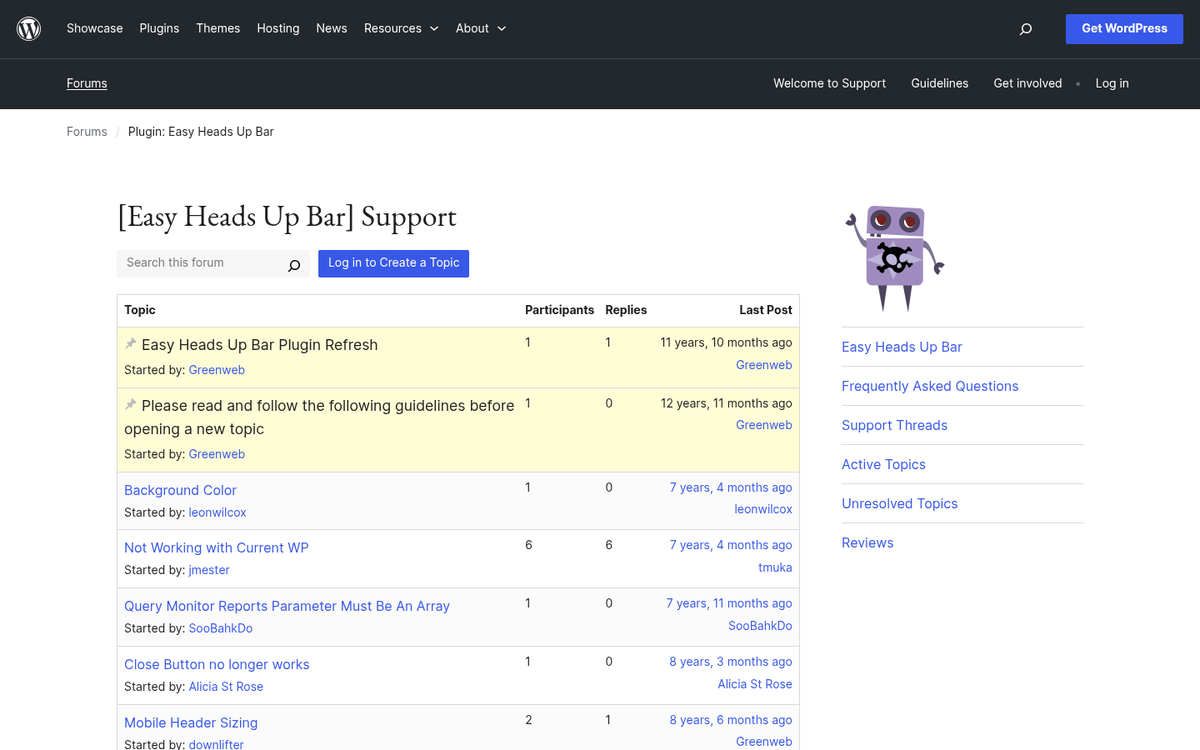
This bar is produced by Greenweb and has around 2,000 active installs with a 4.5-star rating.
It comes with the general suite of standard features. You can customize the color scheme and create as many individual bars as you want. If you have multiple bars, the plugin will randomly select one to display for each visitor - which works well if you're rotating promotions or social channels, but isn't ideal if you need precise audience targeting.
You can set basic display rules: show the bar only on the homepage, only on sub-pages, or everywhere. You can also set start and end dates, which is handy for syncing the bar with a campaign calendar or time-limited promotion.
There's technically no limit to how much text you can put in the bar, but keep it tight. More than about 100 characters plus a button and you're likely pushing into disruptive territory.
One thing worth noting: this bar is not sticky by default. As the user scrolls, the bar disappears from view. You can fix this with a bit of custom CSS targeting the ID #ehu-bar, but if you'd rather not touch code, a different option might be a better fit.
These five alternatives to Hello Bar are all solid options, even if some lean toward the freemium model. For most use cases, you don't need the advanced paid features unless you're doing sophisticated audience segmentation or want extras like countdown timers. Even then, you can usually find a free tool that handles the specific thing you need - it's only when everything gets bundled together that the price climbs. What's your favorite Hello Bar alternative?