Key Takeaways
- AddThis permanently shut down May 31, 2023, causing sharing buttons to silently disappear from millions of websites overnight.
- AddToAny is the easiest drop-in replacement, supporting 100+ networks, completely free with no premium tier required.
- Monarch offers the most placement flexibility and trigger controls but requires an $89/year Elegant Themes membership.
- Social Warfare's standout Frame Buster feature prevents content networks from wrapping your site in advertising iframes.
- The AddThis shutdown highlighted the importance of choosing actively maintained plugins to avoid future dependency risks.
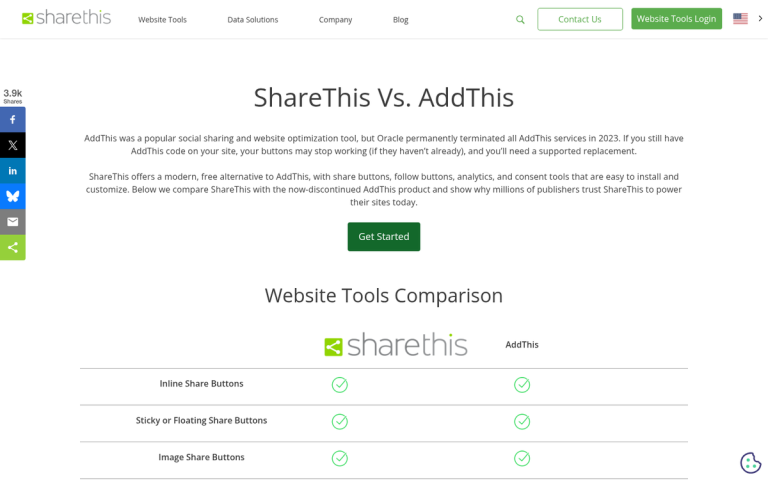
AddThis was once a popular package of social sharing buttons for WordPress - but as of May 31, 2023, AddThis permanently discontinued its services, causing sharing buttons to silently disappear from millions of websites overnight. If you were still relying on AddThis, your buttons are gone - it's time to move on.
Before we get started, there's one thing worth mentioning about social share counts. Both Twitter and Facebook removed official share counts from their APIs years ago. Facebook still lets you see counts if you use their native button. But mixing that into a unified sharing tray creates inconsistencies and slows your page down. The cleaner, more modern strategy is to display the buttons without counts - and most site owners have moved in that direction.
With that said, here are the best AddThis alternatives available in 2026.
Option 1: AddToAny
AddToAny is arguably the most easy drop-in replacement for AddThis. With over 15 million downloads, it's one of the most widely used social sharing plugins in the WordPress ecosystem - and for good reason.
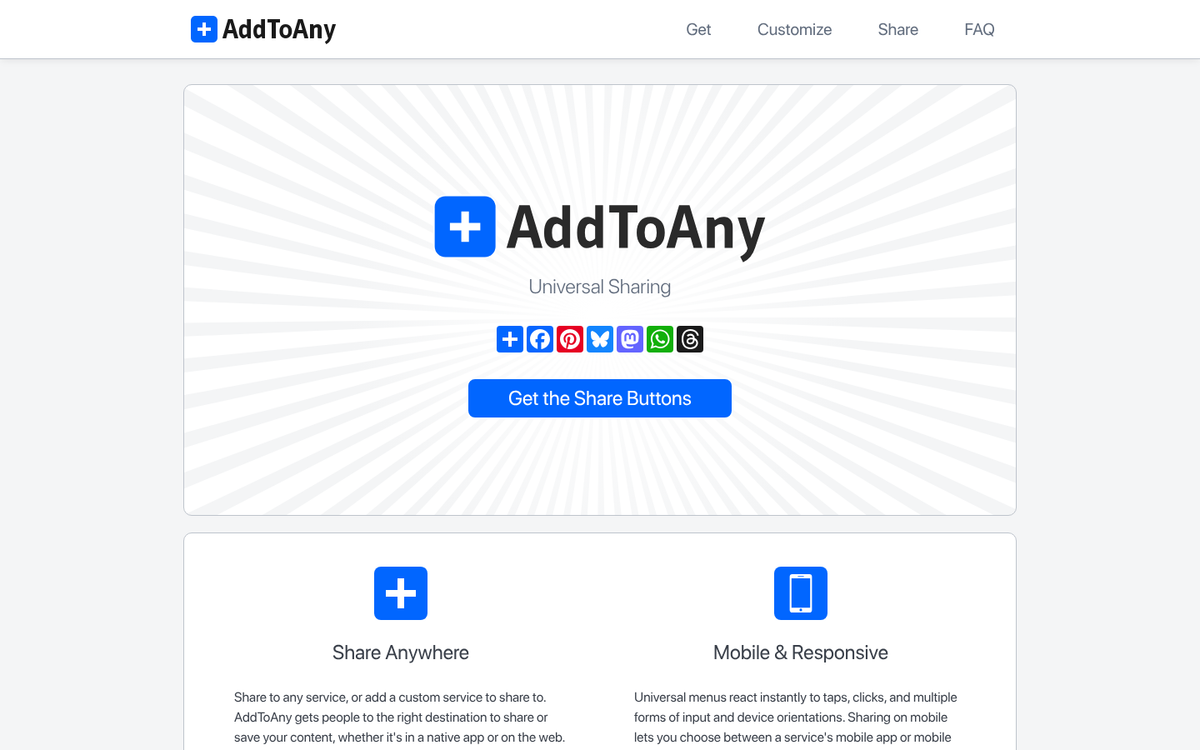
It supports sharing to over 100 social networks and apps - like Facebook, X (formerly Twitter), Pinterest, WhatsApp, LinkedIn, and more. The plugin is lightweight, fast, and free - with no premium tier to unlock basic customization.
You can put buttons above or below content, you can use a floating sidebar, or embed them via shortcode - it's responsive and integrates cleanly with most themes without any configuration problems. For most bloggers and small site owners, AddToAny is the easiest and most painless path forward.
Option 2: Monarch
Monarch is a social sharing suite made by Elegant Themes and remains one of the best-looking and most feature-rich social sharing plugins available for WordPress.
You can position the sharing buttons almost anywhere you'd want. They can sit on a left or right sidebar, appear above or below content, be contained in a lightbox pop-over, arrive as a corner fly-in, or trigger on hover over media. The sidebar floats and comes in a number of styles - round buttons, squares, with or without dividers - and you can use black and white buttons that change to color on hover. Where you place your share buttons can make a real difference to your click-through rates.

Usability is a real consideration for pop-overs and fly-ins, which can hurt sharing rates if implemented poorly. Monarch gives you fine-tuned trigger controls - like delays based on time since load, reaching the bottom of content, scrolling a percentage down the page, user inactivity, after a purchase, or after a comment is left.
The downside is that Monarch isn't sold as a standalone plugin - it comes bundled with an Elegant Themes membership, which costs $89 per year and includes access to their full theme library and the Divi builder. If you only need the sharing plugin, that's extras - but if you're already in the Elegant Themes ecosystem, it's a no-brainer. You may also want to consider how social buttons affect your site's load time before committing to any suite.
Option 3: Social Warfare
Social Warfare remains a strong contender with a clean design and performance. They give you a free version that covers the essentials, with the Pro version starting at $29 per year for a single site license, scaling as high as $349 for unlimited sites.
They have over 5,000 possible style combinations - though in practice that figure comes from a pretty small set of styles and color options combining exponentially. That said, the buttons legitimately do look polished and professional out of the box.

Beyond standard sharing, Social Warfare includes custom pre-written tweets, shareable pull quotes with inline share buttons, Twitter card support, and responsive design throughout. One great feature is their Frame Buster, which prevents your pages from being loaded inside iframes - stopping content reward networks from wrapping your site in their own advertising shell and hijacking your traffic.
Social Warfare is an especially strong choice if style and page speed are top goals.
Option 4: Shareaholic
Shareaholic is a well-established option that supports over 90 social networks - like Buffer, WhatsApp, Blogger, LinkedIn, and WordPress.com, among others.
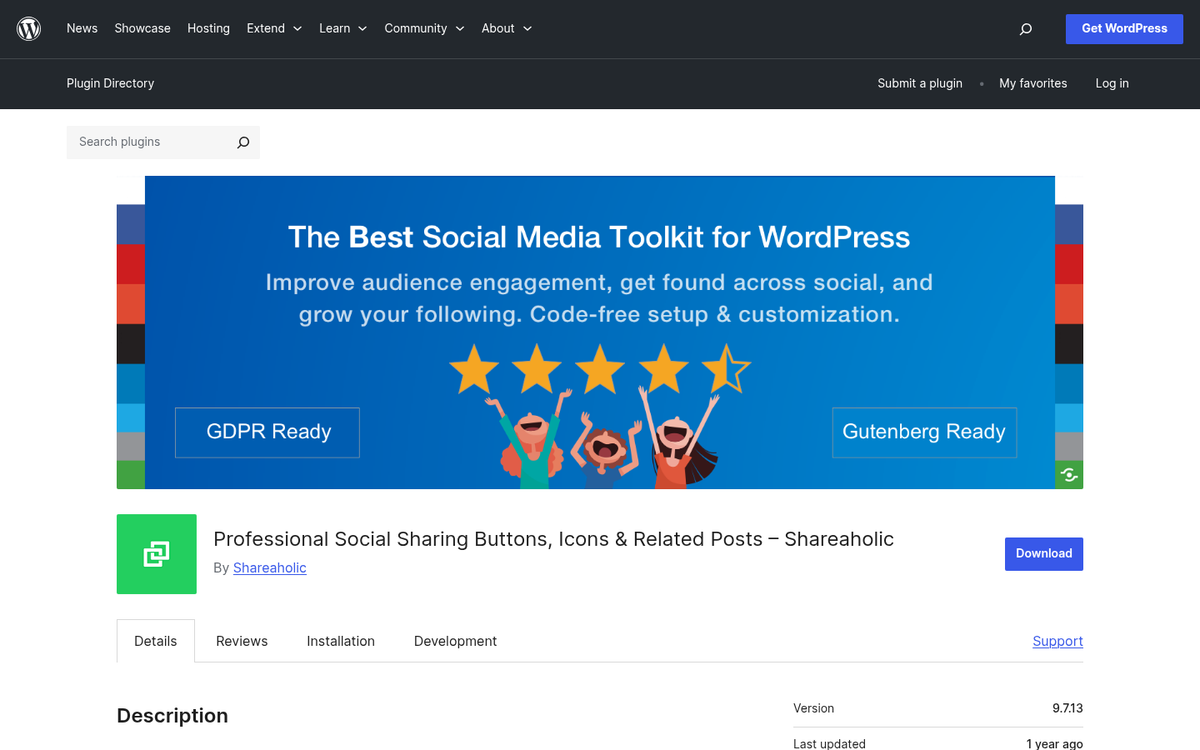
In addition to sharing buttons, Shareaholic includes related content recommendations, follow buttons, and analytics - all from a single plugin - making it a strong choice if you want to increase time-on-site and internal page views alongside social sharing.
The plugin has a free tier that covers most use cases, with premium plans available for more advanced analytics, monetization features, and customization - it's responsive, updated, and has a long track record of reliability - which matters more than ever after the AddThis shutdown reminded everyone how dependent some sites had become on a single third-party tool.
Option 5: Easy Social Share Buttons
Easy Social Share Buttons is a premium plugin available on CodeCanyon, currently priced at around $22 for a standard license with six months of support. Extended support is available at an extra cost.
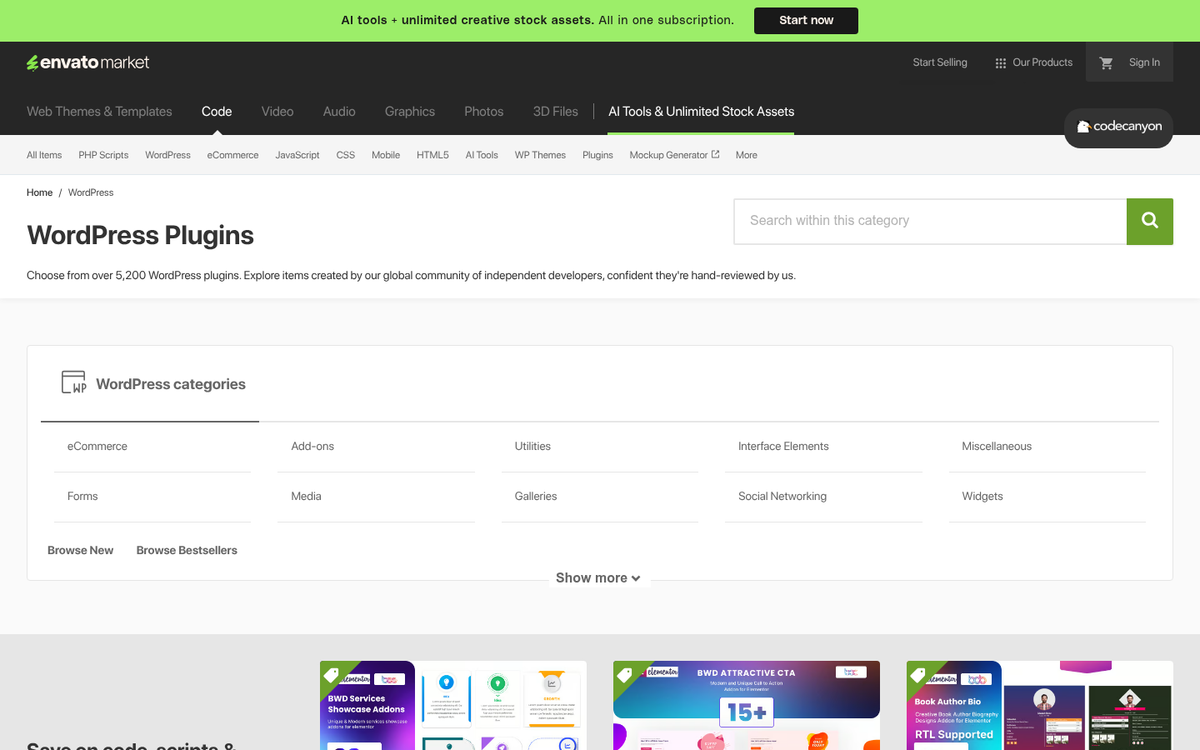
What sets it apart is depth of customization - it comes with over 30 template designs that you can further adjust to match your site's look, and it supports over 45 social networks with multiple action types per network - for example, a separate like and share button for the same platform. Non-network buttons like email and print are also available for audiences that still use them.
Other notable features include 22 different button positions, scroll-triggered display options, integrated analytics, share counter recovery when URLs change, shareable tweet quotes, on-media sharing, and affiliate link integration - it also tracks which social networks a user has previously shared to on your site, prioritizing those networks when they expand the sharing tray - a soft but legitimately helpful UX touch.
Honorable Mention: Sumo (formerly SumoMe)
Sumo is one of the most commonly cited social sharing tools in the WordPress space, which is why it doesn't need a full overview here - you've likely already heard of it. It works and it comes with a free tier that covers basic sharing alongside email capture and other growth tools. If none of the options above appeal to you, Sumo is a reliable fallback worth looking at.
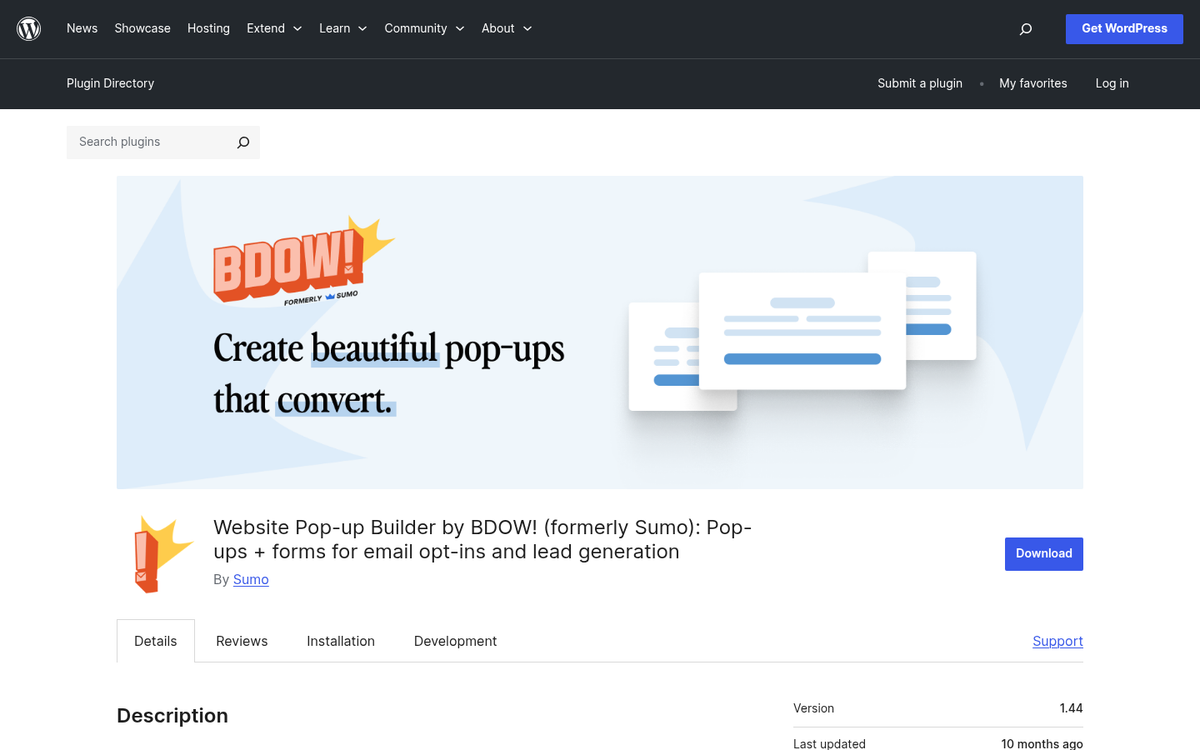
The AddThis shutdown was a wake-up call for site owners about the dangers of depending on a third-party service with no local fallback. Whichever plugin you choose from this list, make sure it's actively maintained and has a solid update history - it's now the first thing worth checking before committing. If you're still building out your setup, knowing which plugins to install on a new WordPress site is a good place to start.